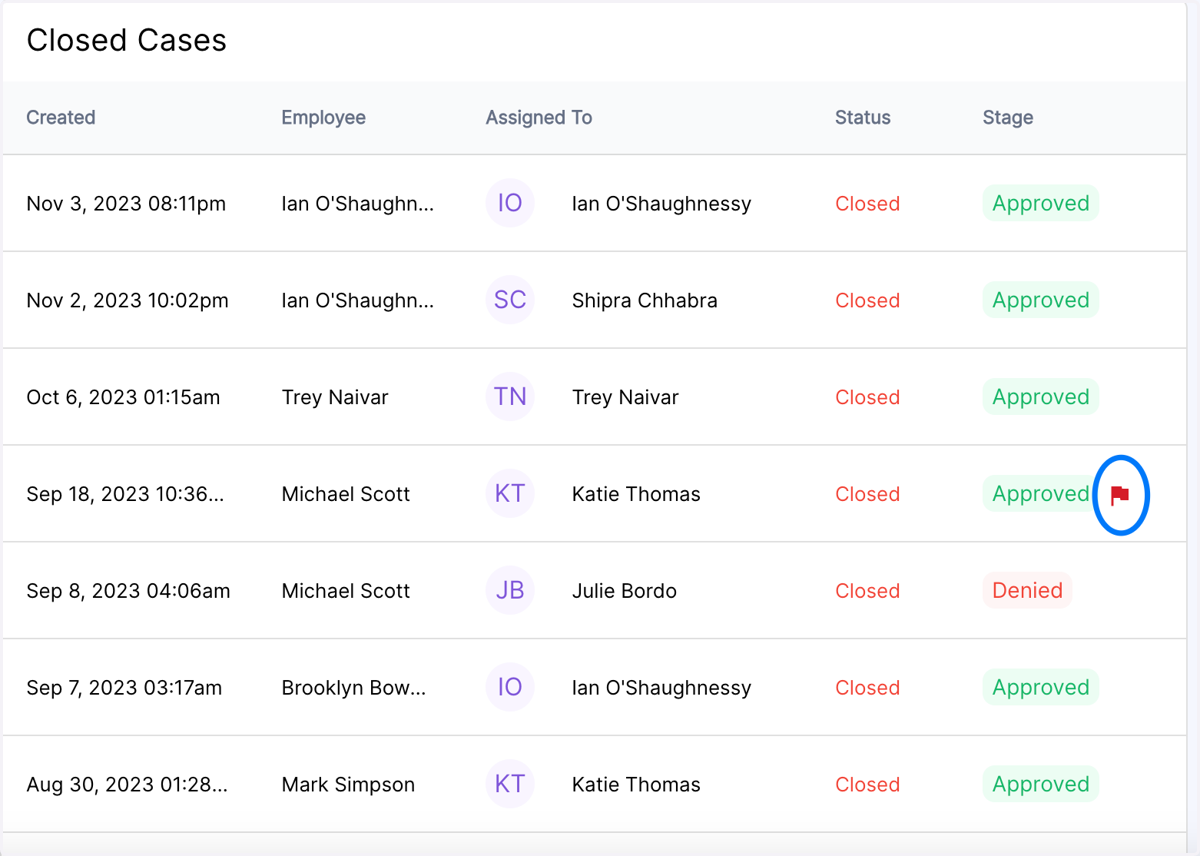
Nov 8th Release Notes - Show Escalated + Non-Escalated Cases in "Closed Cases"
The "closed cases" directory has been enhanced with a new feature that now makes it easy to see the number of cases that were or were not escalated during the accommodation process.
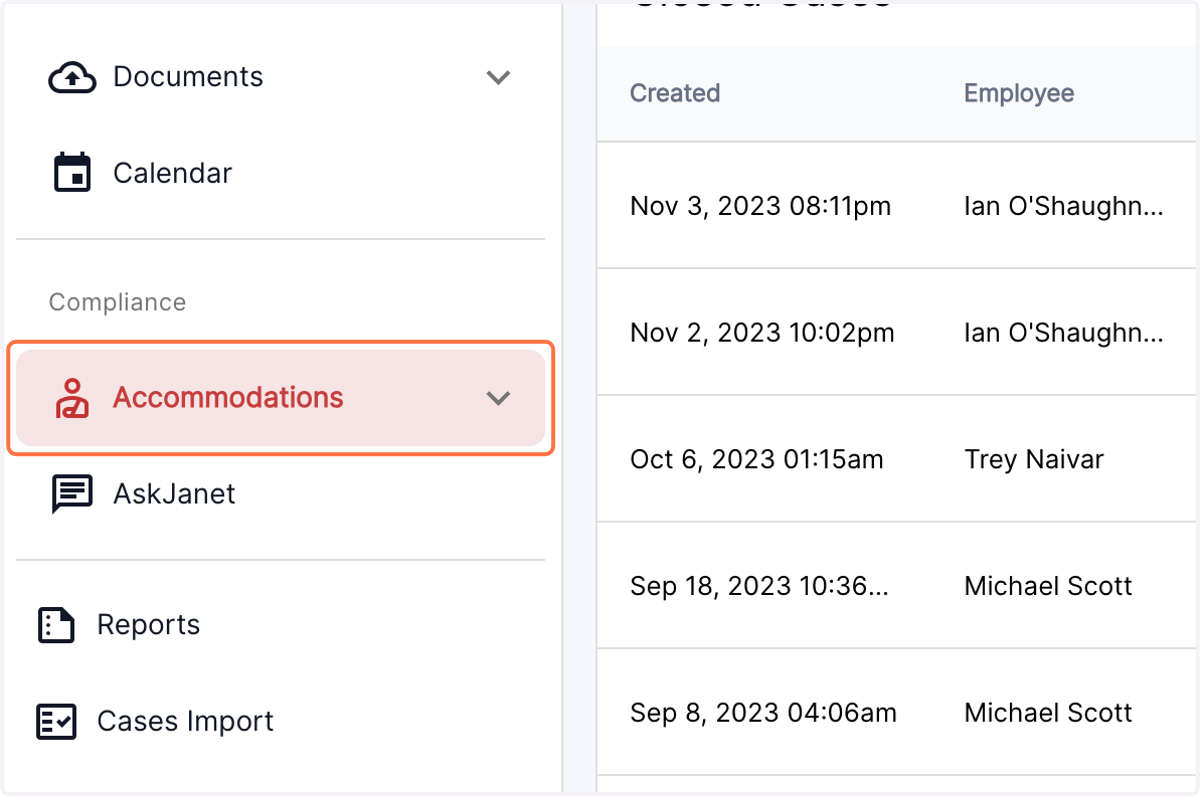
1. Click on the Accommodations tab in the left panel
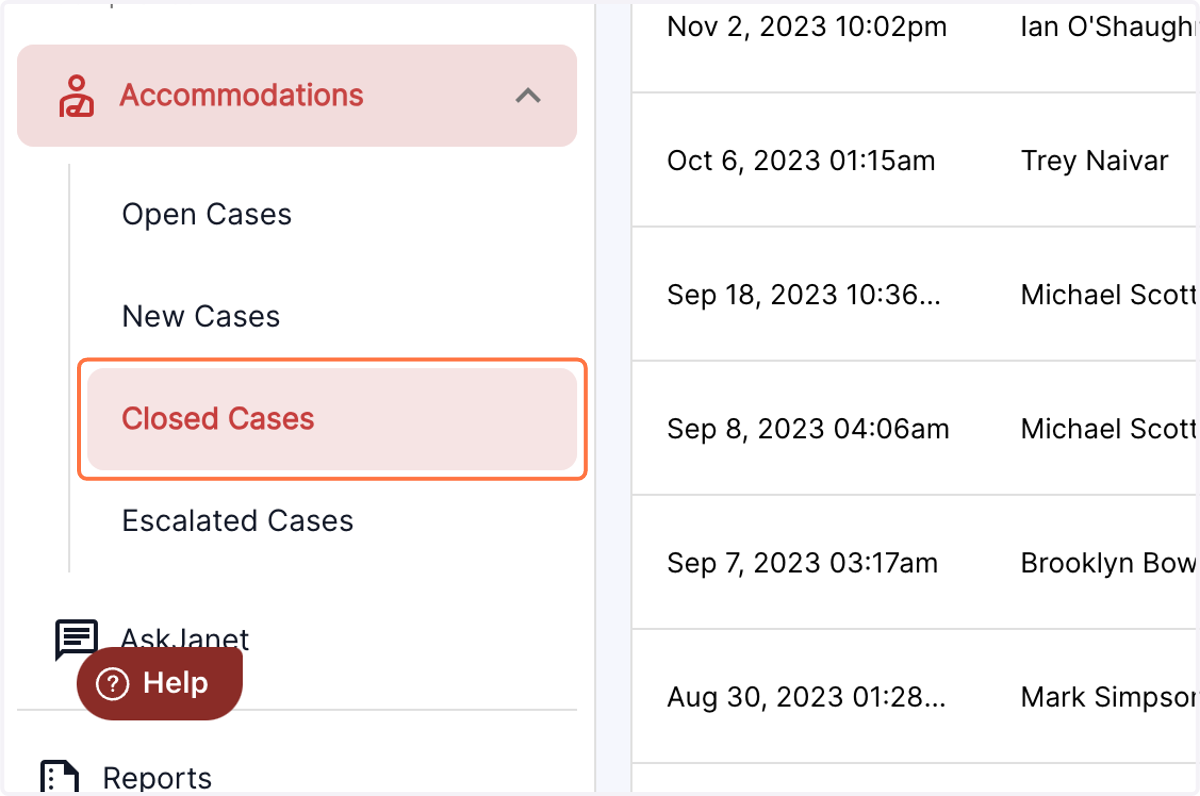
2. Click on Closed Cases from the drop down menu
3. Escalated cases can now be visually identified in the directory, by a flag icon in the right corner of the case row. The non escalated cases will not display a flag icon.