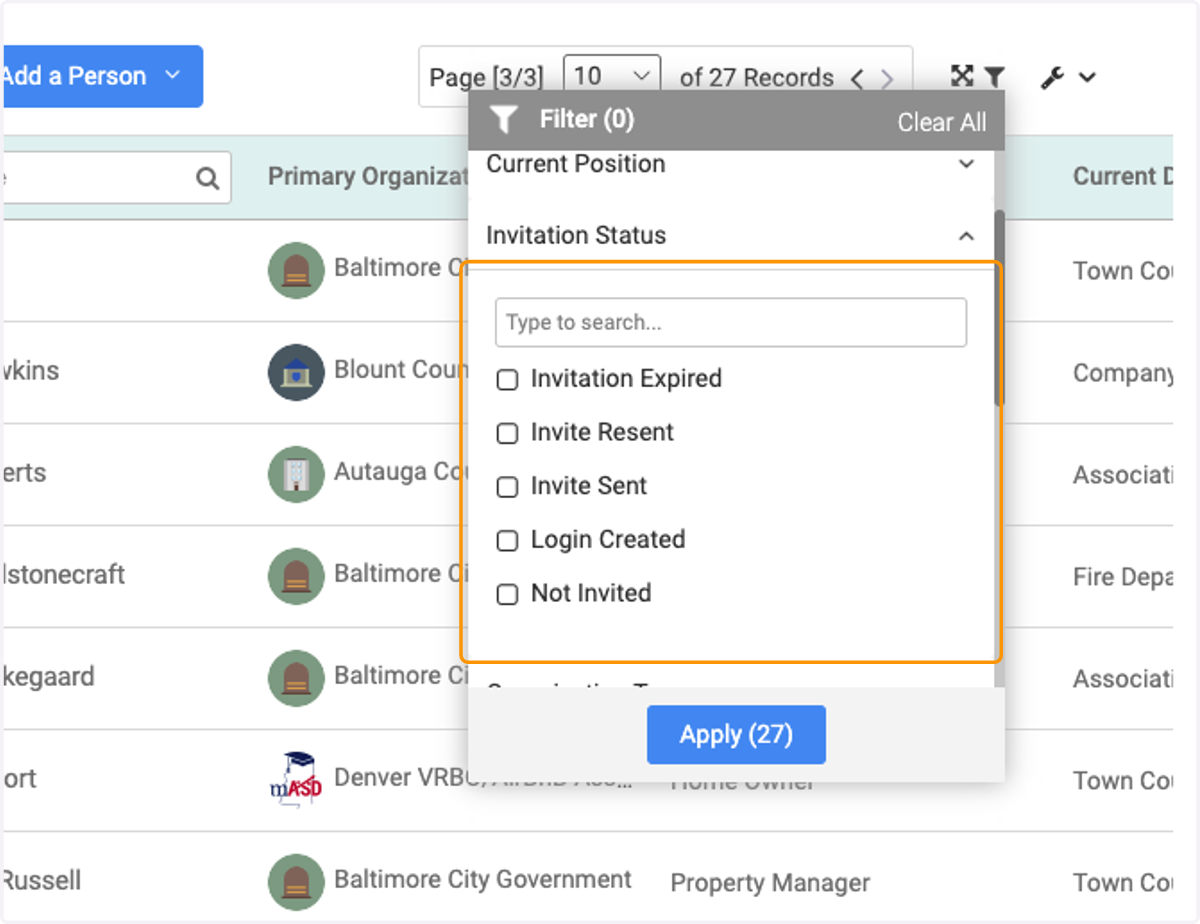
Invitation Statuses
Understanding the different types of statuses for invitation
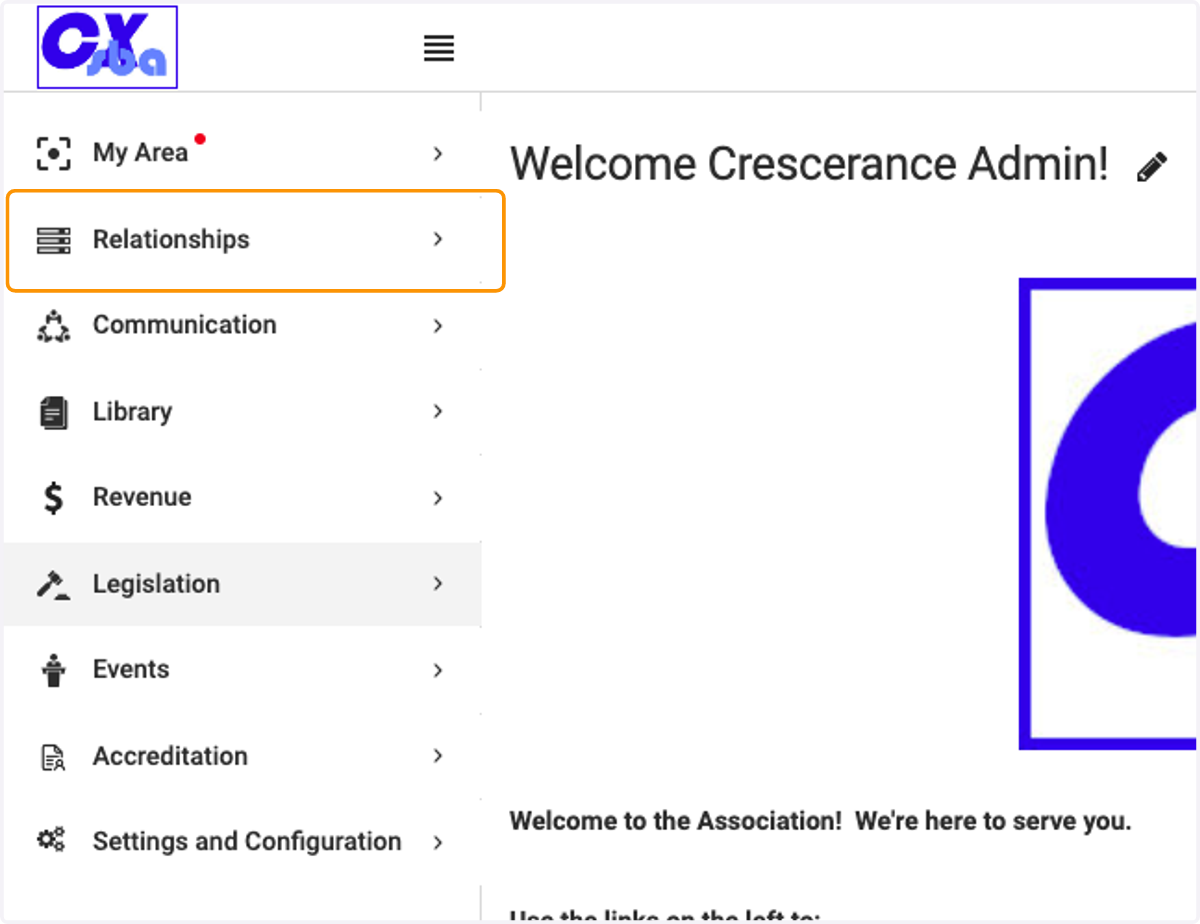
1. Click on Relationships
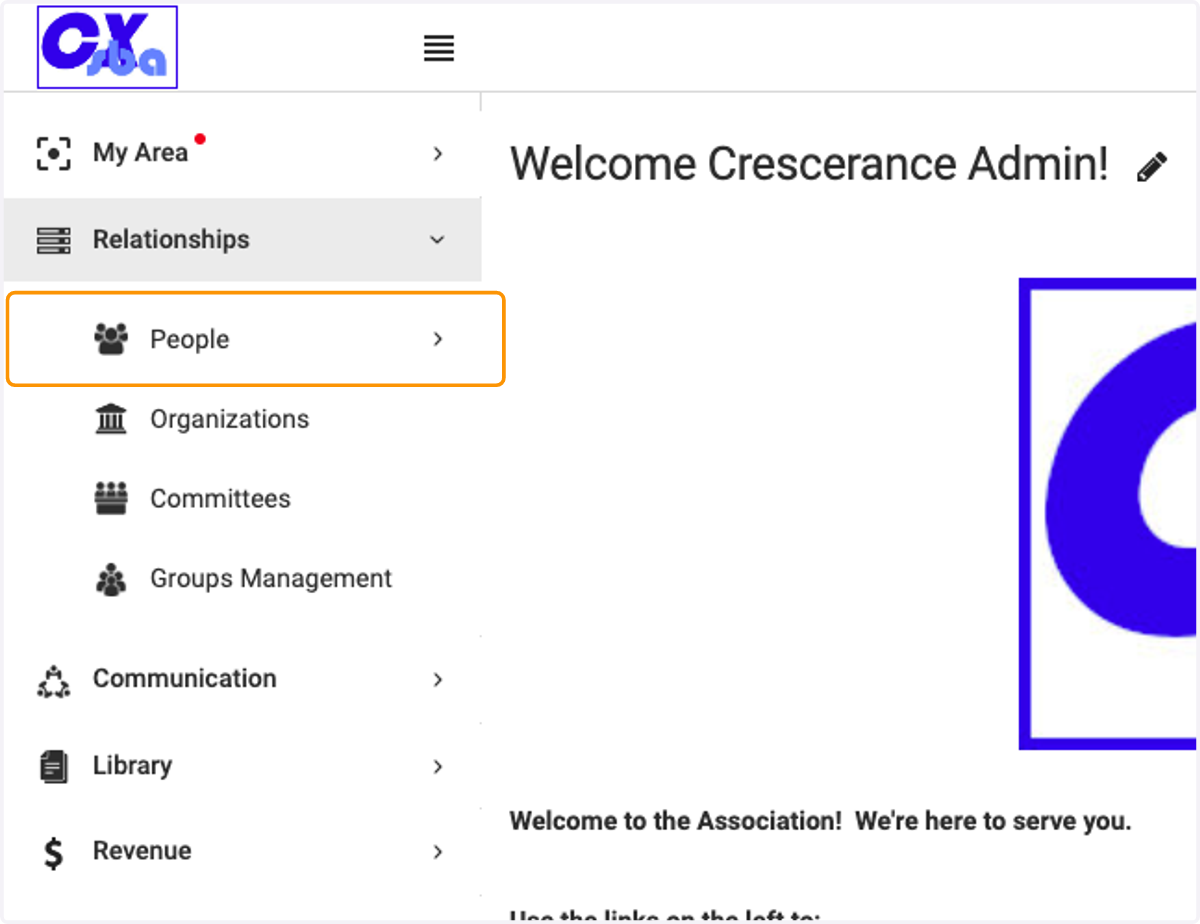
2. Click on People
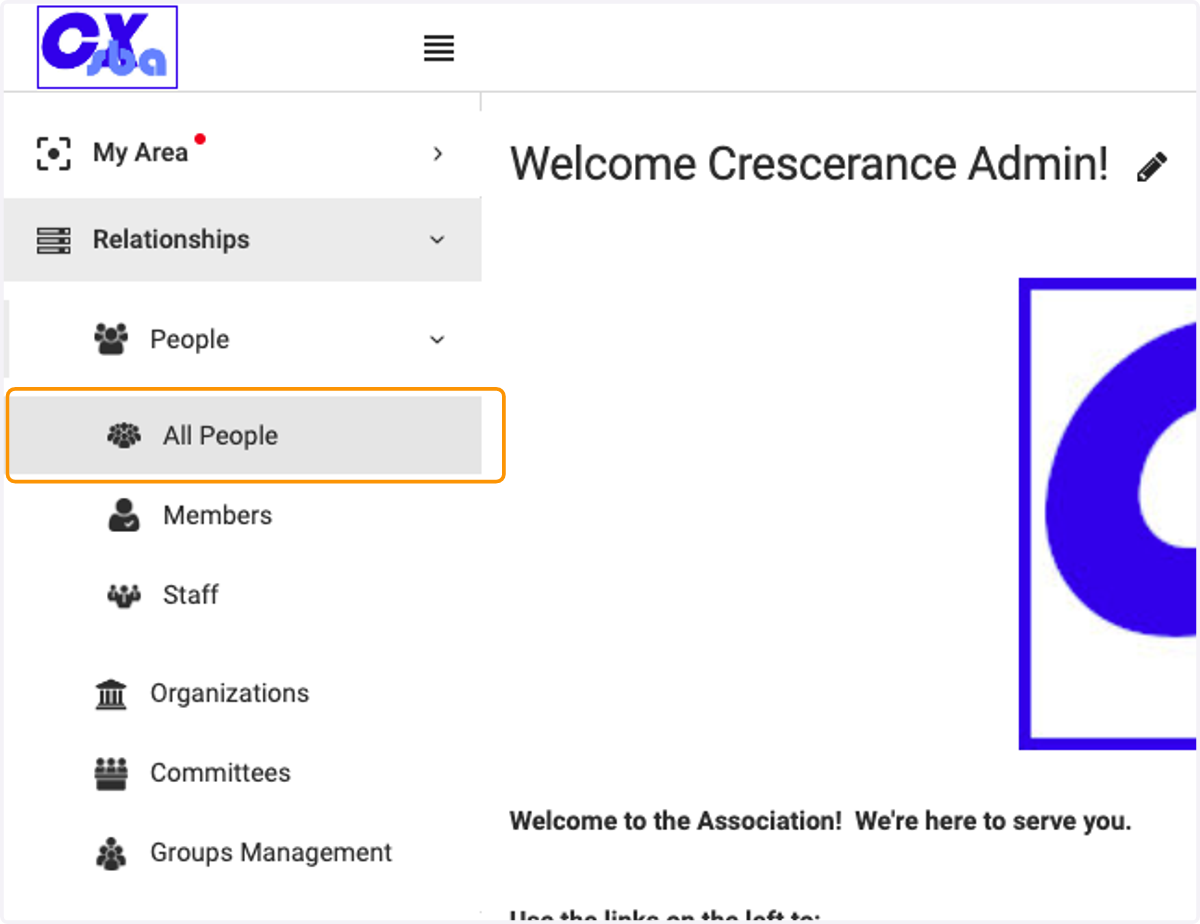
3. Click on All People
The different types of Invitation Statuses
There are 3 types of statuses you'll encounter: Pending, Expired and Active
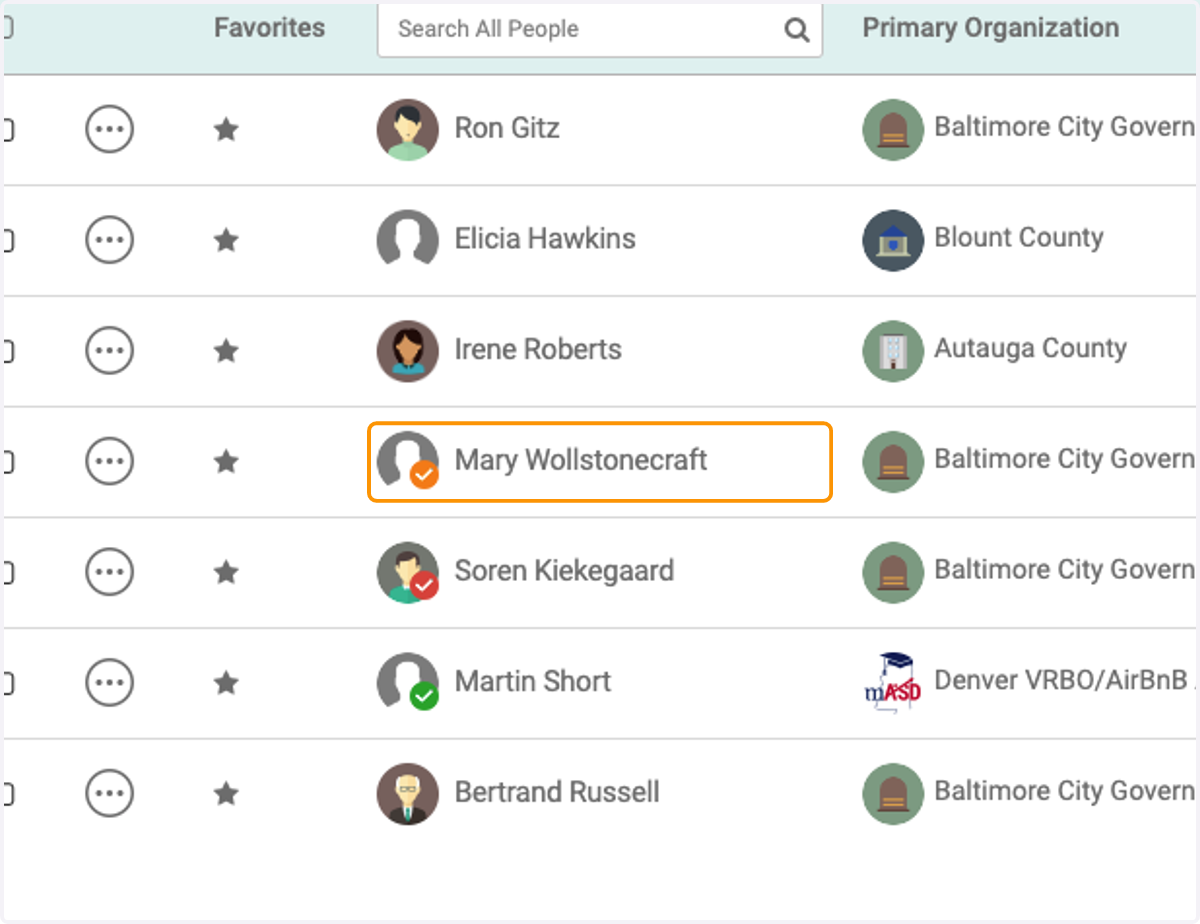
4. Pending Status
This will show up as an orange check mark next to the user's profile icon
This indicates this user has been sent an invitation, but has not yet created their password
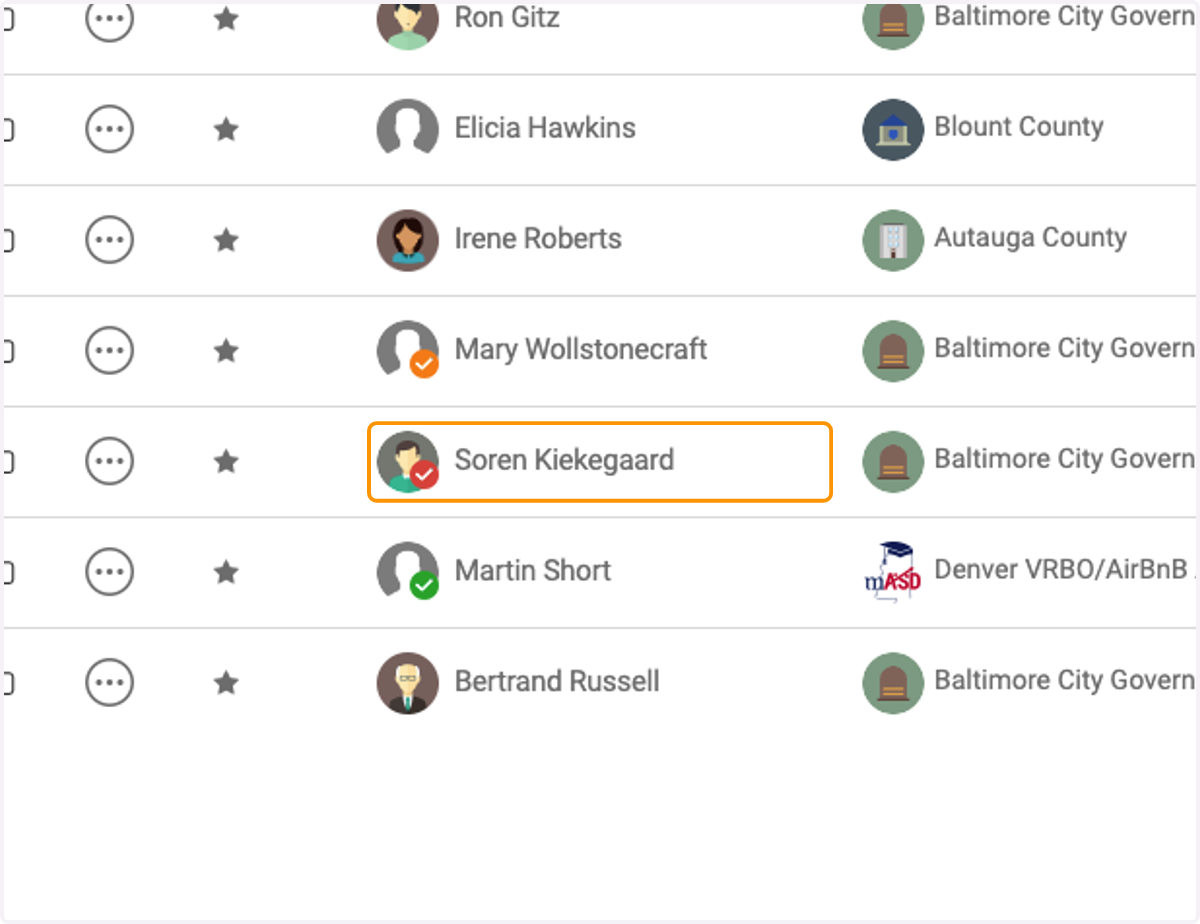
5. Expired Status
This will show up as a Red checkmark next to the user's profile icon
This indicates the person has not responded to the invitation, and it is now expired. This means the person will need to be resent an invitation in order to gain access into Engagifii
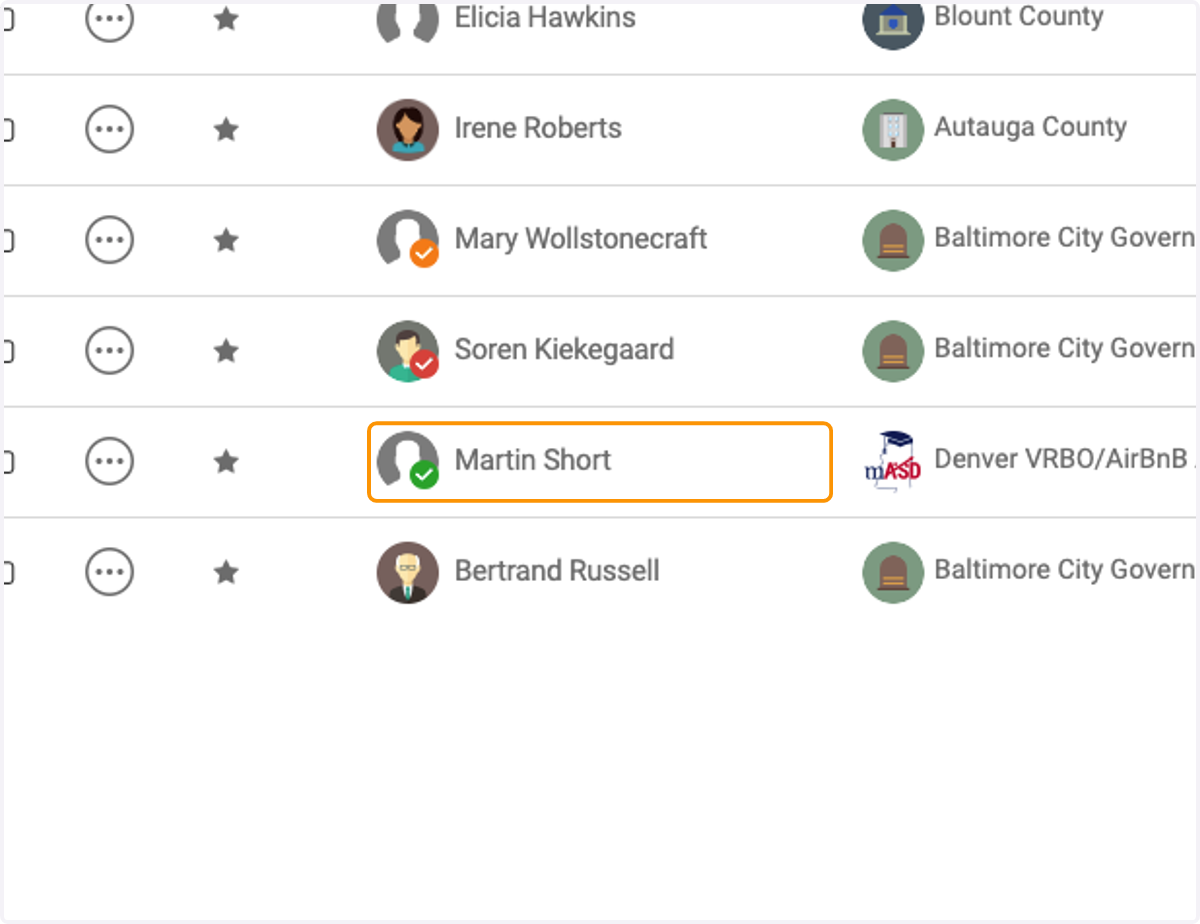
6. Active Status
This will show up as a green check mark next to the user's profile icon
This indicates this user has created their password and gained access into Engagifii
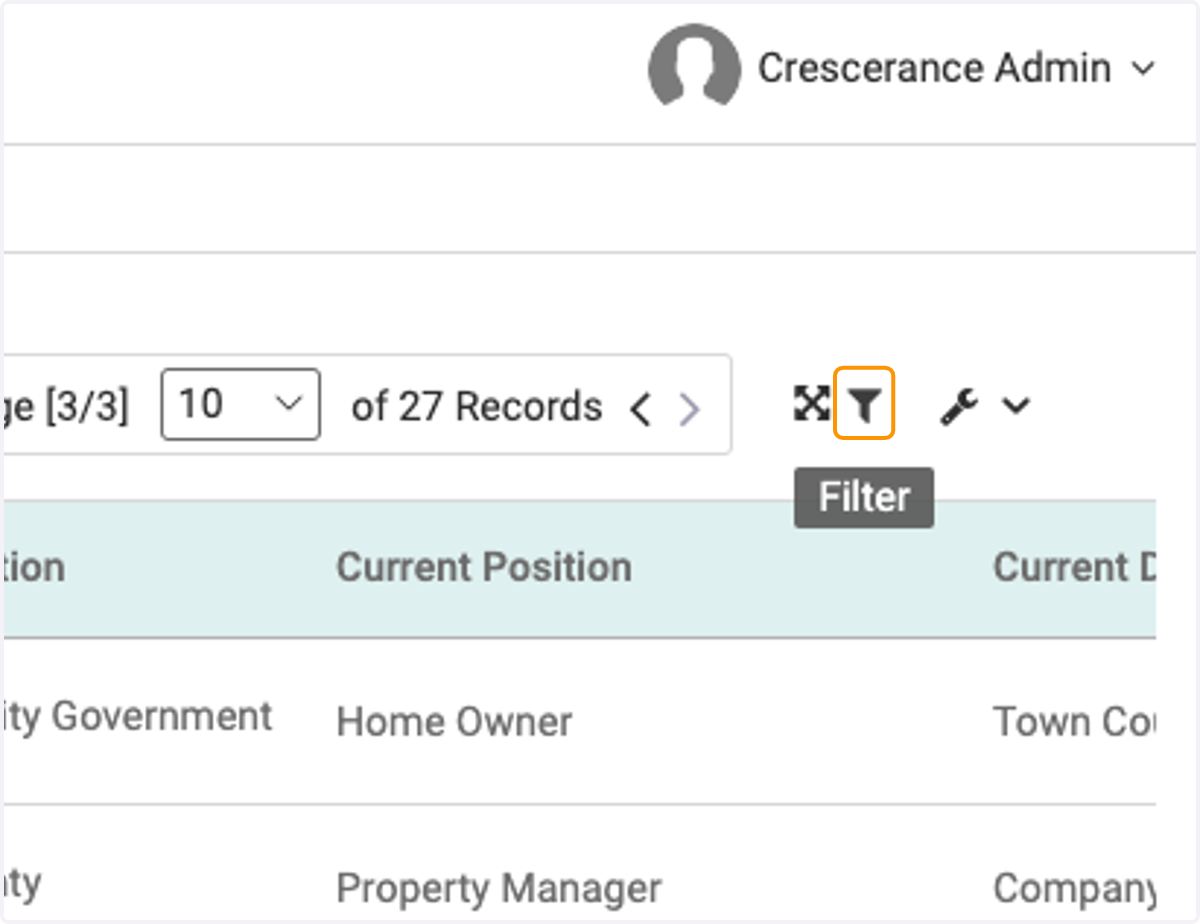
7. Click on the filter icon
8. Click on Invitation Status
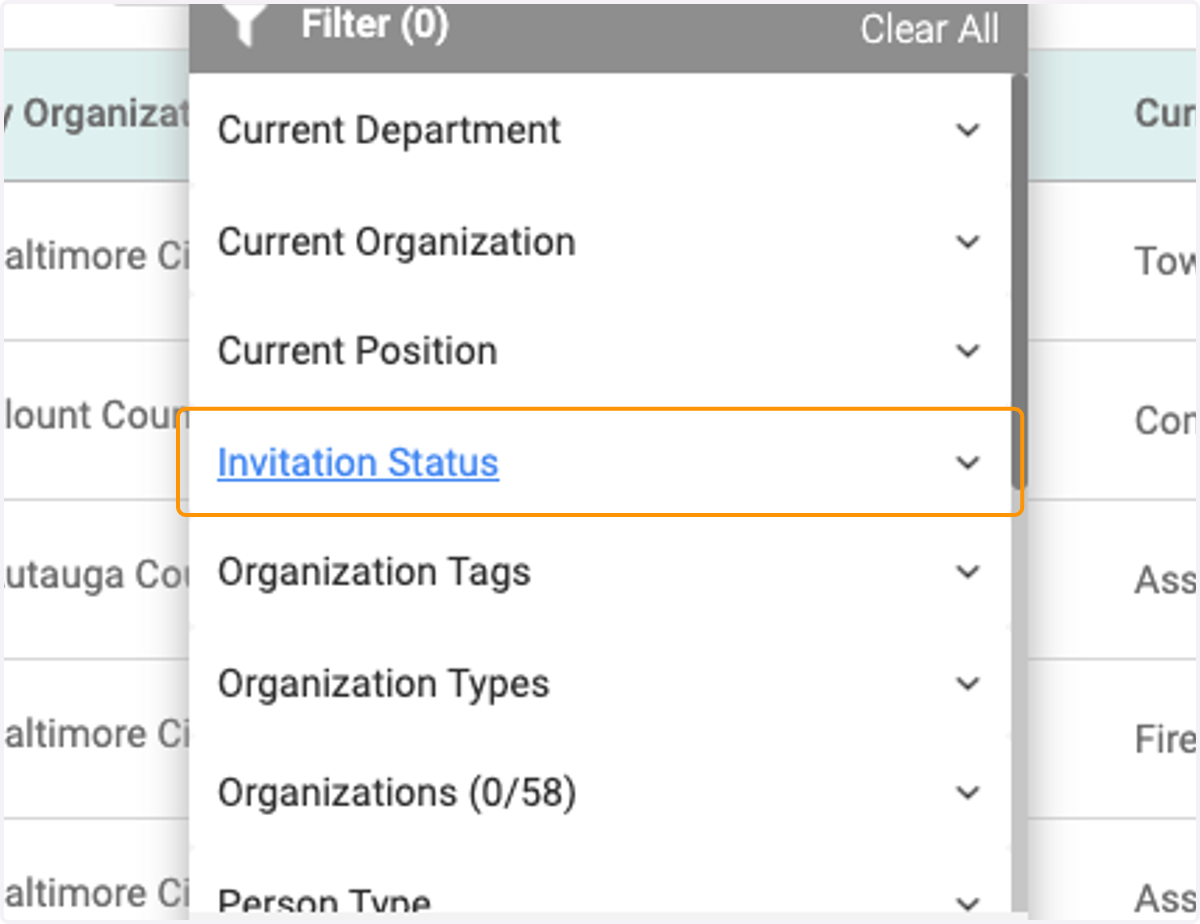
9. Filter and search your database based on the listed criteria