Confirming the Candidate's Response
The steps below will show you how to indicate that you have sent the department summary letter to the candidate and received their response.
Interfolio
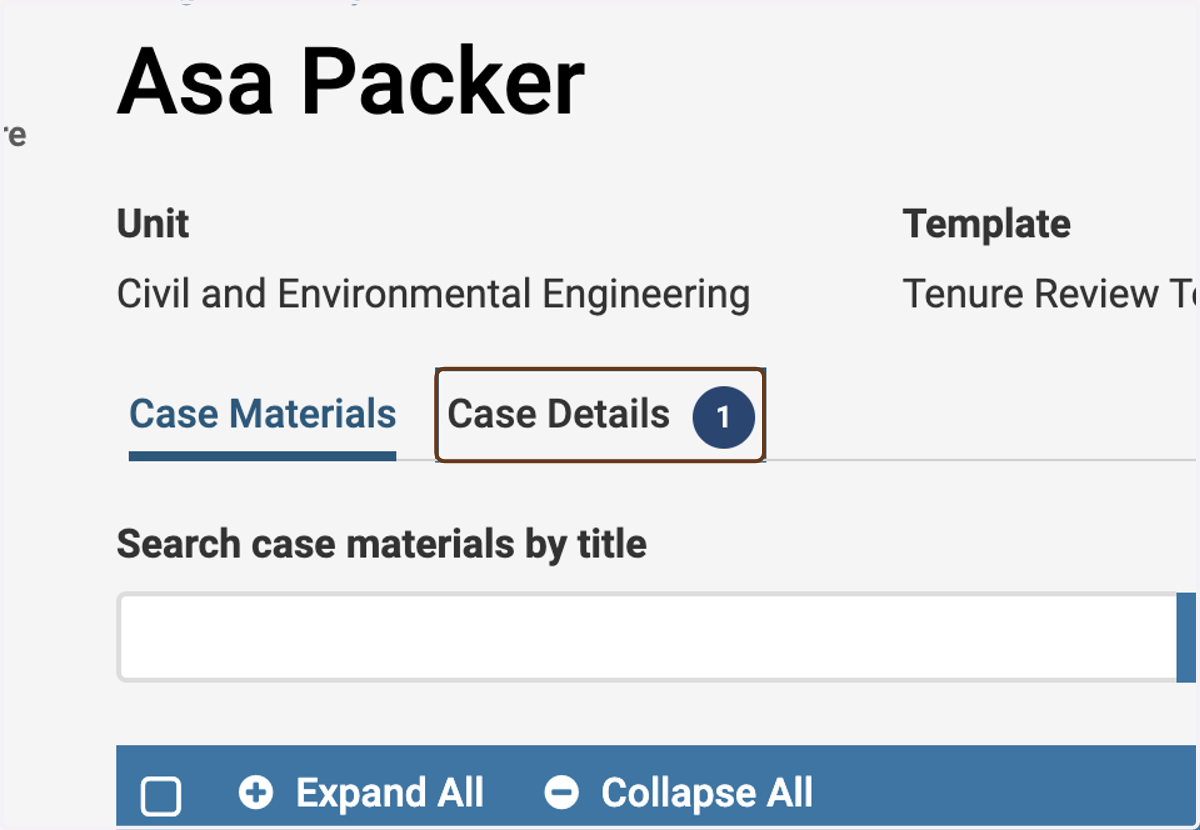
1. Click on Case Details
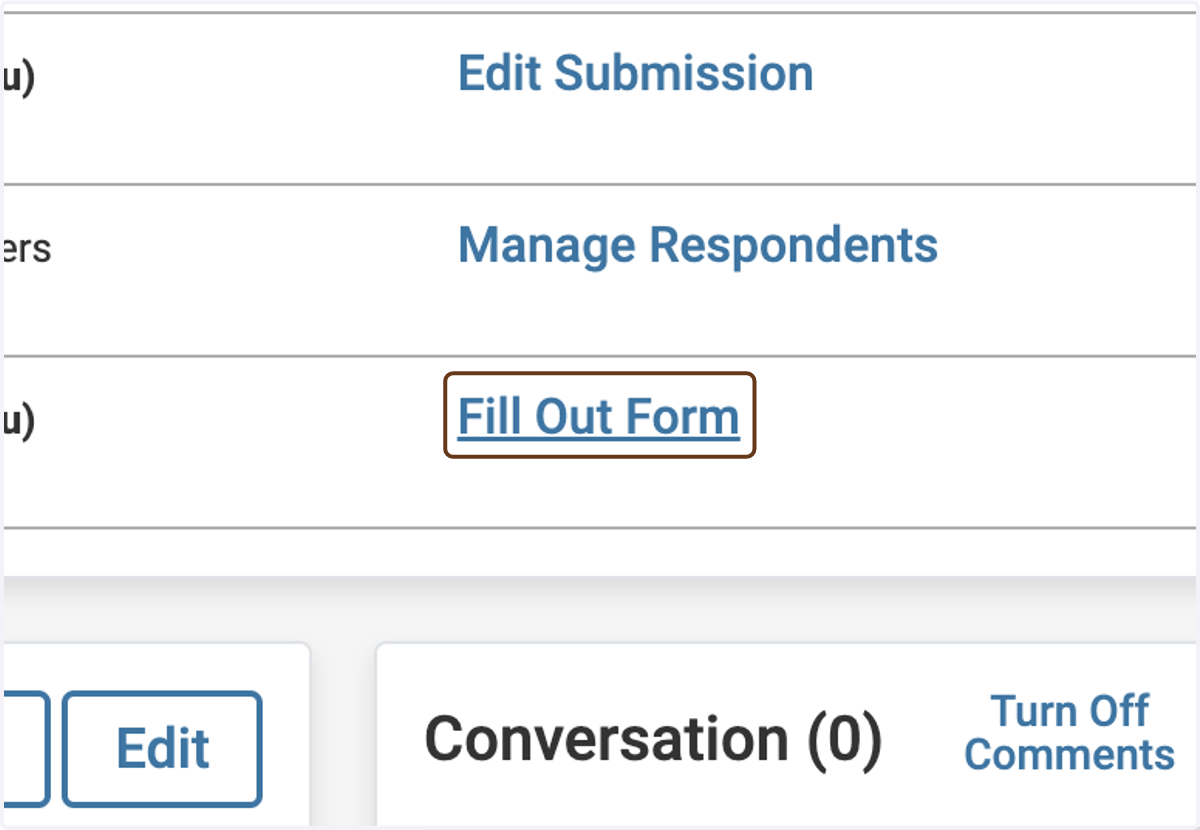
2. Click on Fill Out Form next to Department Chair - Confirmation of Candidate's Response
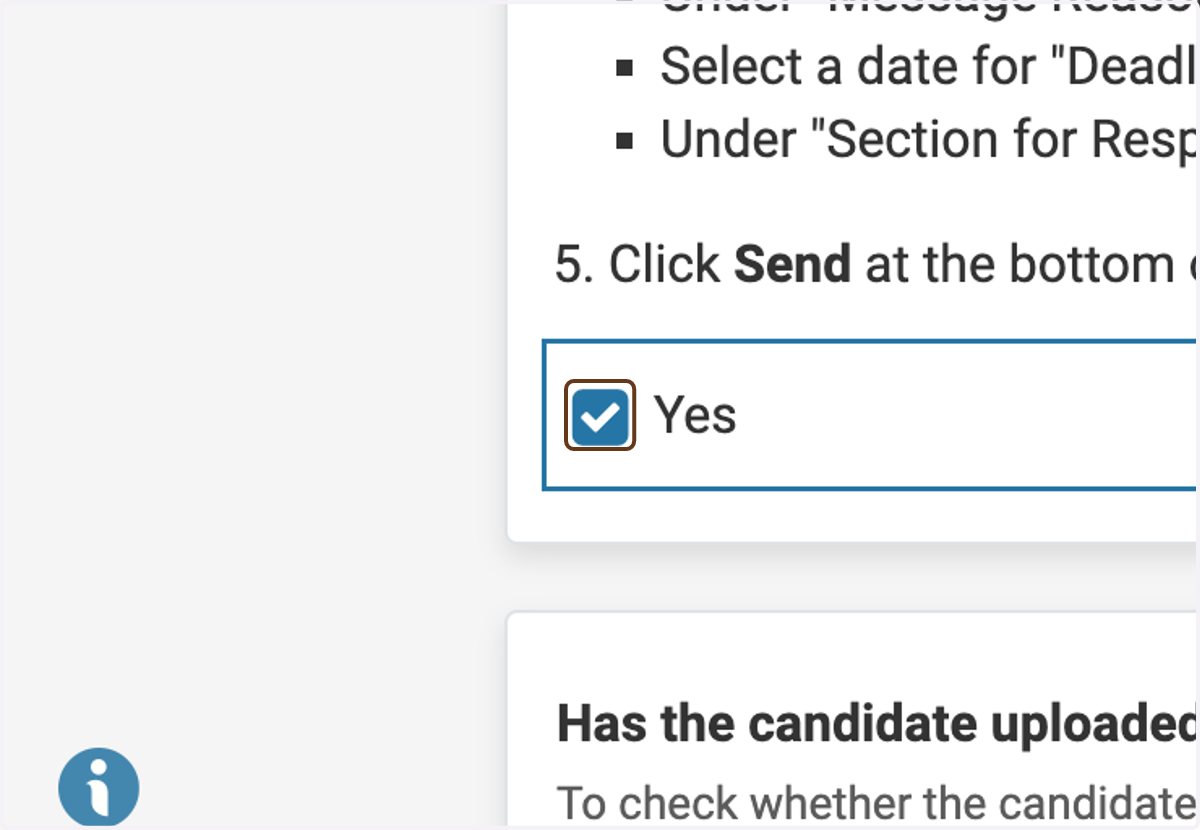
3. Check Yes to indicate that you have received their response
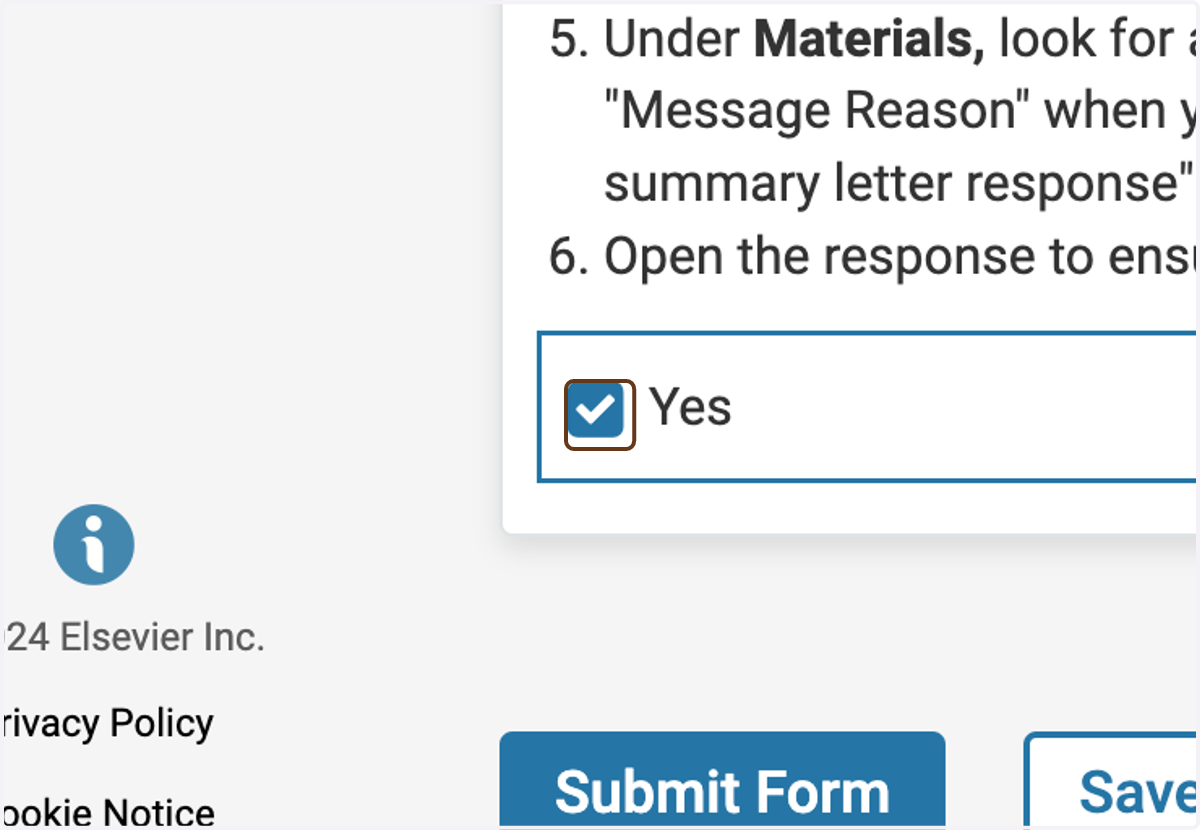
4. Check Yes to indicate that you have sent the letter to the candidate
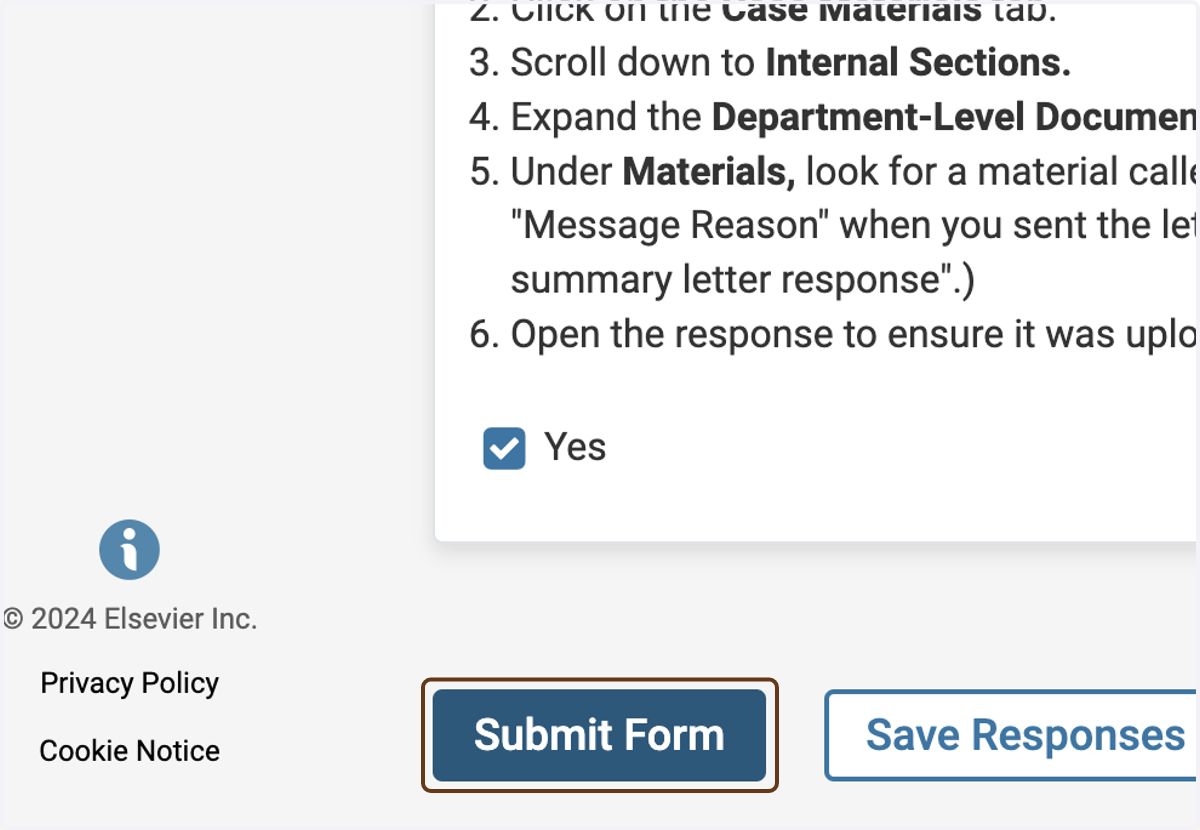
5. Click on Submit Form
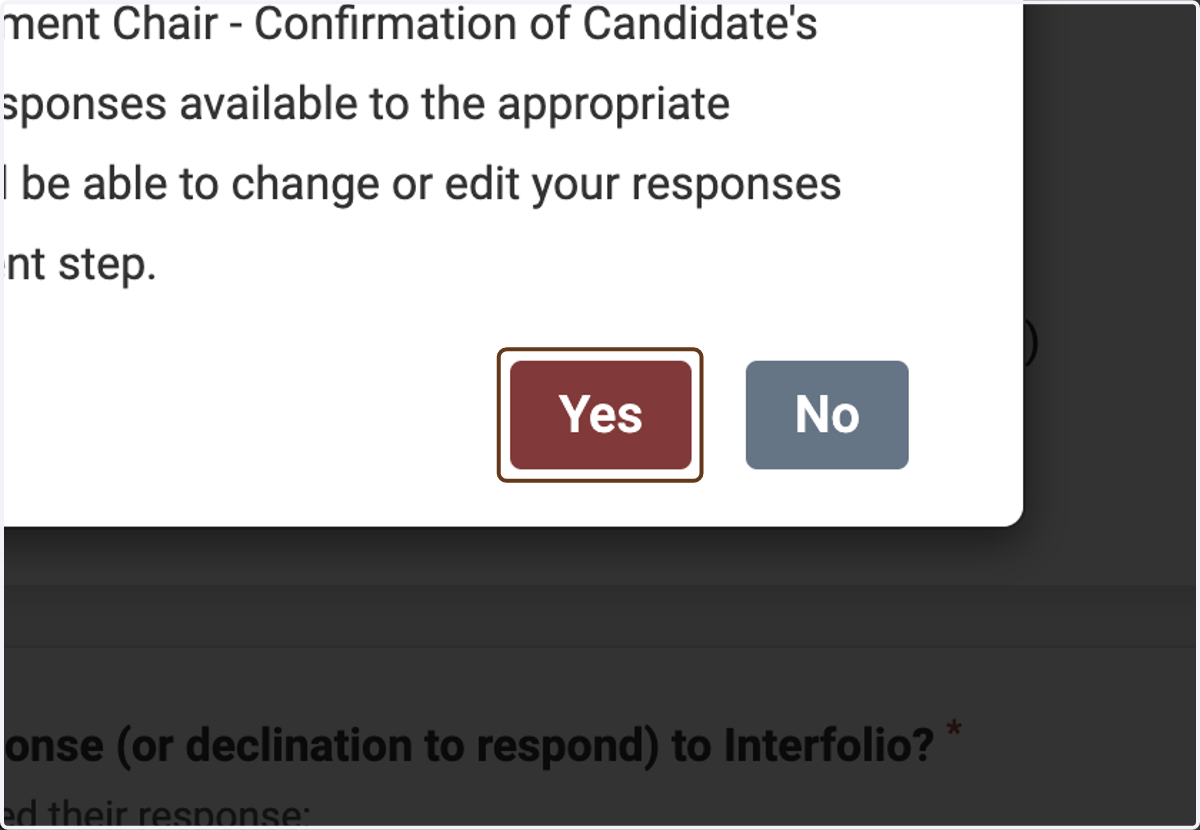
6. Click on Yes