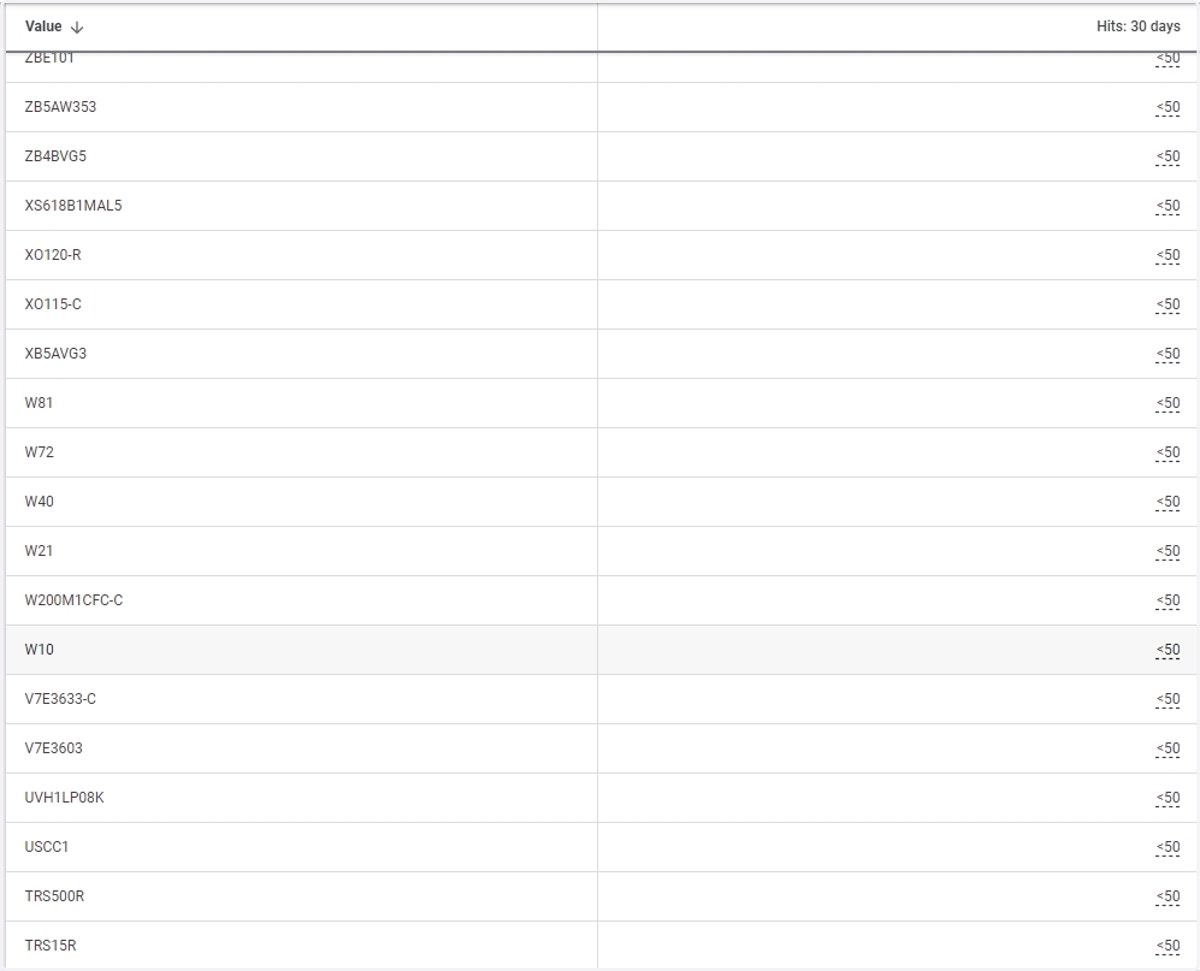
Steps to Access Data Source Details in Audience Manager
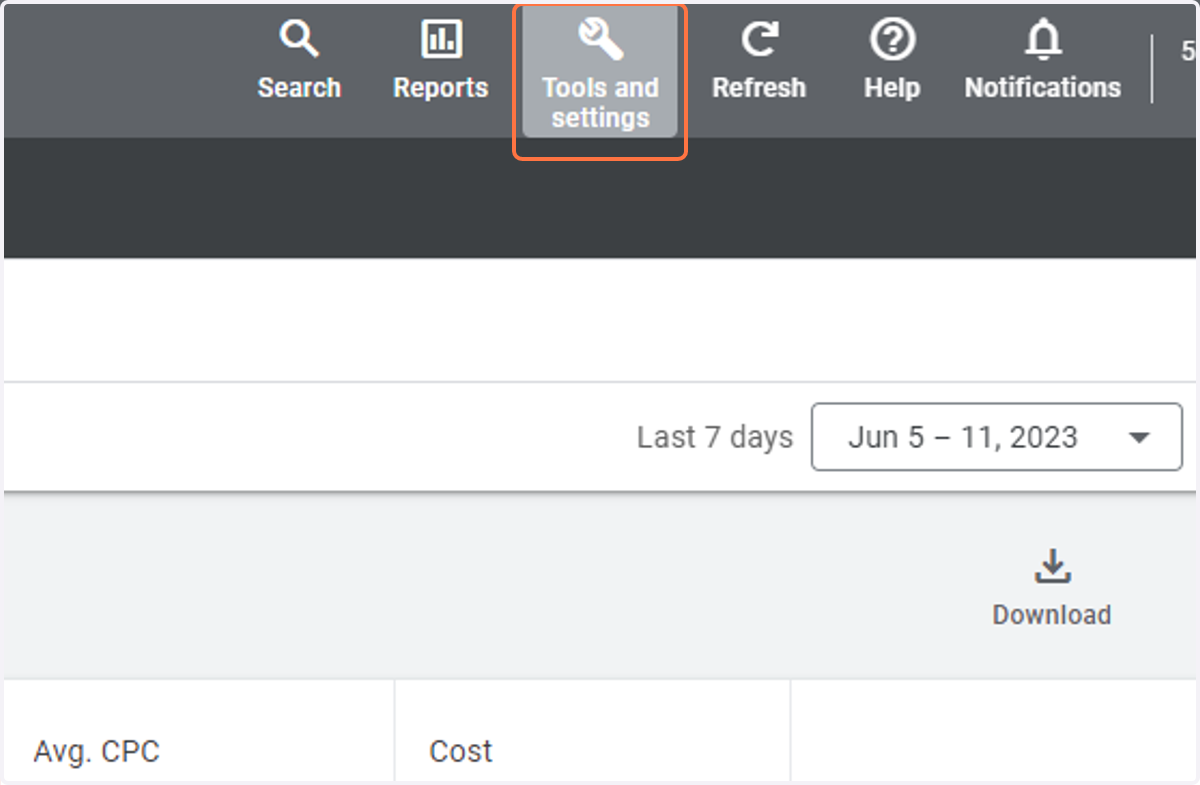
1. Click on Tools and settings
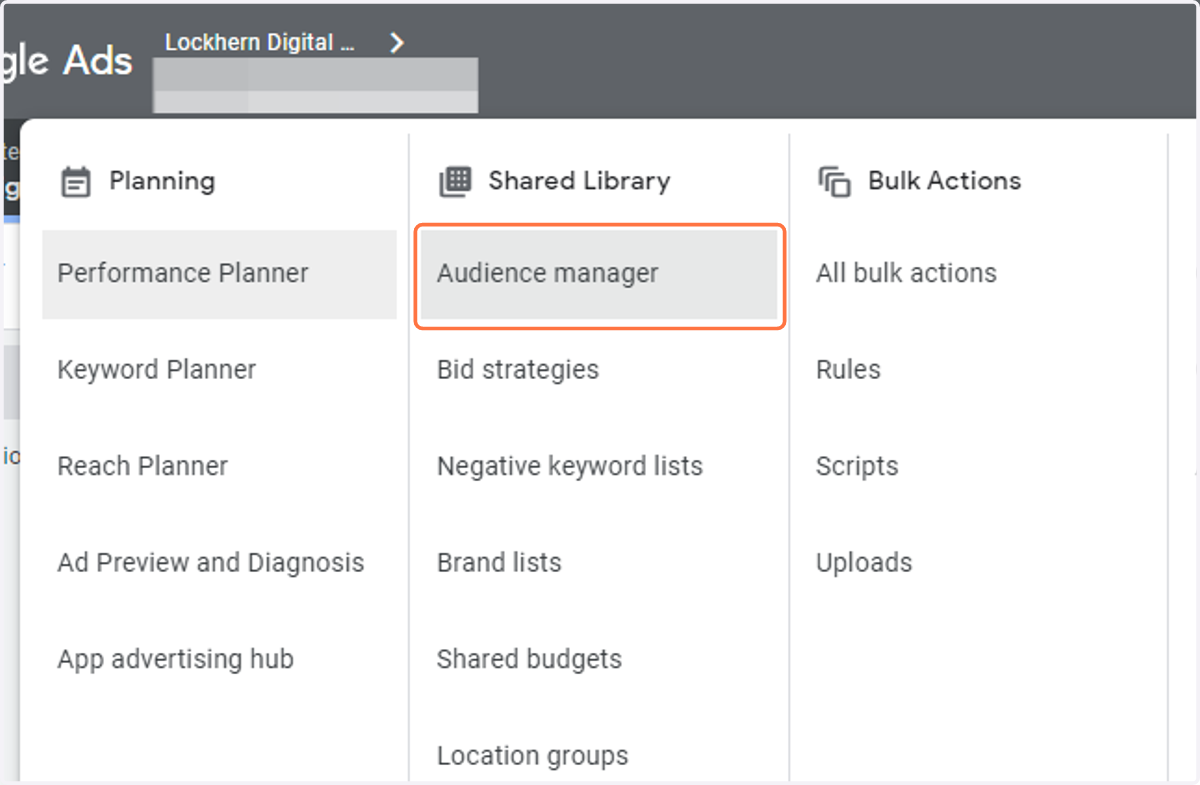
2. Click on Audience manager
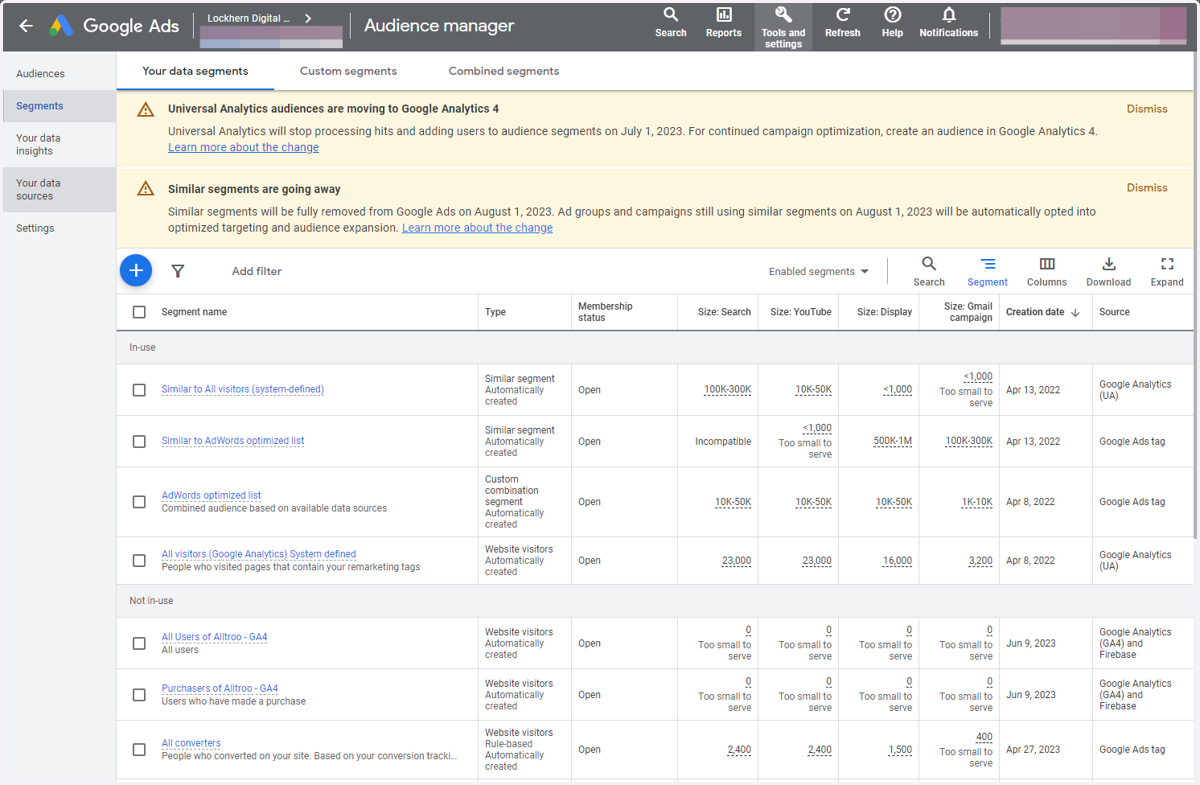
3. Click on Your data sources
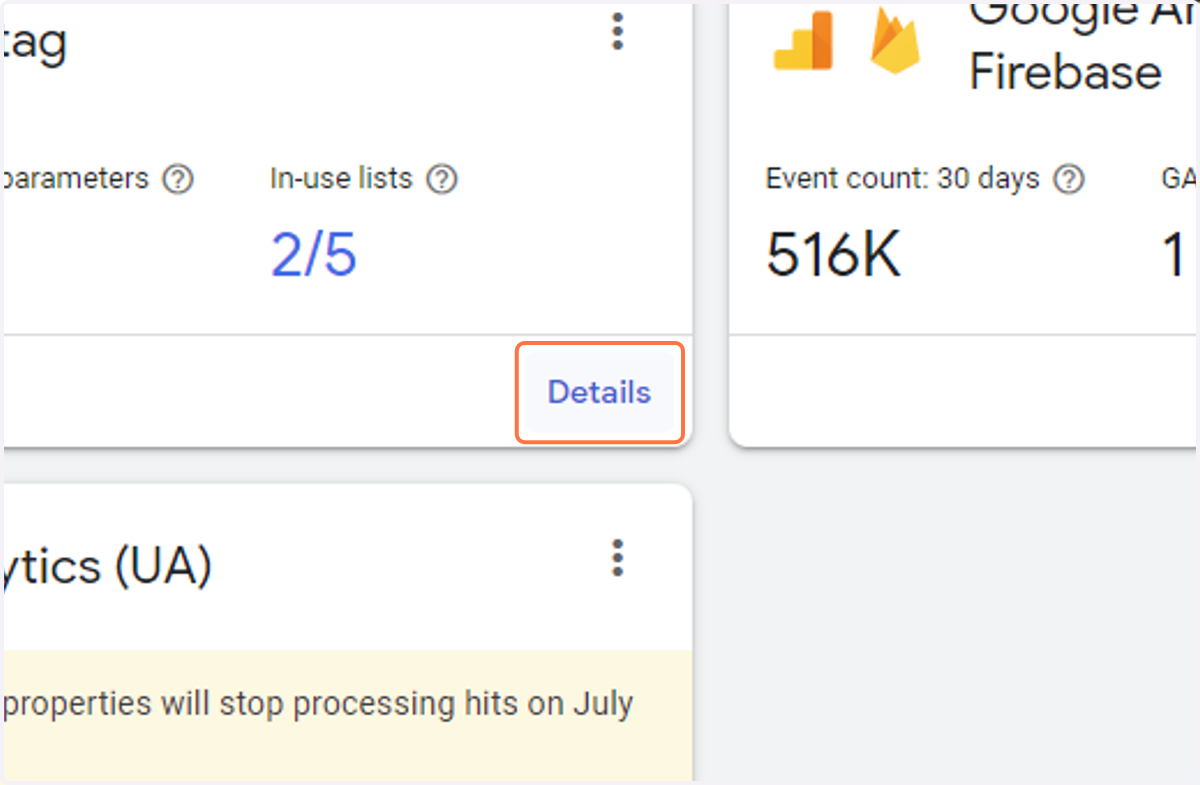
4. Click on Details
5. Review the data that your pixel can see. In this case, this client is using their actual SKU as their ID in the merchant center, but for don't be surprised if you're on Shopify if you see something like "Shopify_US_11938838889003". It just has to match Google Merchant Center.