Create Free Account in Windows CMD Hub
Windows Command Prompt Hub - Learn CMD the Interactive Way
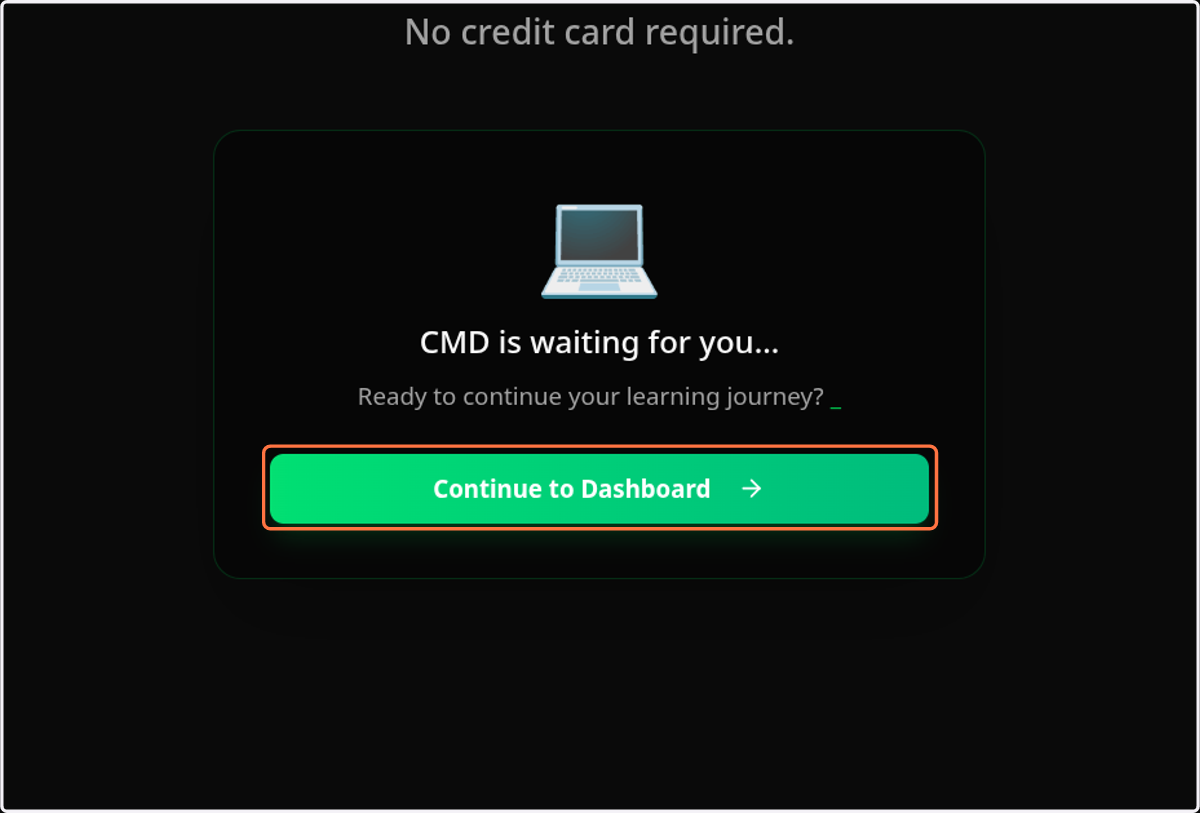
1. Click on Continue to Dashboard
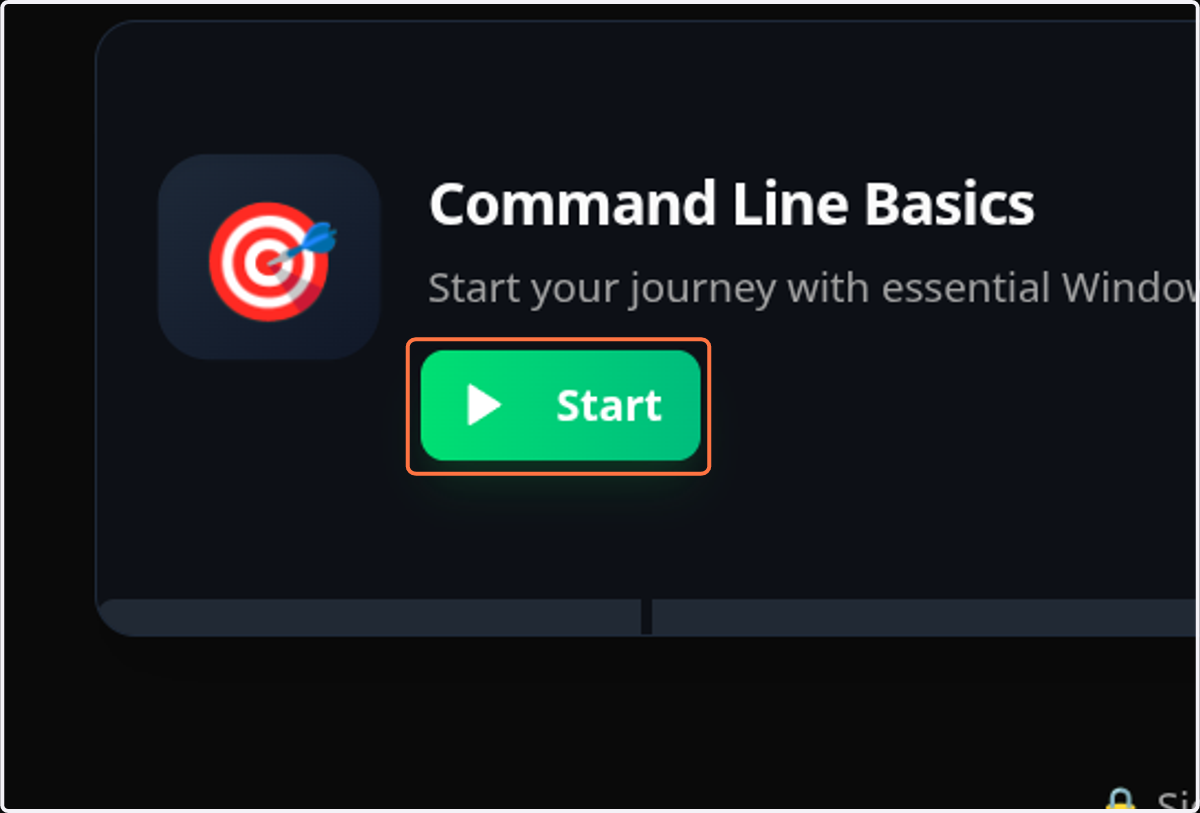
2. Click on Start
3. Type$ {label}
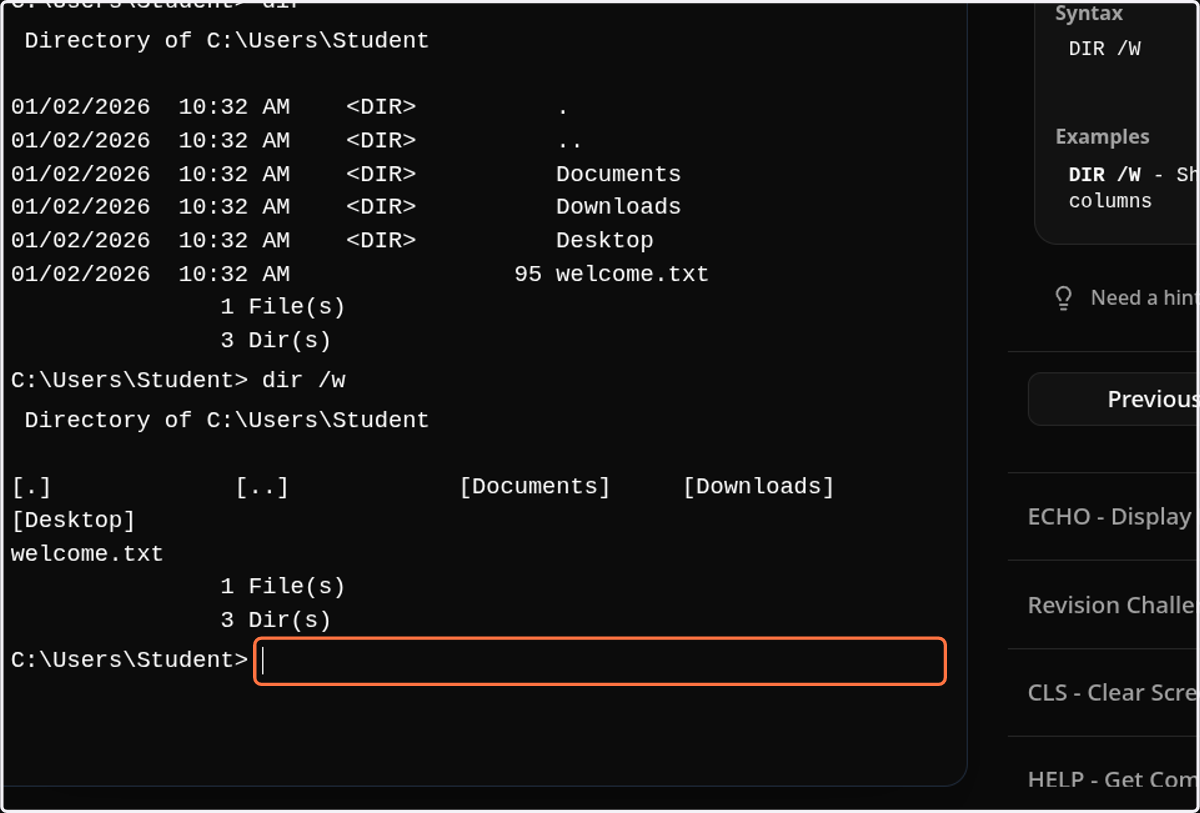
4. Click on highlight
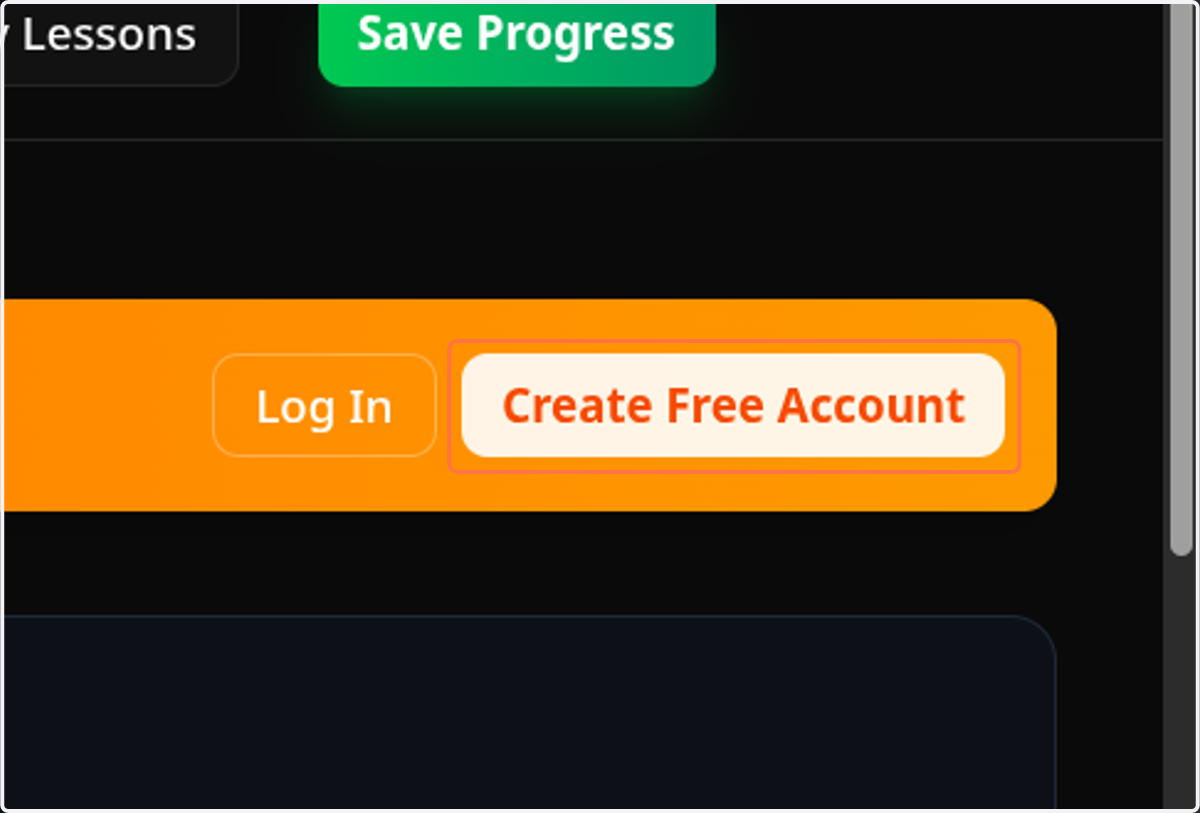
5. Click on Create Free Account
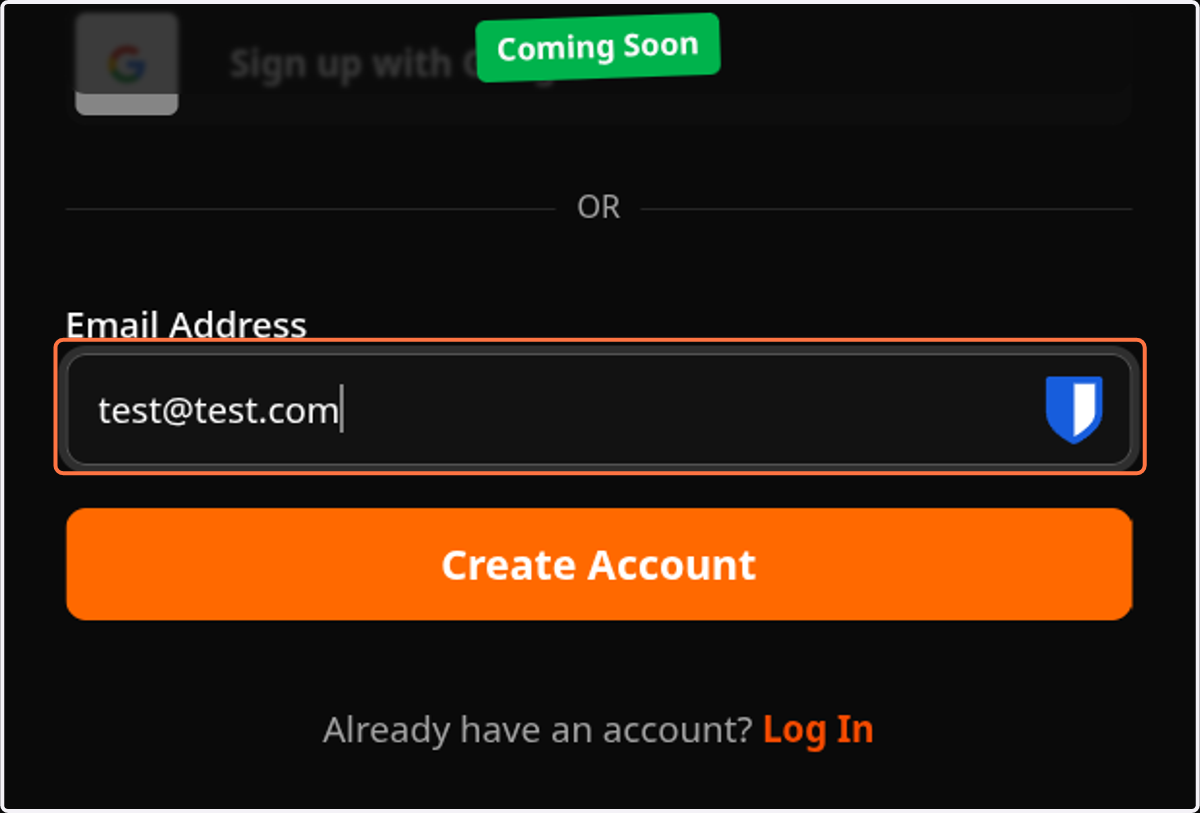
6. Type "test@test.com"
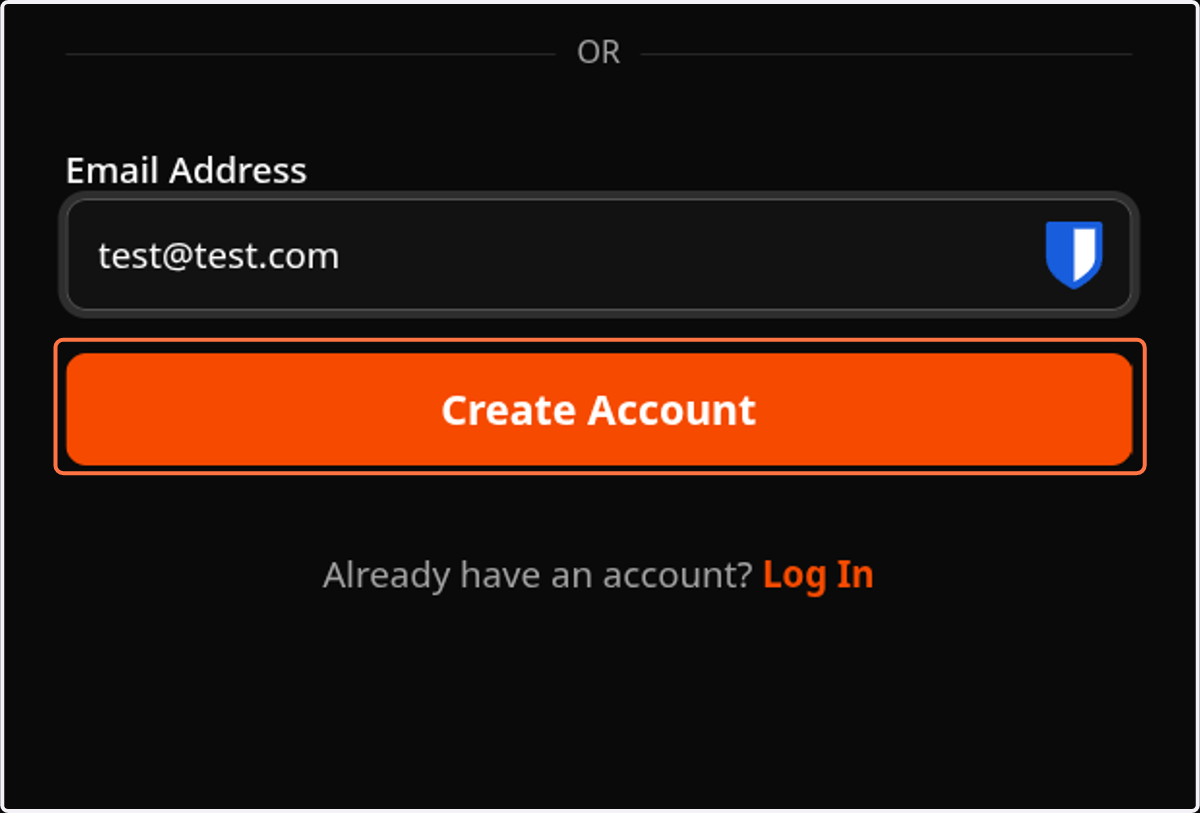
7. Click on Create Account
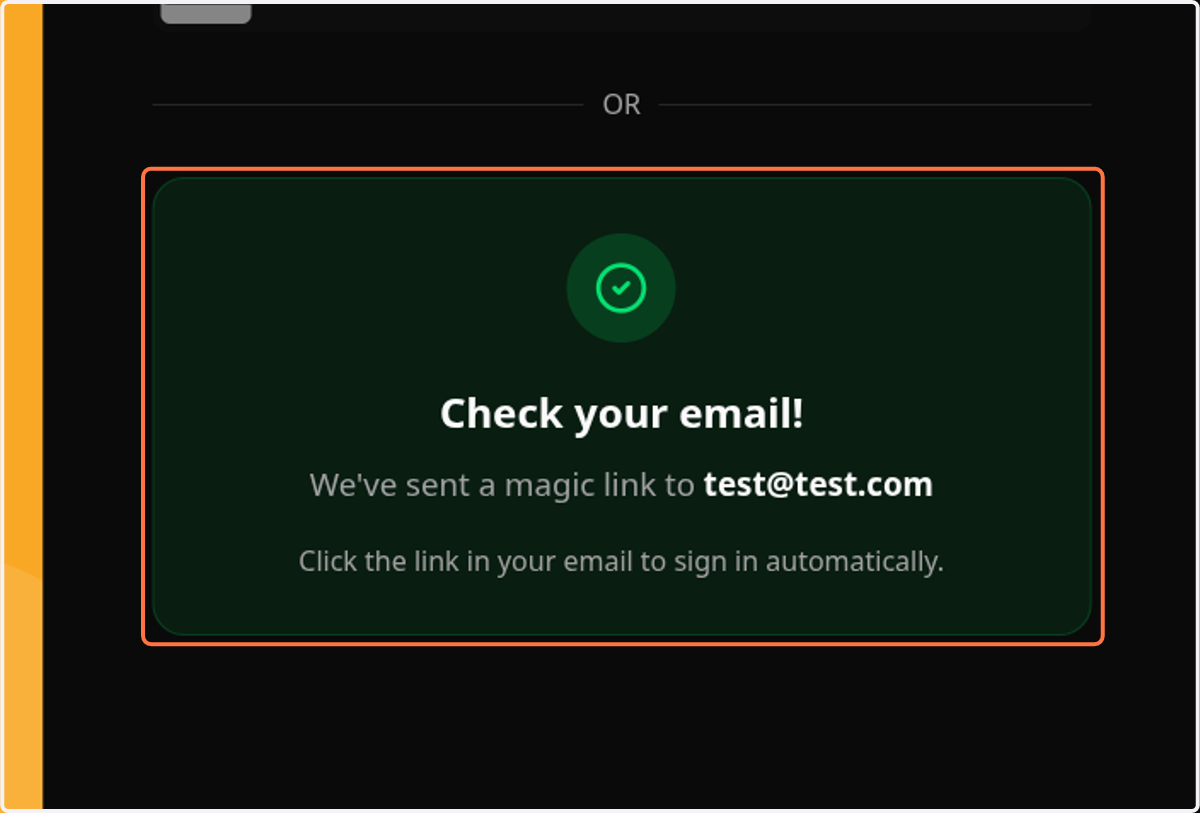
8. Click on Check your email!…