Login to Binti using MFA
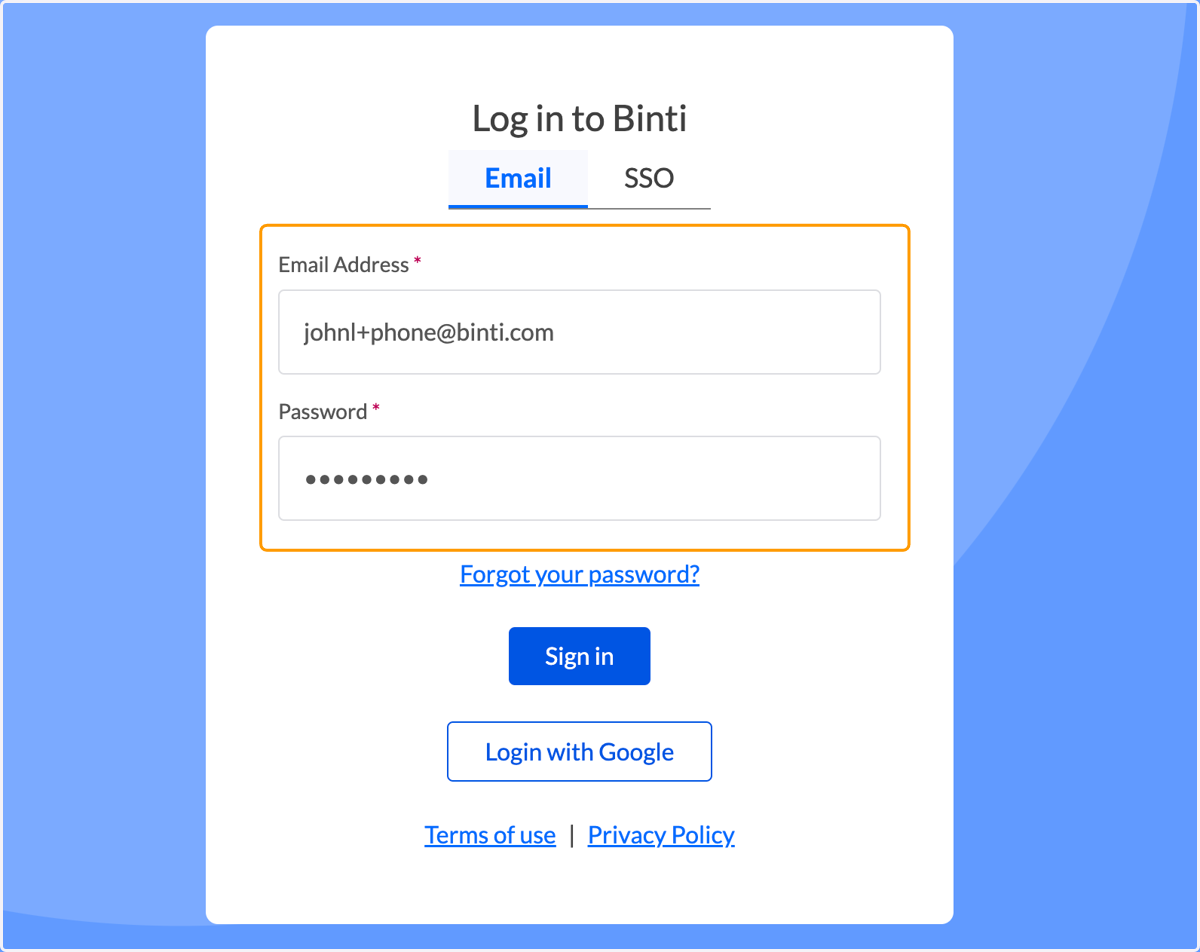
1. Login to Binti using your email and password
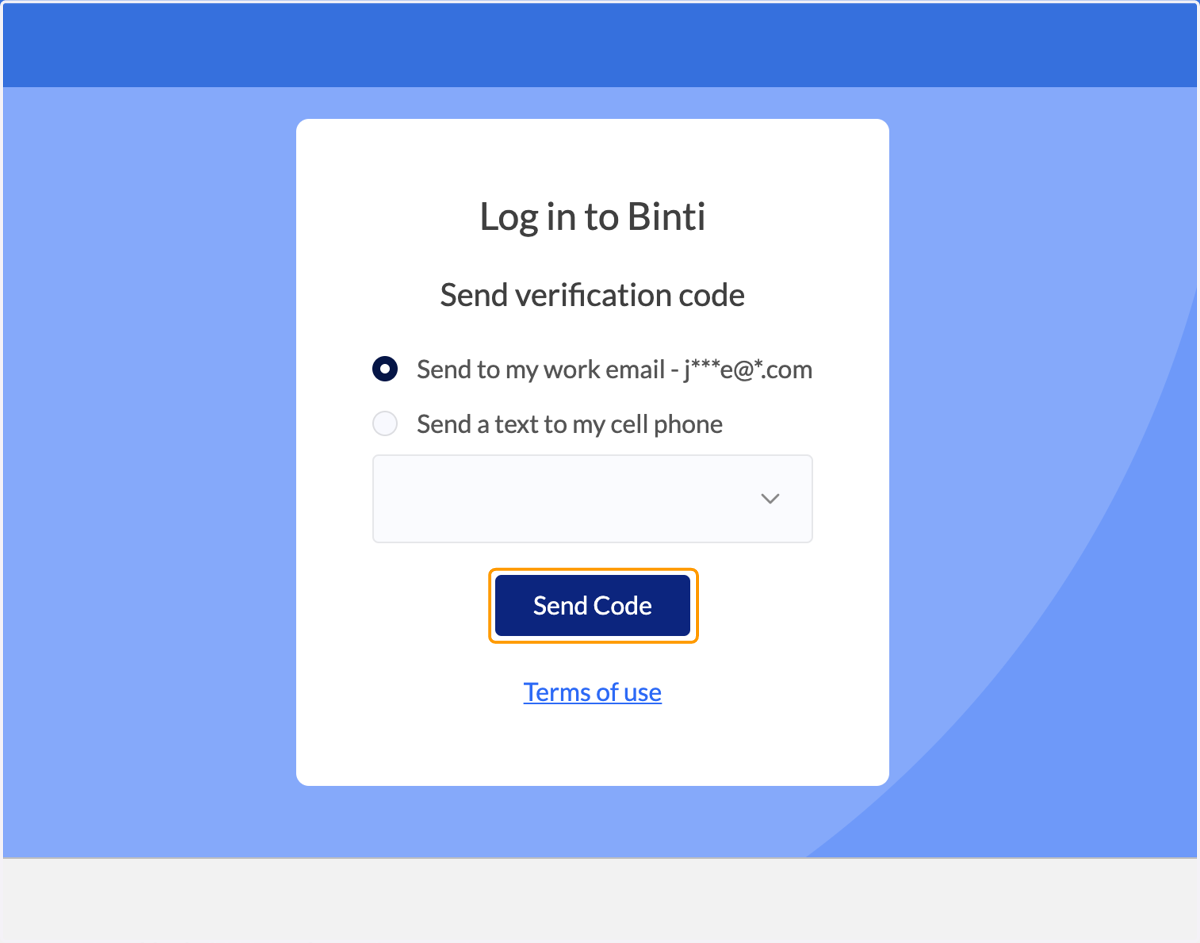
2. Choose to receive a verification code via email or text
You must have a valid mobile phone number in Binti to receive a code via text.
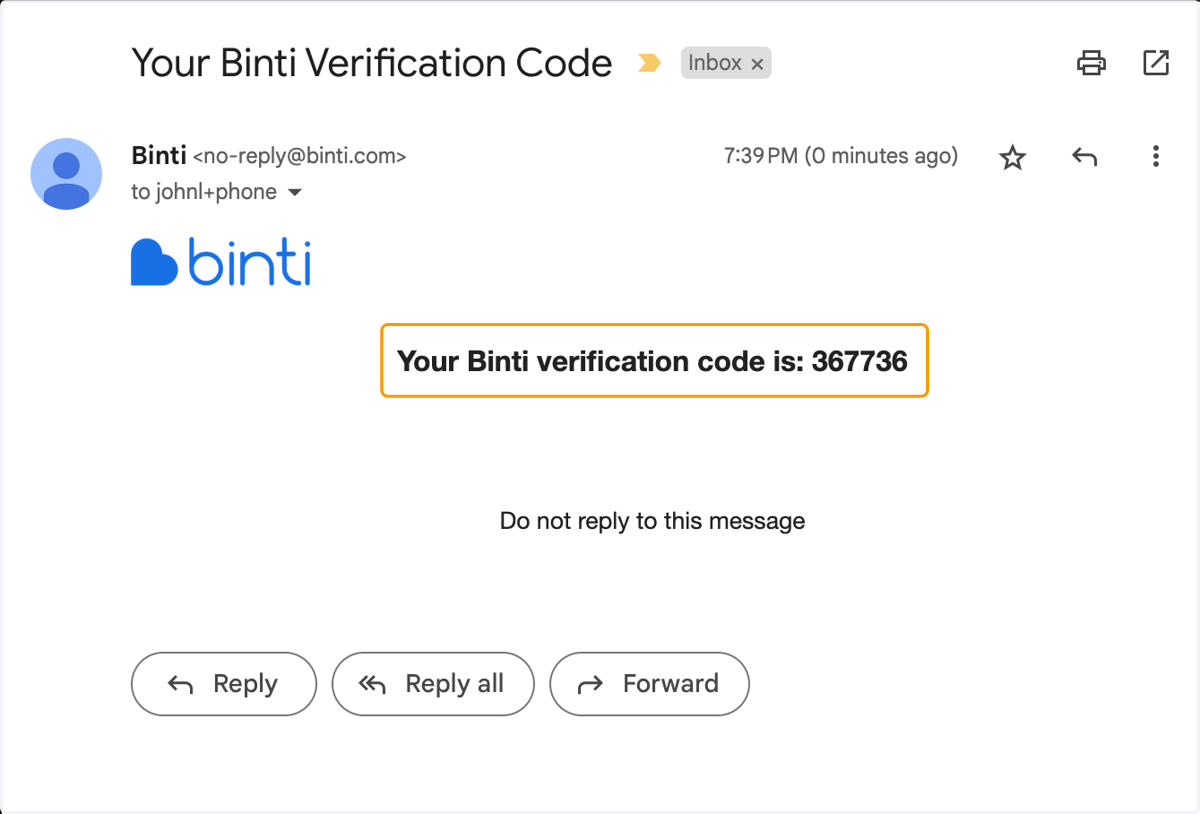
3. Obtain your verification code
A six digit code will be sent to your email or via text depending on the option you selected.
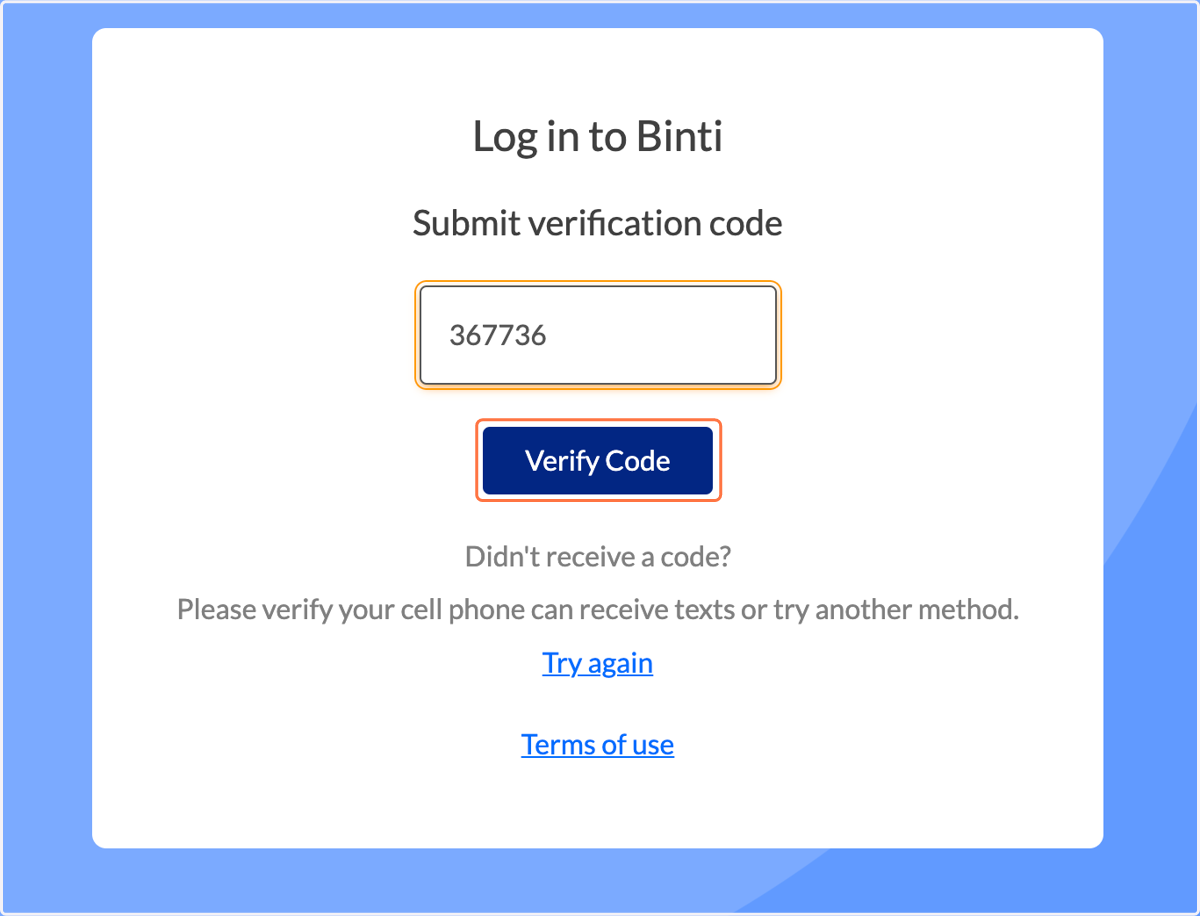
4. Enter the code provided and click 'Verify Code'
If you do not receive a code, you may try again or use a different method.