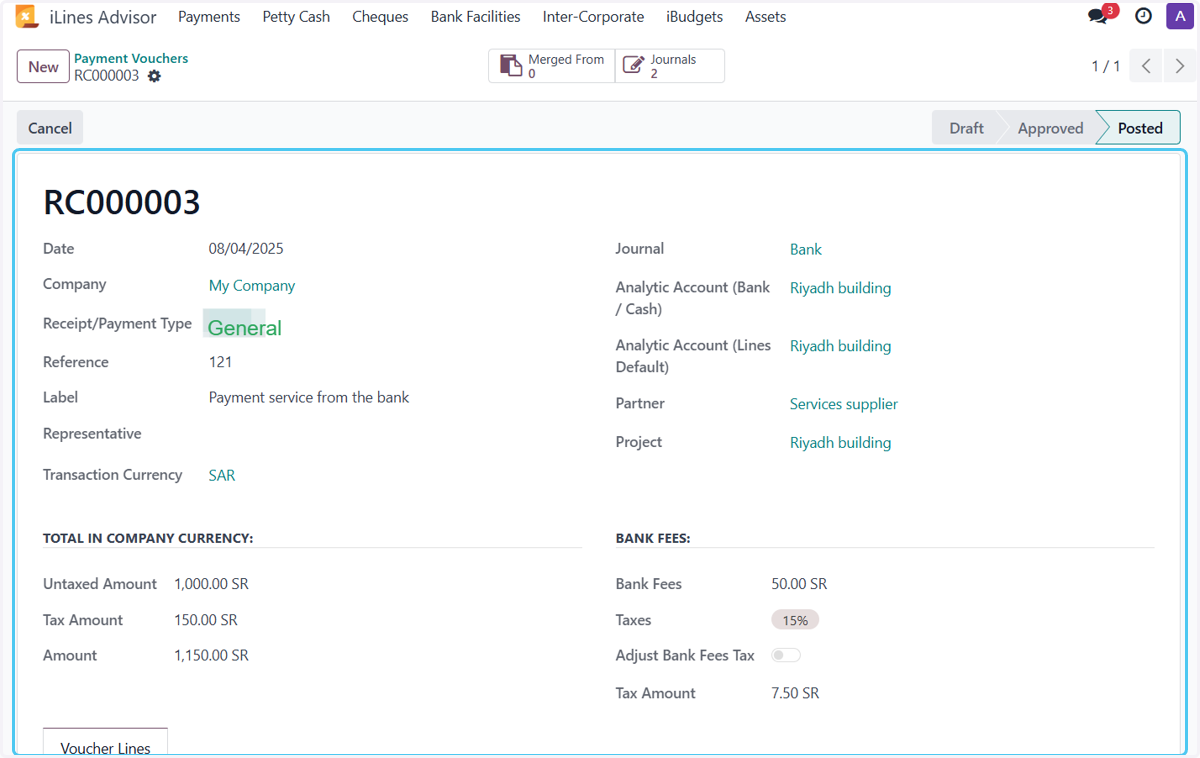
Create Payment Voucher in Odoo From bank and pay bank fees
Odoo
Settind
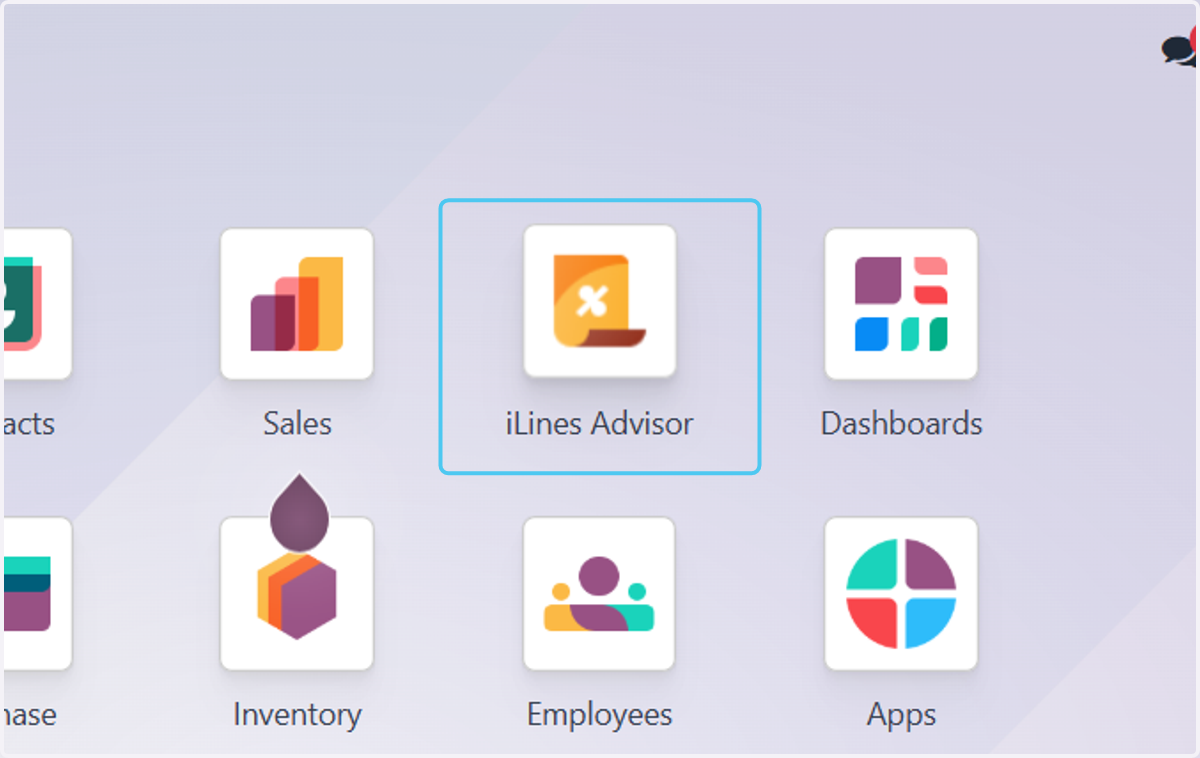
1. Click on iLines Advisor
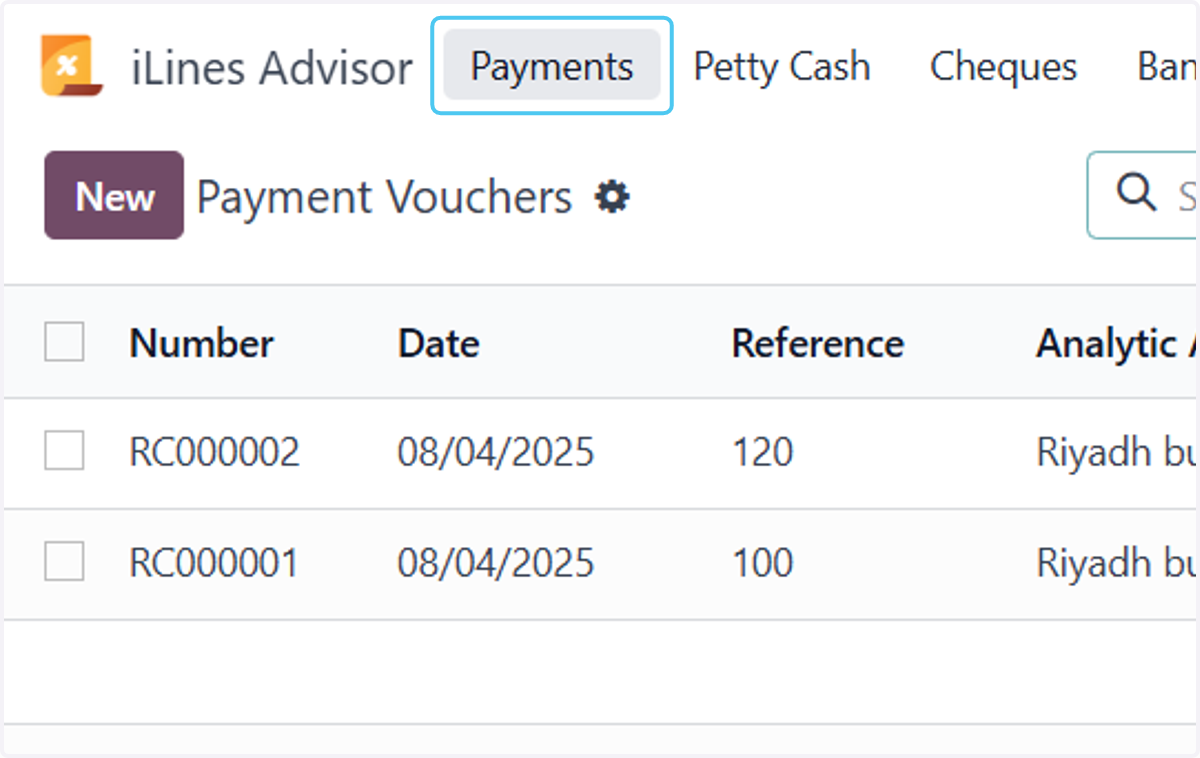
2. Click on Payments
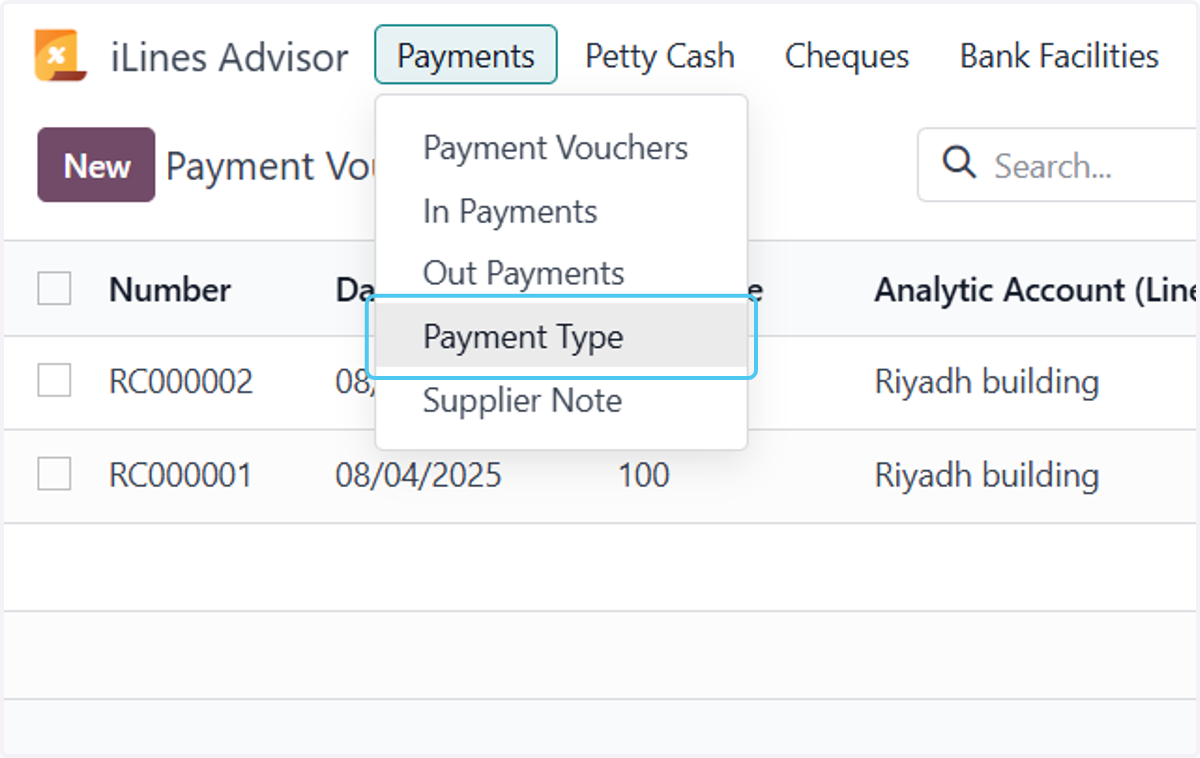
3. Click on Payment Type
4. Click on Type
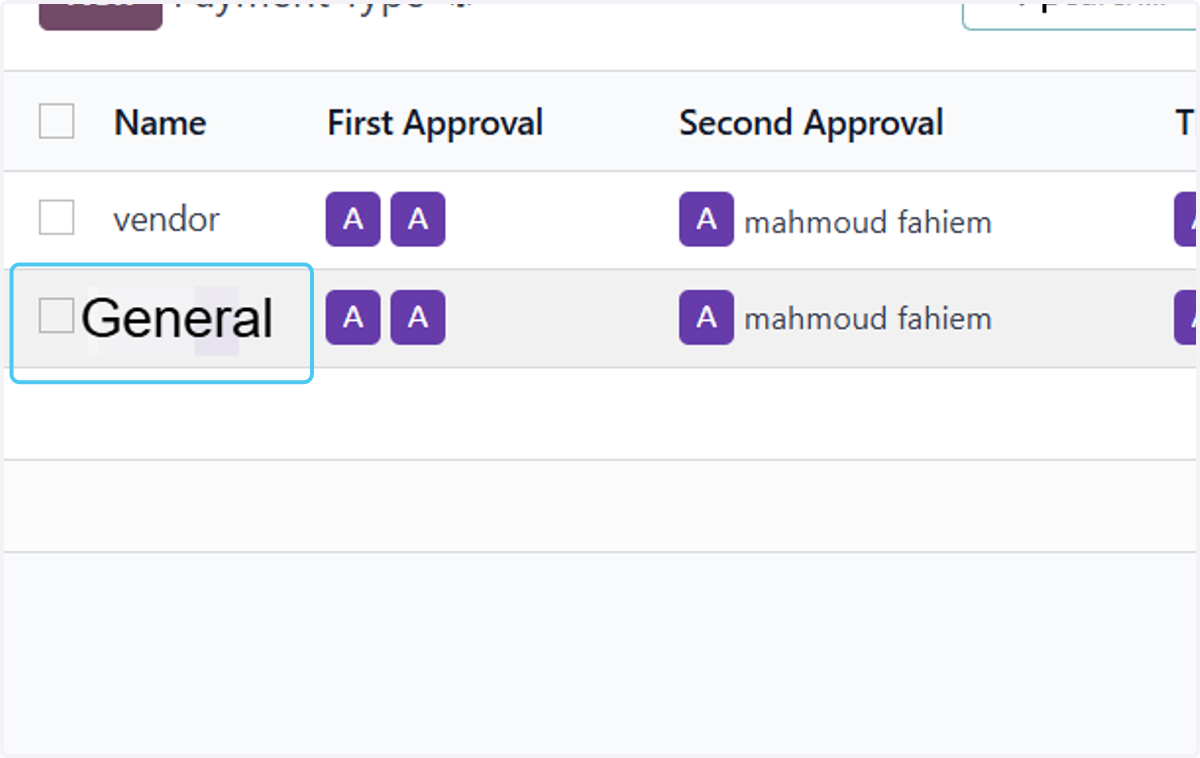
5. Make settings on the type
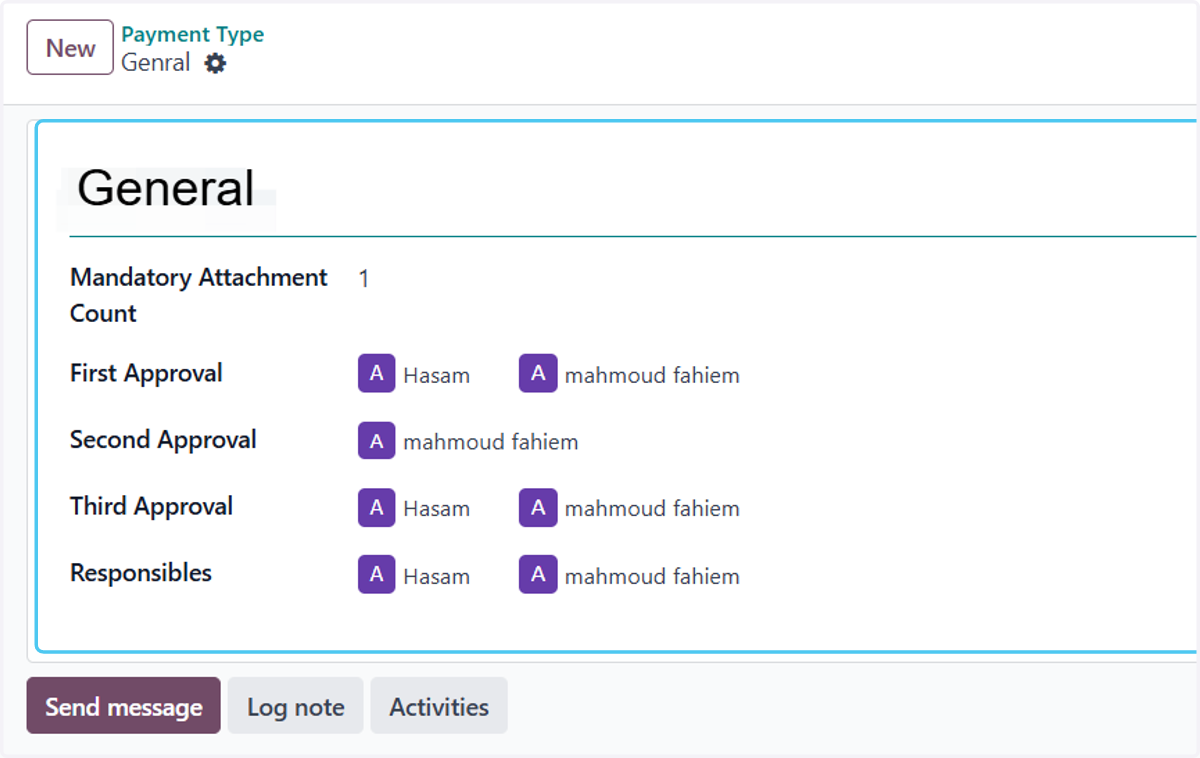
Operations
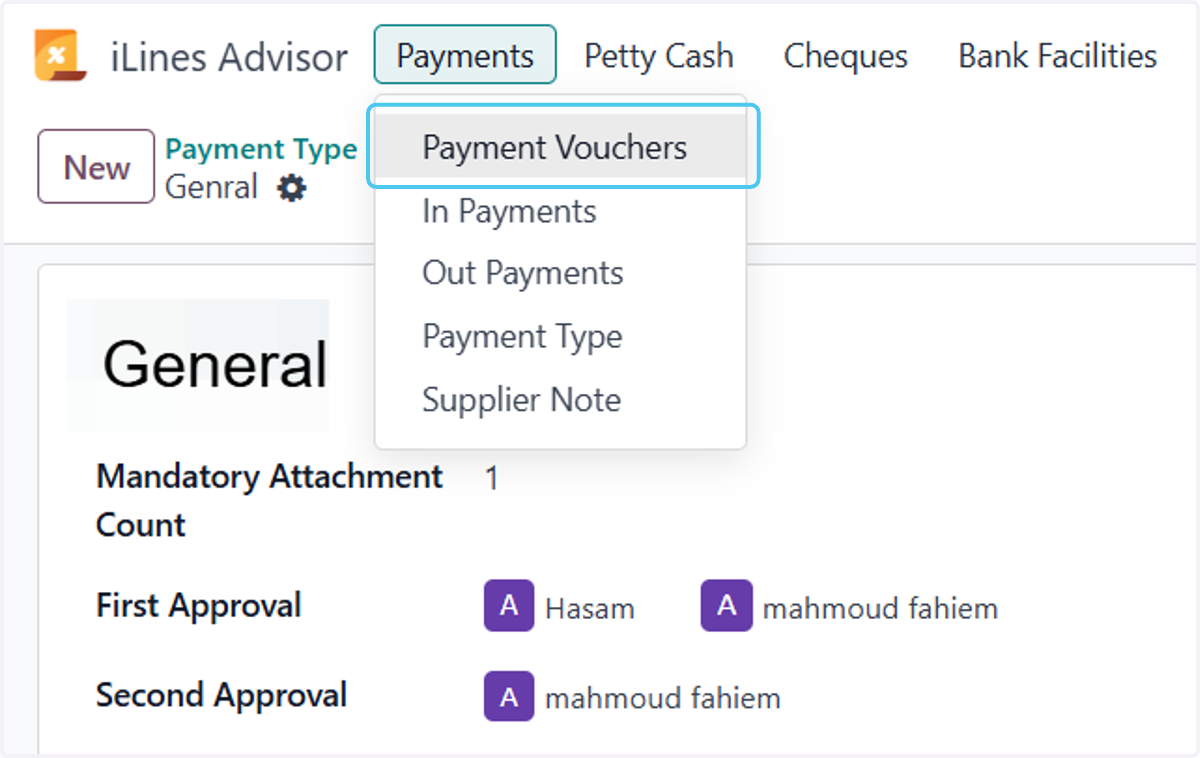
6. Click on Payment Vouchers
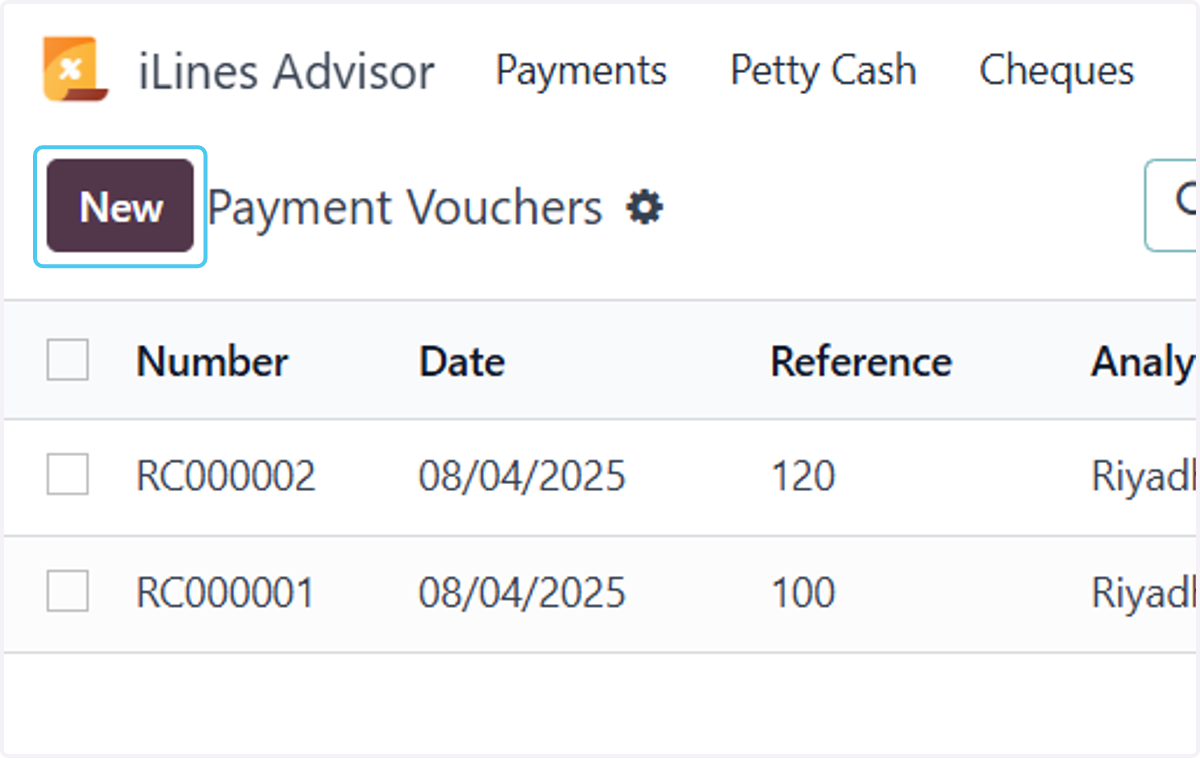
7. Click on New
8. Selecting the type and writing the reference and label
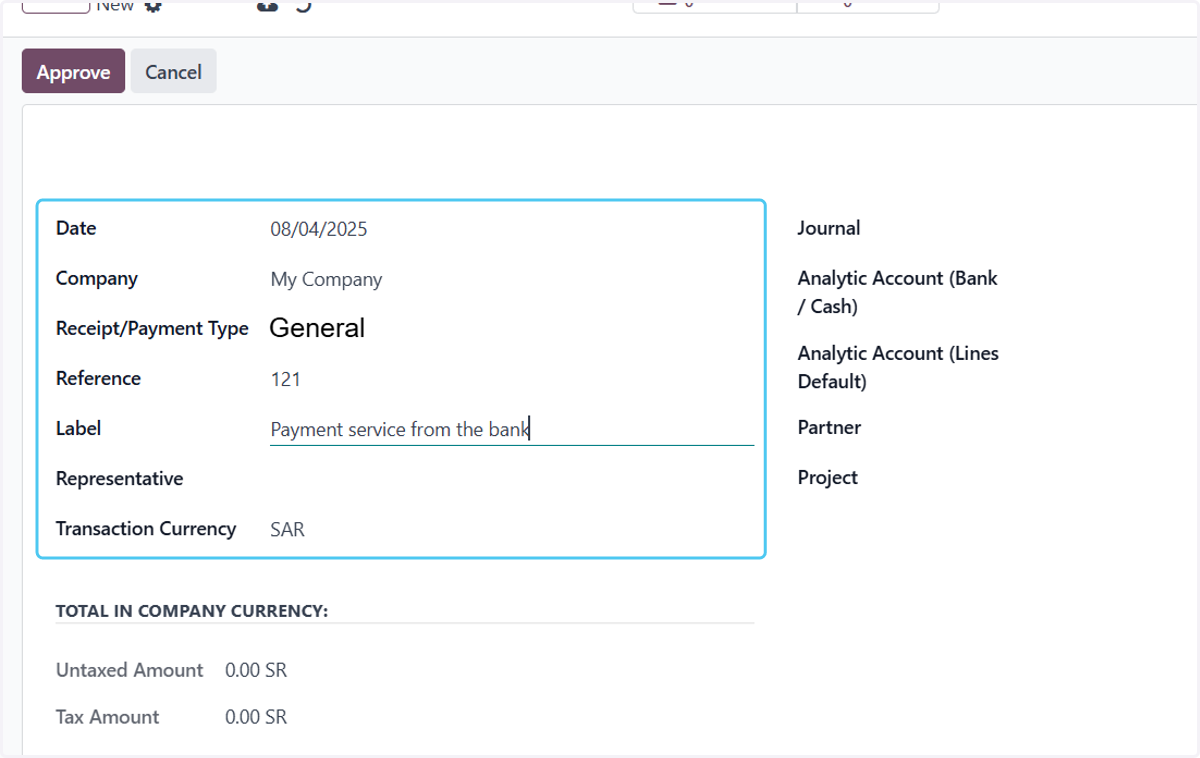
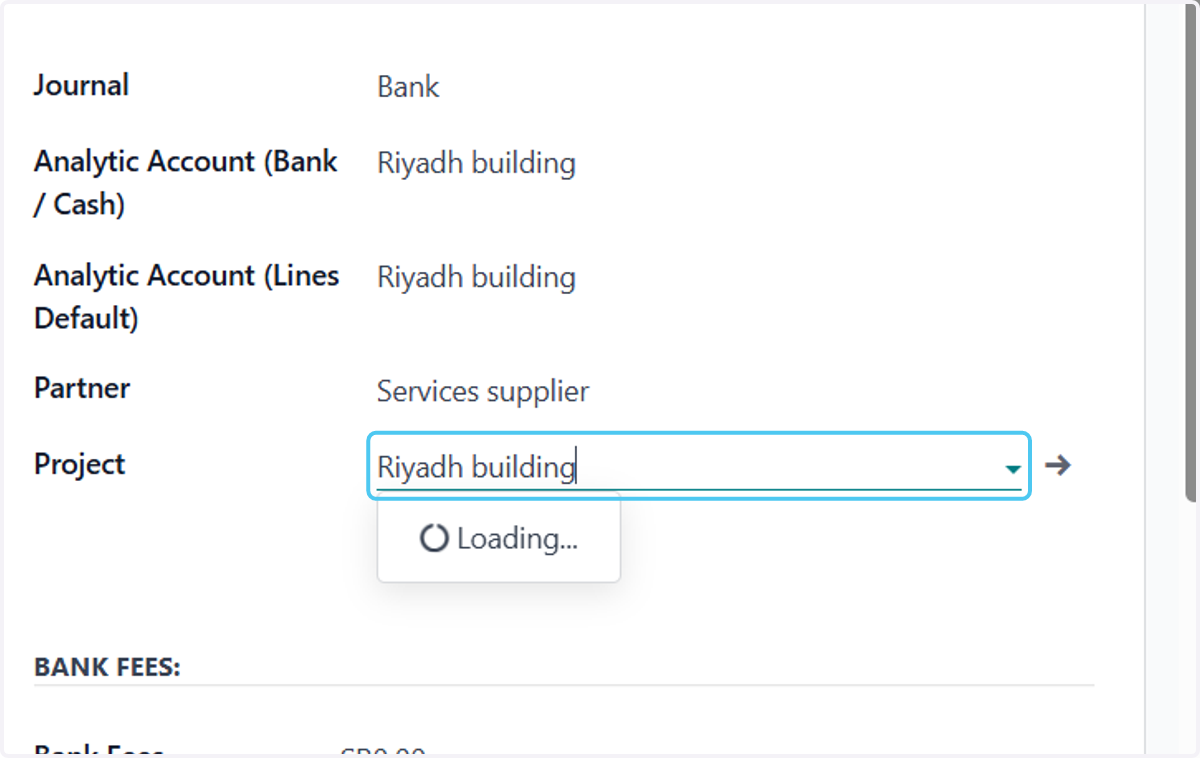
9. Add the rest of the data
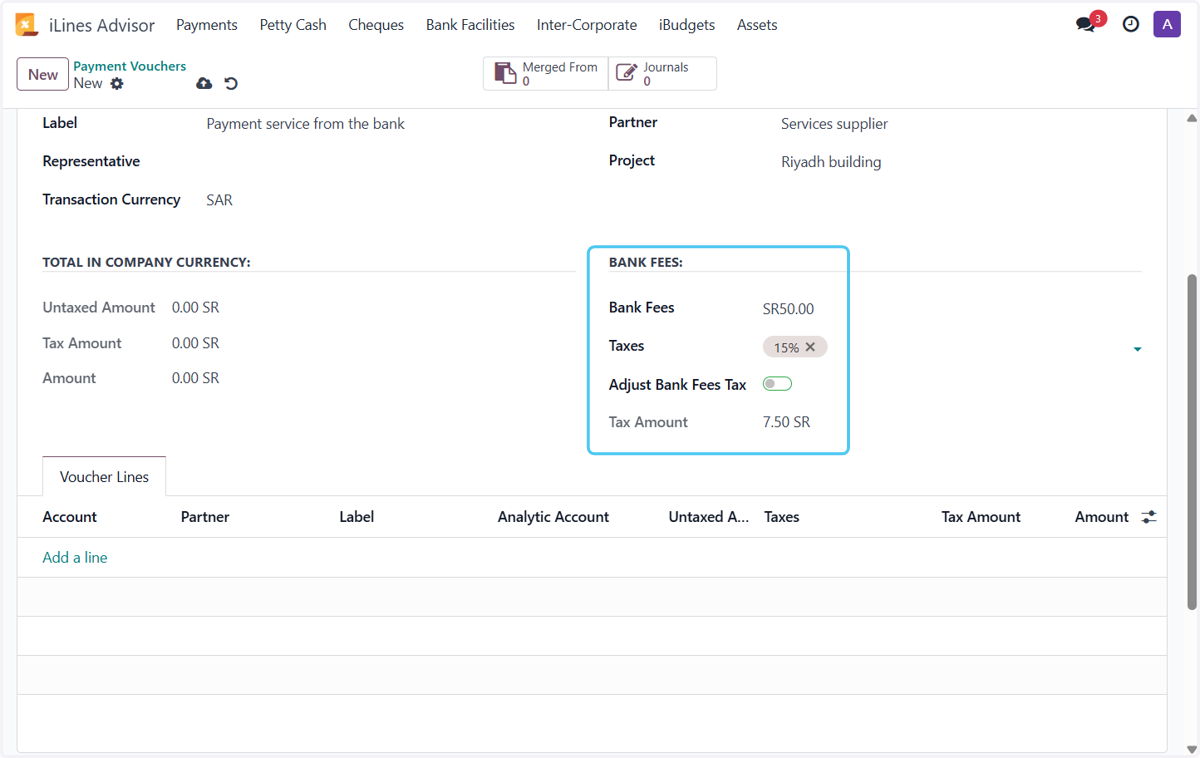
10. Add bank fees, choose tax, and activate the option if the price includes tax.
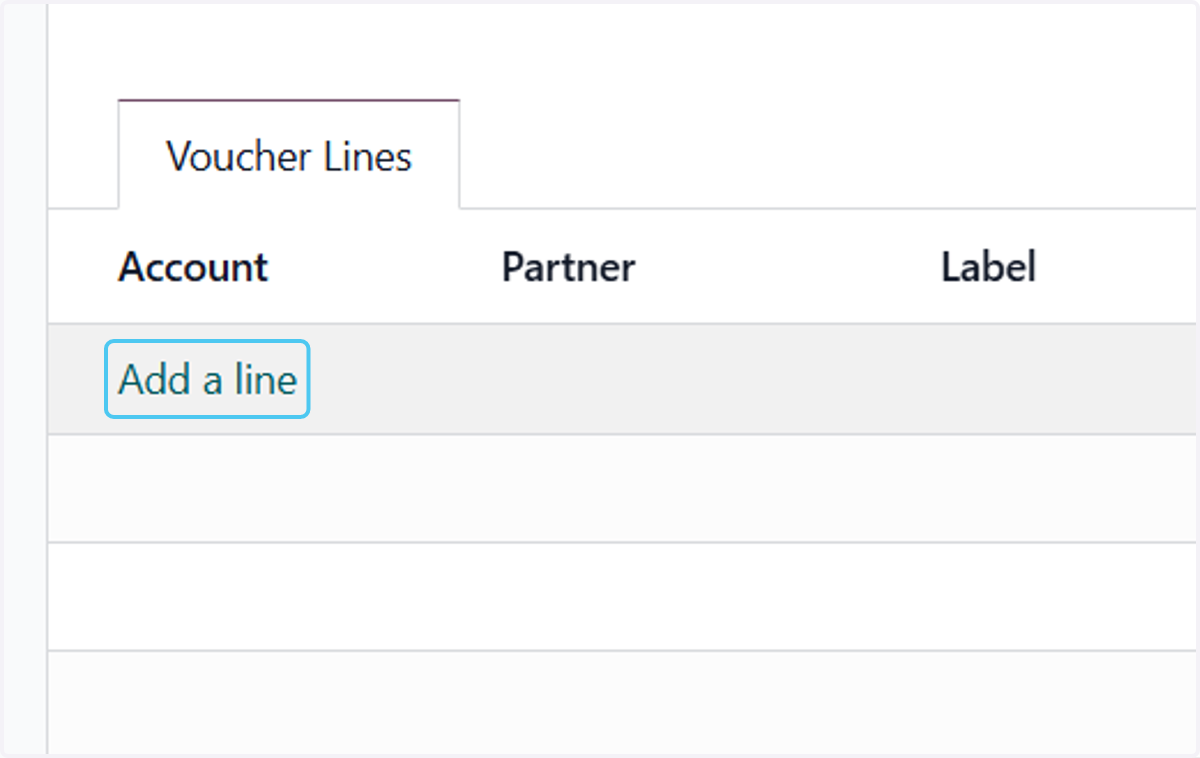
11. Click on Add a line
12. Select the expense account and write the label.
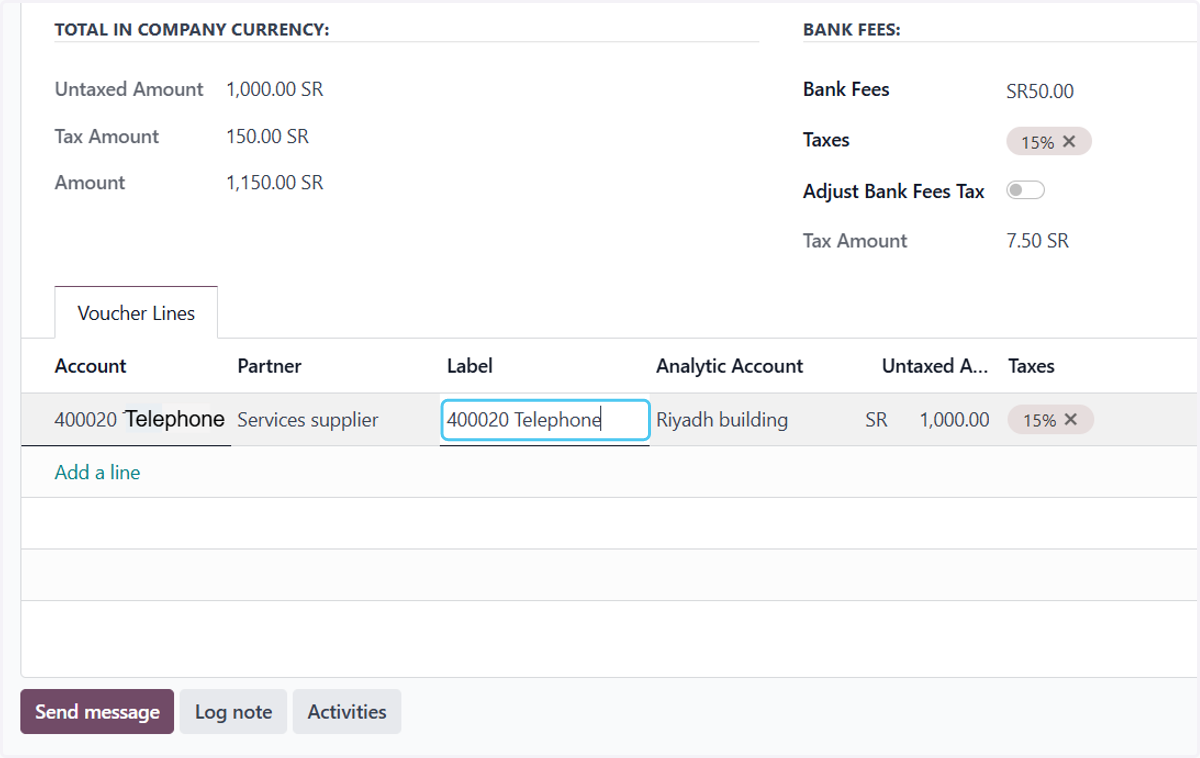
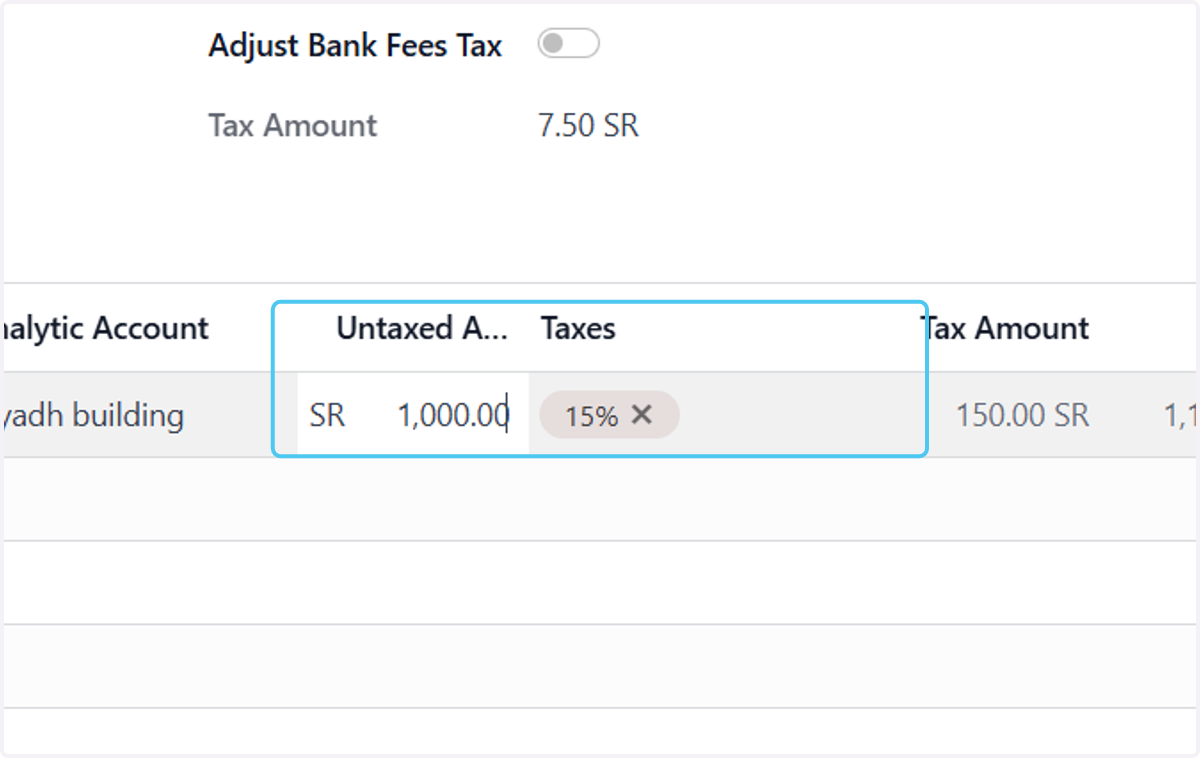
13. Enter the amount without tax and select the tax if applicable.
14. Click here to add Attach files
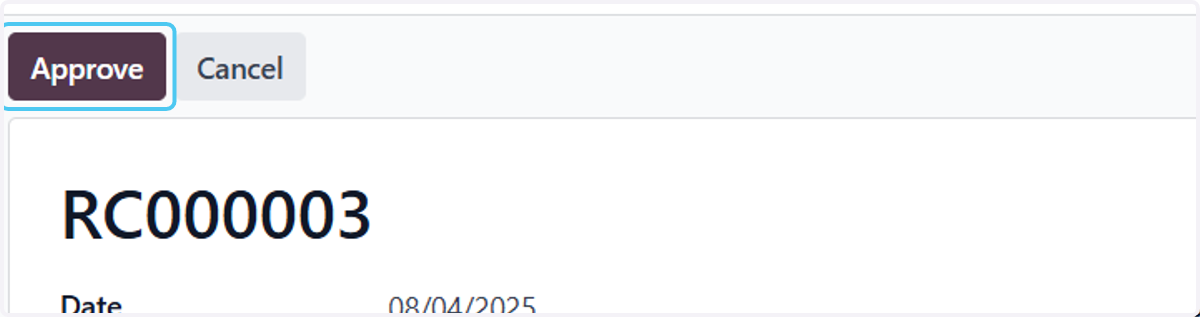
15. Click on Approve
16. Click on Post
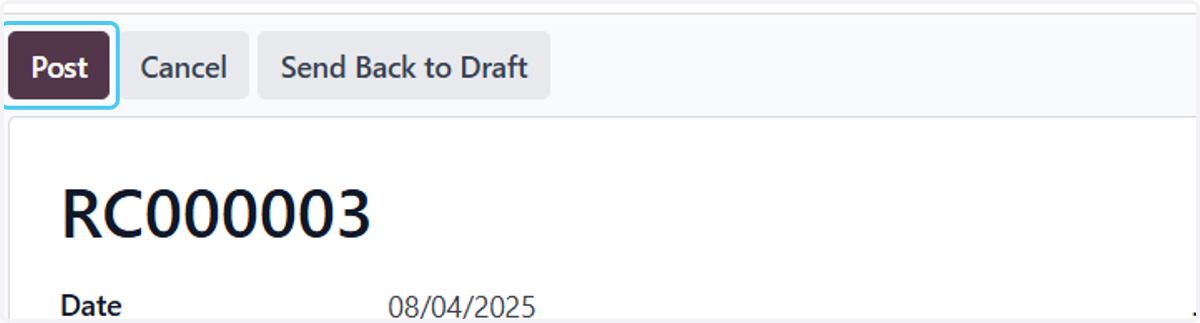
17. Click on RC000003…