Adding a New Administrator in Webassessor
Creating your Webassessor administrator accounts
1. If you are not already, log into your Webassessor administrator account. *If you are unsure if you have an account, please reach out to your Kryterion CSM.
Note- if you want an administrator to have full site access, please request this to be created through your Kryterion CSM by emailing clientsupport@kryterion.com
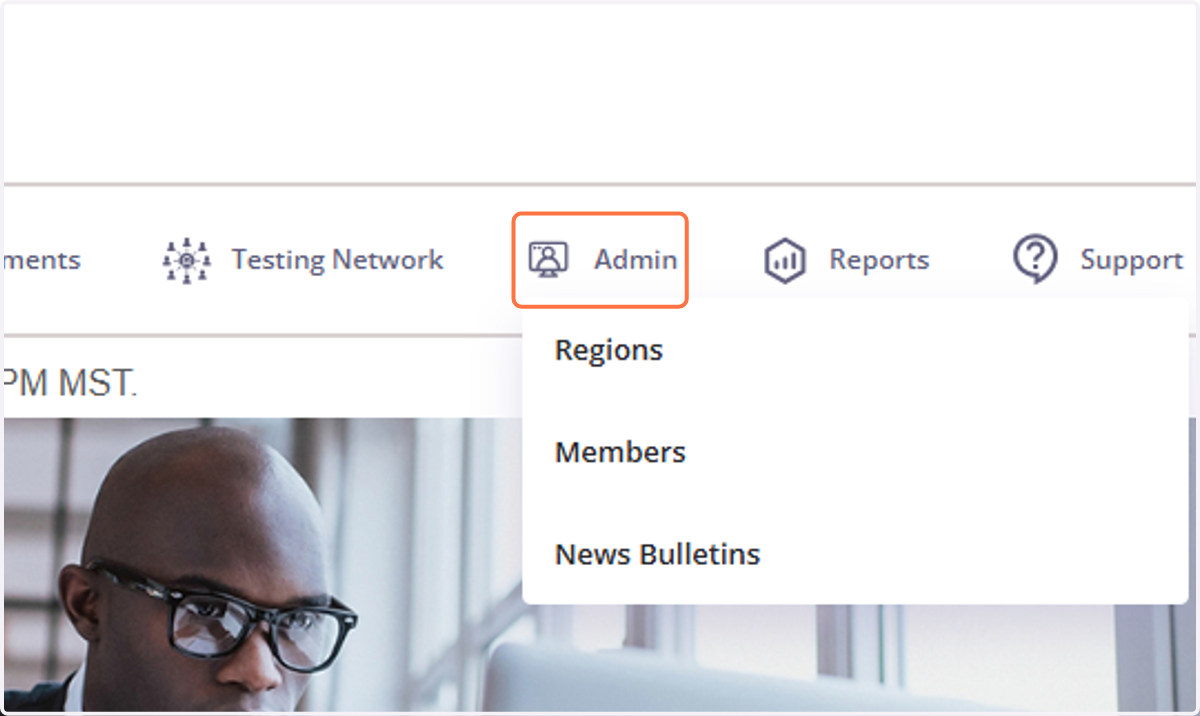
2. Click on Admin
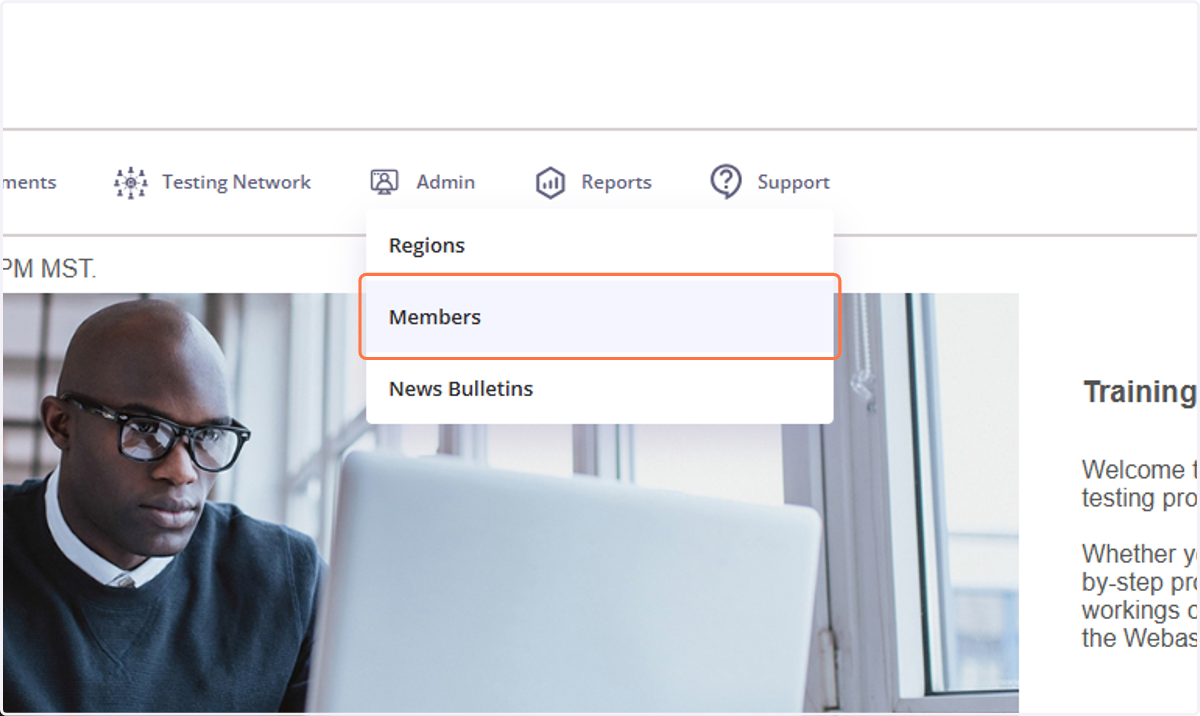
3. Click on Members
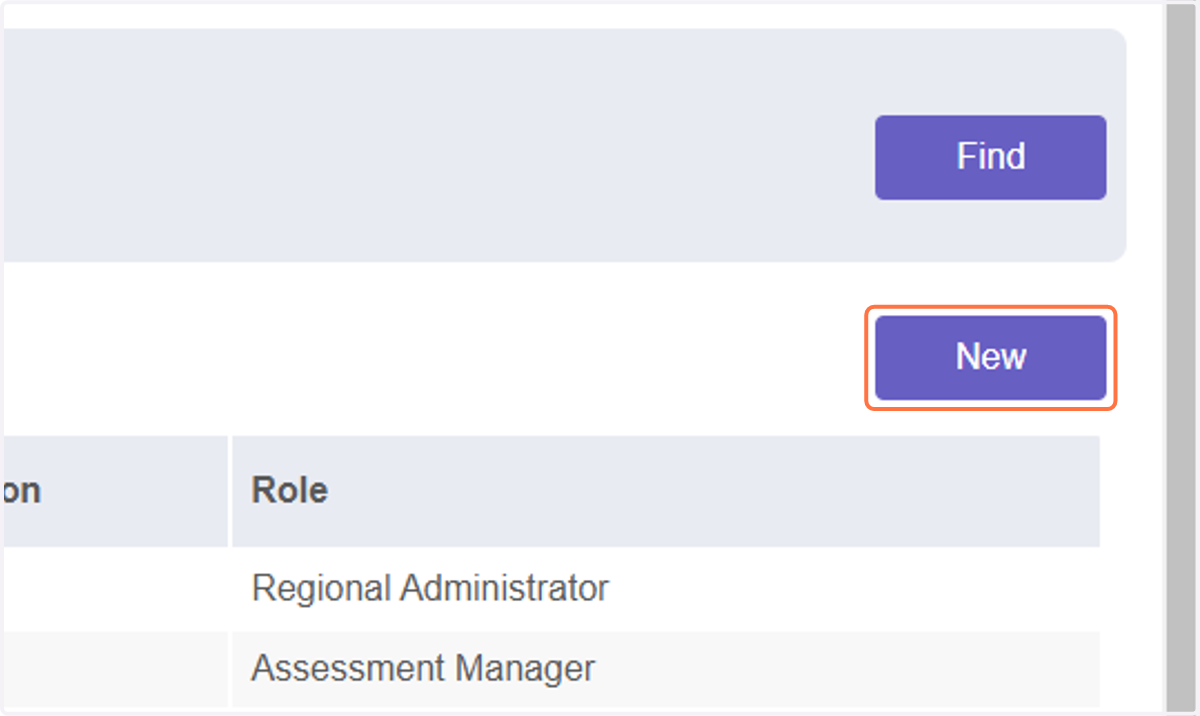
4. Click on New
5. Select the region that you would like the account to be nested under.
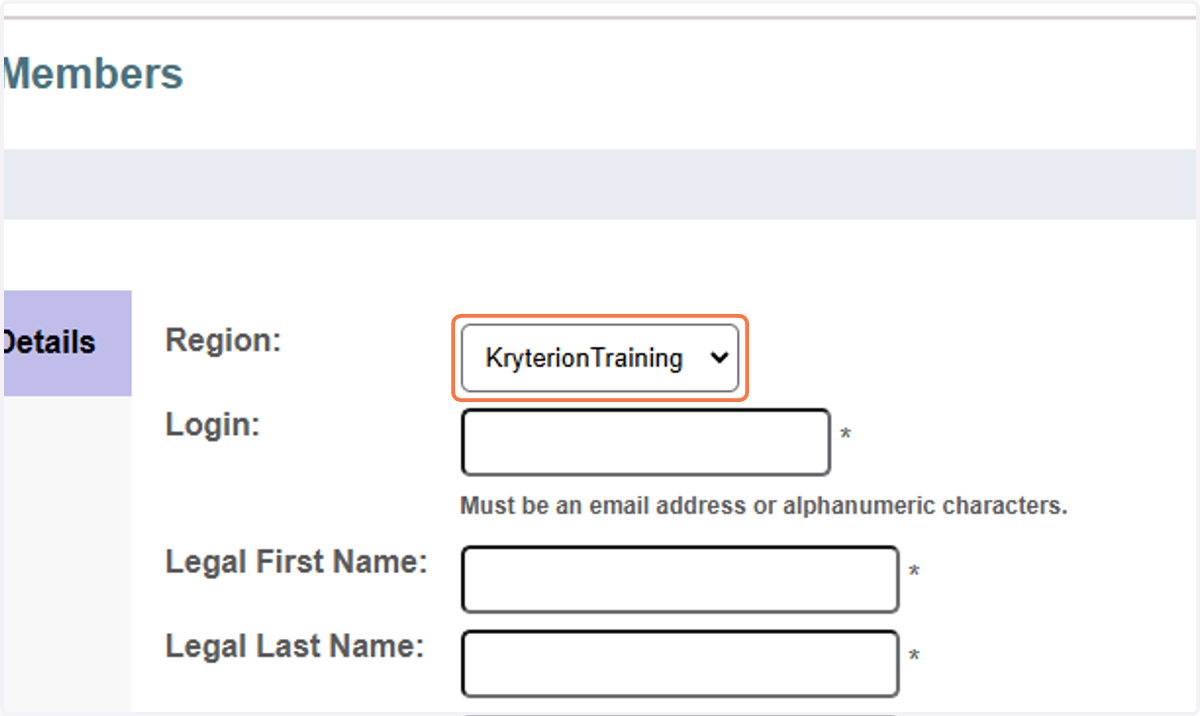
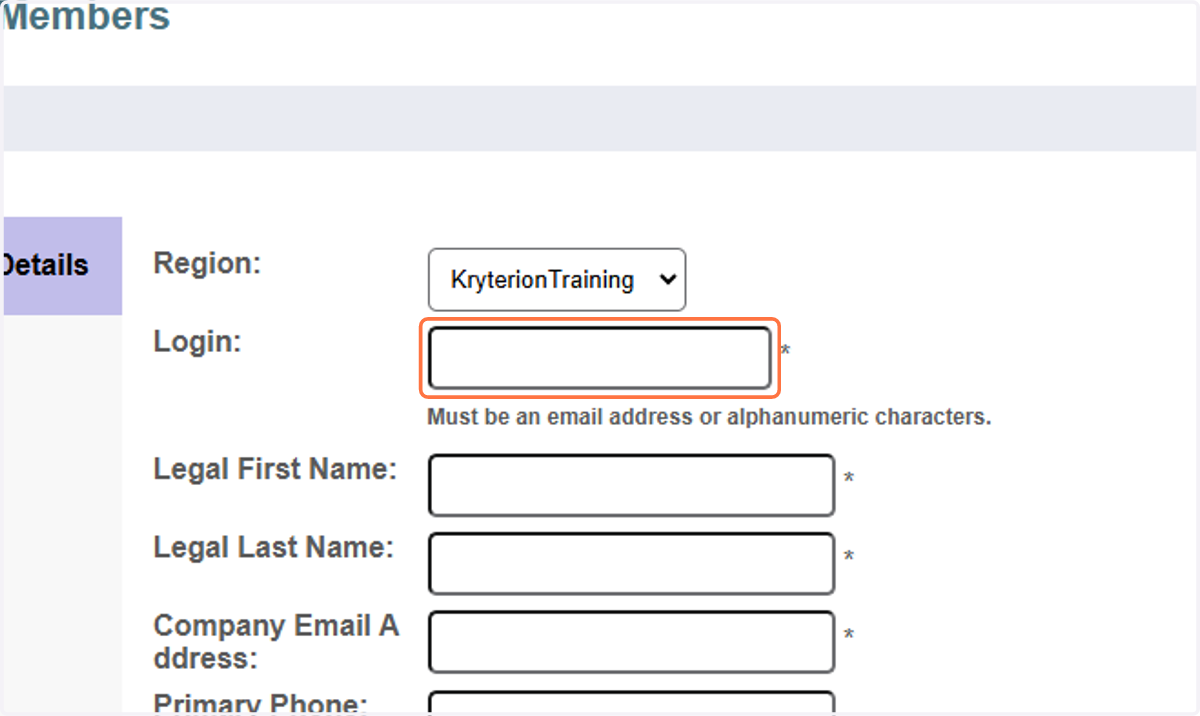
6. Enter all of the profile information in the fields.
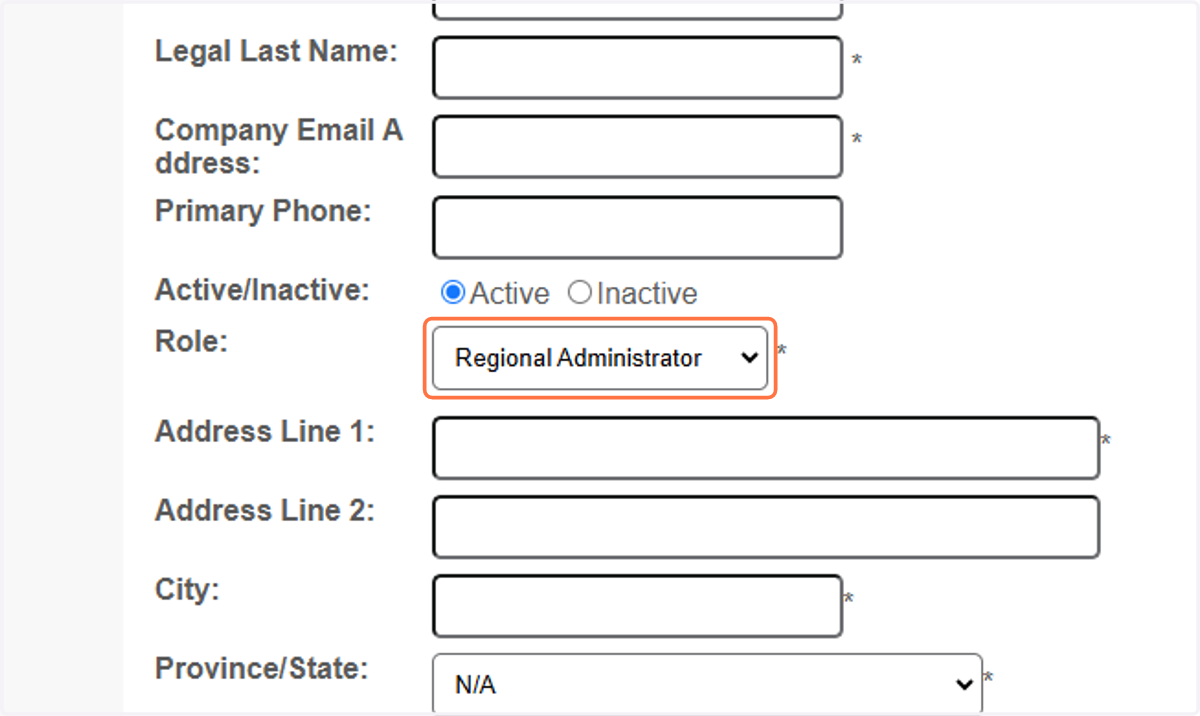
7. Select the role type. Please refer to the admin matrix to determine which role type is best for the account. https://help.webassessor.com/userguide/admin-roles
8. Click on Save