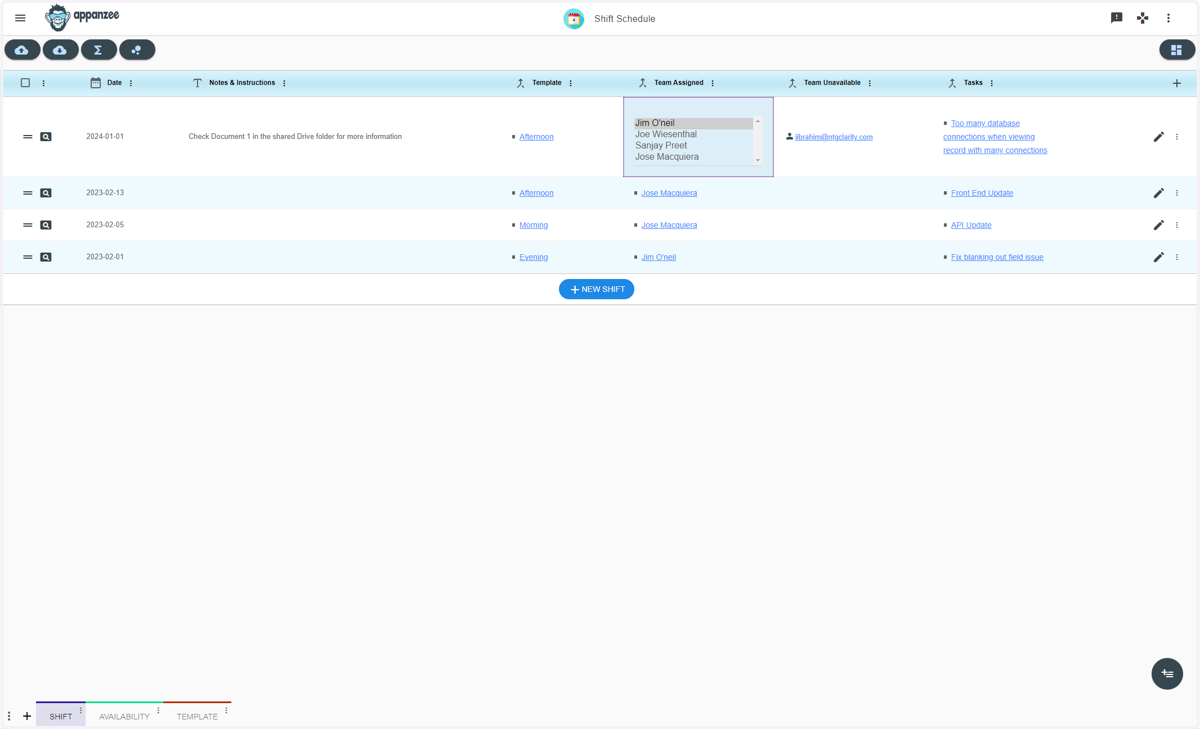
Shift Schedule - Availability
Appanzee
1. Click on New Availability
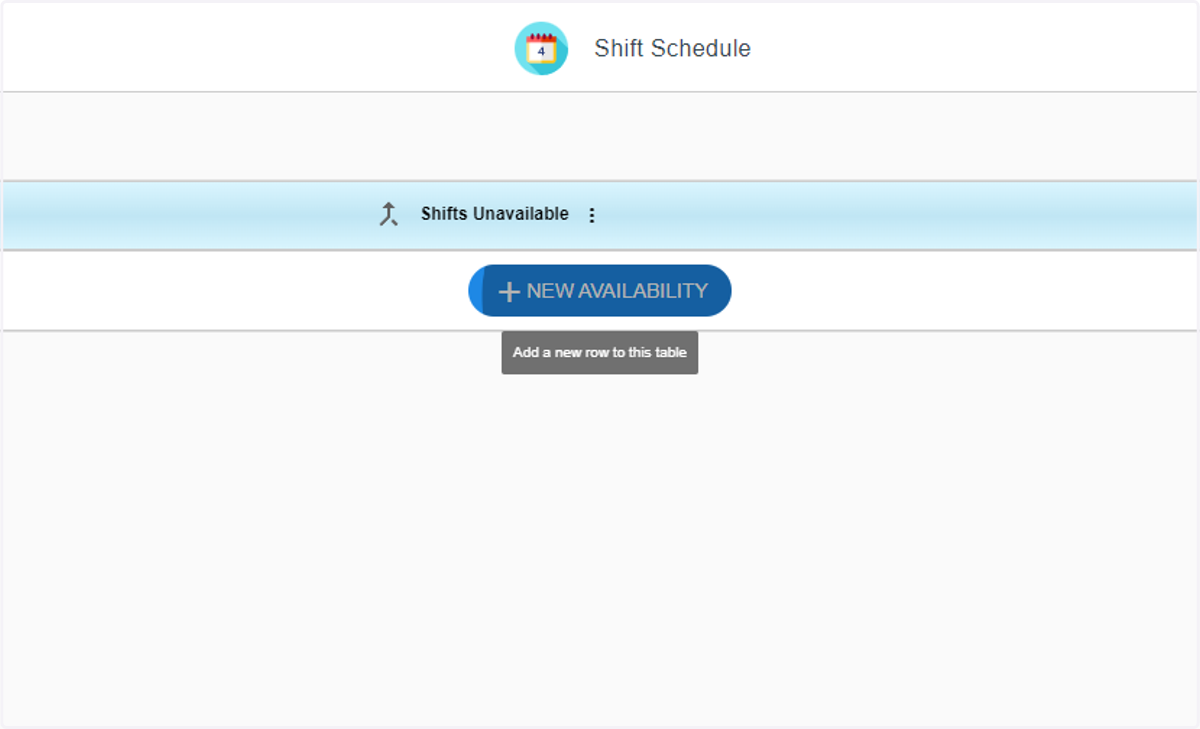
2. You can't click in the Created By field because it will automatically pick the user who is signed in
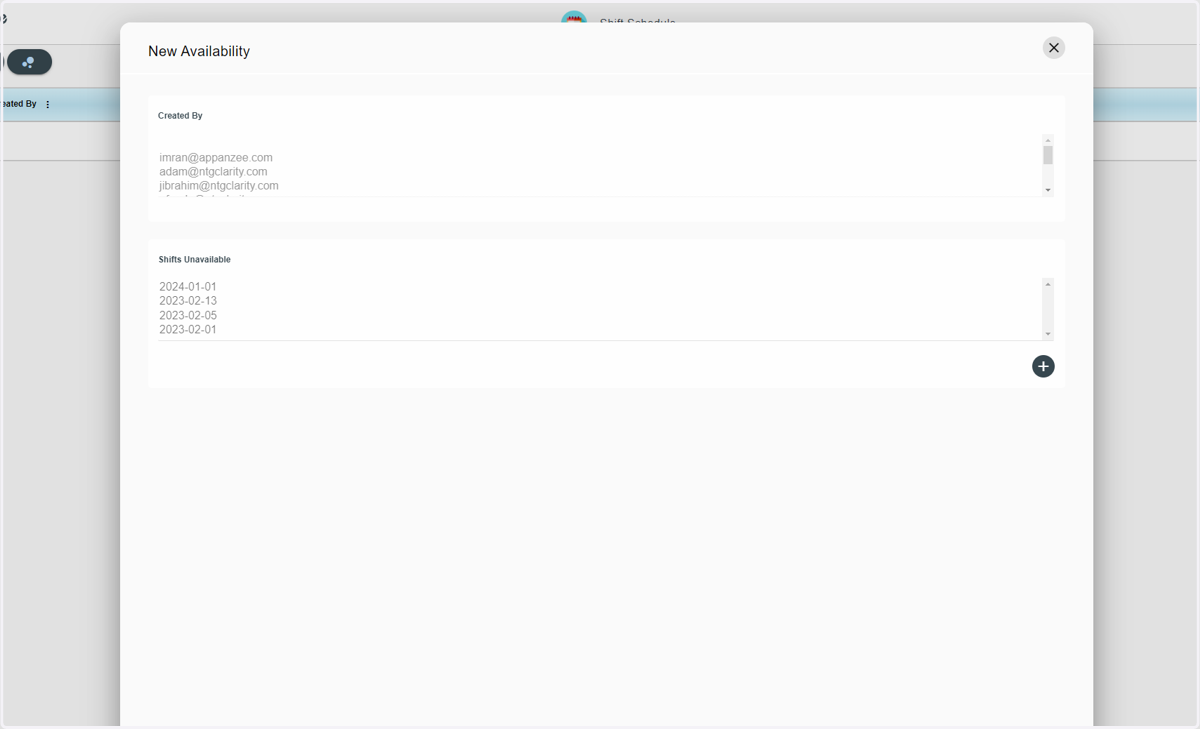
3. Select the shift you won't be available to
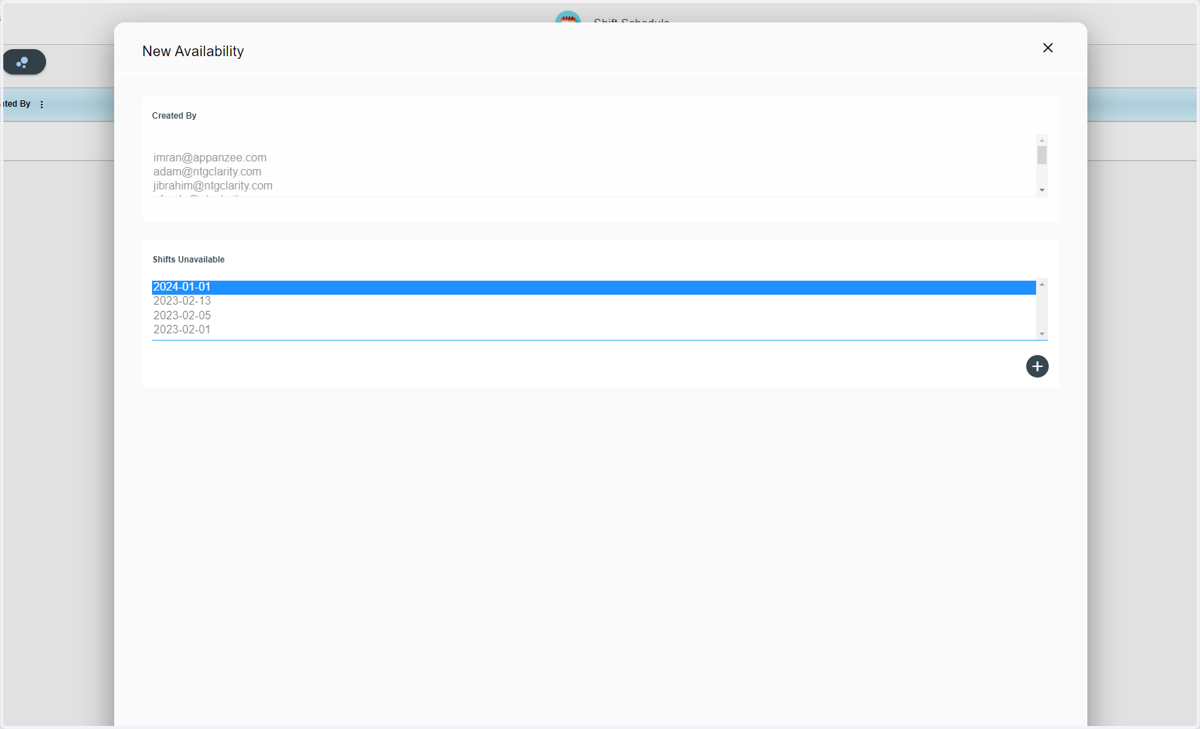
4. Click on Submit Availability

5. On the Manager side, you will see which team member is unavailable for this shift
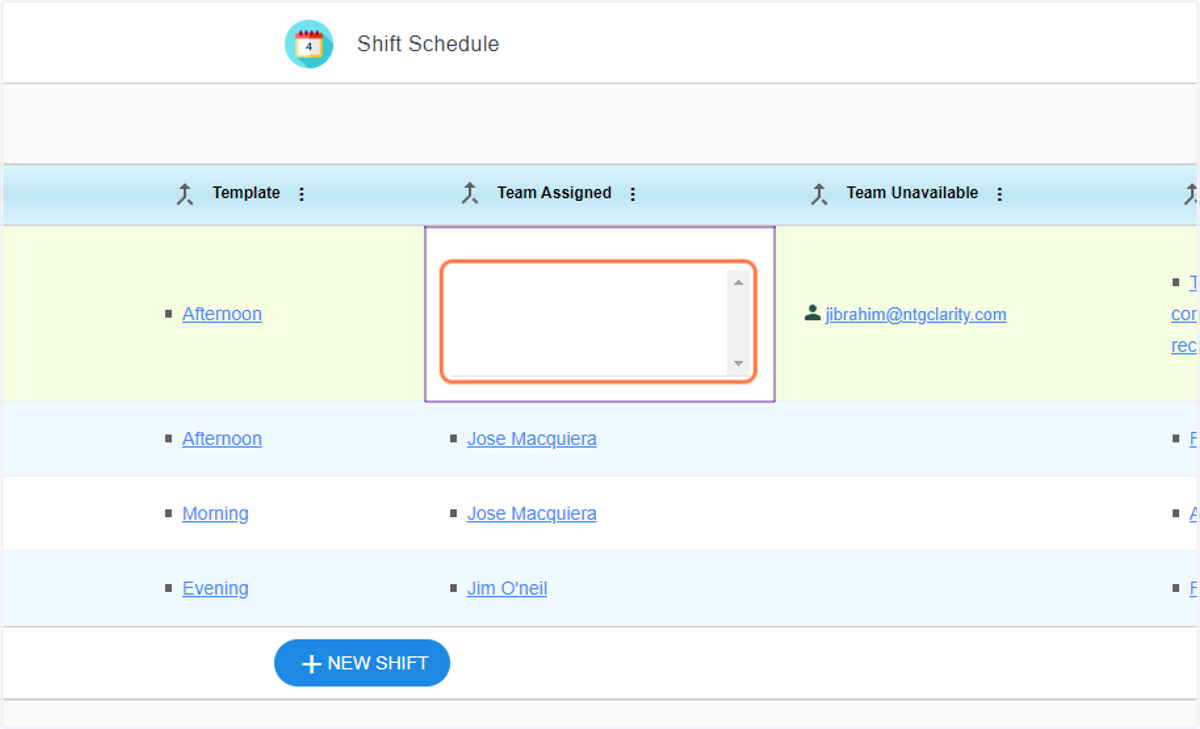
6. And assign a team member on the task
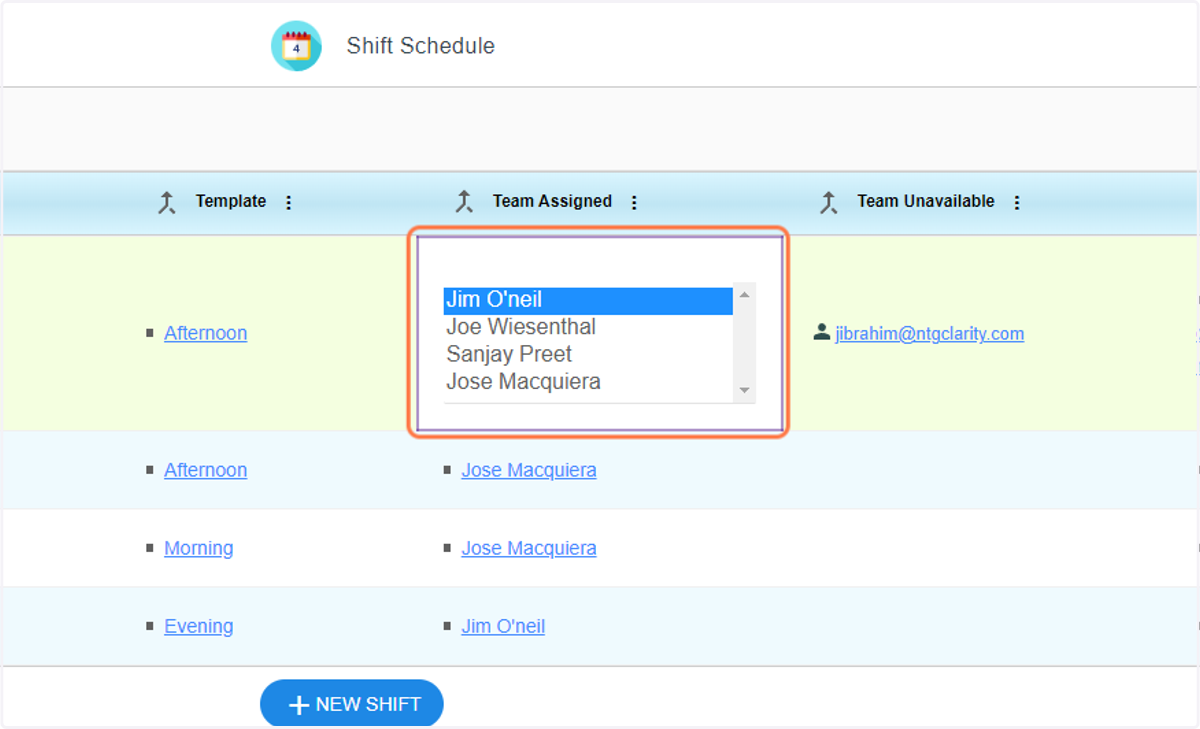
7. Done!