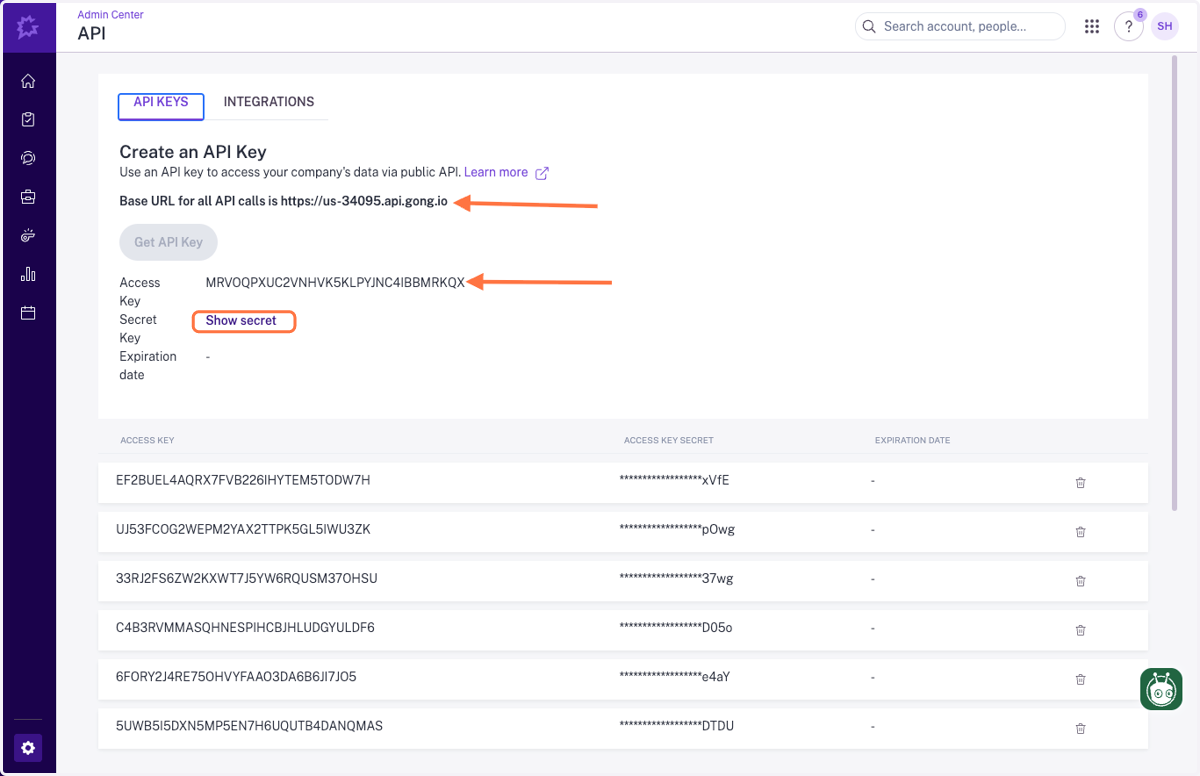
How to generate an API Key in Gong Engage
Gong Technical Admin Permissions are required to complete this guide.
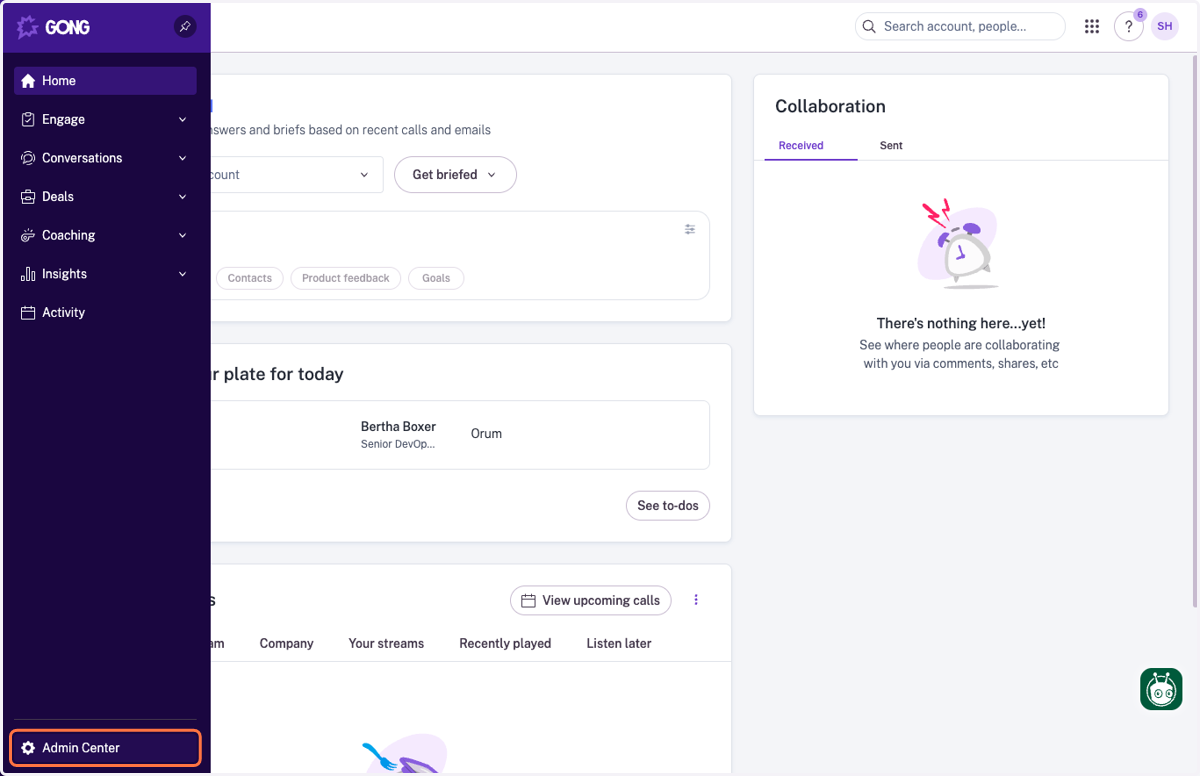
1. Navigate to the Gong Admin Center.
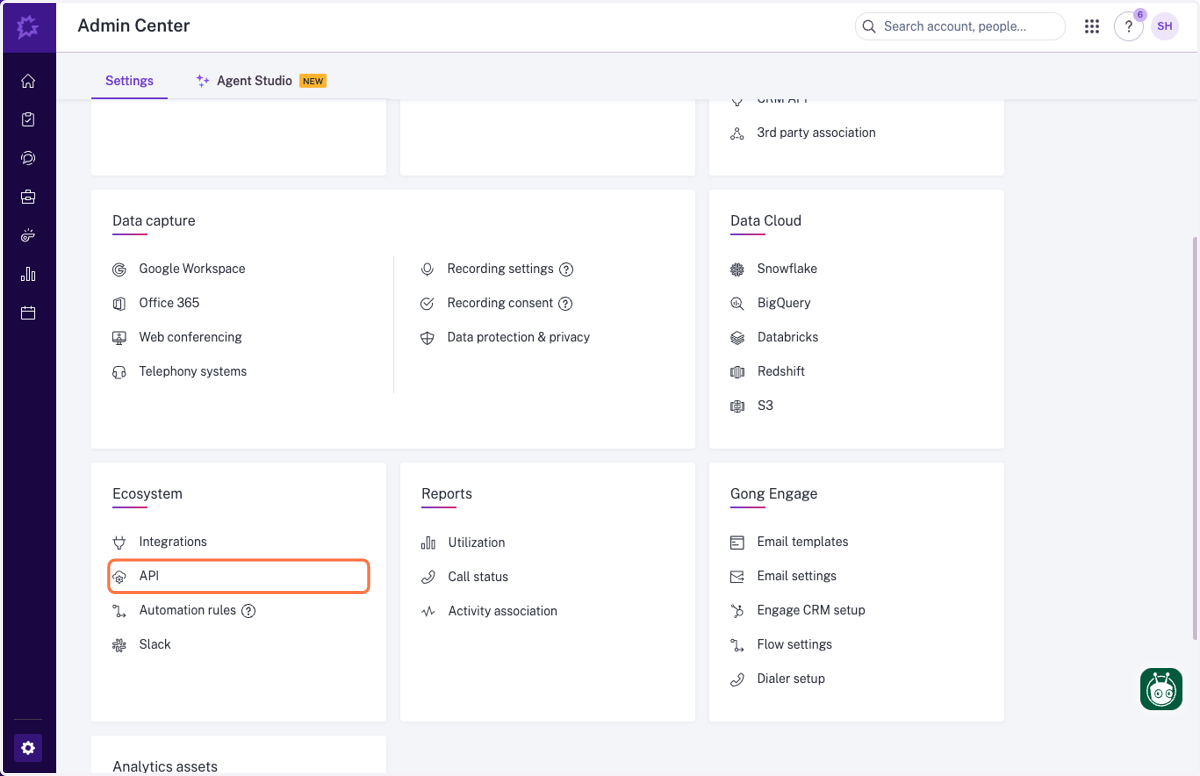
2. Under the "Ecosystem" section, select API.
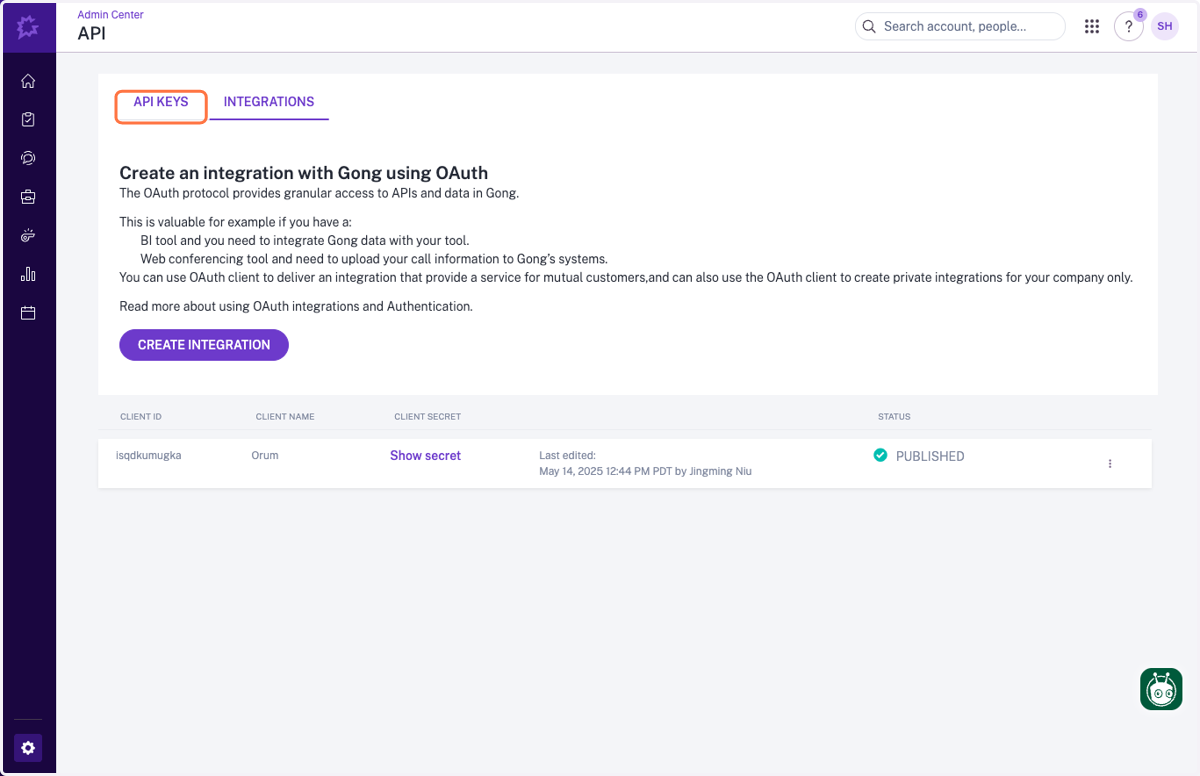
3. Toggle over to API KEYS.
4. Click on Get API Key.
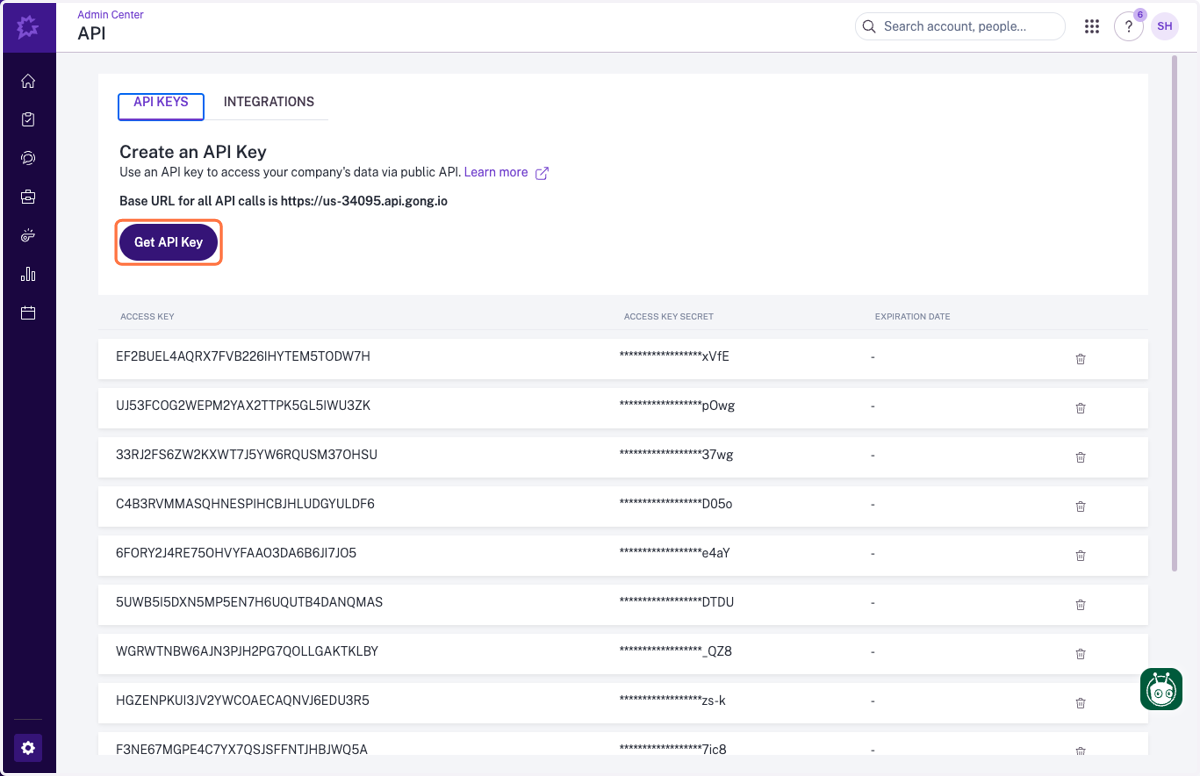
5. To obtain your Secret Key, click the Show secret button. Input all of this information into Orum in the appropriate fields!