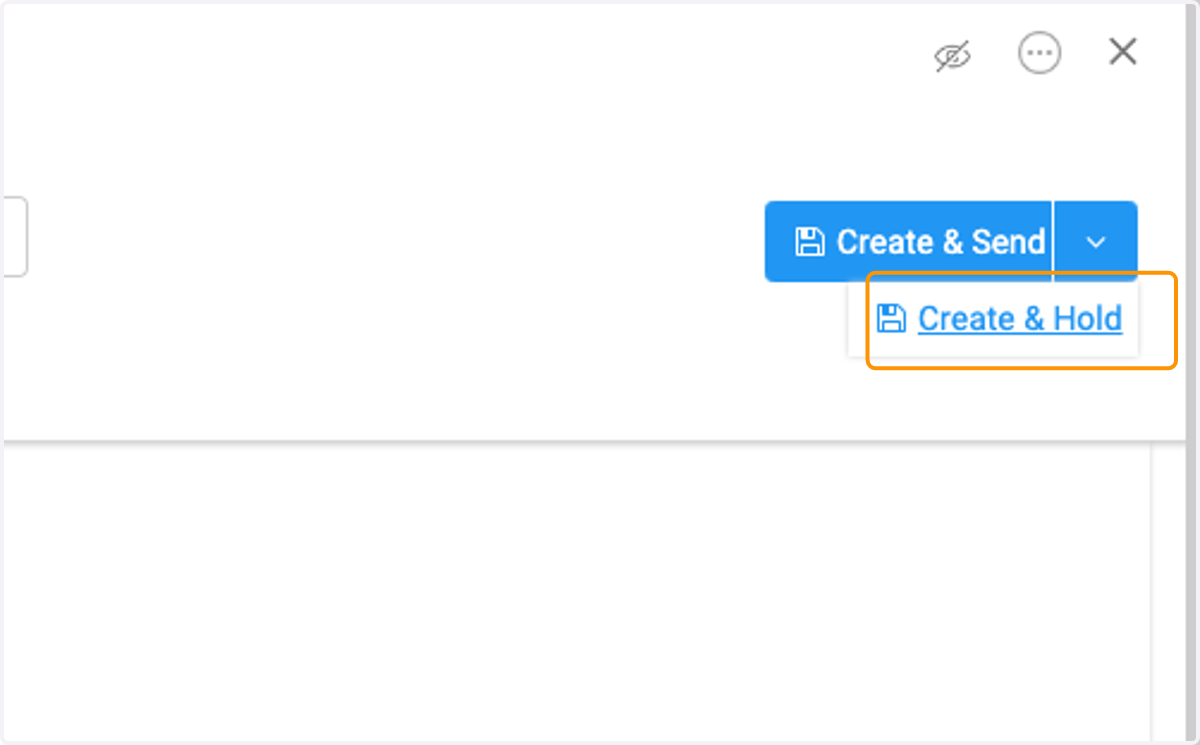
How to Create a Manual Invoice
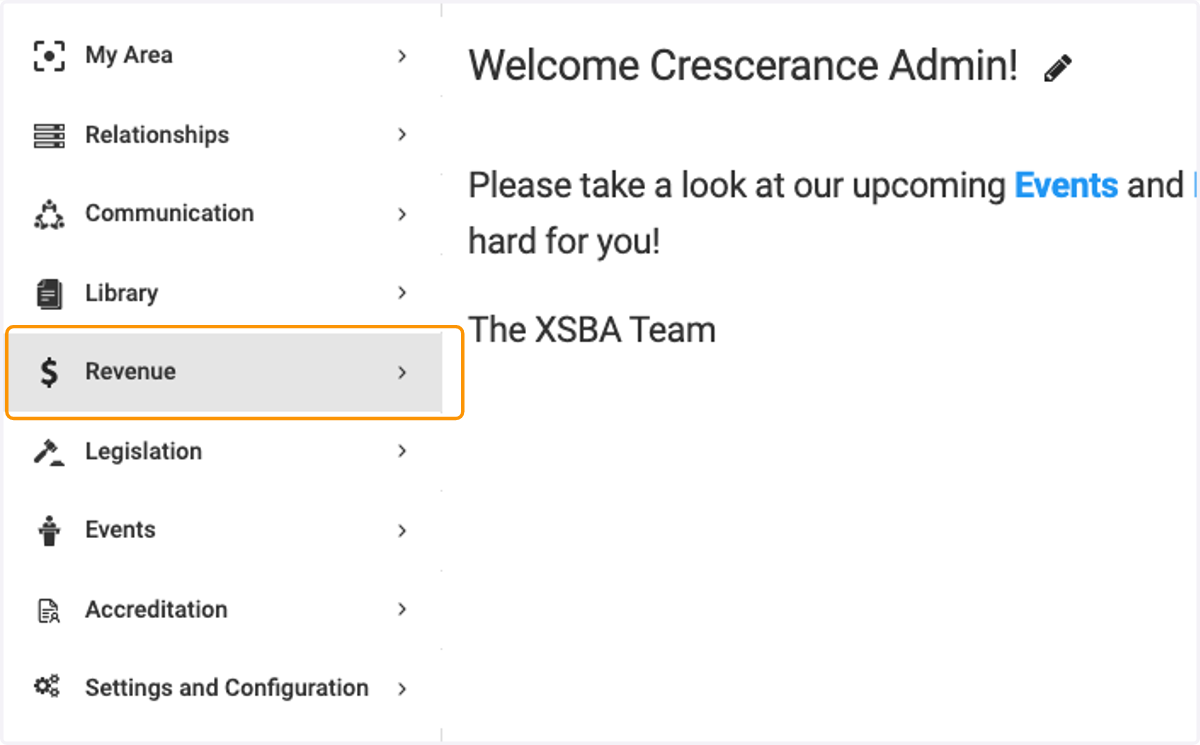
1. Click on Revenue
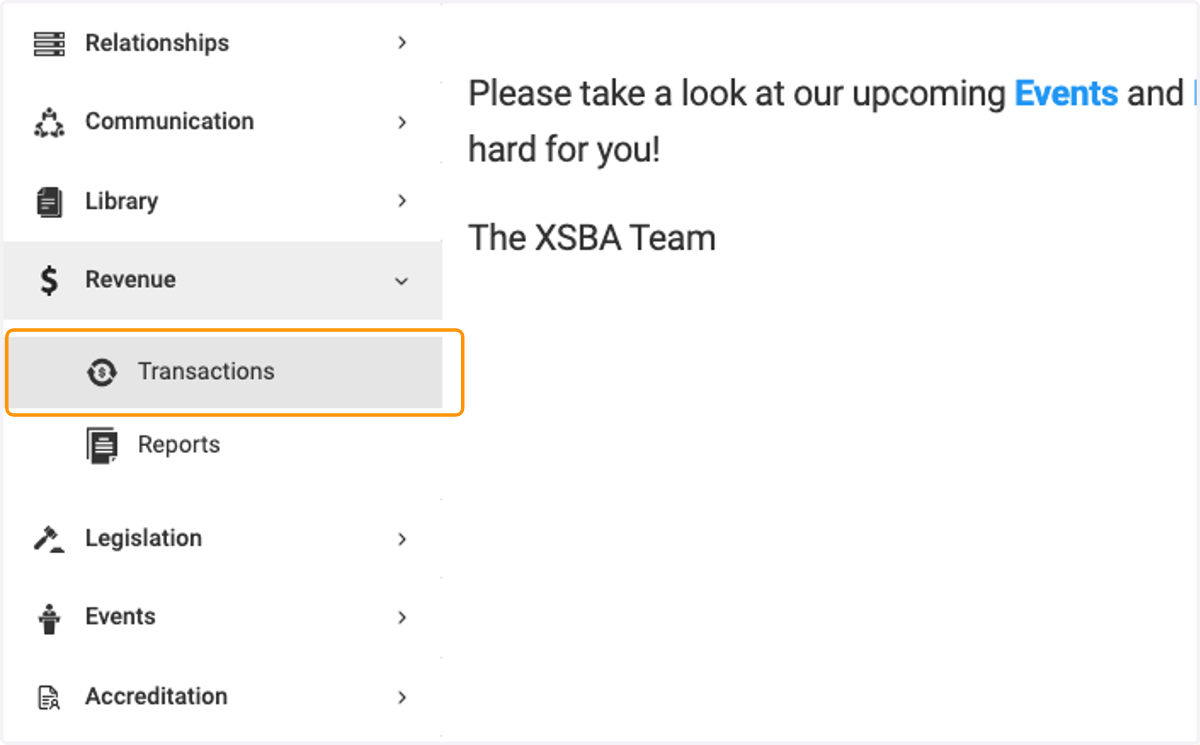
2. Click on Transactions
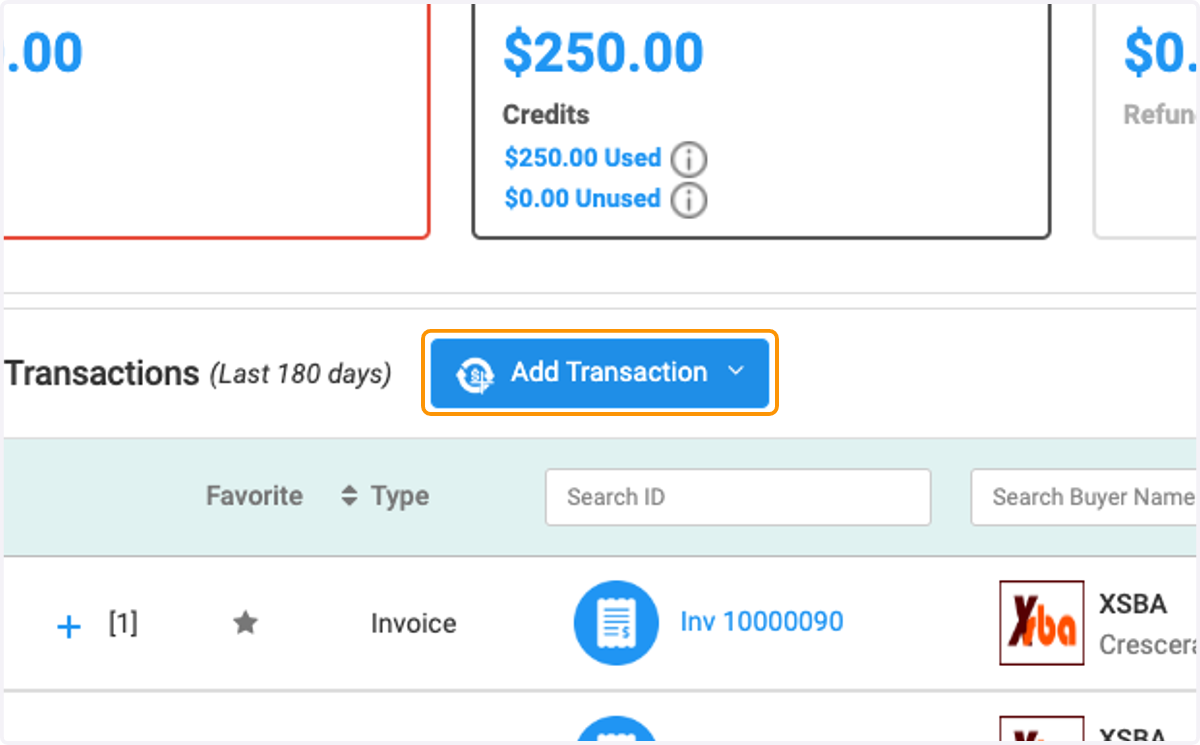
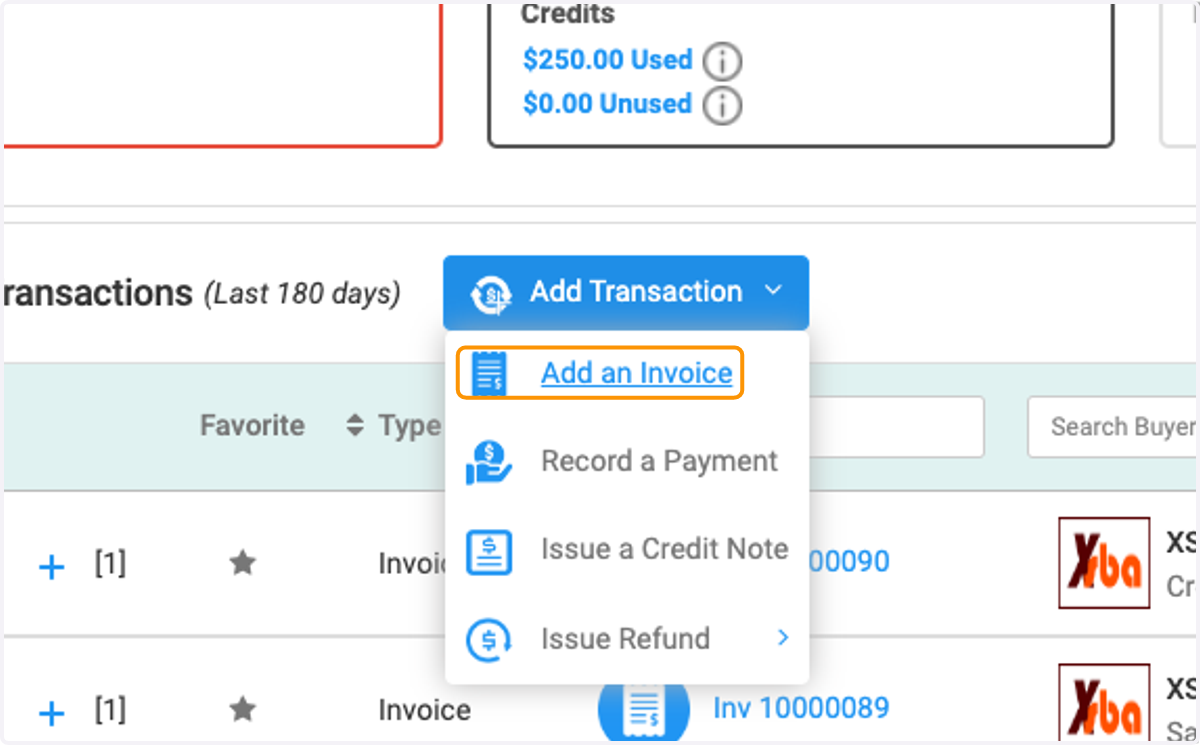
3. Click on Add Transaction
4. Click on Add an Invoice
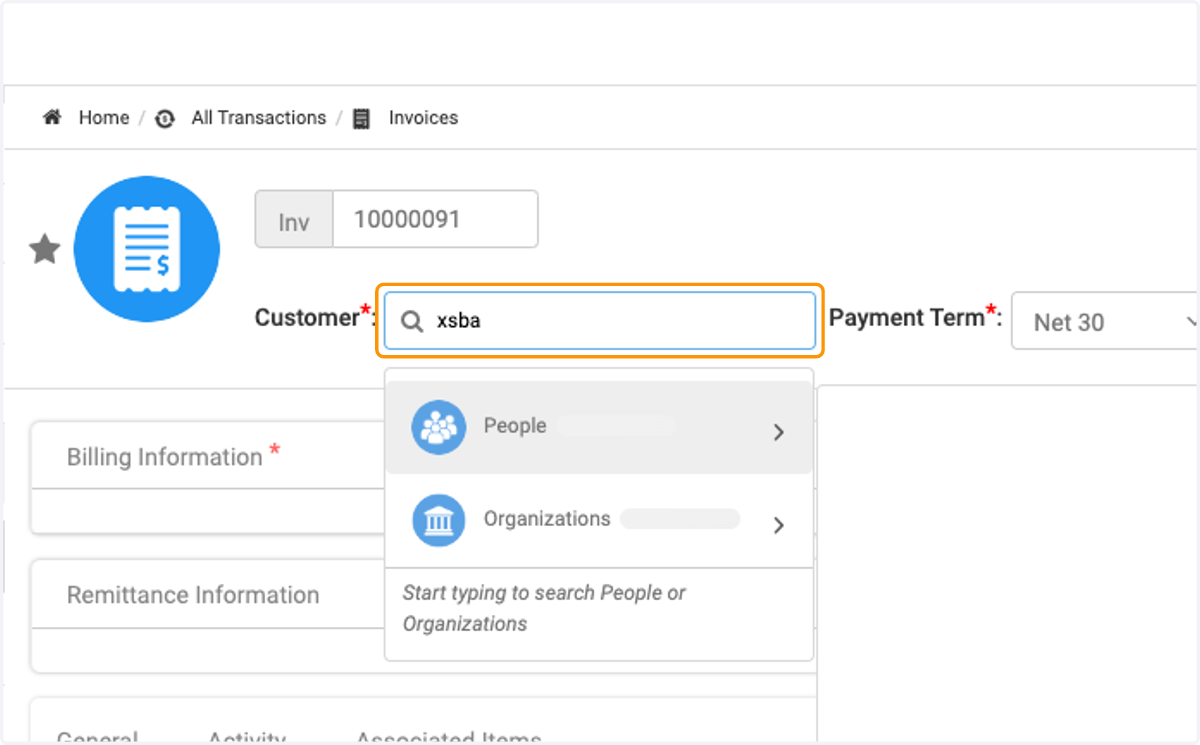
5. Search Organization
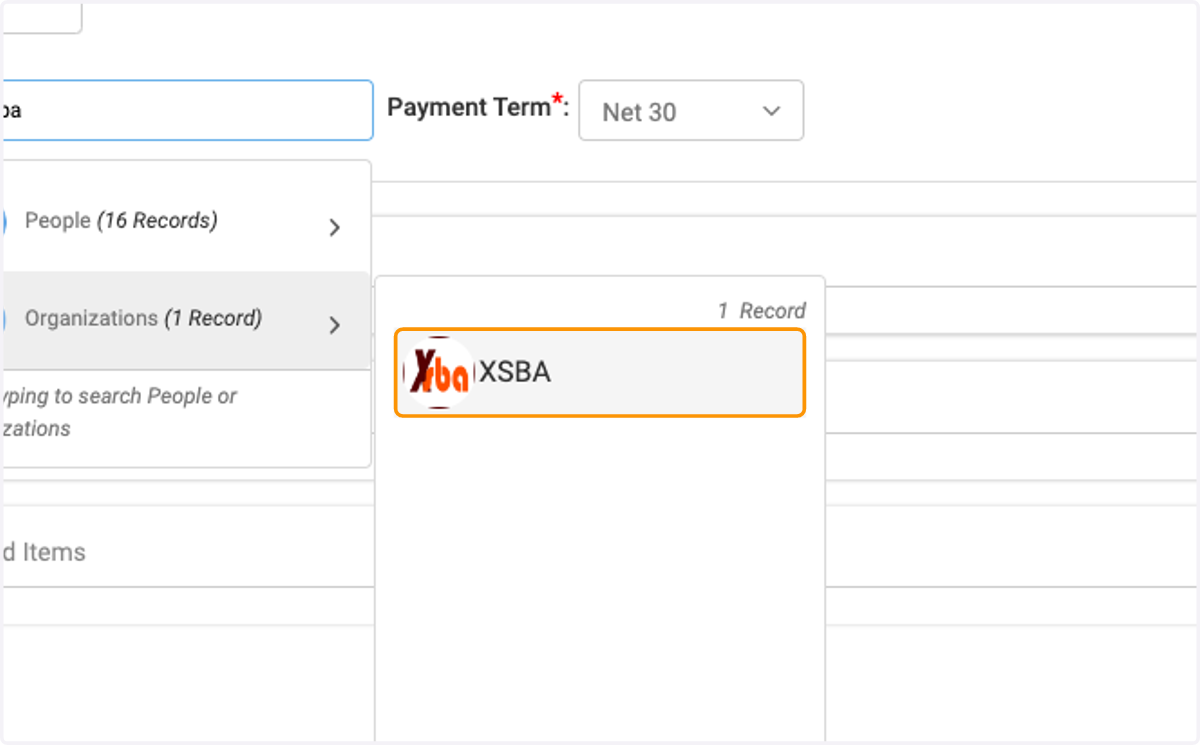
6. Click on organization
7. Click on Customer*: …
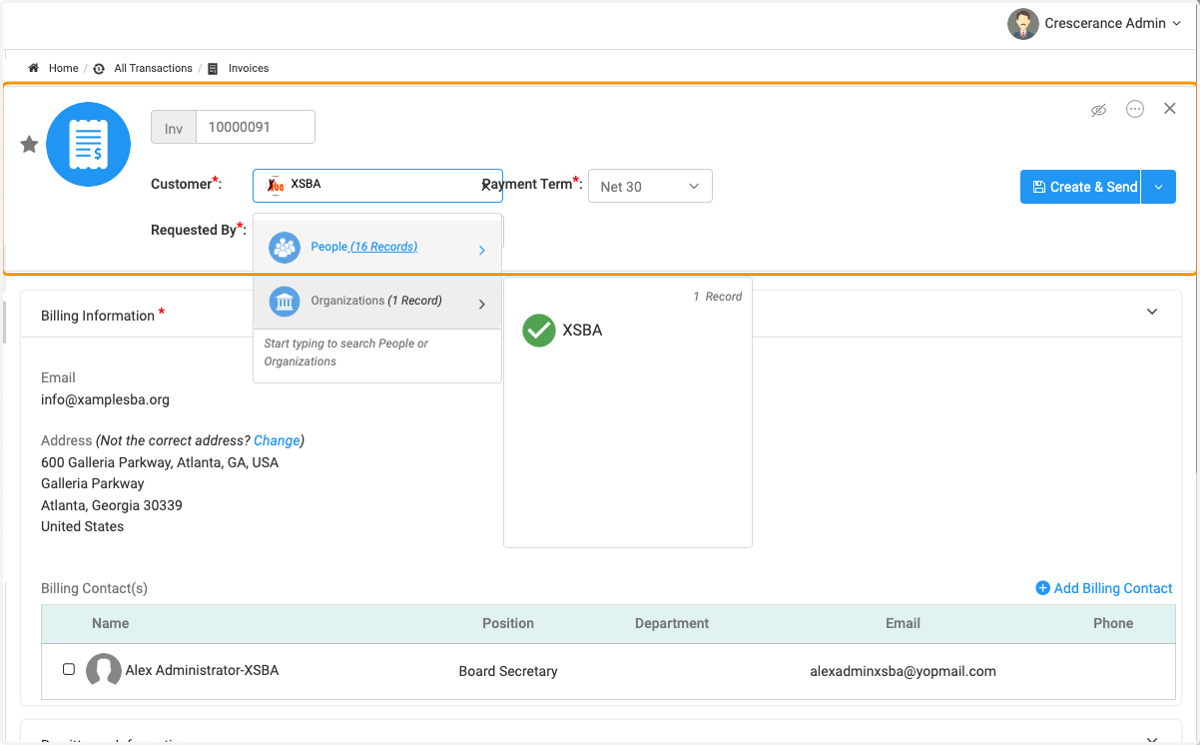
8. Search the Organization's Contact
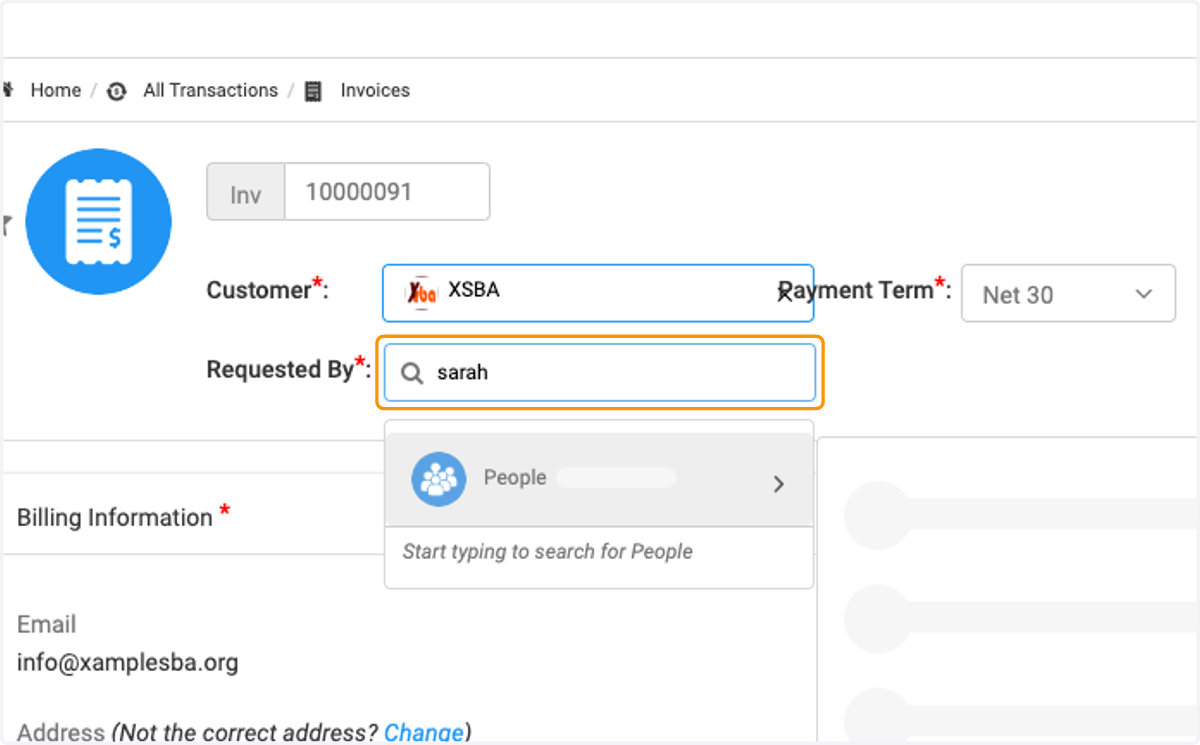
9. Search the Organization's Contact
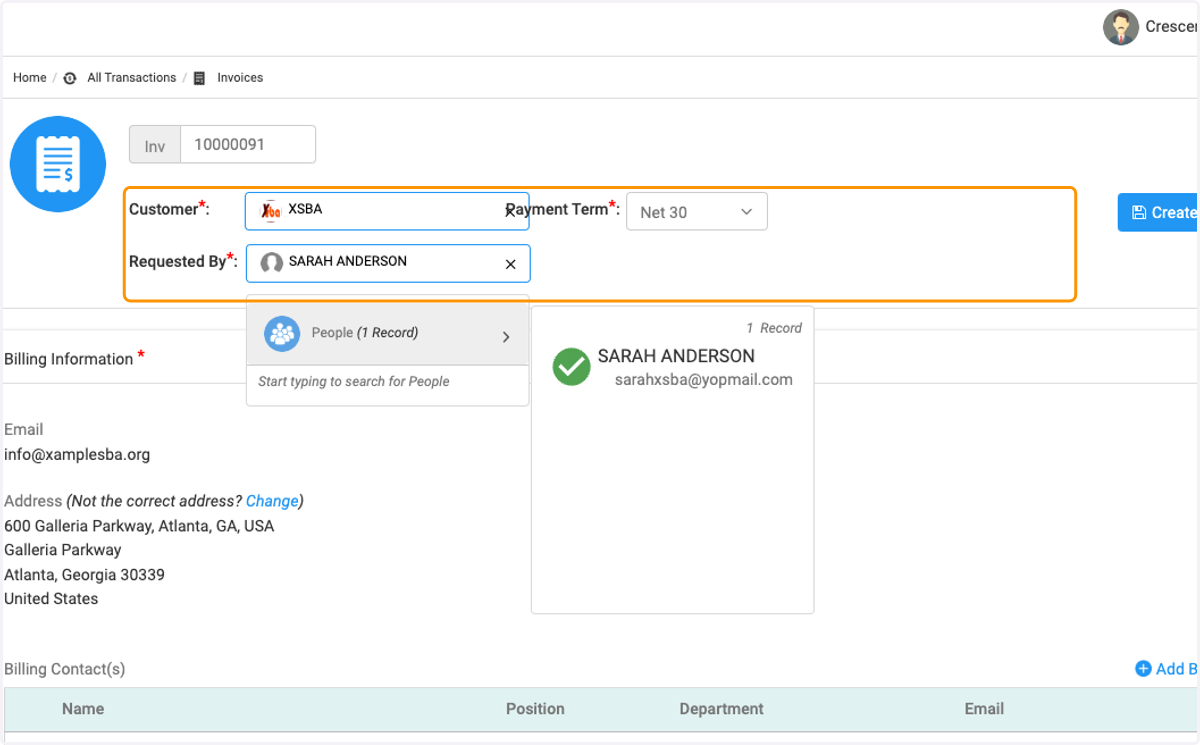
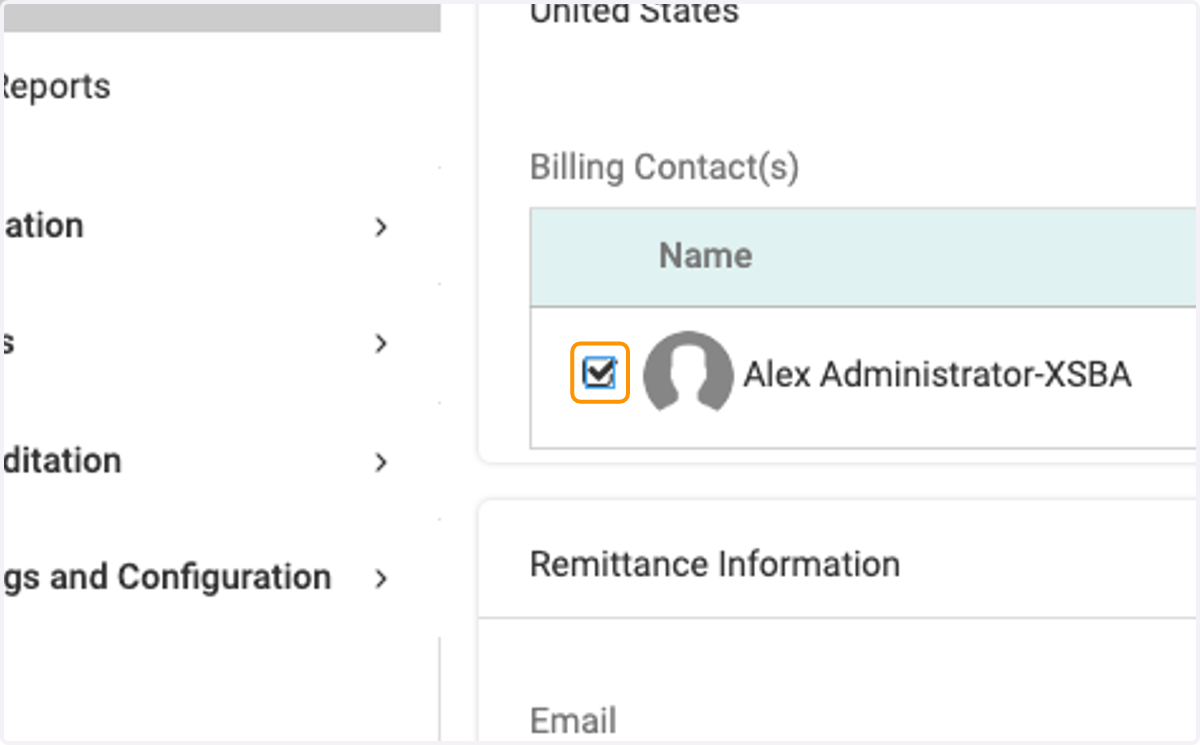
10. Select Billing Contact
11. Enter the Individual the invoice is on behalf of
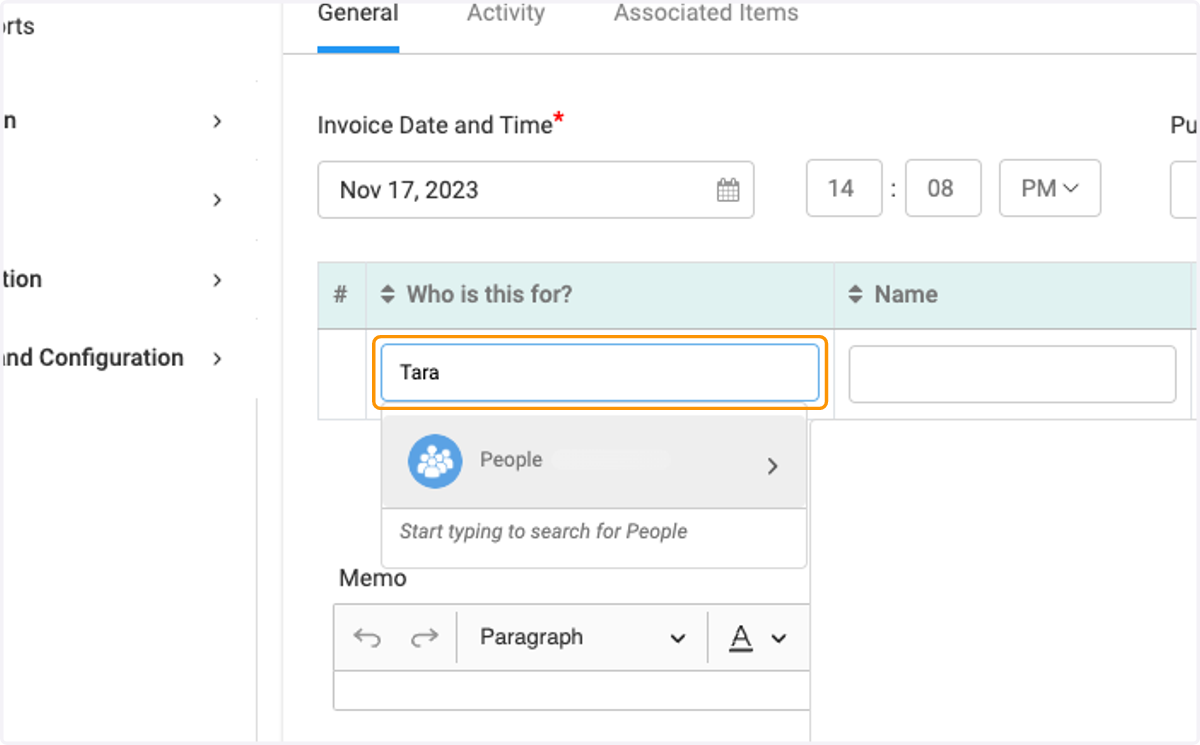
12. Enter the Individual the invoice is on behalf of
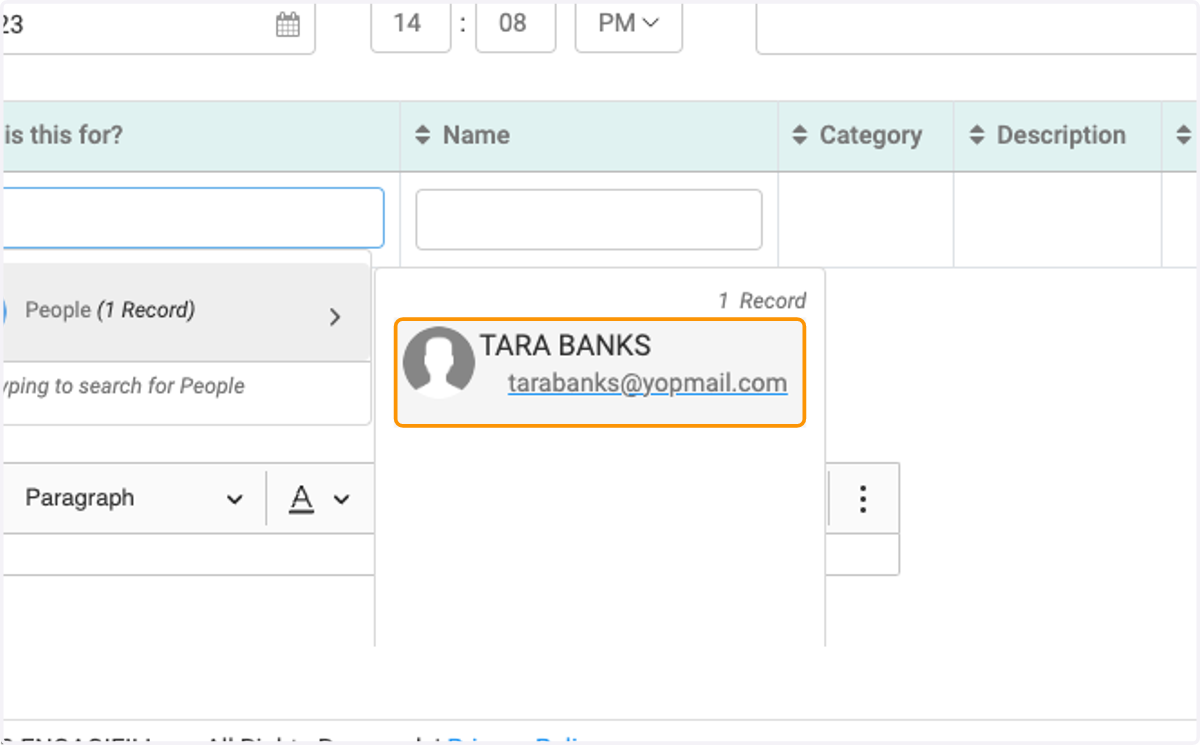
13. Type in the Event or Item Title
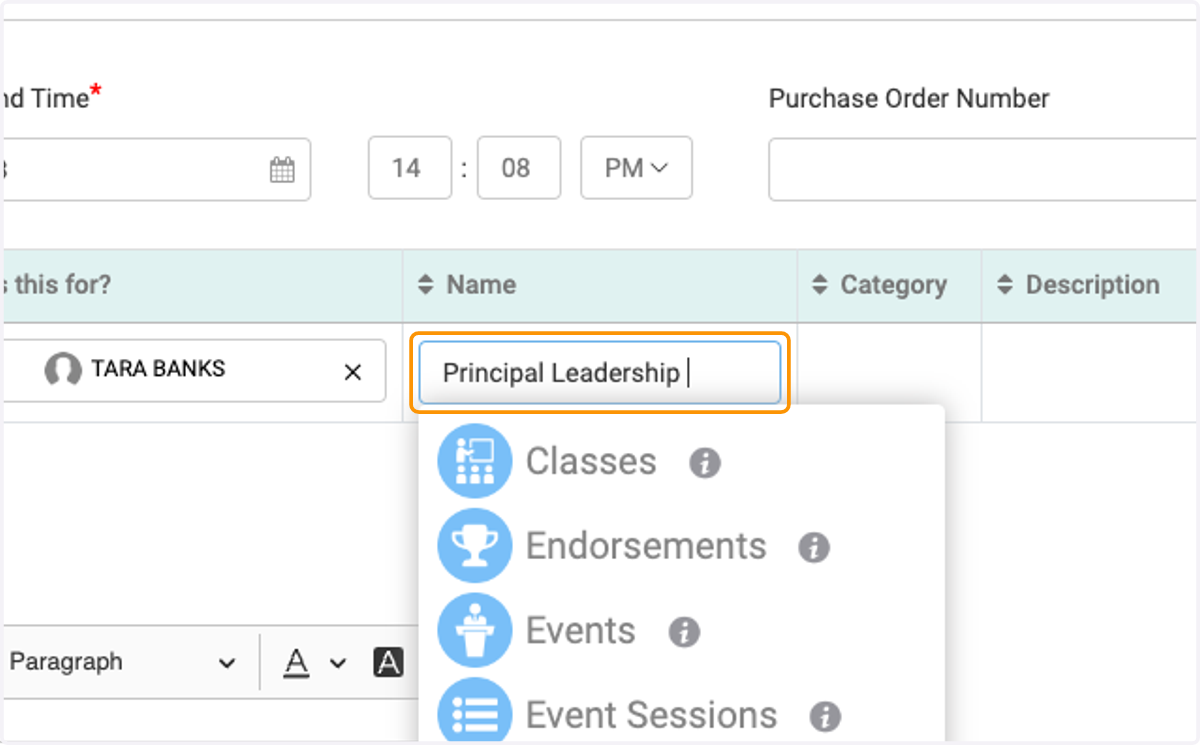
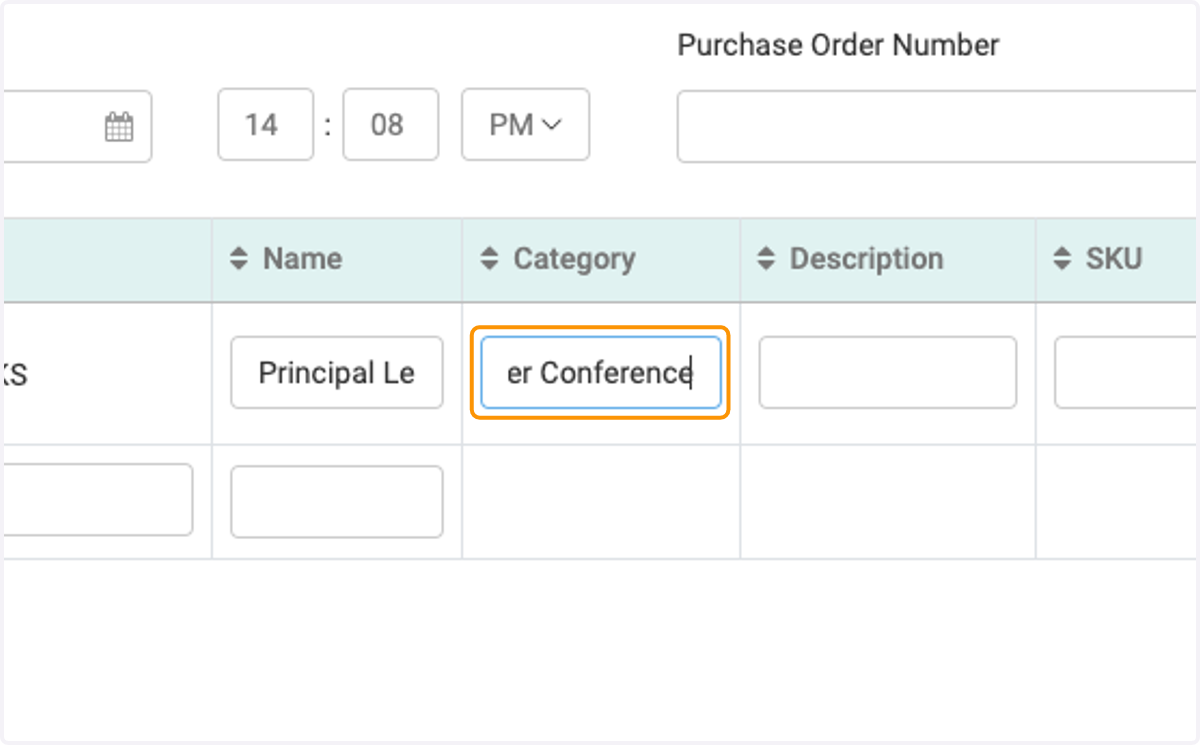
14. Enter the Category
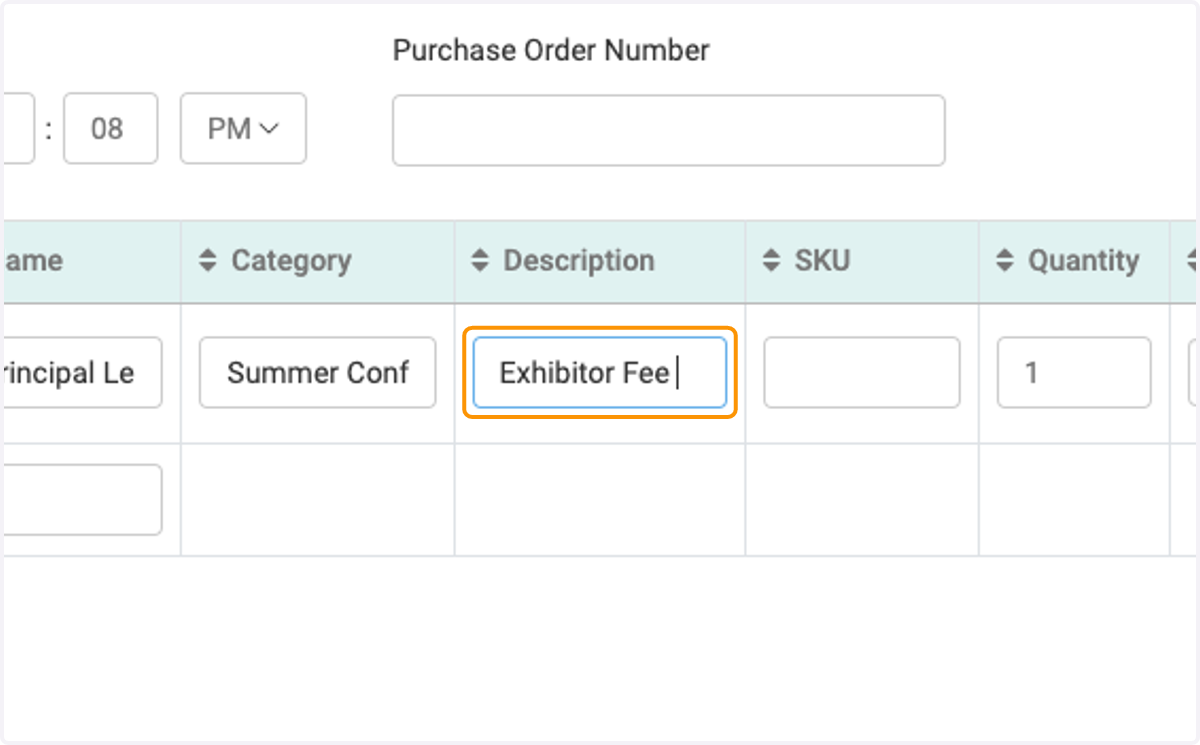
15. Enter the description
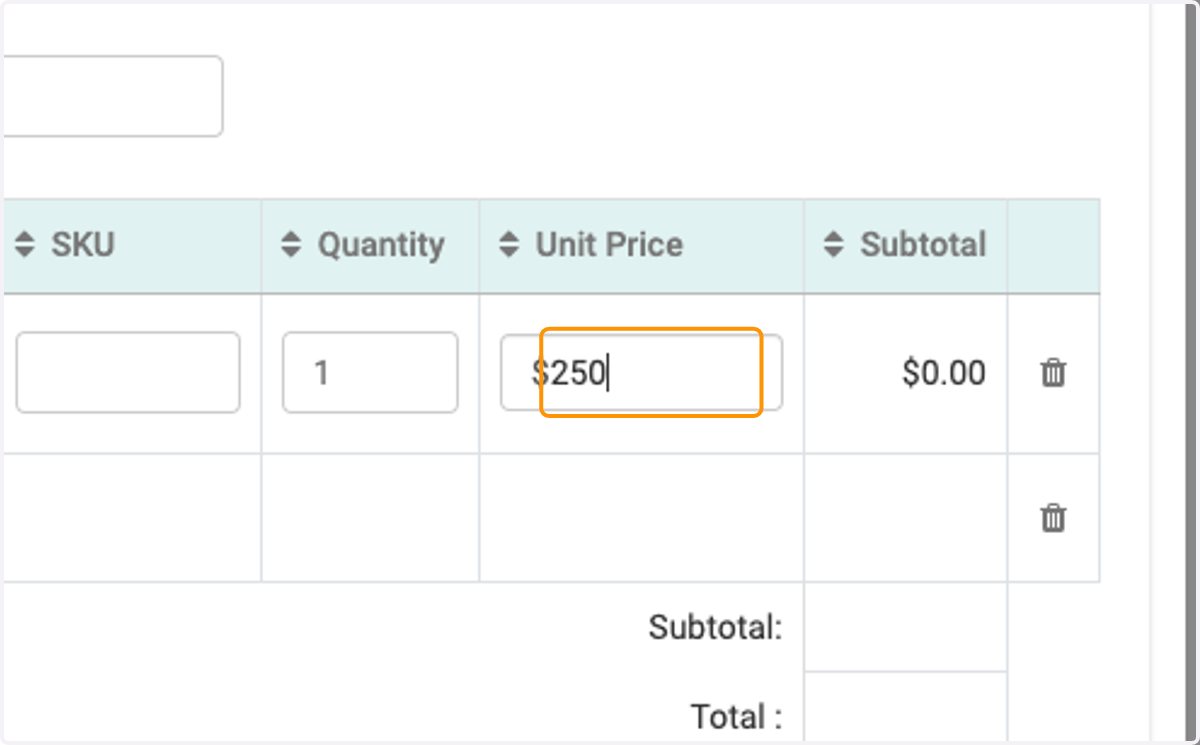
16. Enter the price
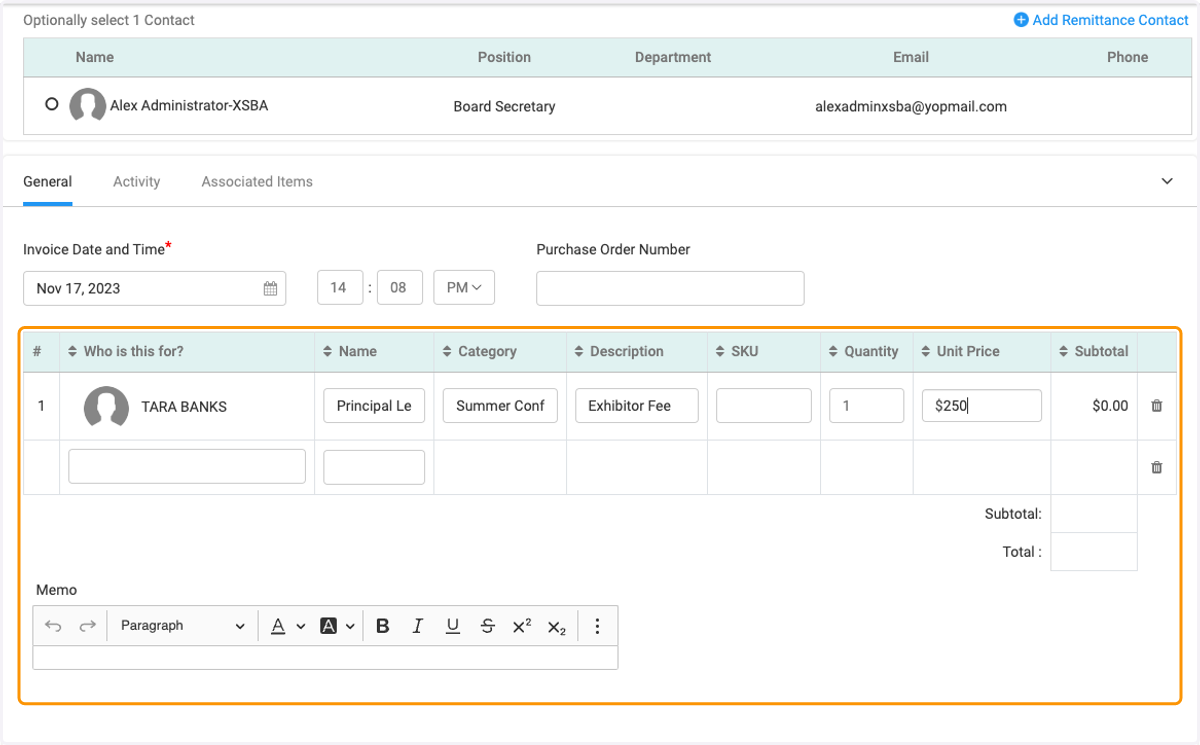
17. Check for accuracy
18. Click on Create & Send
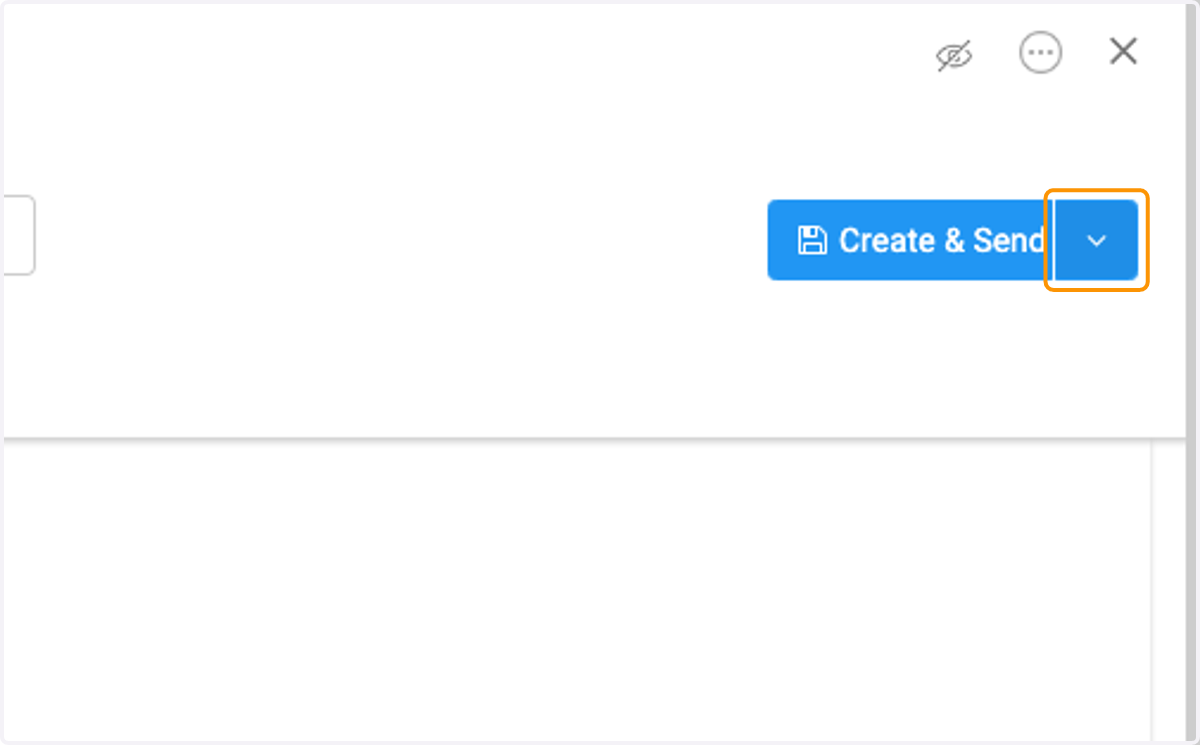
19. or Create & Hold