Add Dynamic Pricing Ruleset in App
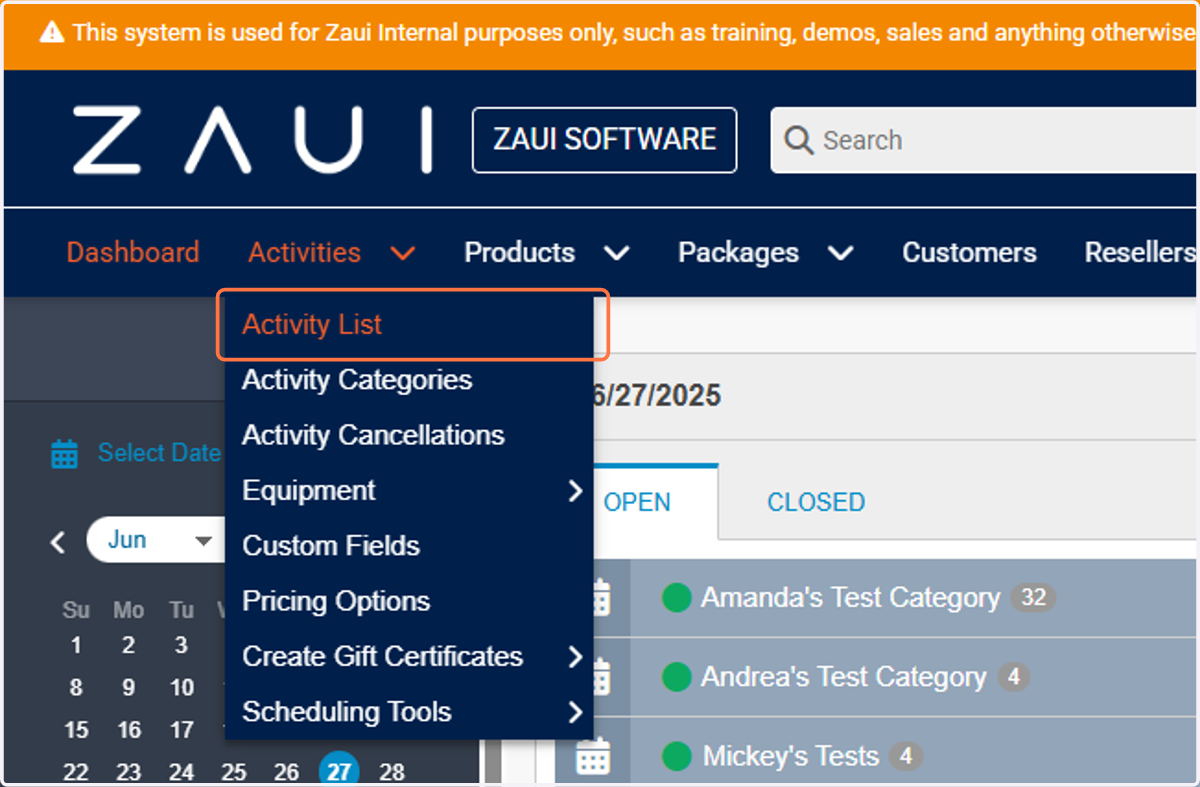
1. Click on Activity List
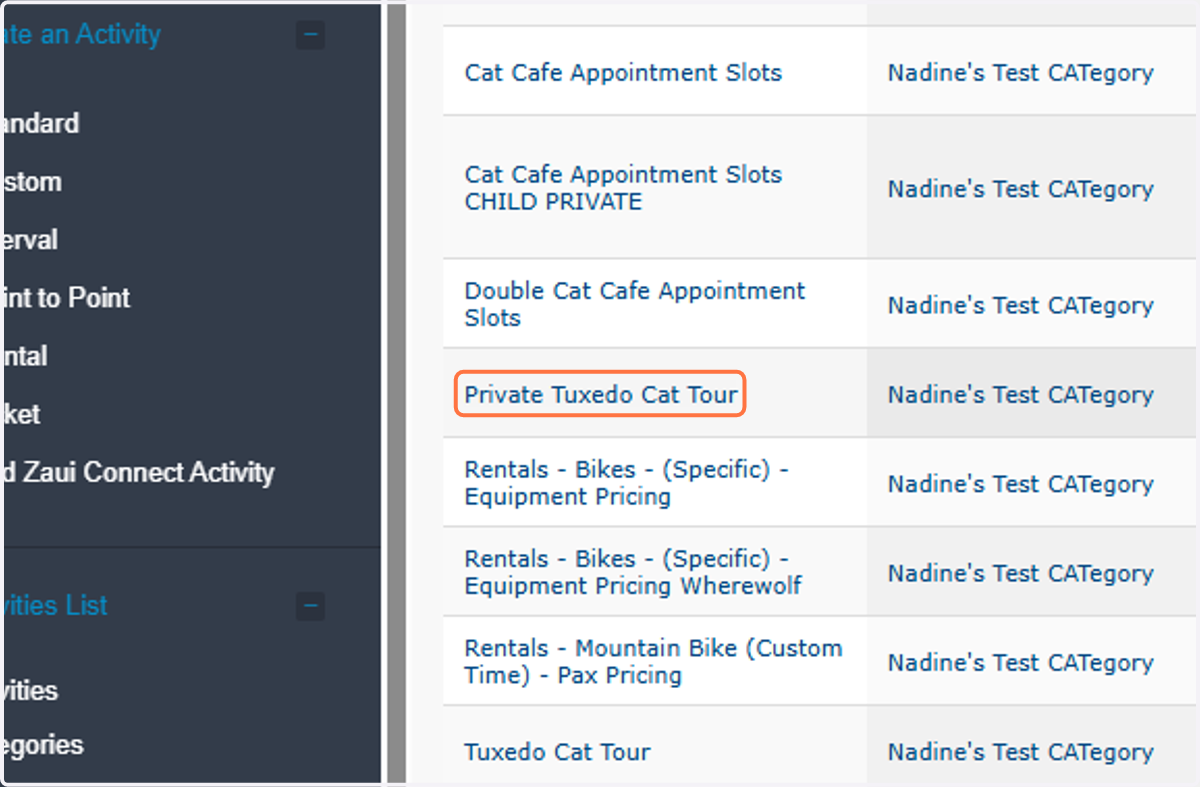
2. Click on you selected activity
3. Find the Dynamic Pricing Ruleset…
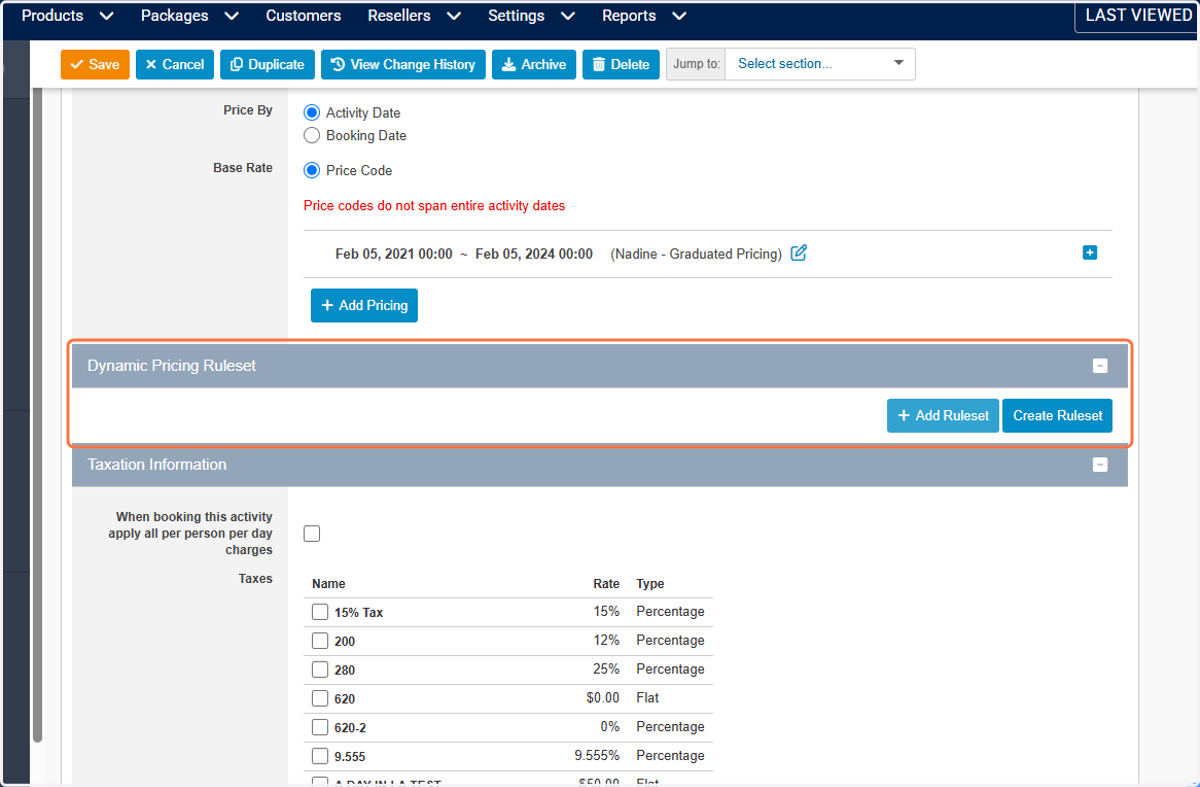
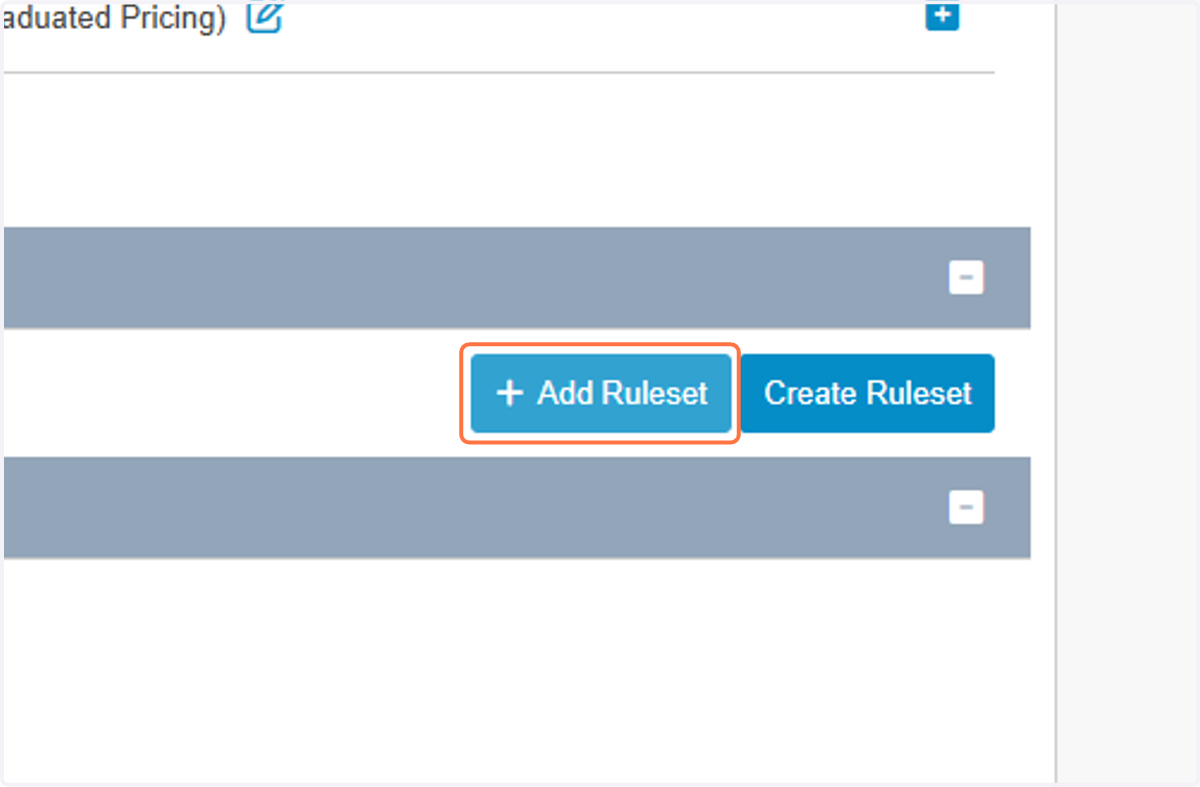
4. Click on Add Ruleset
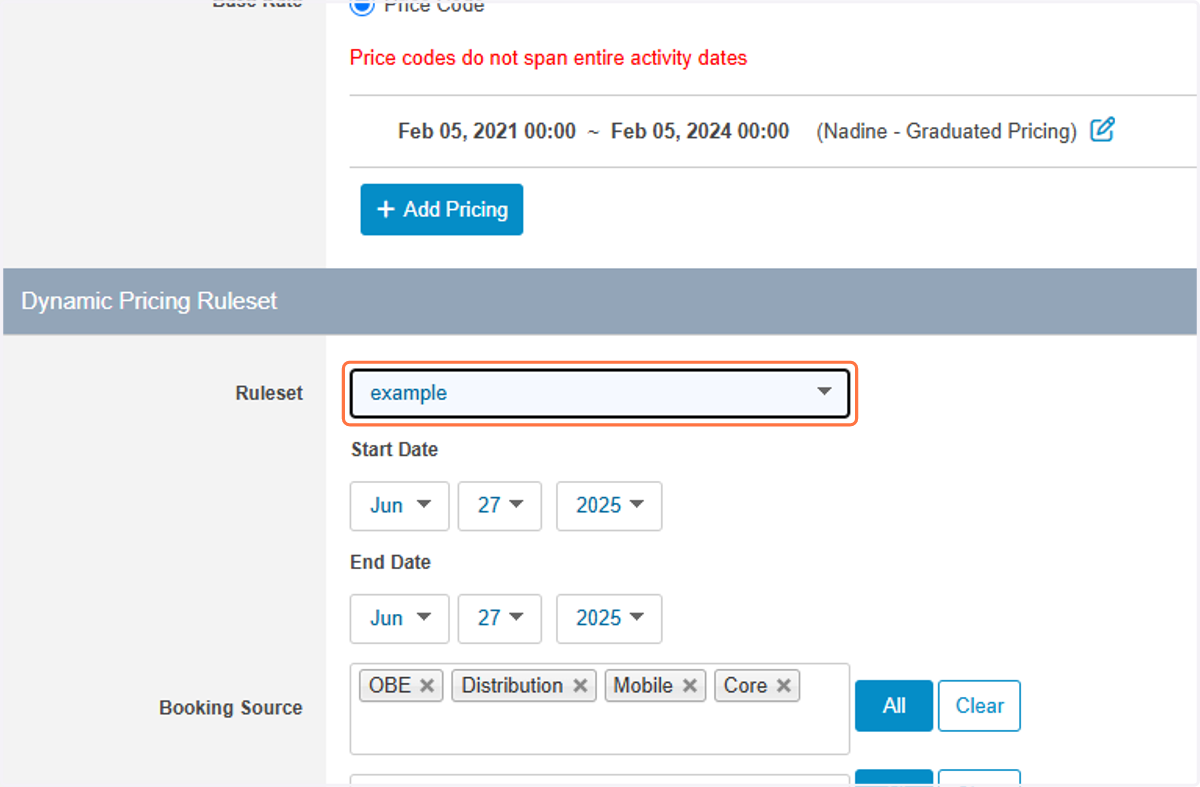
5. Select the Ruleset you created
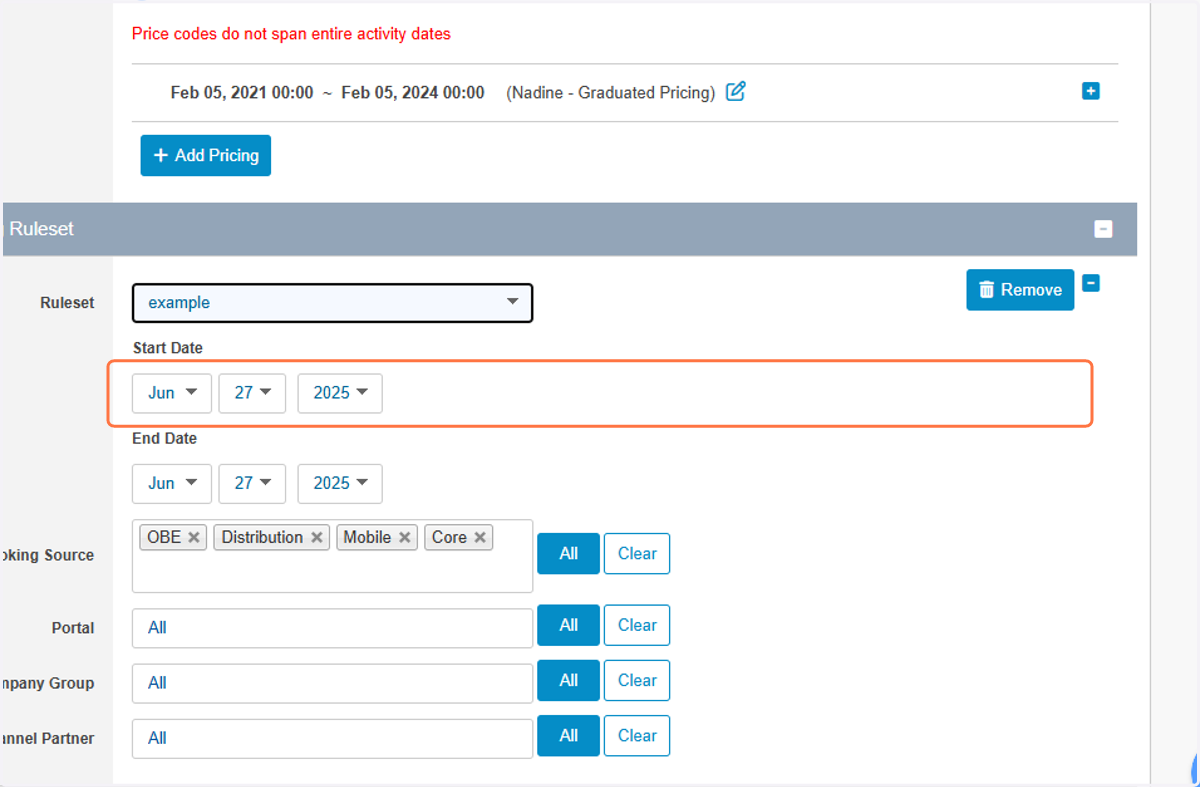
6. Selecte the start date
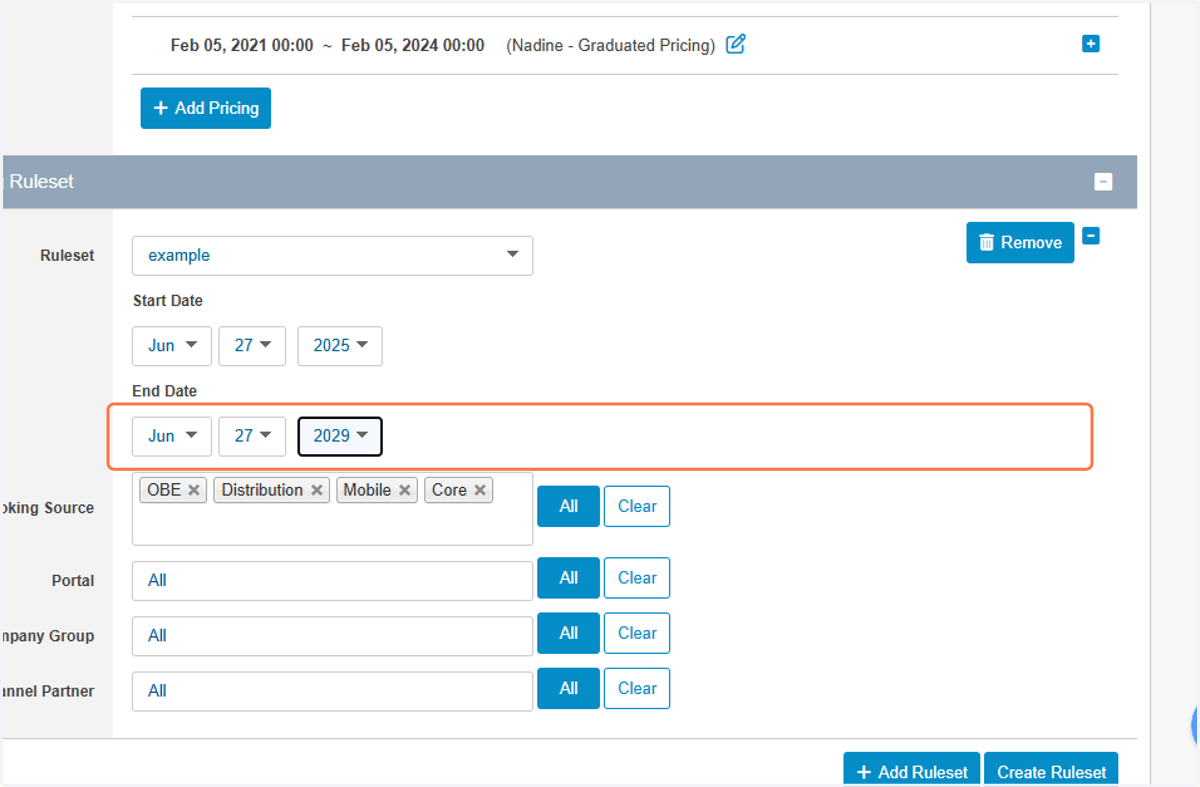
7. Select an end date
8. Select and end date
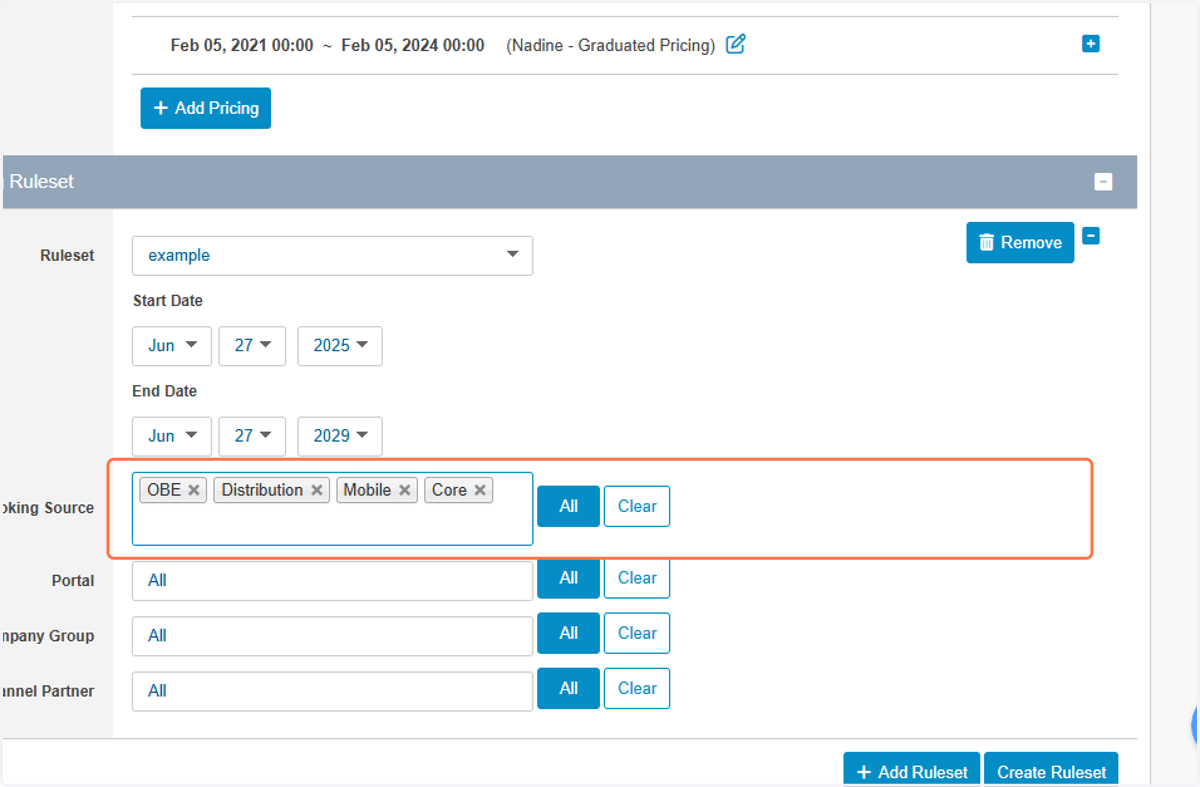
9. Choose your Booking Sources
10. Click on OBE…
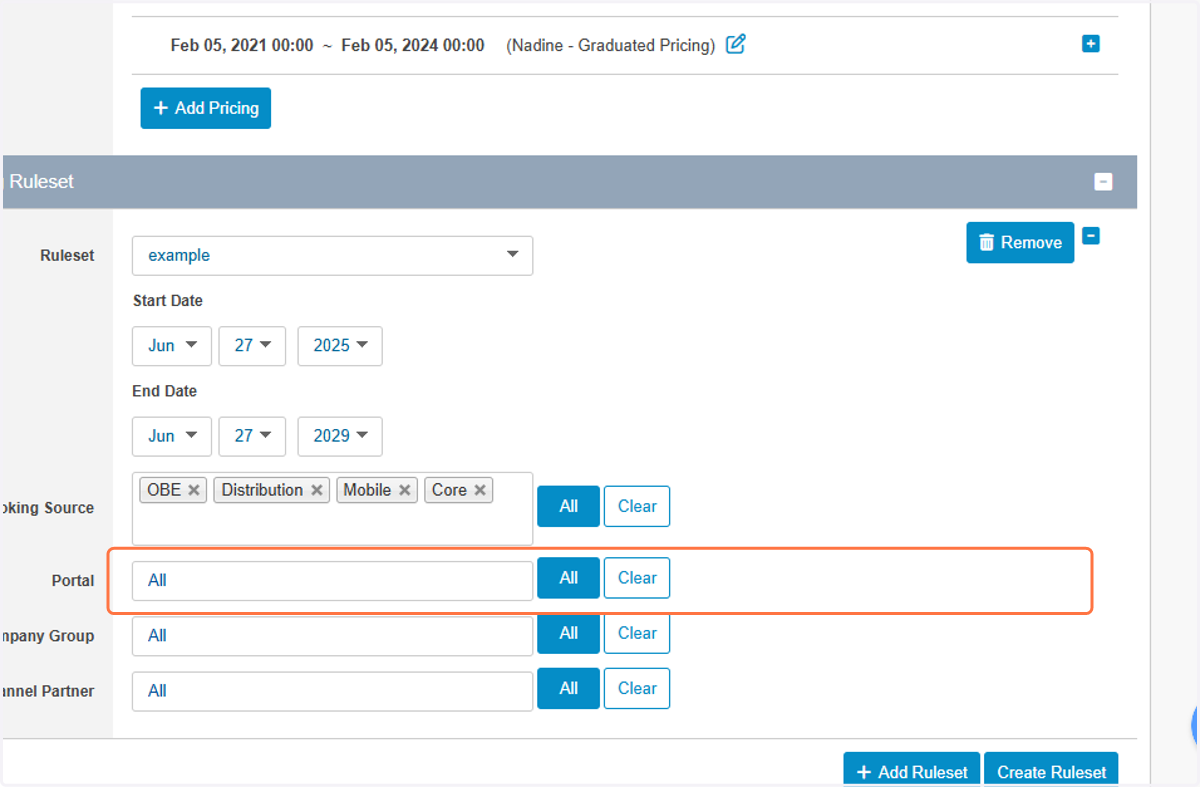
11. OPTIONAL: select a Portal(s) to apply dynamic pricing to
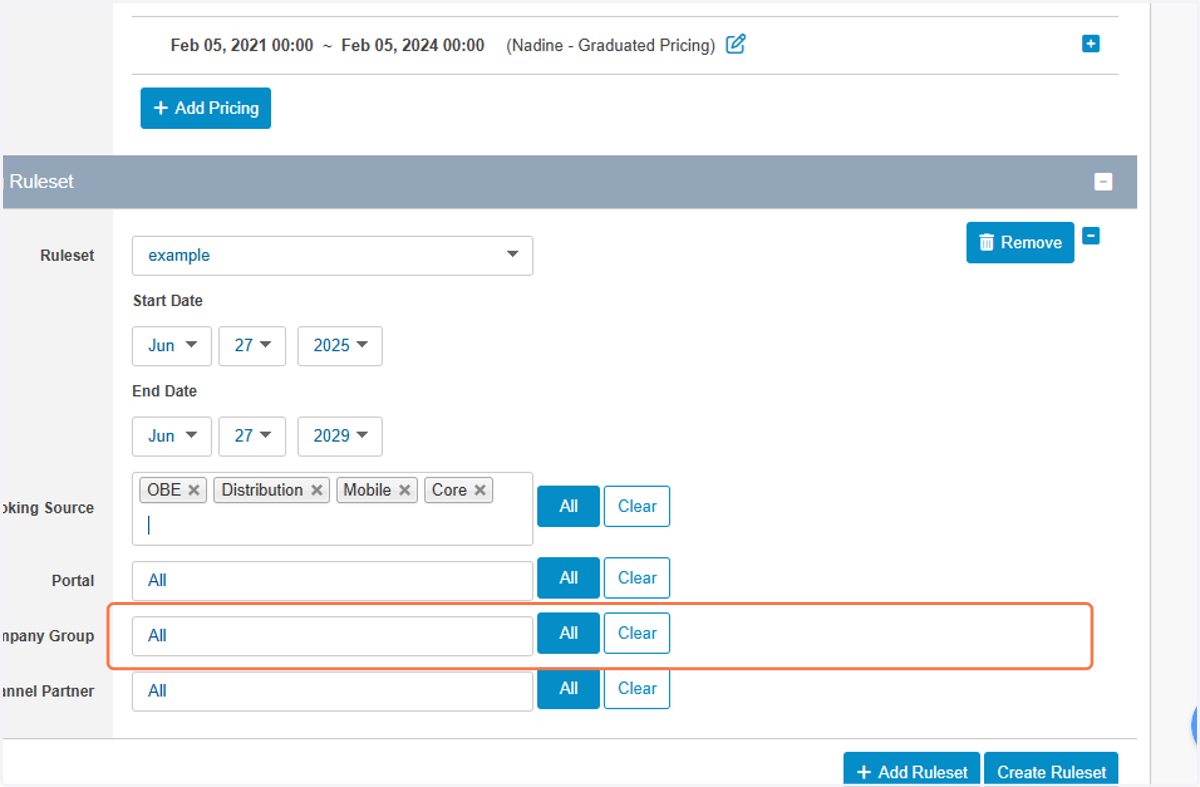
12. OPTIONAL: select a Company or Comapnies to apply dynamic pricing to
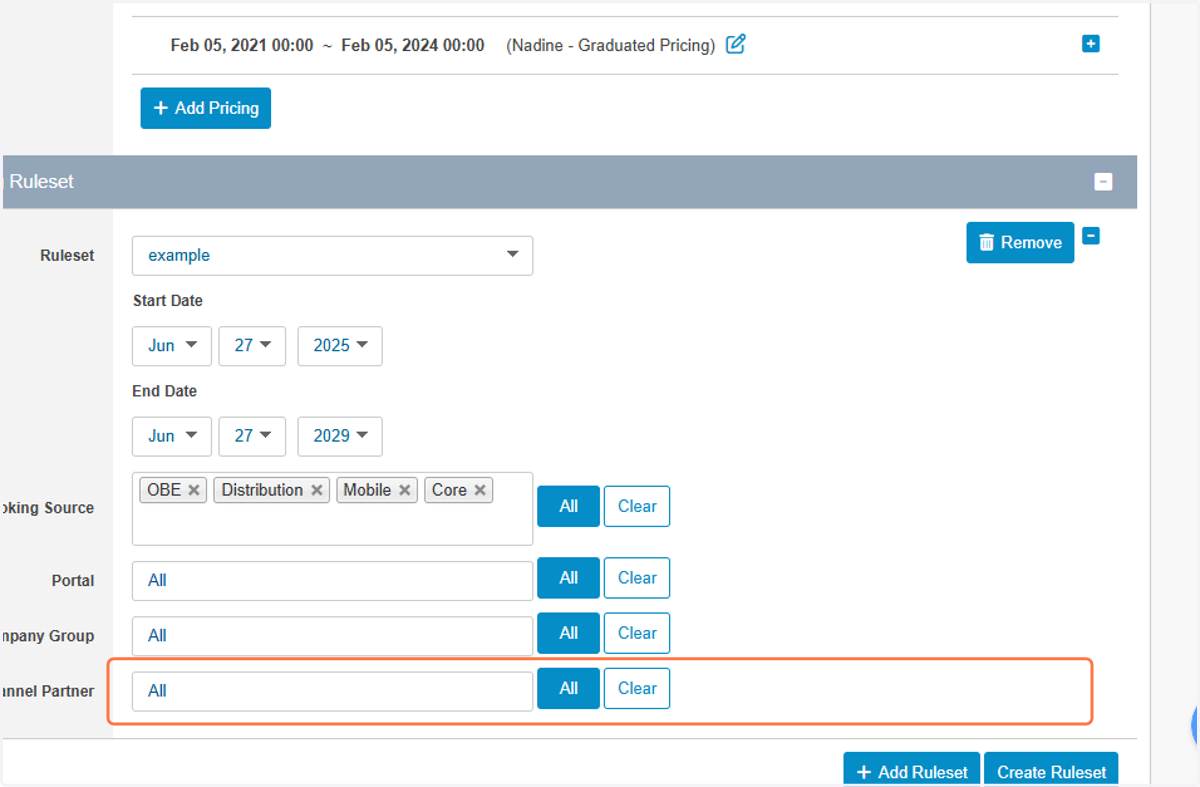
13. OPTIONAL: select a Channel Partner(s) to apply dynamic pricing to
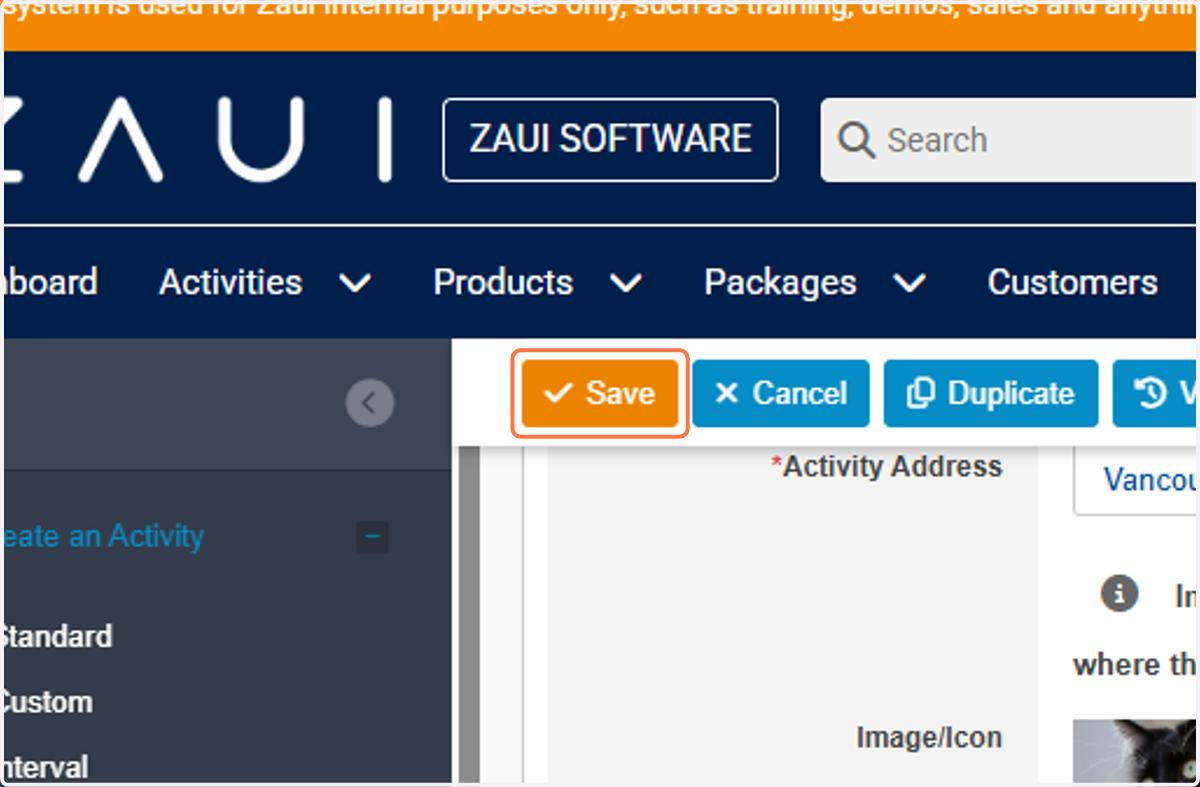
14. Save your changes