Event Registration
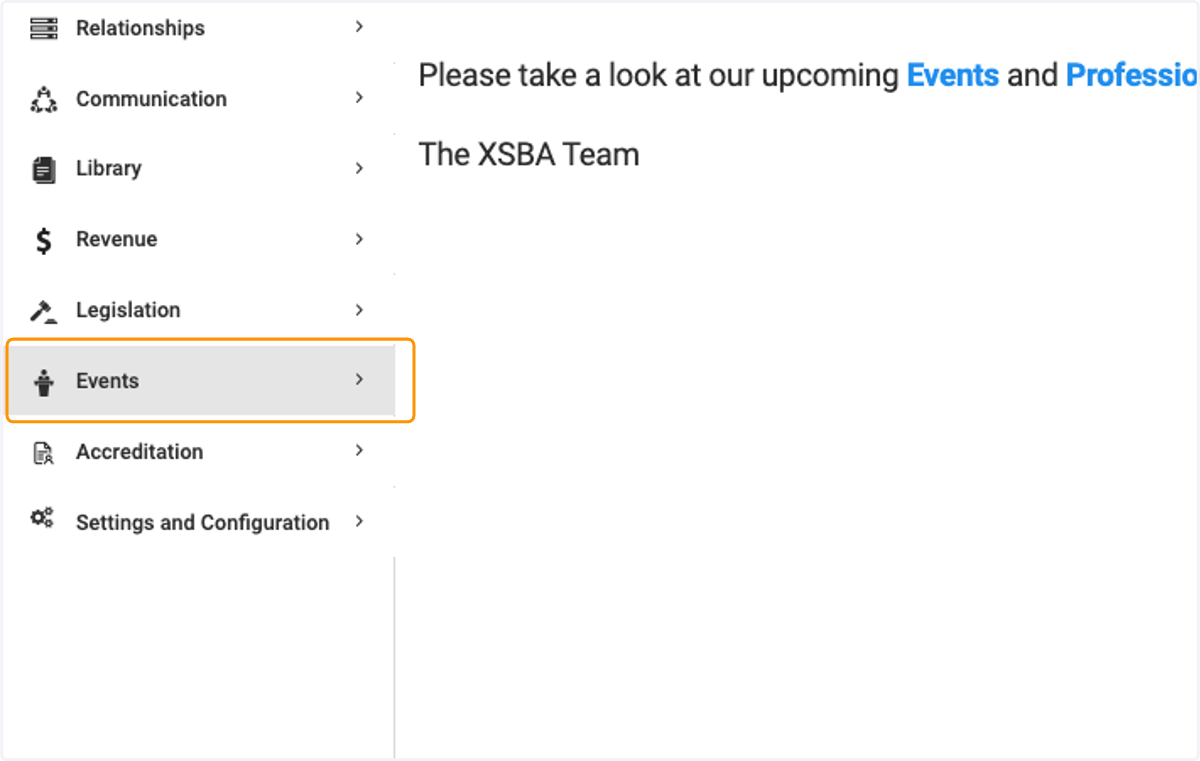
1. Click on Events
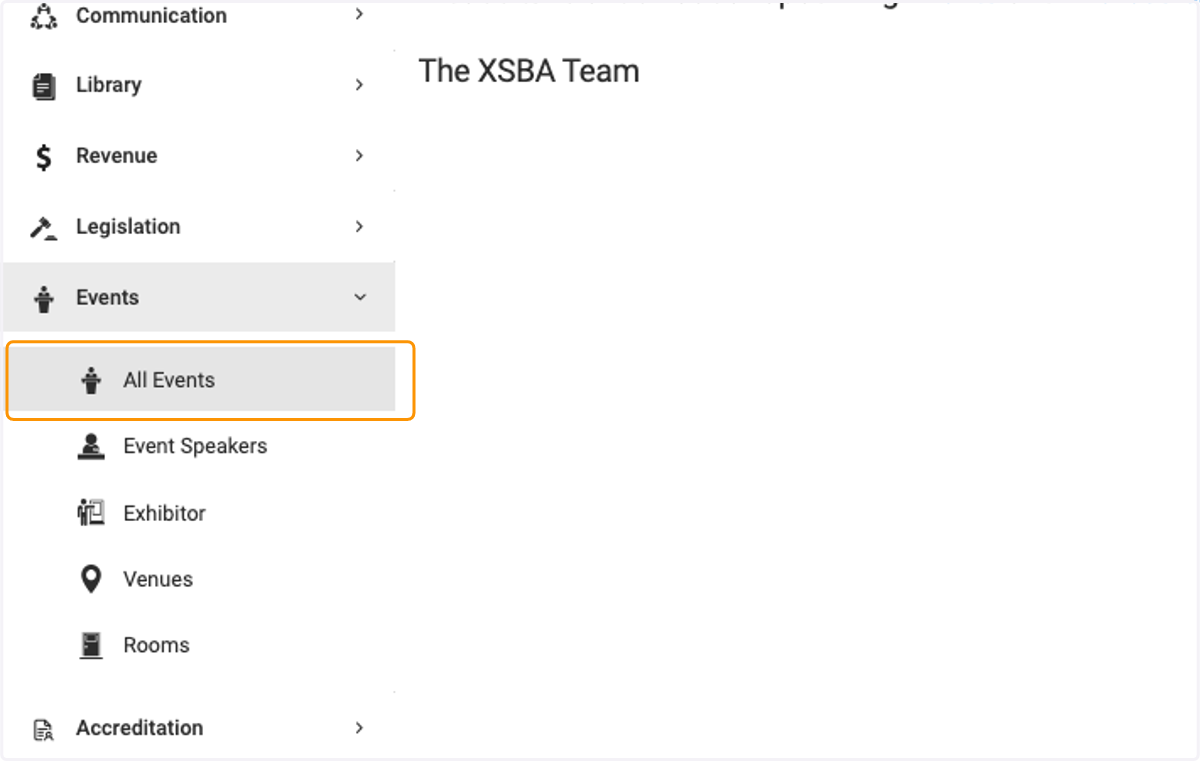
2. Click on All Events
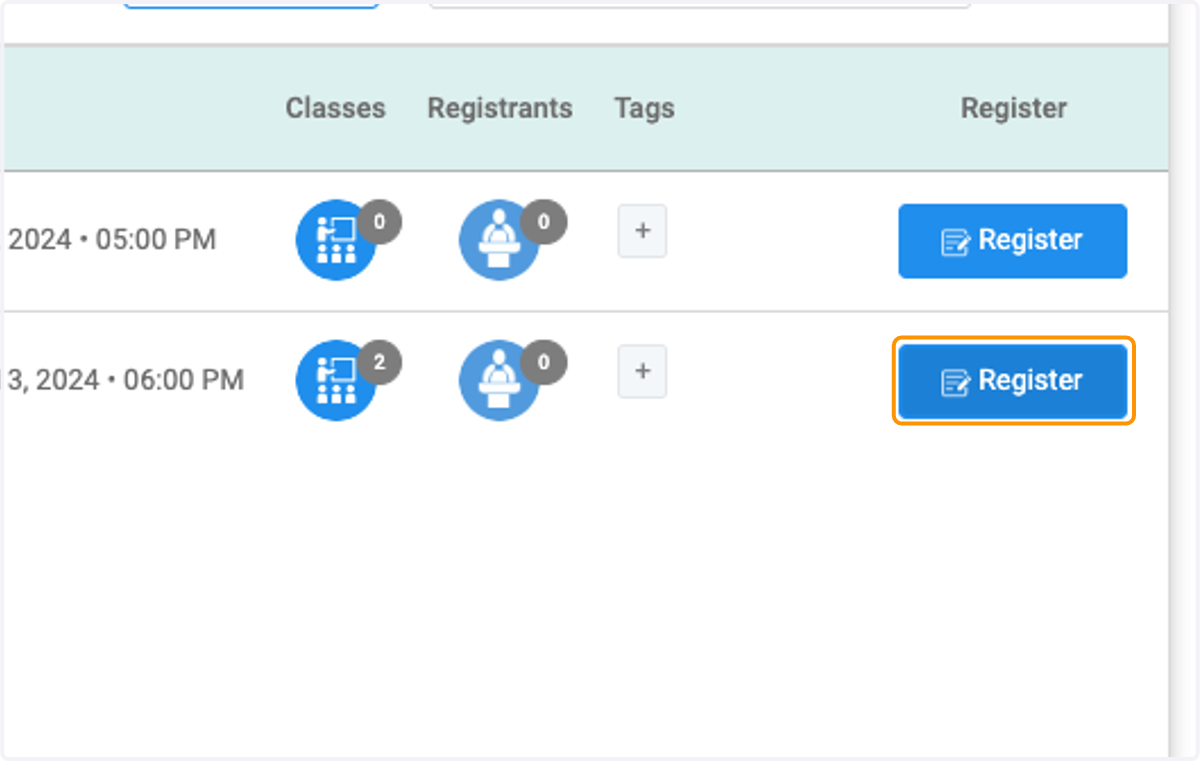
3. Click on Register for the event you wish to register for
4. Review the event details
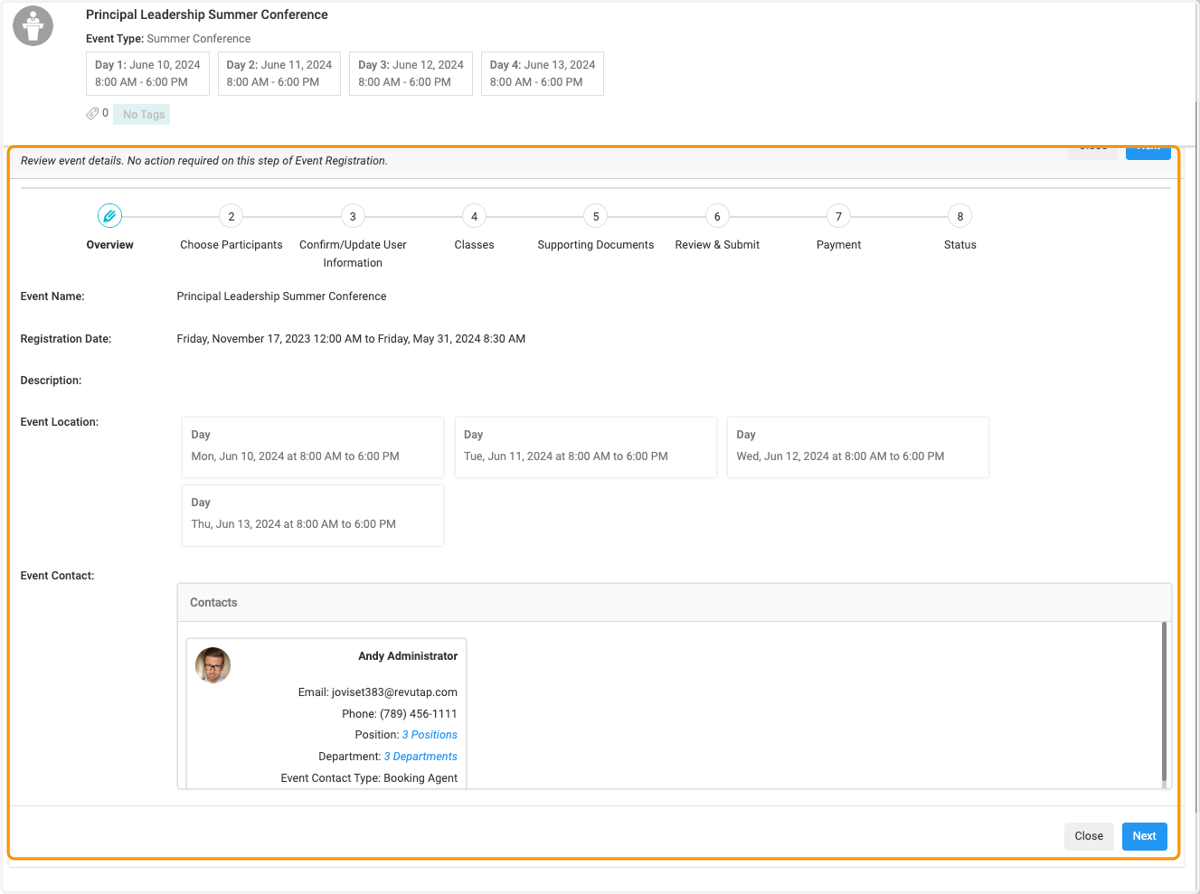
5. Click on Next
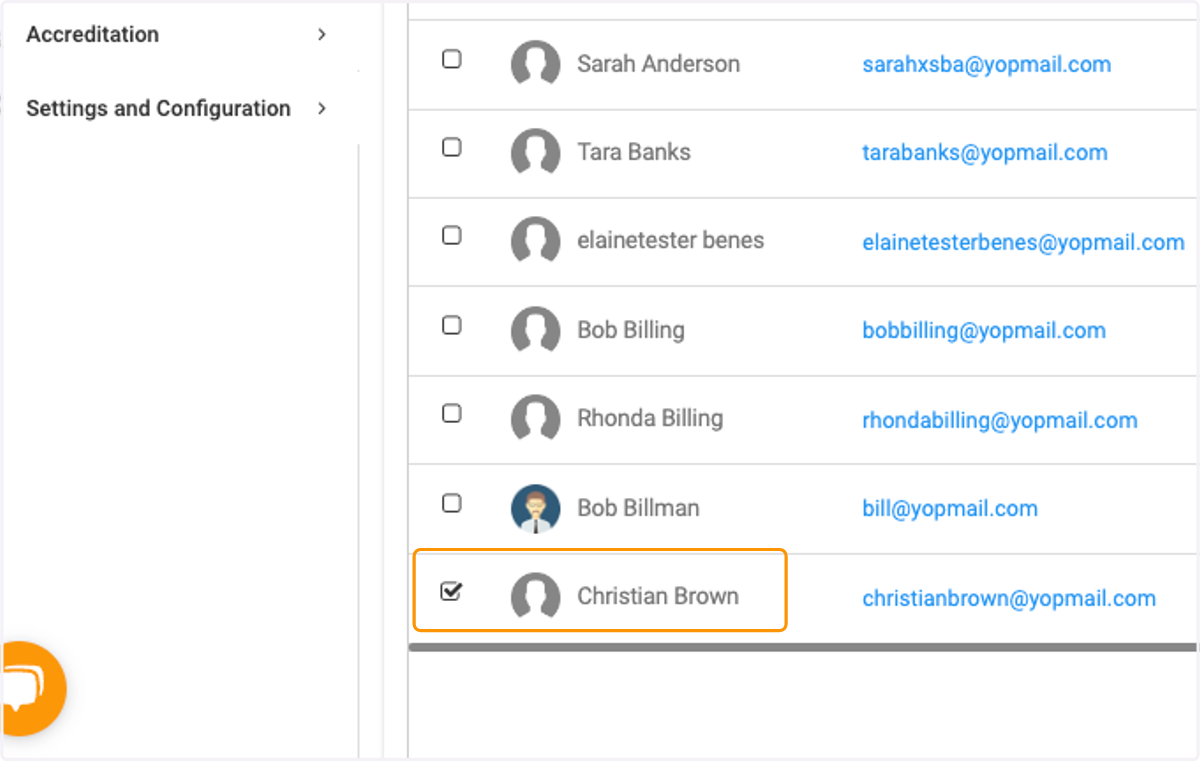
6. Check on the participants you wish to register
7. Click on Next when finished
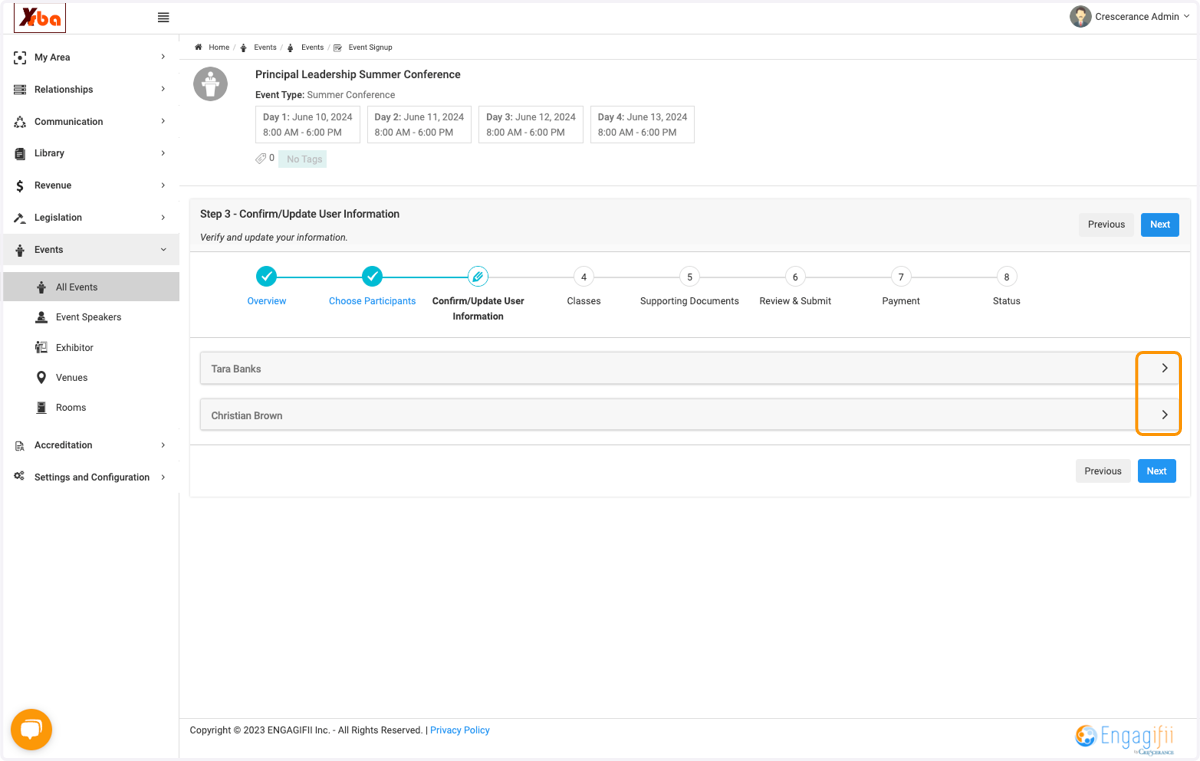
8. Depending on the registration workflow, you may be prompted to review participants data
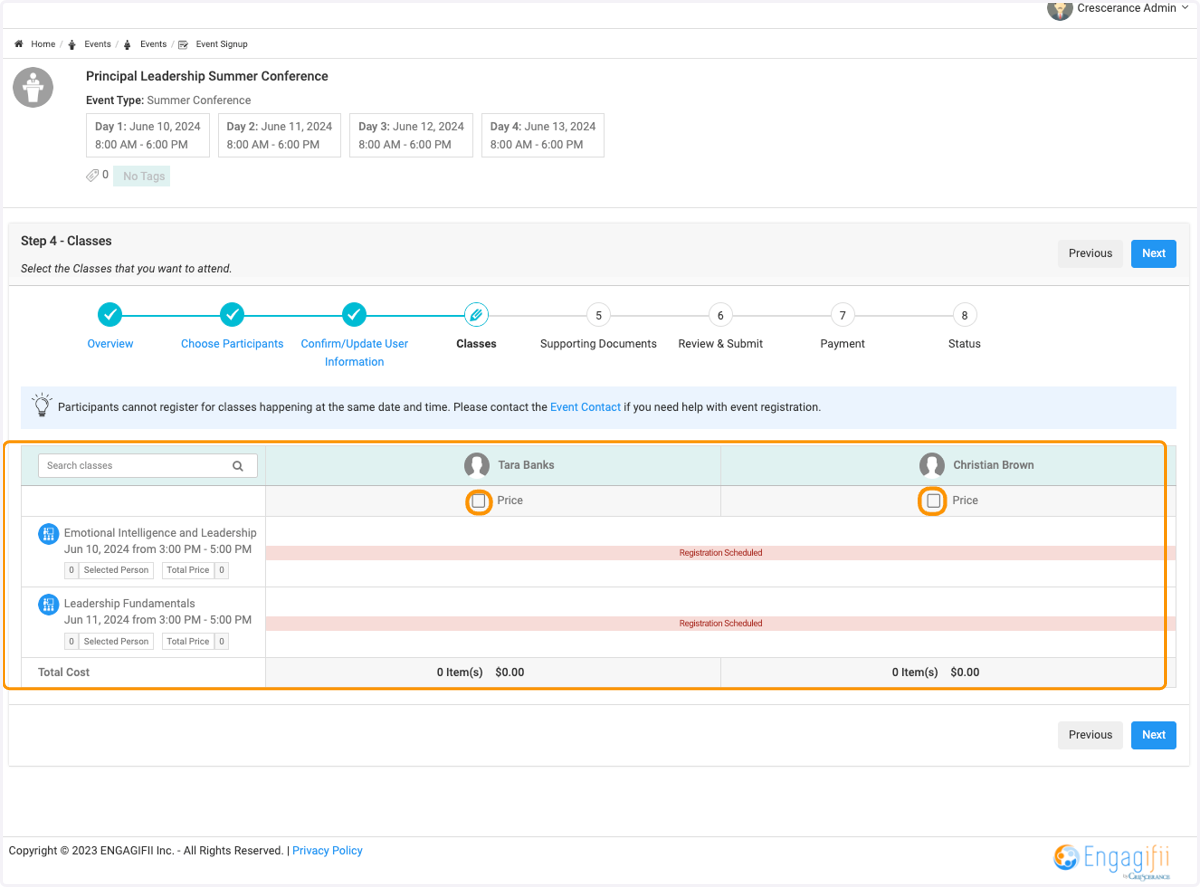
9. If your event has classes or sessions, click on the check box to select for each registrant
10. Click on Next
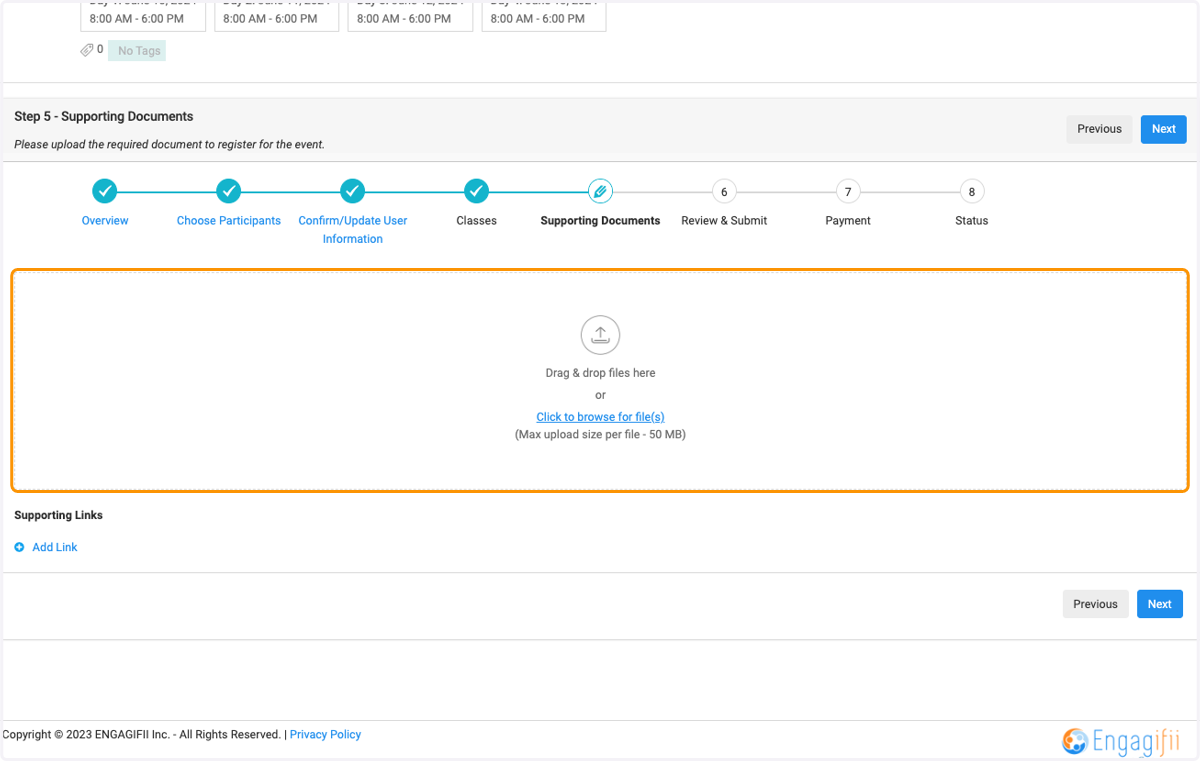
11. You may be prompted to upload documents depending on your registration workflow
12. Click on Next
13. Review and acknowledge the registration details
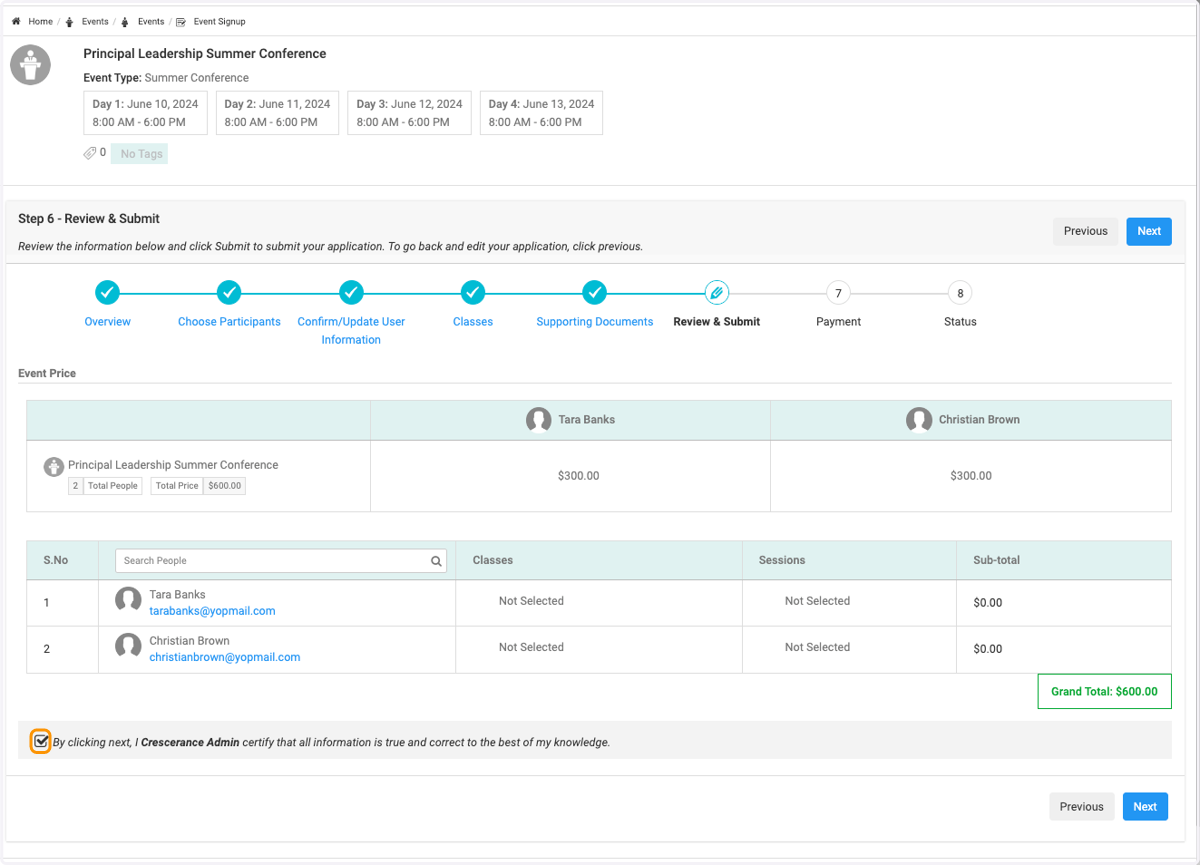
14. Click on Next
15. Complete the Billing Information section
You can add a single buyer or an organization
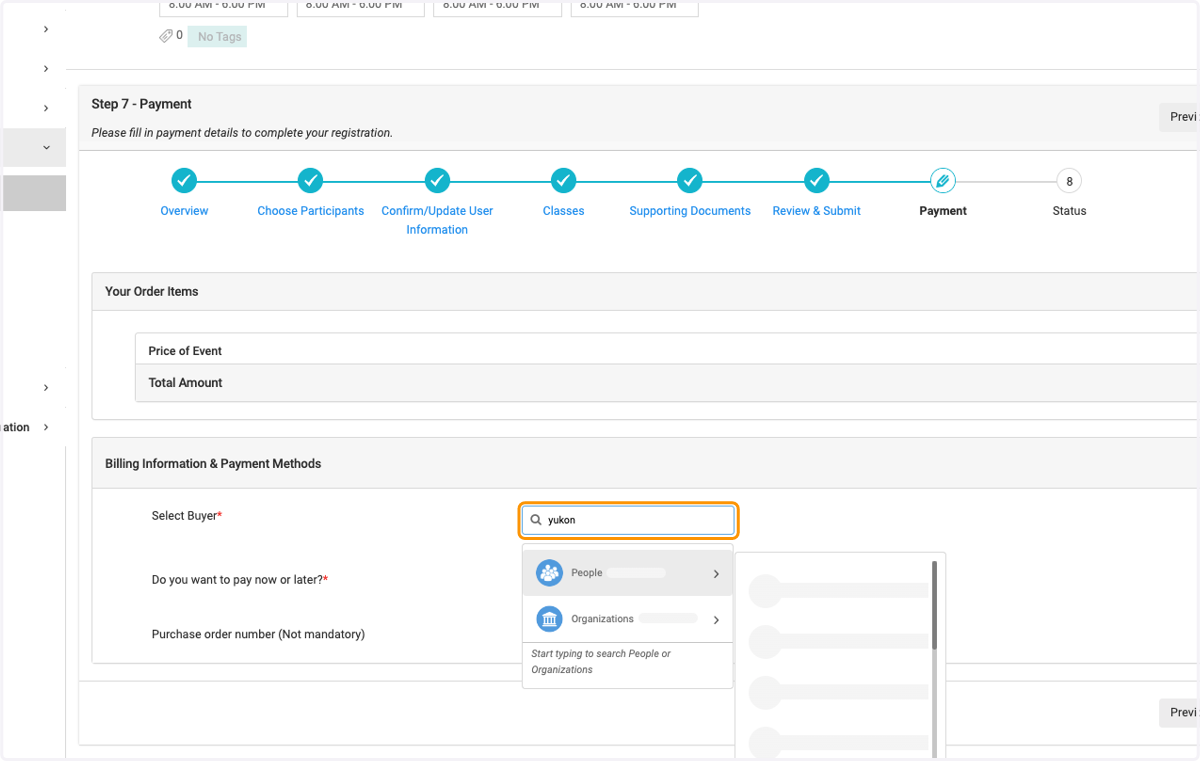
16. Click on People for an individual
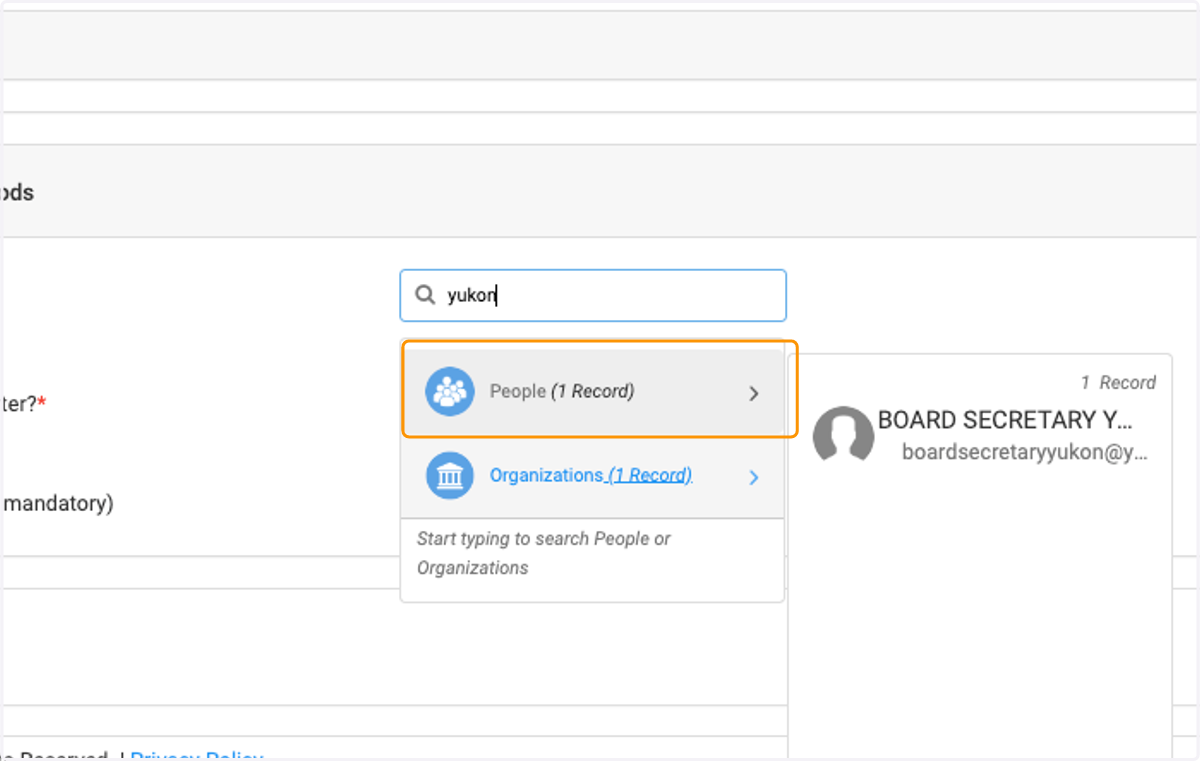
17. Click on Organization to bill organization
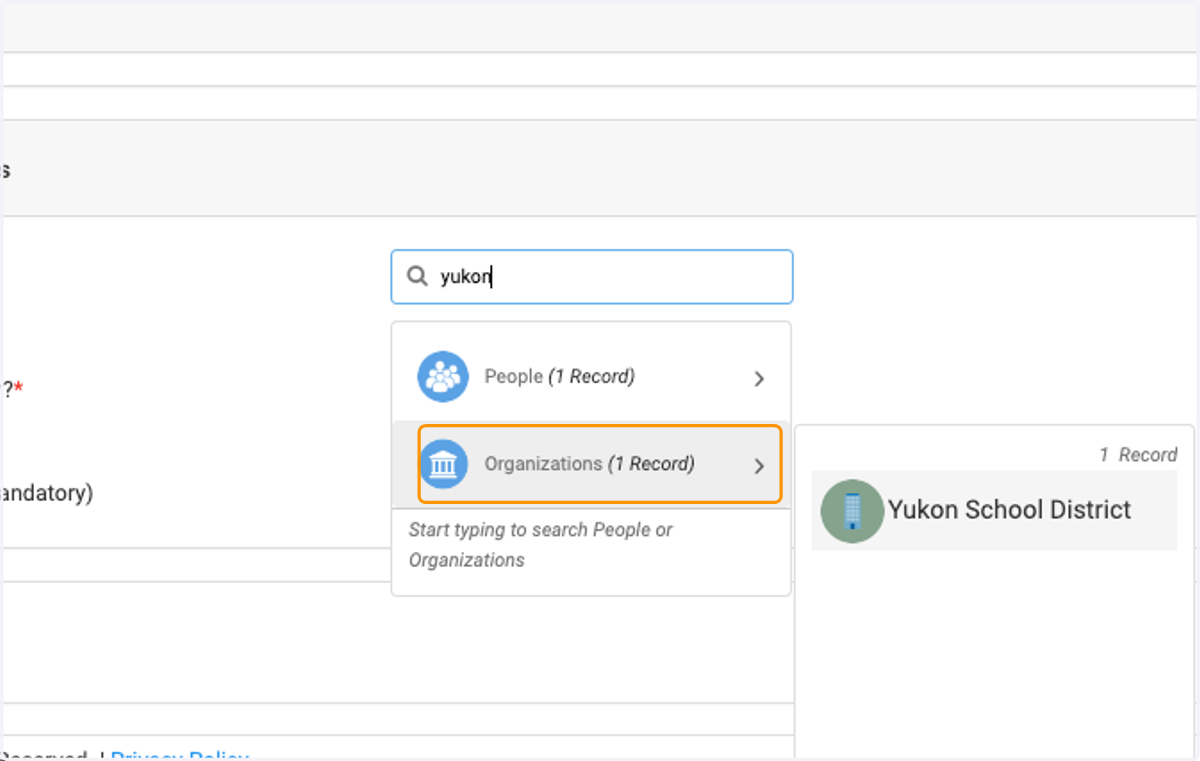
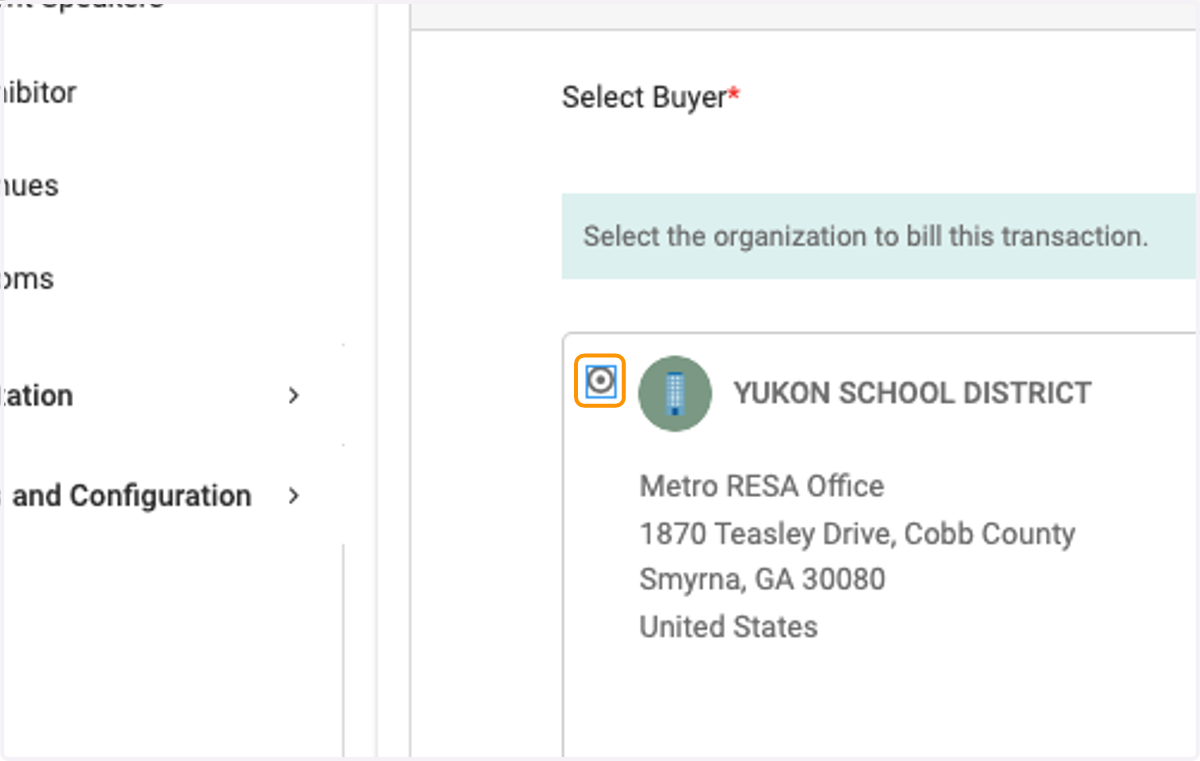
18. Click on Select the organization to bill this transaction and select the organization
19. Select Pay Now (will take you to a credit card payment window) or Bill them to Pay Later to have an invoice emailed to billing contact
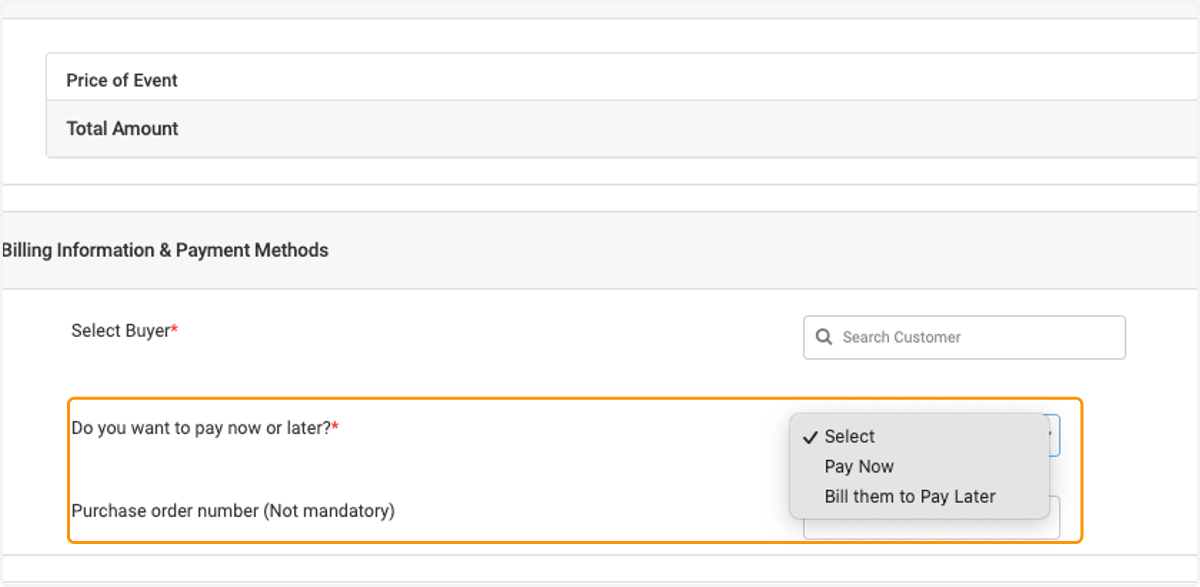
20. Select Billing Contact to receive the invoice
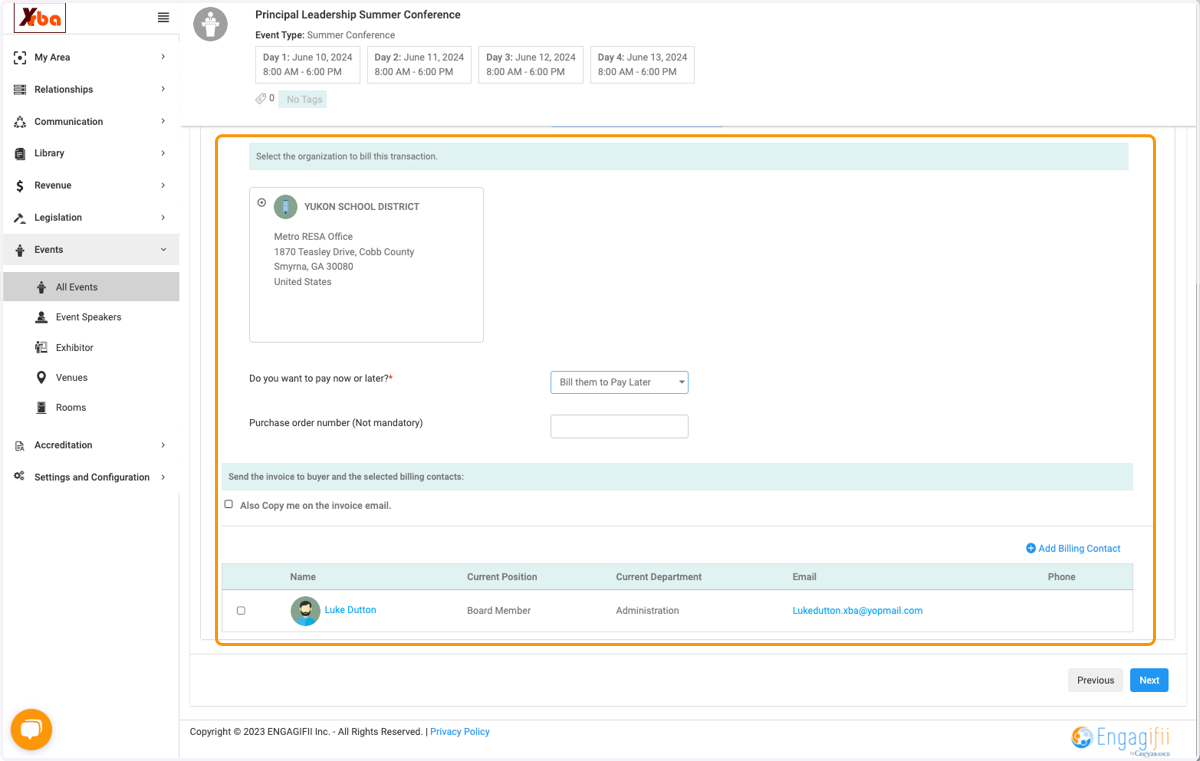
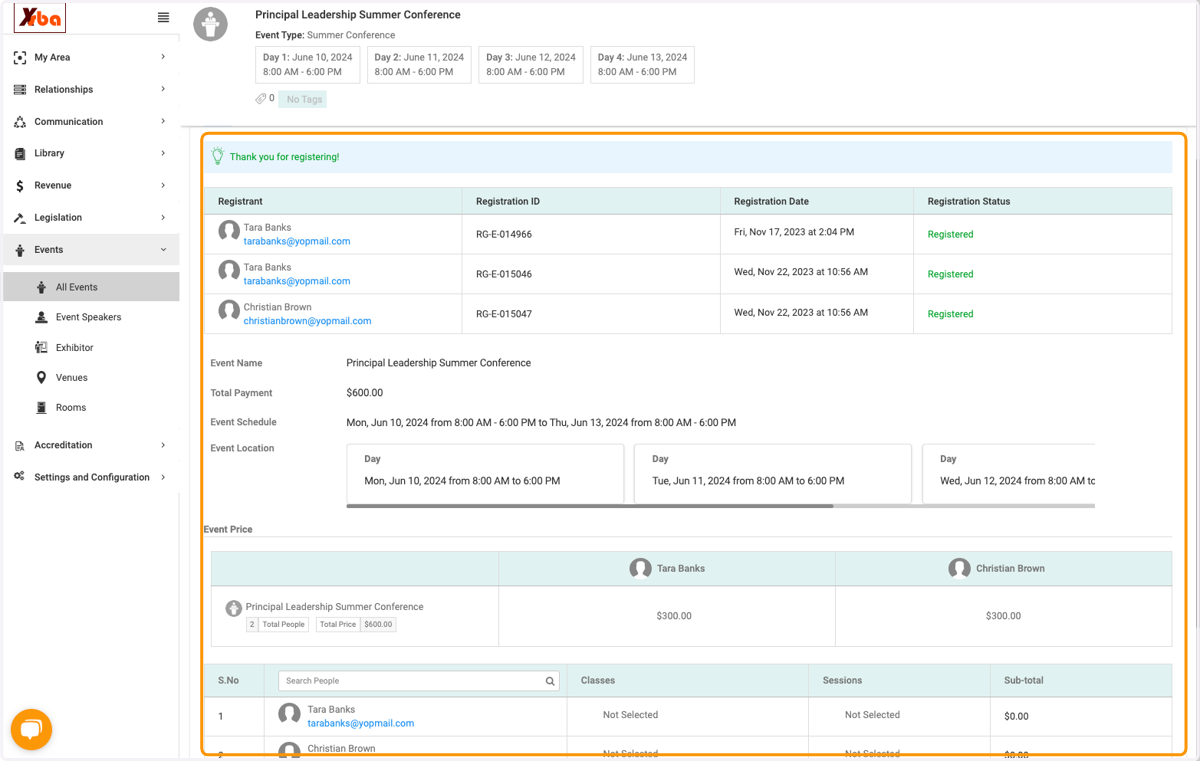
21. Click on Next
22. Successful registration notification