Exporting Review Content - Seller Ratings
1. Log in to your ResellerRatings Dashboard
Resellerratings
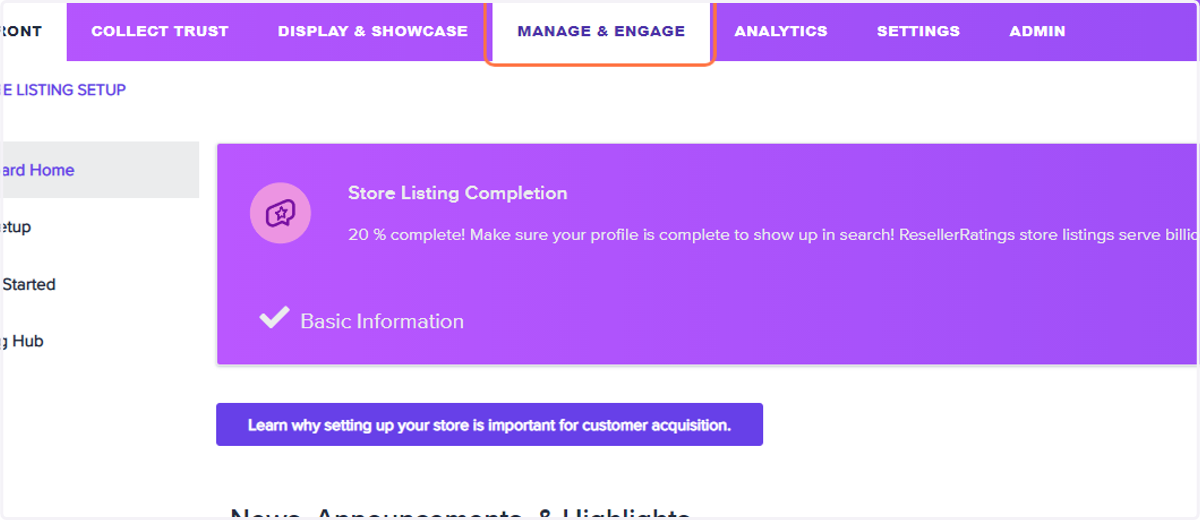
2. Click on Manage & Engage
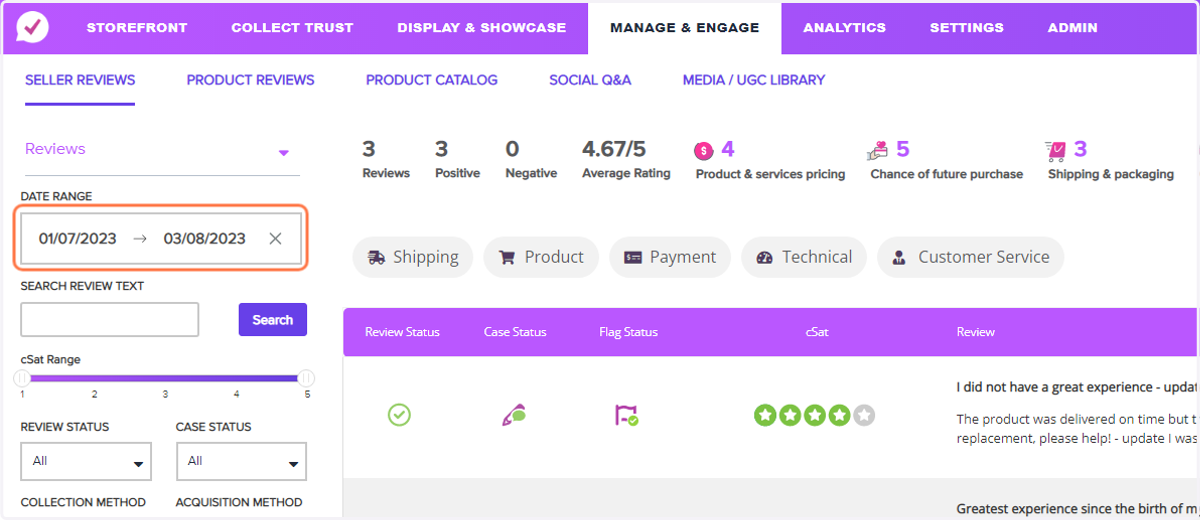
3. Click on the date range filter to select the time frame of reviews you wish to export. Please note, the maximum amount of reviews to download immediately is 10,000. If you are trying to export more than 10,000 you will be notified via email when your download is ready
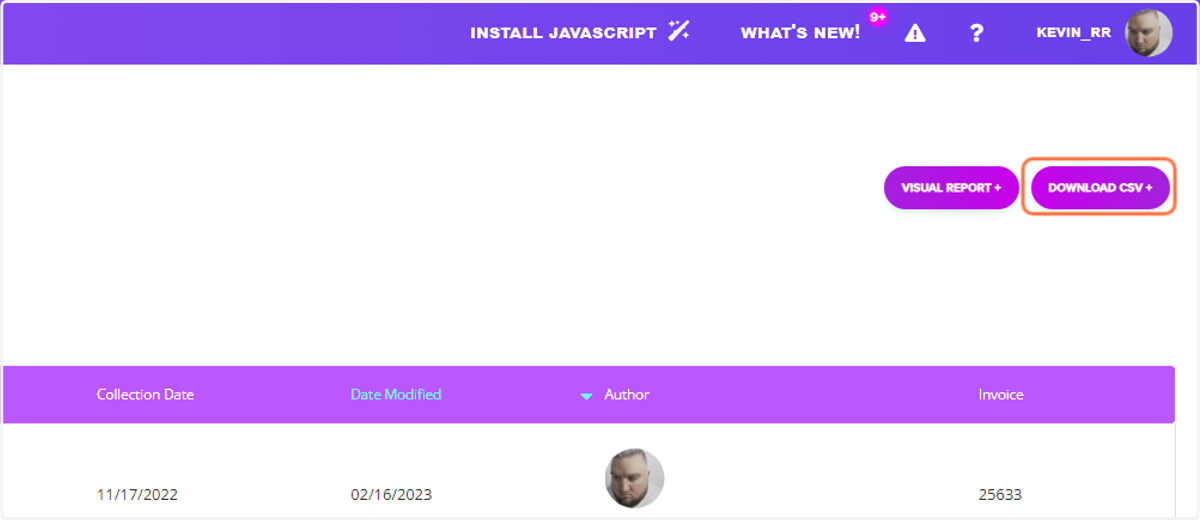
4. Click on DOWNLOAD CSV +