Adding a Sermon in UCG Dashboard
Add Group node (Sermon) | UCG
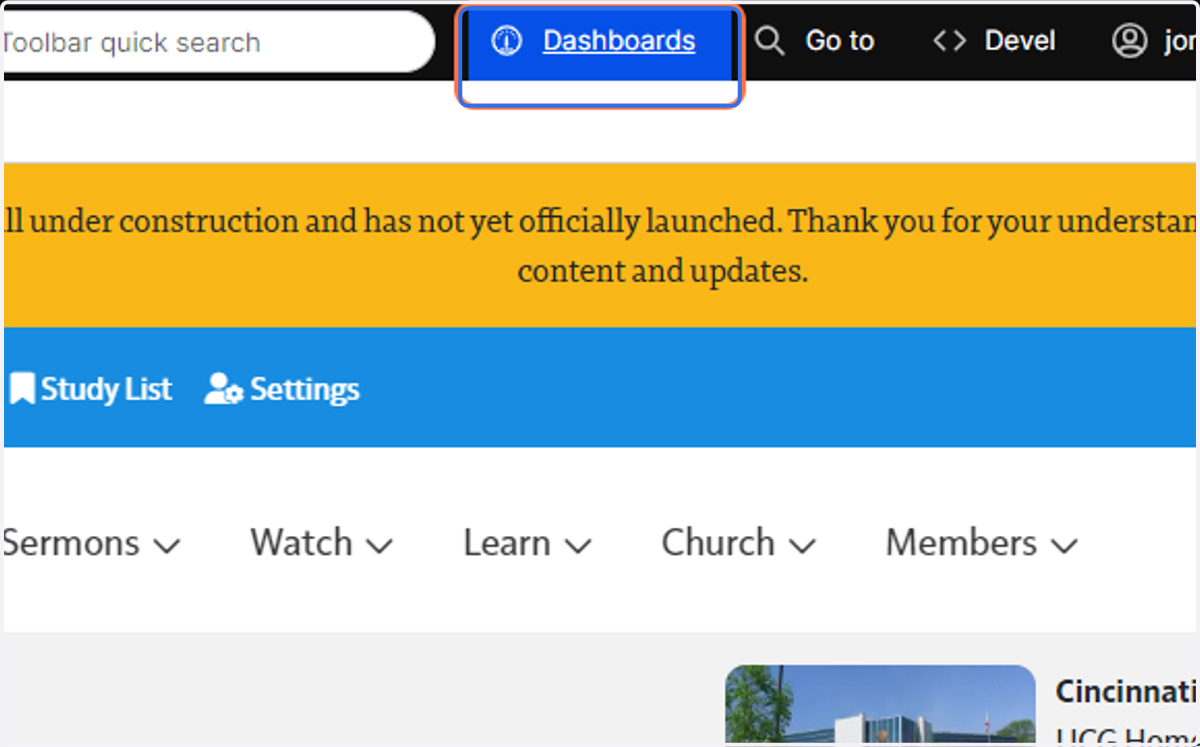
1. Click on Dashboards
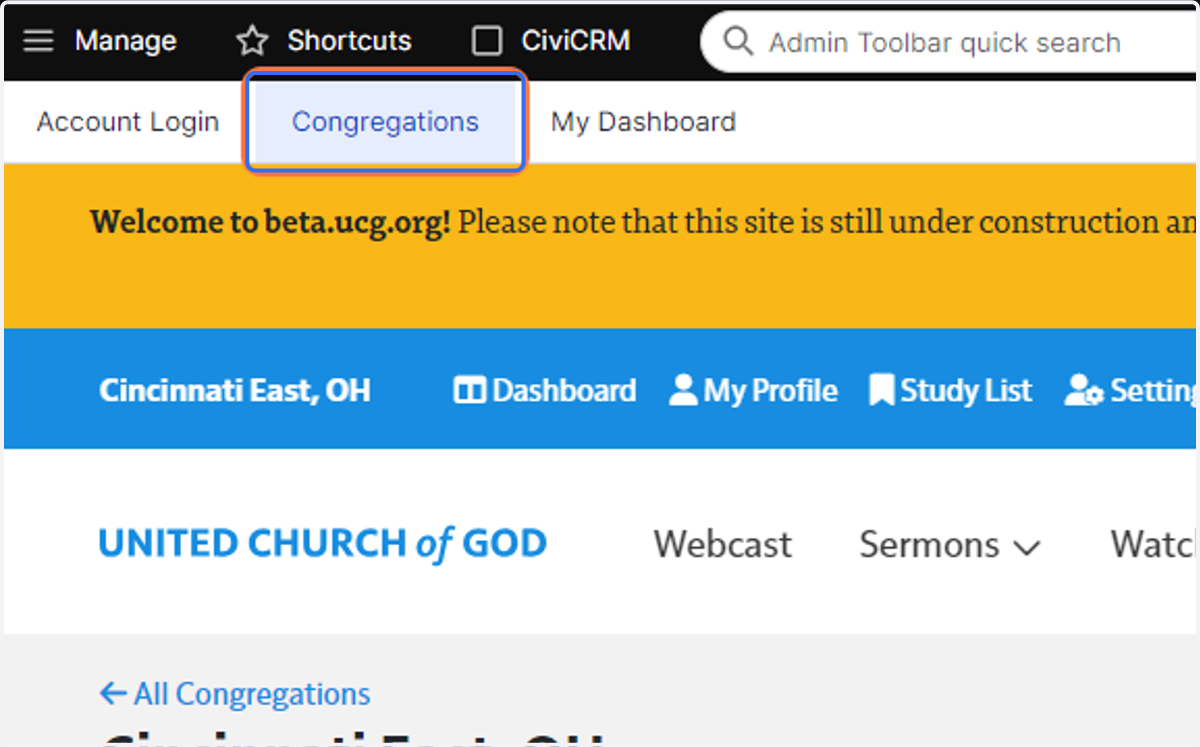
2. Click on Congregations
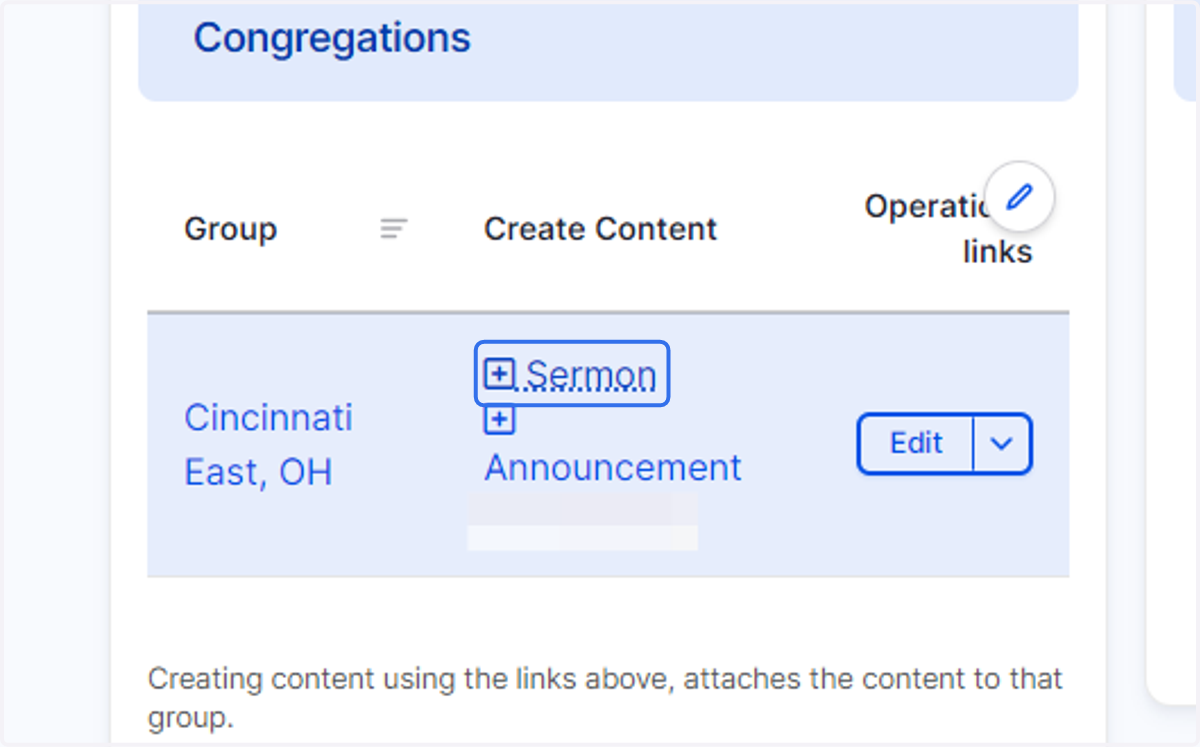
3. Click on Sermon
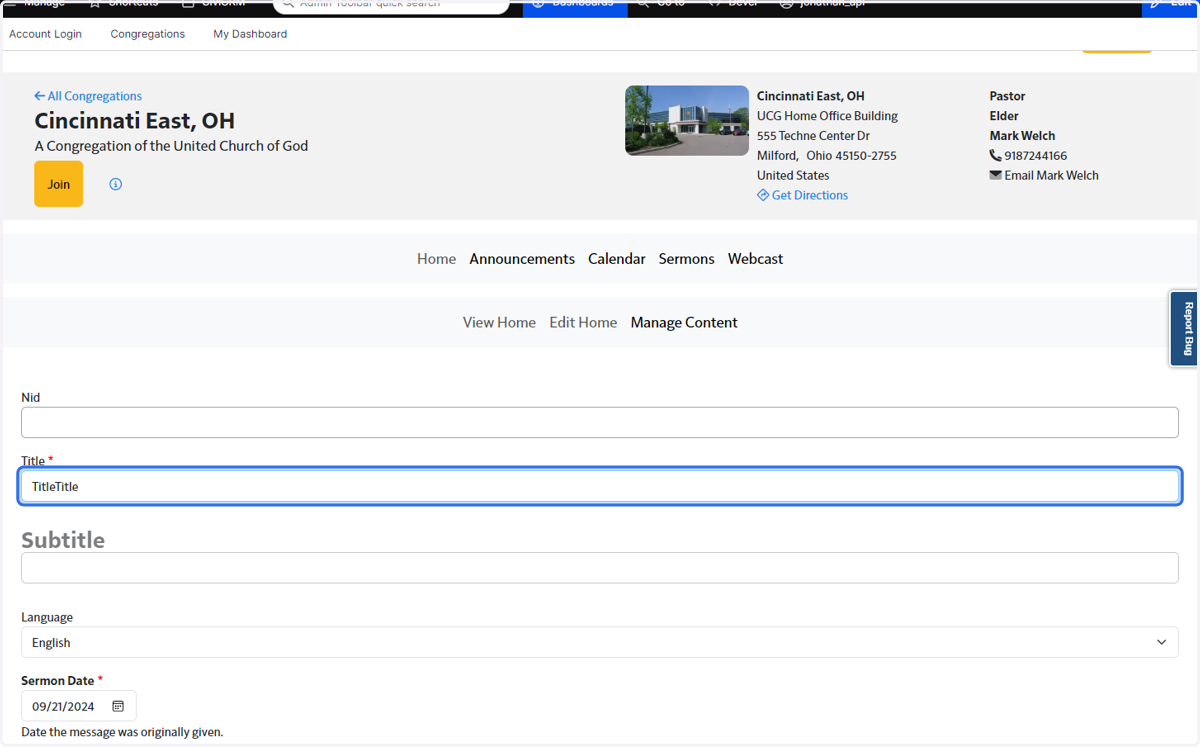
4. Add a title, Subtitle, and Sermon Date
Sermon Date will default to the most recent Sabbath.
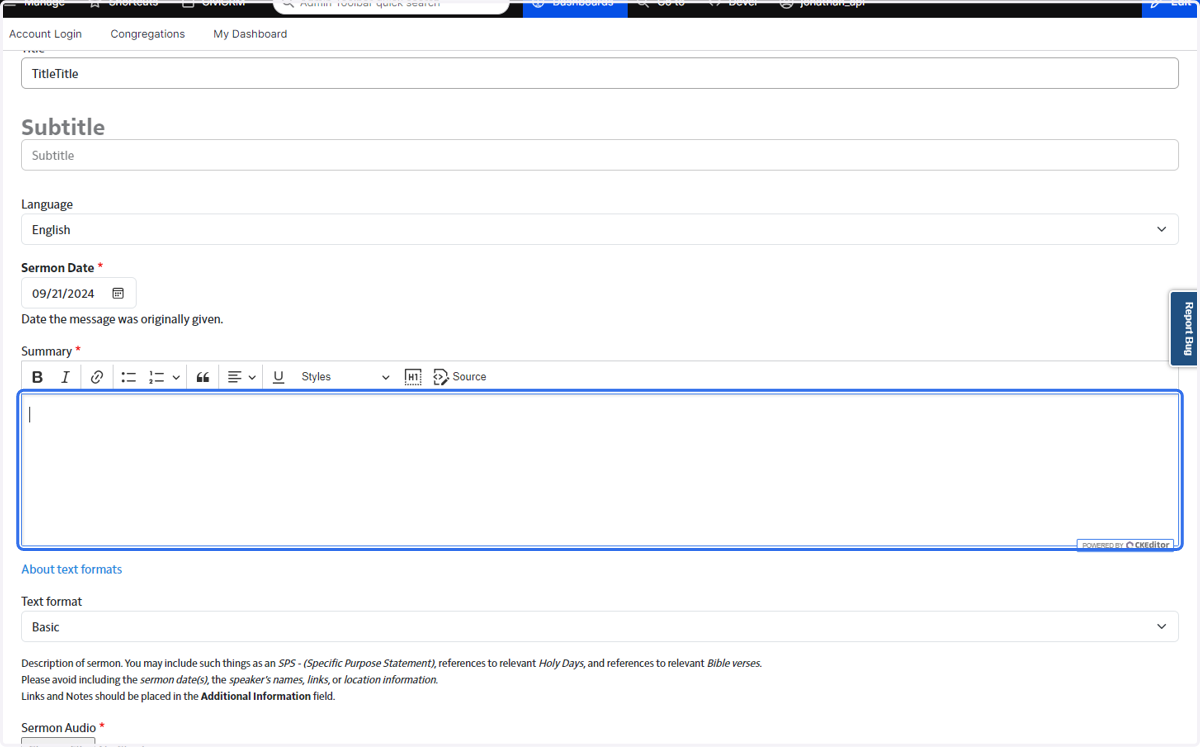
5. Enter a brief summary of the Sermon.
Remember to follow the guidelines shown below Text Format.
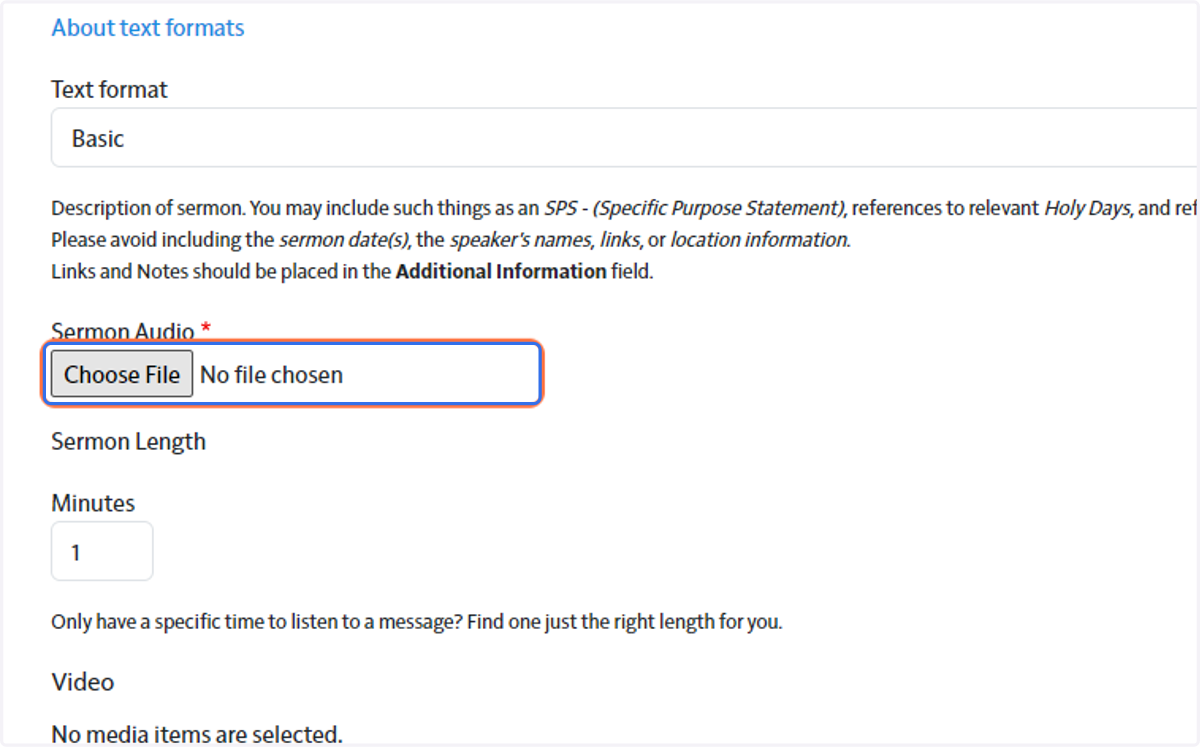
6. Upload Sermon Audio
7. Add Sermon video if applicable.
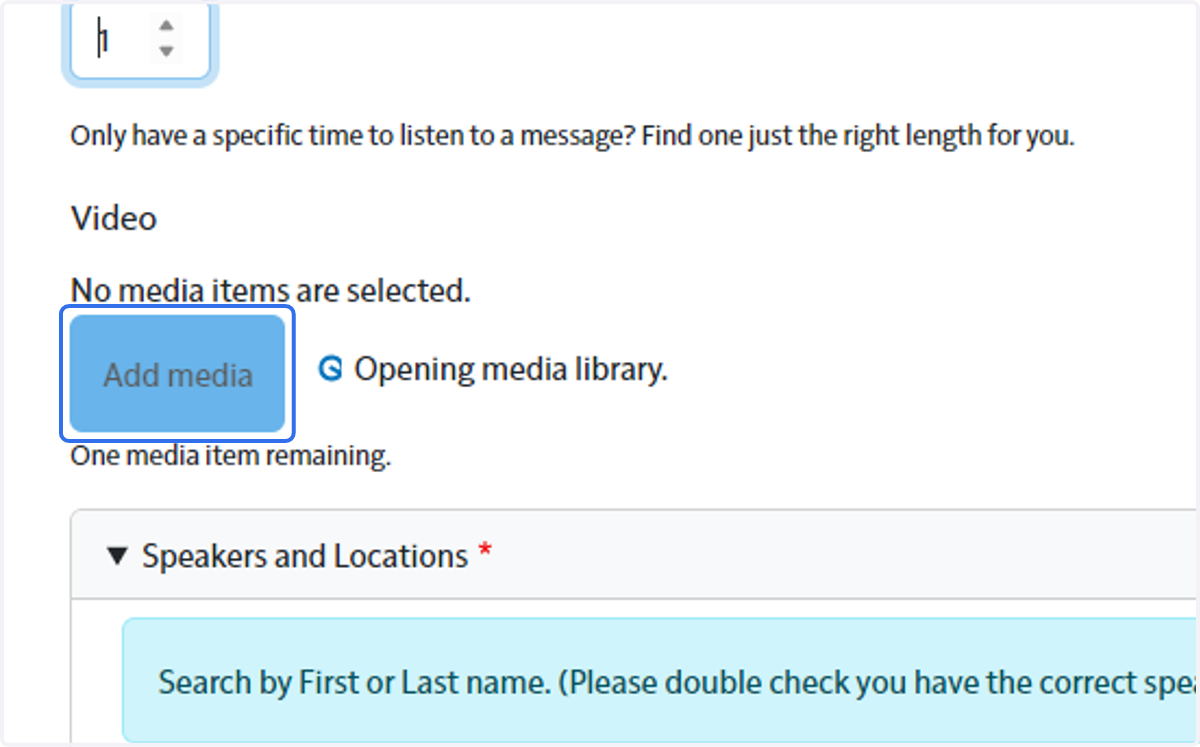
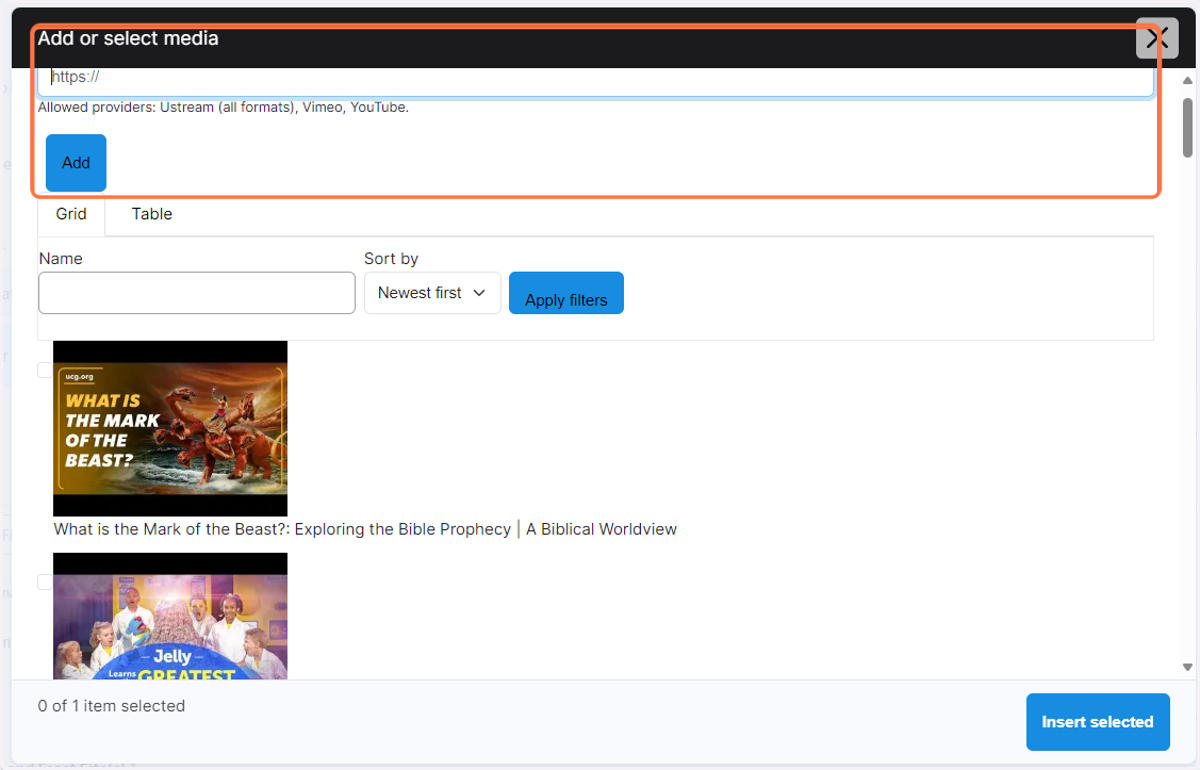
8. Enter Youtube or other link here
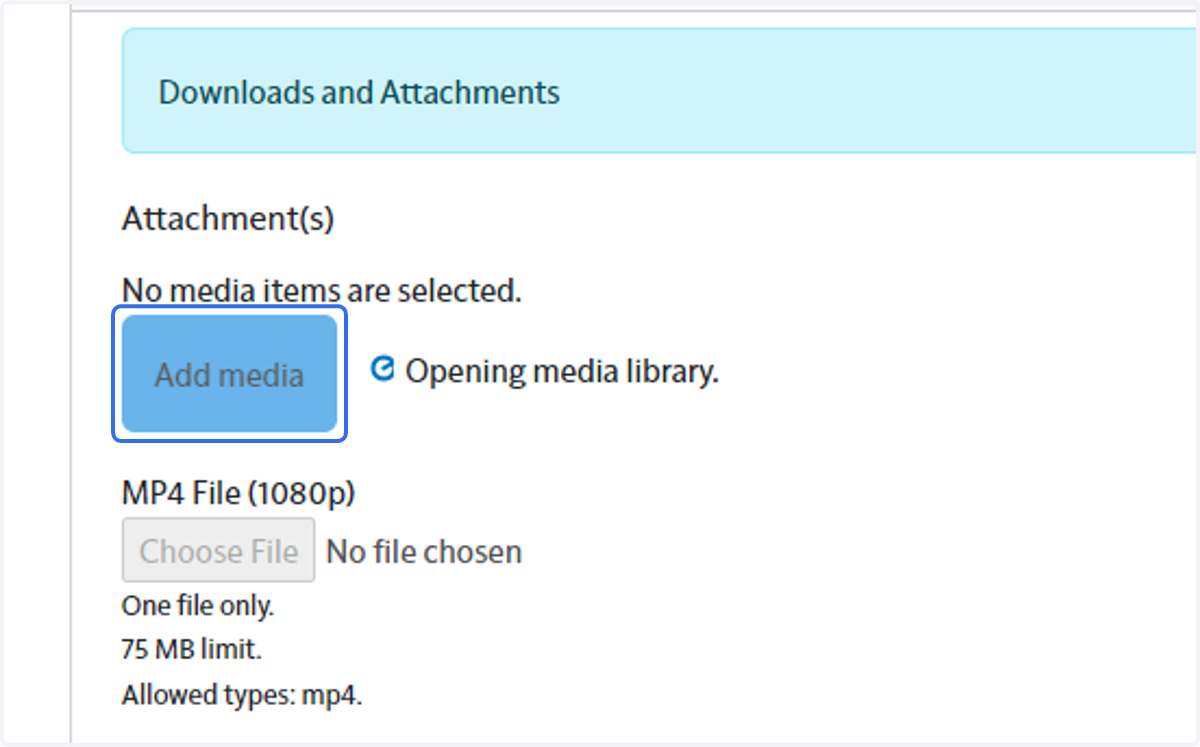
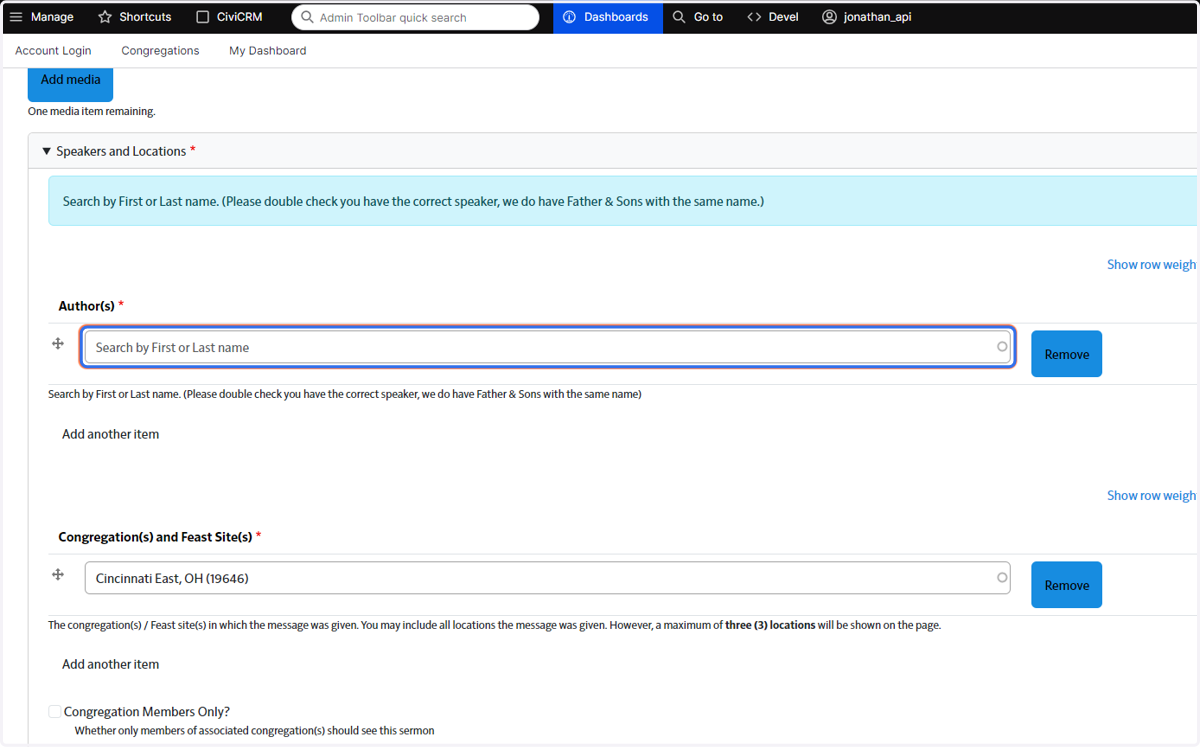
9. Add Author and Congregation
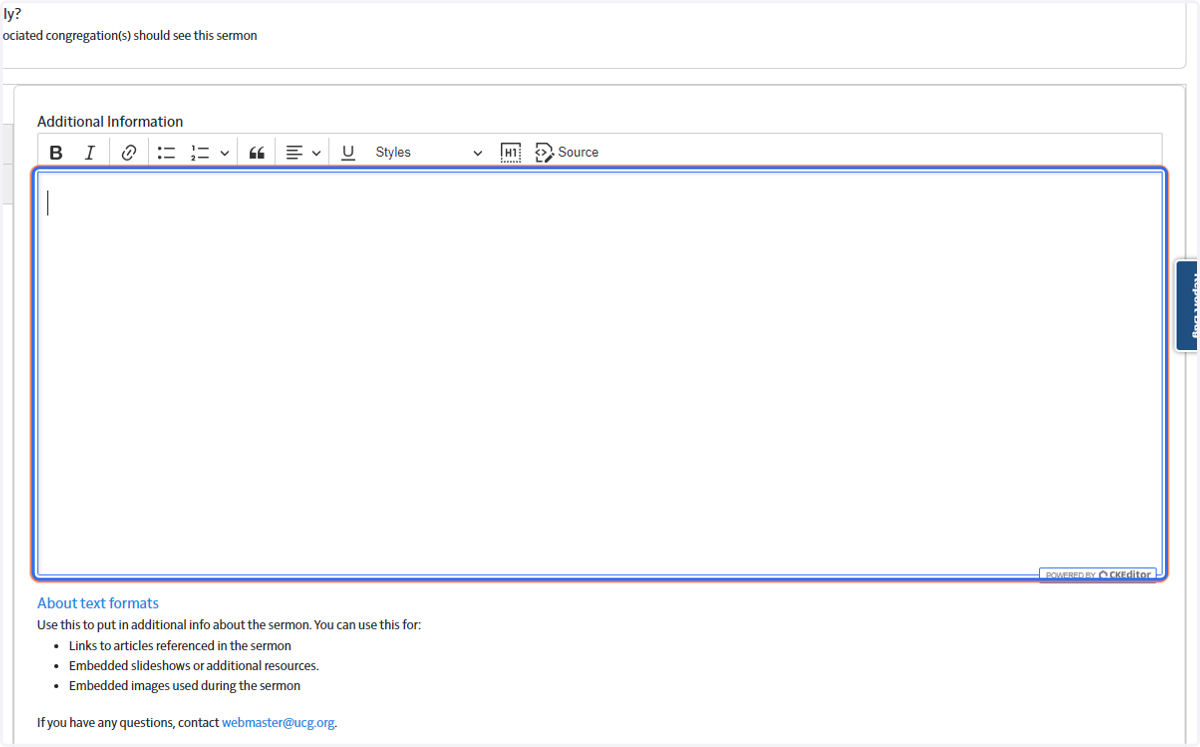
10. Add additional info in needed
11. Enter Tags
Please choose Tags from the dropdown menu when you begin typing on in.
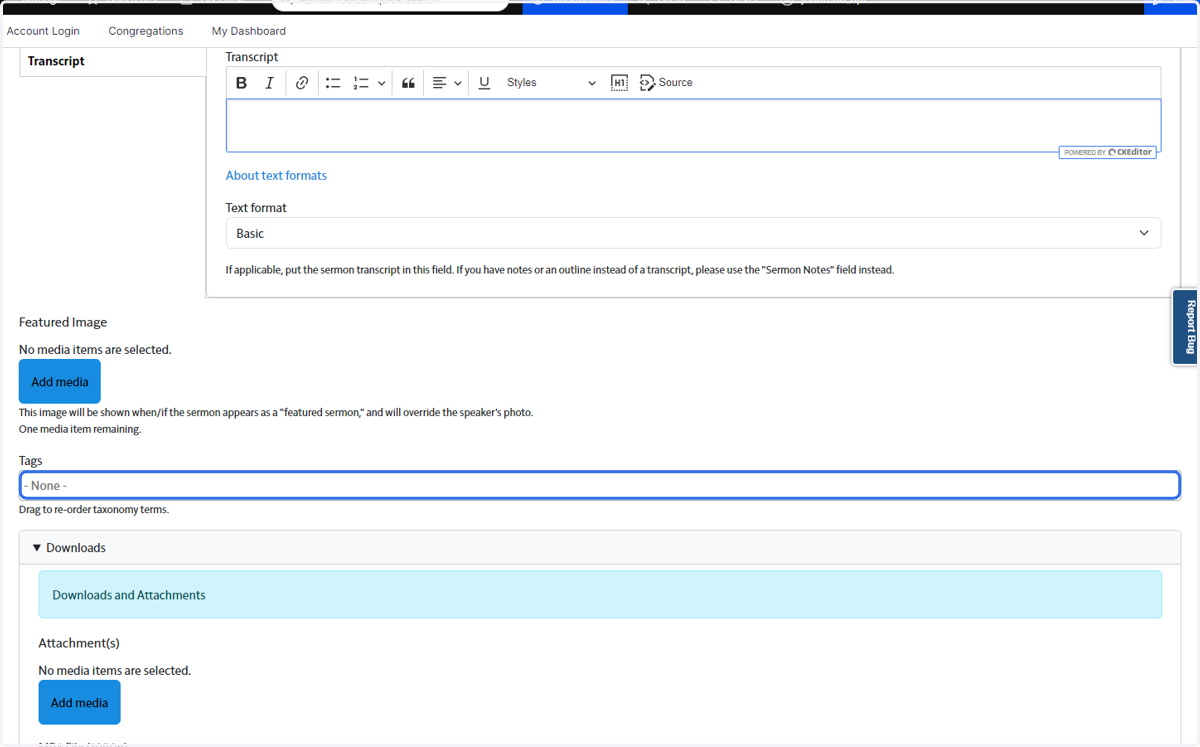
12. Add Attachments if needed and then Save and Process Audio