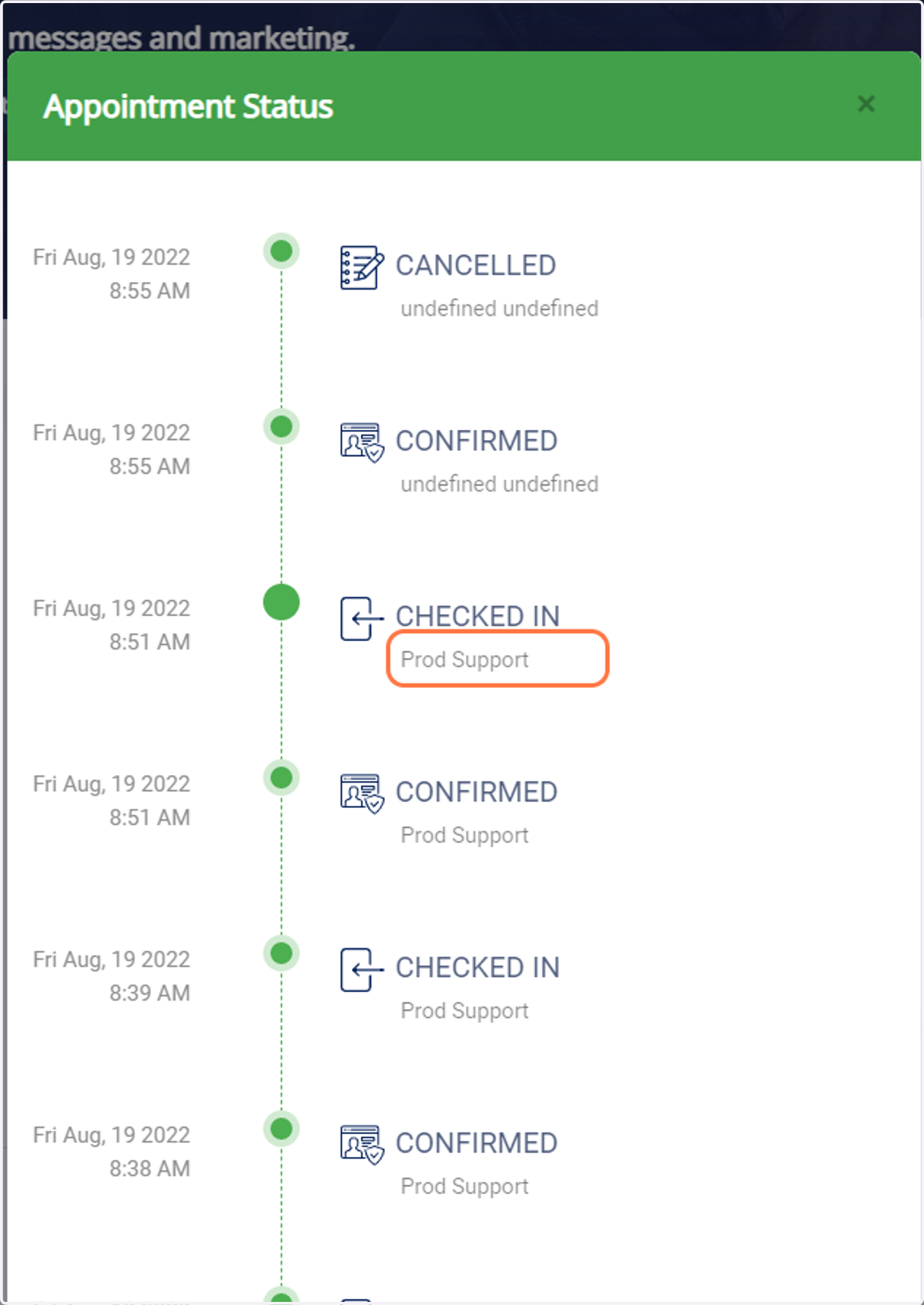
How to see when an appointment was edited and by whom.
1. Go to your RunLoyal business portal.
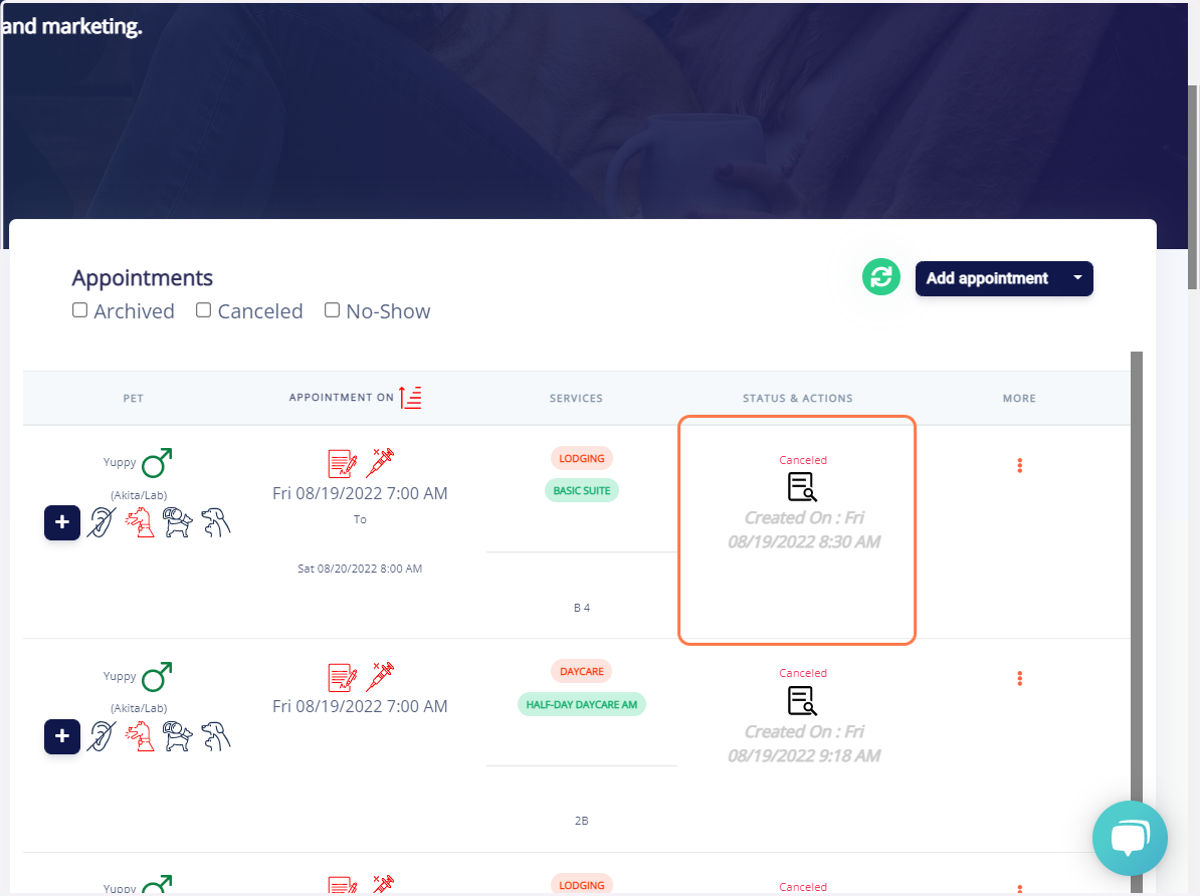
2. Search for the pet owner profile you would like to view and go to the specific appointment.
Look at the section that says "Status & Actions" under that appointment
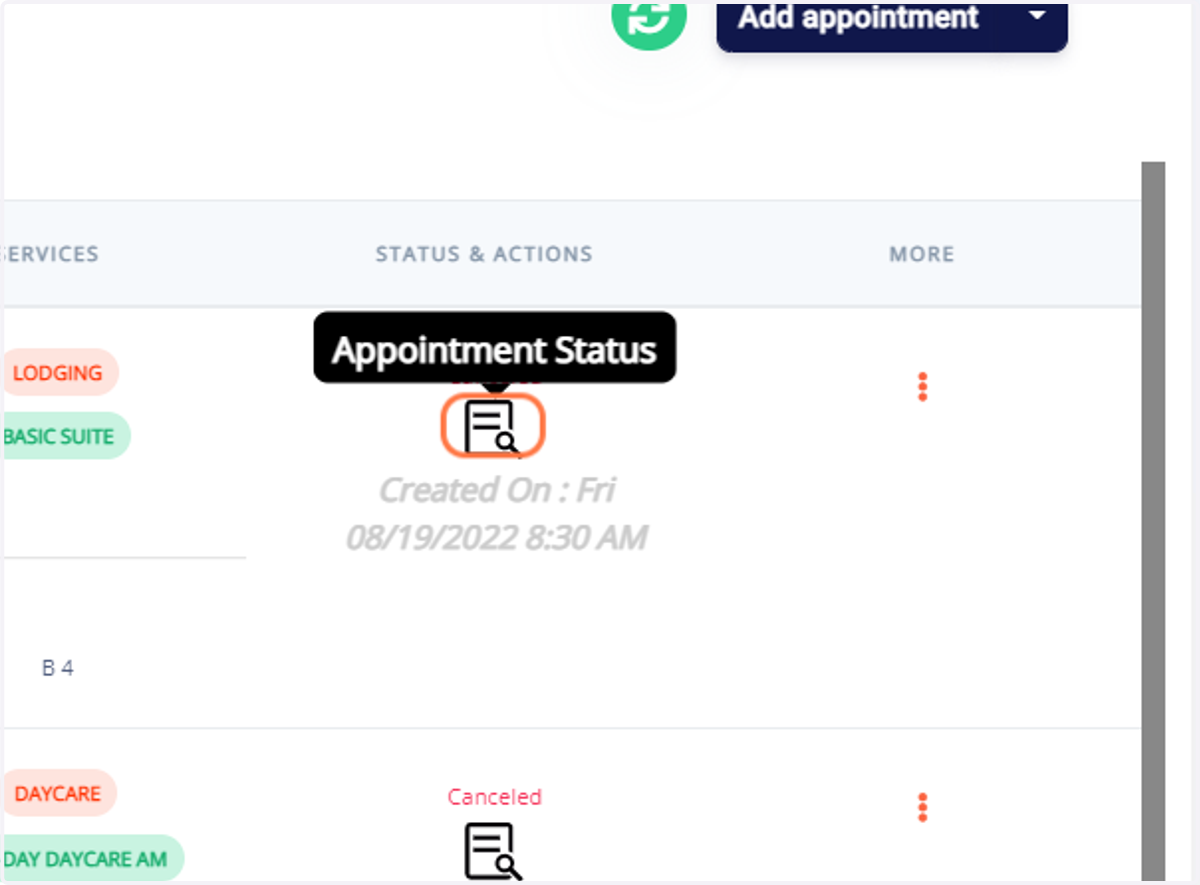
3. Click on the following image marked "appointment status".
4. View the appointment details.
On this screen you will be able to view when an appointment is edited and by whom.