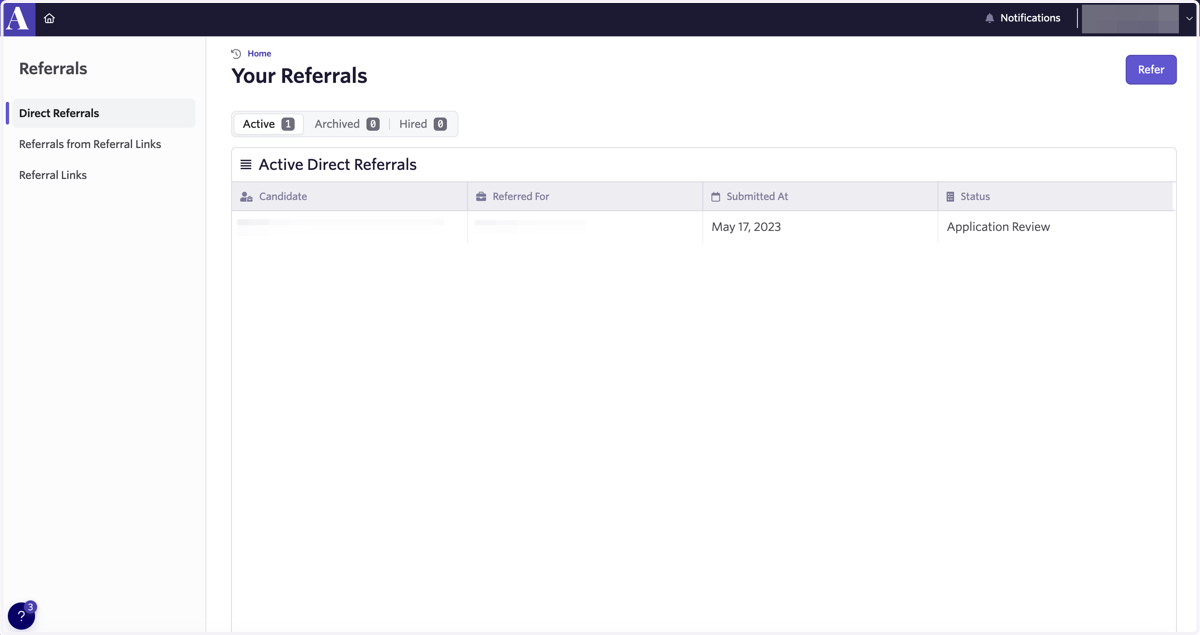
Referring Candidates through Ashby (External)
Home • Ashby
Go to https://app.ashbyhq.com/home/upcoming
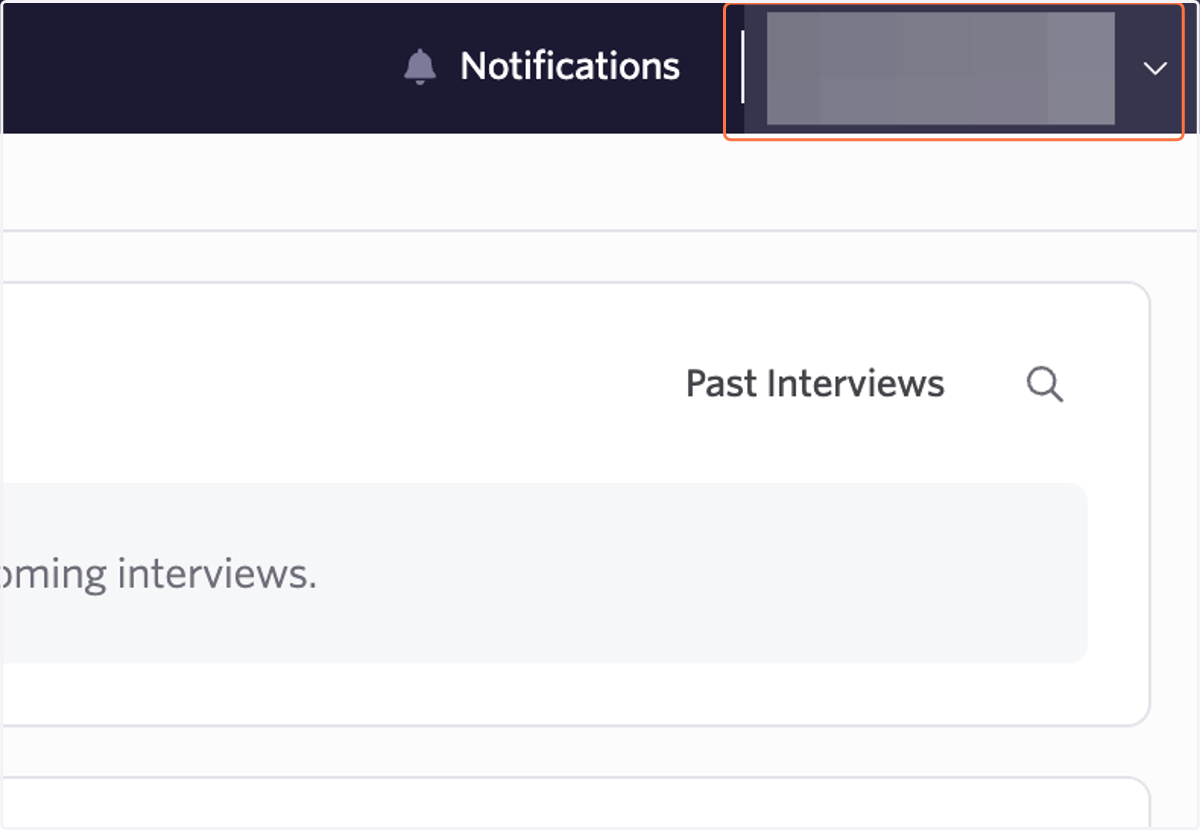
1. Click on your profile
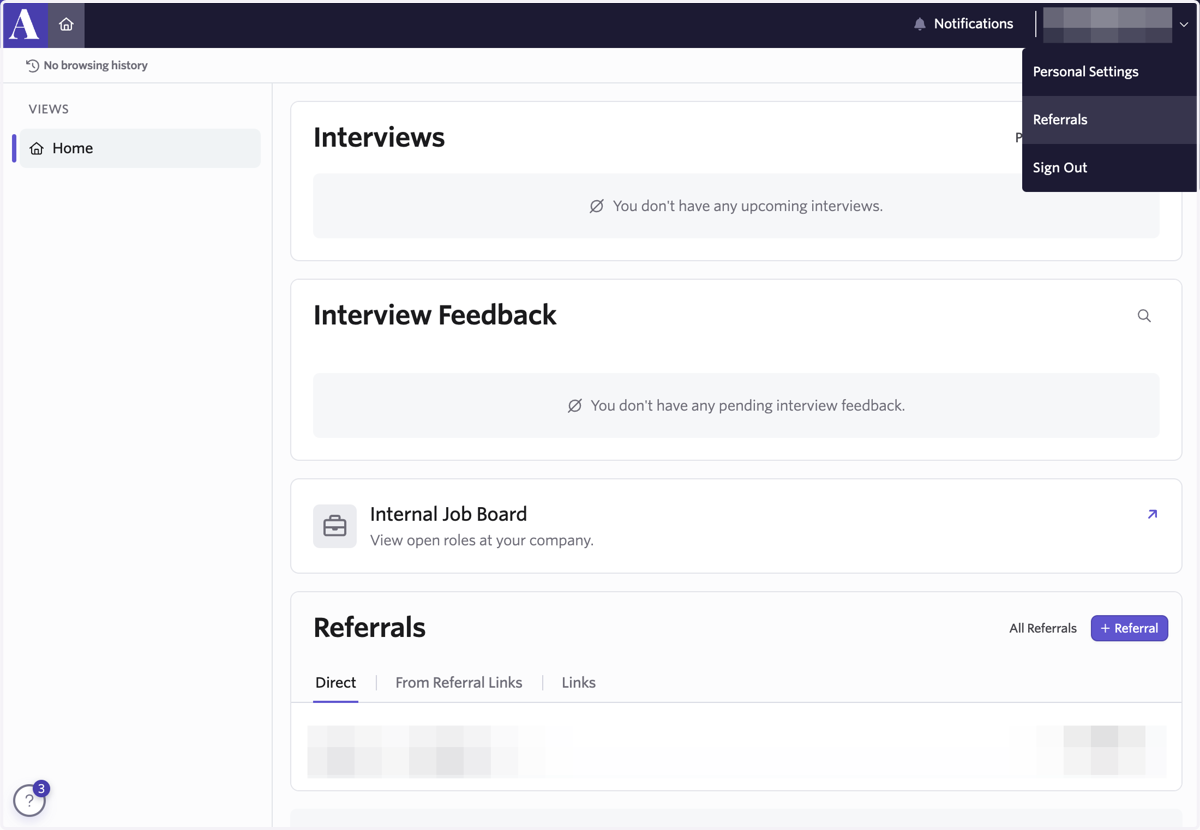
2. Select Referrals
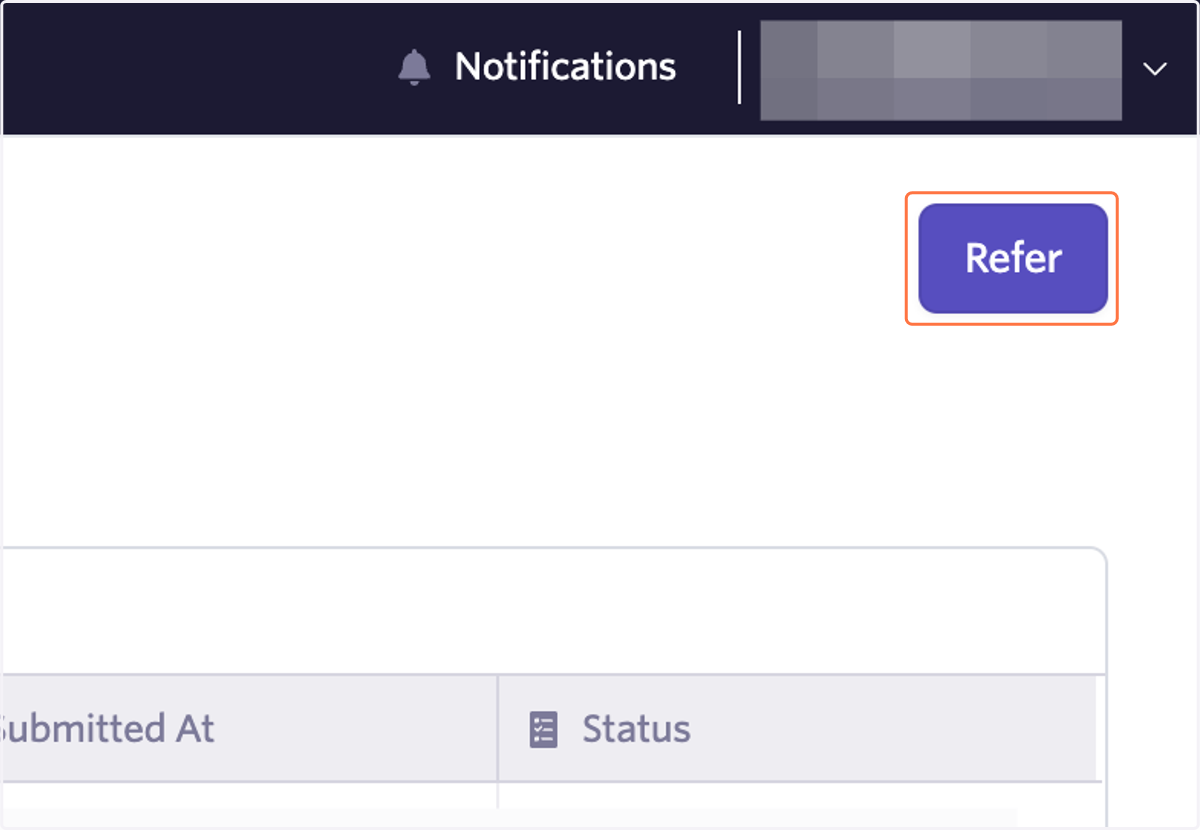
3. Click on Refer
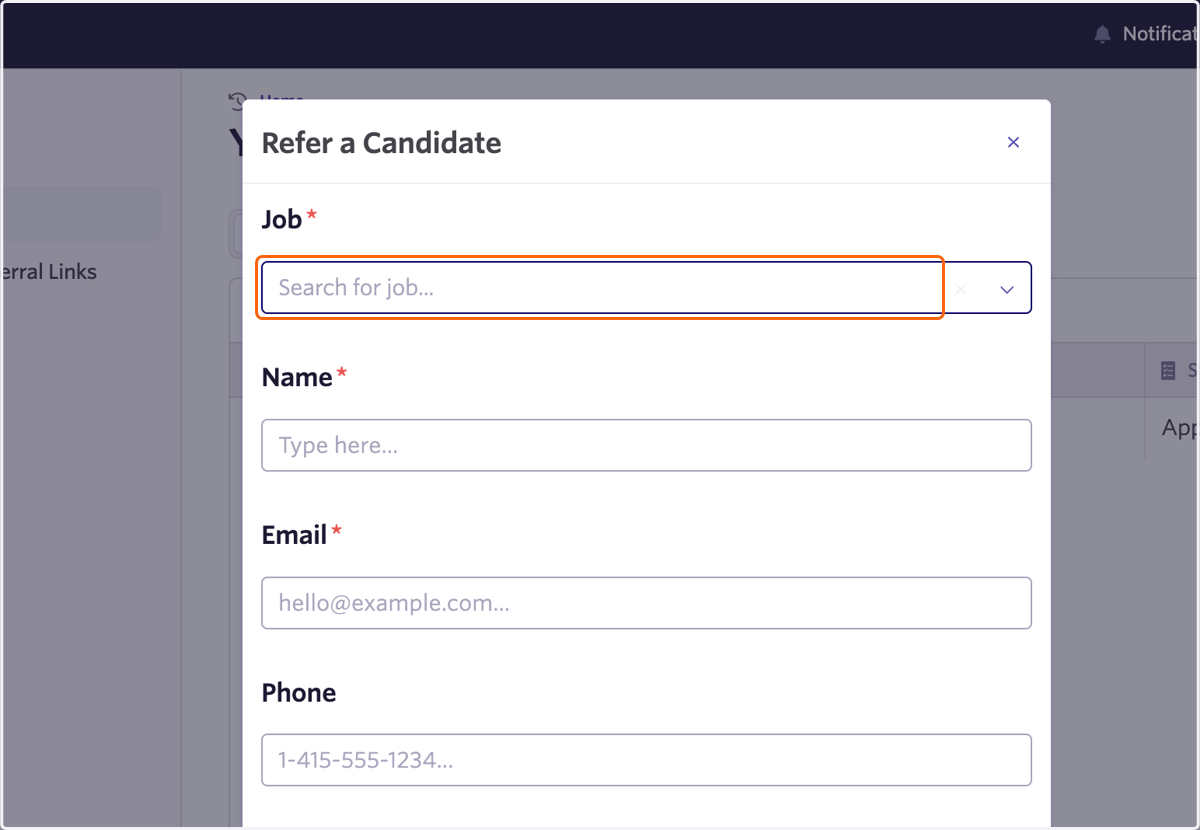
4. Search for job...
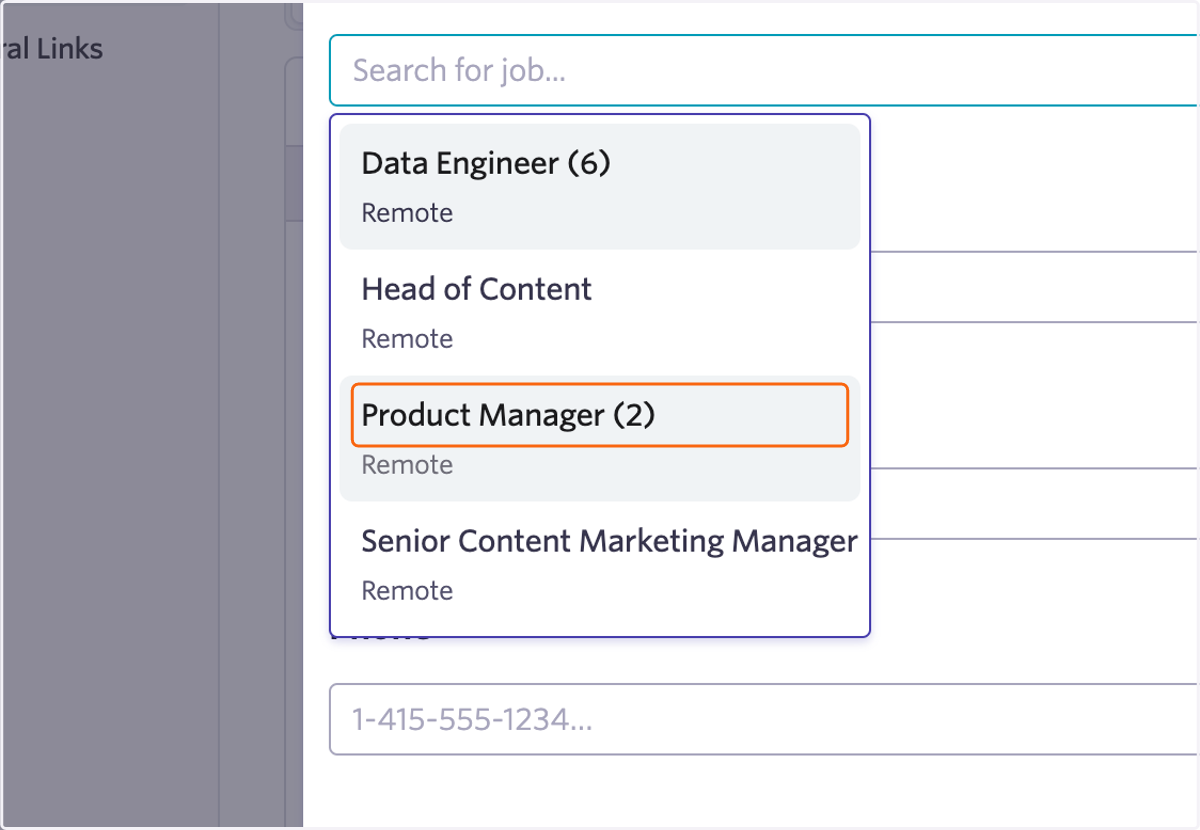
5. Select a position
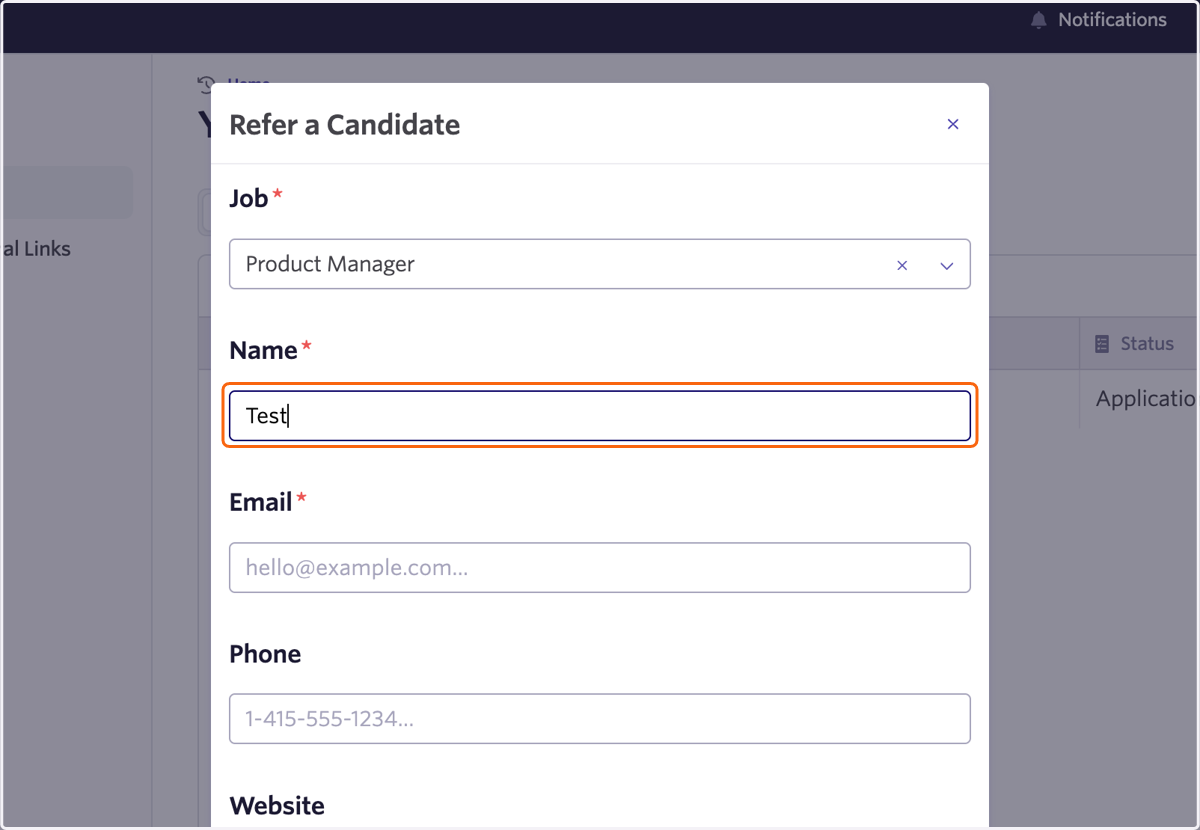
6. Fill out the form
7. Click on Submit
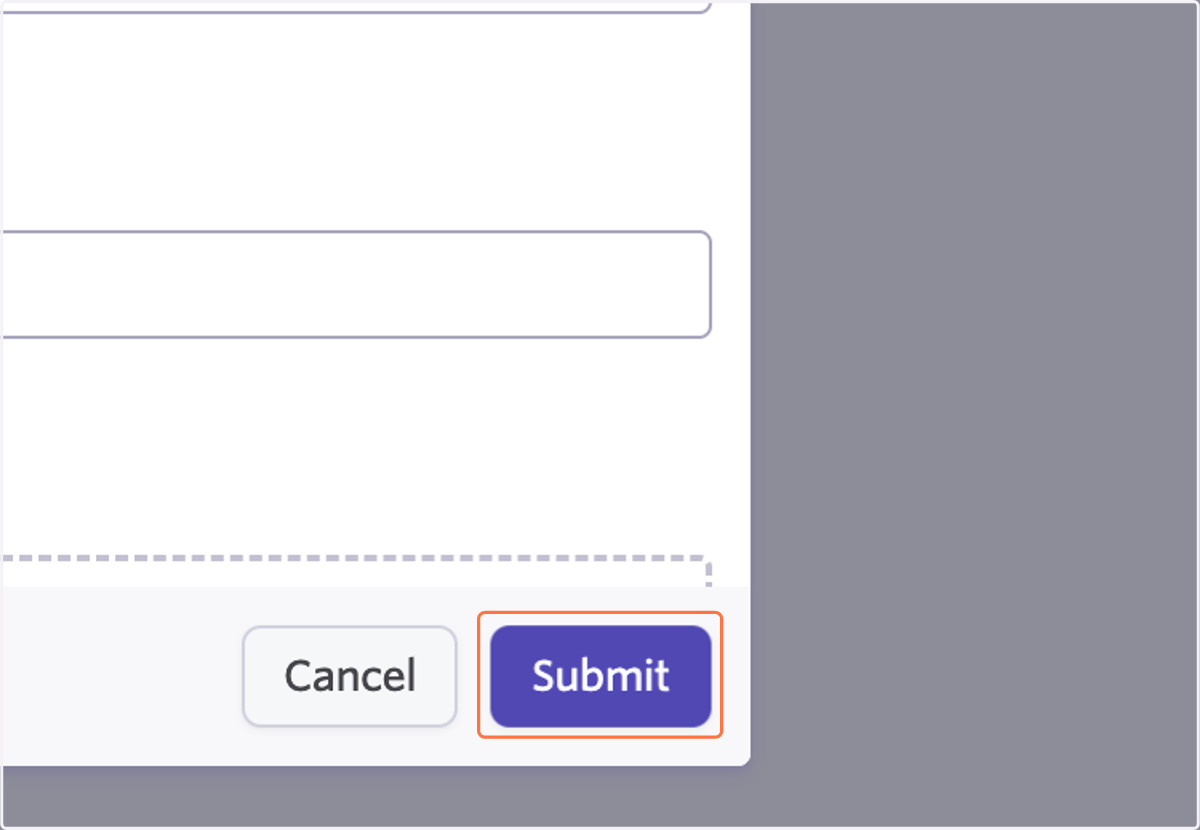
8. Bam 💥 your referral has been submitted and will be reviewed
You can check back at any time to see the status of your submission!