How to Download Completed eSign Documents from eNotaryLog
Enotarylog
1. Go to dashboard.enotarylog.com
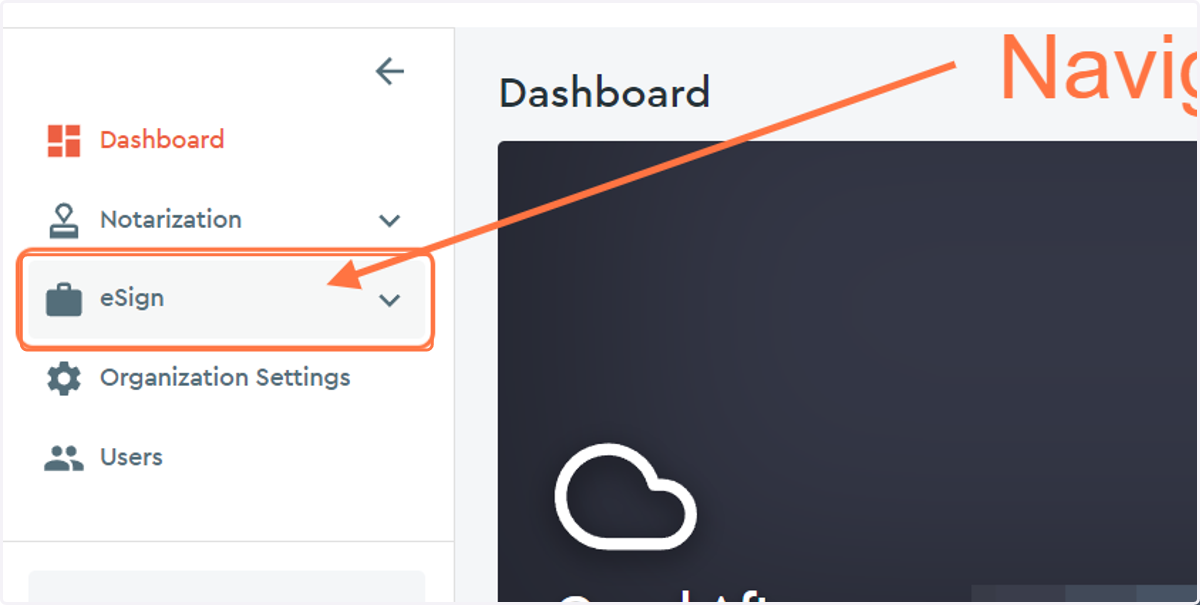
2. Click on eSign drop down menu...
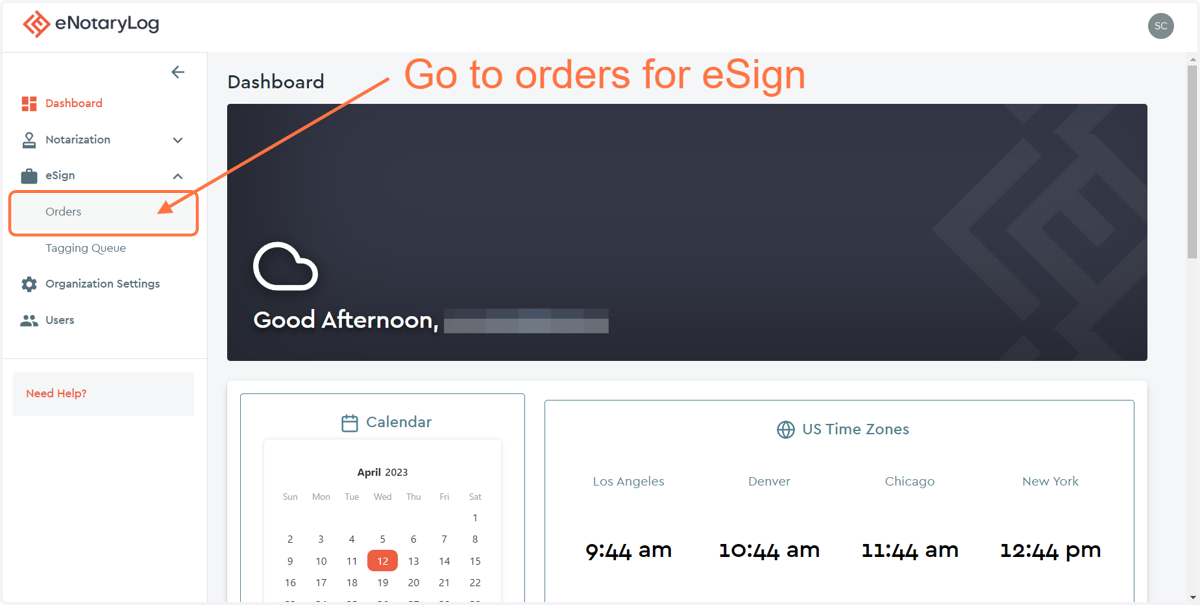
3. Click on the Orders menu option...
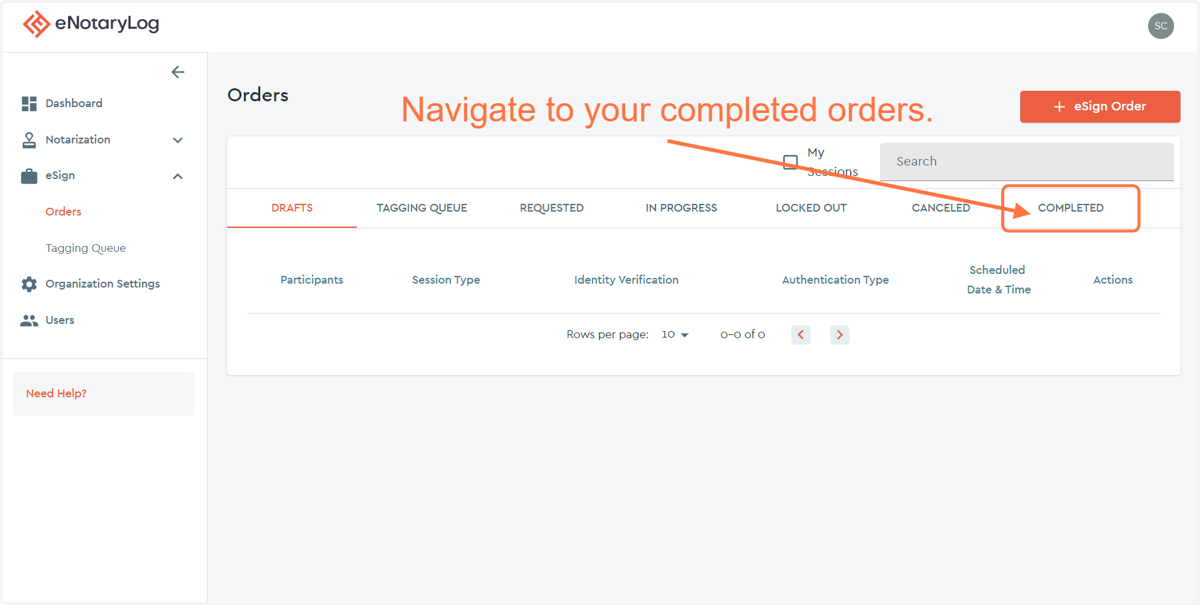
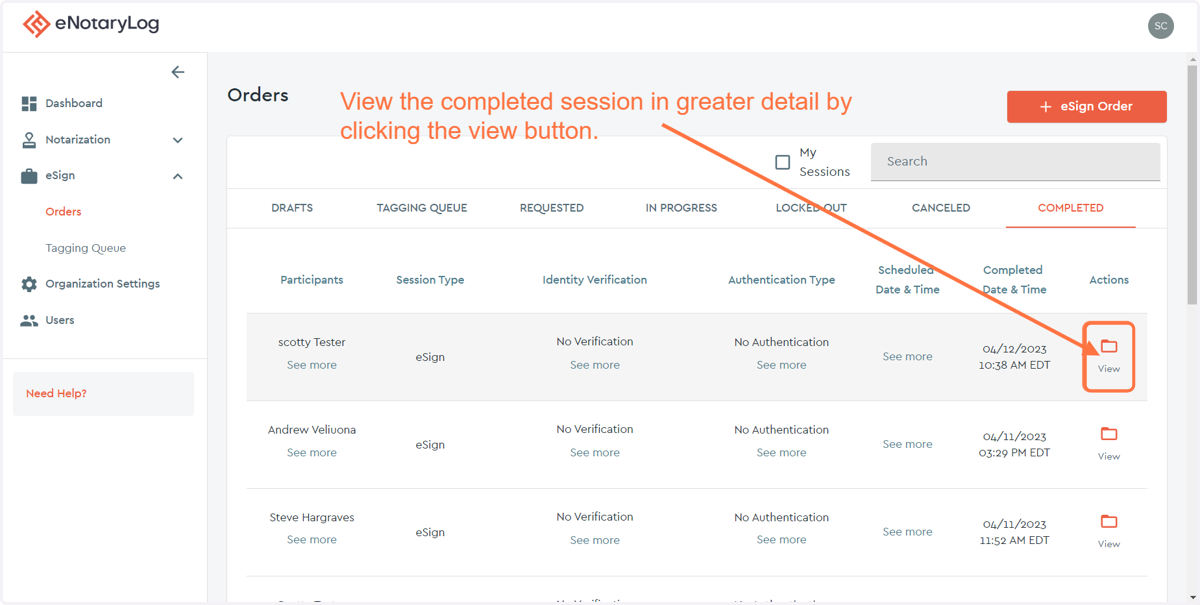
4. Click on the COMPLETED tab on the far right of the page...
5. Click on the View option for the session you wish to pull documents for...
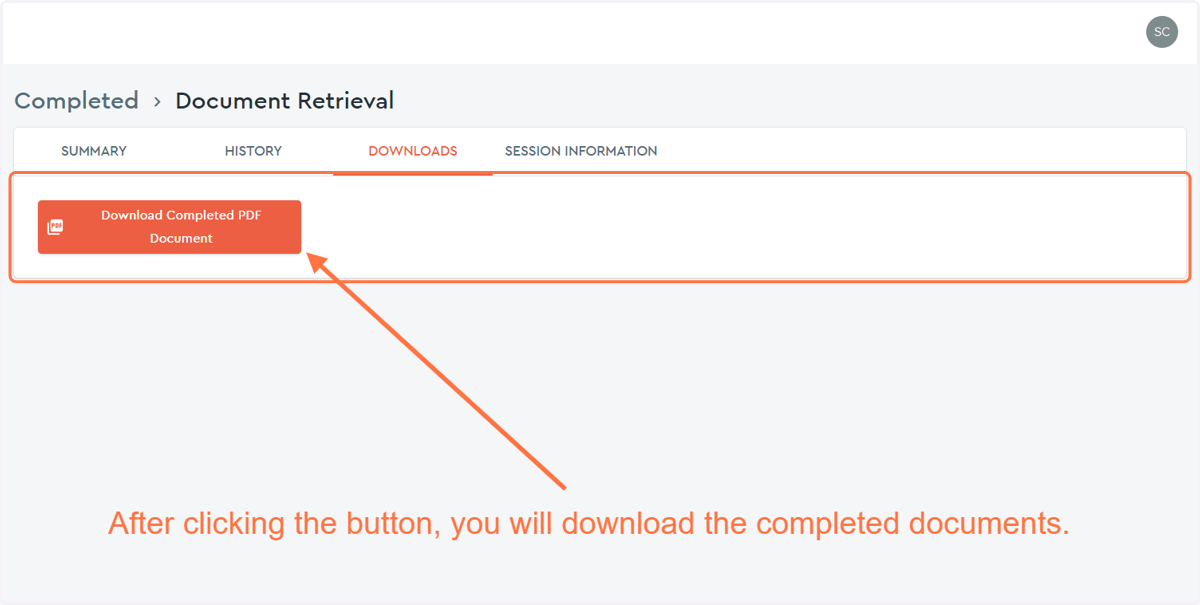
6. Click on the DOWNLOADS tab...
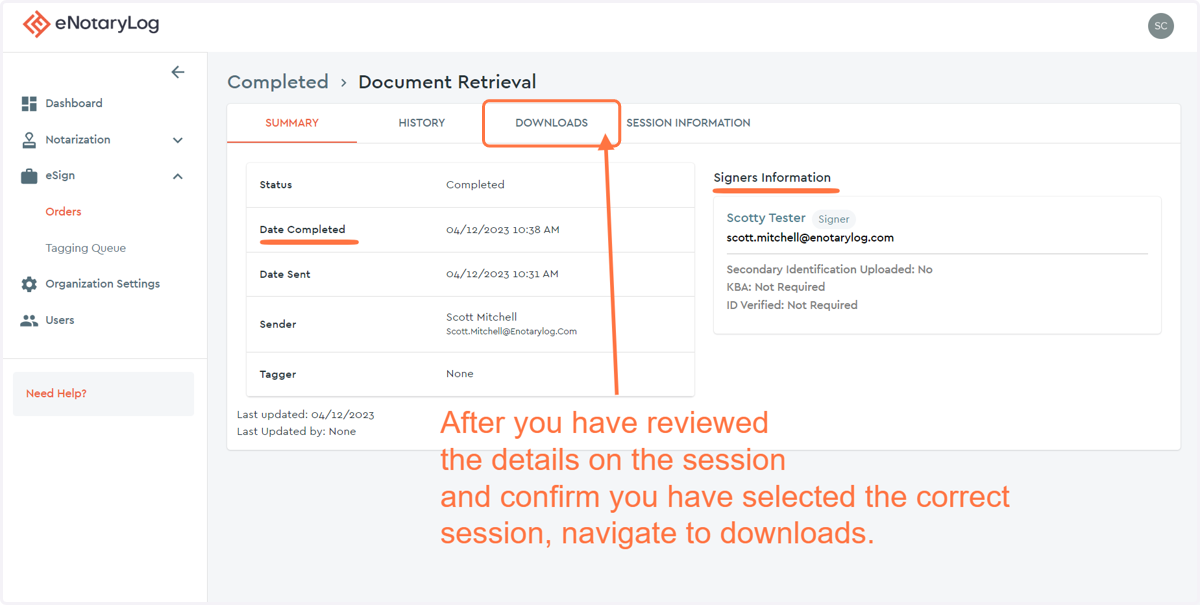
7. Click on the DOWNLOADS button to download the documents from the session...