Sending the Summary Letter to the Candidate
The steps below will show you how to send the department summary letter to the candidate and solicit their response.
Interfolio
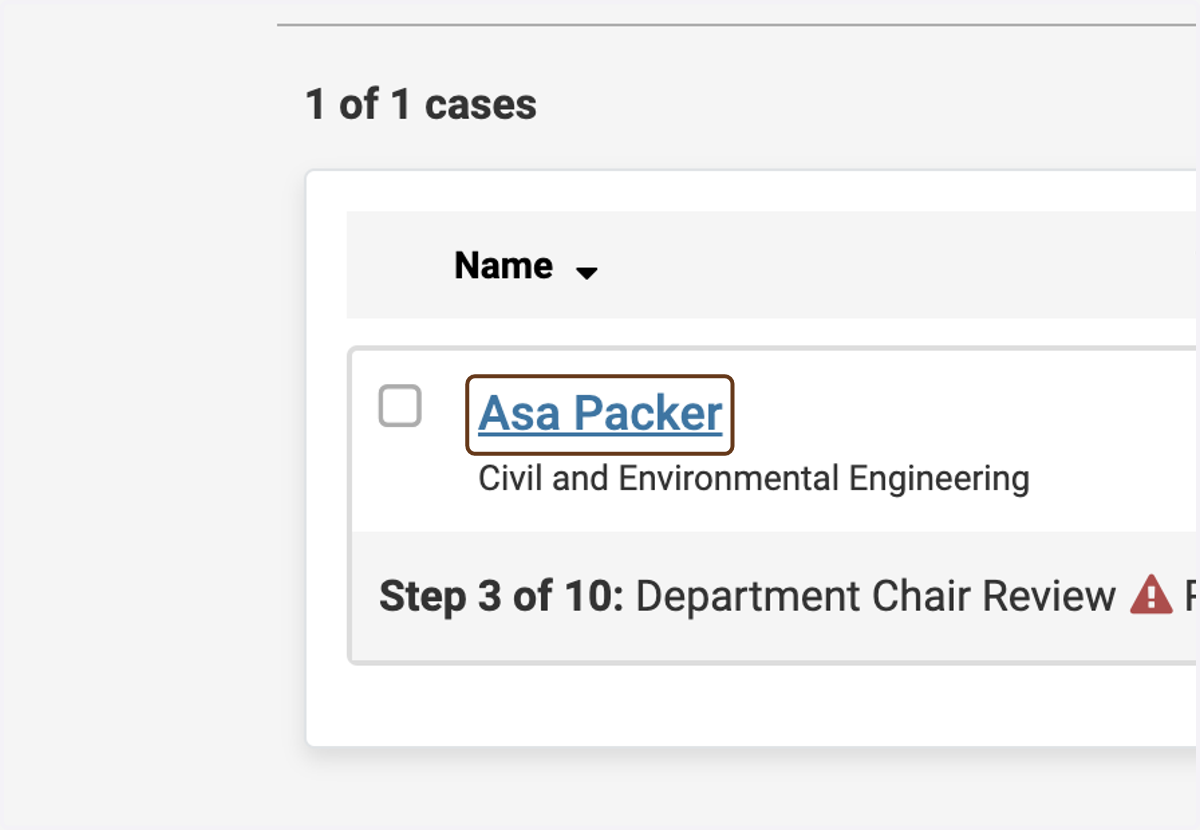
1. Click on the candidate's name
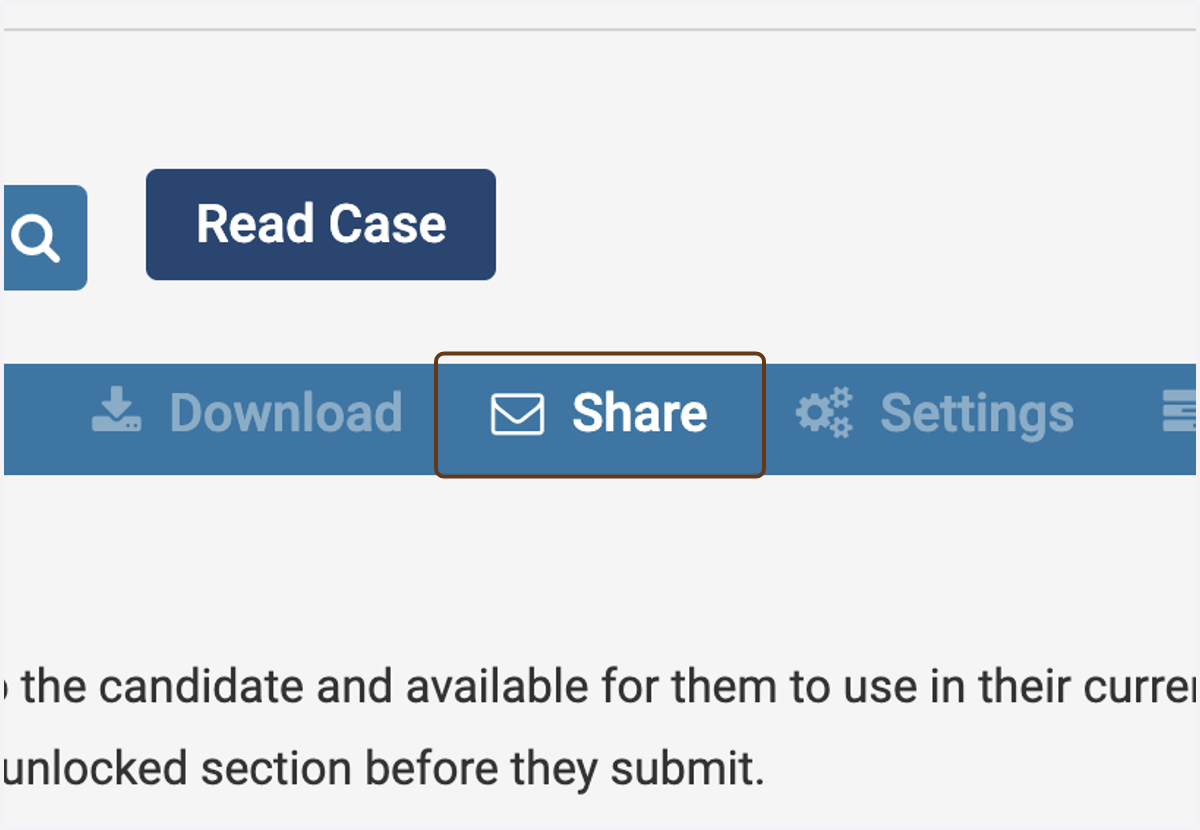
2. Click on Share
This is on the Case Materials tab.
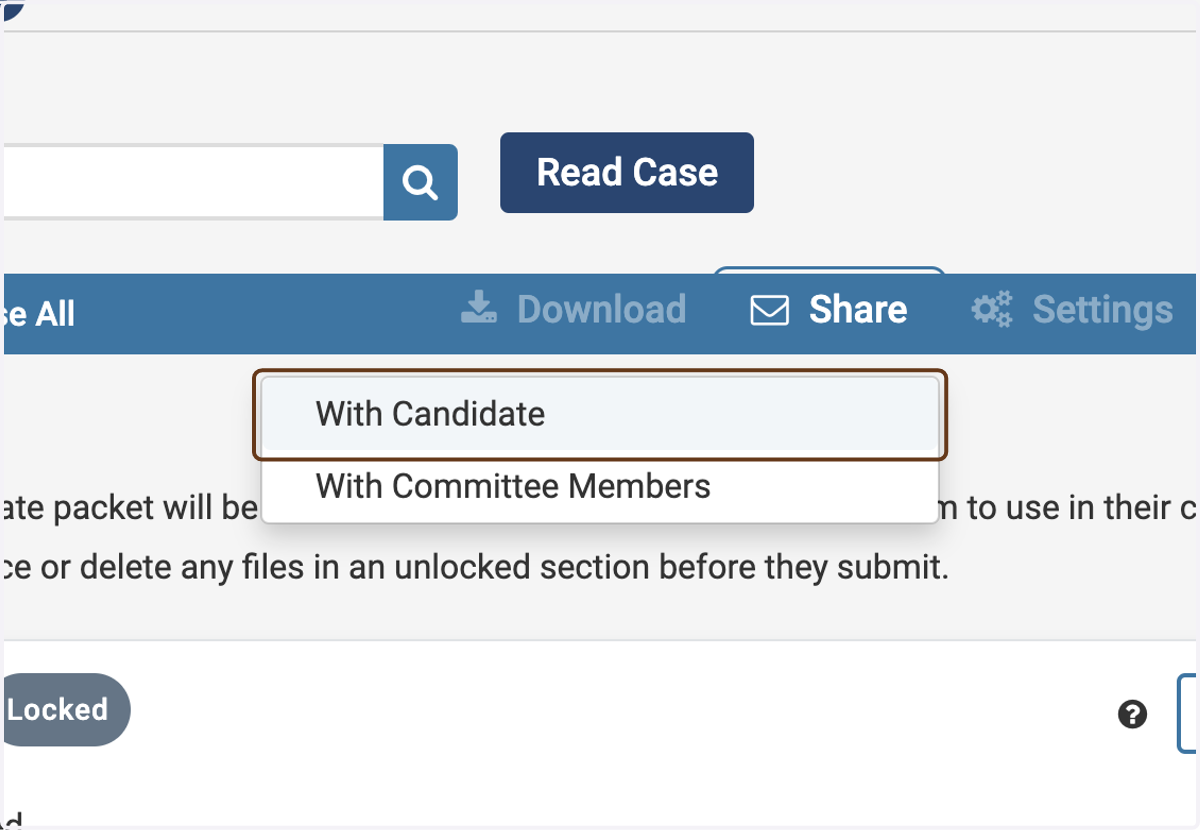
3. Click on With Candidate
4. Customize the email to the candidate
Suggested email:
Subject: Department summary letter is ready for your response
Body: Dear [NAME], The department summary letter for your tenure case is now available. Please click the “View Files” button, log into Interfolio, and read the letter there. Then click “Send Response” and upload your response (or your declination to respond). Let me know if you have any questions.
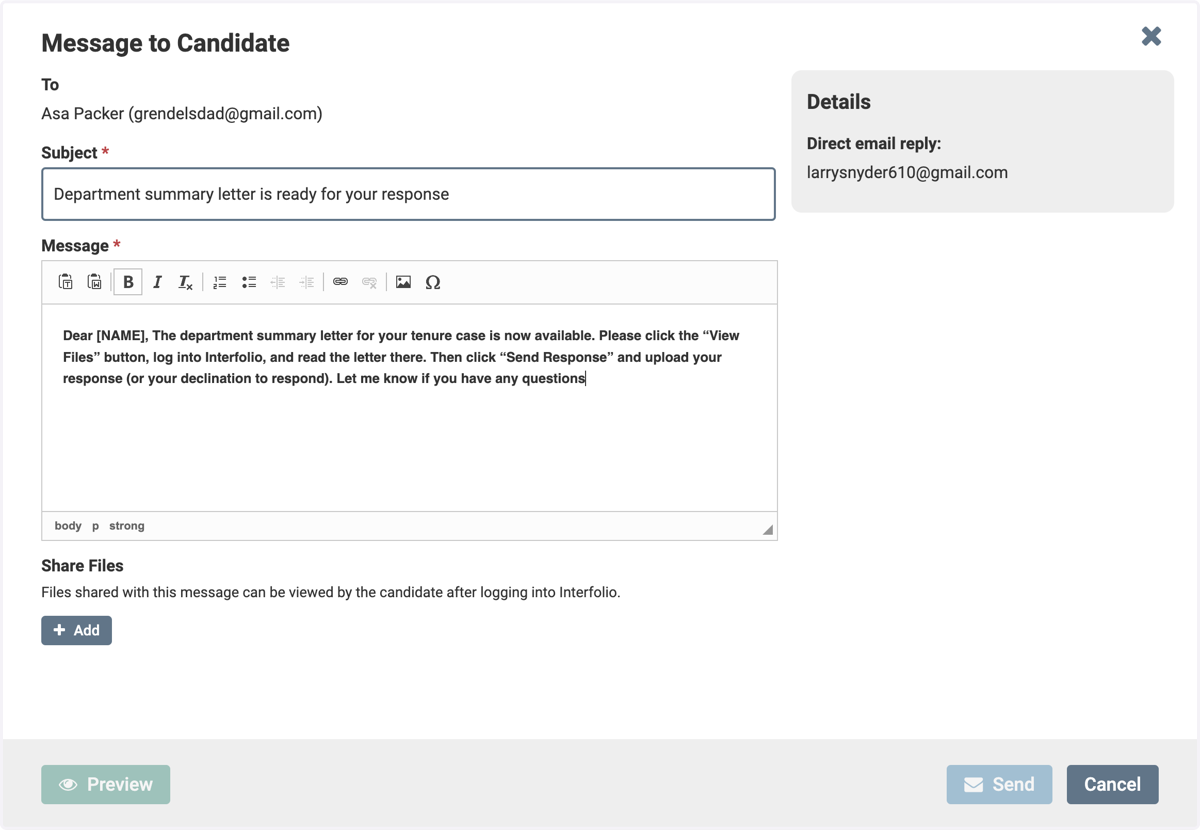
5. Click on Add under Share Files
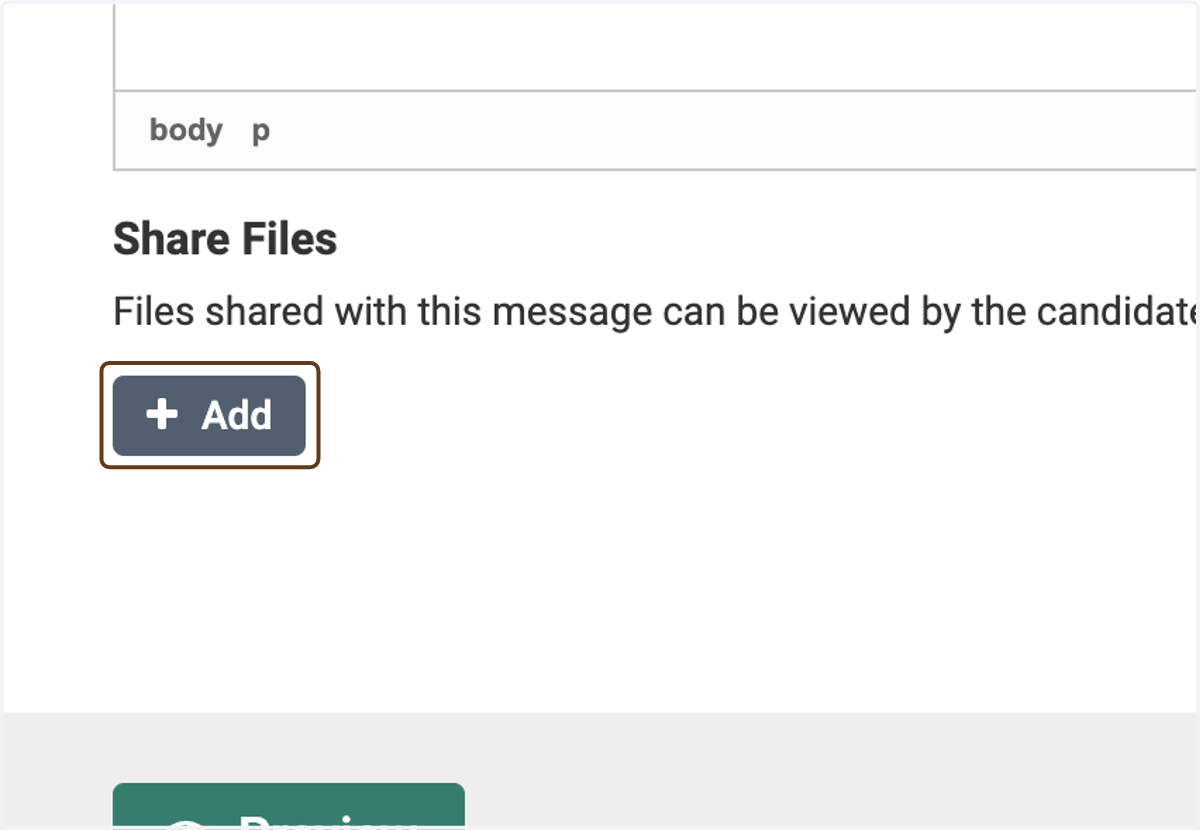
6. Add the department summary letter
Find the letter in the list of documents. (Note: You might have to use the Search function, if it doesn't automatically show up in the list.) Click the + button to add it.
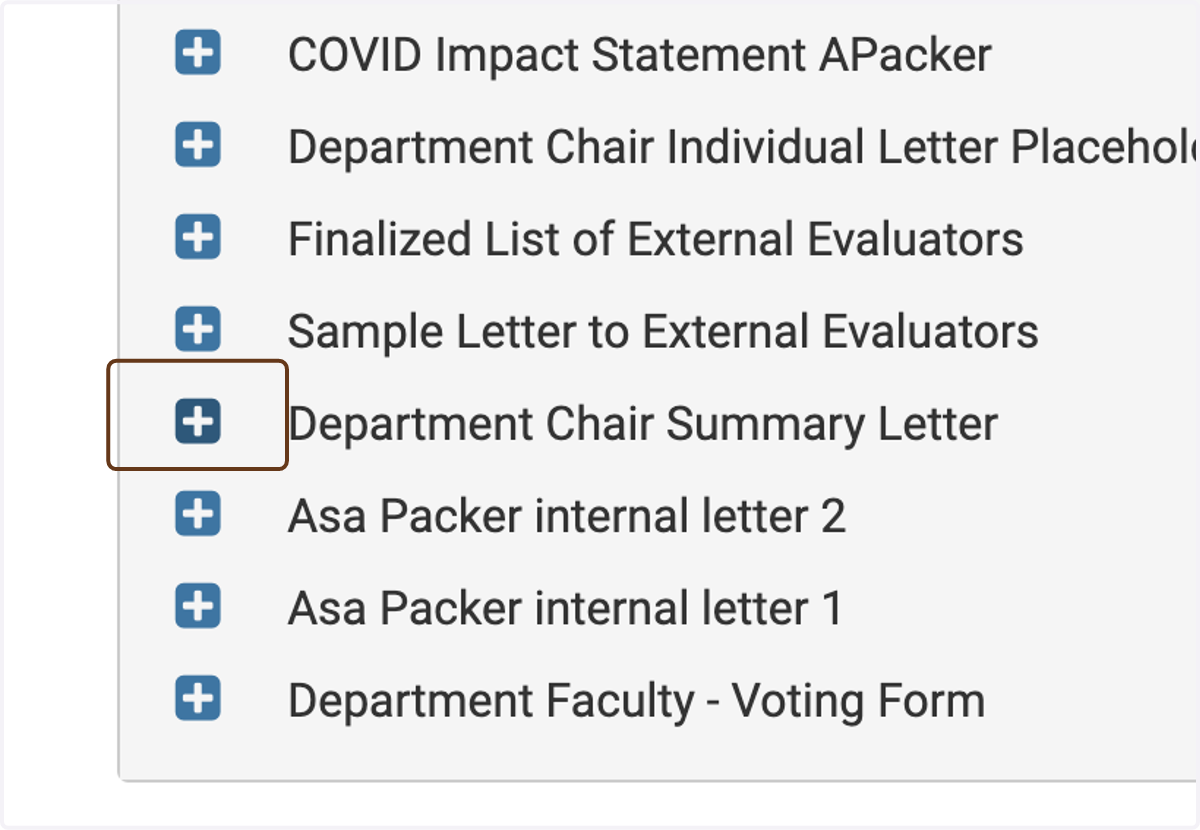
7. Check Enable under File Response
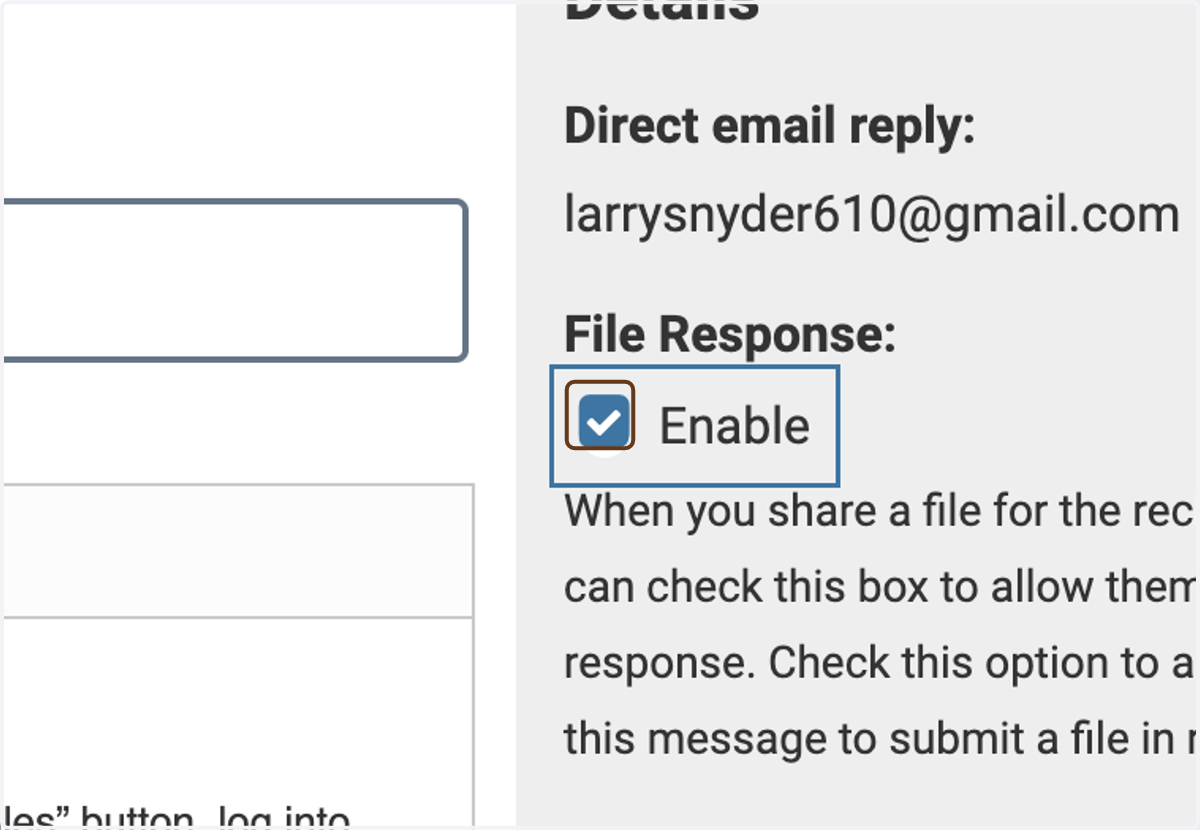
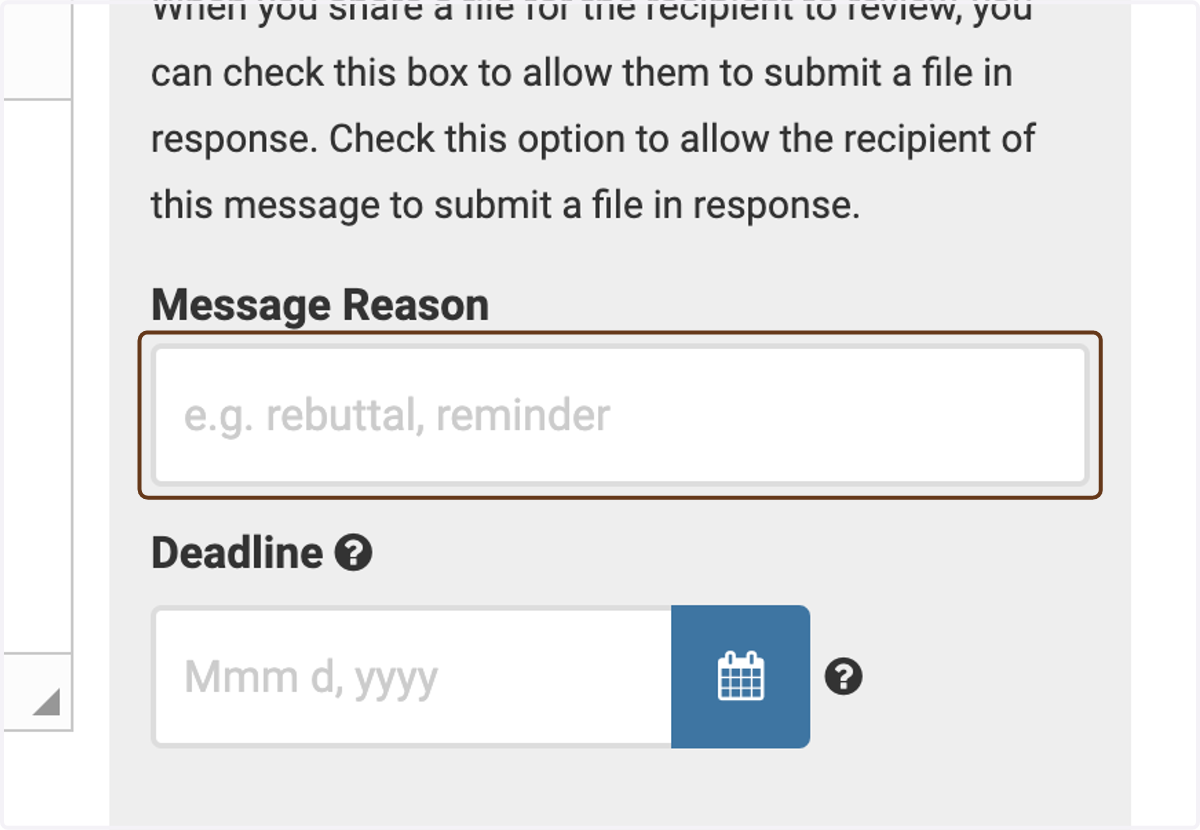
8. Under Message Reason, enter "Department summary letter response"
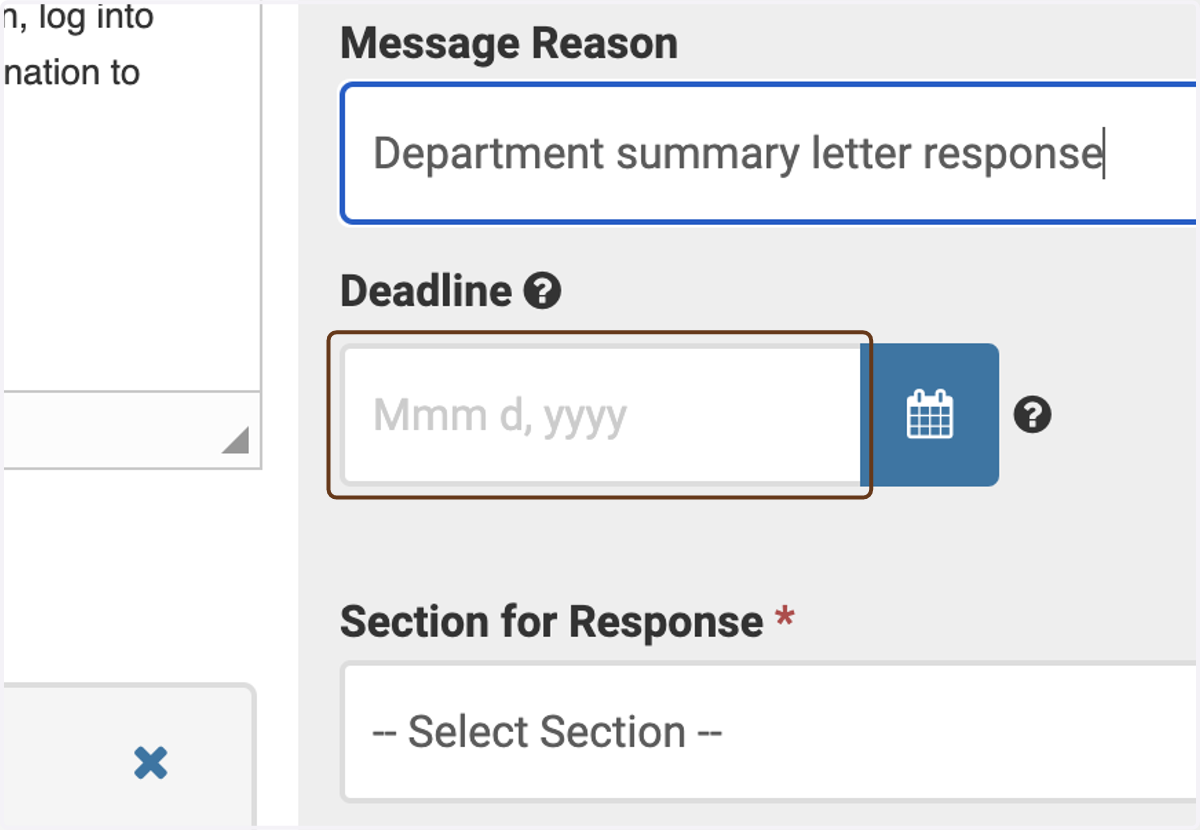
9. Enter a deadline, if you wish
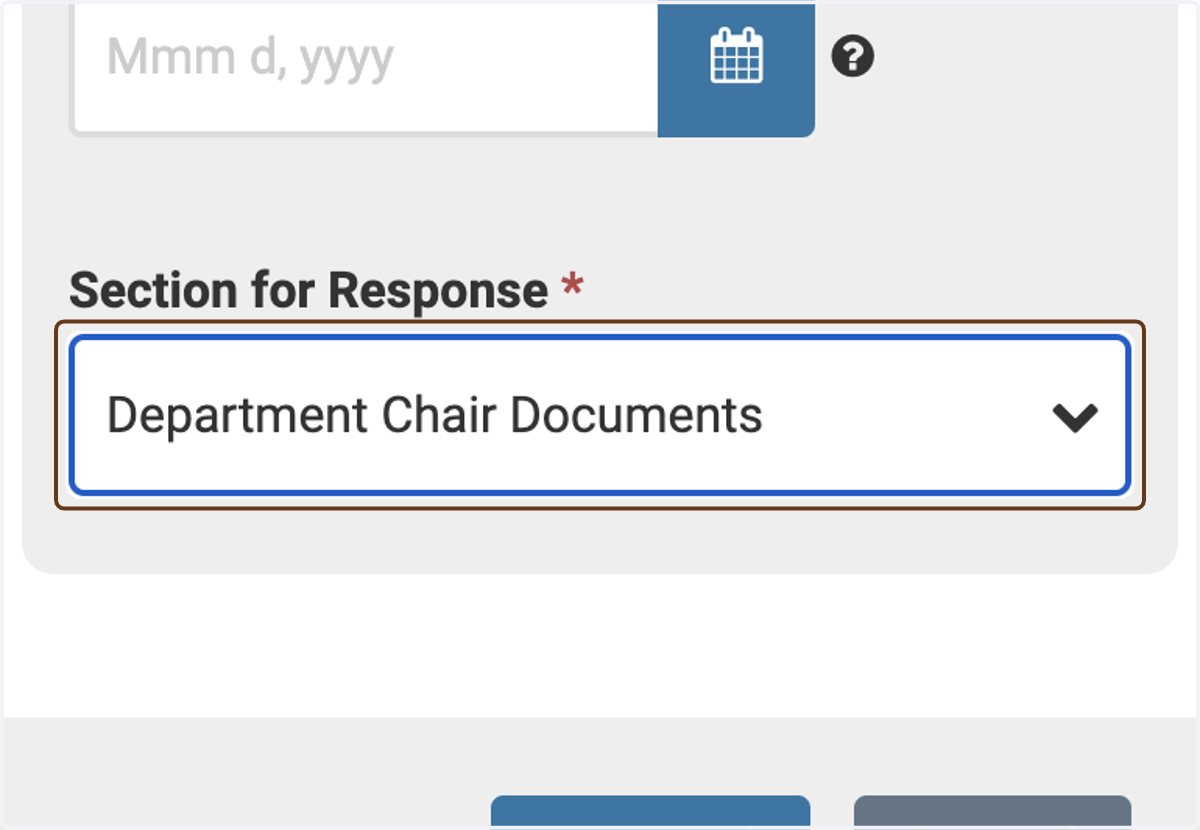
10. Under Section for Response, select Department Chair Documents
Important: This will ensure that the document is stored in the correct section of the case.
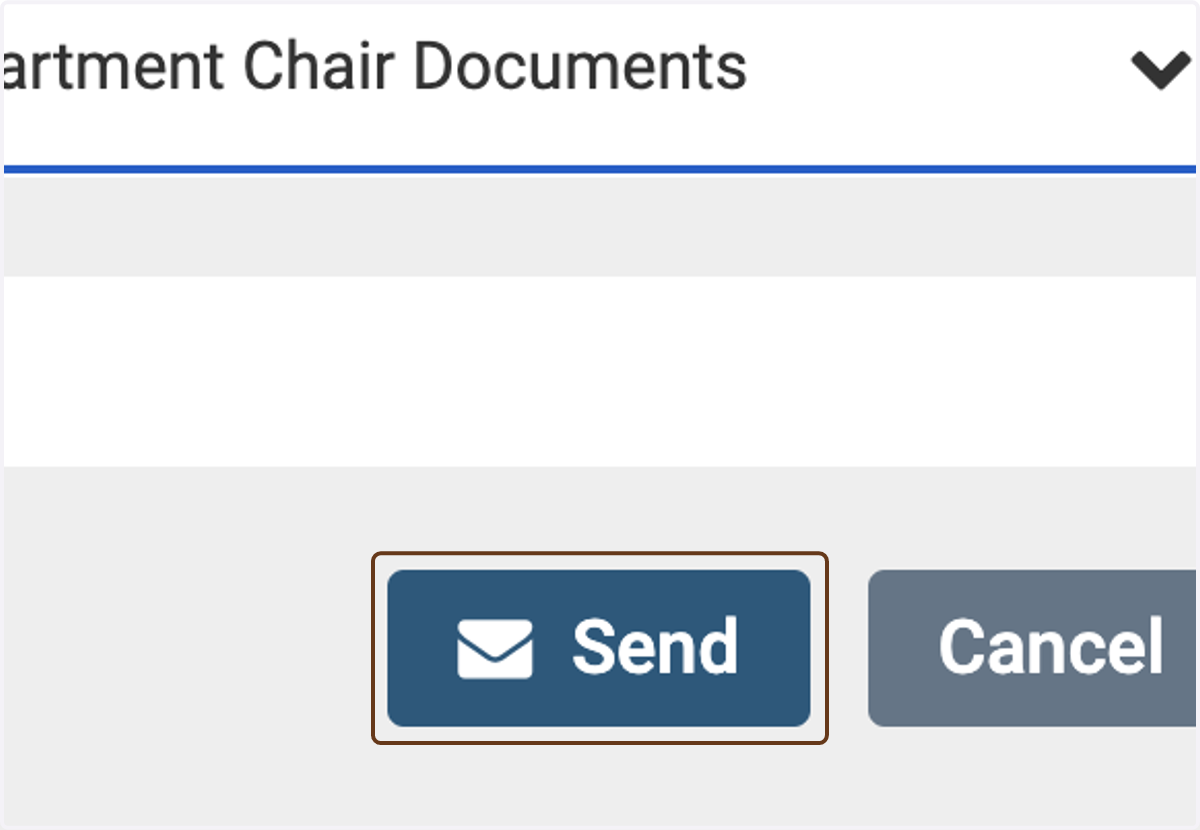
11. Click on Send
12. View the response
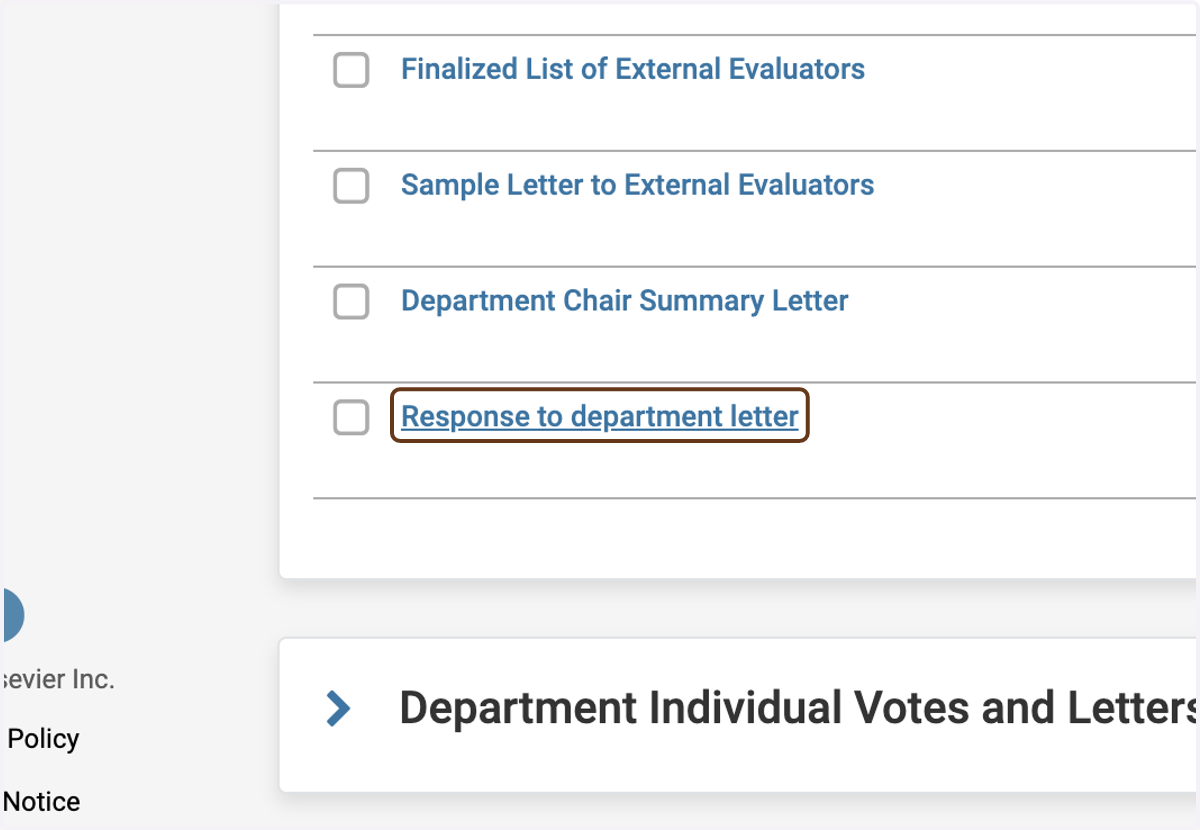
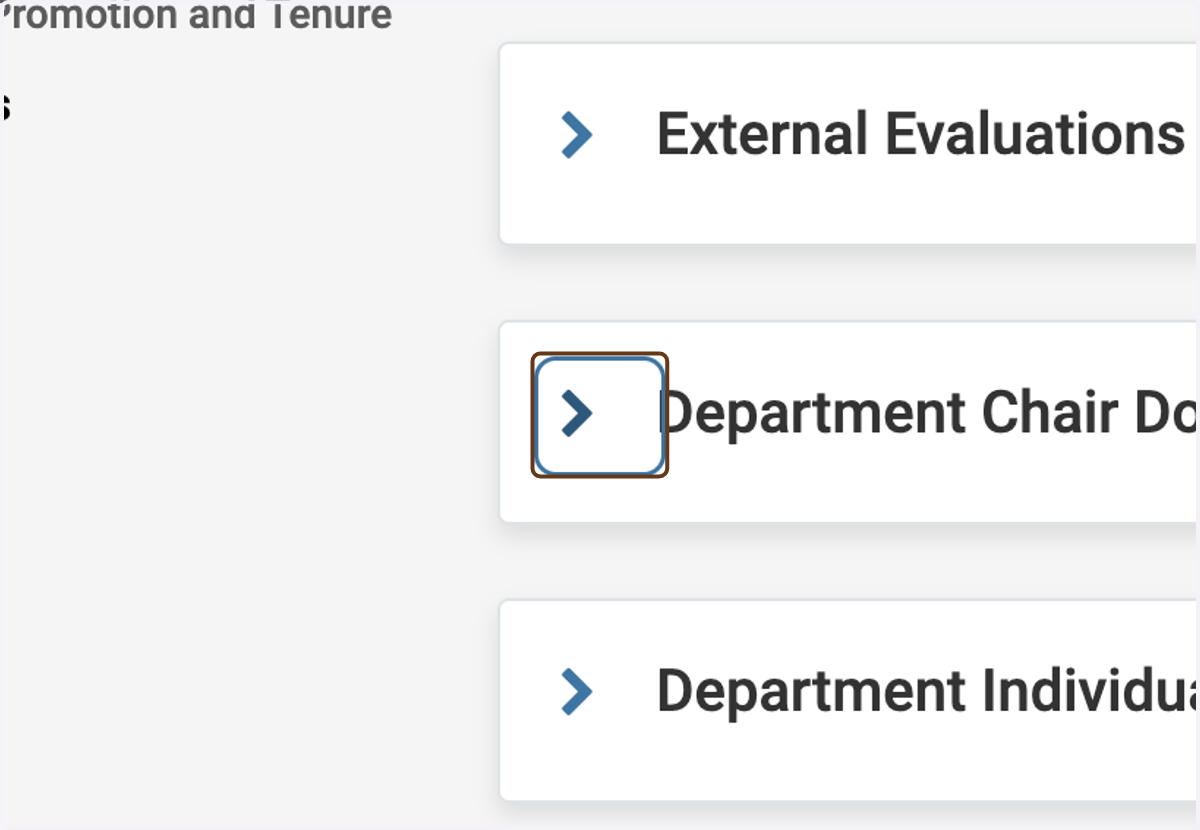
After the candidate has responded to the department summary letter (this will happen within Interfolio), you can view it in the Department Chair Documents section.
13. Click the letter to view it