Bill Visibility

  1. 1. Set bill visibility upon tracking a bill
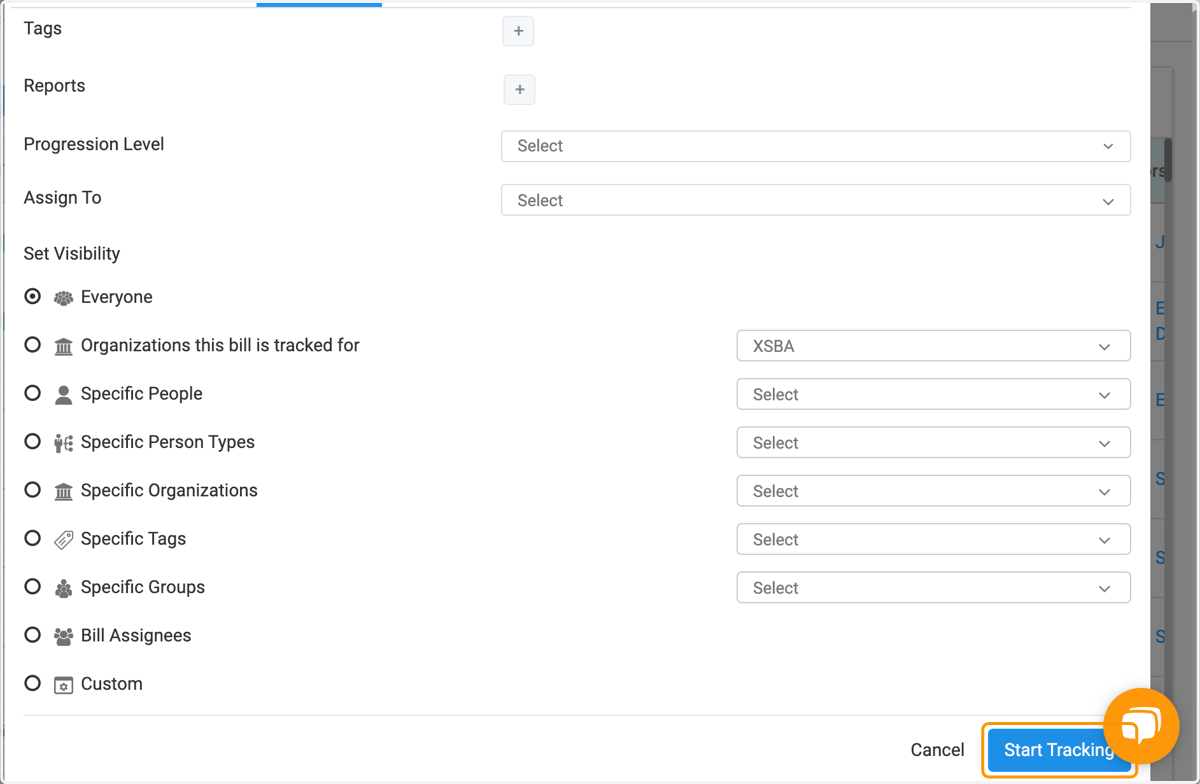
    Set bill visibility upon tracking a bill
  2. 2. Click into any tracked bill to view the bill detail page and make changes to visibility.
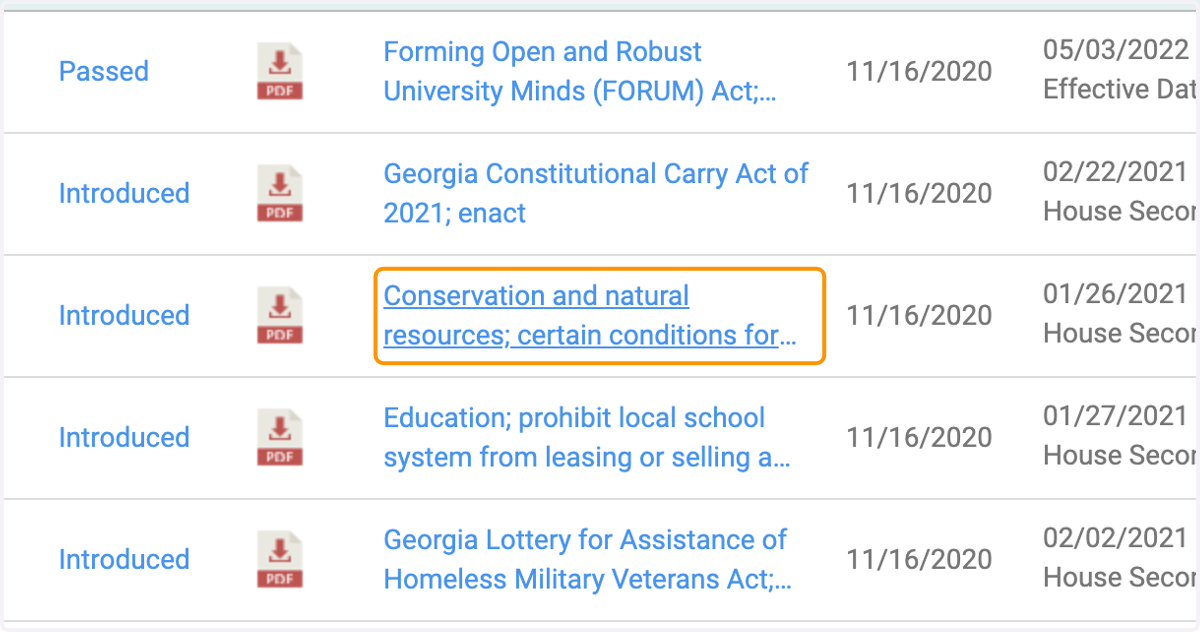
    Click into any tracked bill to view the bill detail page and make changes to visibility.
  3. 3. Click on the arrow under "Who sees this?" to modify visibility of a bill after it's been tracked.
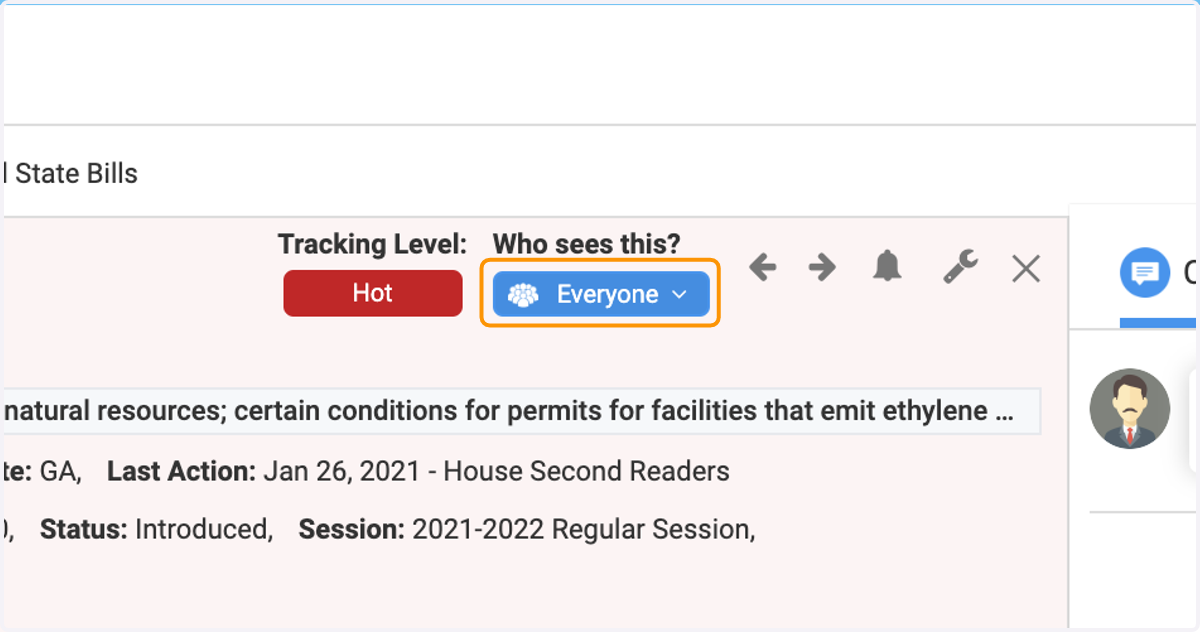
    Click on the arrow under "Who sees this?" to modify visibility of a bill after it's been tracked.
  4. 4. Be sure to click "Save" after making your selection.
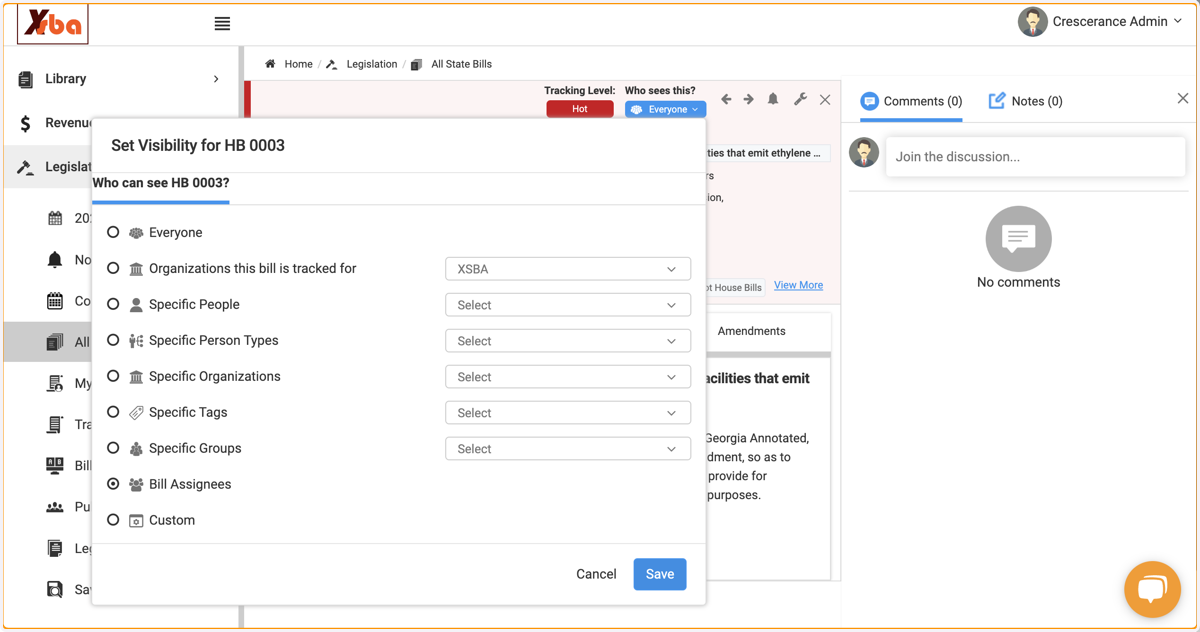
    Be sure to click "Save" after making your selection.