Managing Send from Email addresses
CXSBA Home: Powered by Engagifii
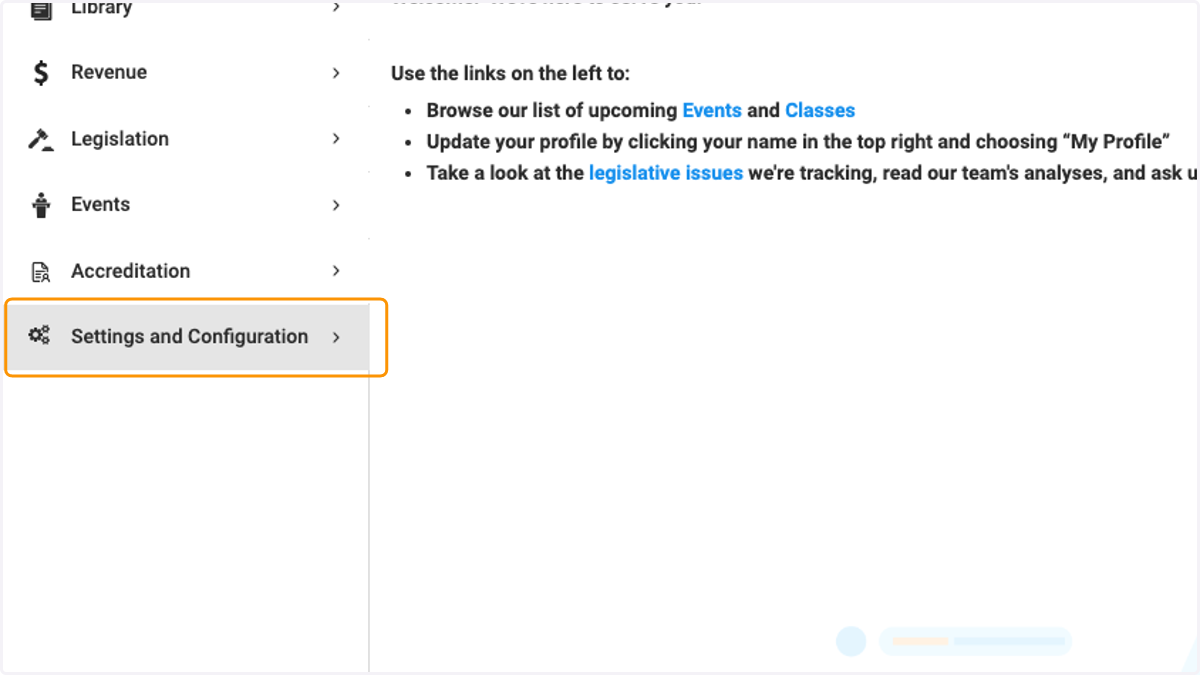
1. Click on Settings and Configuration
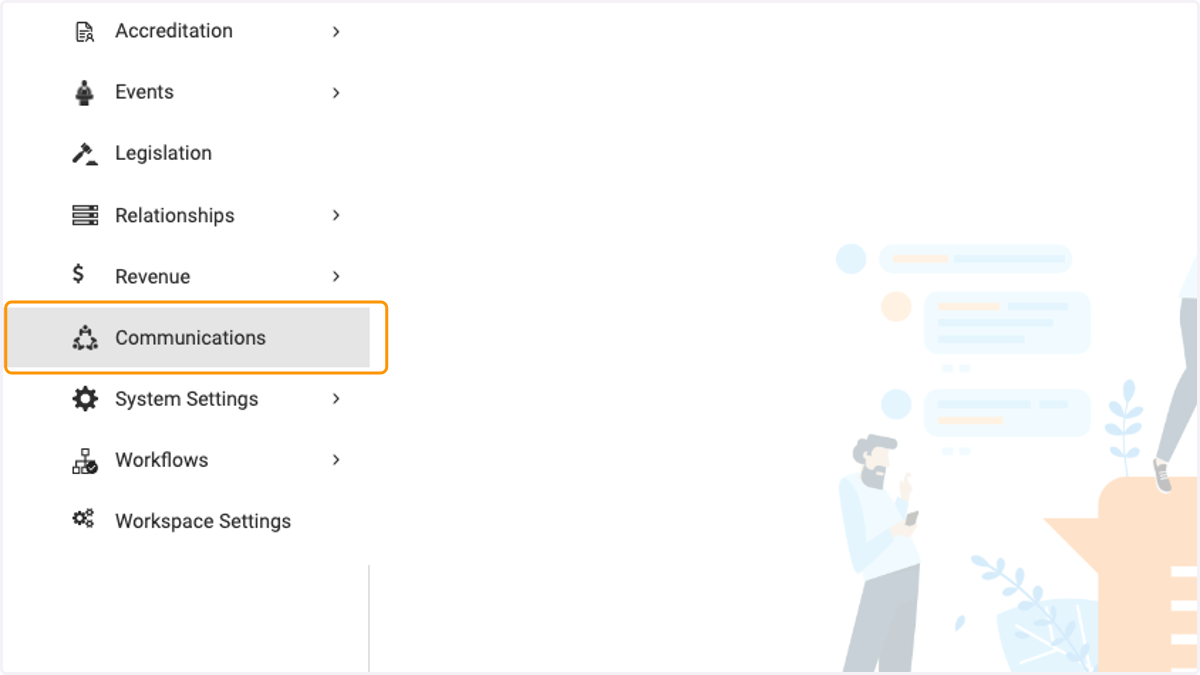
2. Click on Communications
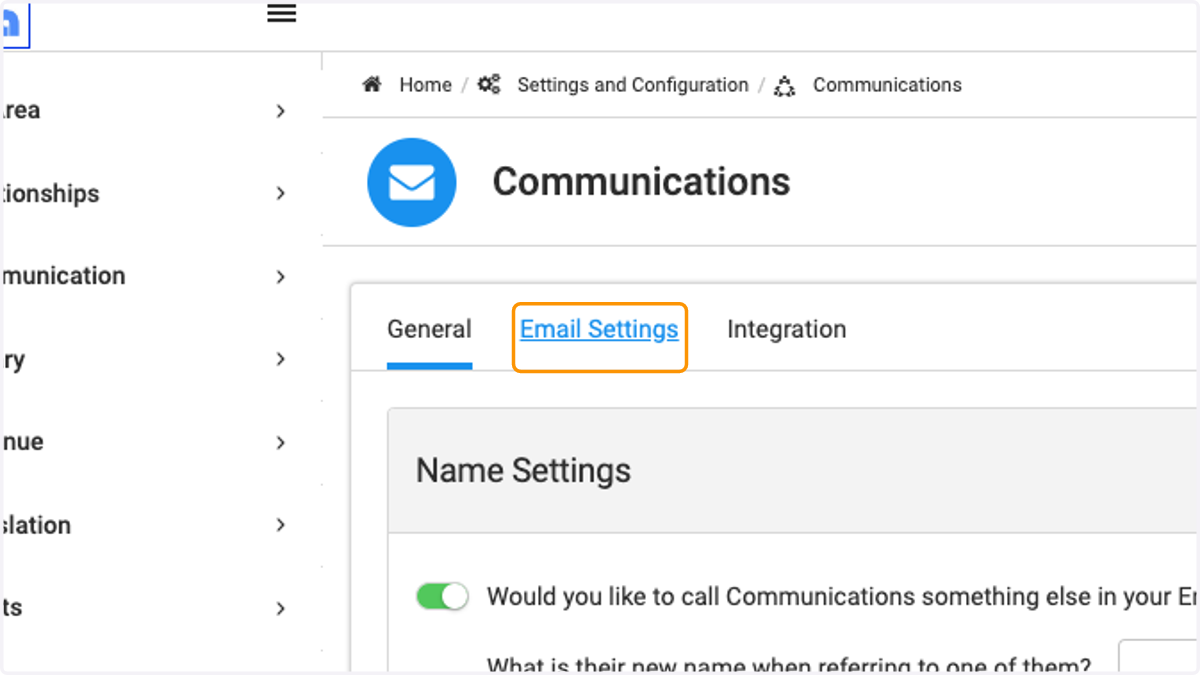
3. Click on Email Settings
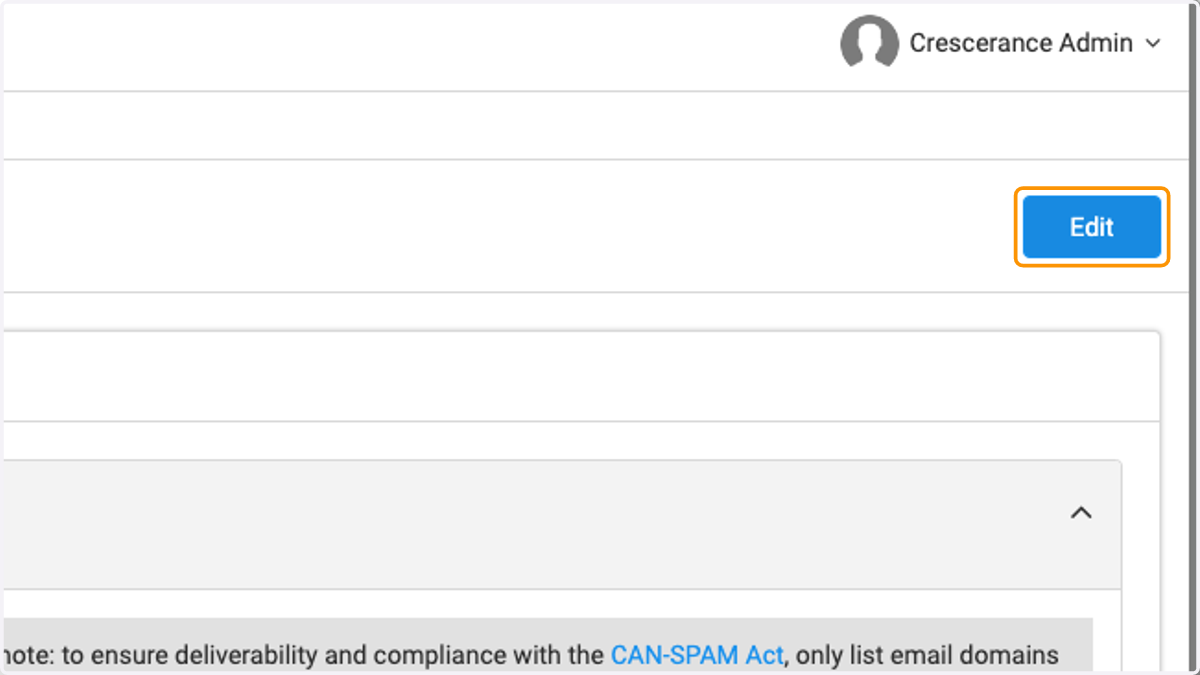
4. Click on Edit
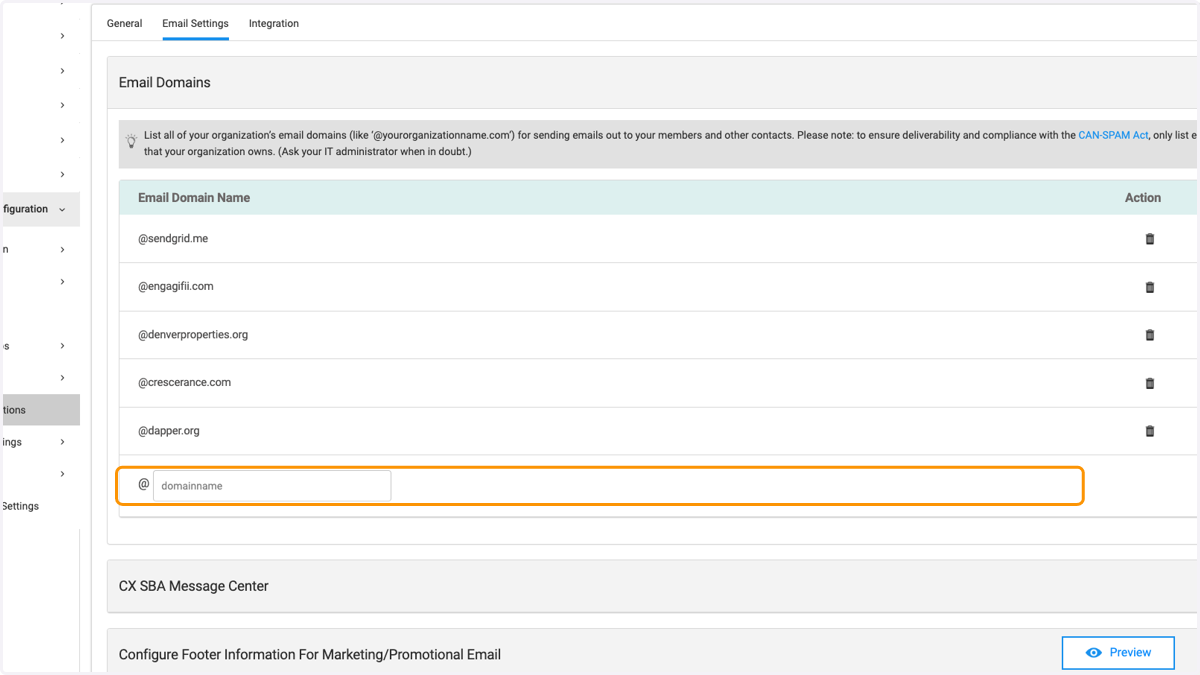
5. Type in text box the email domain from which you wish to send from
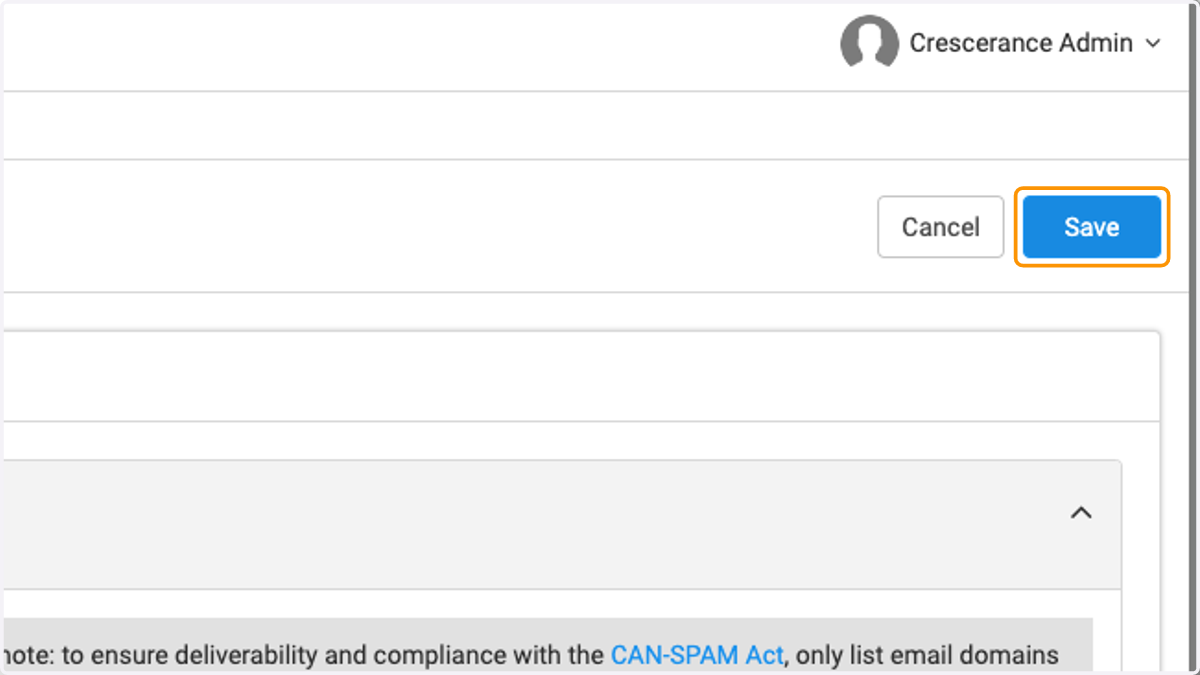
6. Click on Save
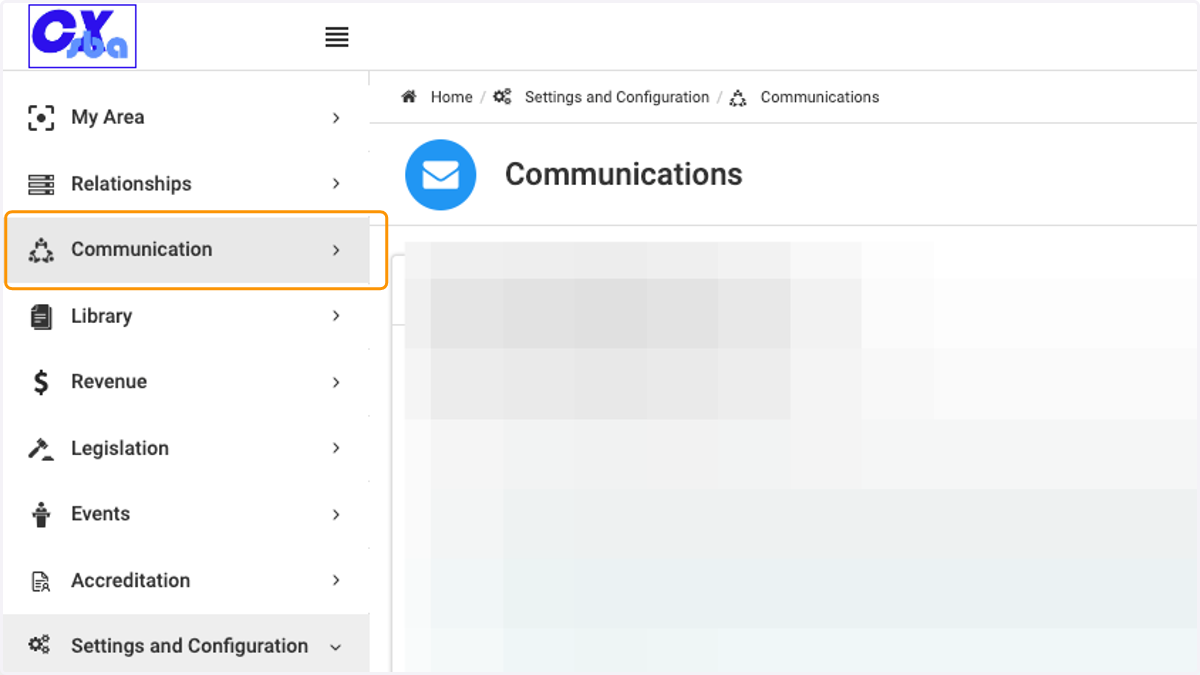
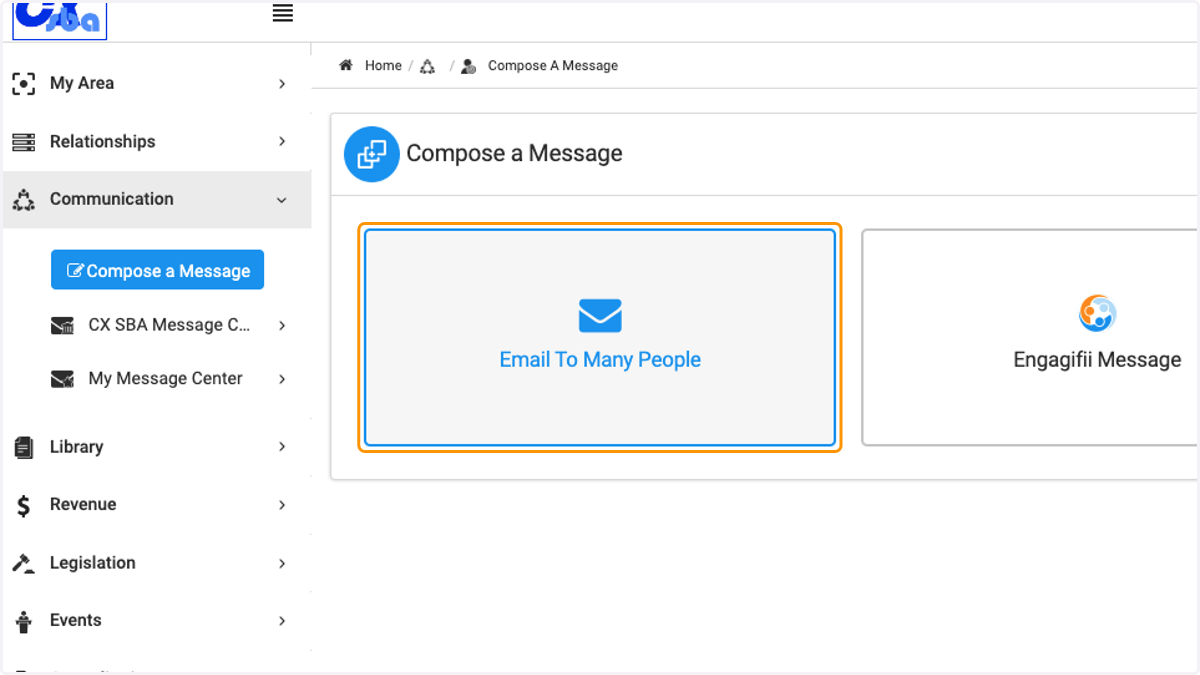
7. Click on Communication
8. Click on Compose a Message
9. Click on Email To Many People
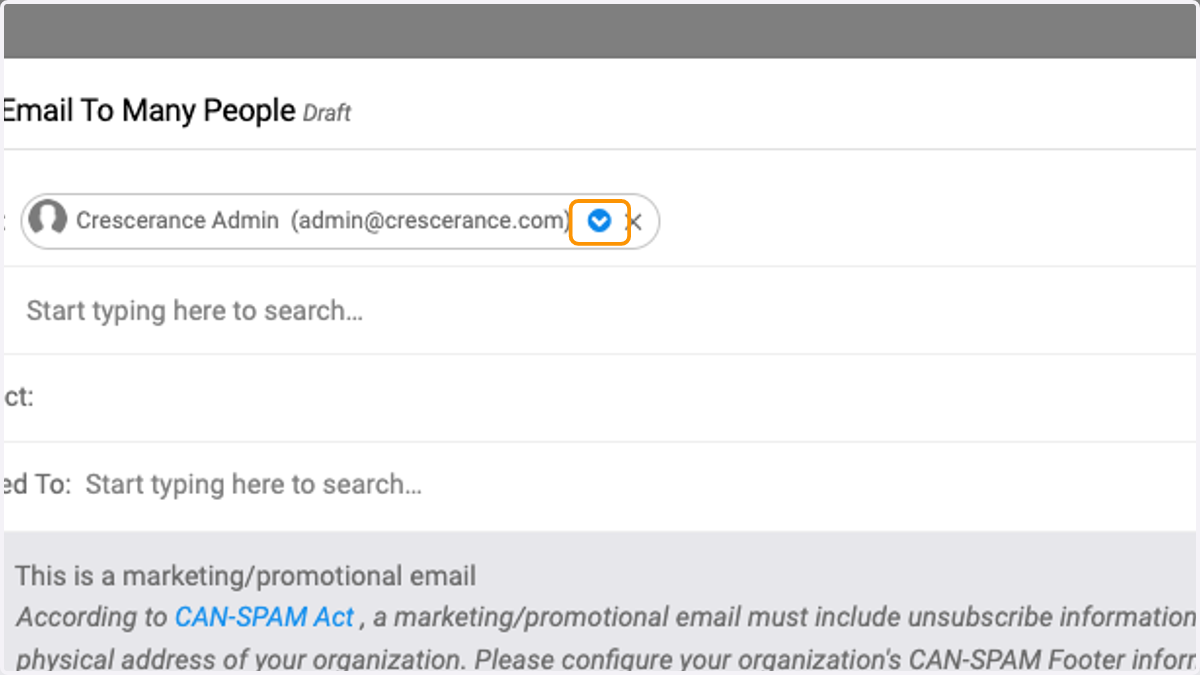
10. Click on drop down arrow to select the Sender
You can send an email from any of the domains you had created and from anyone who's a member of those domains.