Setting the Time Grid: Time intervals of the appointments
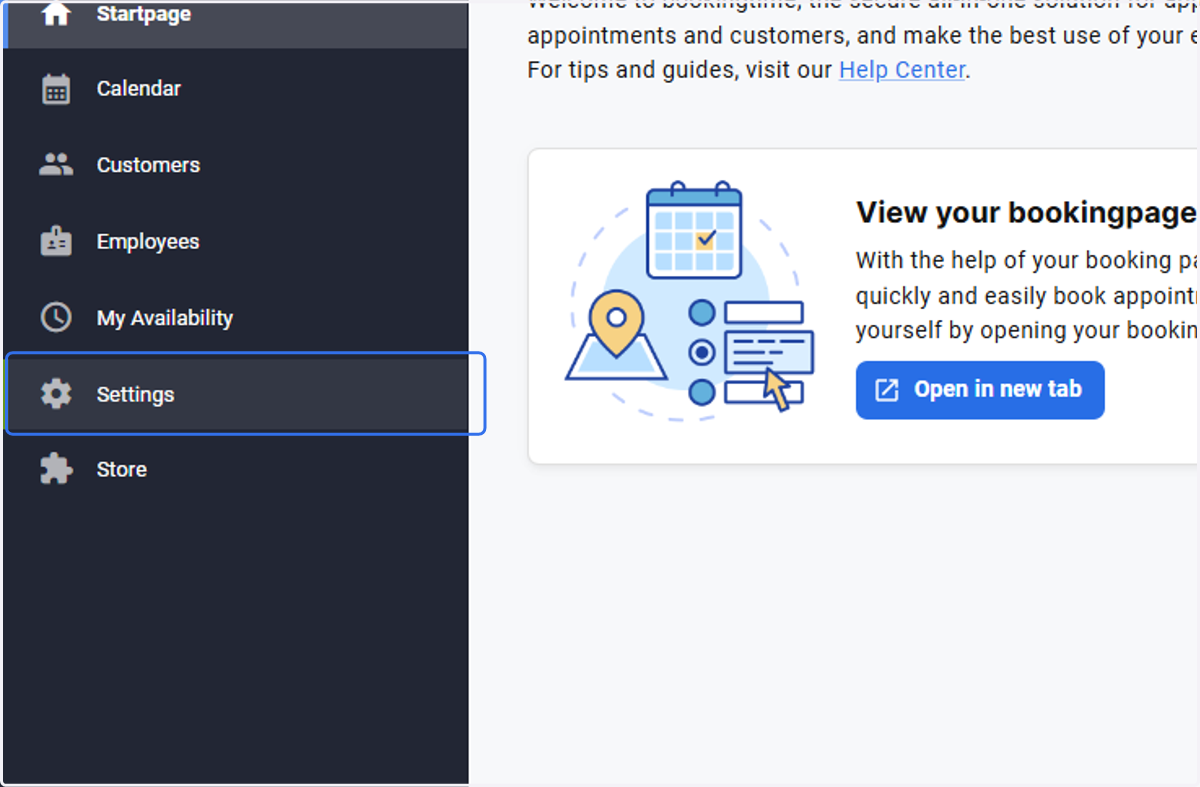
Go to the Startpage
1. Select Settings
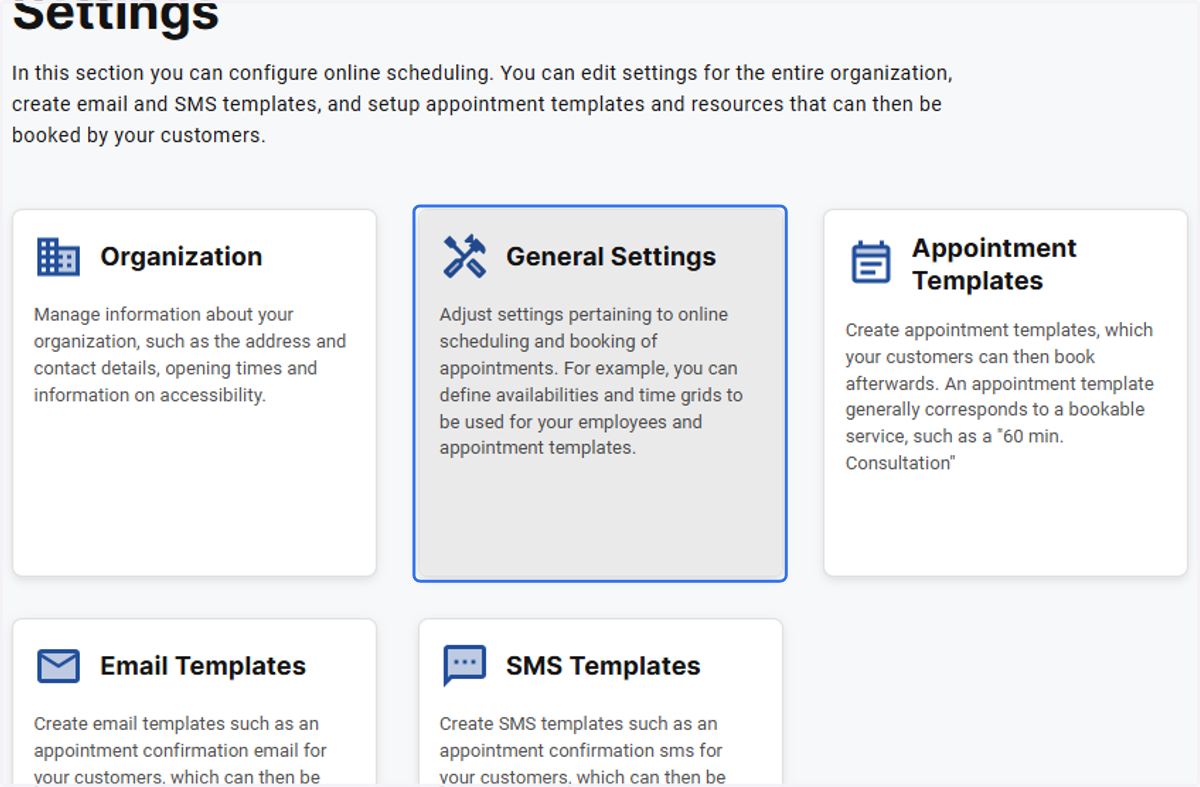
2. Click on General Settings
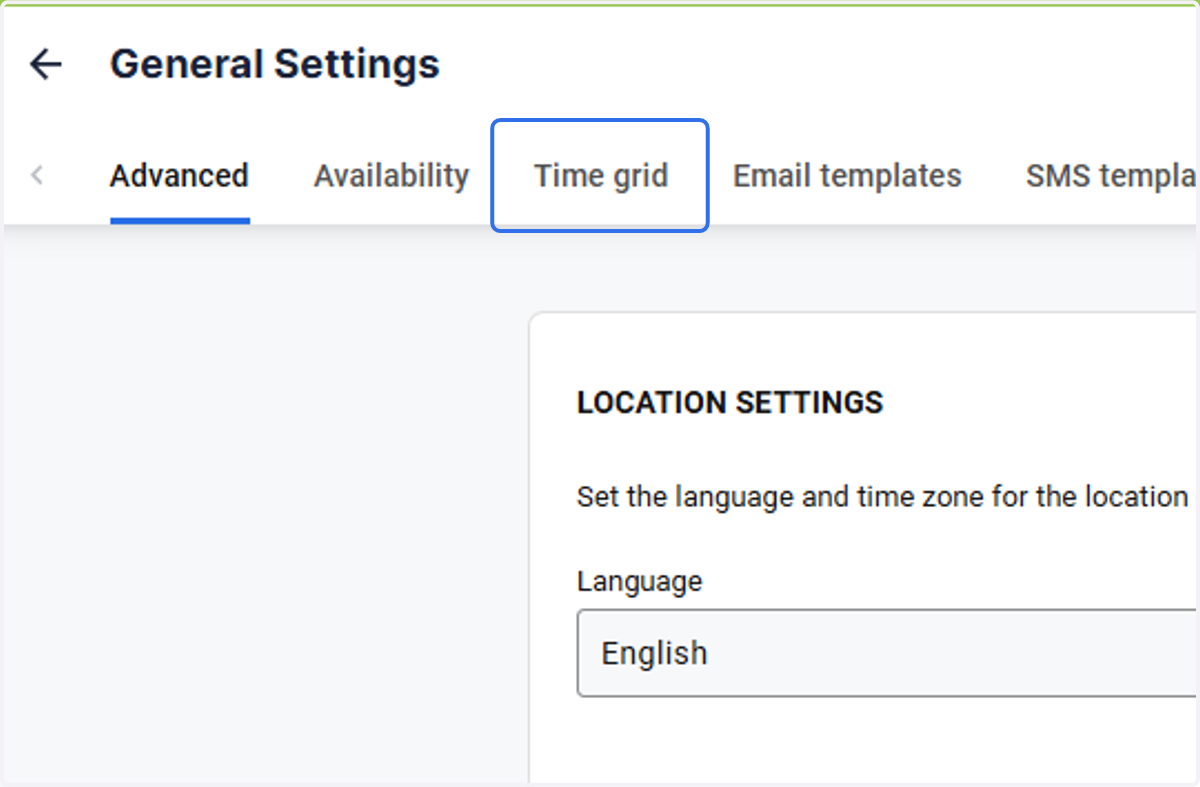
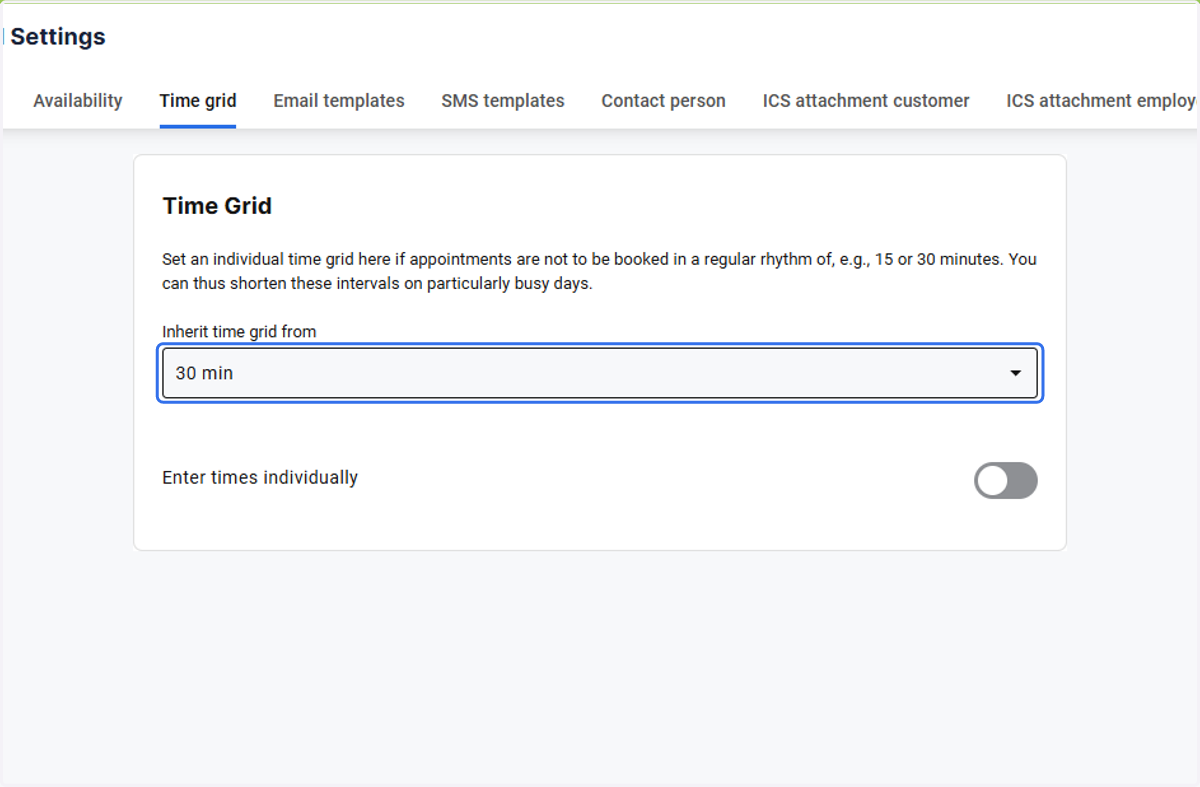
3. Open the Time grid tab
4. Select a time intervals, in which you would like the appointments to be calculated eg. in ten intervals of 5, 10, 15, 20, 30, 60 minutes
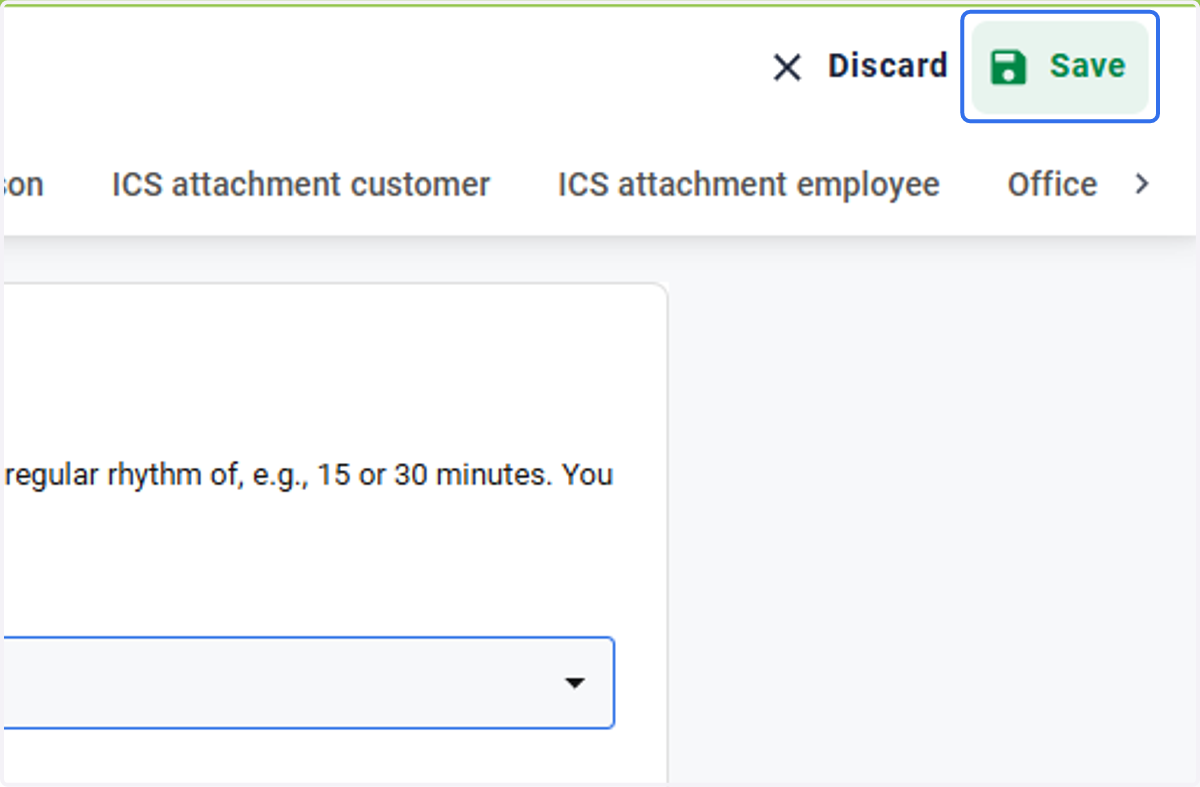
5. Click on Save