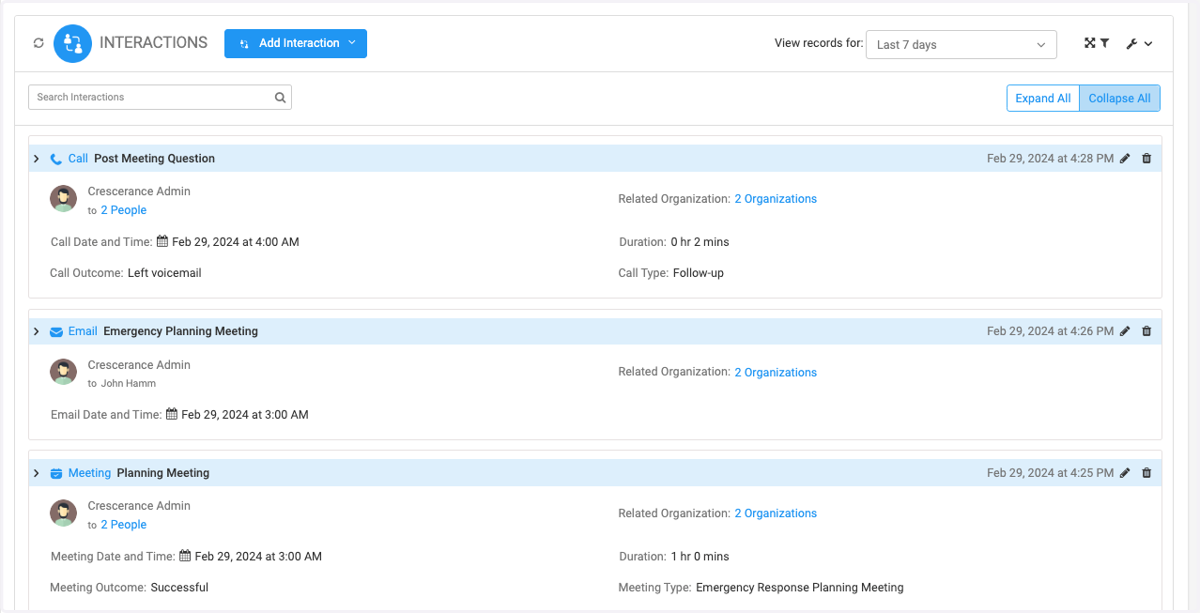
Logging Interactions on Engagifii
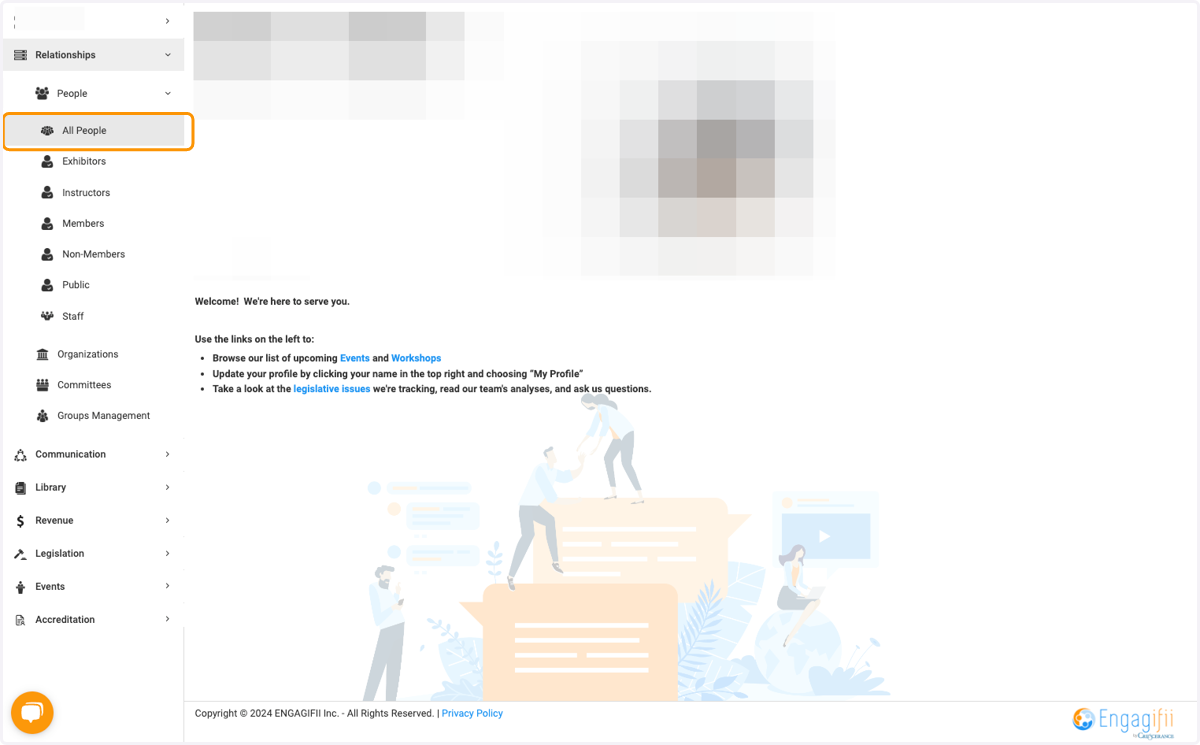
1. Click on Relationships, People, then All People
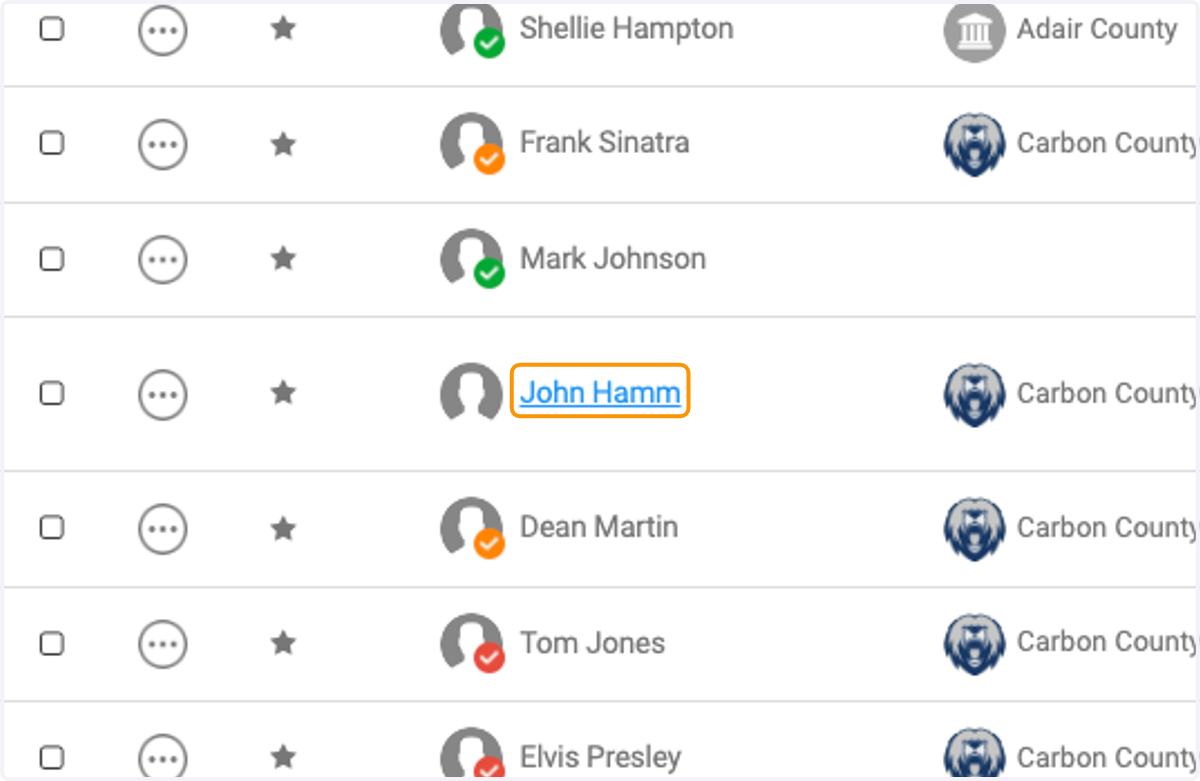
2. Click on the person you wish to record an interaction
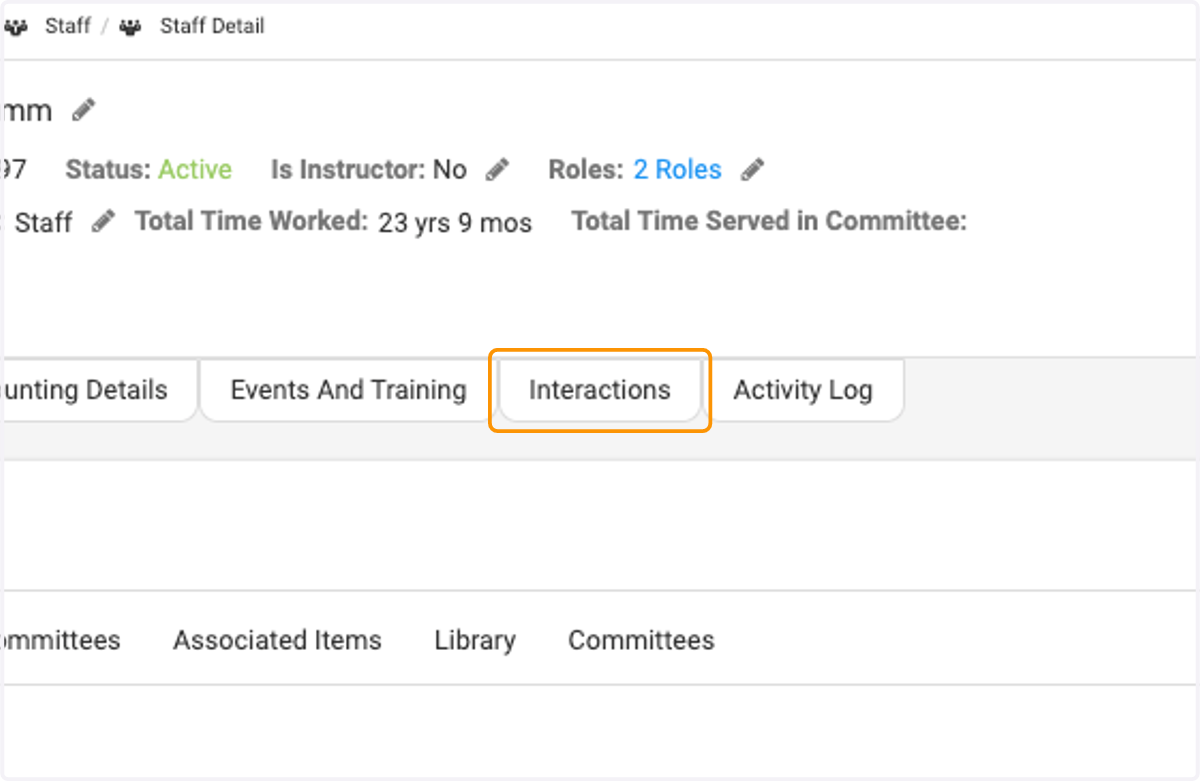
3. Click on the Interactions tab
4. Click on Add Interaction
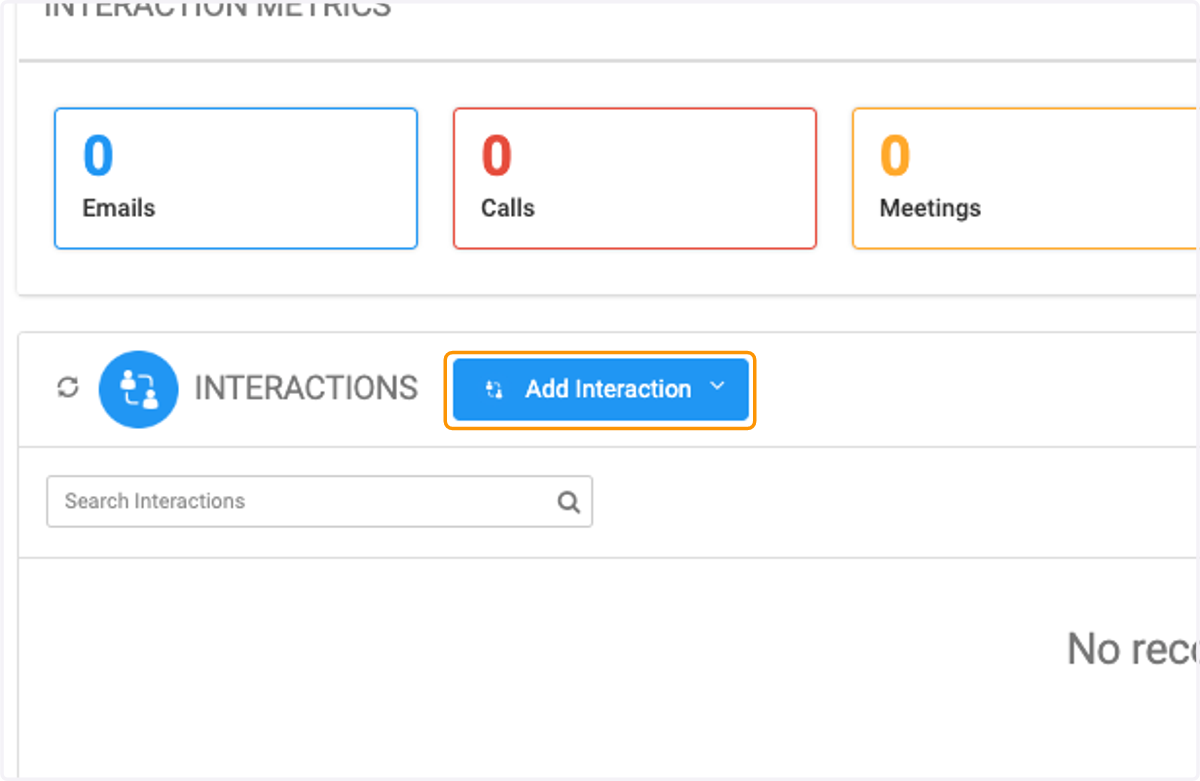
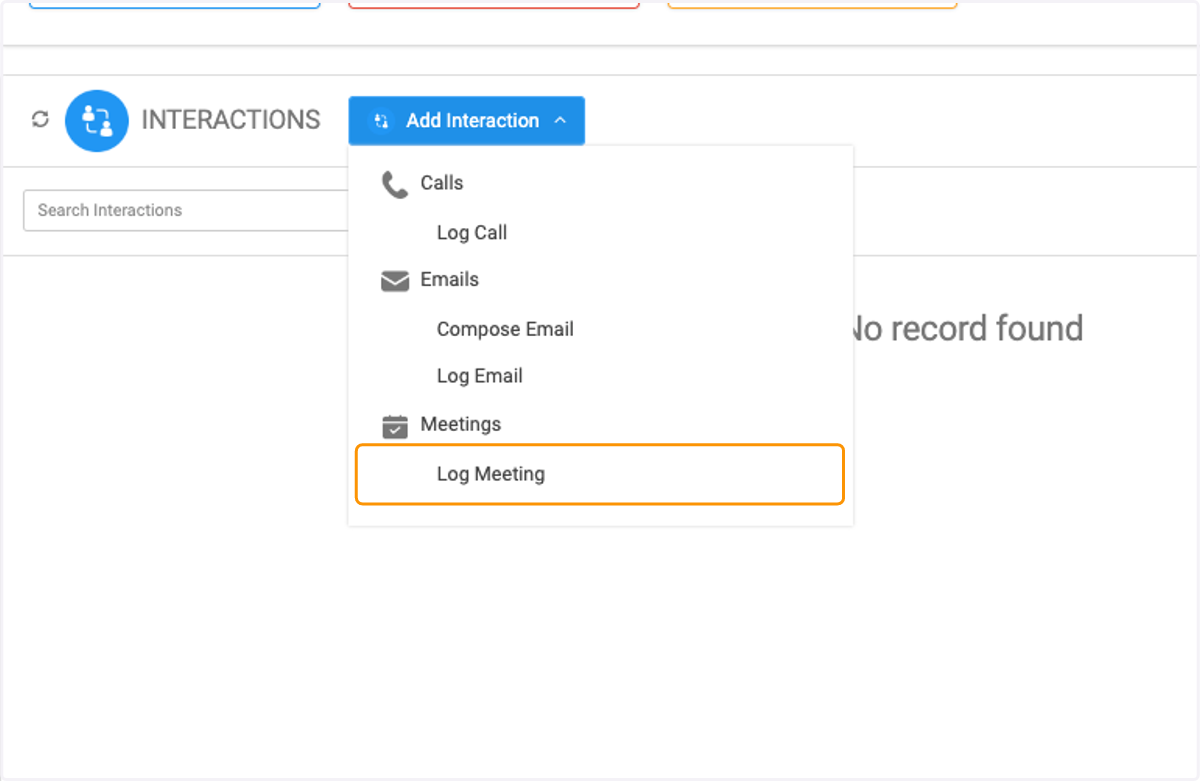
5. Click on the type of interaction you wish to create - Call, Email or Meeting
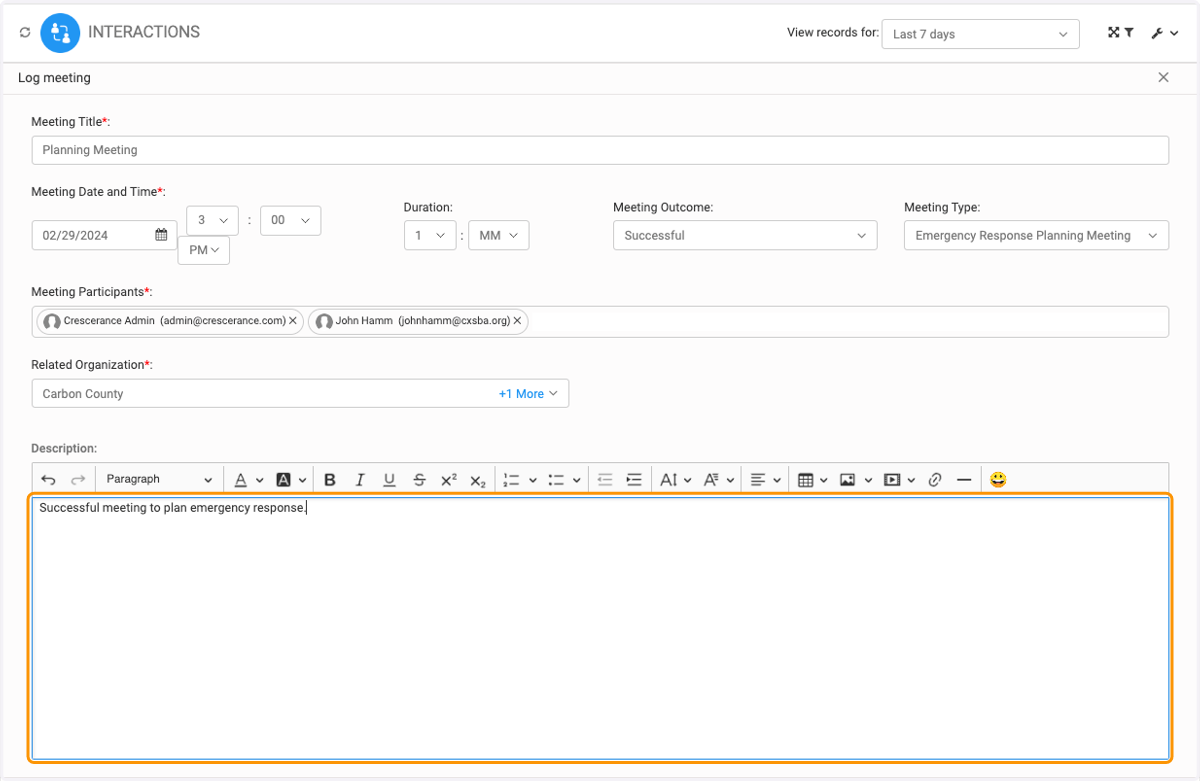
6. Type your Meeting Title
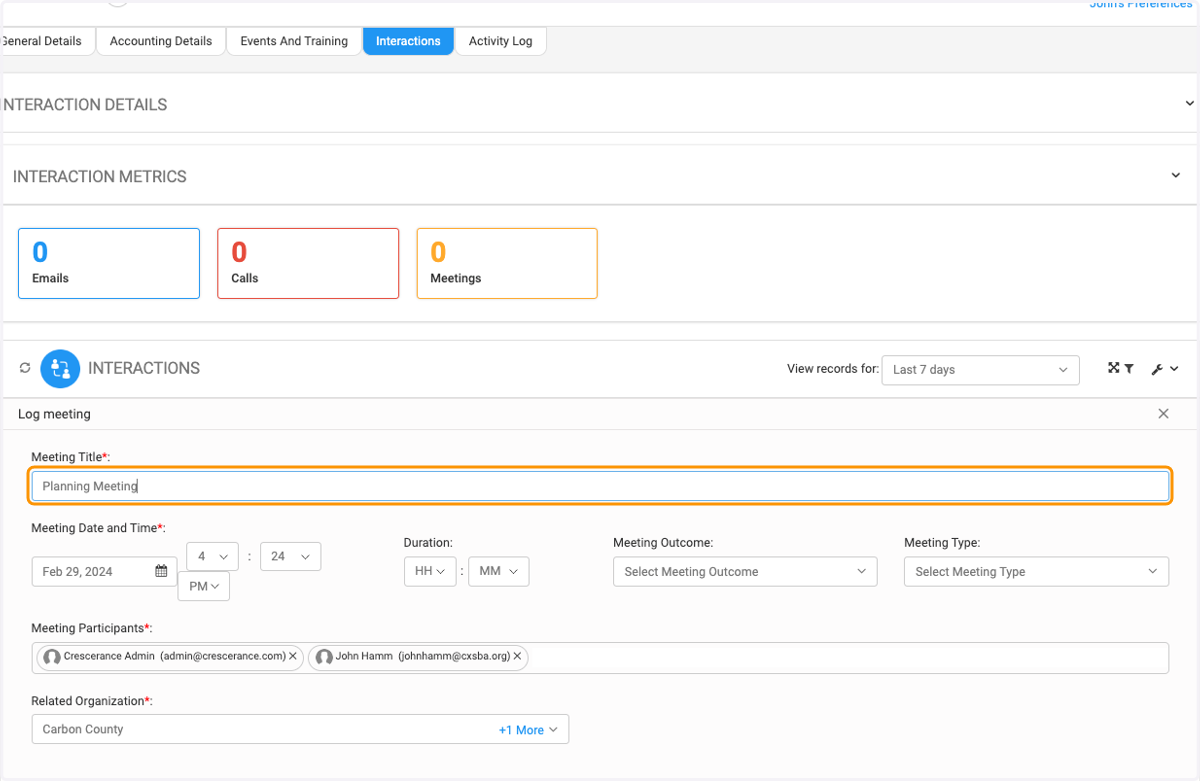
7. Add your meeting date, time and duration
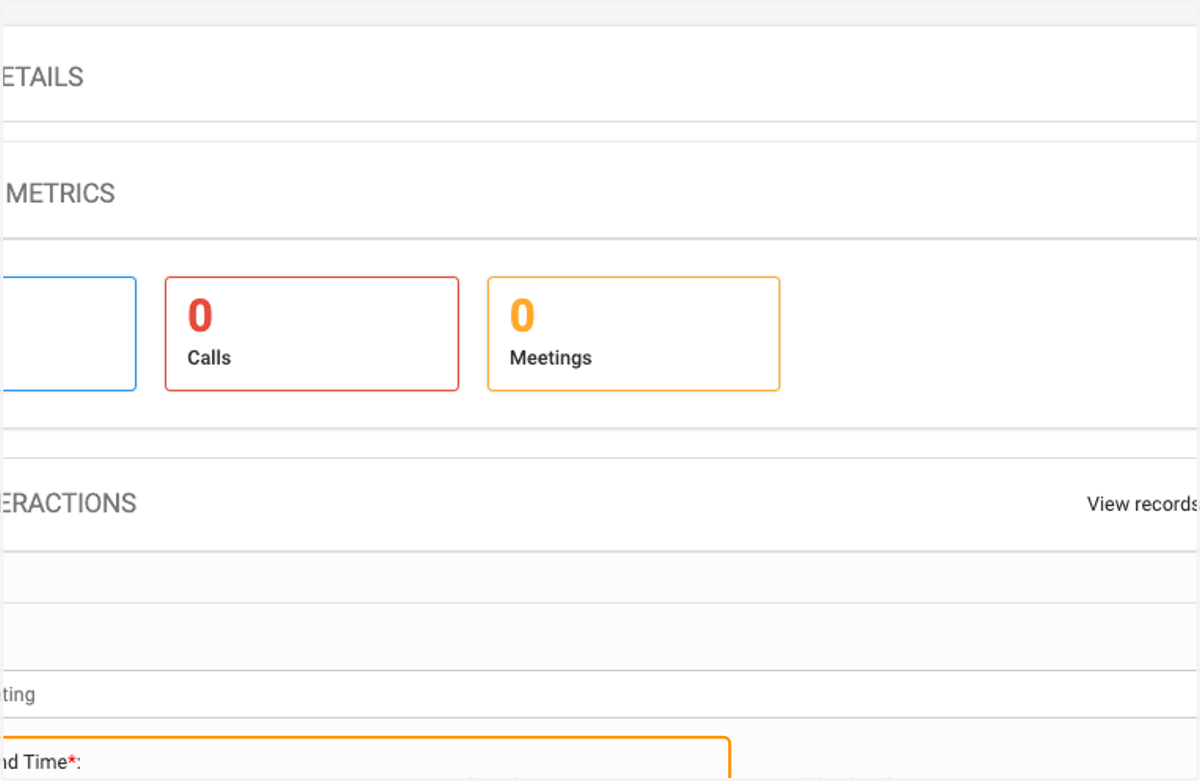
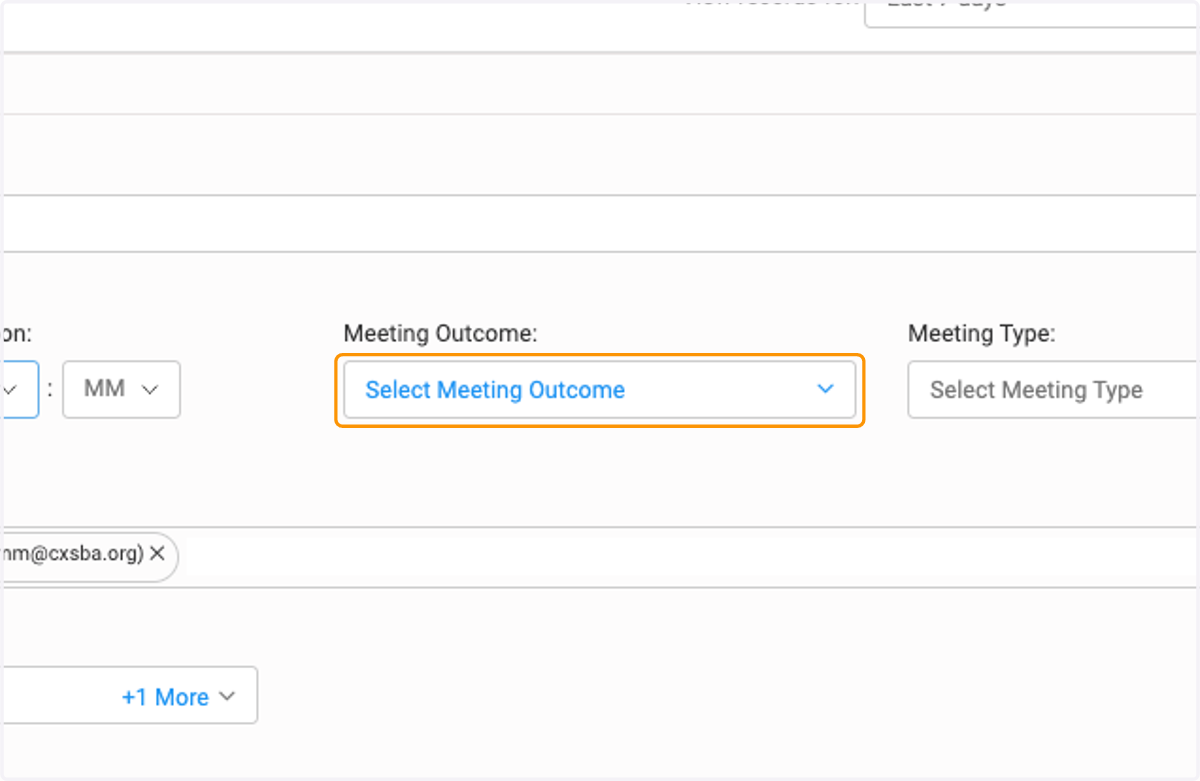
8. Click on Select Meeting Outcome to enter the correct outcome or add a new one
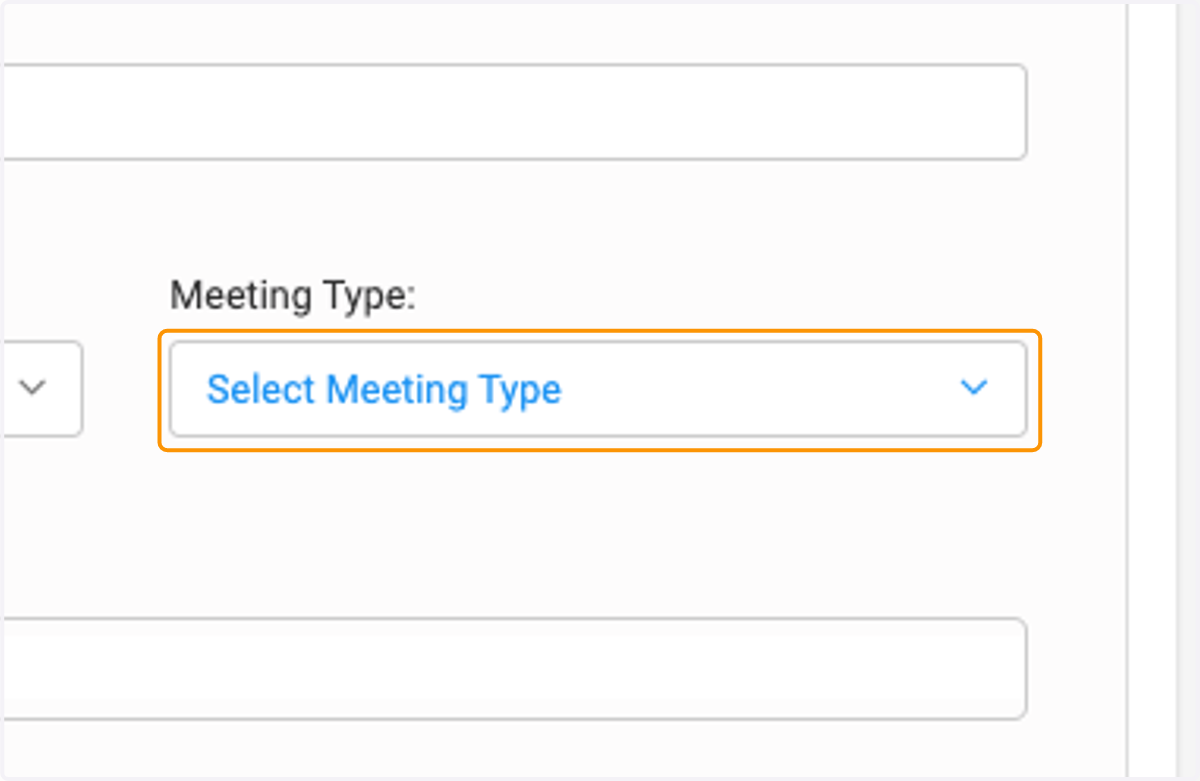
9. Click on Select Meeting Type to add or create a meeting type
10. Type any description in the text editor box
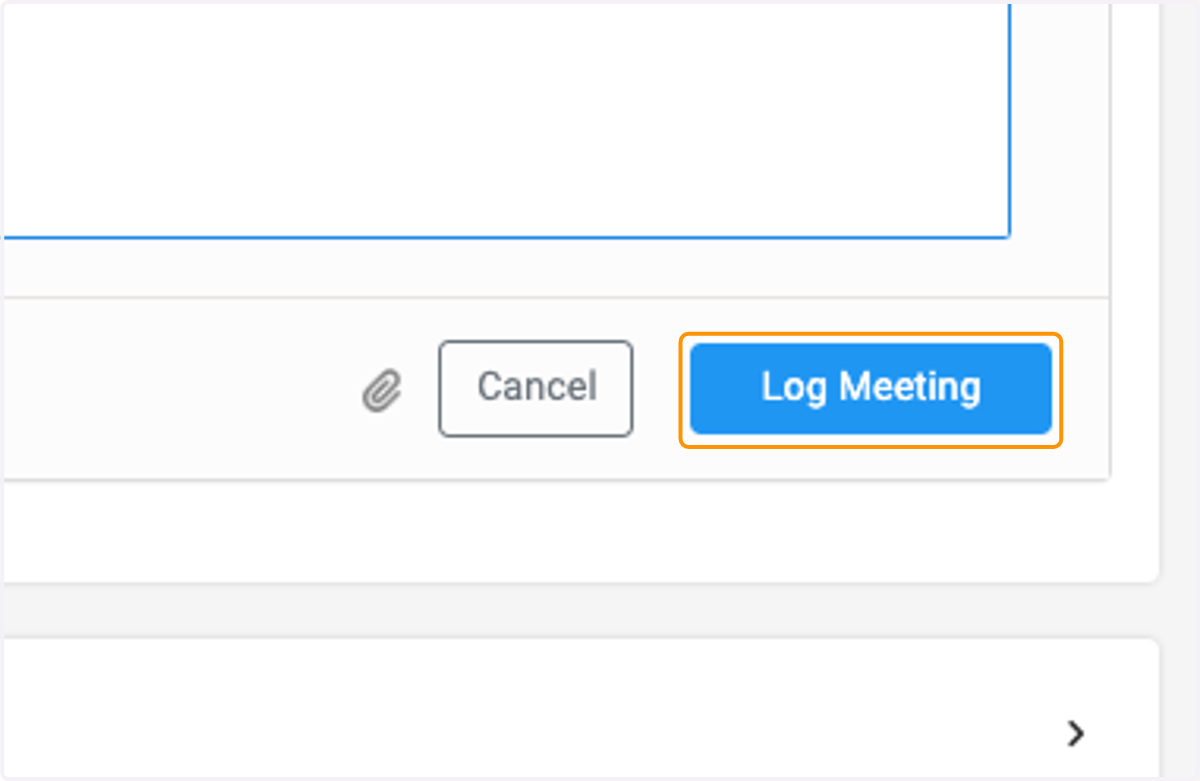
11. Click on Log Meeting when finished
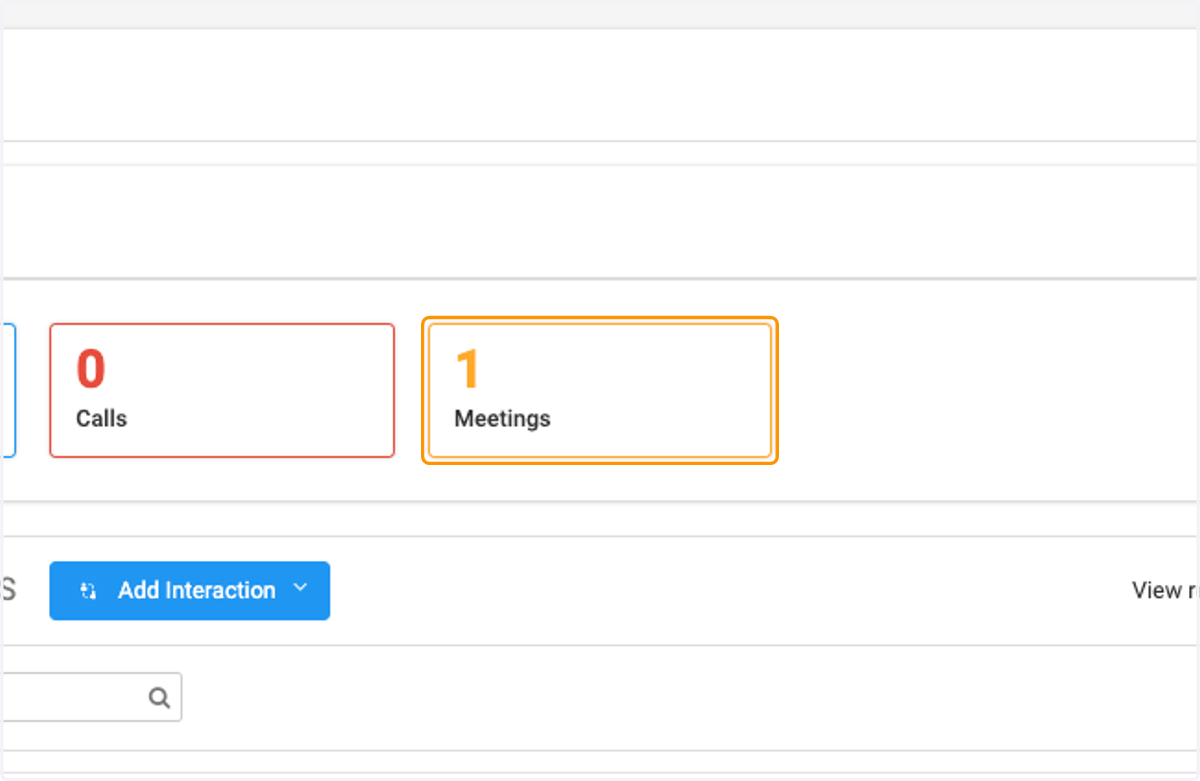
12. Now you will see 1 meeting in the metrics bar
13. In the INTERACTION METRICS dash, you will see the number of interactions with this person
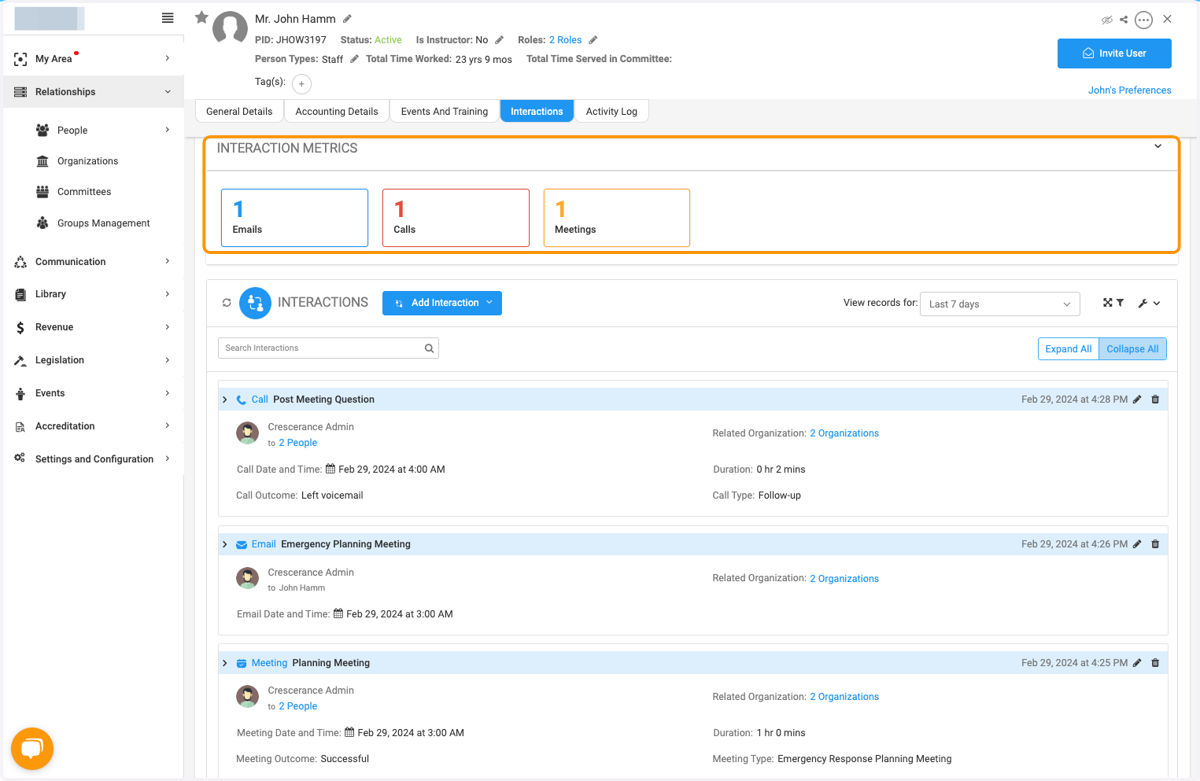
14. All interactions are listed