Employee Self-Registration
As of 5/29/24 employees have the ability to self-register for a case on Enrollify. This will allow employees who do not have contact information on the census, to create a profile themselves utilizing a link or QR code.
Enrollify
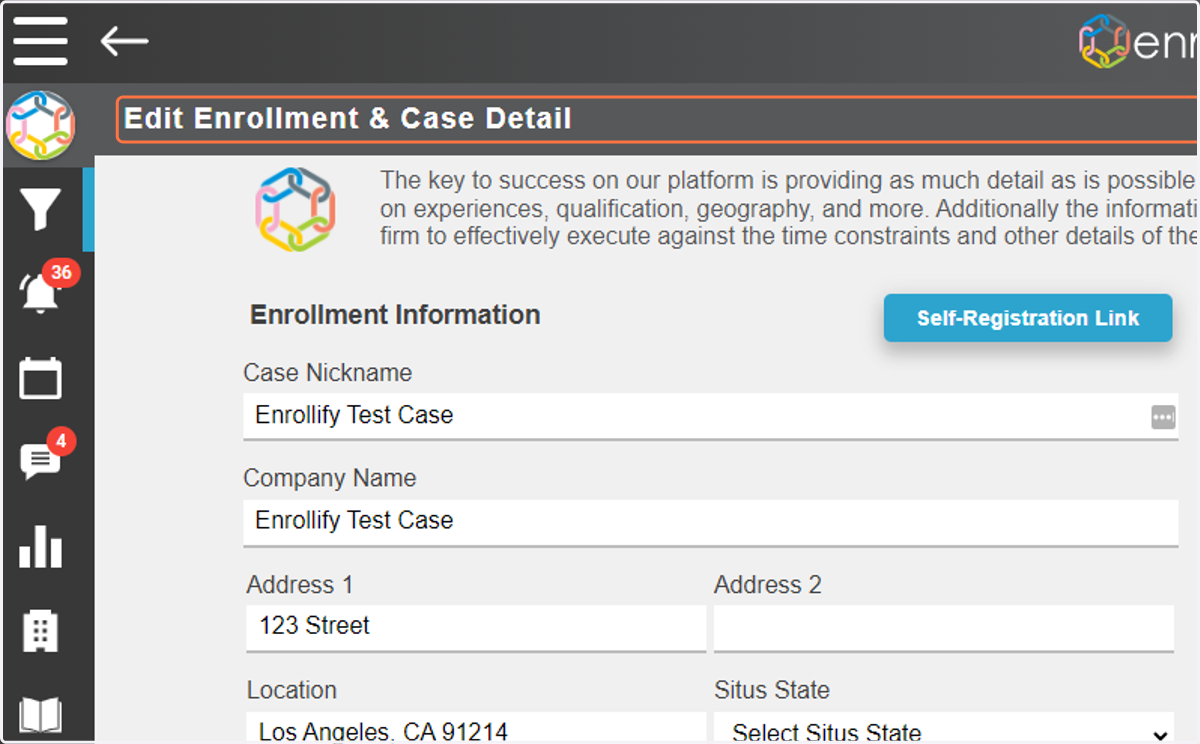
1. To access the Self-Registration link, go to the 'Edit Enrollment & Case Detail' page of your case.
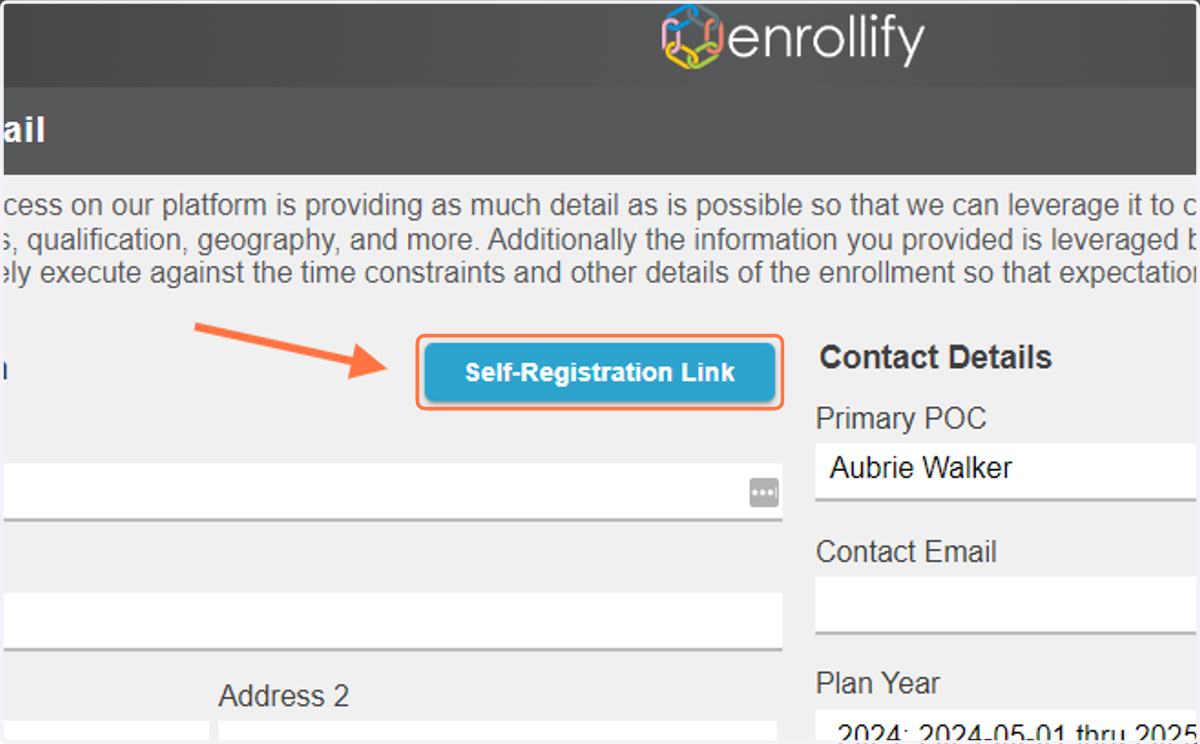
2. Click on Self-Registration Link
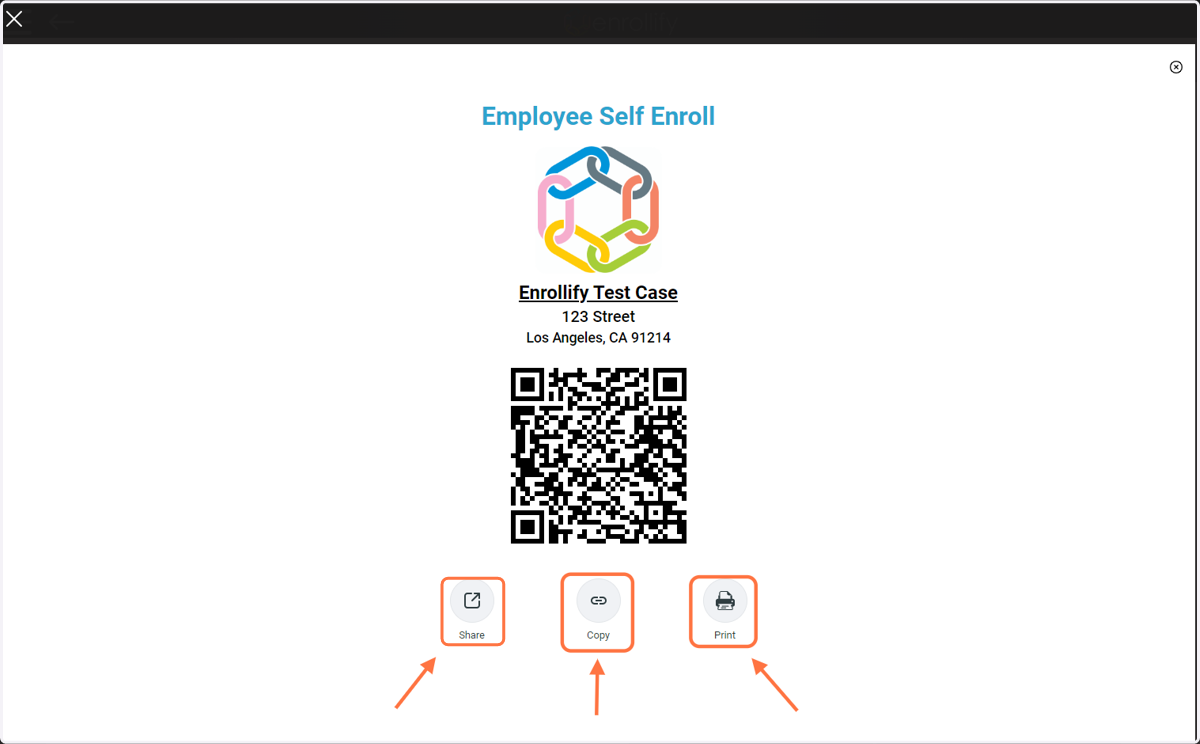
3. You will be taken to the 'Employee Self Enroll' page, here you will find access to share this page, copy the link to self-enroll, or print the QR code.
MyBenefitsGuru
4. When employees click the link or use the QR code they will be taken to a registration page. At the top of the page they will fill out their Full Name, Resident State, and Resident City.
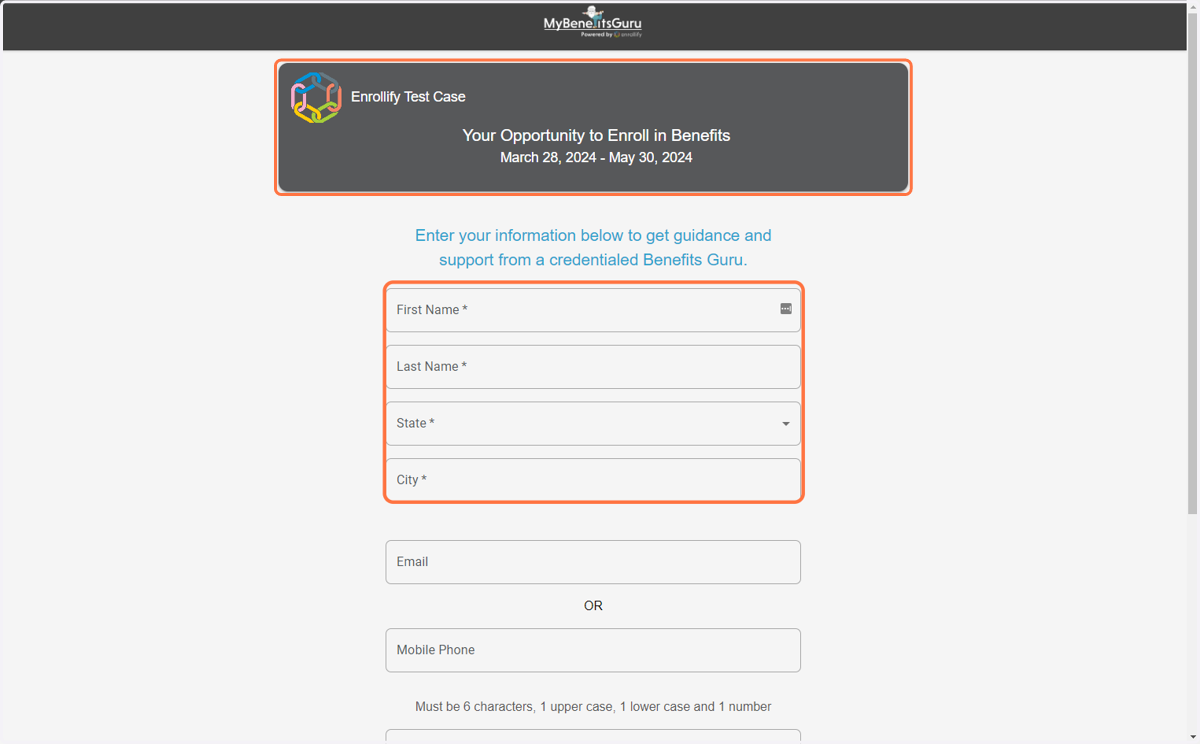
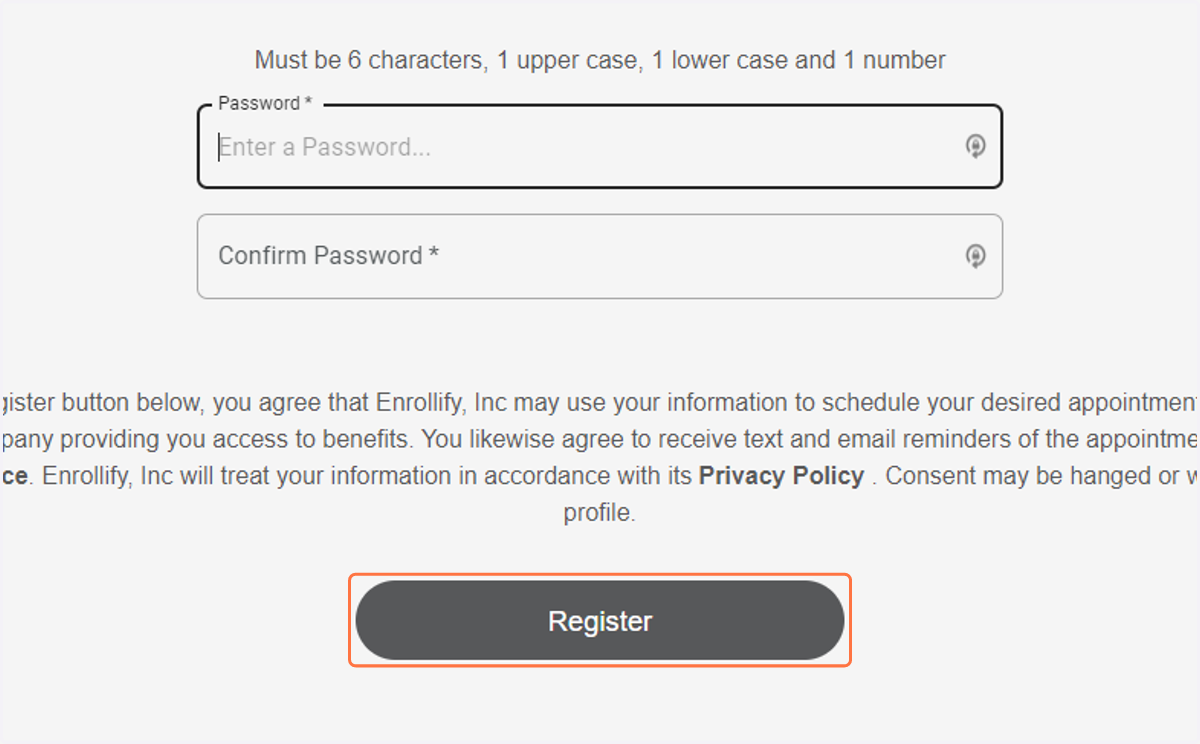
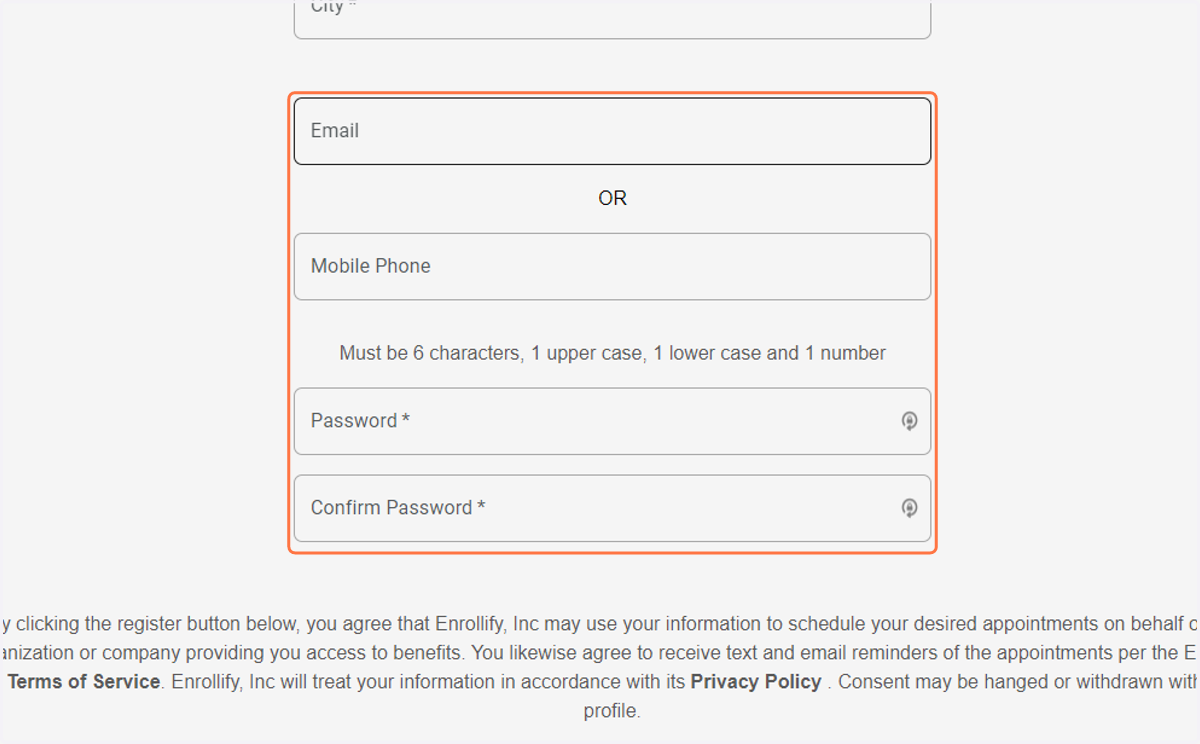
5. At the bottom of the page they will enter their email address and/or mobile number, and create a password for their account.
Please note: If the email address or phone number entered match the contact information of an employee who has already been loaded into Enrollify, the employee will receive an error message that they already have a profile.
6. Finally, the employee will click 'Register' to be directed to the login screen. After entering their password once more they will gain access to their employee profile and ability to schedule a benefits appointment.
Questions? Email aubrie@enrollify.com