Change account email
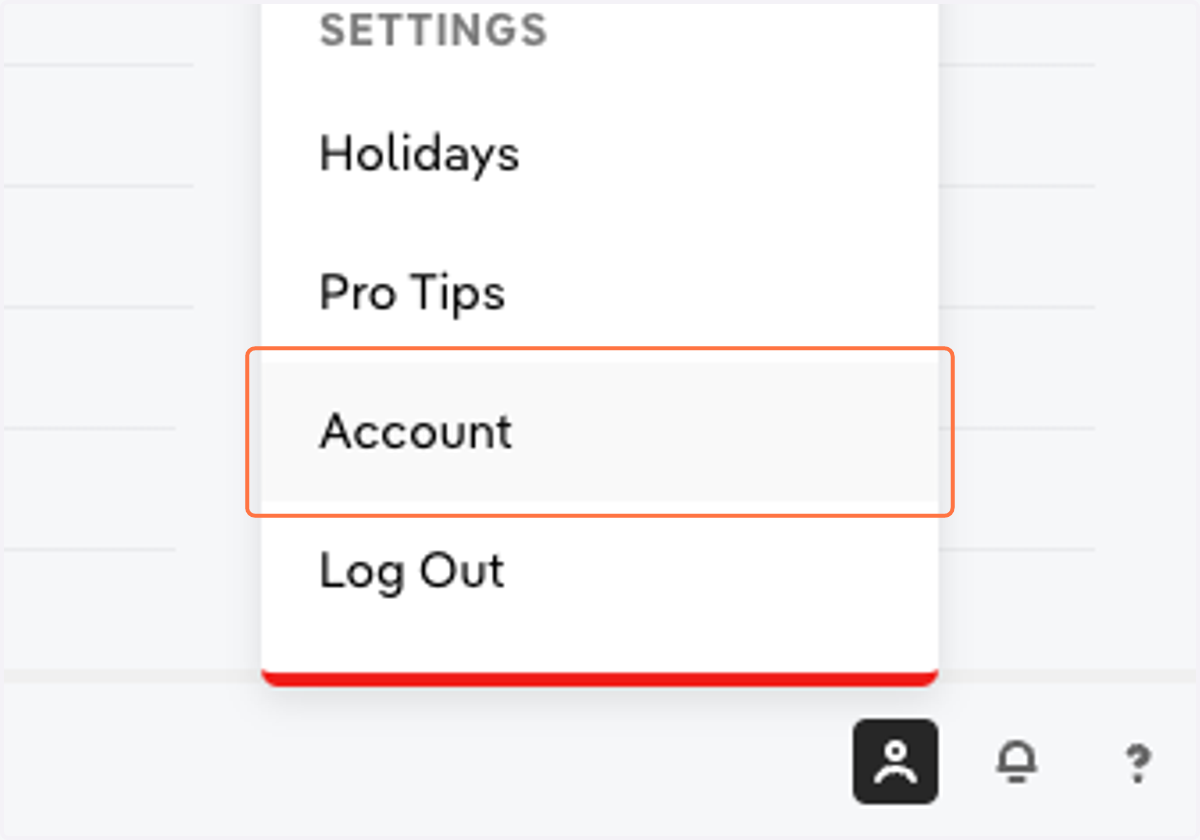
1. Click Settings > Account
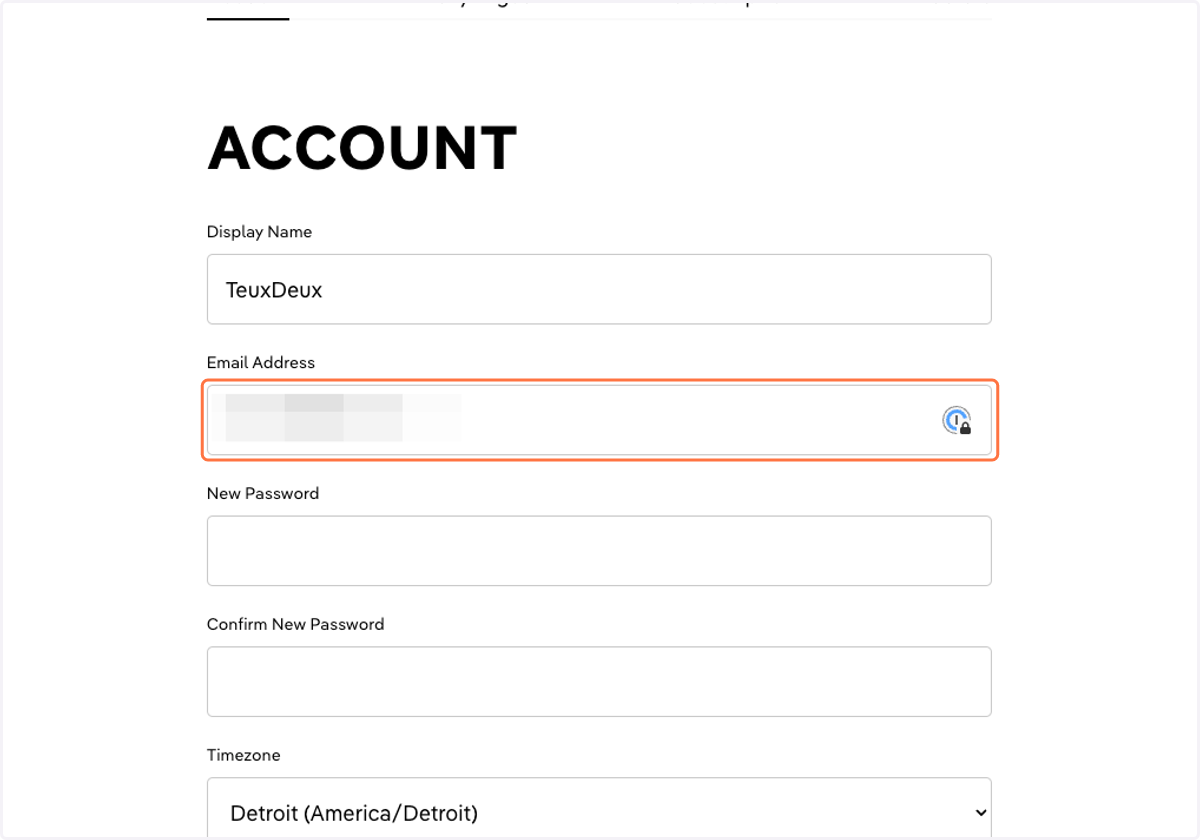
2. Enter your new email in the 'Email Address' field
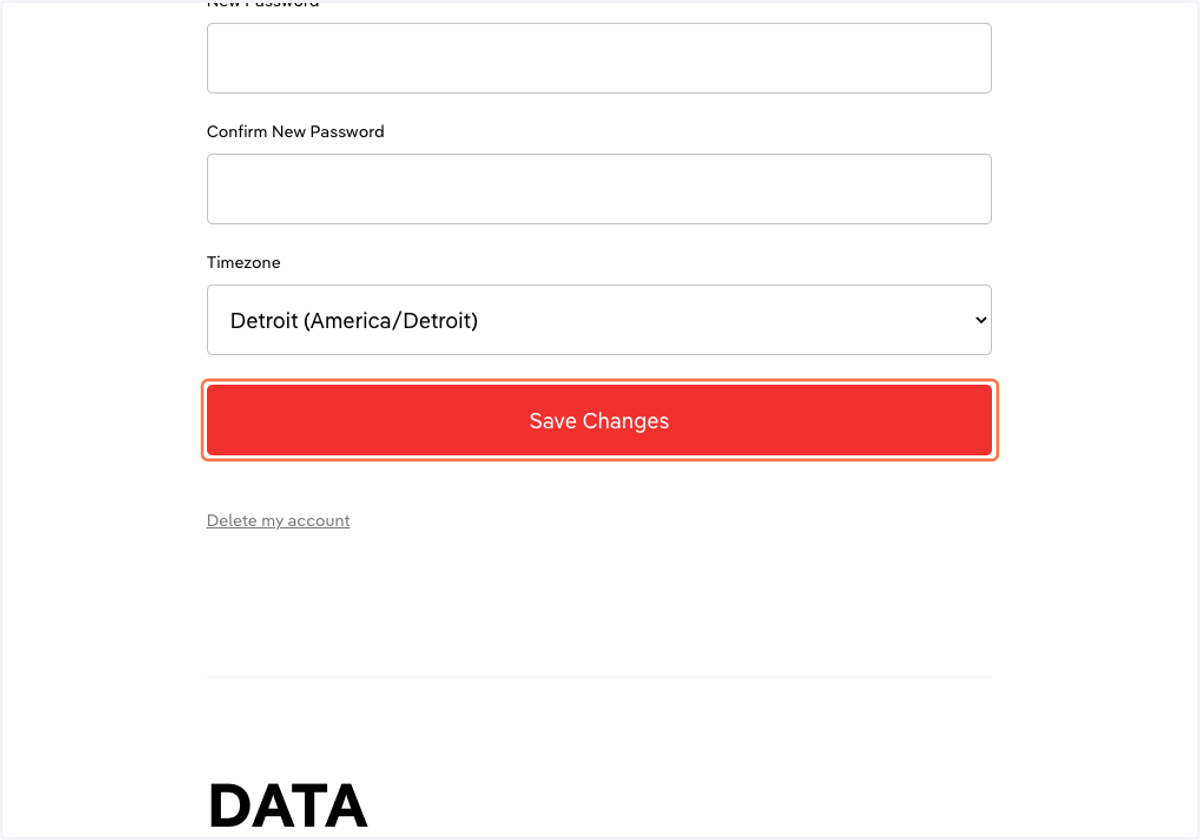
3. Click 'Save Changes'
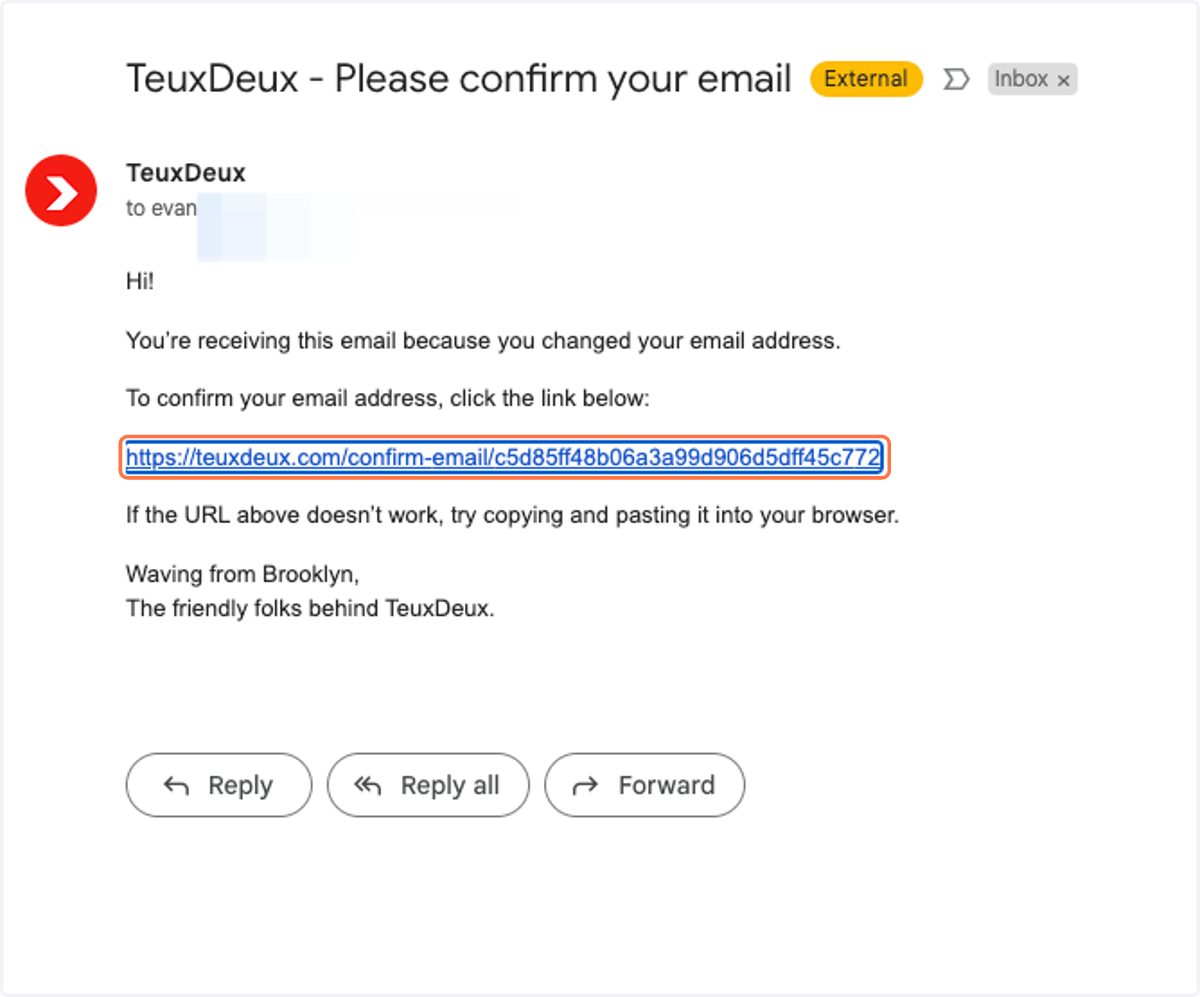
4. Click the attached link to confirm your new email address
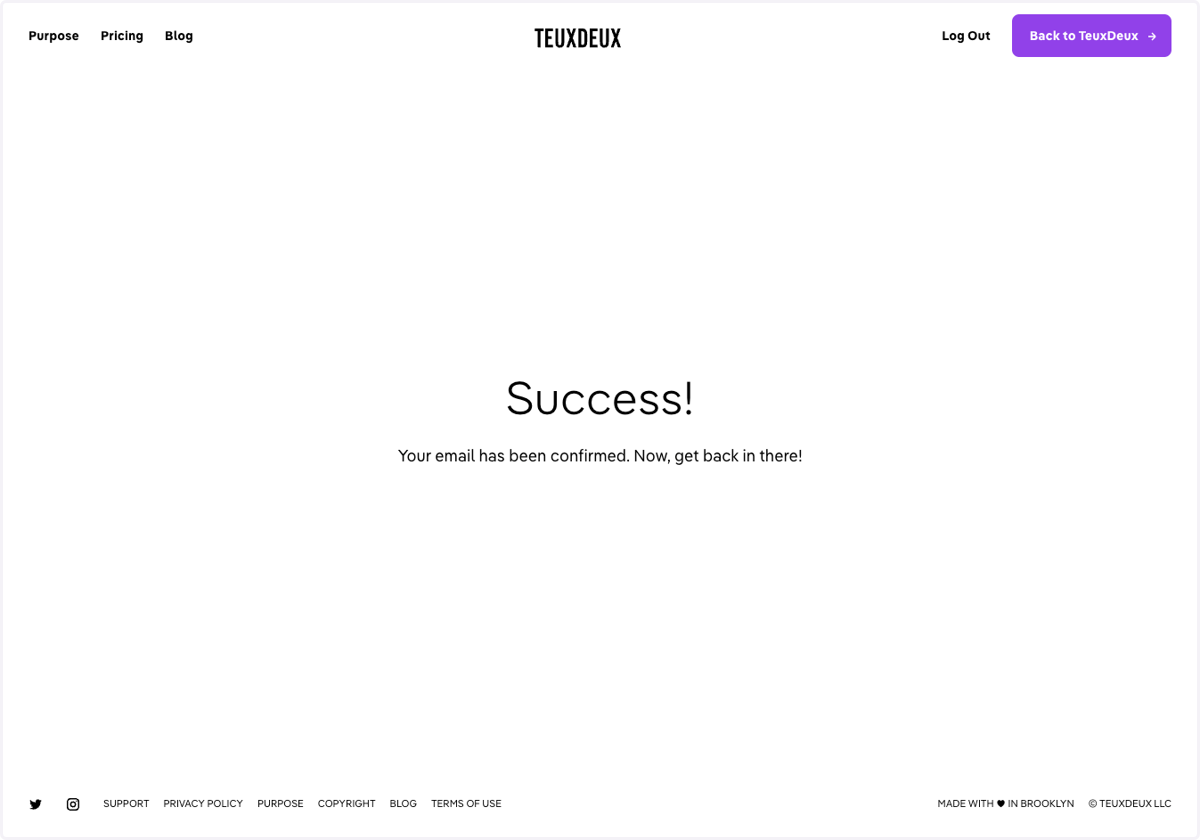
5. You'll see a Success message to know that your new email is confirmed