Managing Available Dates on Mastery Connect Assessments
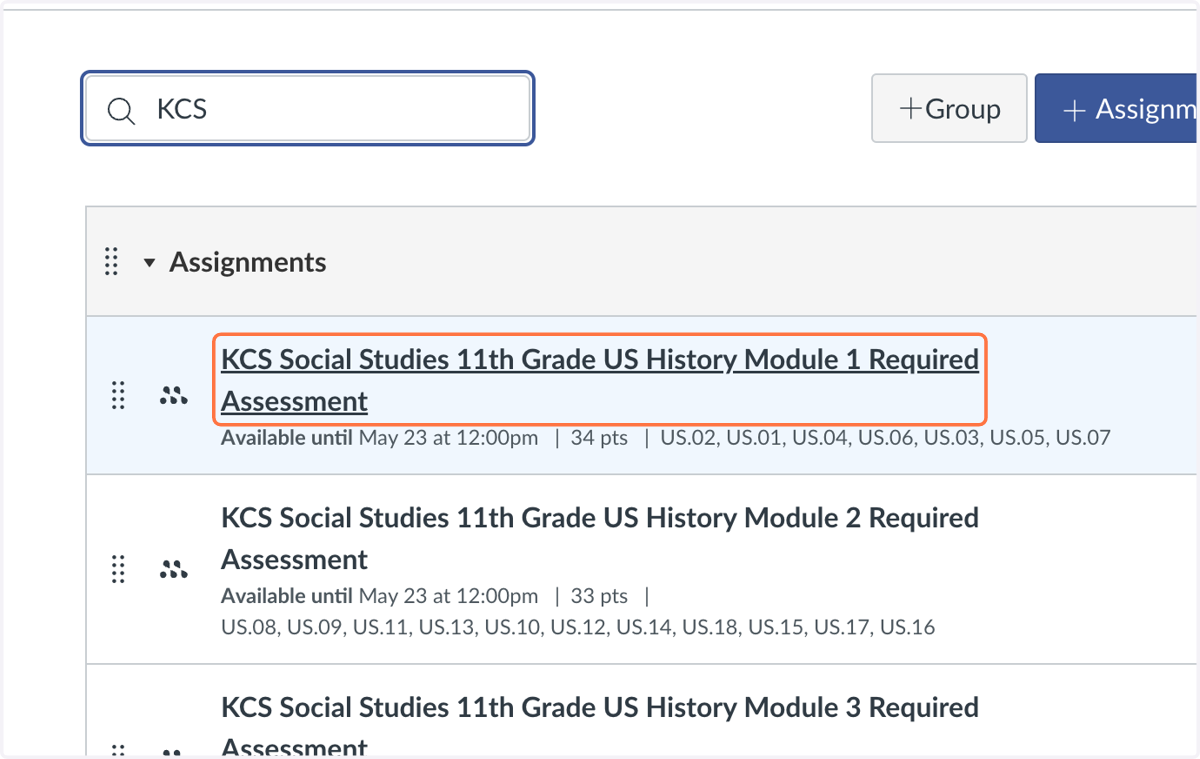
1. Click on the Mastery Connect Assessment
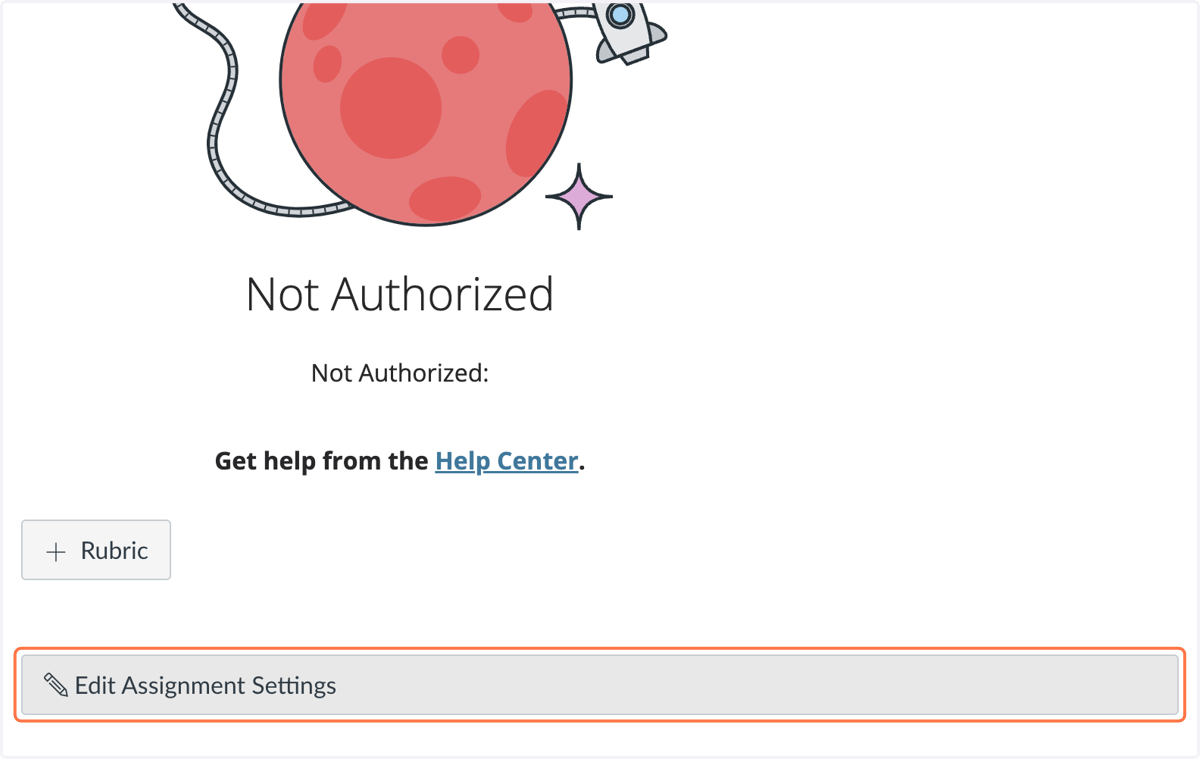
2. Click on Edit Assignment Settings
Depending on the size of your window, this may be at the right or bottom of your screen.
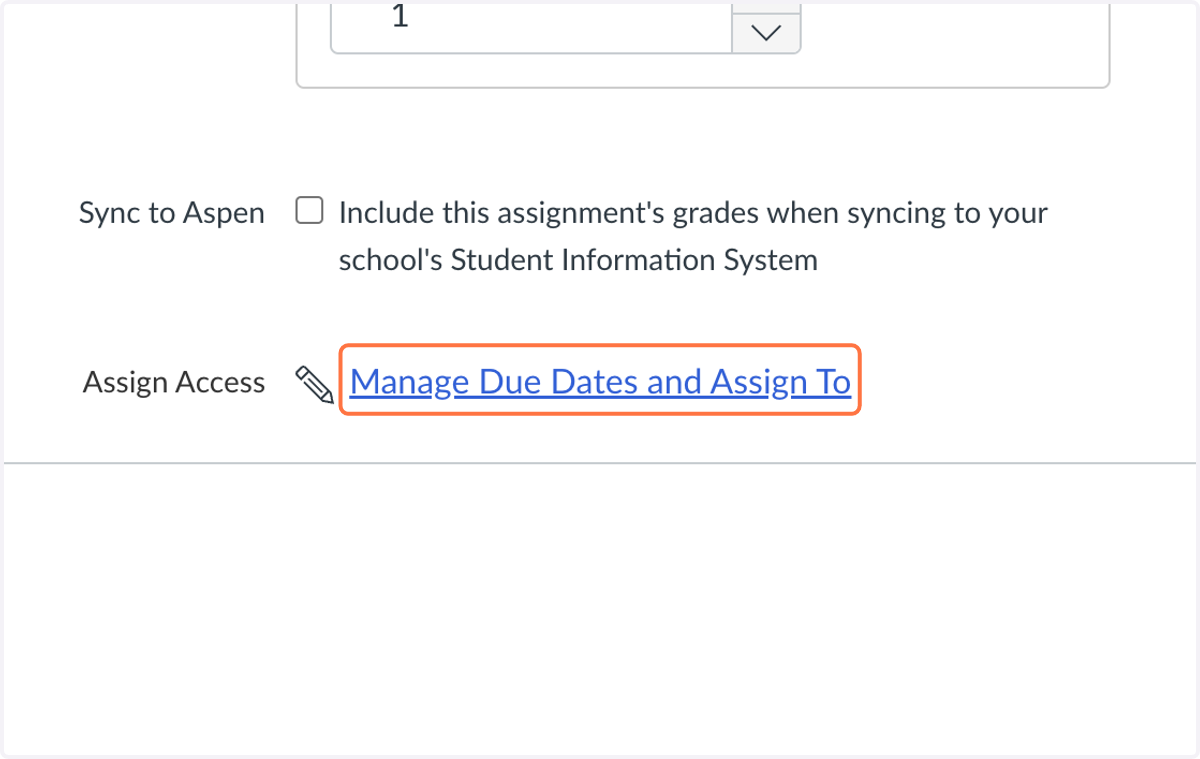
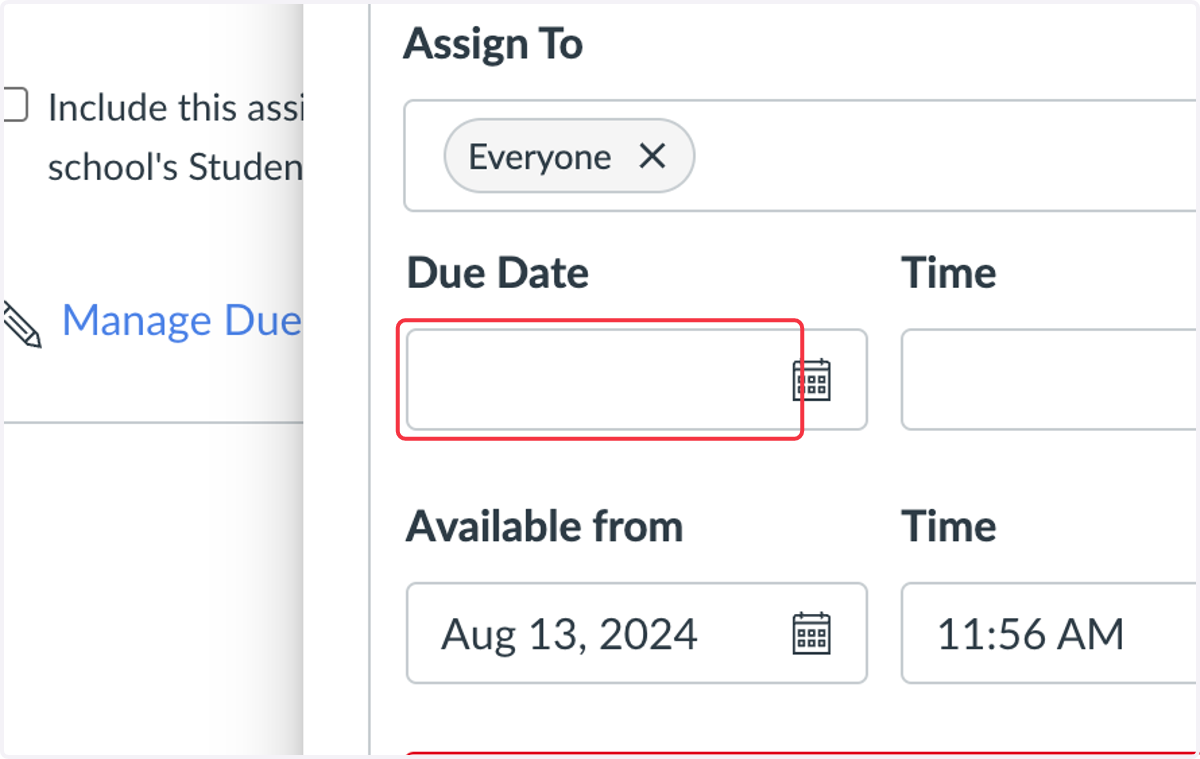
3. Click on Manage Due Dates and Assign To
4. Adjust the Available Dates and Due Dates, then select Apply.
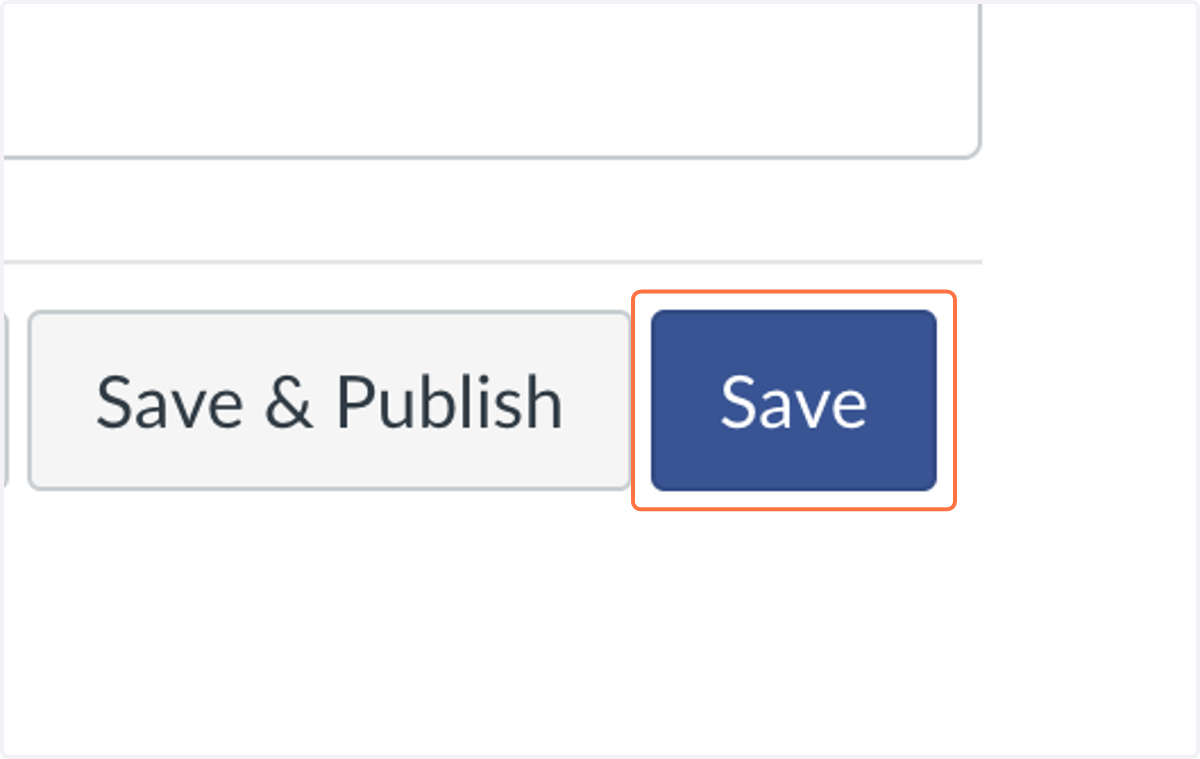
5. Click on Save