Using the Calendar in AccommoCare.
You can now use the Calendar in Accommocare to add reminders for various Case related events. e.g Reminder to call the HCP for pending documents for a particular case.
AccommoCare
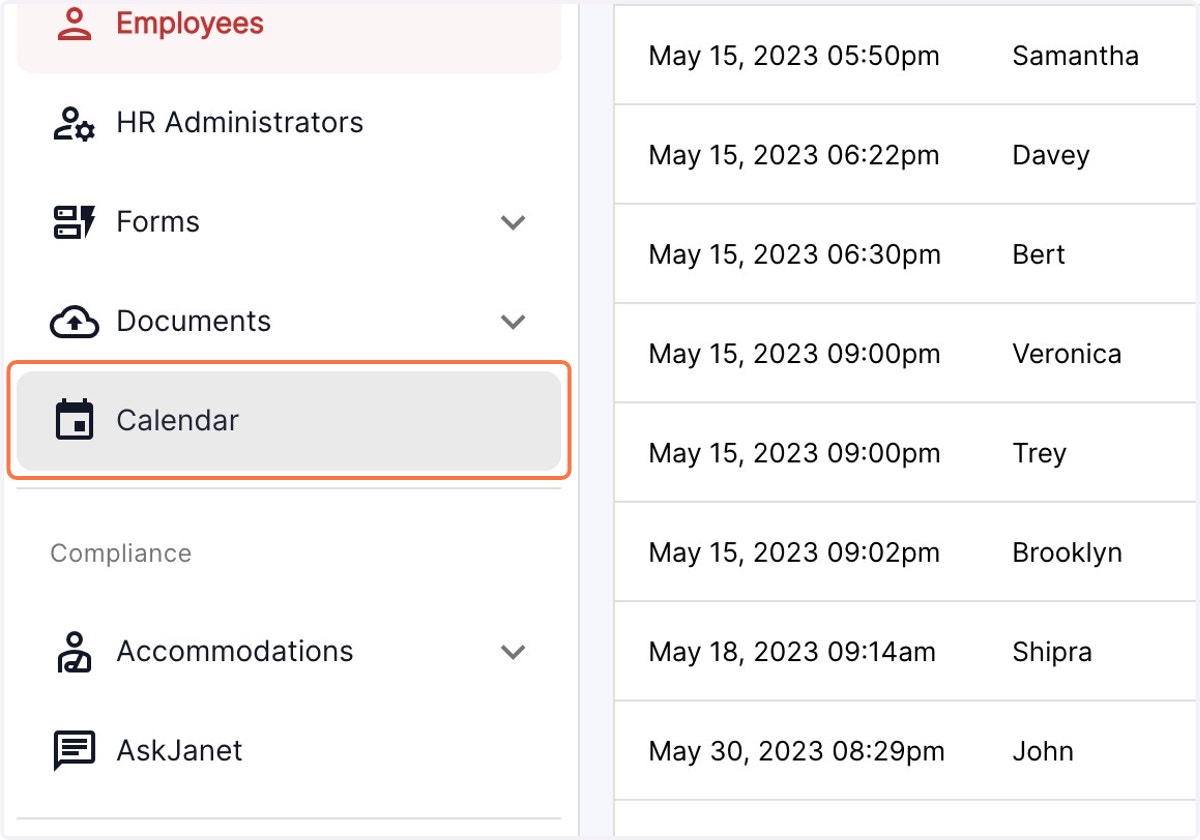
1. Click on the Calendar Tab in the left Panel
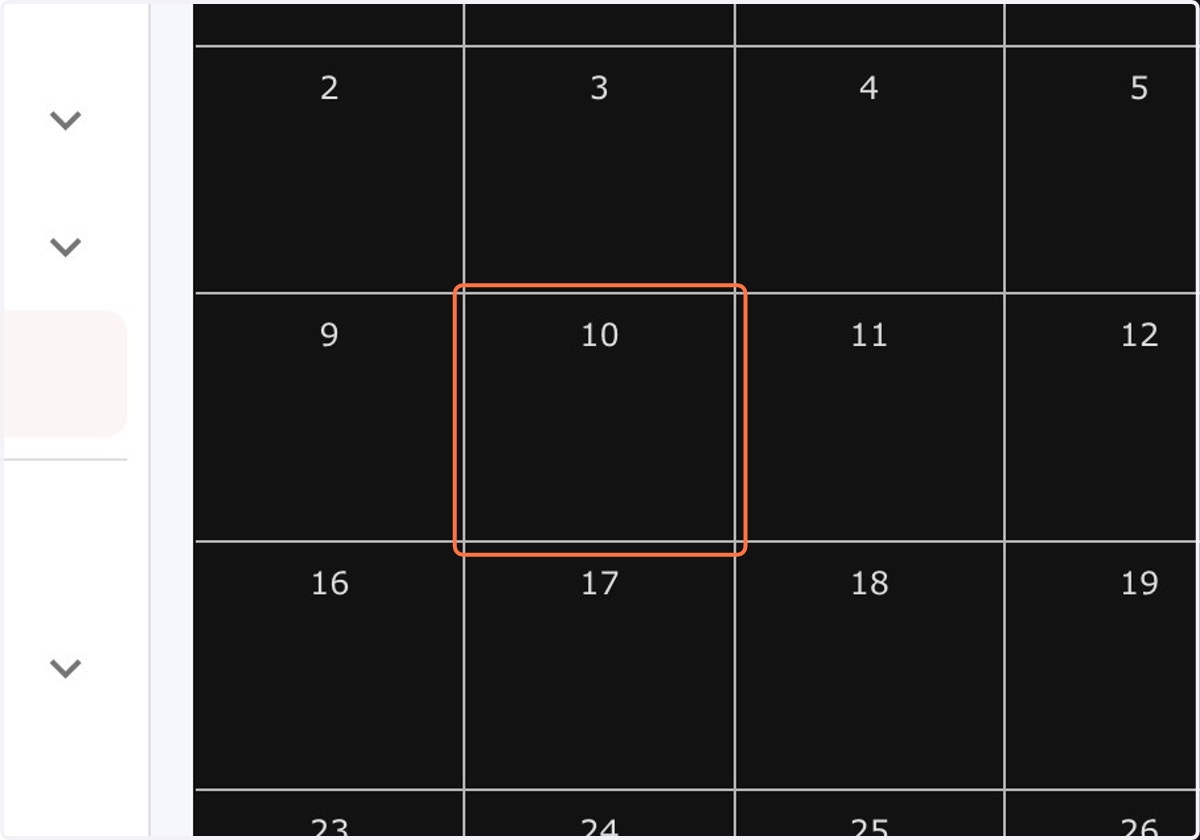
2. Click on the desired date
3. Click on Event Title
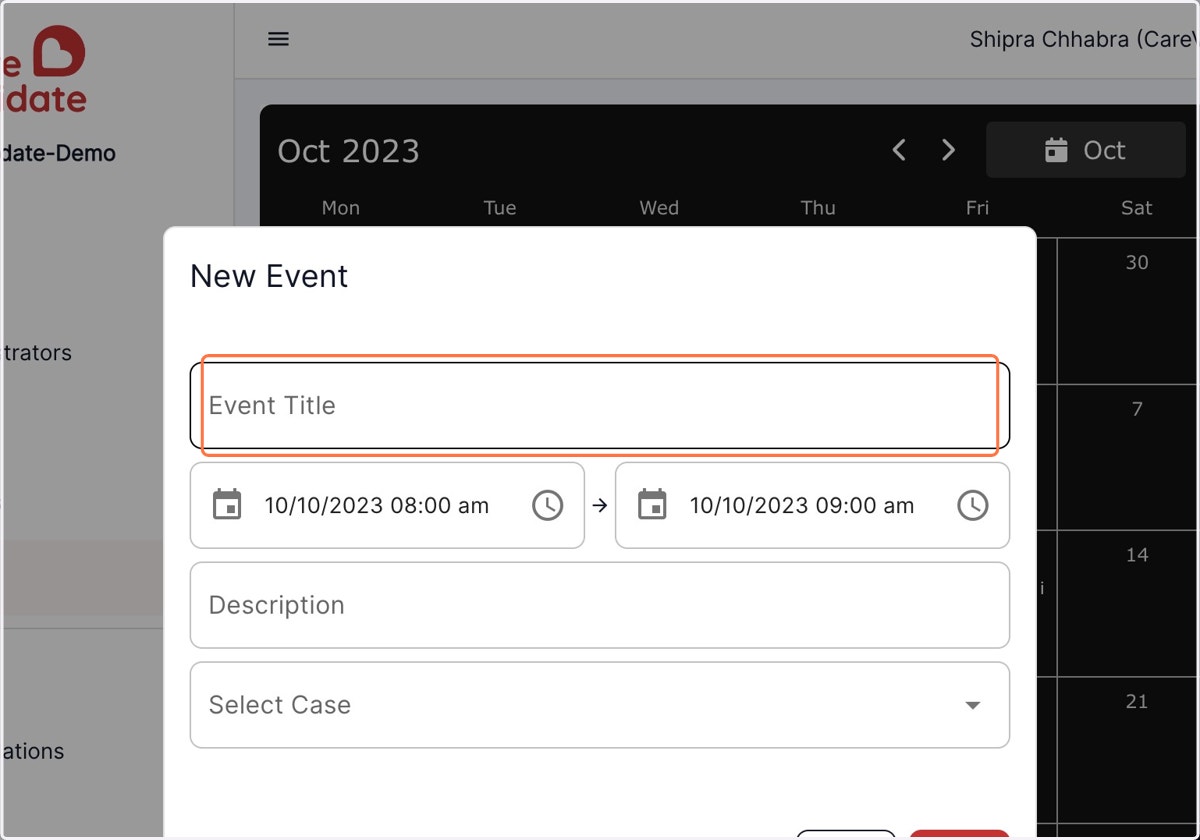
4. Add the reminder in the event title and click on "select case" dropdown menu
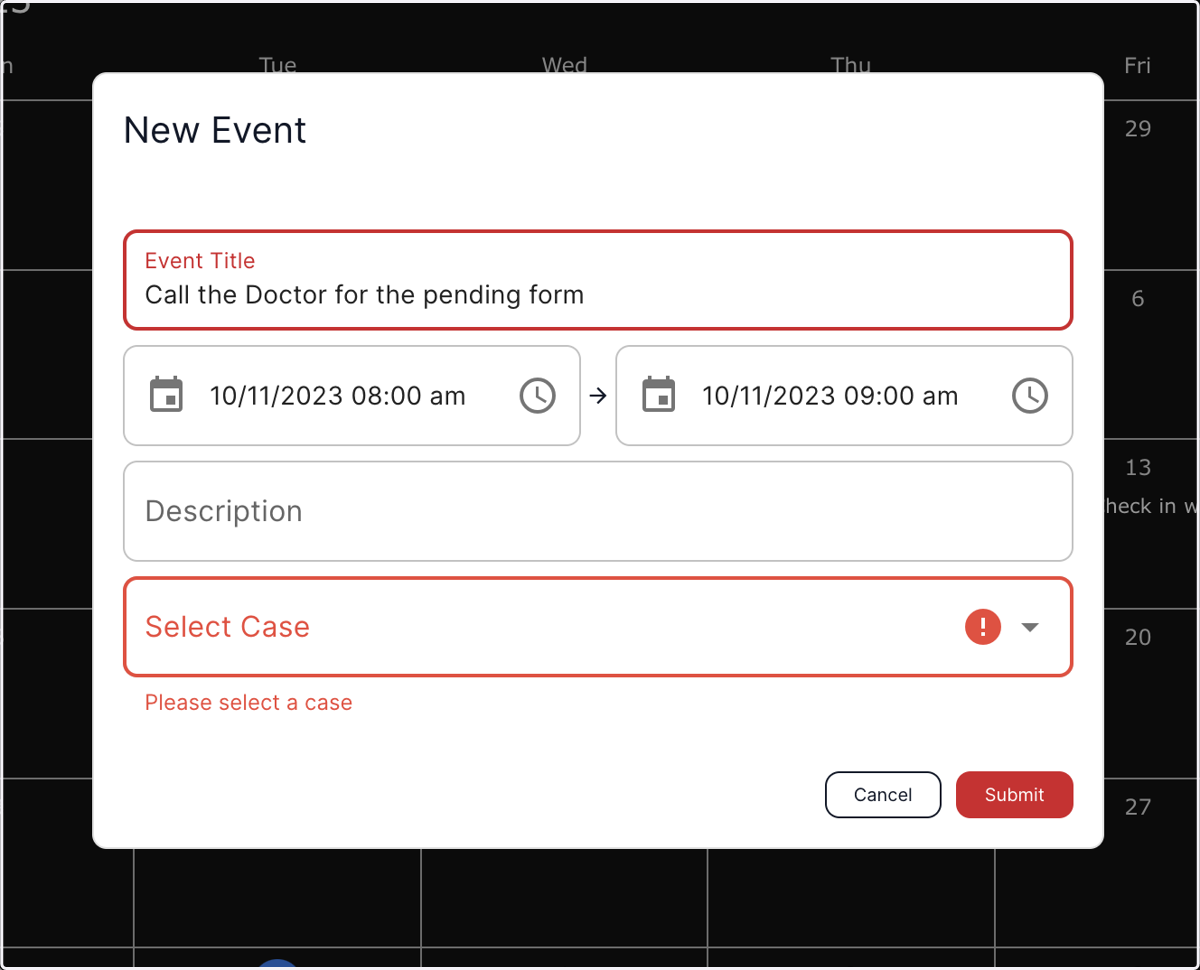
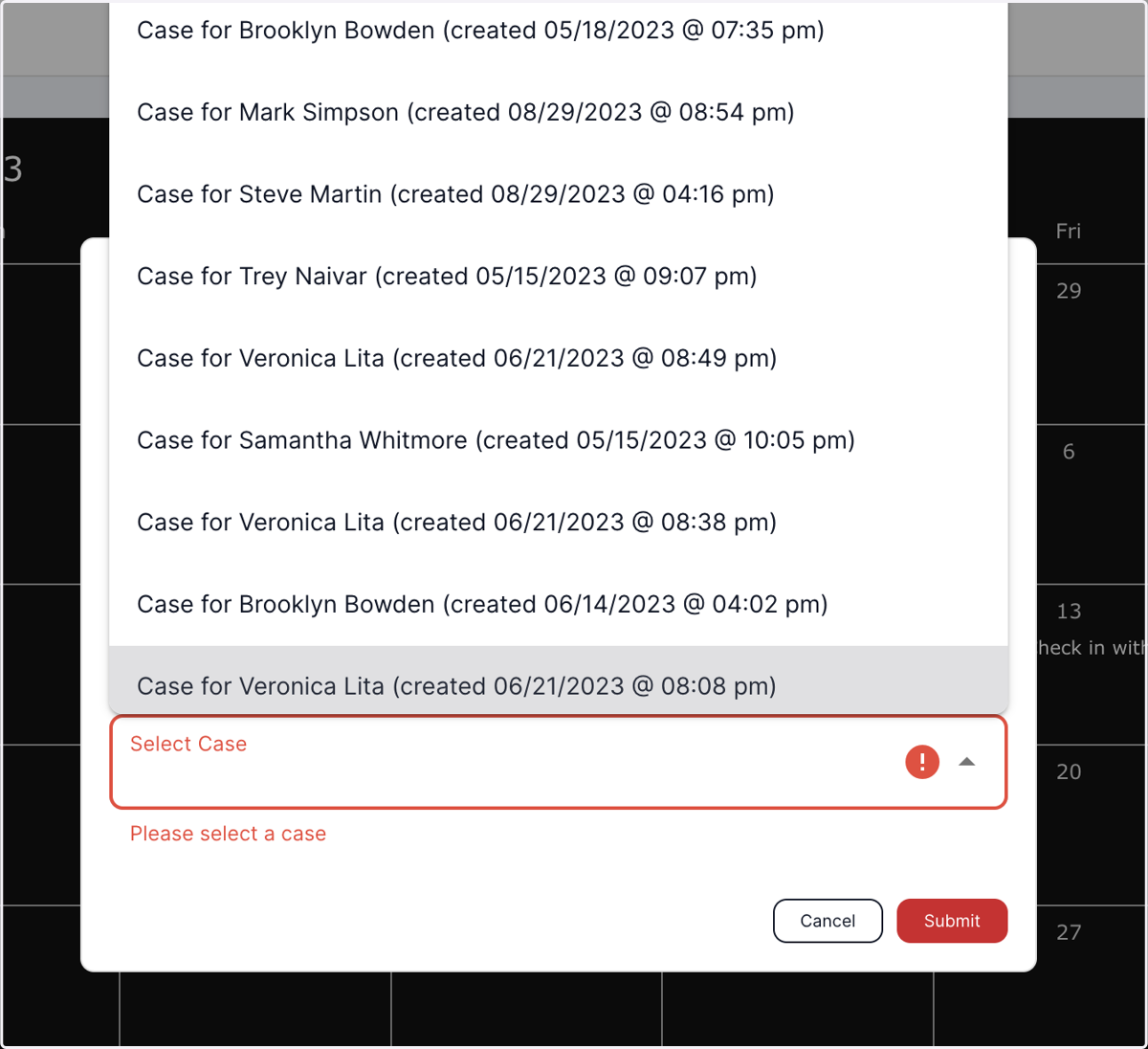
5. Select the appropriate case where the reminder needs to be added and hit submit