Configure additional customers in an appointment template
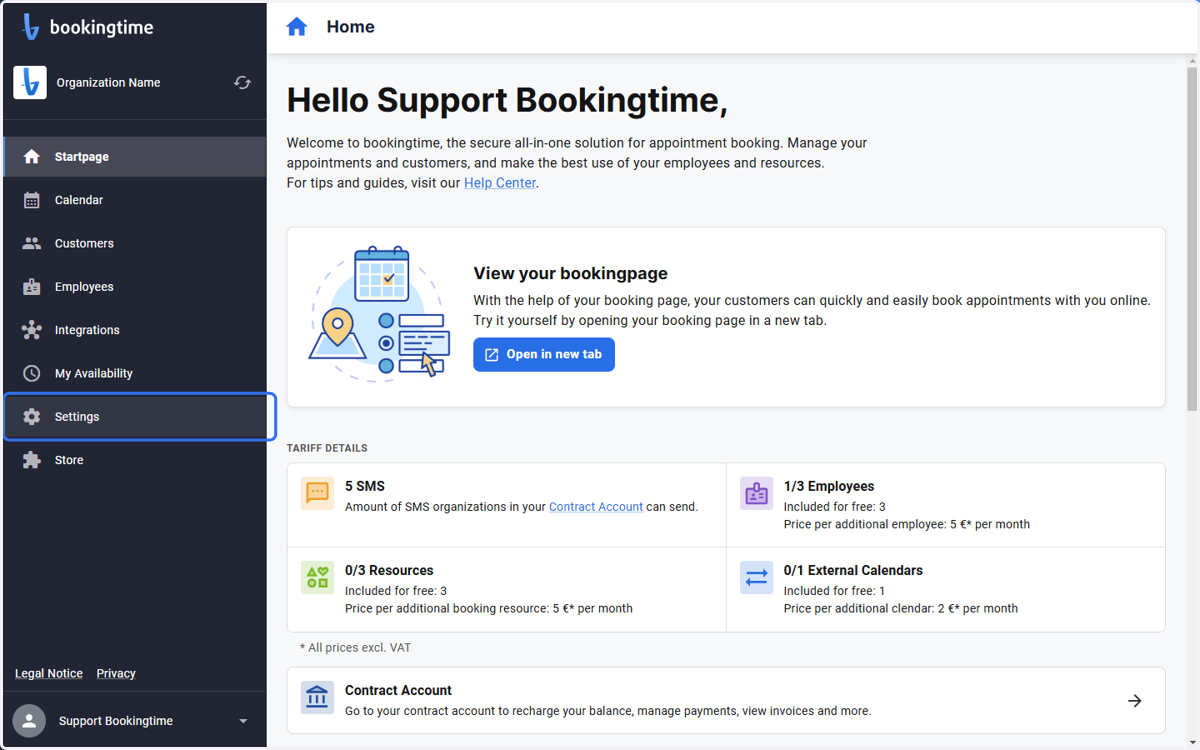
1. Click on Settings
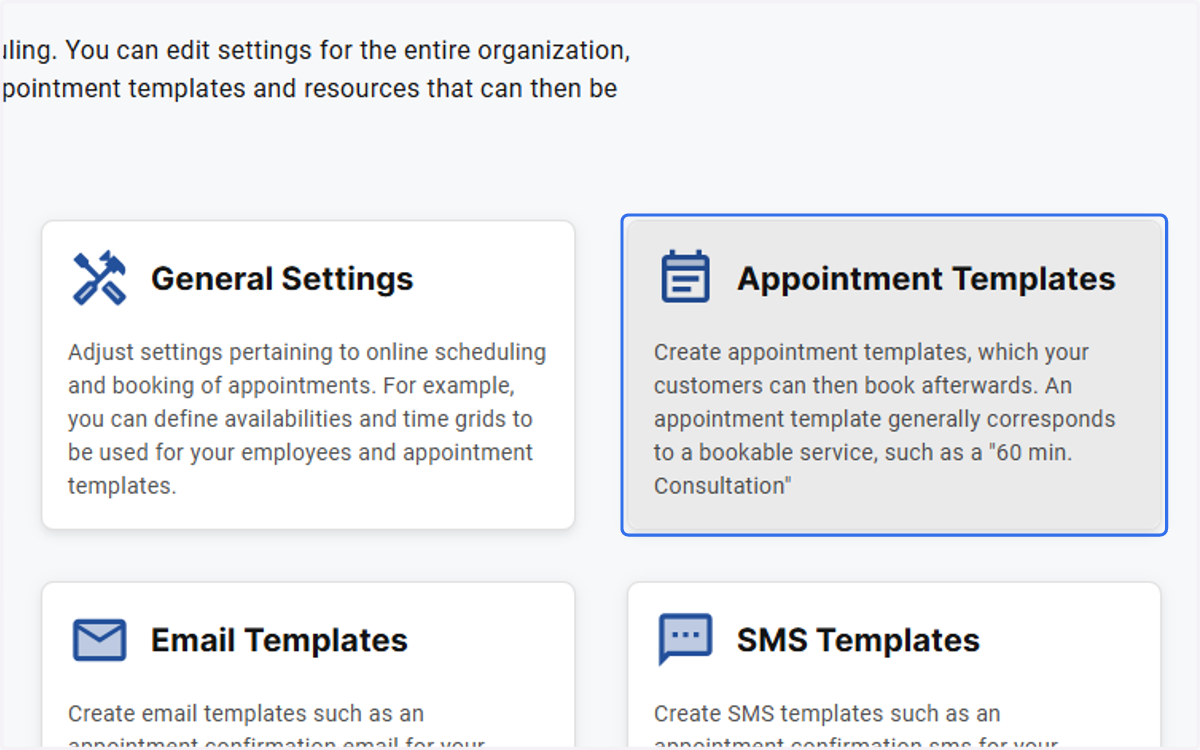
2. Click on Appointment Templates
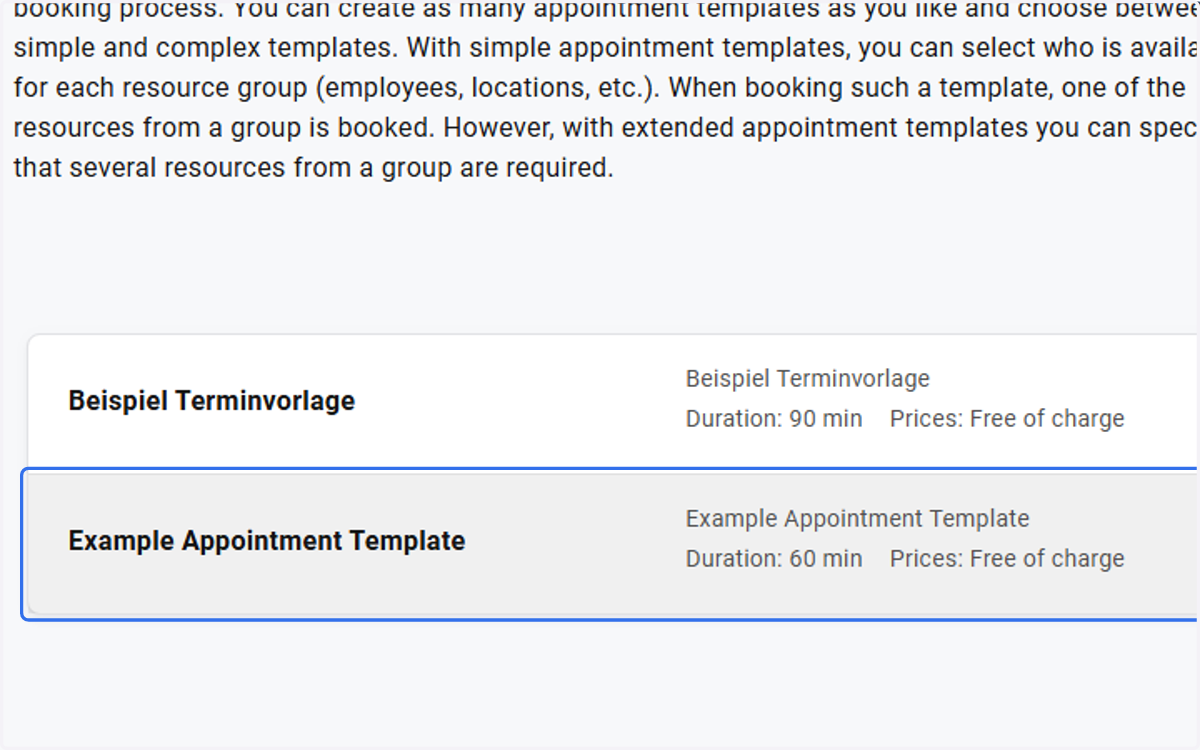
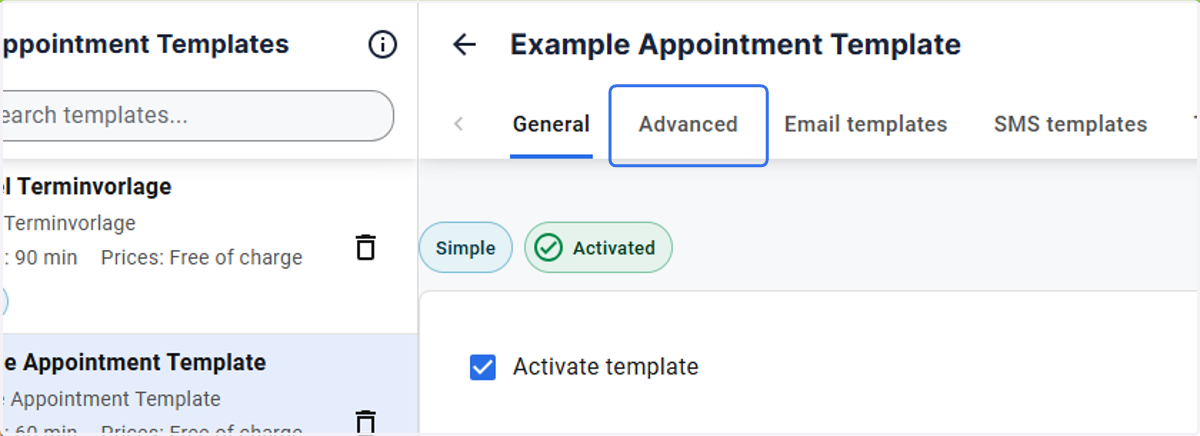
3. Choose the appointment template you want to configure
4. Click on Advanced
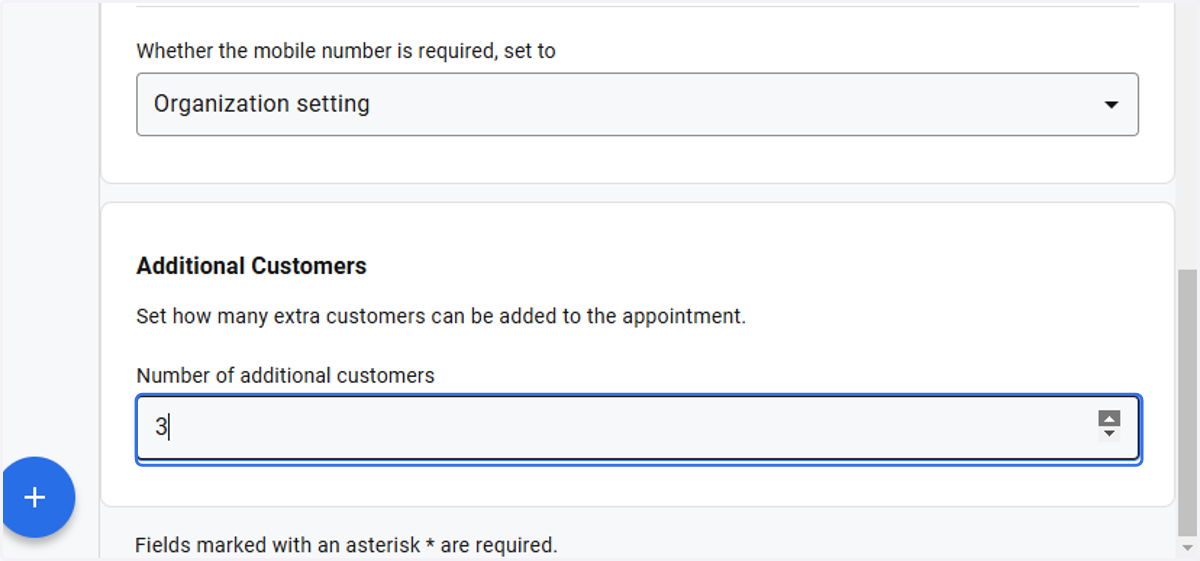
5. Enter the number of additional customers for this appointment template
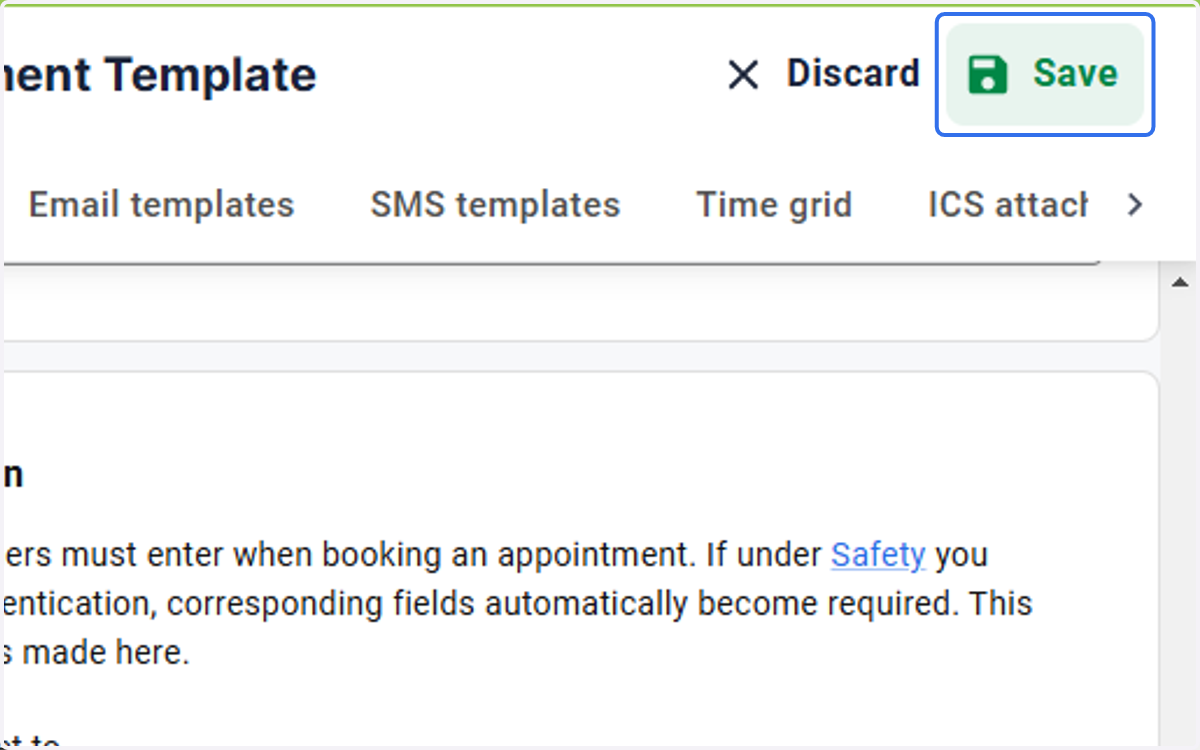
6. Click on Save