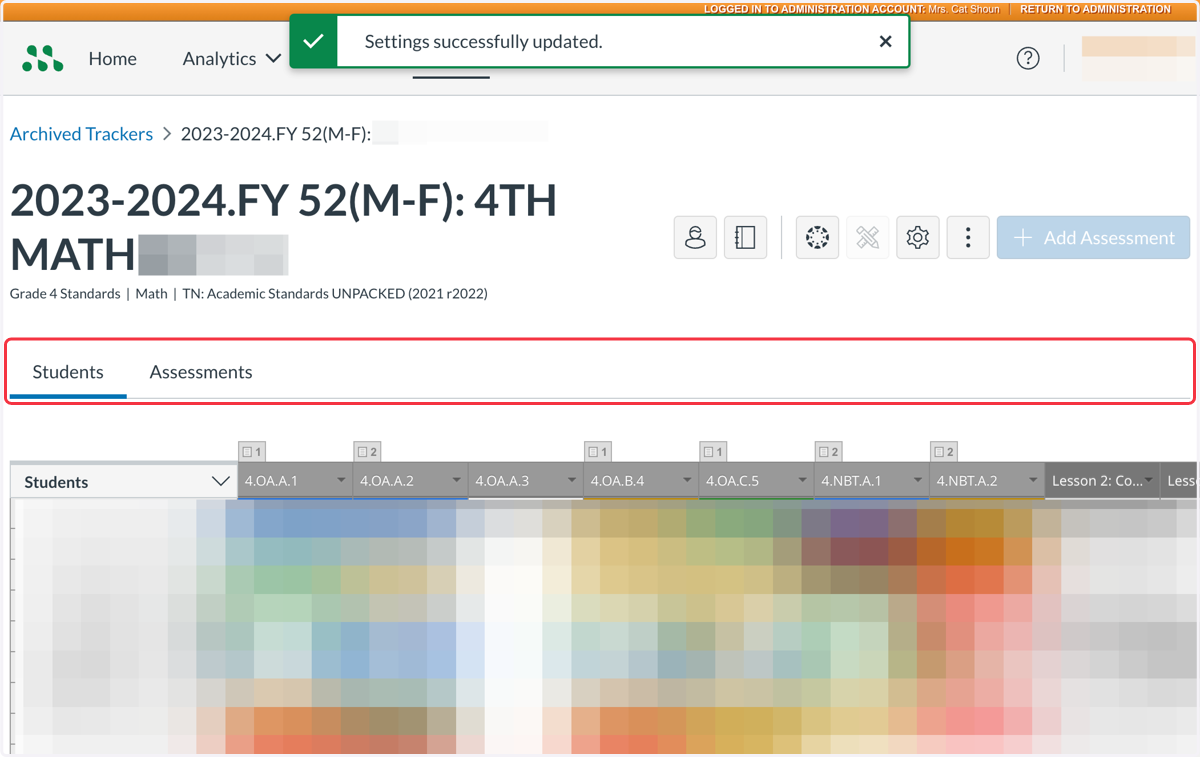
Viewing Student-Specific Data in Archived Trackers in Mastery Connect
Login to app.masteryconnect.com with your KCS Google account.
Be sure you are using the Chrome Browser.
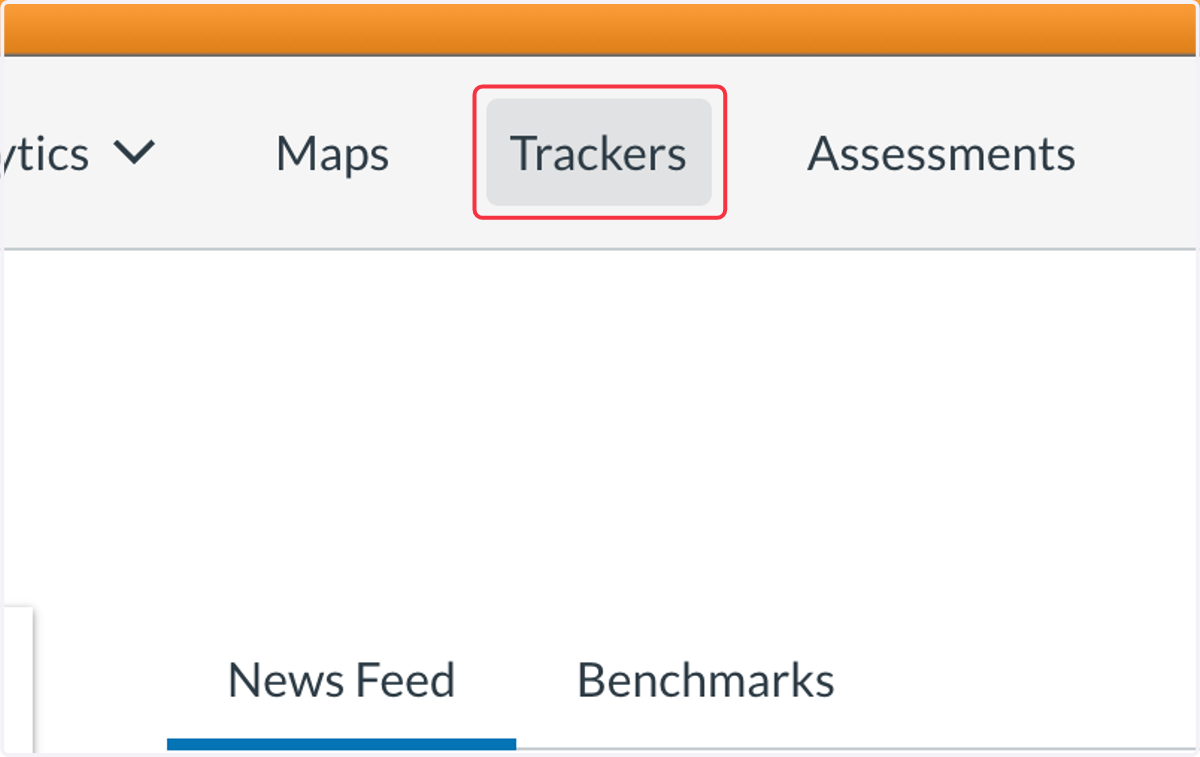
1. Click on Trackers
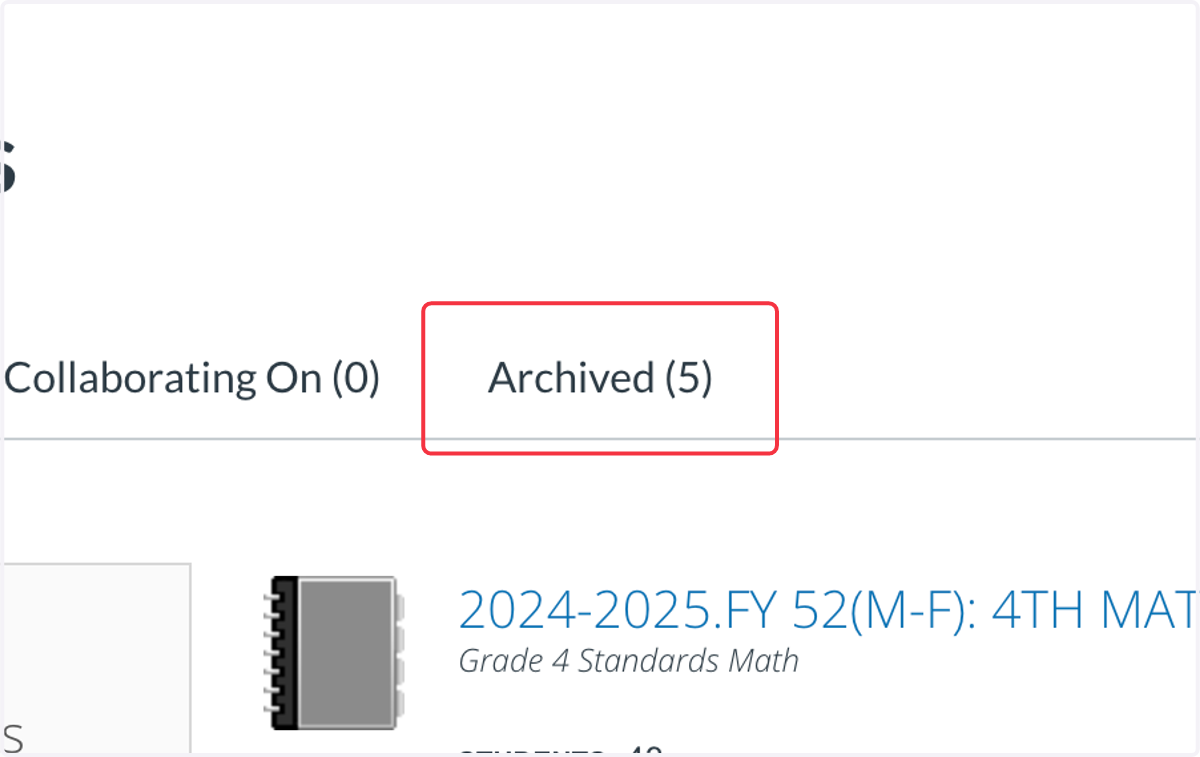
2. Click on Archived
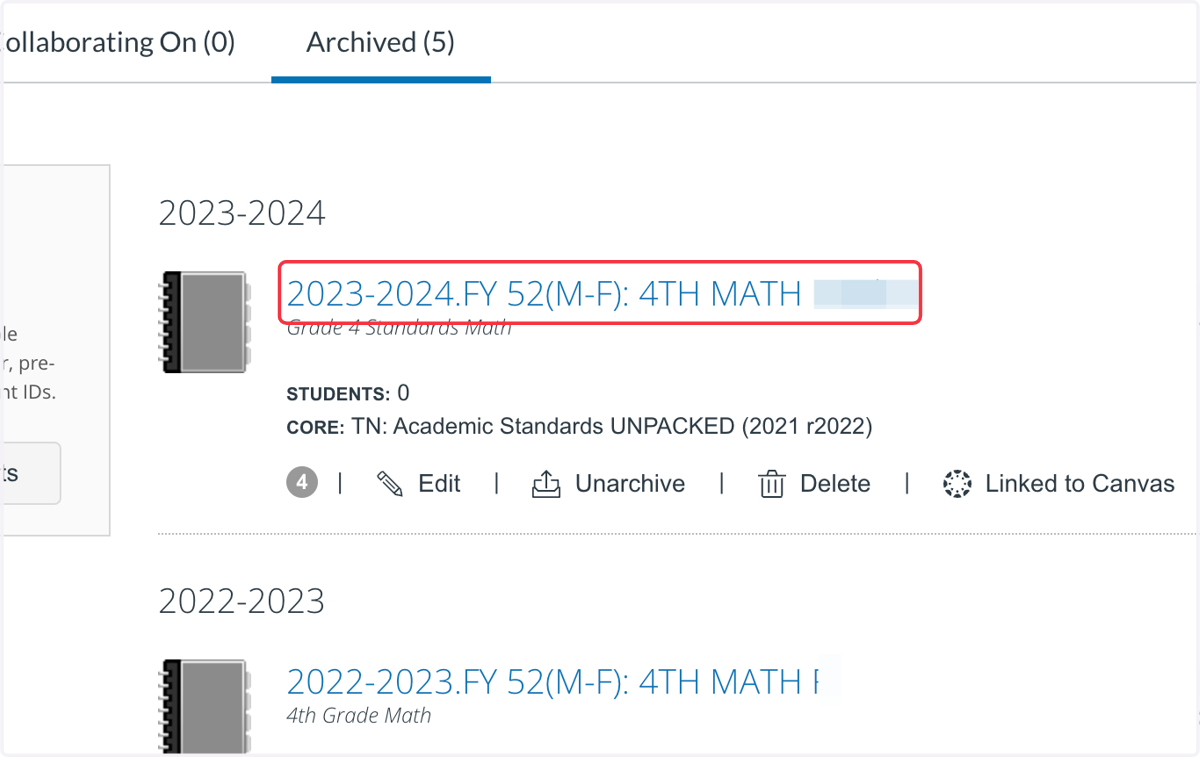
3. Click on the old Tracker.
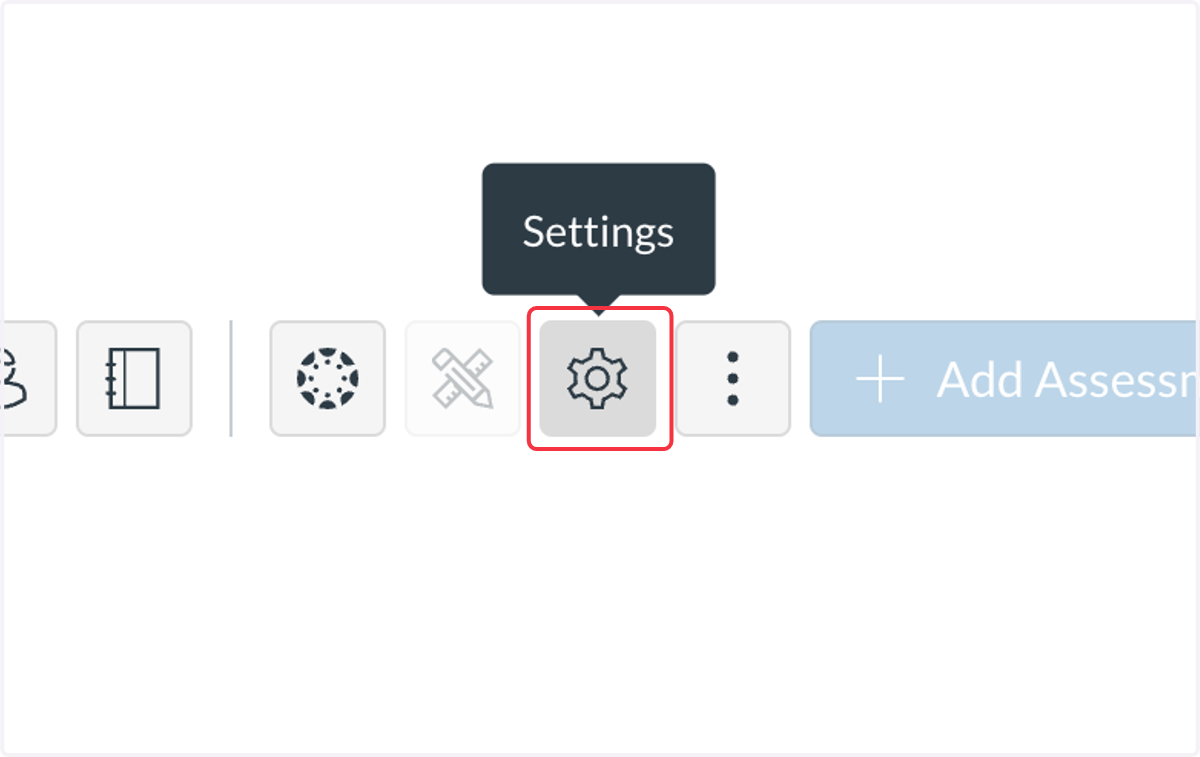
4. Click on Settings
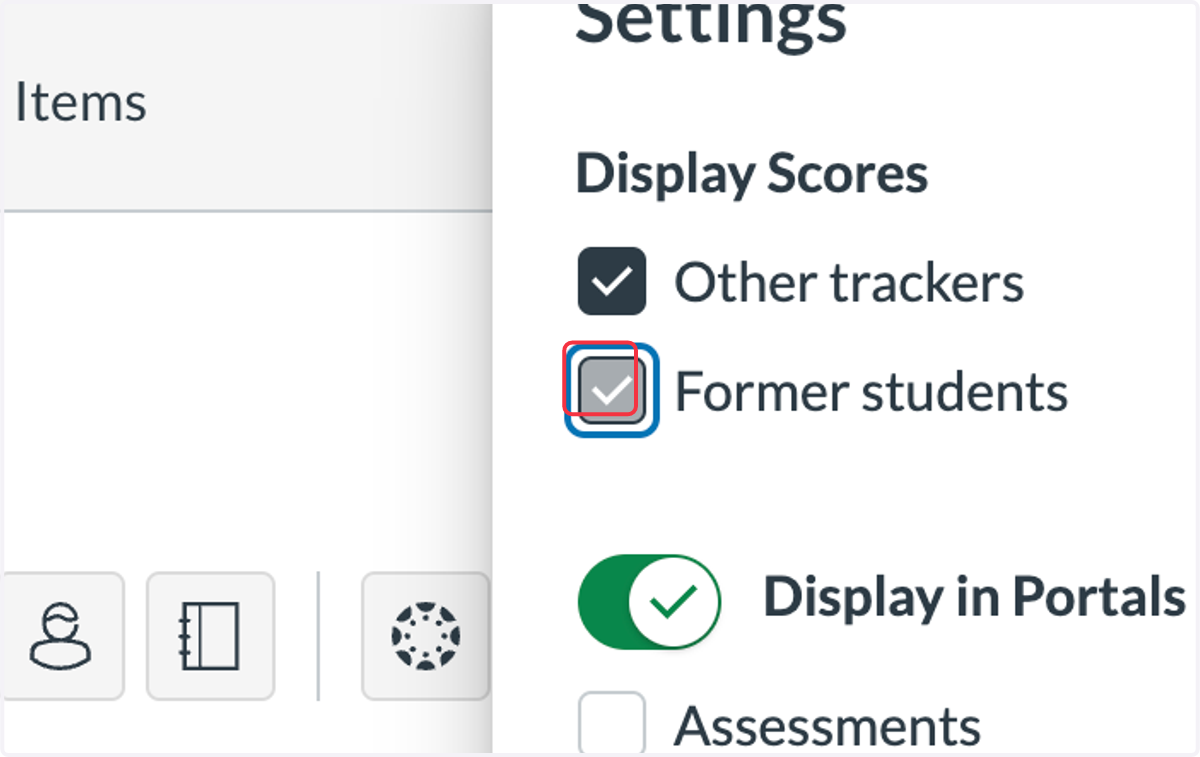
5. Check Former students
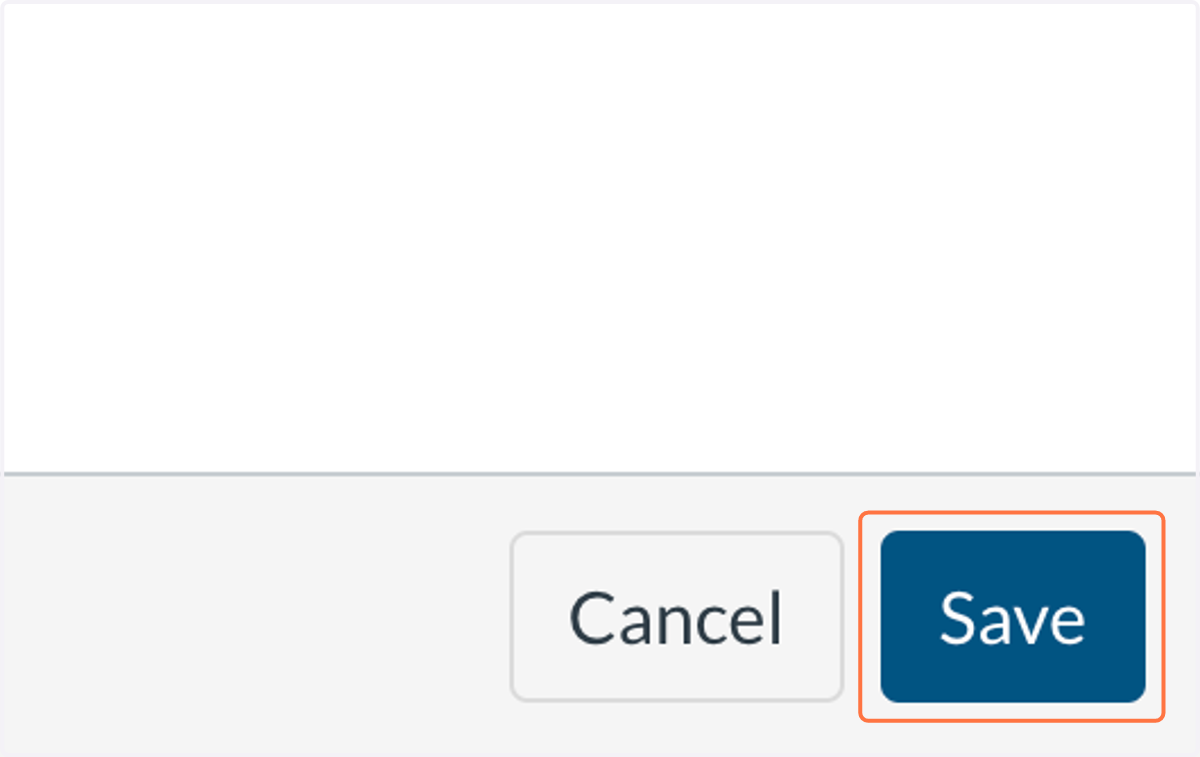
6. Click on Save
7. Students and Data are now visible.