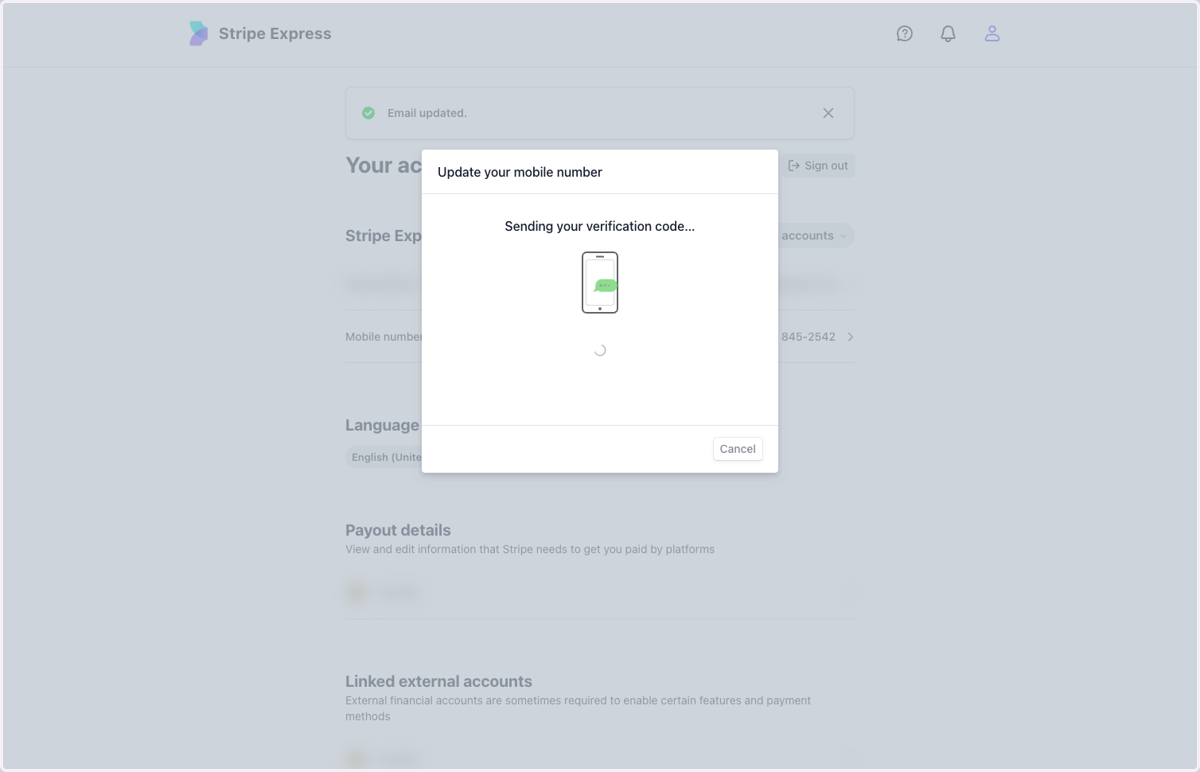
Updating the Phone Number in Stripe ExpressStripe Express1. Click on Mobile number…2. Type "(617) 702-2929"3. Click on Save4. Input the code sent to the new phone number