Managing the Parent/Caregiver Email List in Banqer High
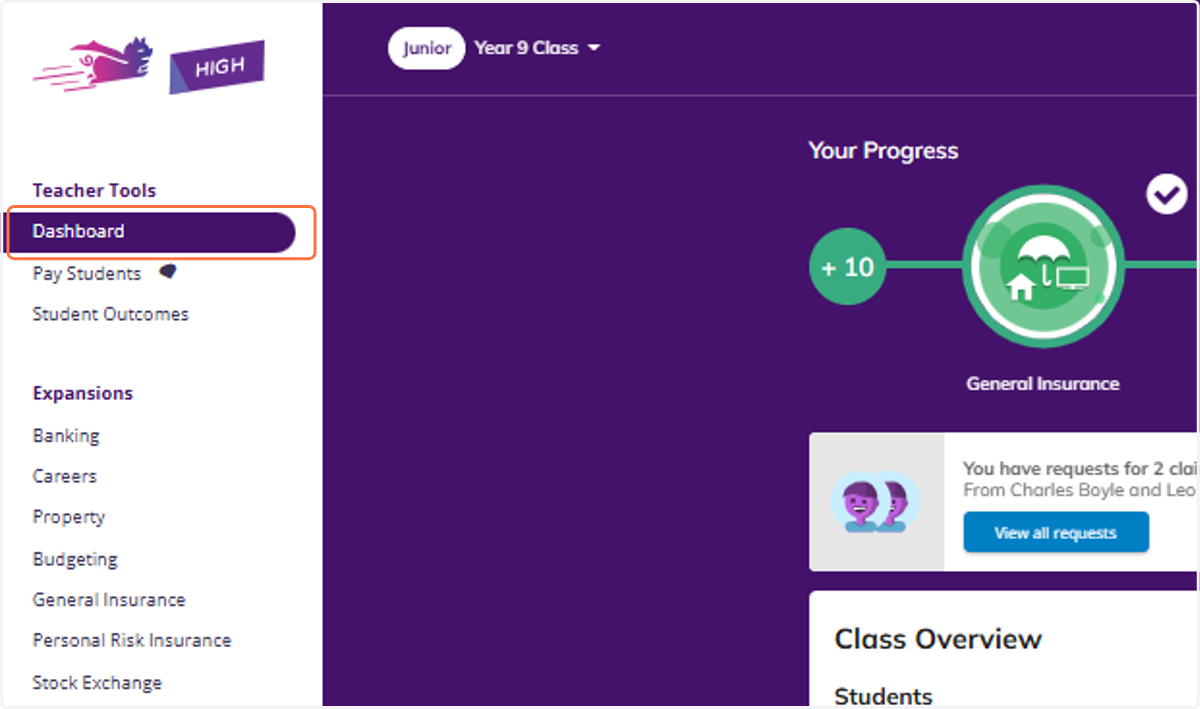
1. Click on Dashboard
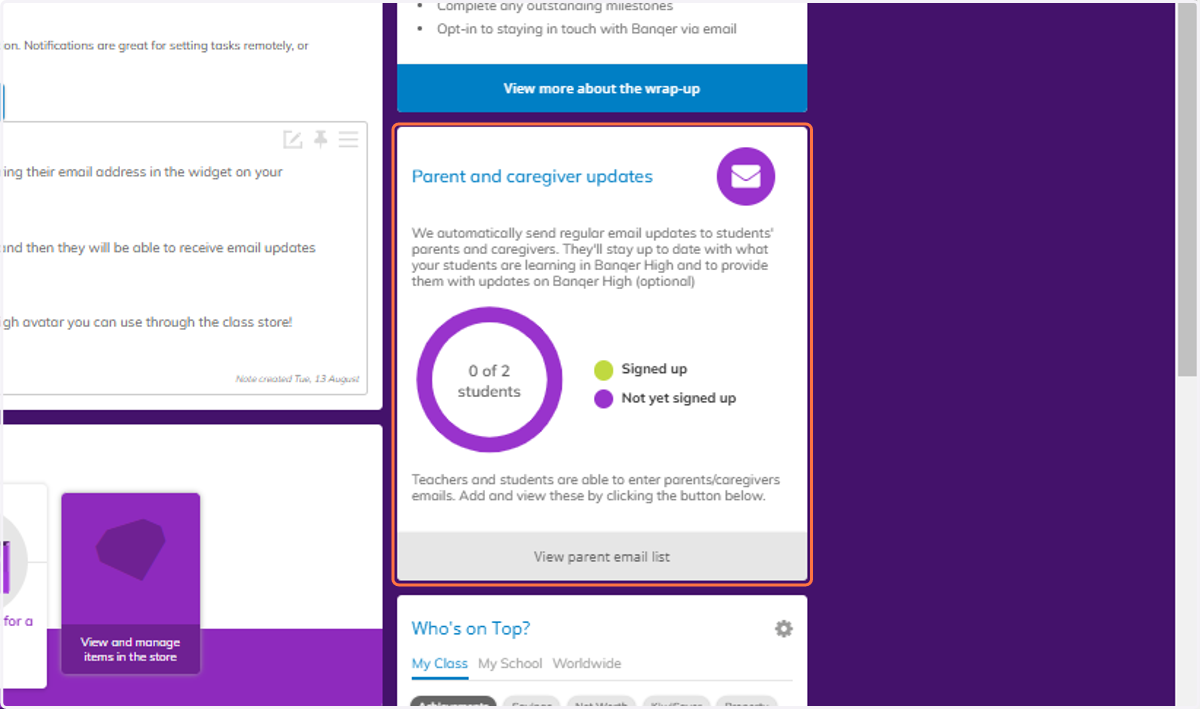
2. Navigate to your Parent and Caregiver Updates section, you can see here how many of your students have signed up their parent/caregiver's email address for updates.
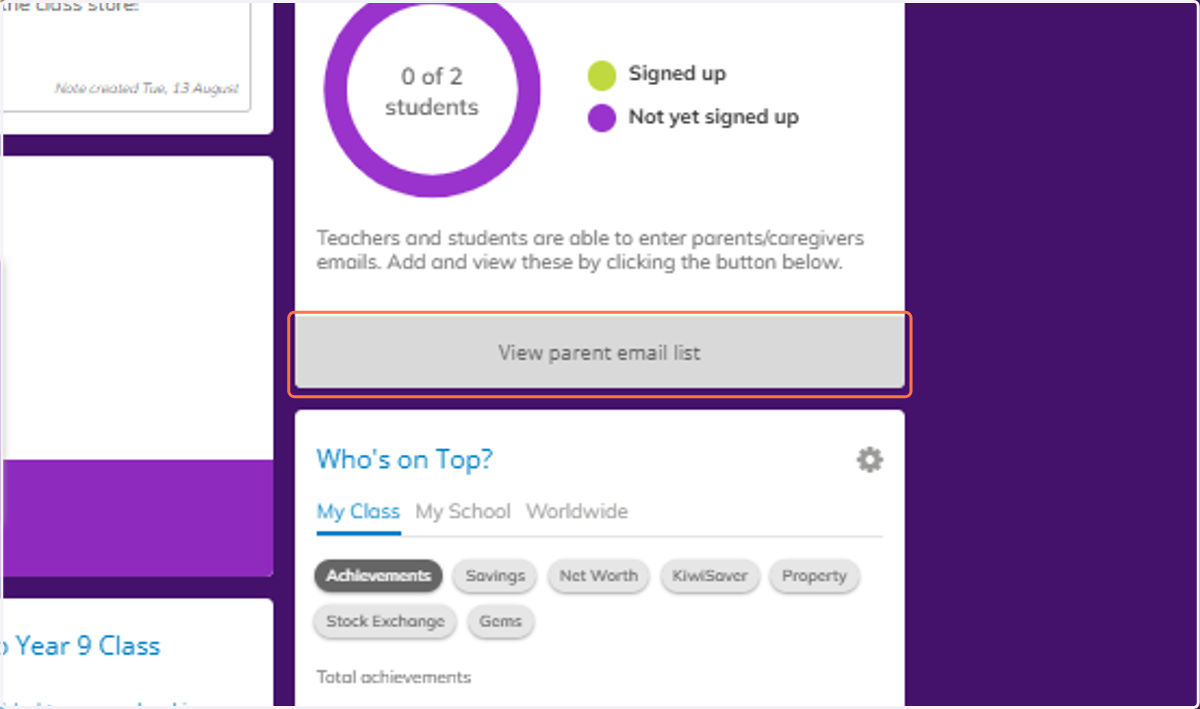
3. Click on View parent email list
4. From here you can see a more detailed breakdown of who has/hasn't provided their parent/caregiver's email address.

5. Click on Edit
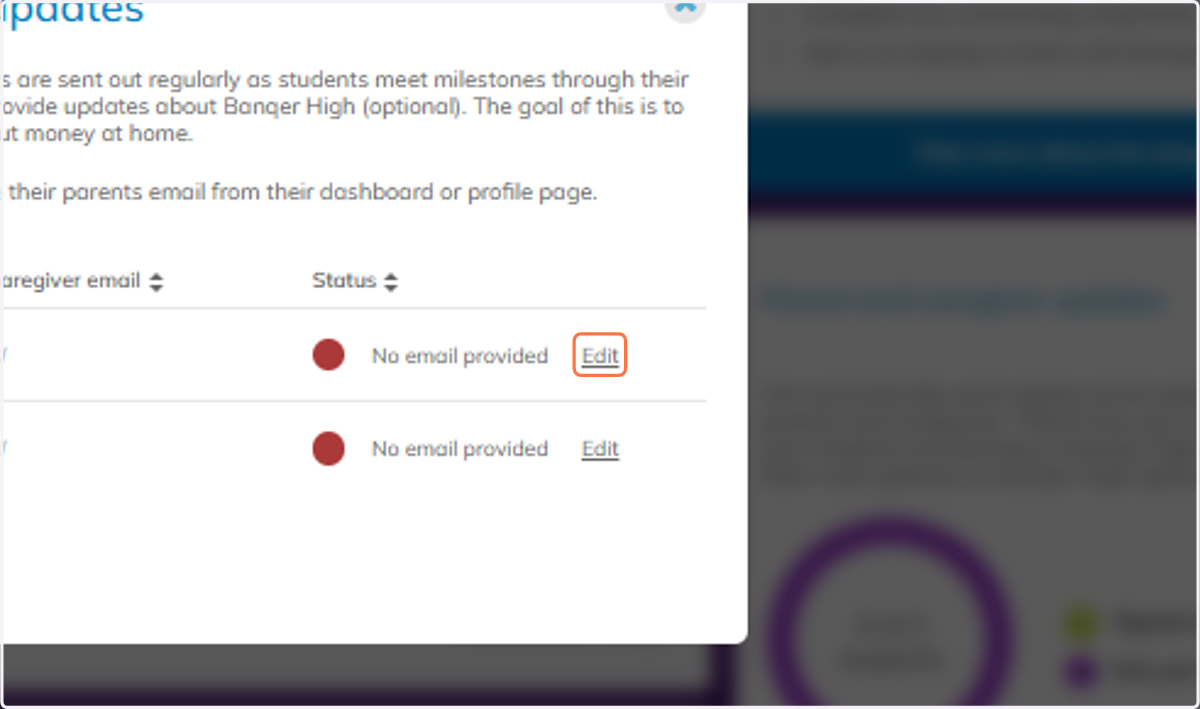
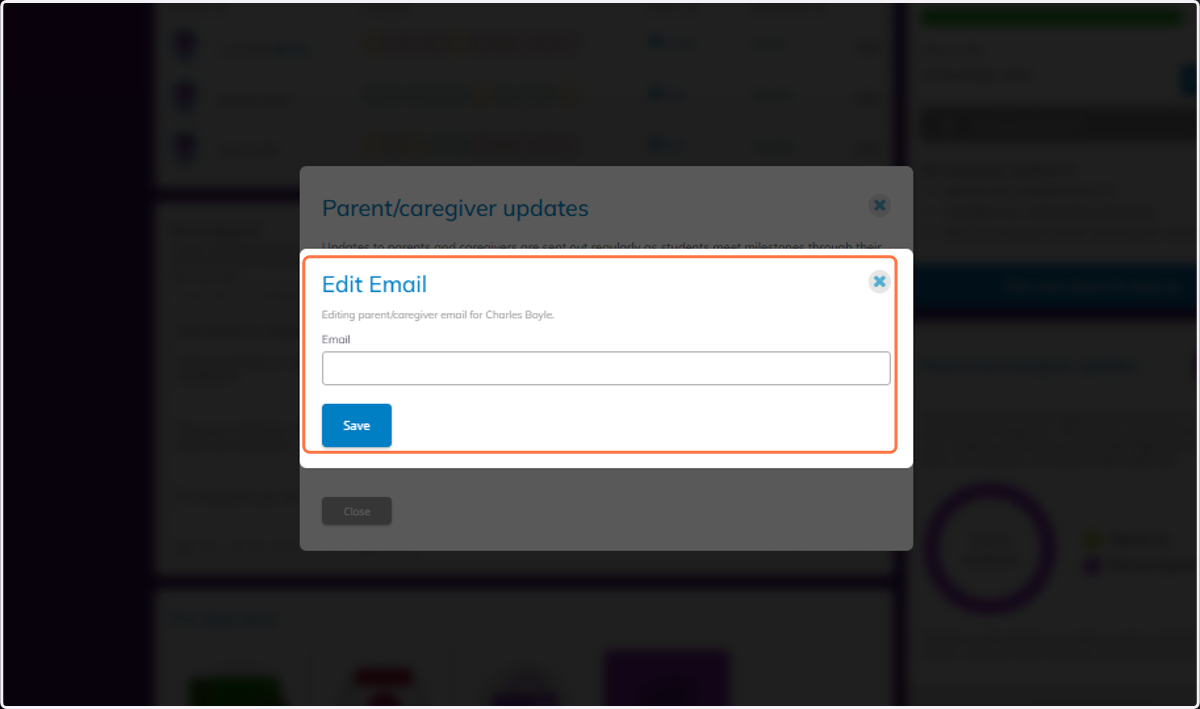
6. You can edit or manually enter a parents email from here and then click save.