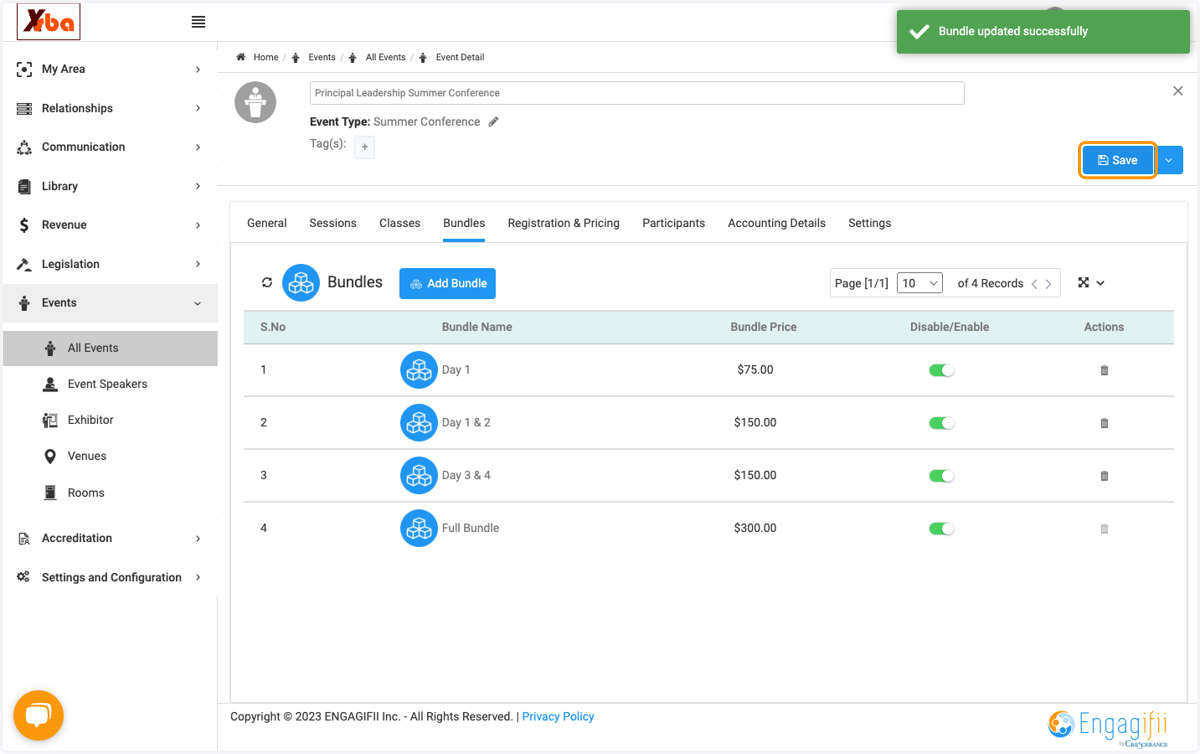
How to create Event bundles.
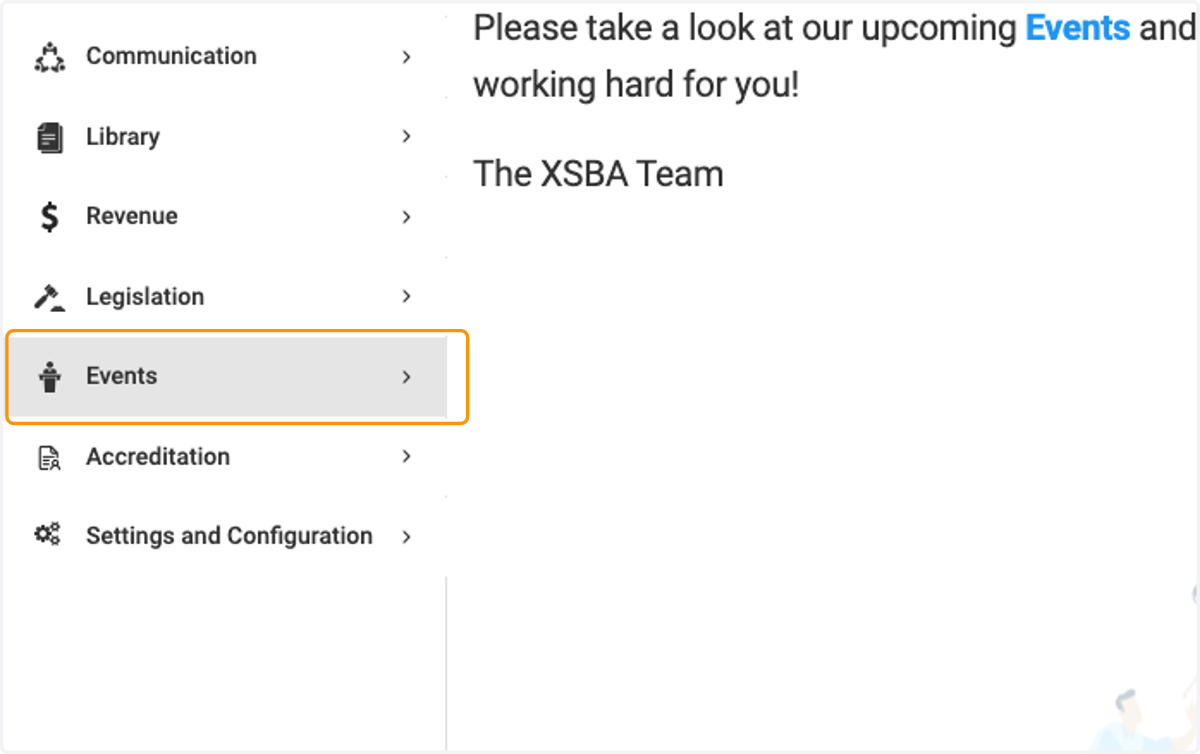
1. Click on Events
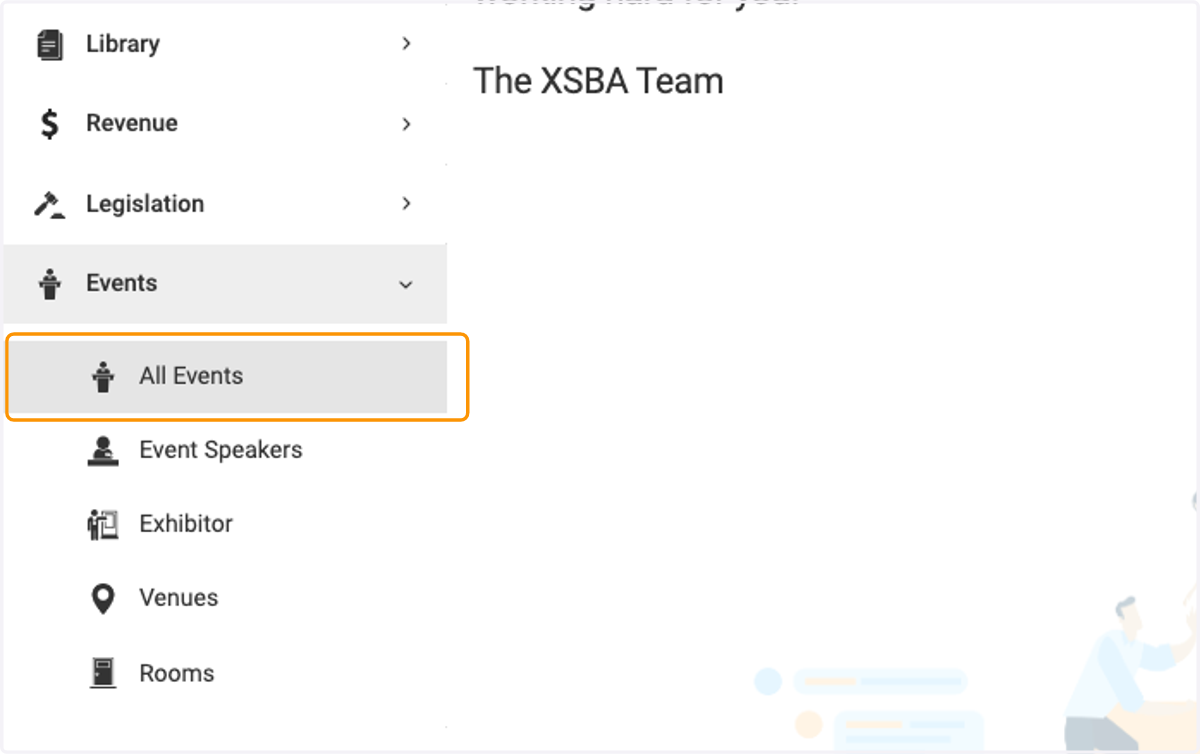
2. Click on All Events
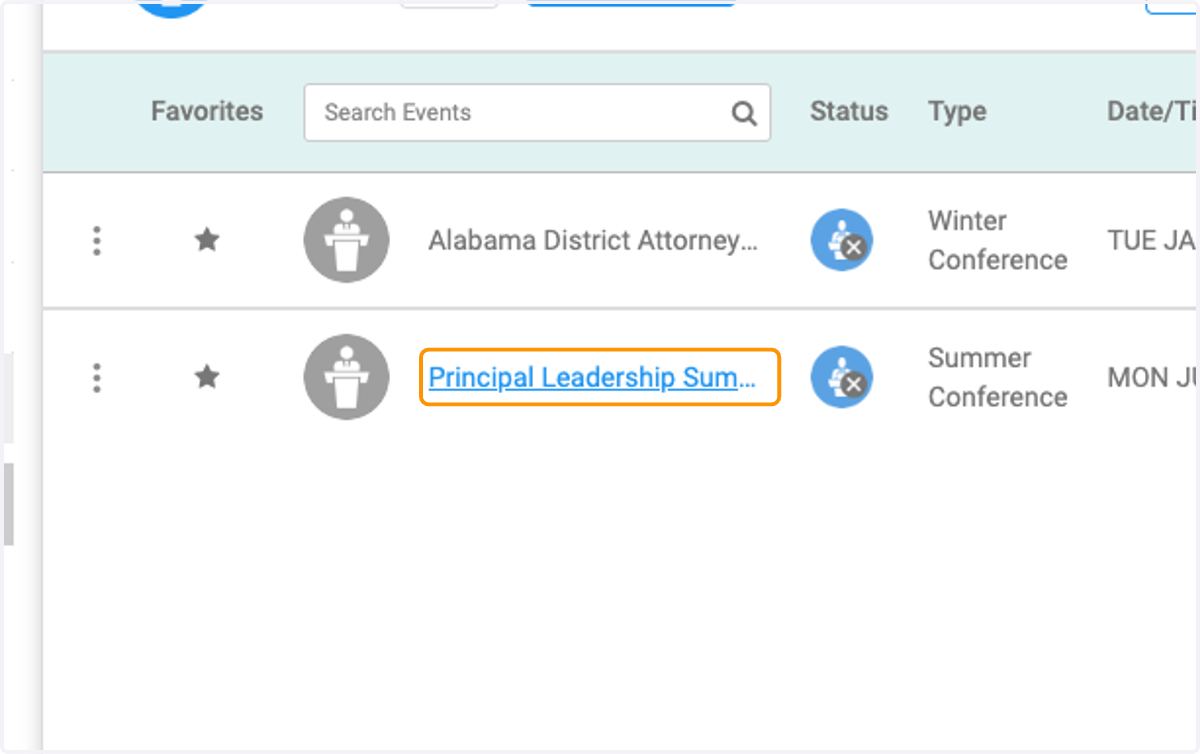
3. Click on the Event you would like to edit and create bundles for.
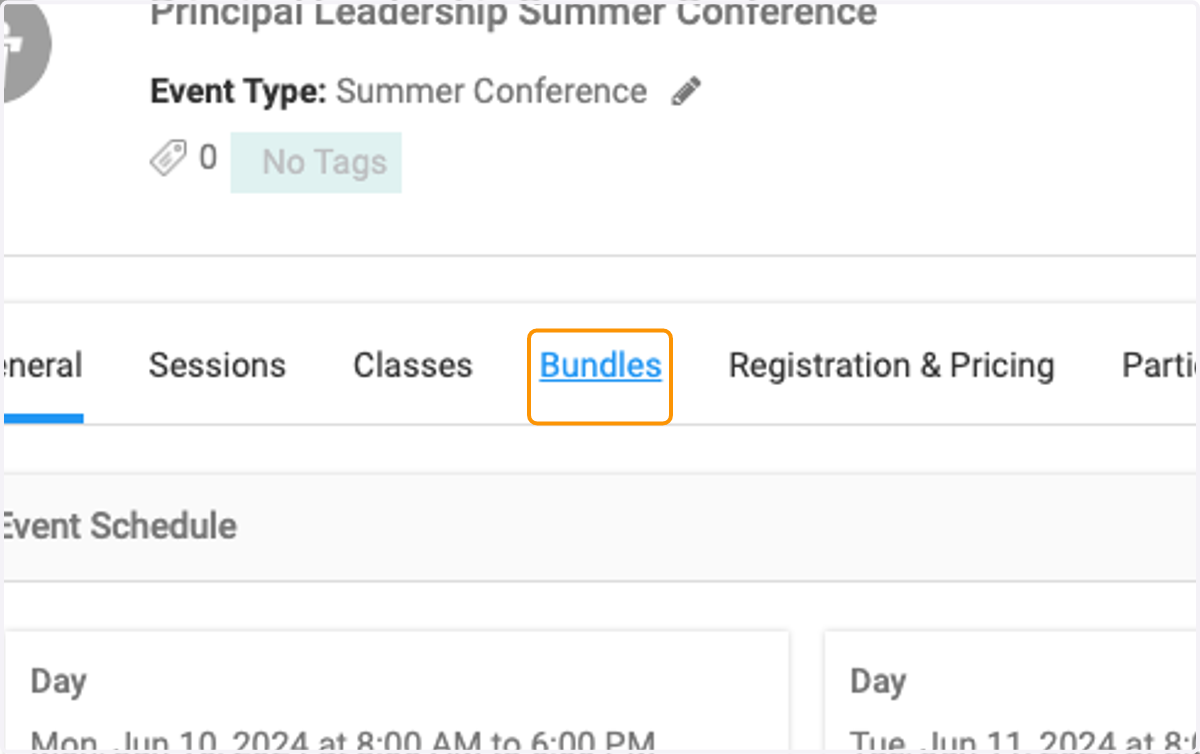
4. Click on Bundles
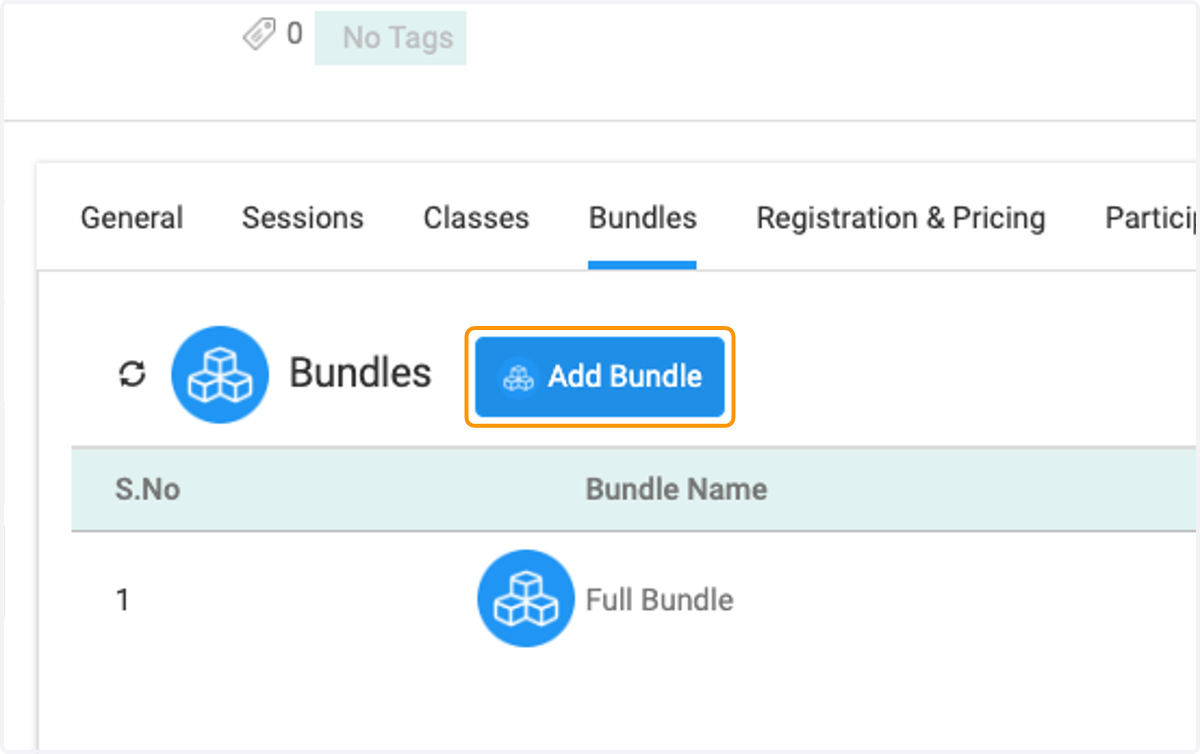
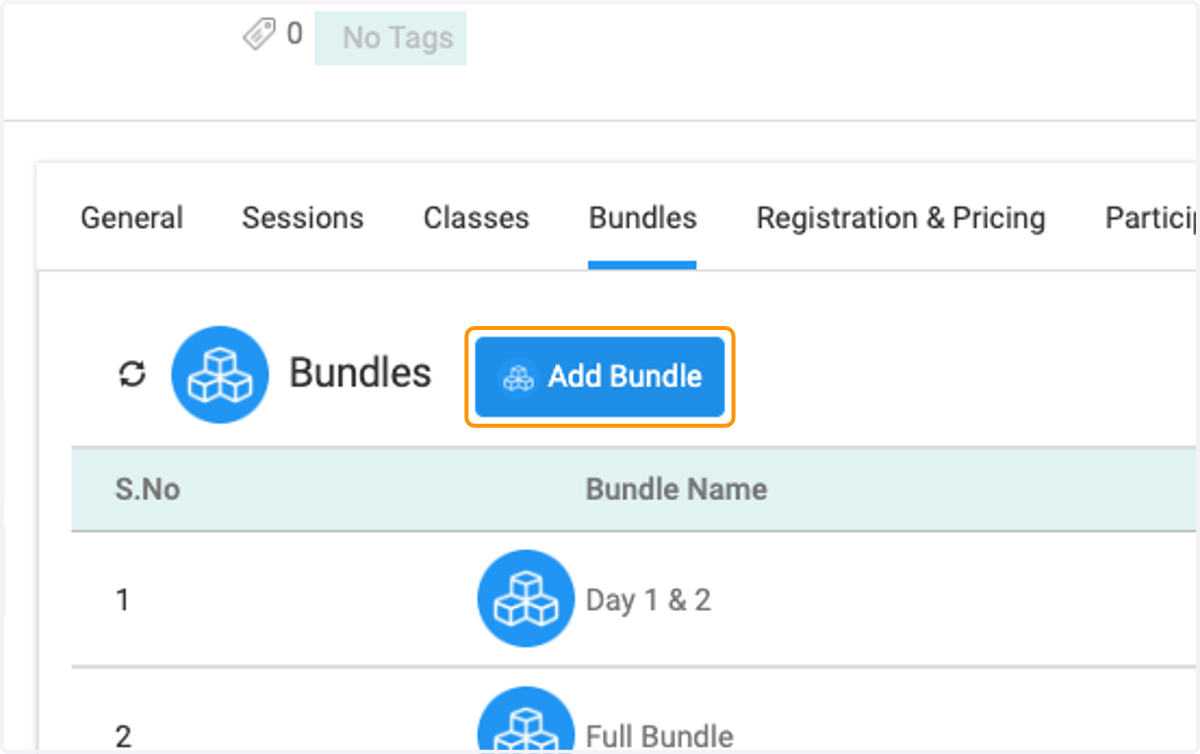
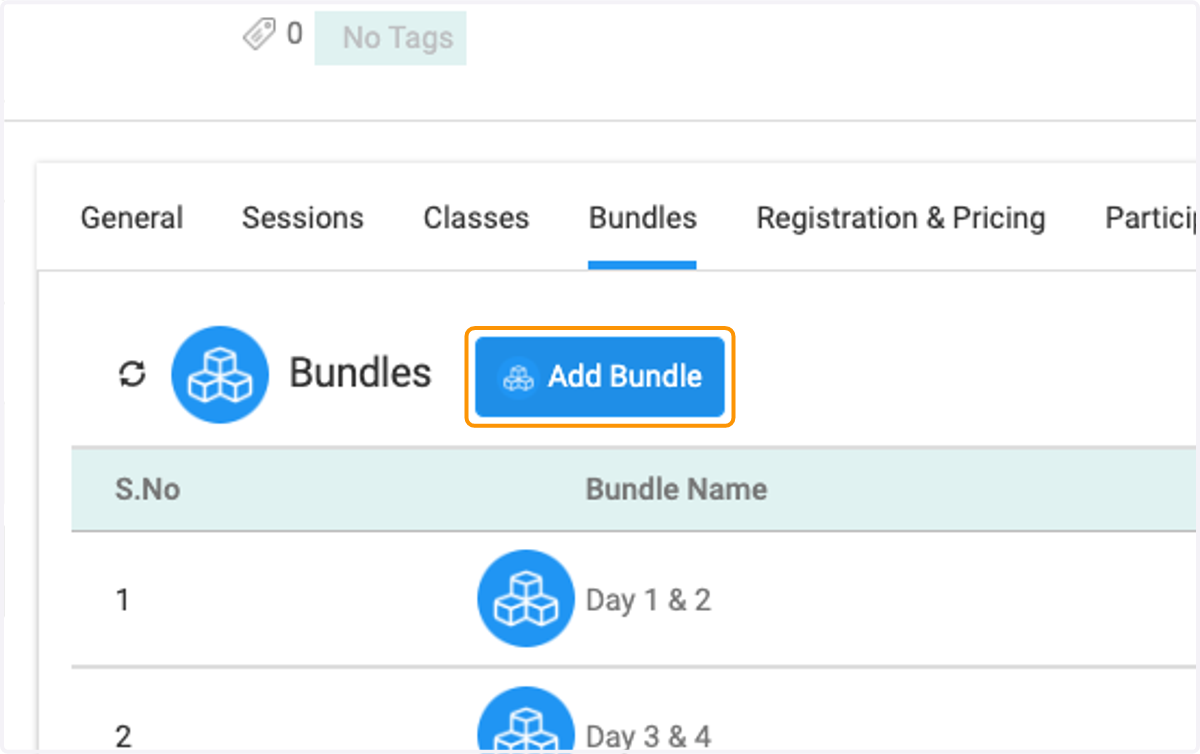
5. Click on Add Bundle
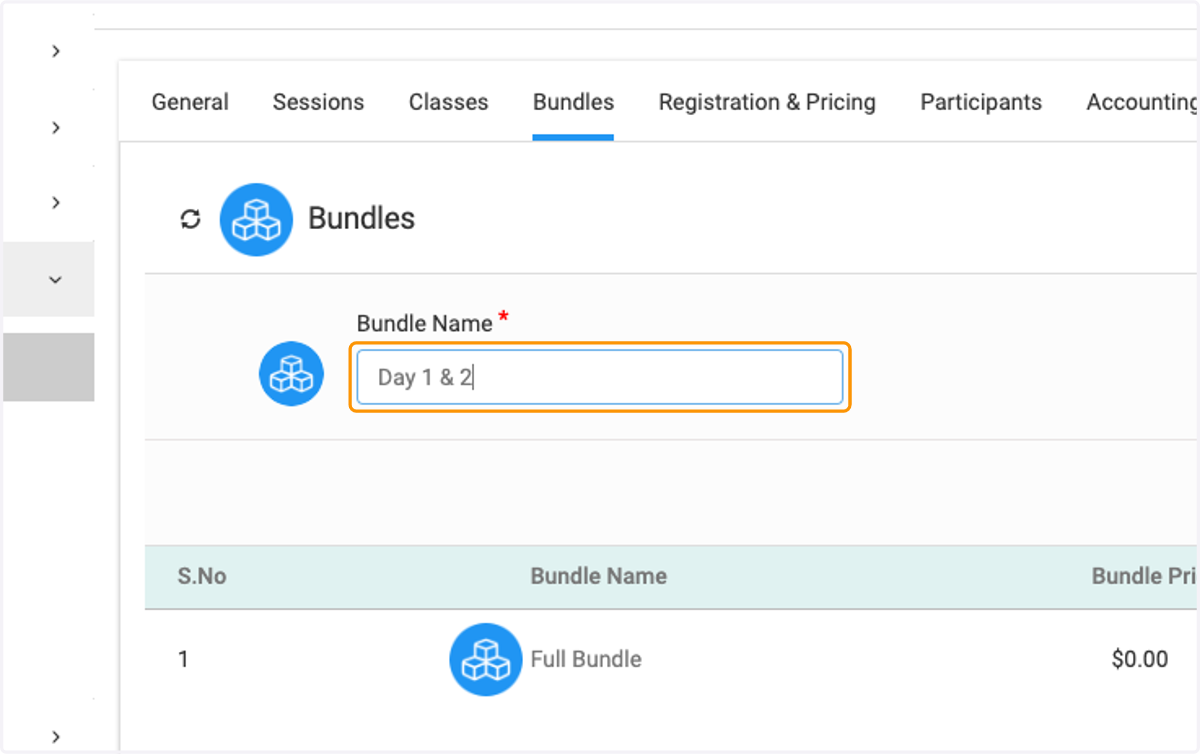
6. You may want to have a bundle by days or a combination of days. In this example I am combining "Day 1 & 2"
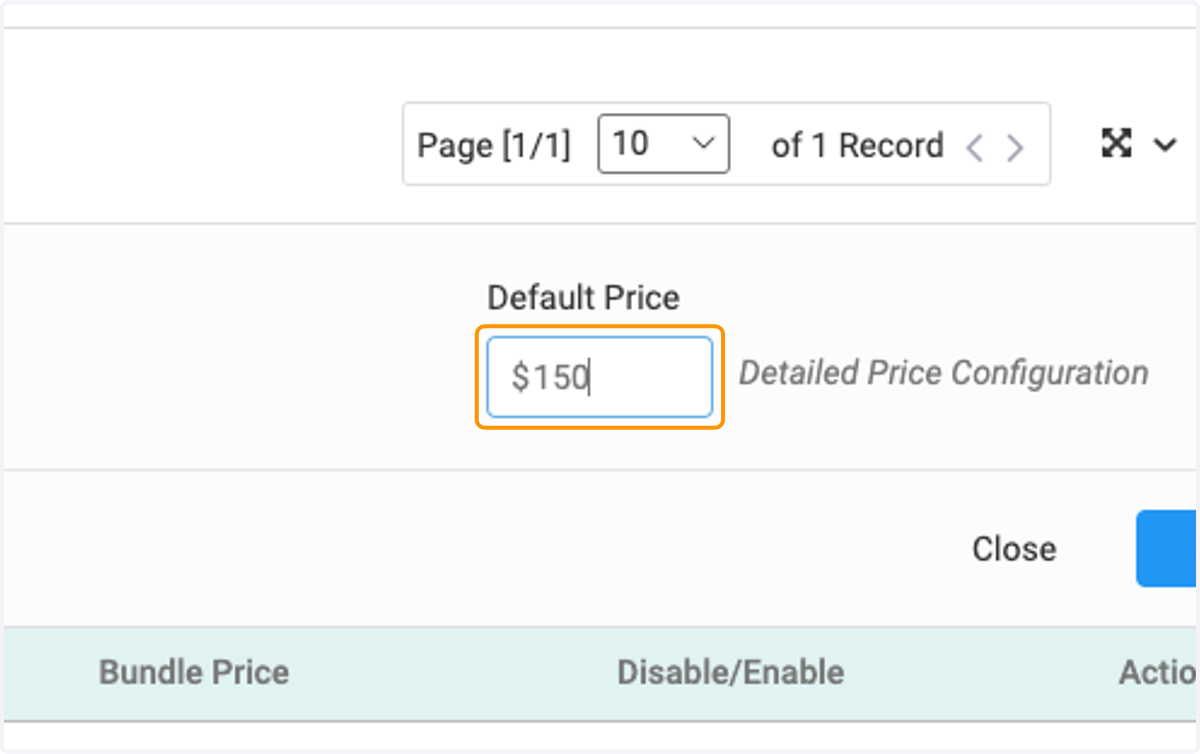
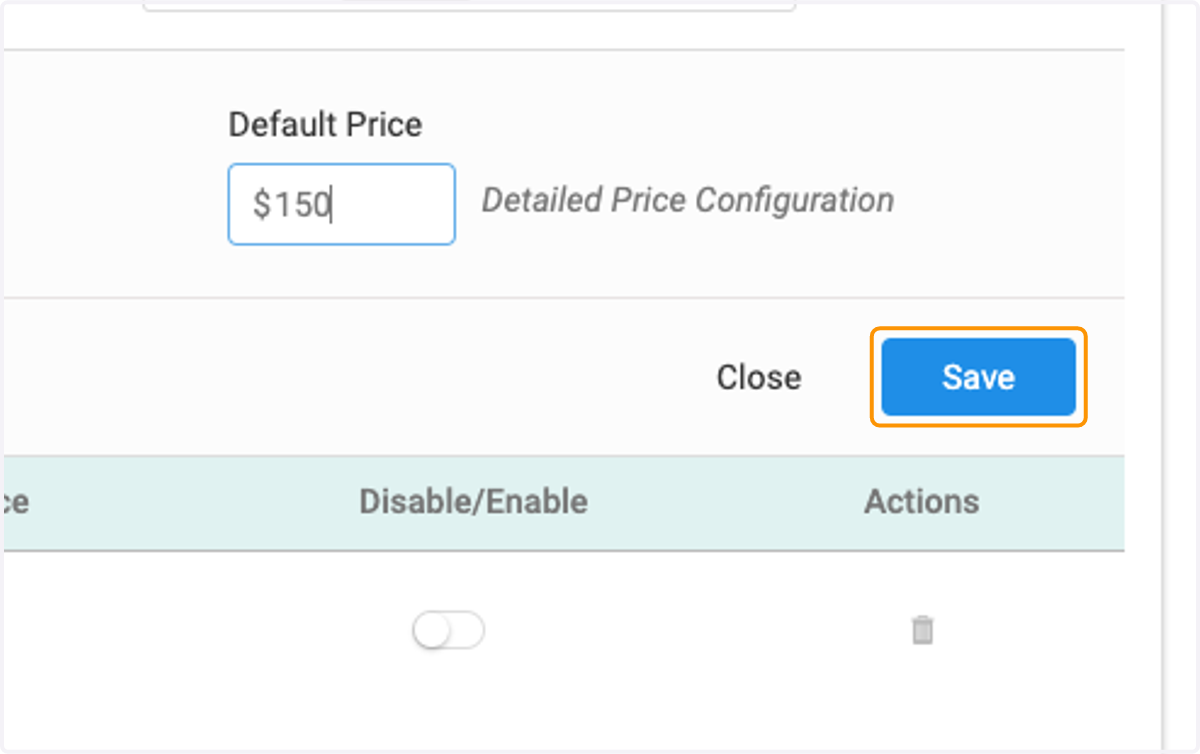
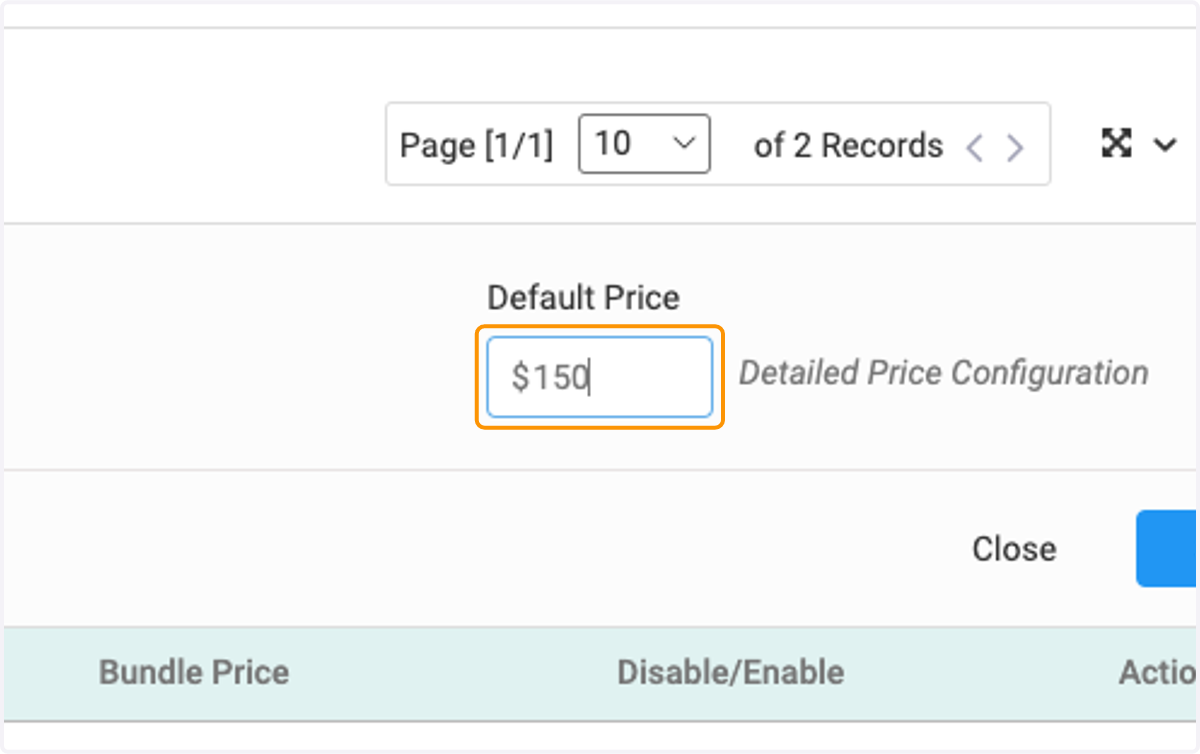
7. Set the bundle price.
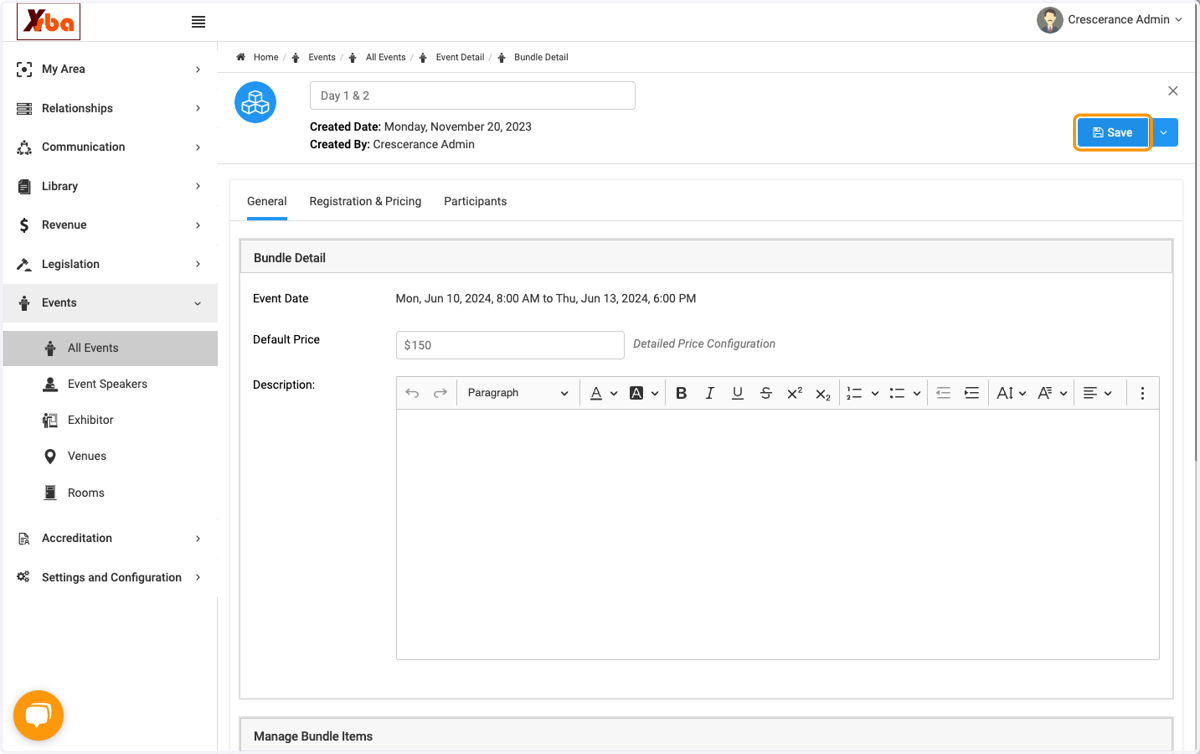
8. Click on Save
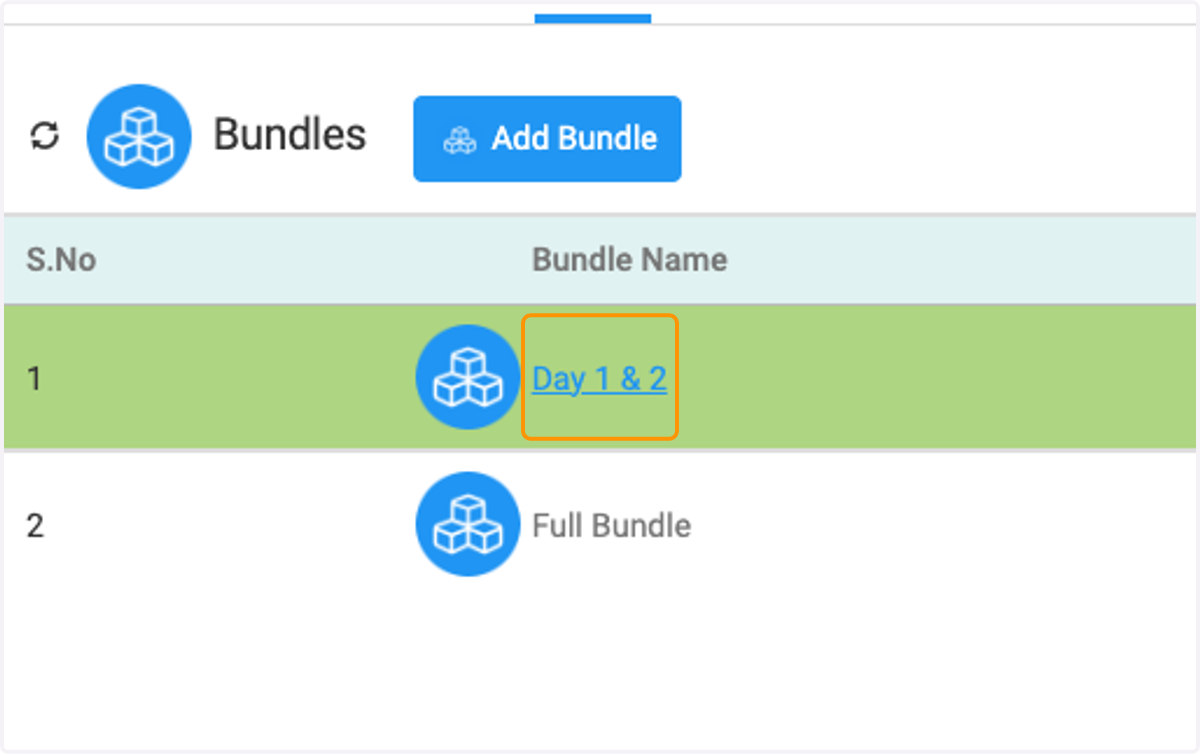
9. Click on Day 1 & 2
10. Click on Edit
11. Click on Select Event Elements
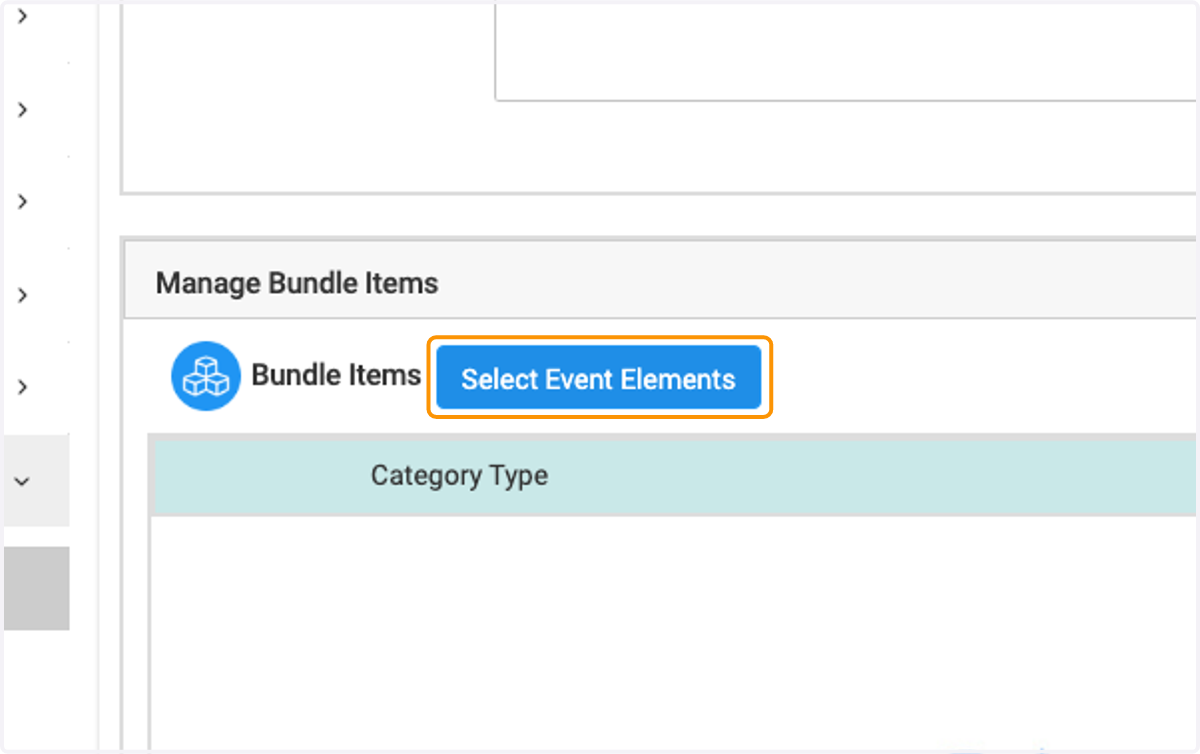
12. Here you can add what you would like to pull from those days into the bundle.
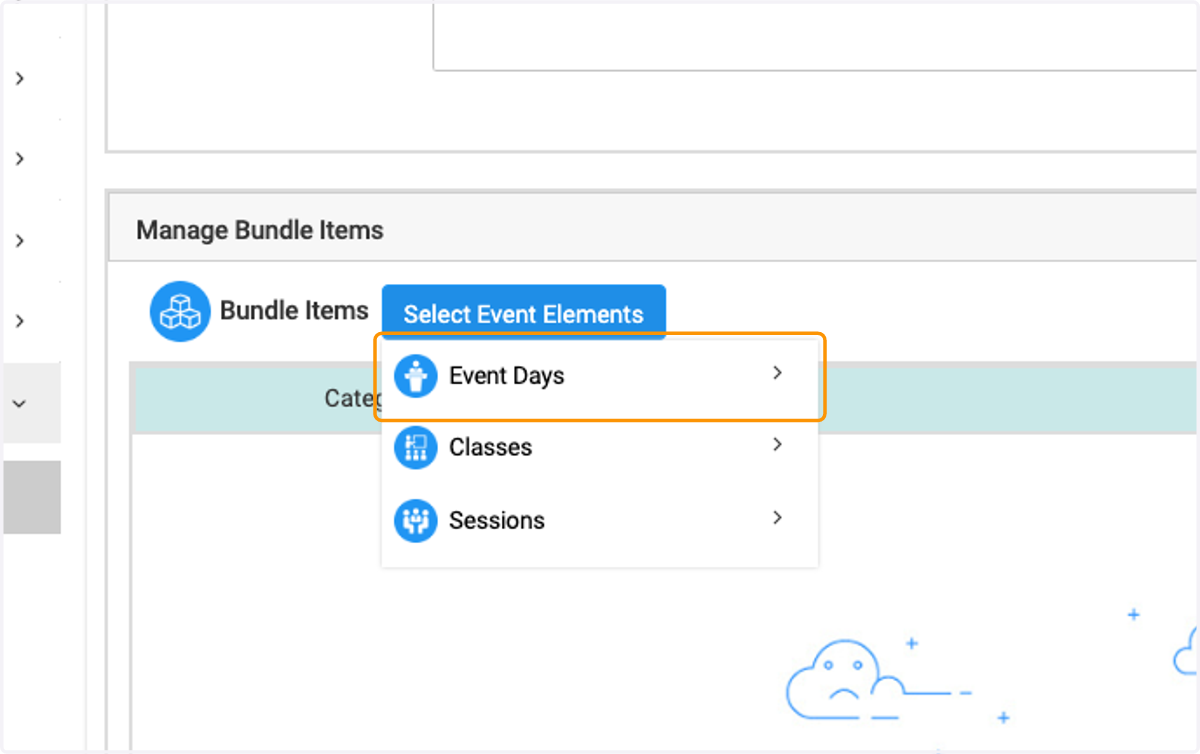
13. I am selecting Day 1 & 2
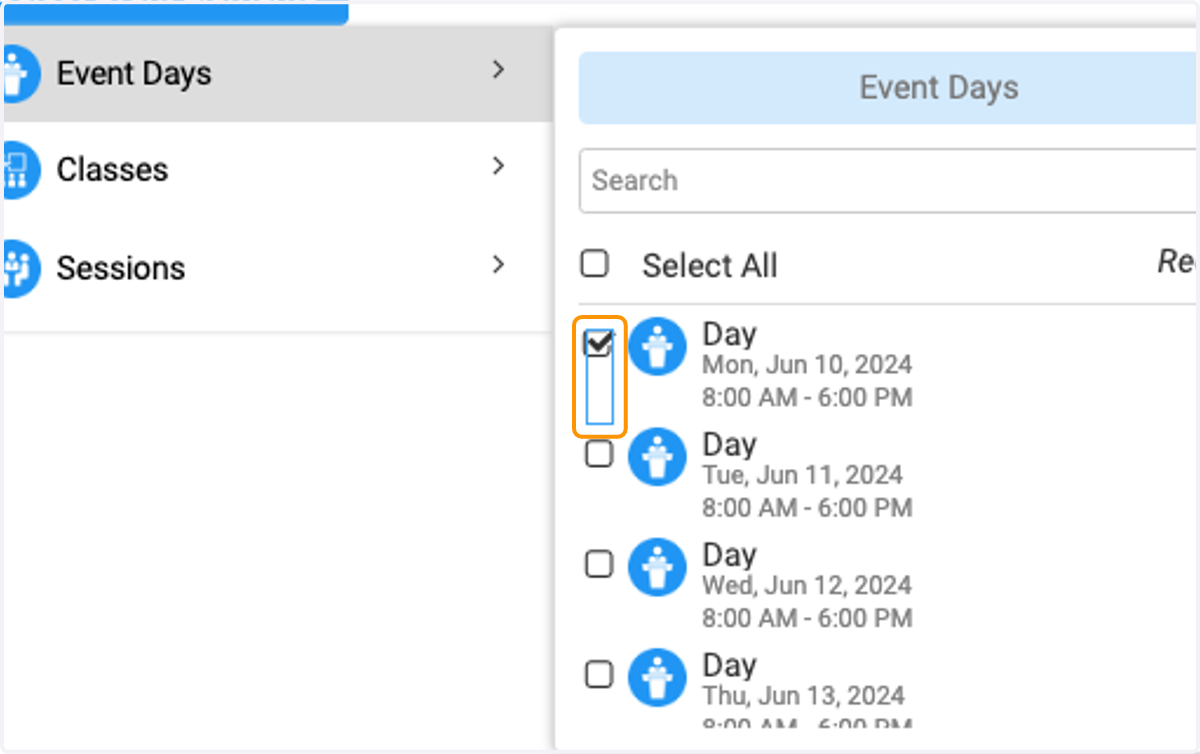
14. I am selecting Day 1 & 2
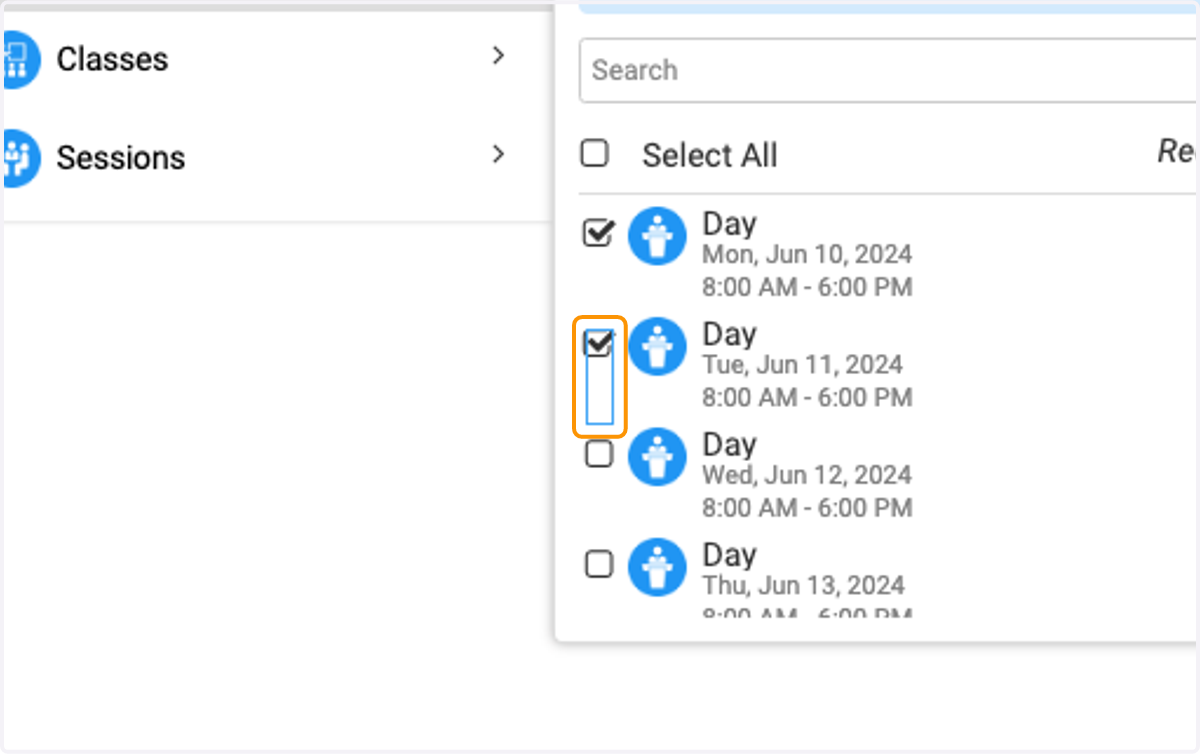
15. Click on image
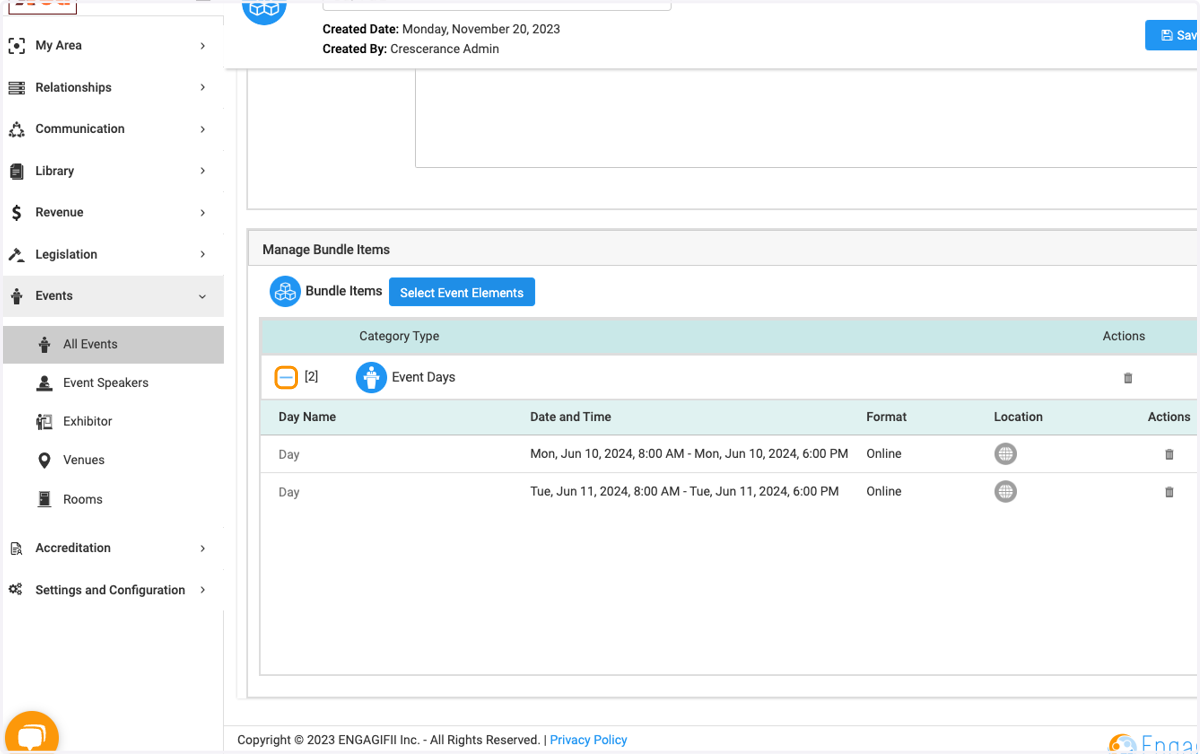
16. Click on Save
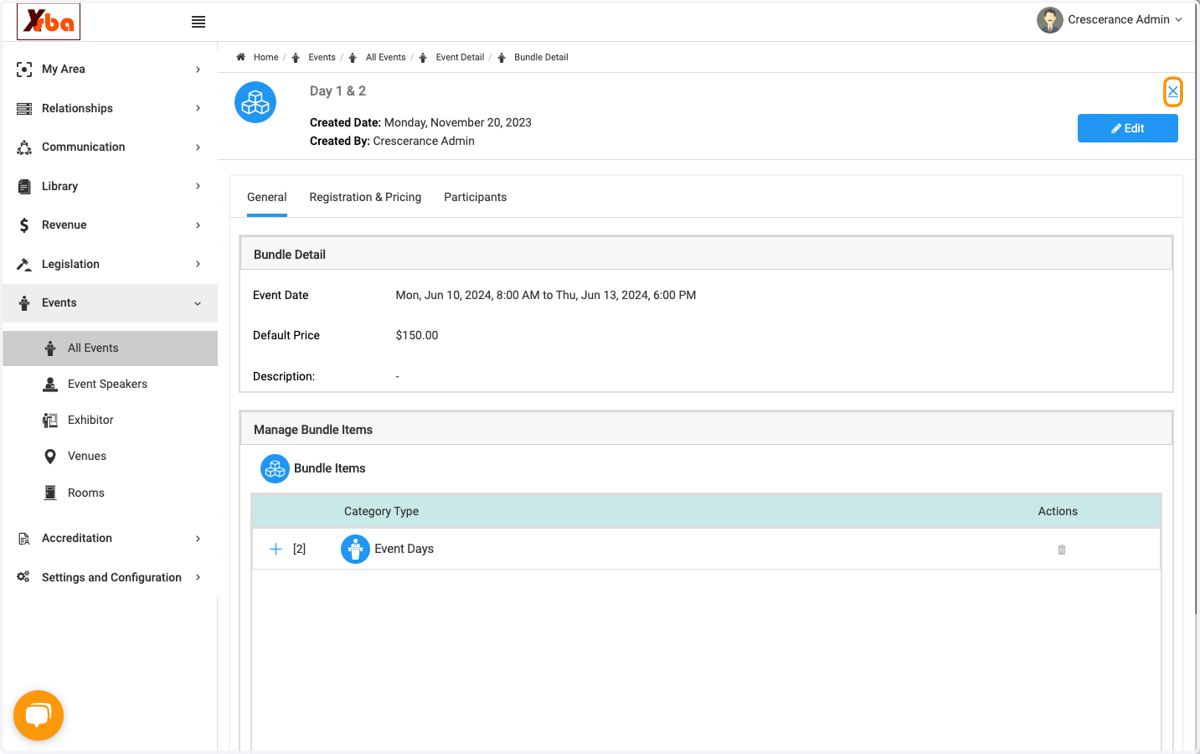
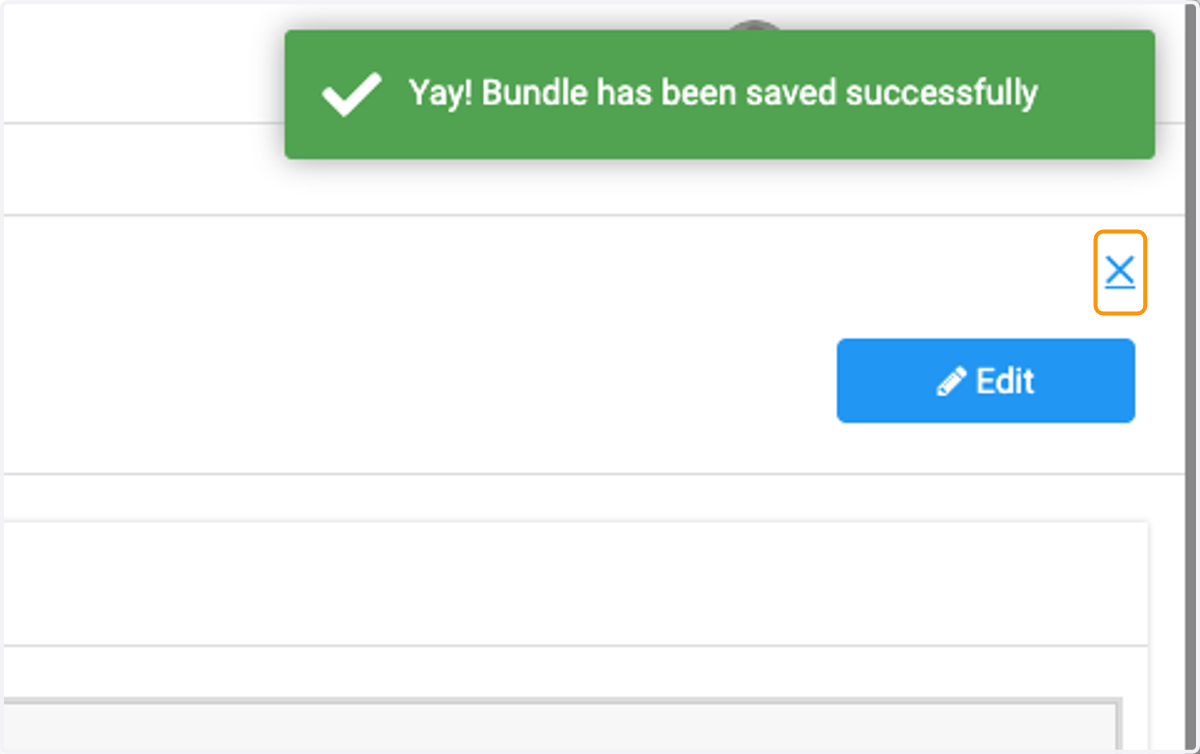
17. Click on ✕
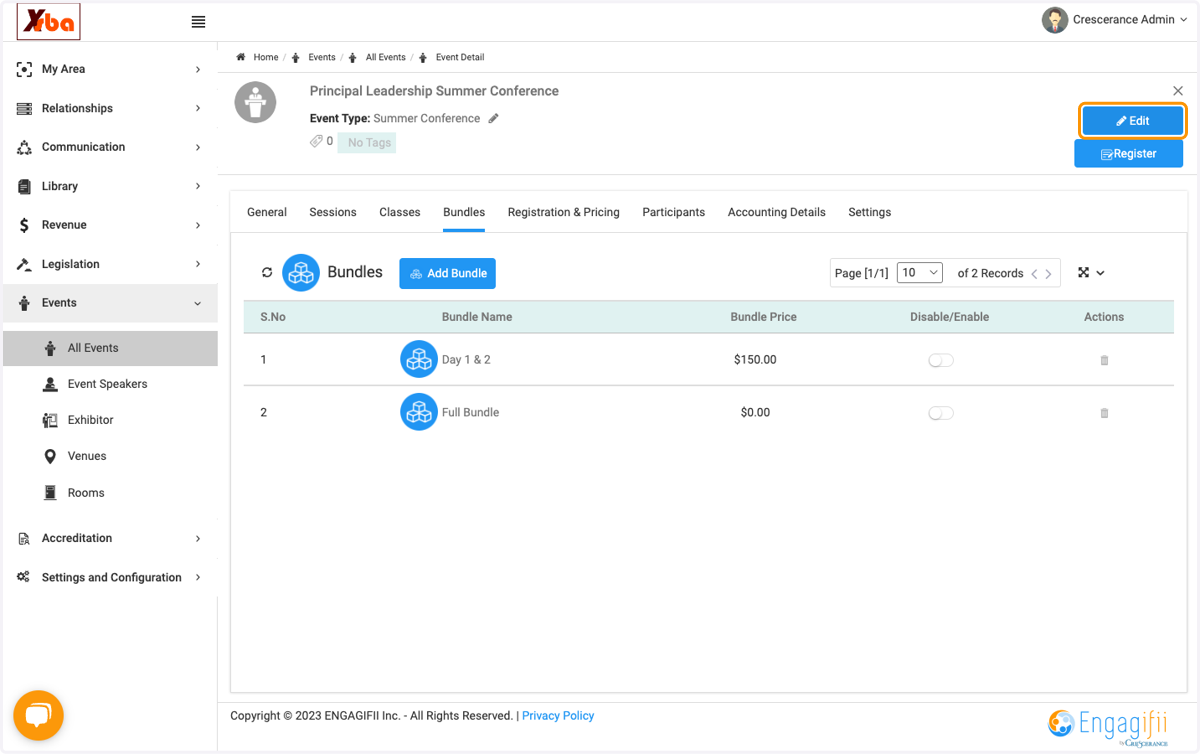
18. Click on Edit
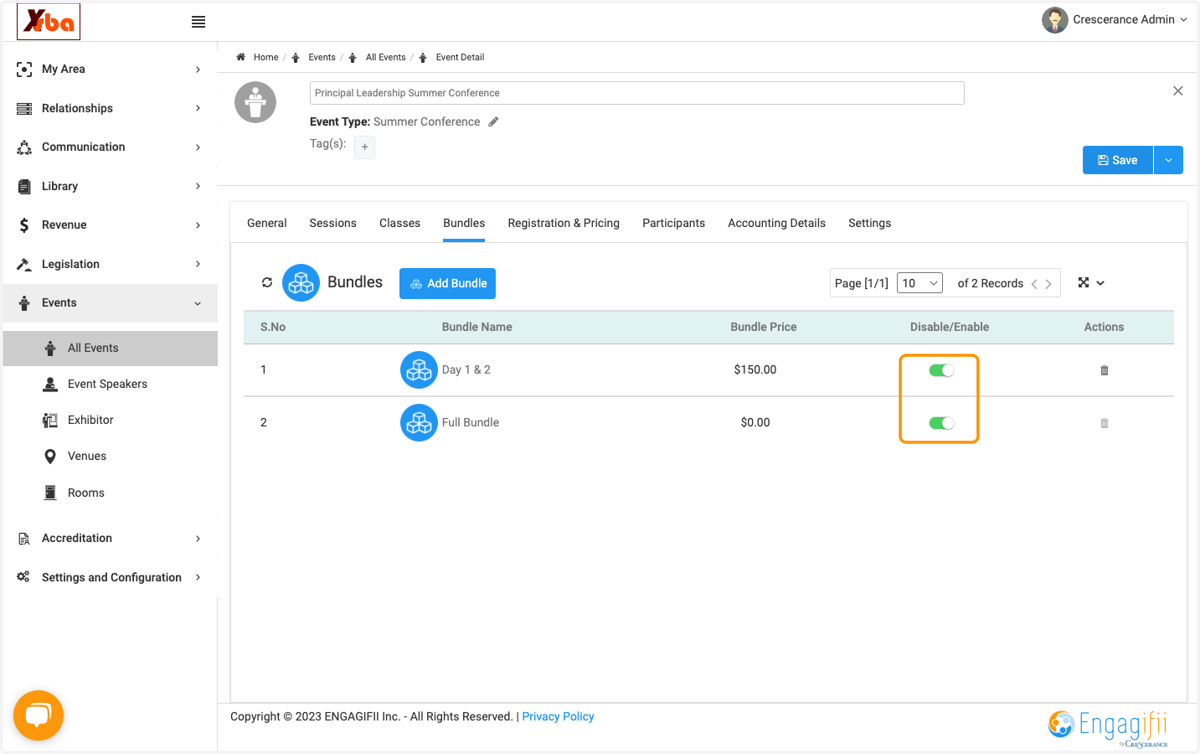
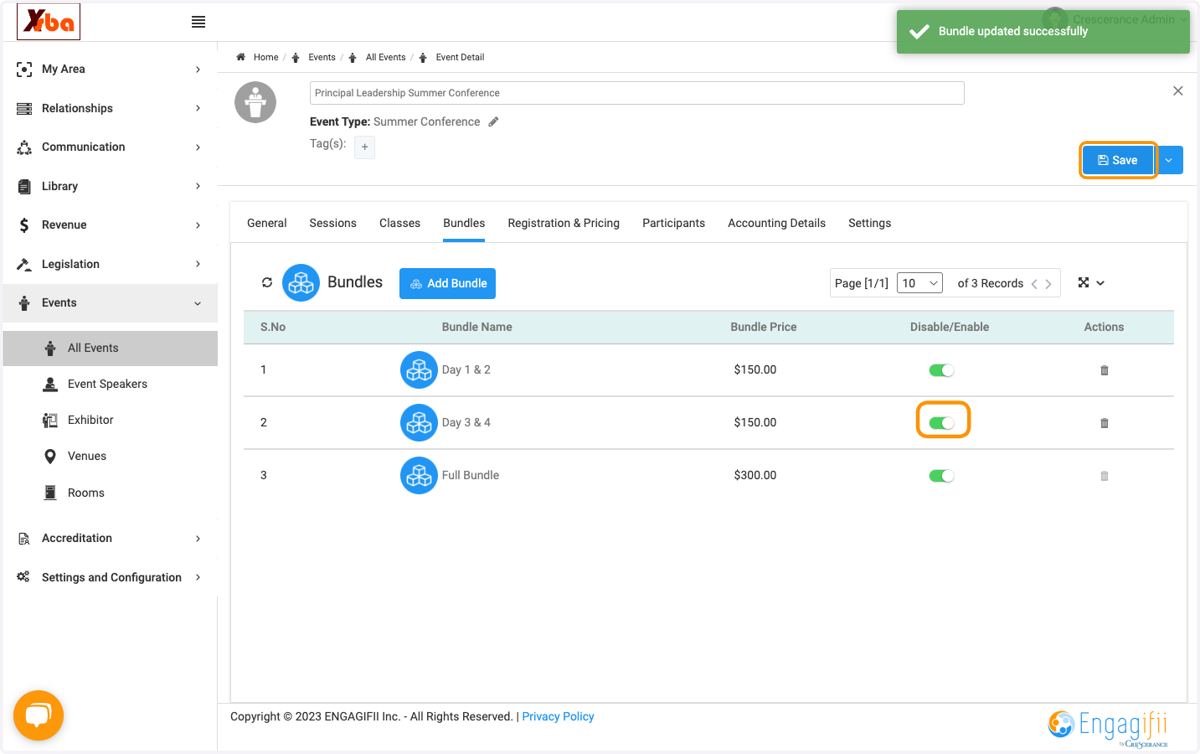
19. Be sure to toggle "enable" bundles and press save.
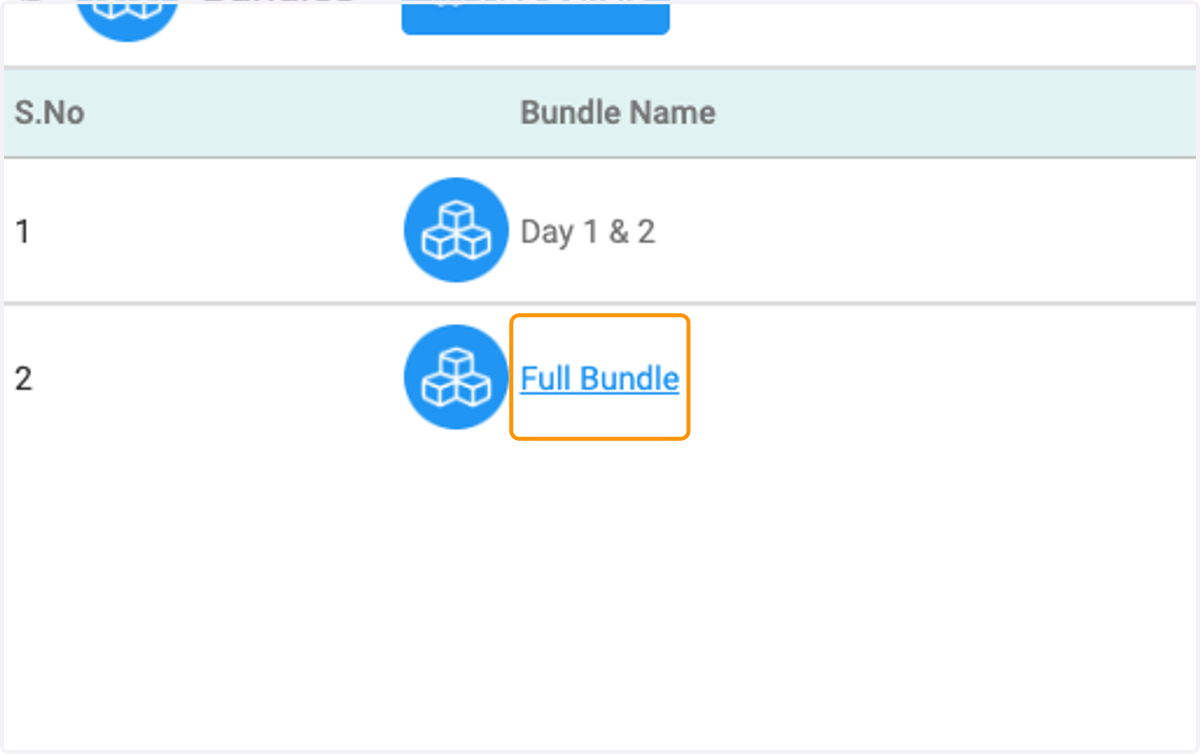
20. Click on Full Bundle
21. Click on Edit
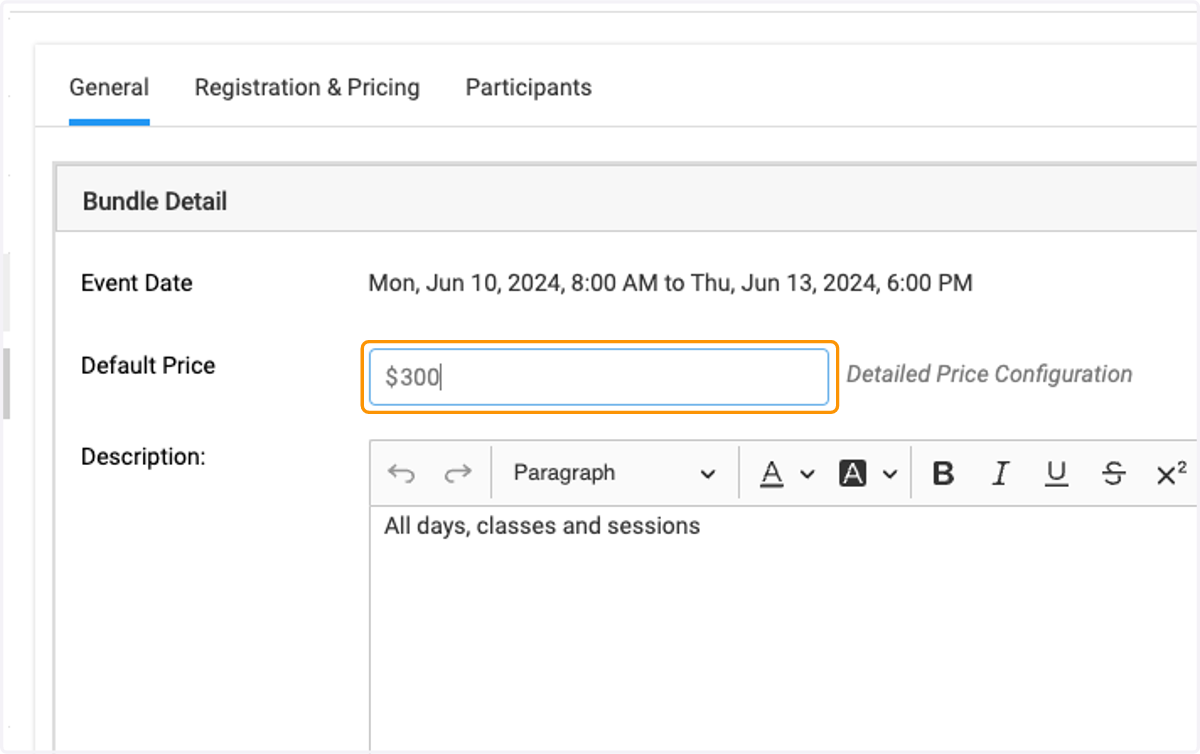
22. Set the price for the full bundle.
23. Click on Save
24. Click on ✕
25. Click on Add Bundle
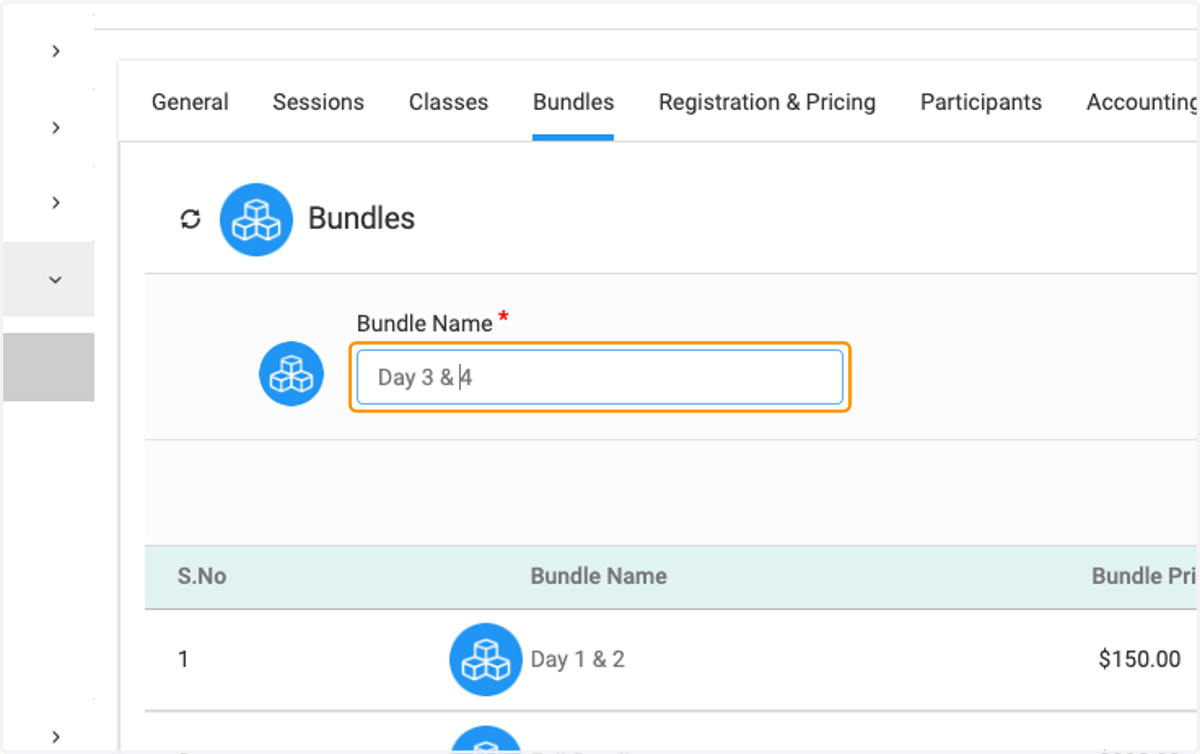
26. Add "Day 3 & 4"
27. Set bundle price.
28. Click on Save
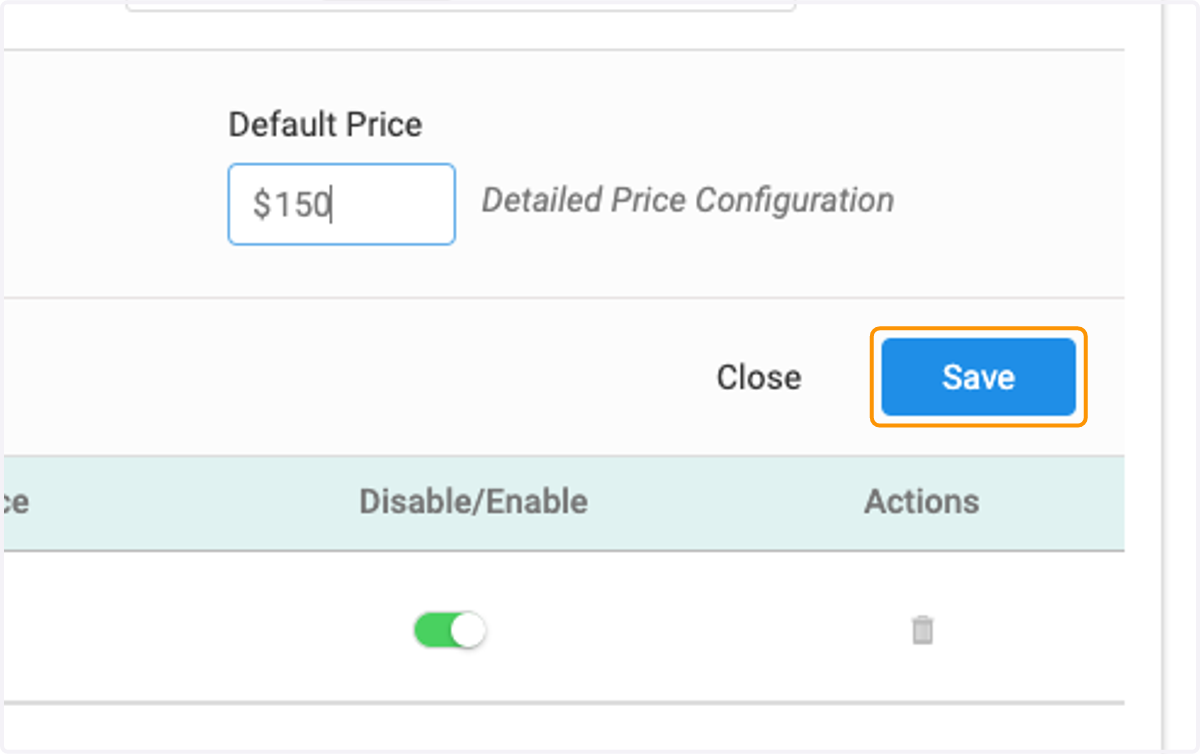
29. Click on Edit
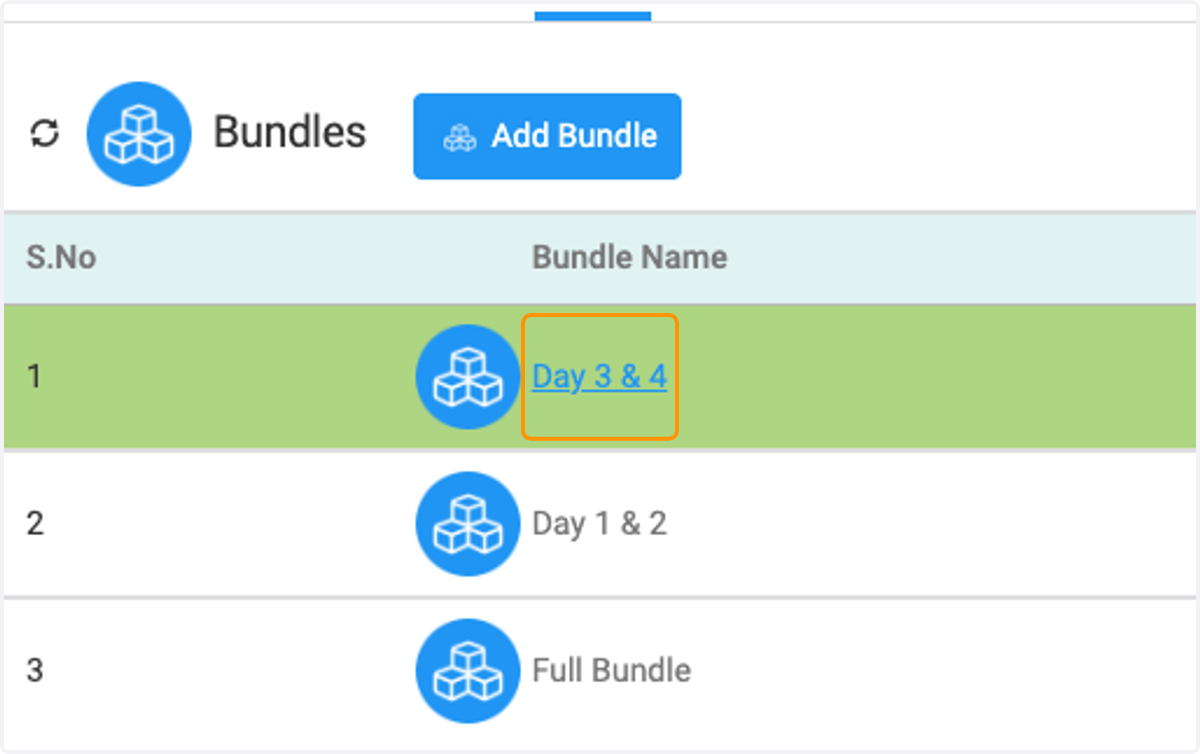
30. Click on Day 3 & 4
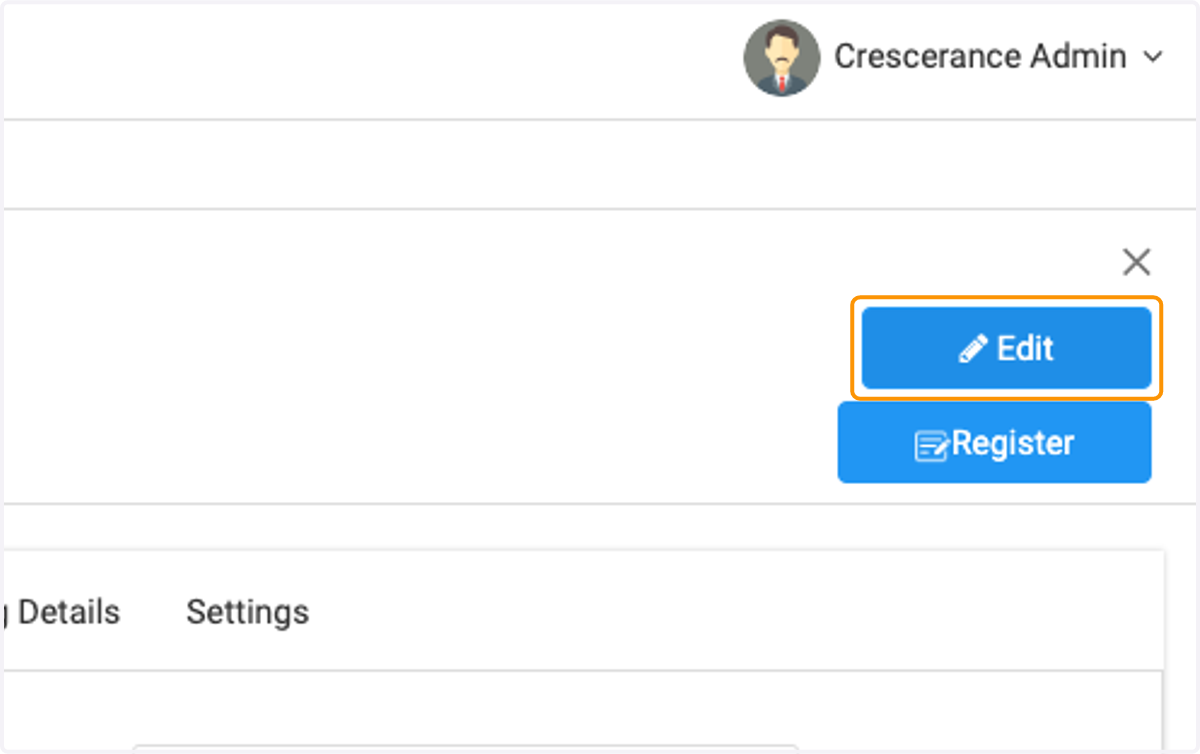
31. Click on Edit
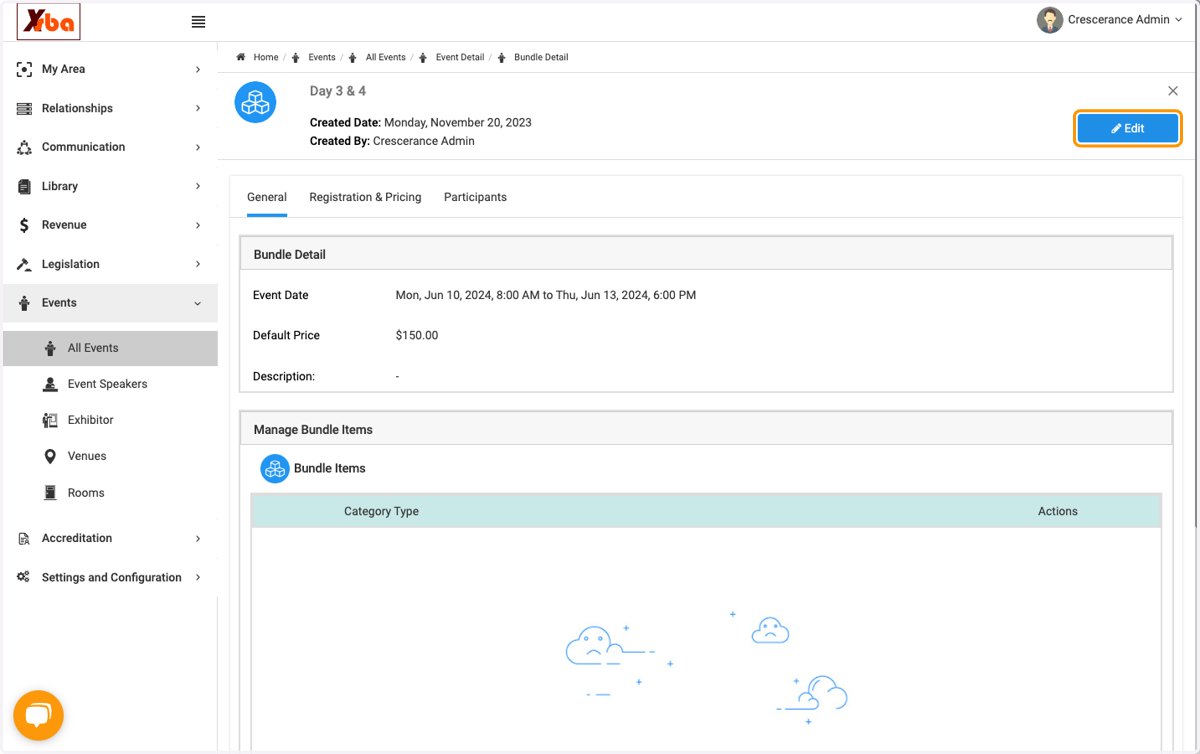
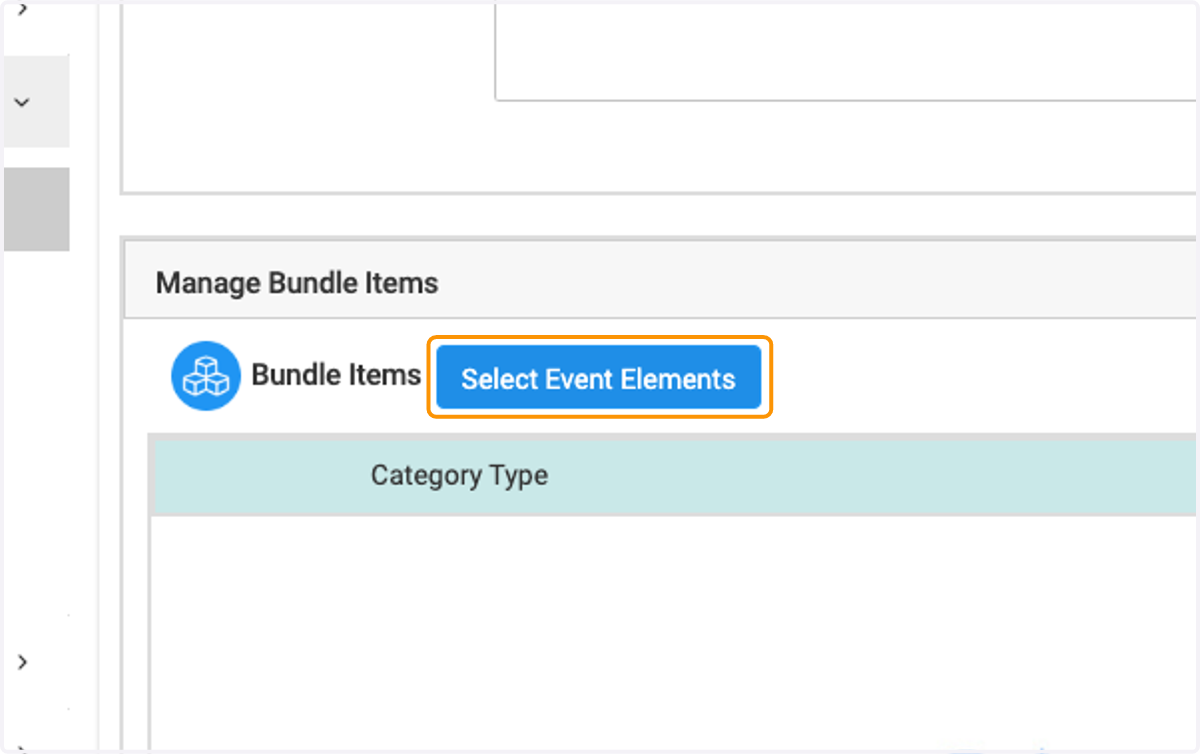
32. Click on Select Event Elements to add elements from the days to the bundles.
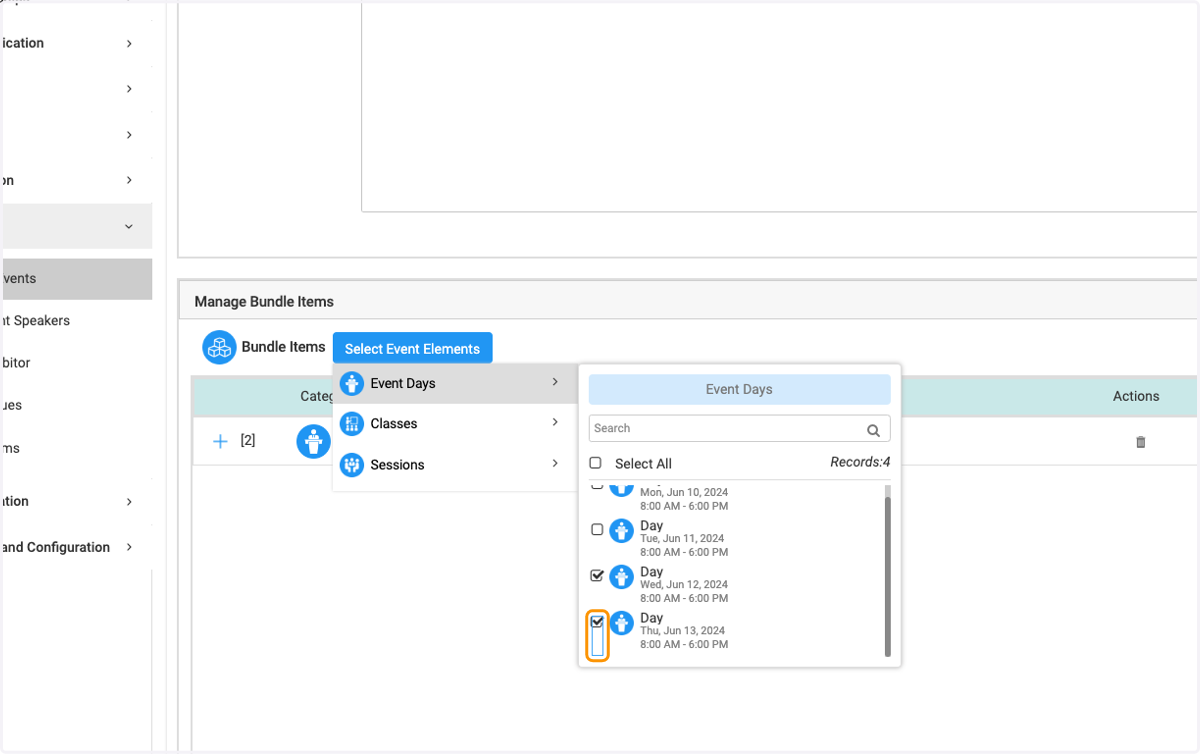
33. Select what you would like to include.
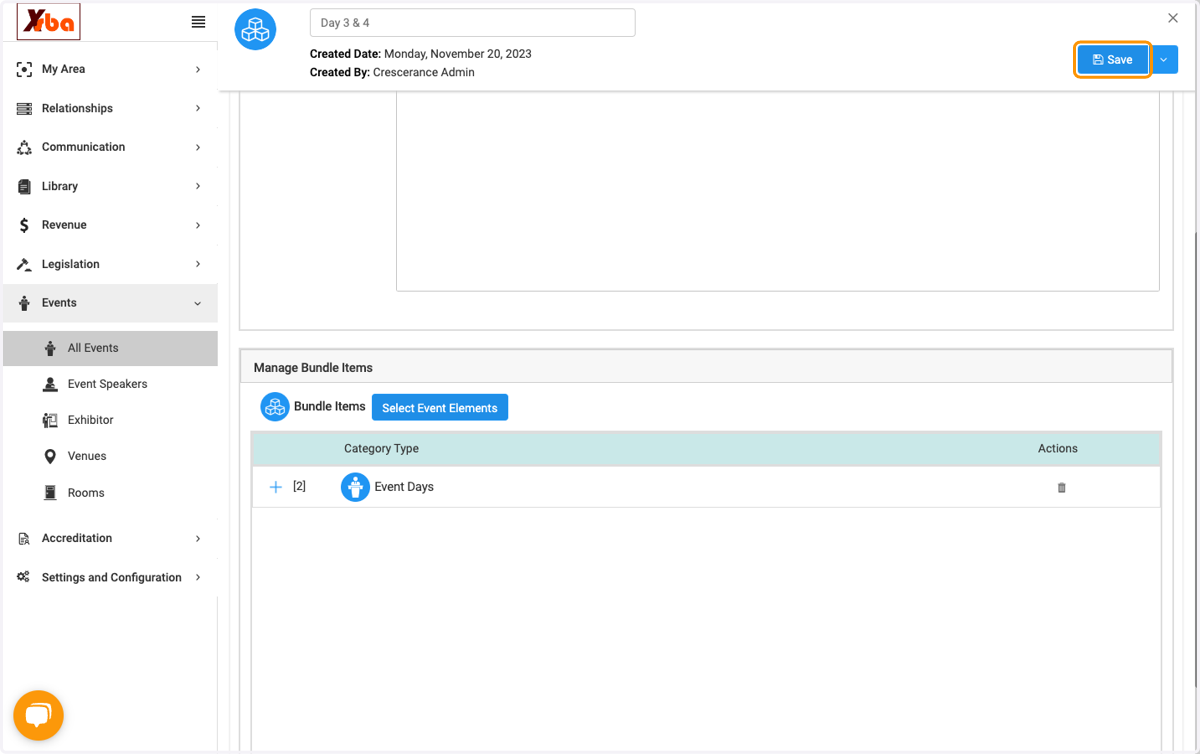
34. Click on Save
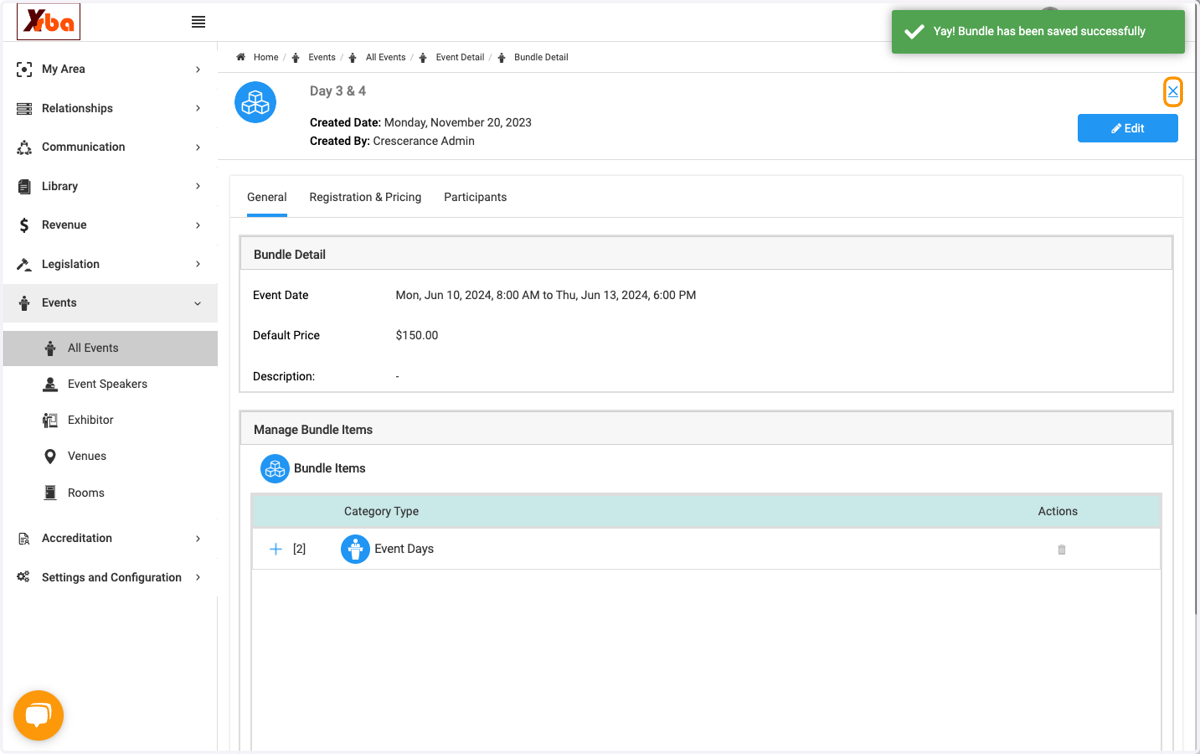
35. Click on ✕
36. Click on Edit
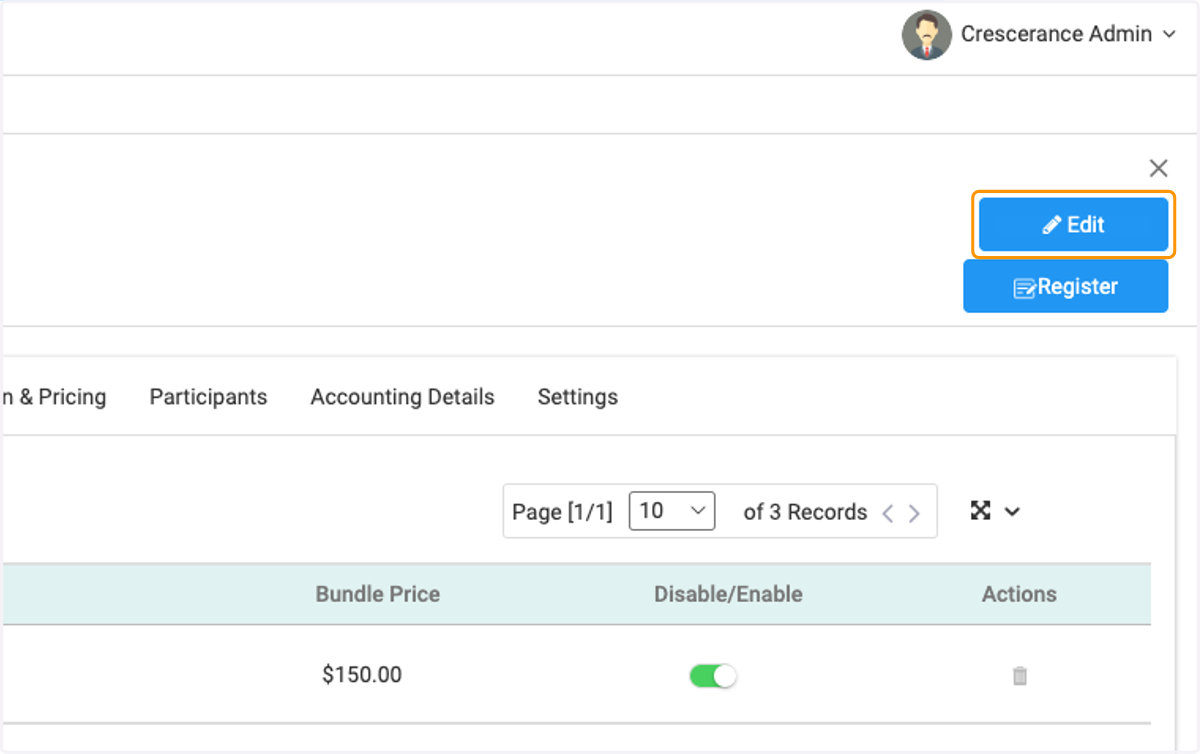
37. Toggle "Enable" and Save
38. Click on Add Bundle
39. You can follow the same steps and break your event down into days as well.
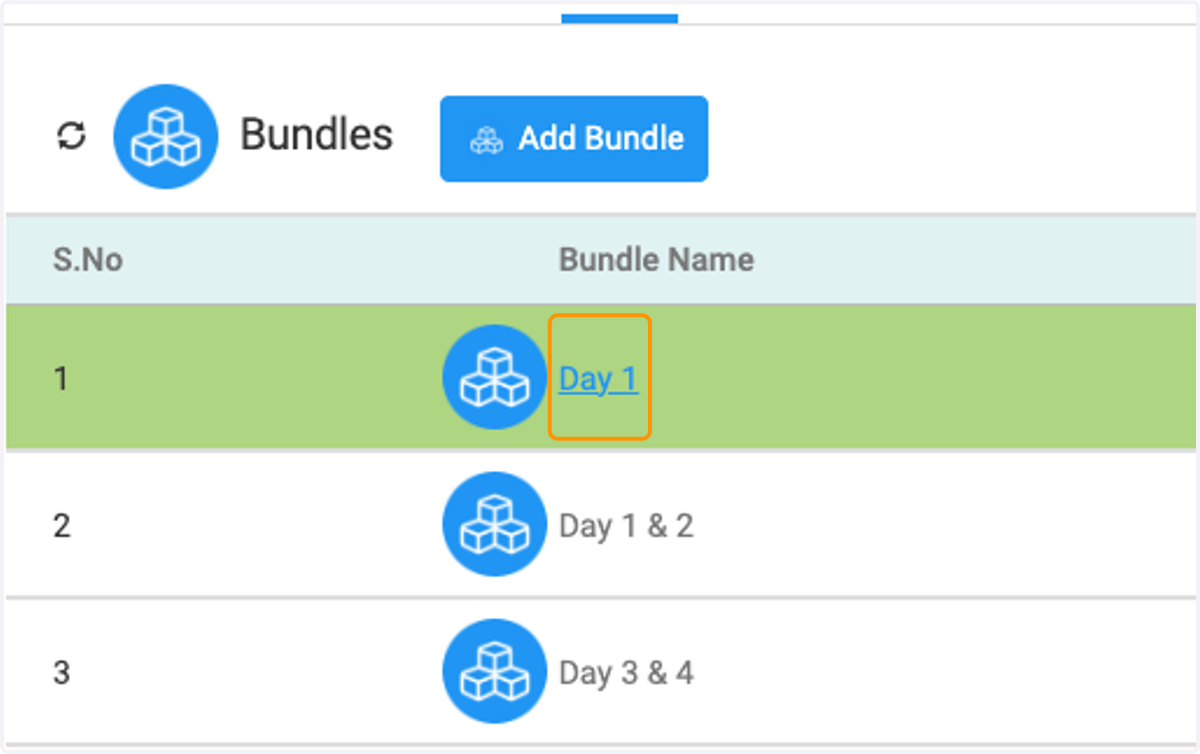
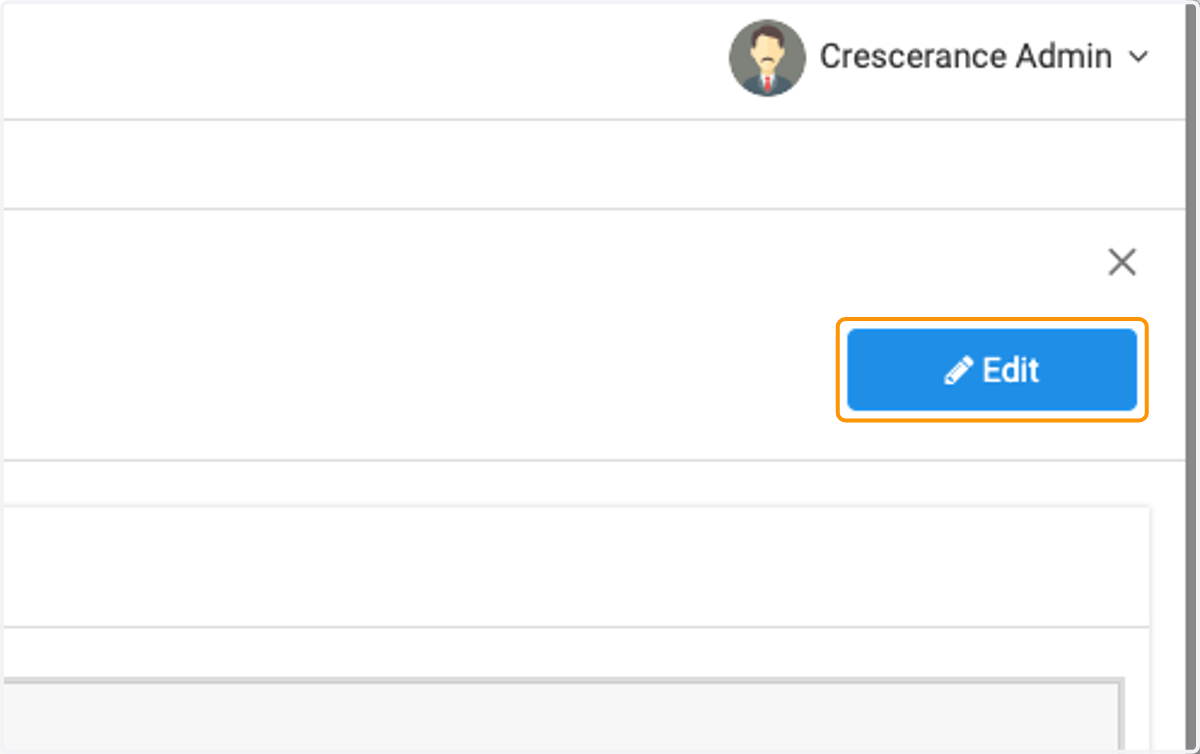
40. Click on Edit
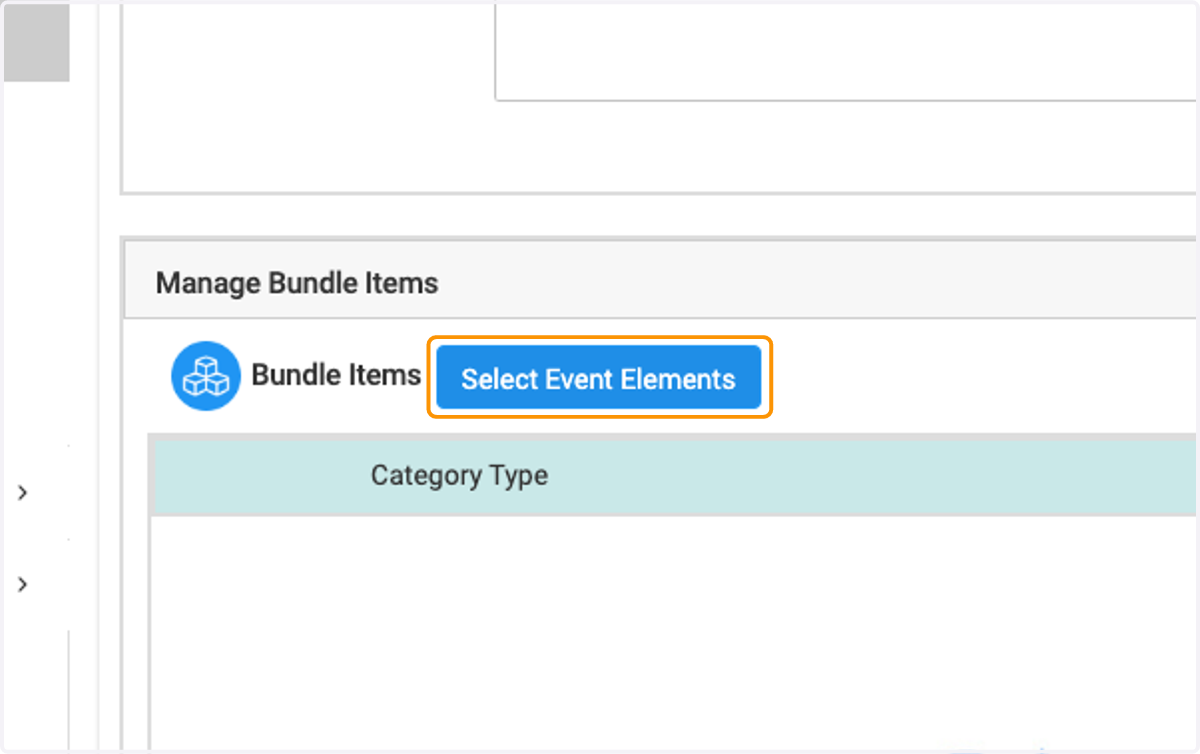
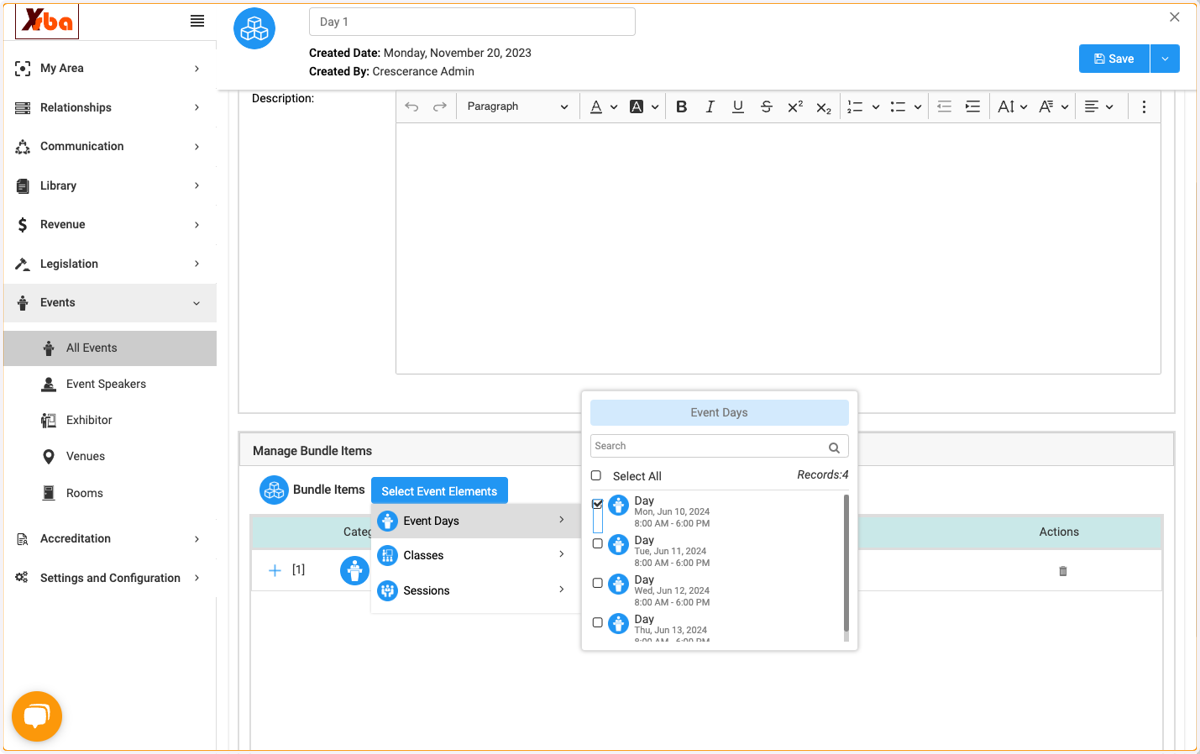
41. Click on Select Event Elements
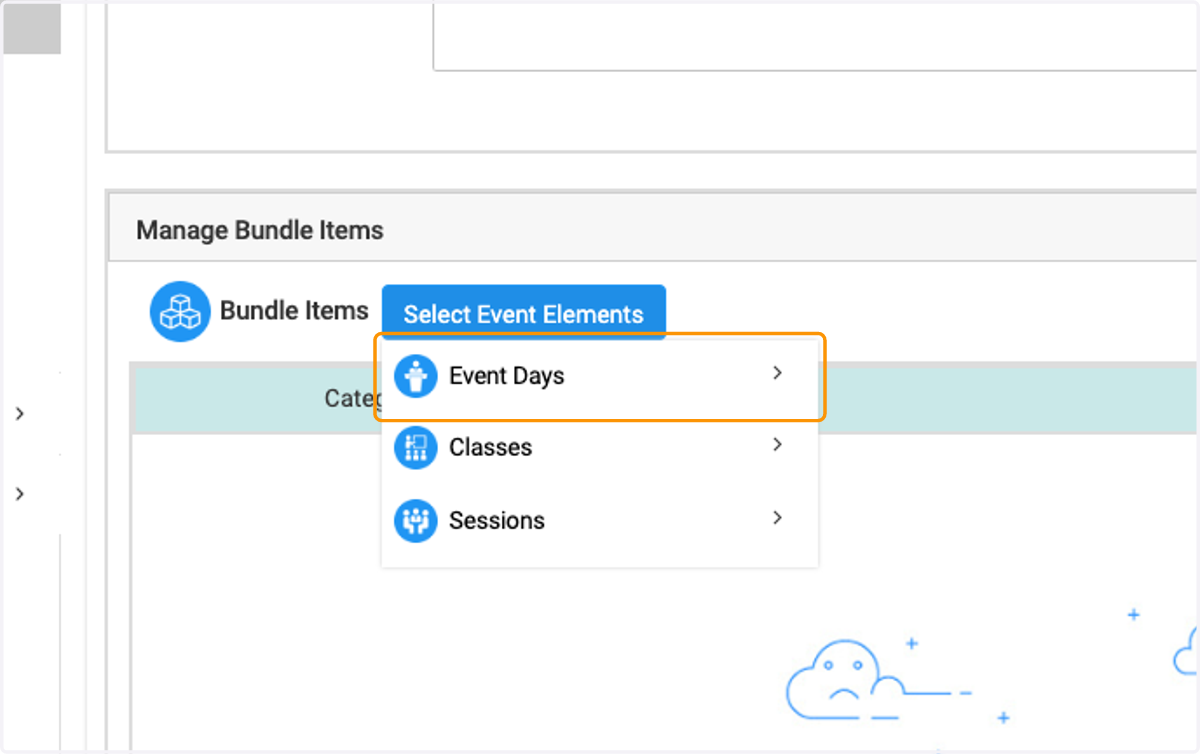
42. Click on Event Days
43. Check on
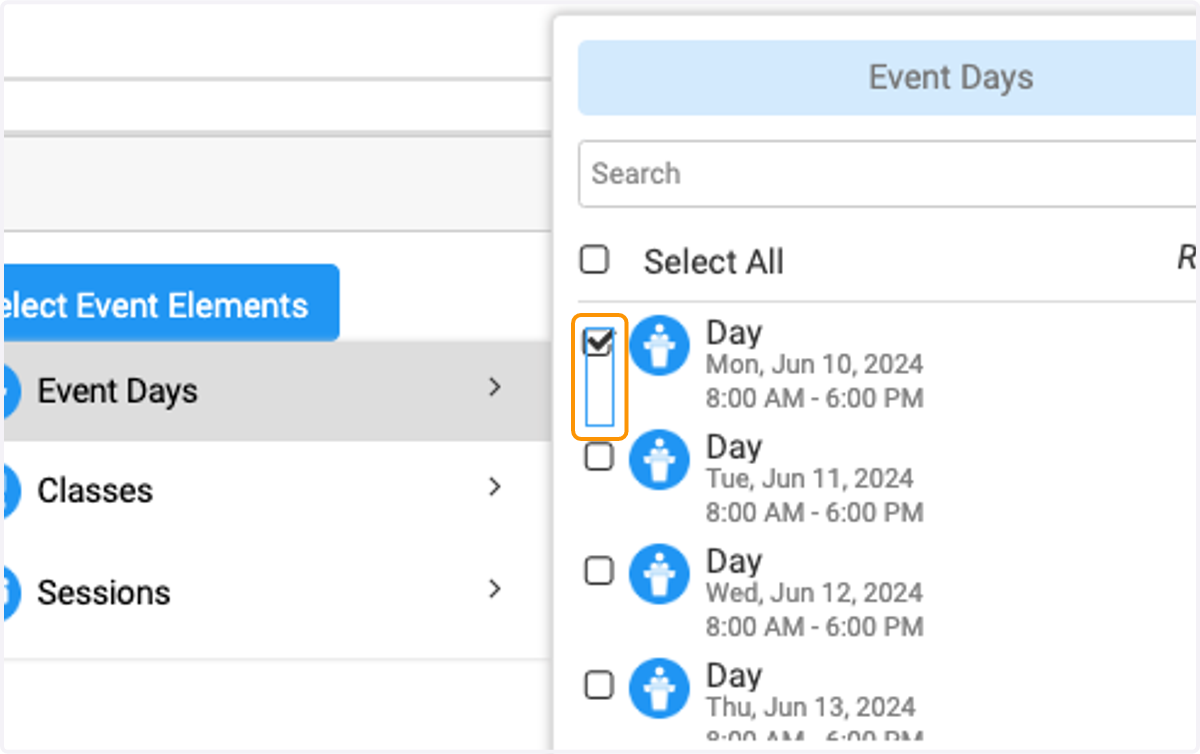
44. Click on Event Days…
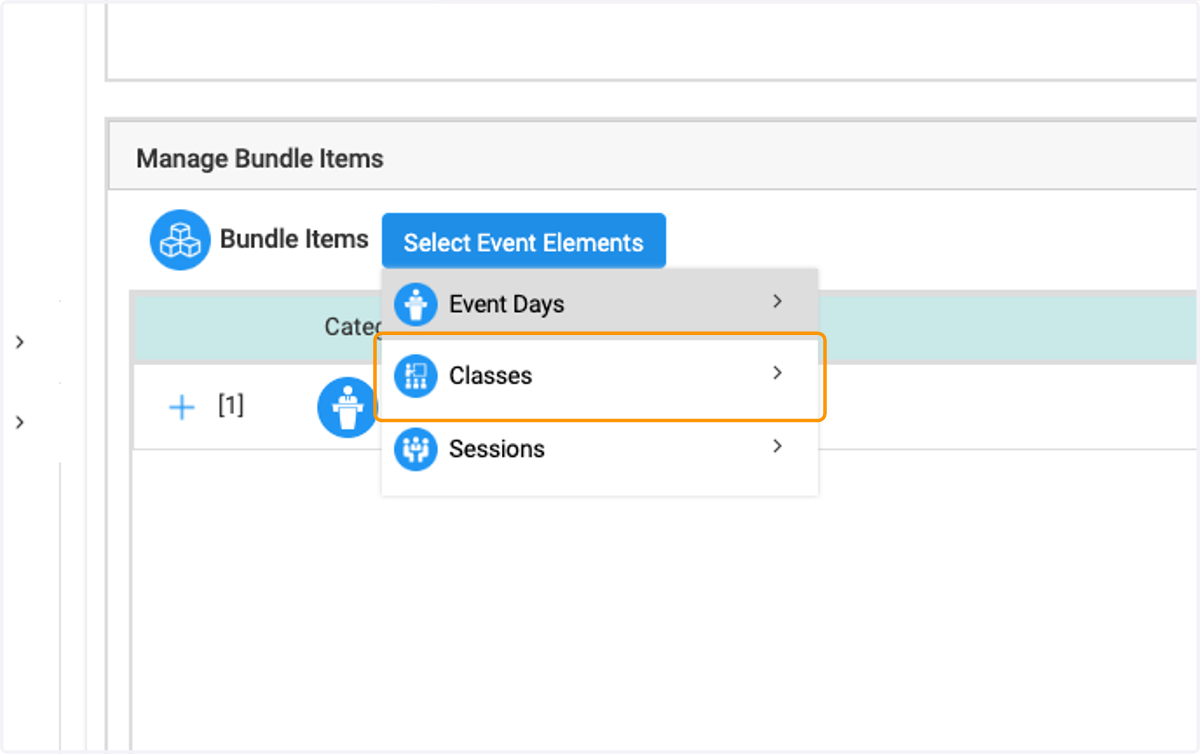
45. Click on Classes
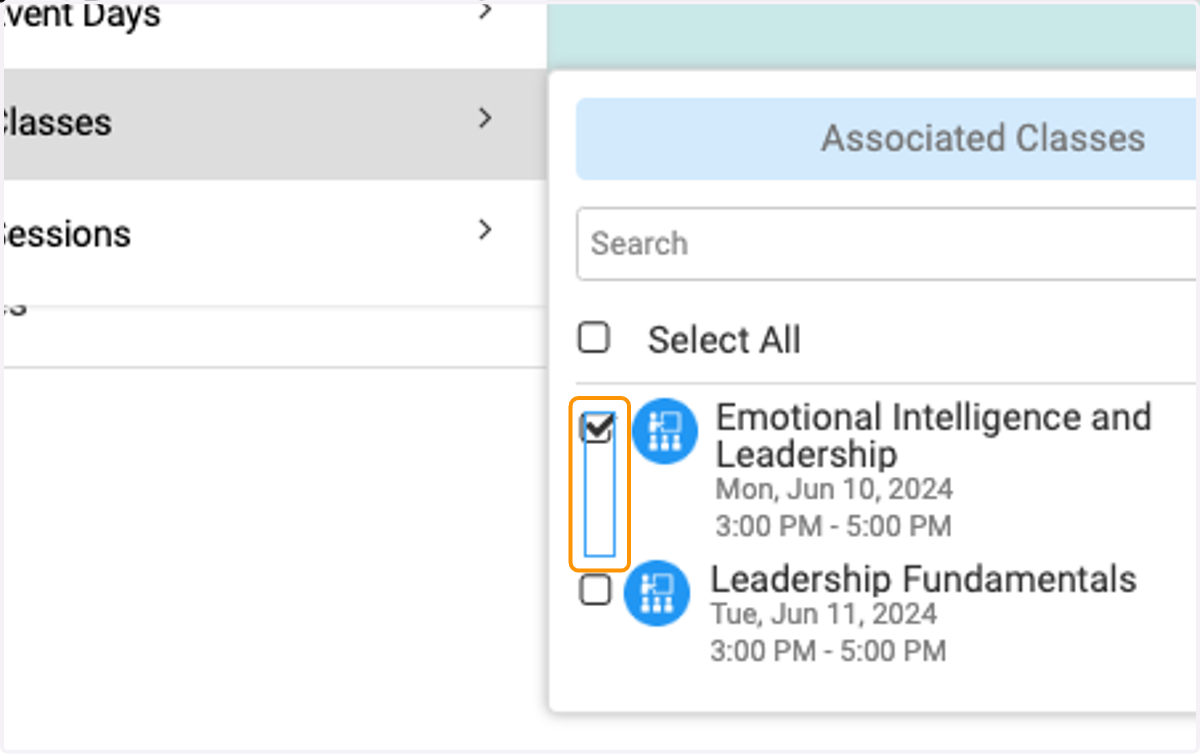
46. Select what you would like to include.
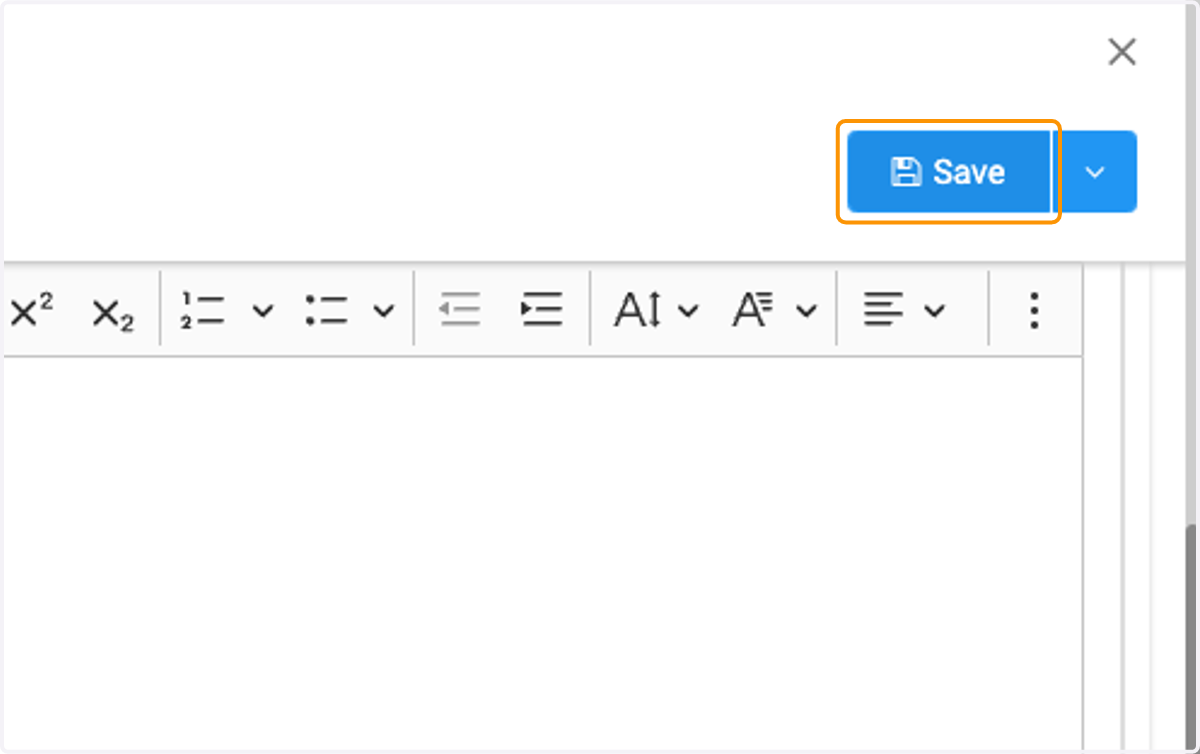
47. Click on Save
48. Click on ✕
49. Click on Edit
50. Click on Save and continue to add as many bundles as you would like.