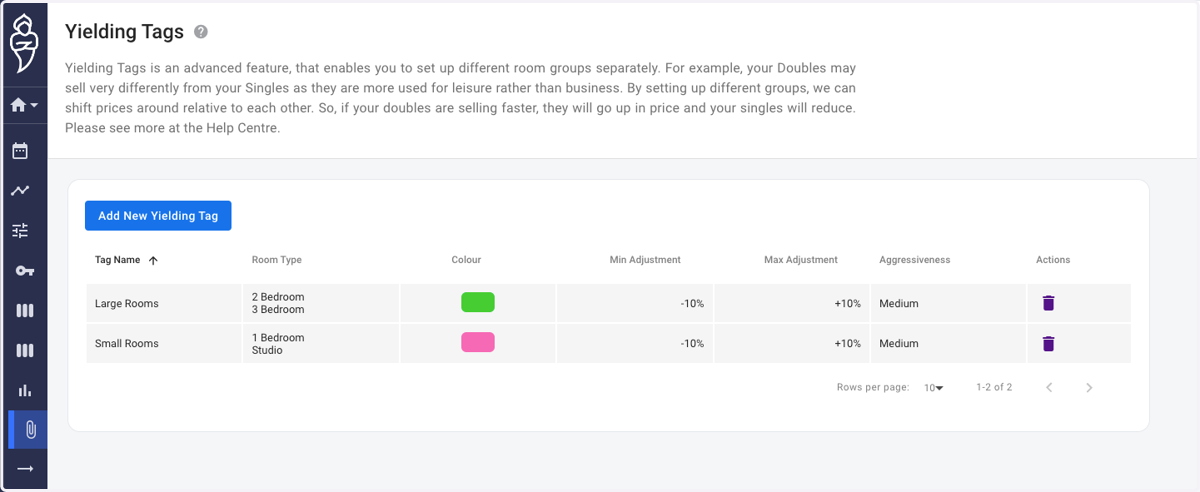
Create Yielding Tags
Roompricegenie
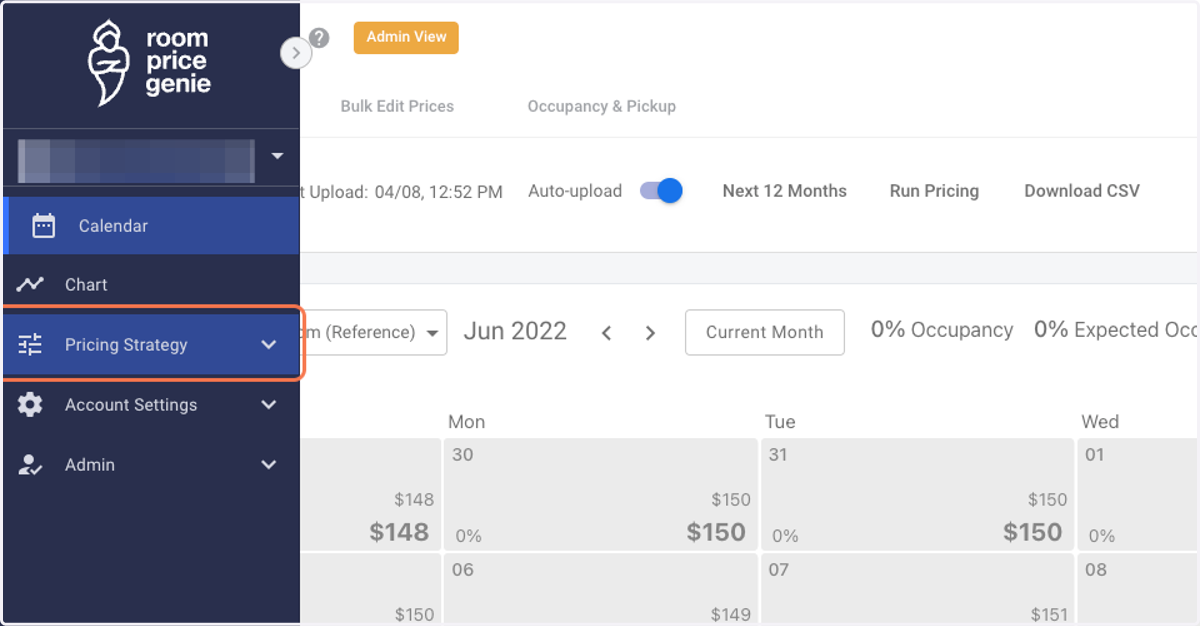
1. Log in to RoomPriceGenie and click on Pricing Strategy.
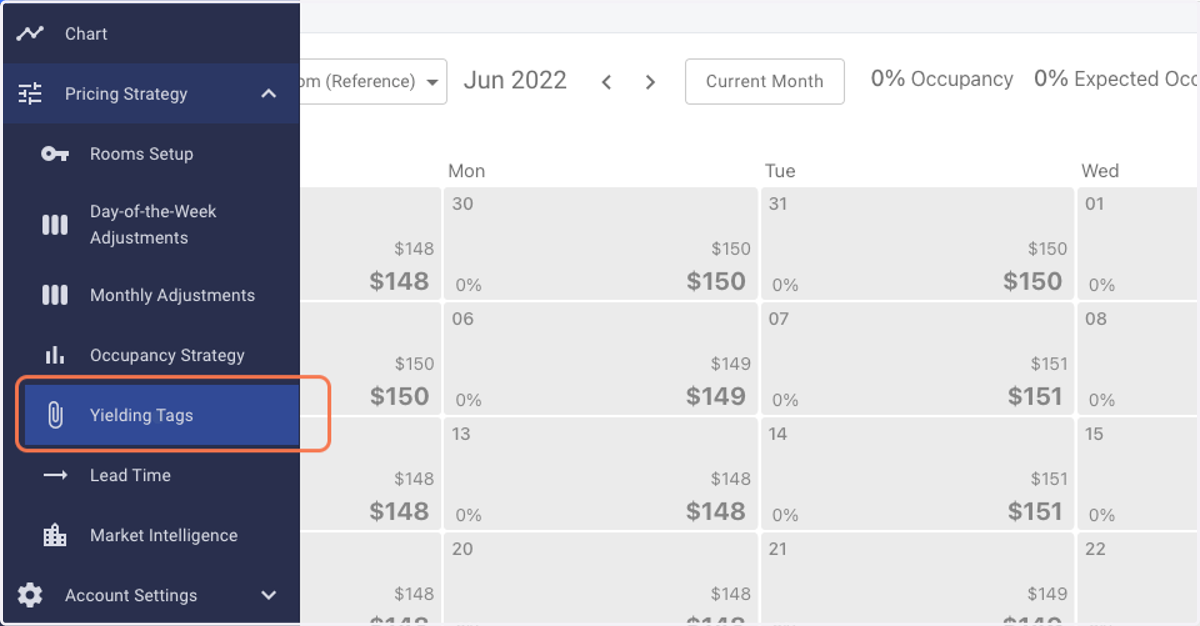
2. Click on Yielding Tags.
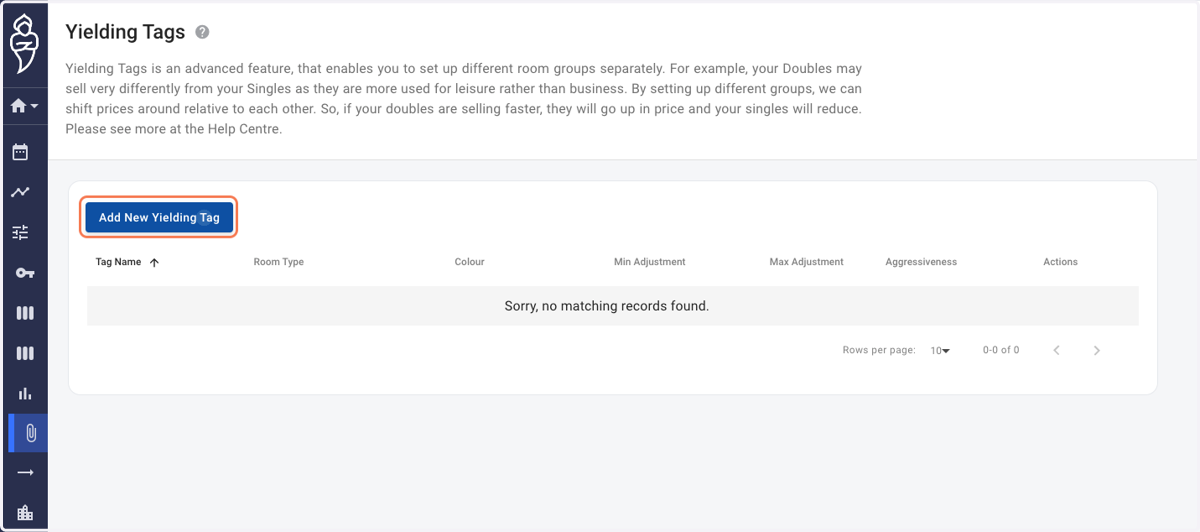
3. Click on Add New Yielding Tag. A pop-up menu shall appear in the middle of the screen.
In the given example: we try to group 4 room categories into 2 groups: Large rooms and Small rooms, namely.
4. Create a Yielding Tag for "Large Rooms". Select the appropriate room types.
NOTE: Please do modify the percentage Adjustment values and/or Aggressiveness based on your strategy.
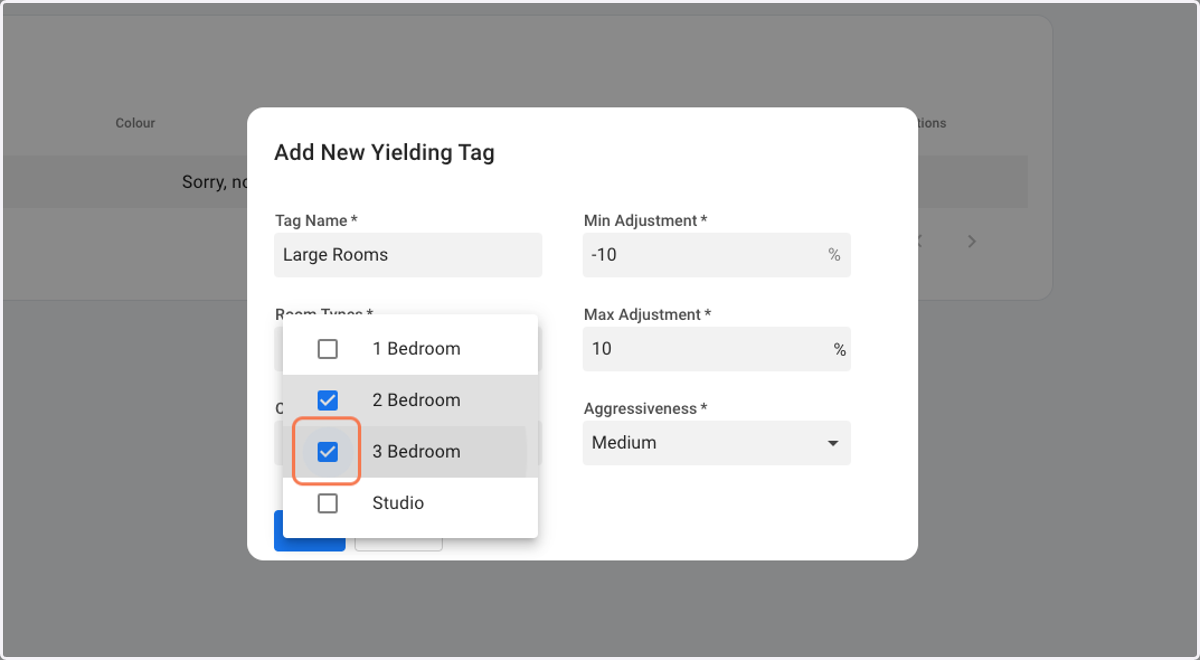
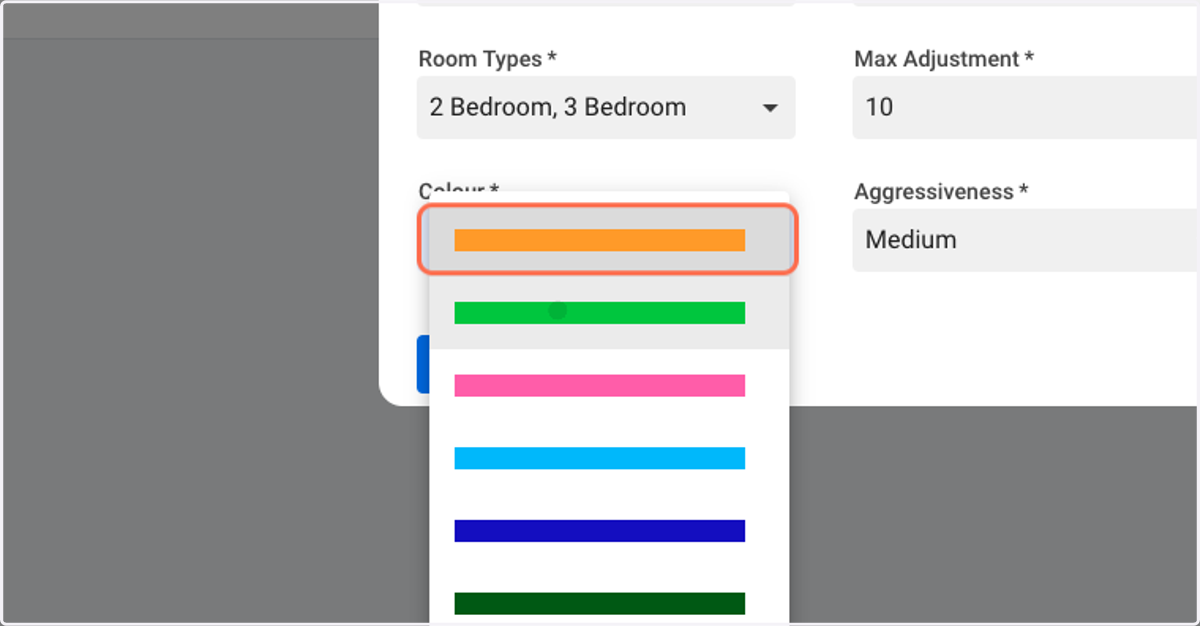
5. Assign a colour to the "Large Rooms" Yielding Tag.
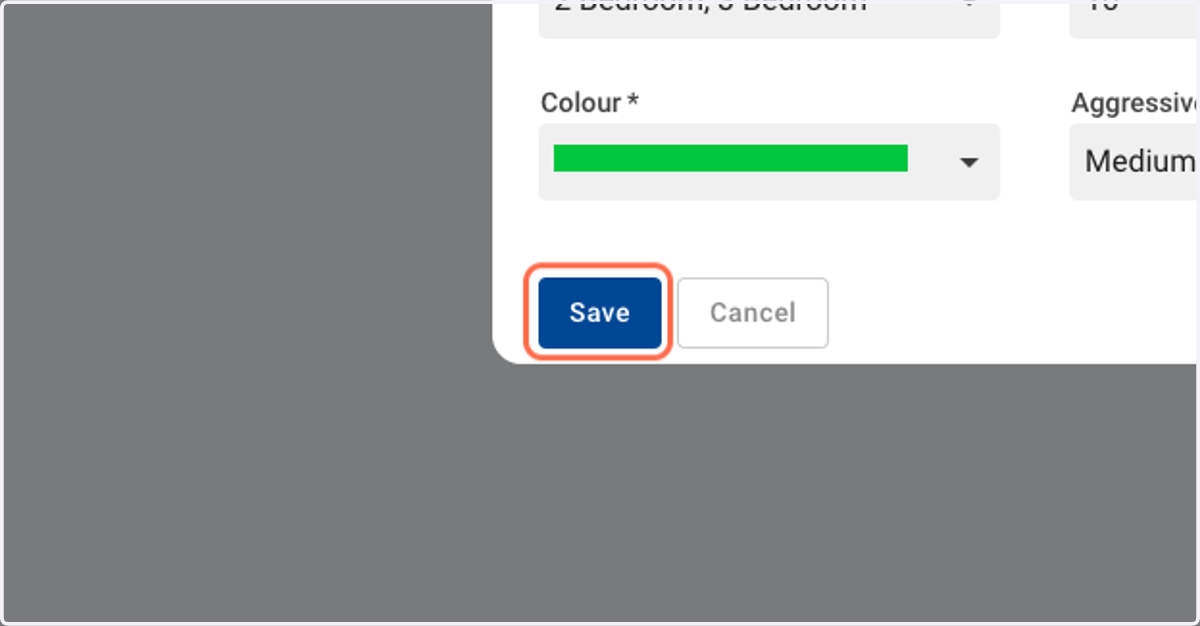
6. Click on Save.
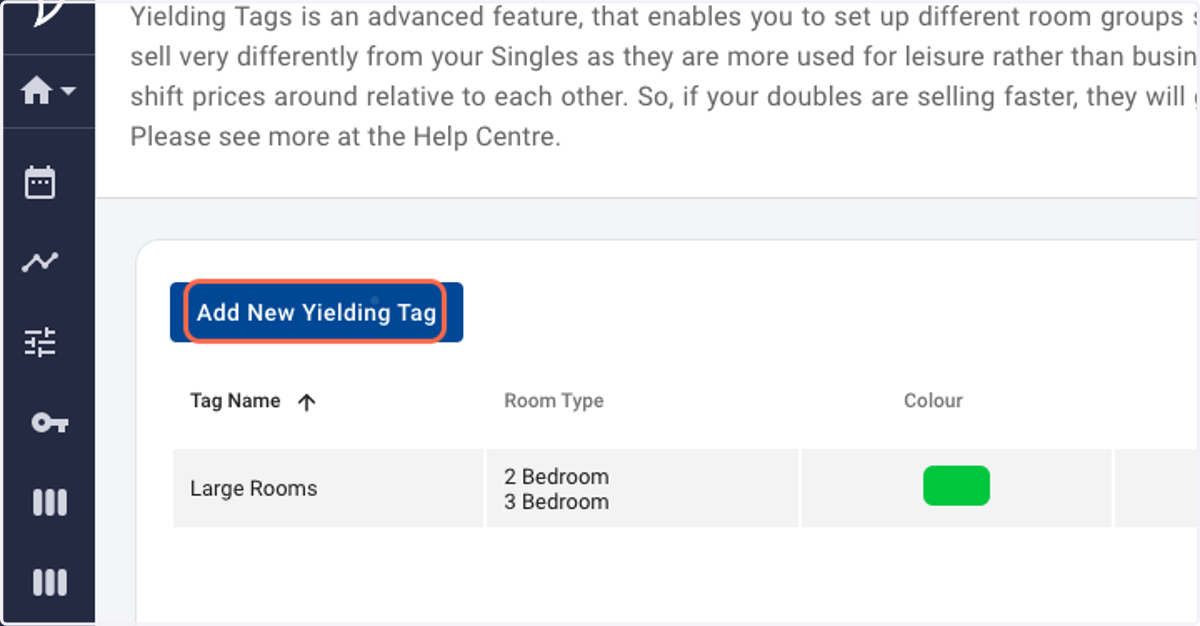
7. Click on Add New Yielding Tag.
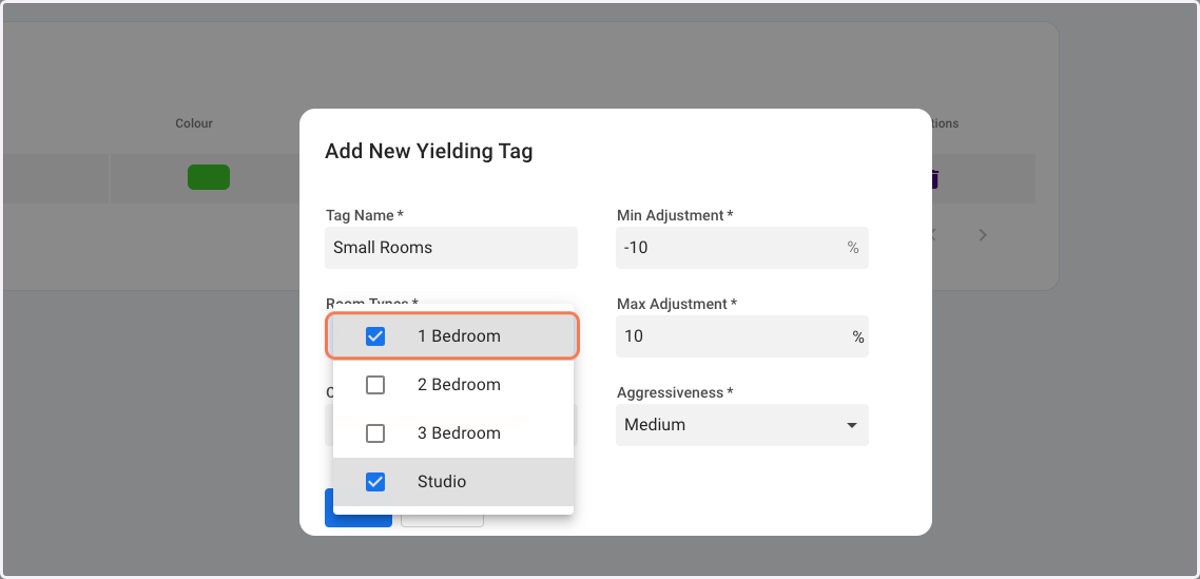
8. Create a Yielding Tag for "Small Rooms". Select the appropriate room types.
NOTE: Please do modify the percentage Adjustment values and/or Aggressiveness based on your strategy.
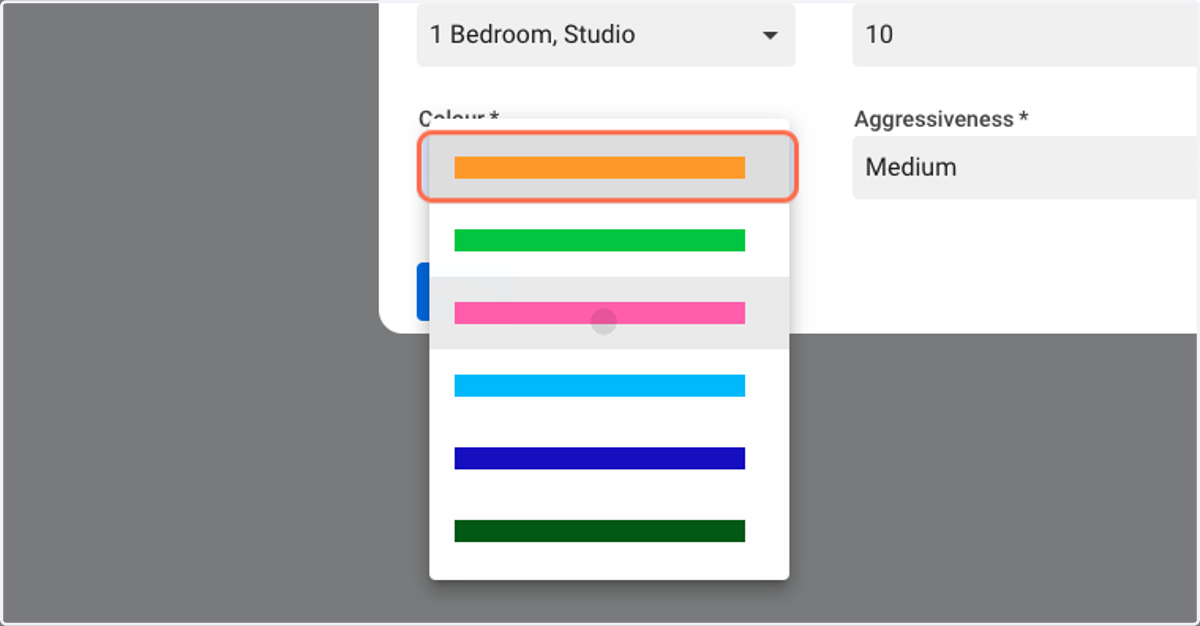
9. Assign a colour to the "Small Rooms" Yielding Tag.
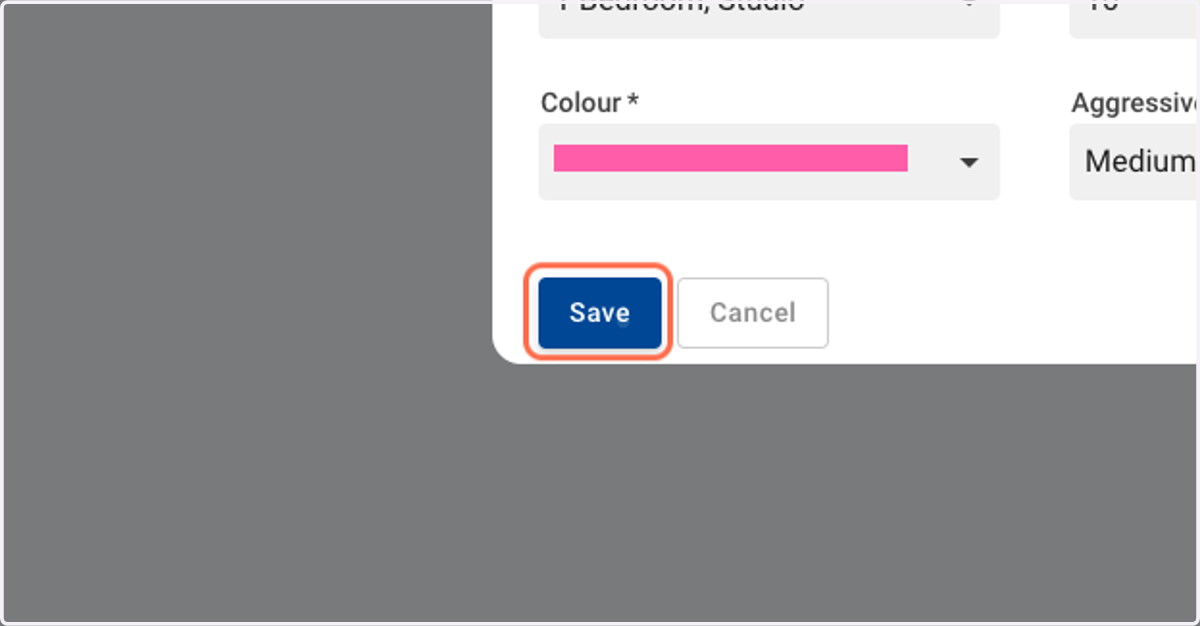
10. Click on Save.
11. That's it. Two separate Yielding tags have been successfully created.