How to revoke the acces for a user from a Firepack
1. Navigate to web.firecoach.app
2. Log in with your Firecoach account
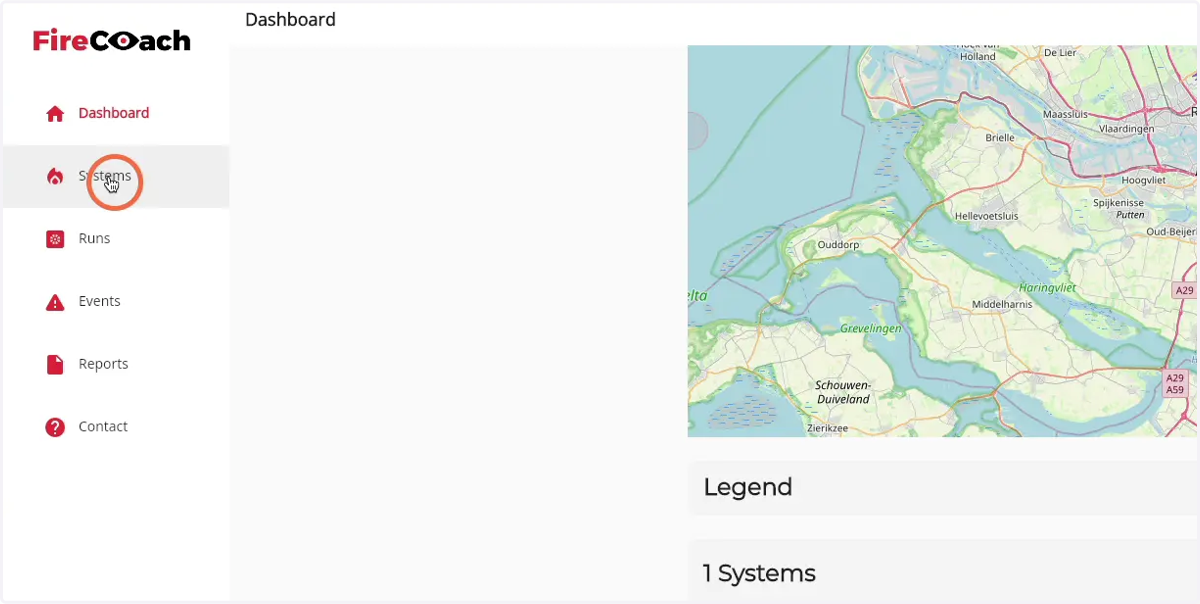
3. Click on 'Systems'
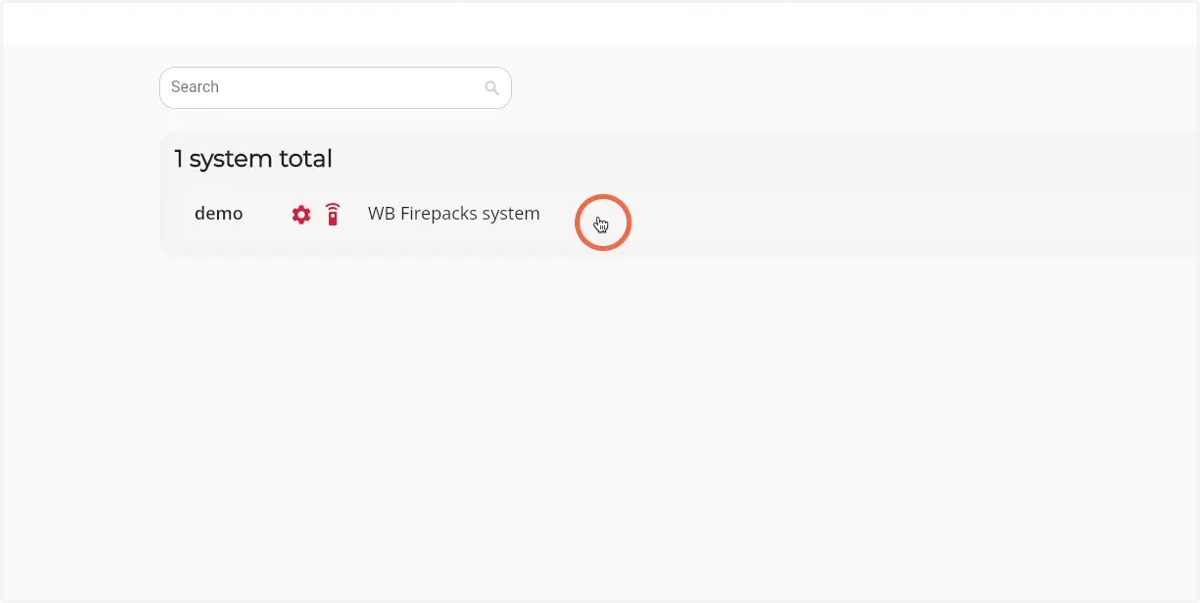
4. Click on the Firepack that you would like to revoke a user from
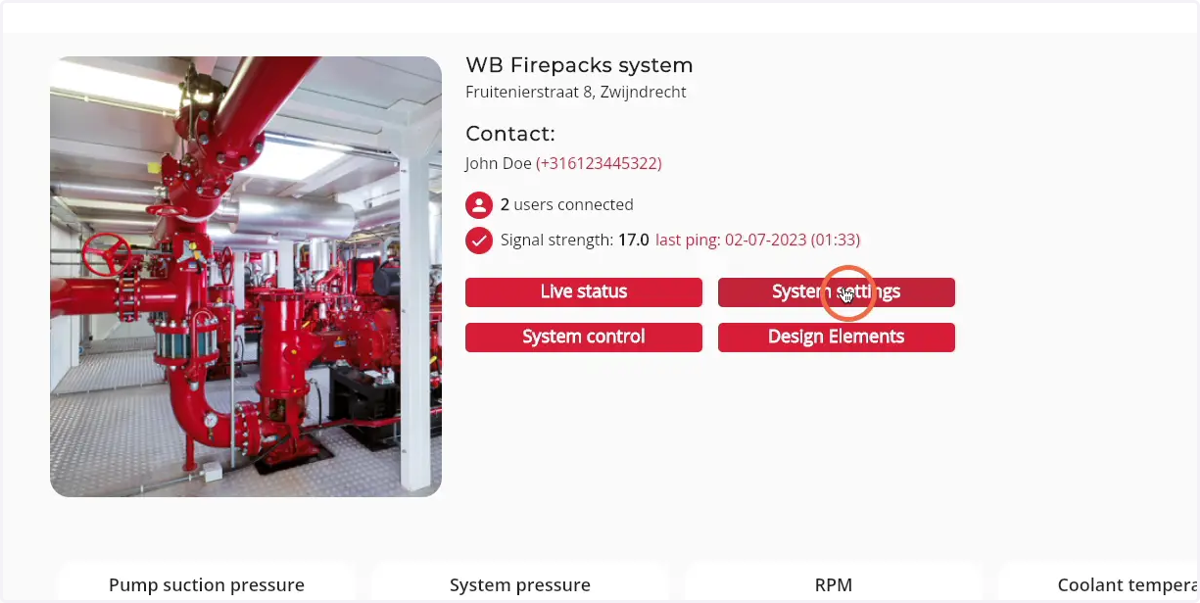
5. Click on 'System settings'
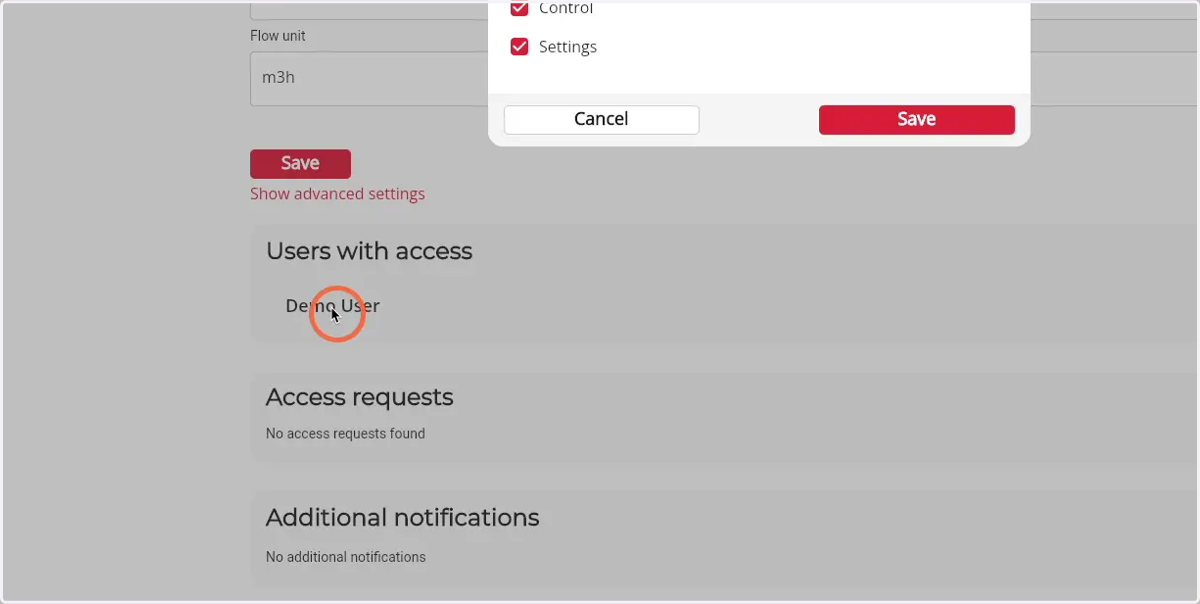
6. Click on the name of the user you would like to revoke
A pop-up of the user will open
7. Click on the 'Trashcan' icon
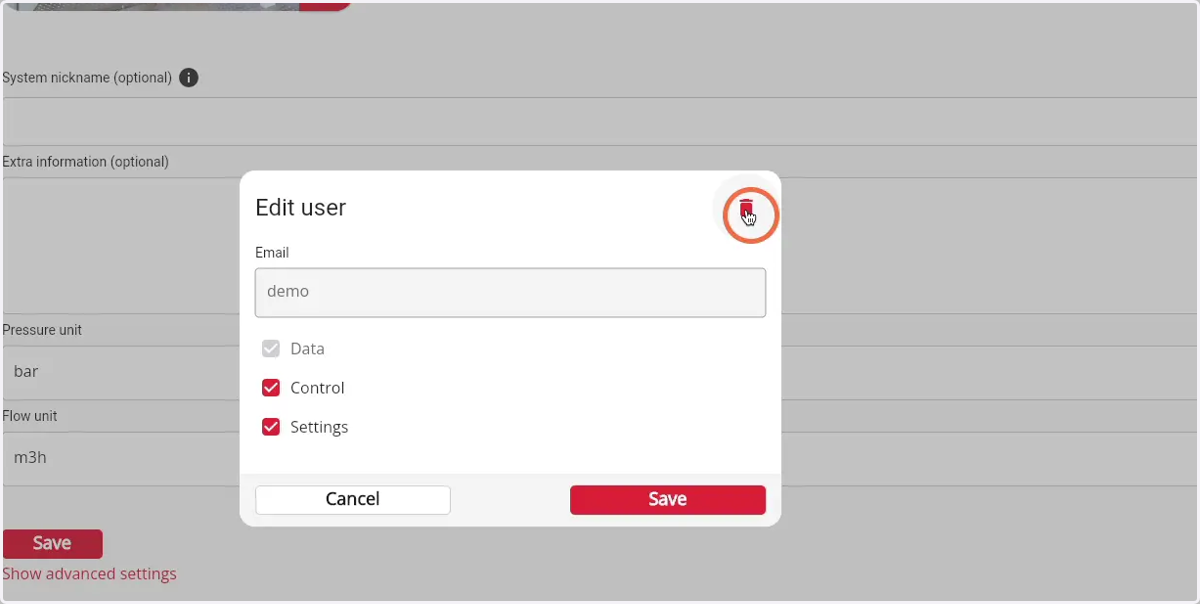
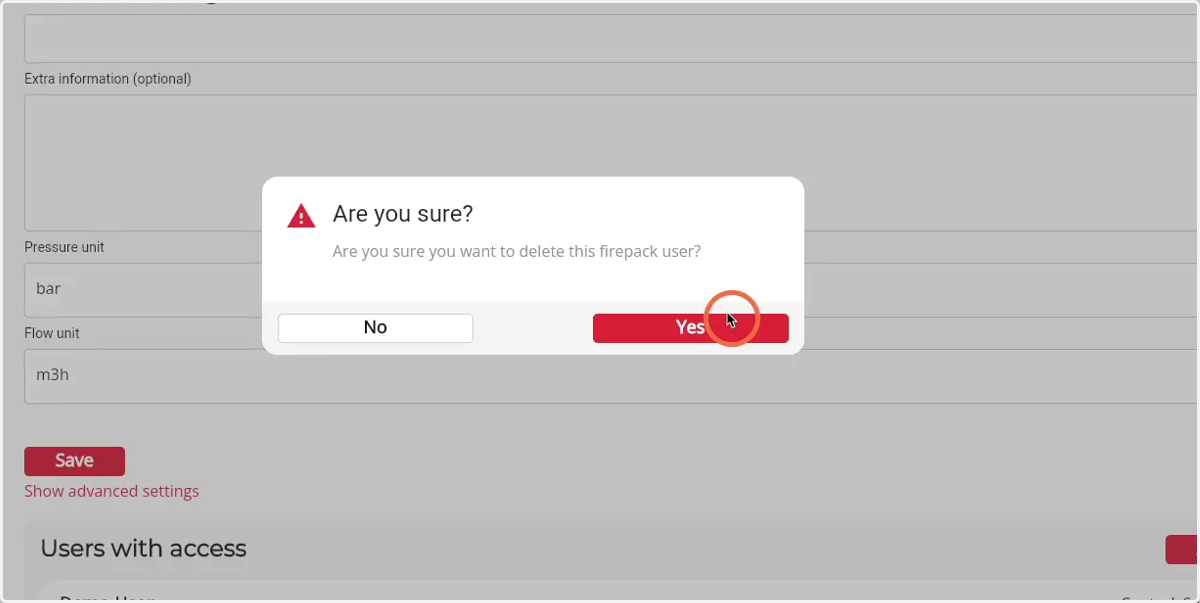
8. Click on the 'yes' button to revoked the acces of the user from the Firepack