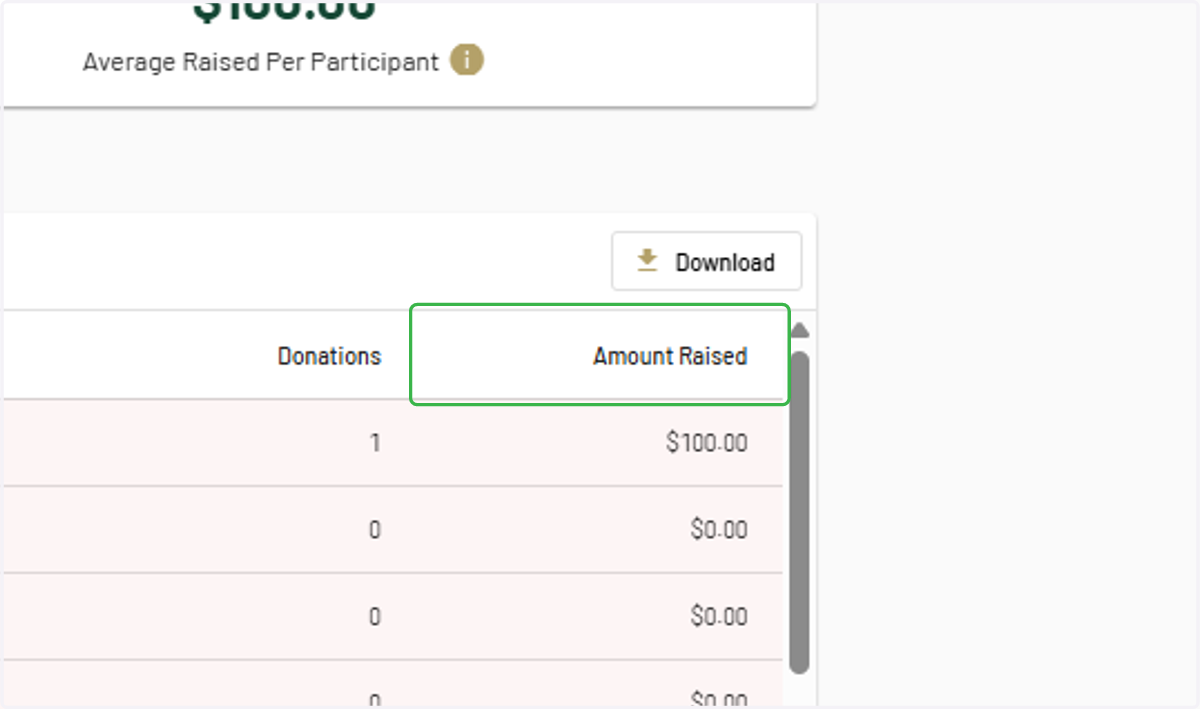
How to Find Your Participation Report
This shows you how to access your participation report in ets
Program Dashboard - ETS
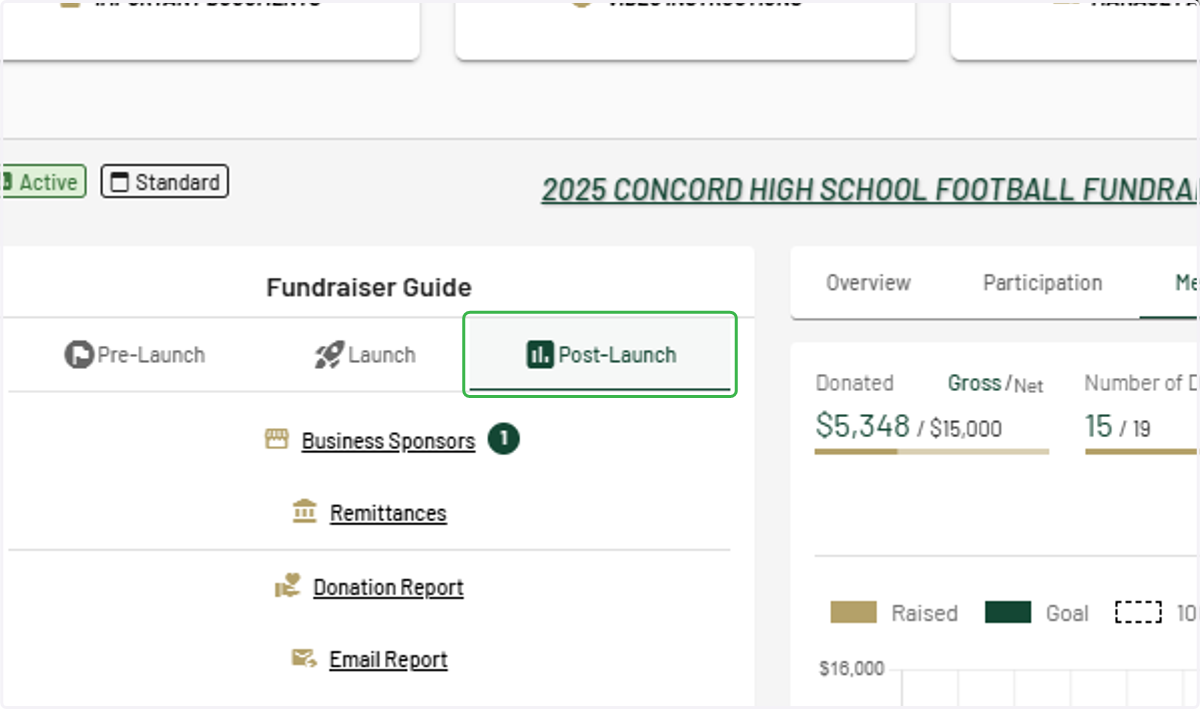
1. Ensure you are on the "Post Launch" tab of your Fundraiser Guide
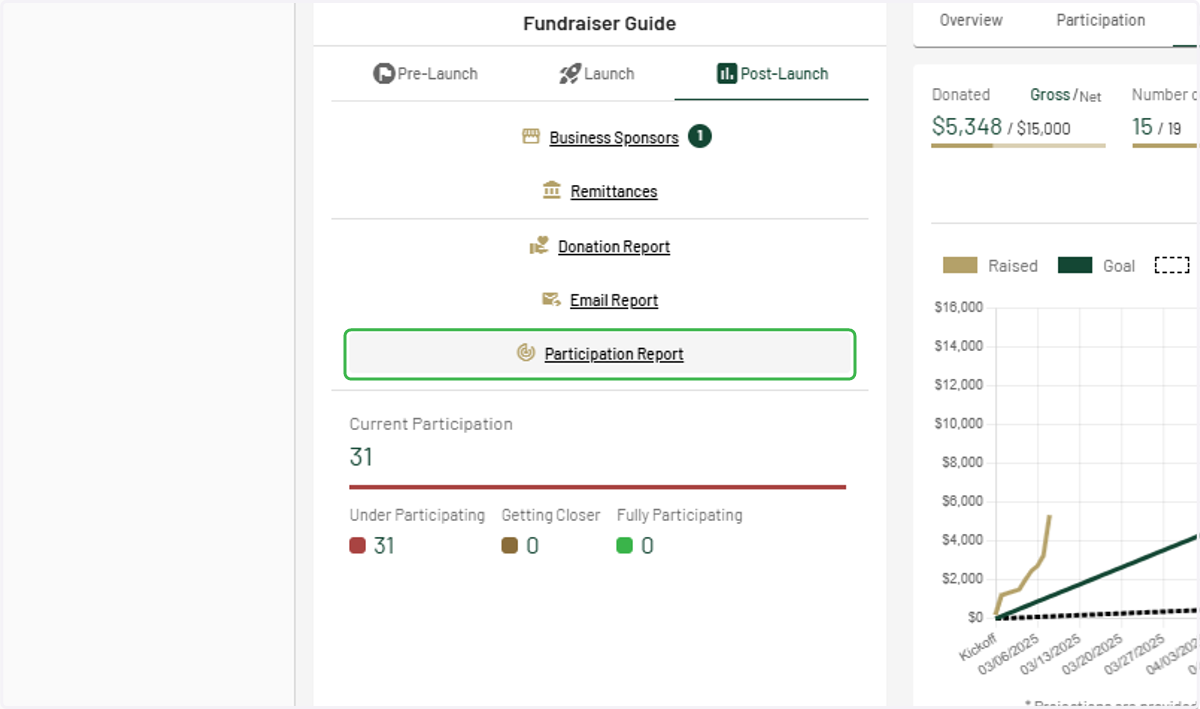
2. Click on Participation Report
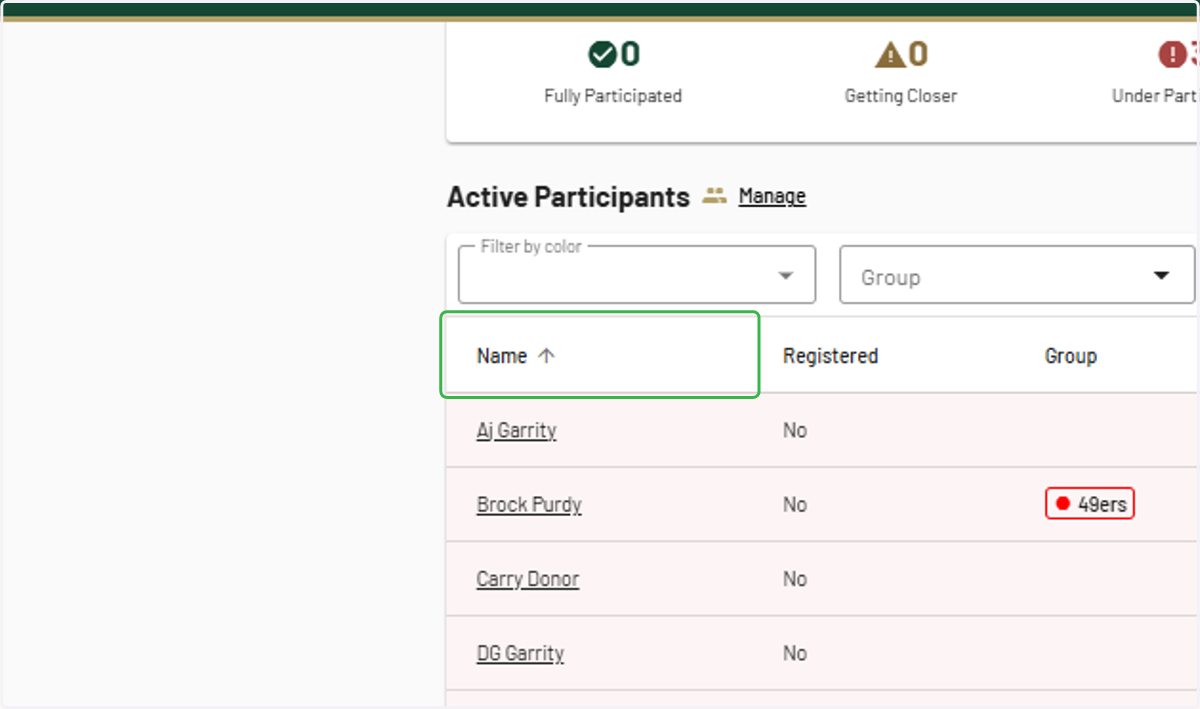
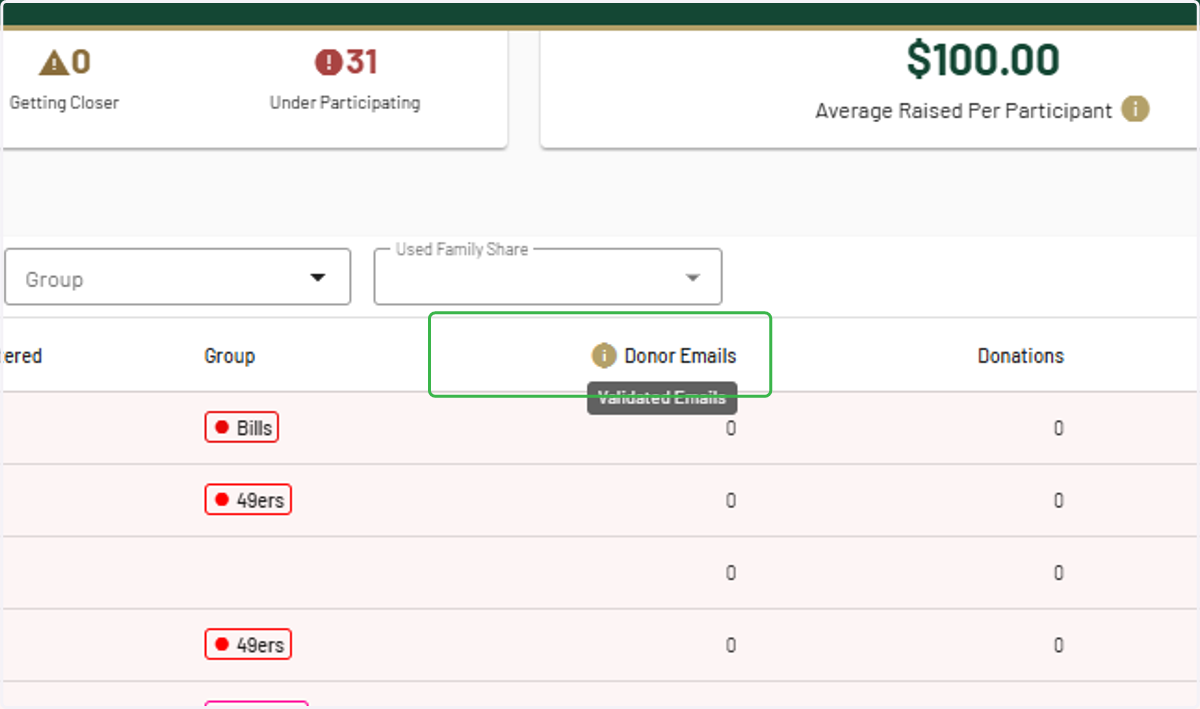
3. Drag highlighted element
4. Filter as needed
5. Filter as needed
6. Filter as needed