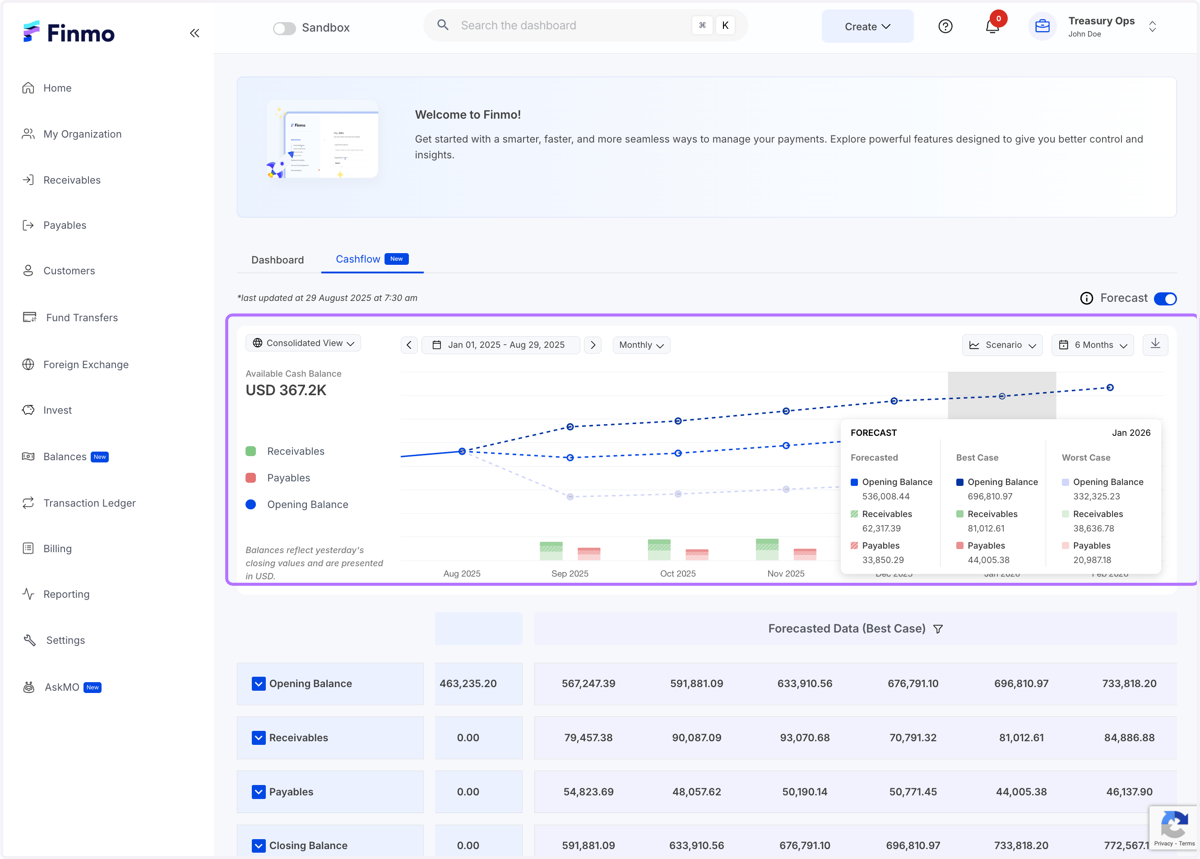
Cashflow Forecasting
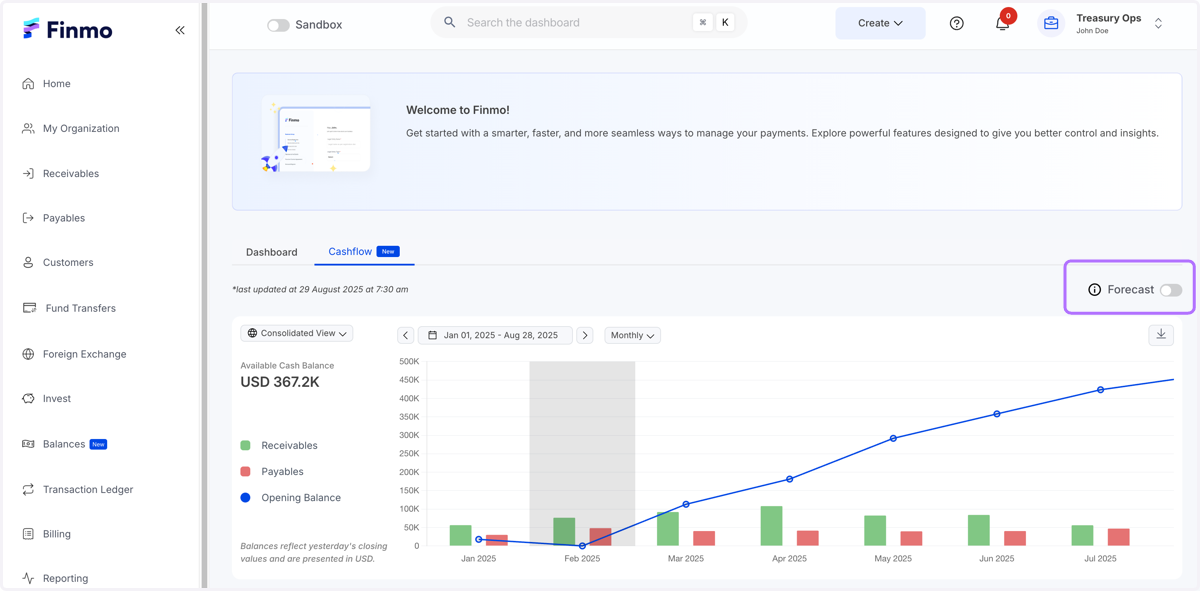
1. In the cashflow dashboard - Enable the forecasting button
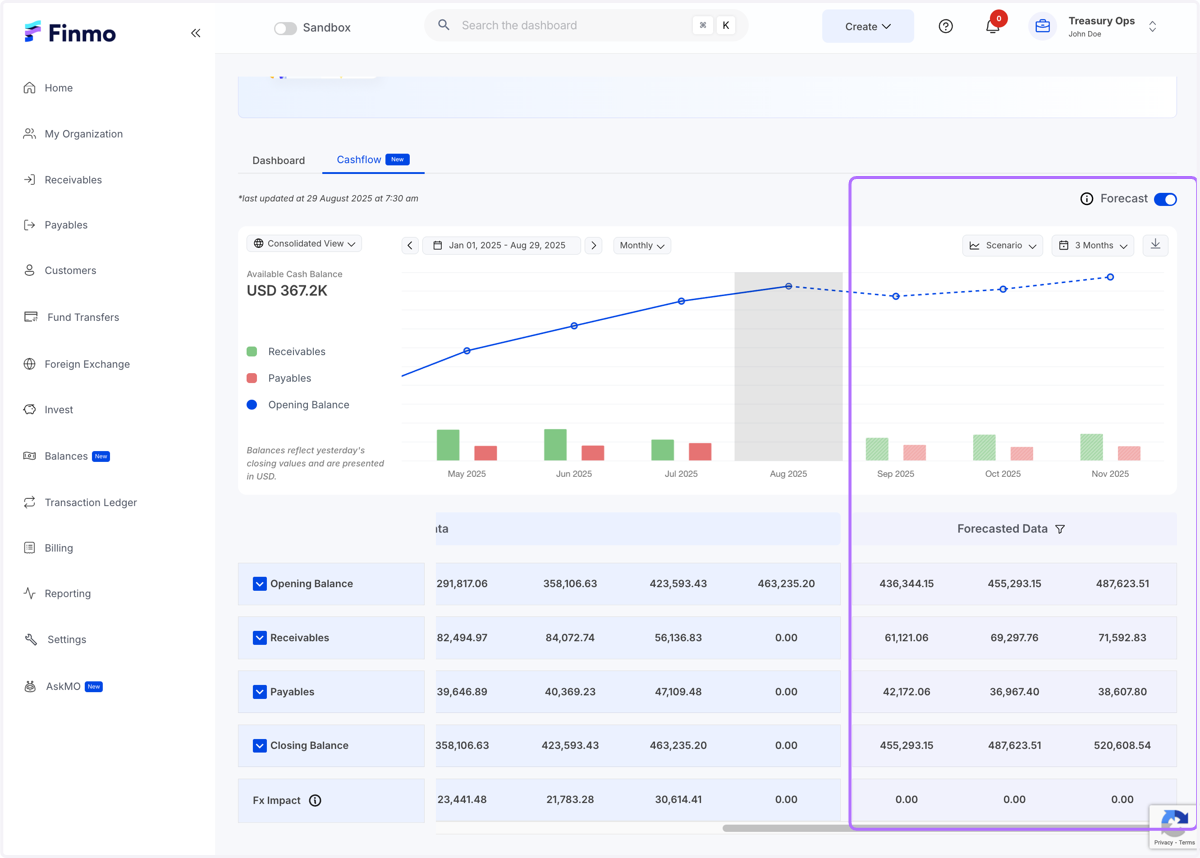
2. Scroll to the right to view the forecasted data
3. Select the scenarios to compare
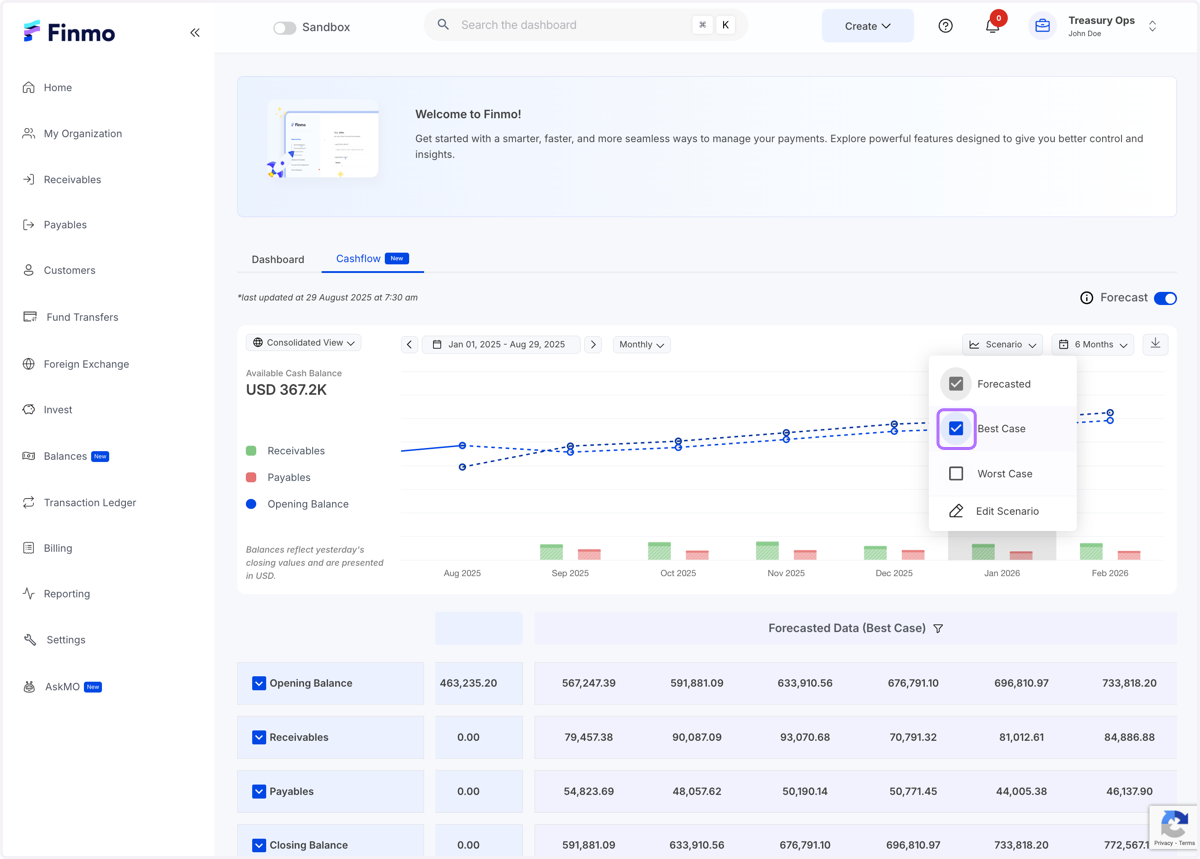
4. Edit the Best and Worst case scenario basis your business needs
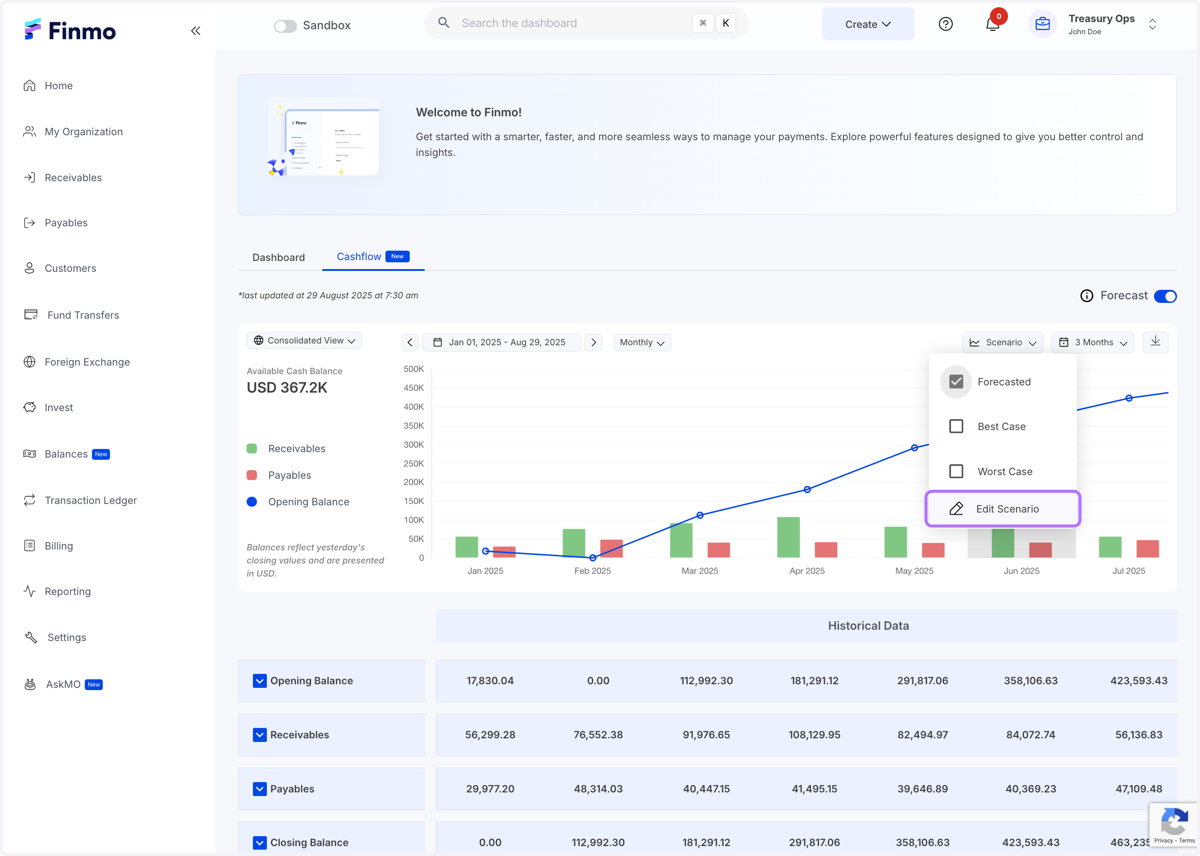
5. Click on Edit Scenario…
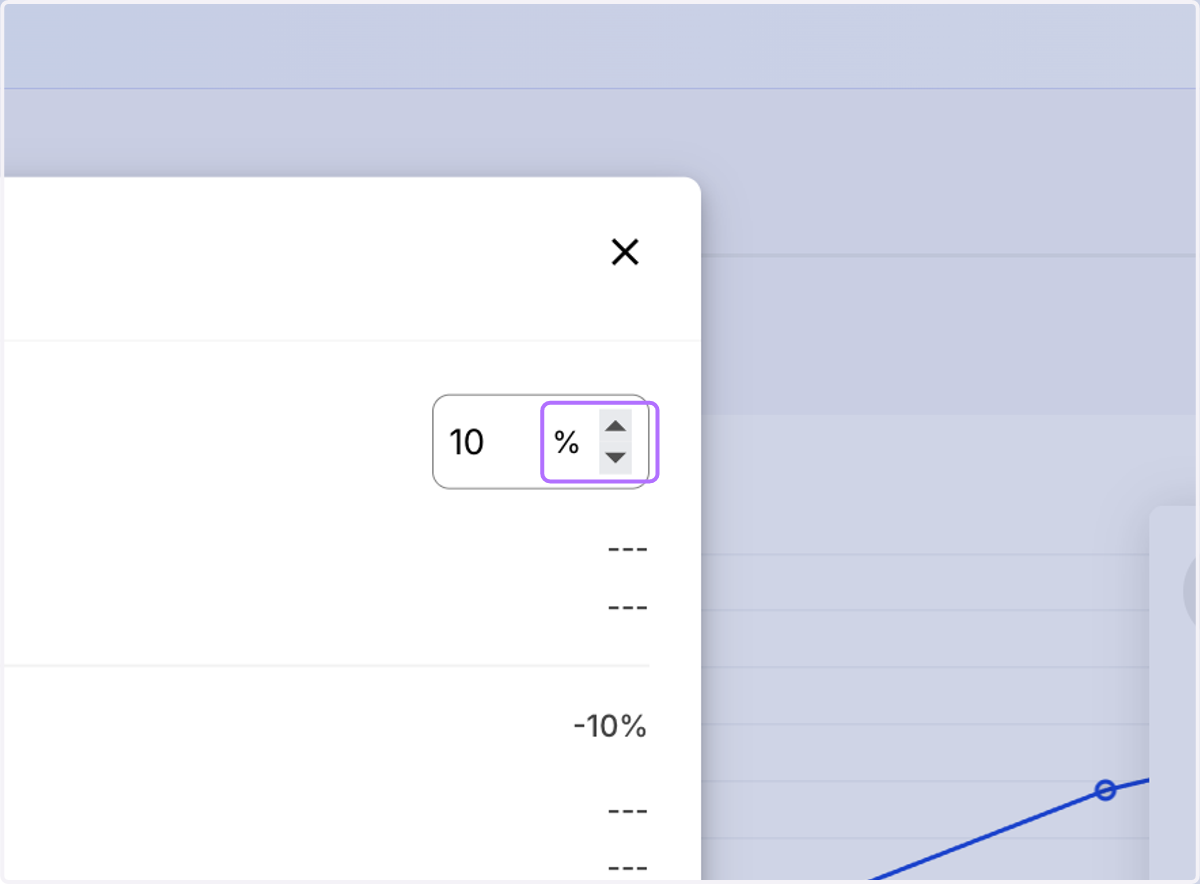
6. Edit the values at a high level or go one level deeper
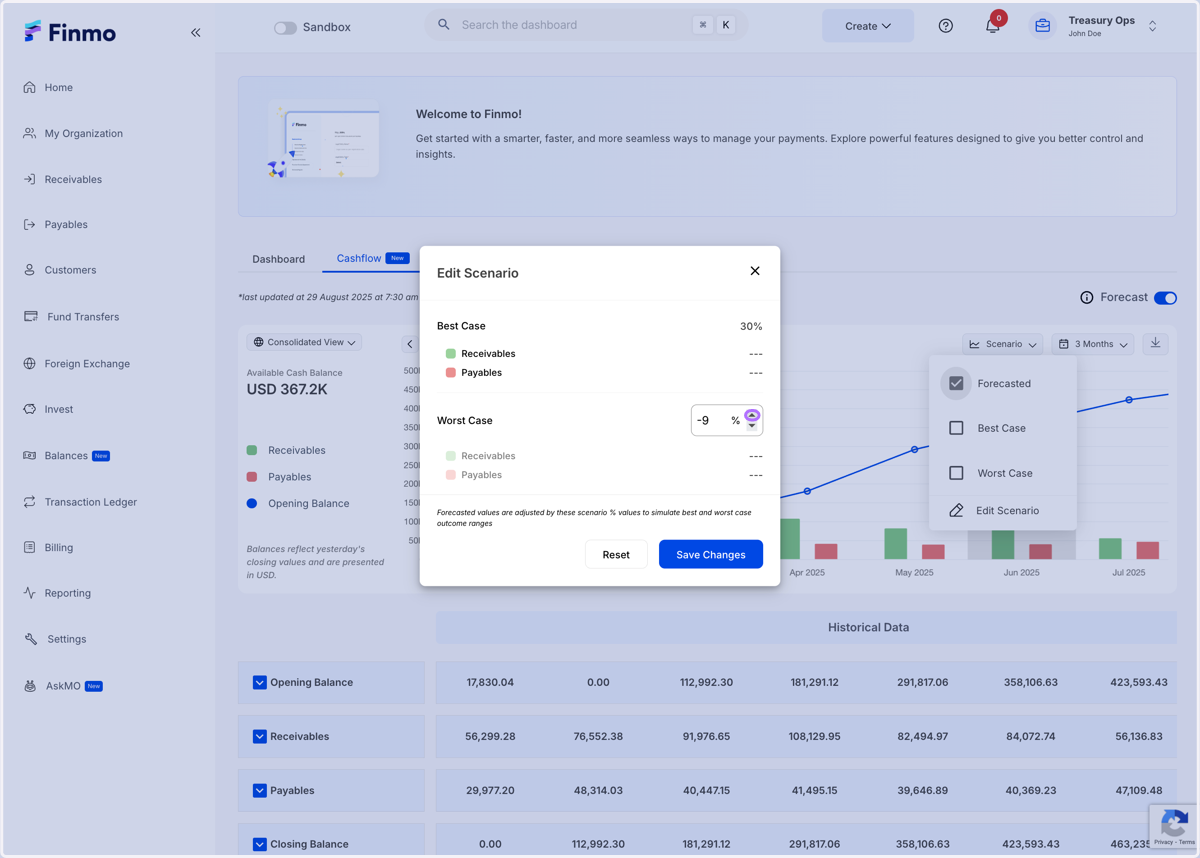
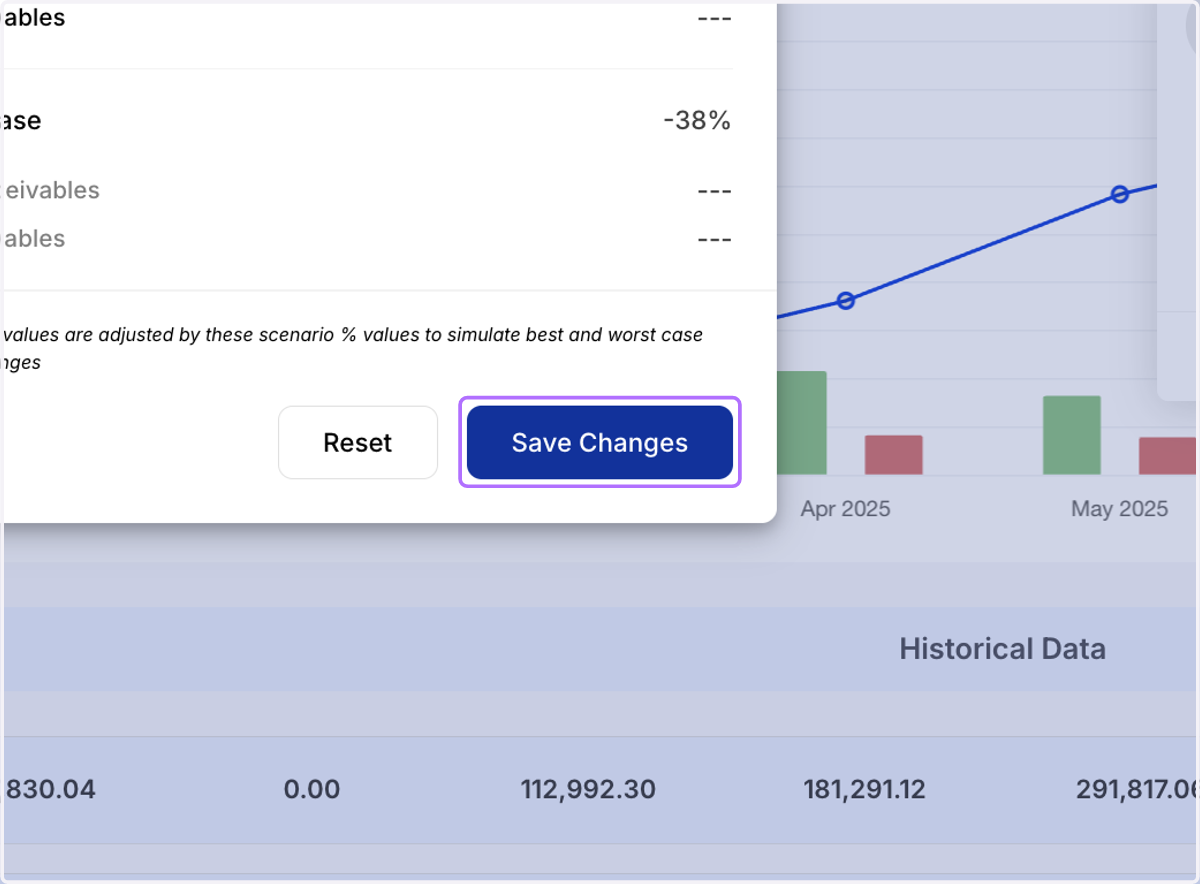
7. Click on Save Changes
8. Filter the table view basis the scenario
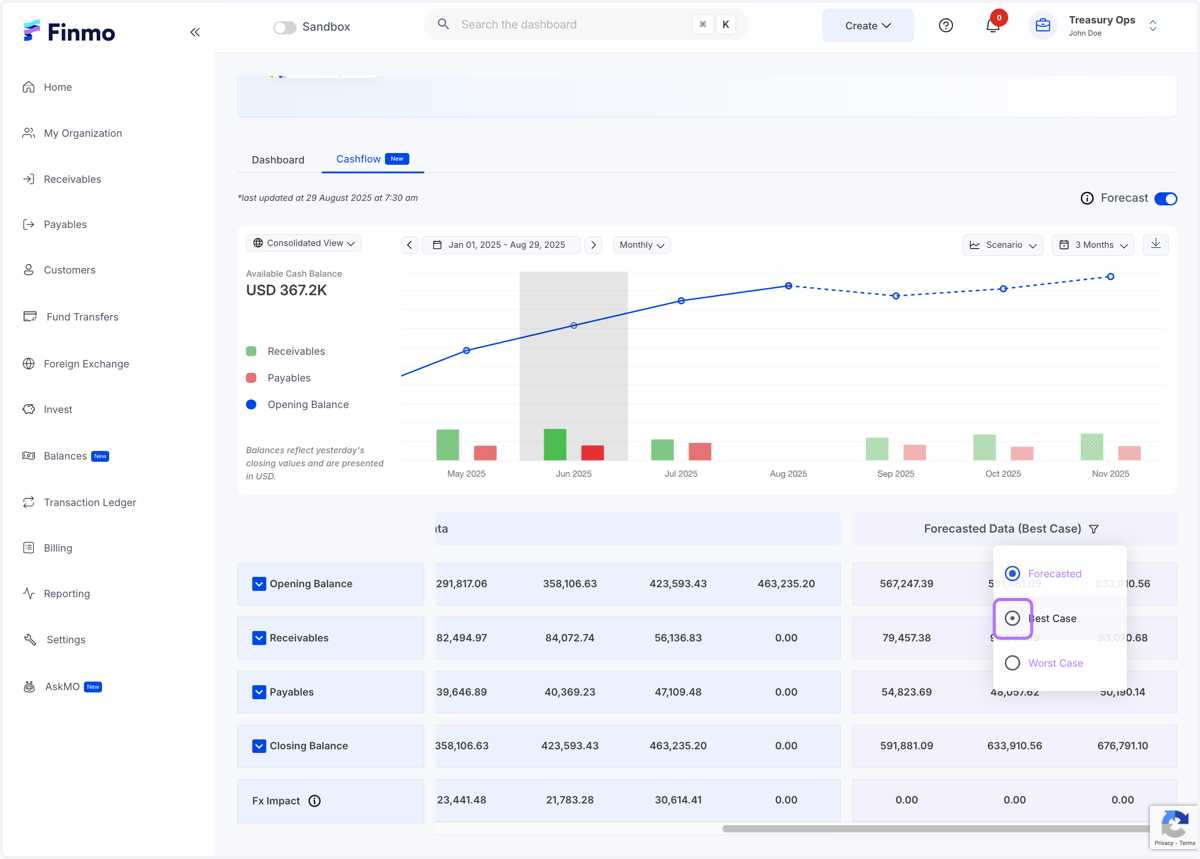
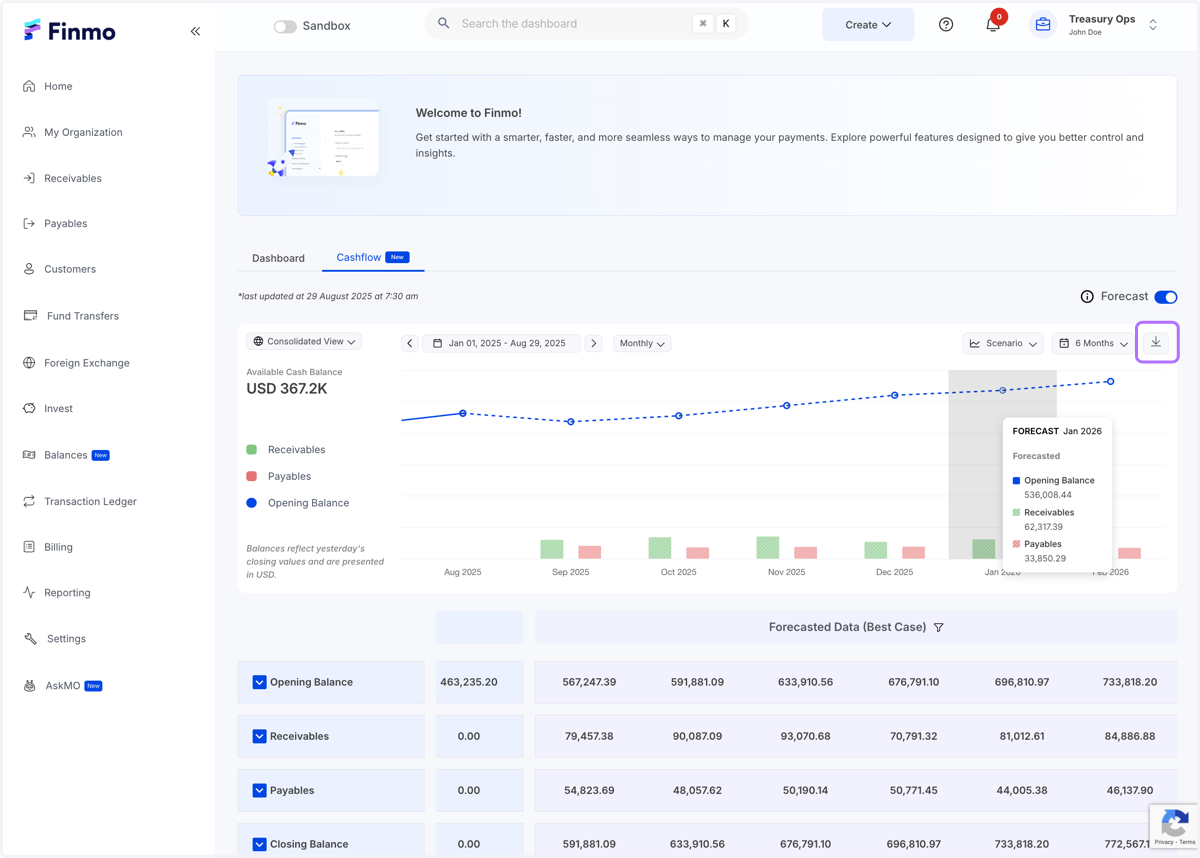
9. Download the current table view in an xls format
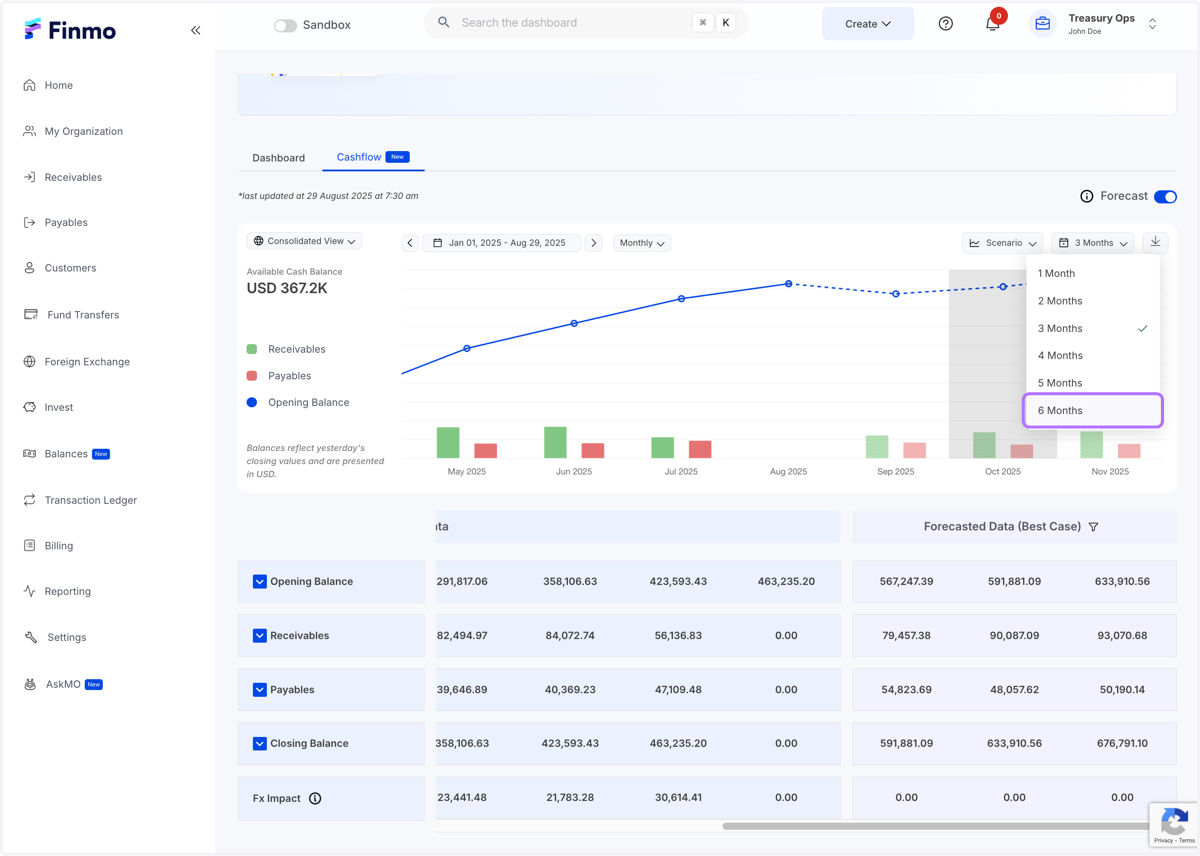
10. Change the forecasted view basis the month/quarter filter
11. Updated forecasted view
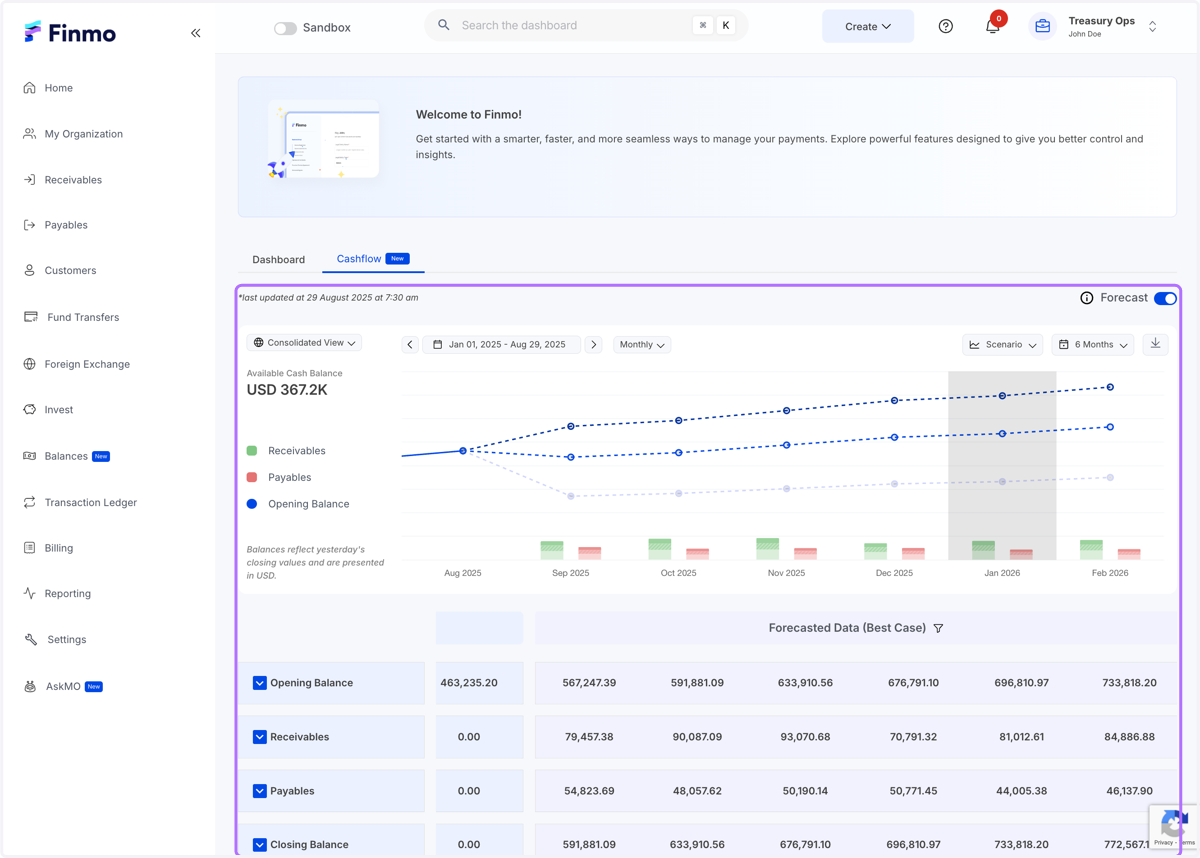
12. Hover over the graph to view data of all the cases