Navigating LAAMP through the Side Menu
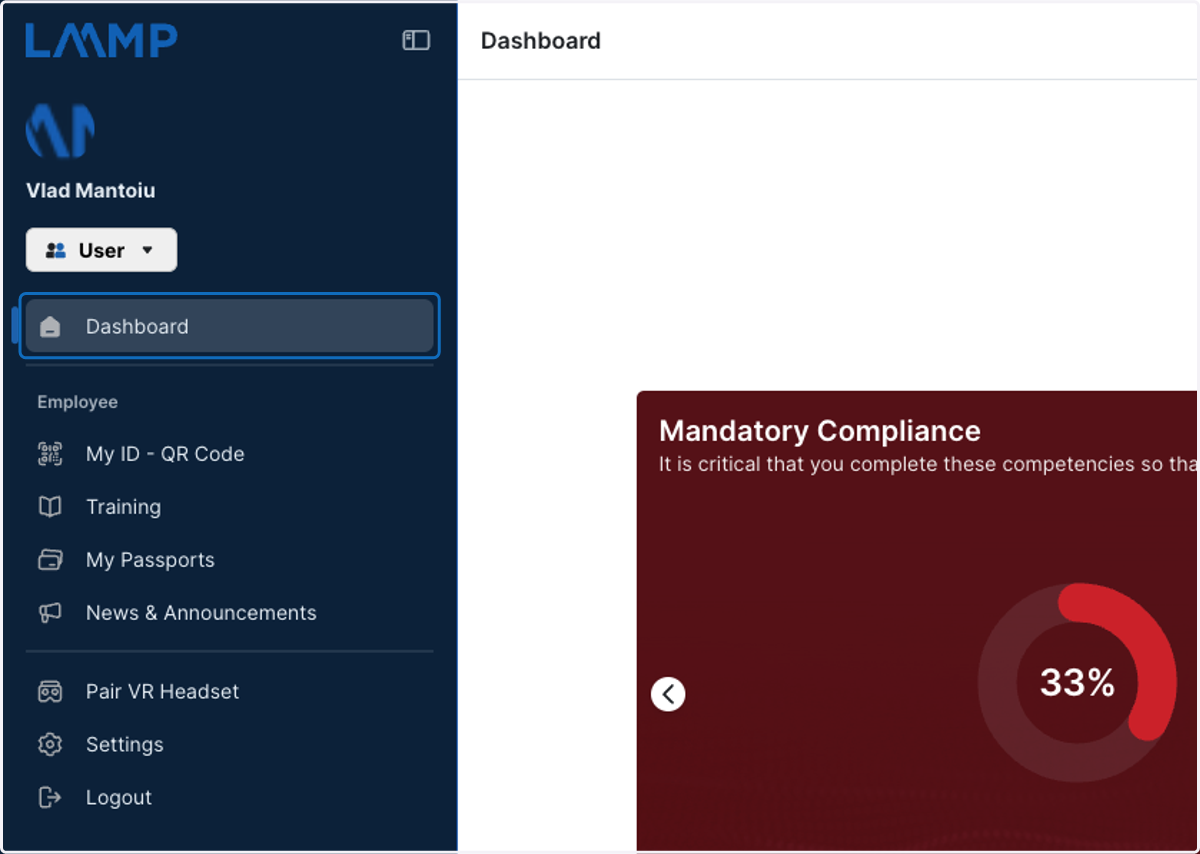
Dashboard | LAAMP
1. This is your Dashboard, a one stop shop for your LAAMP account!
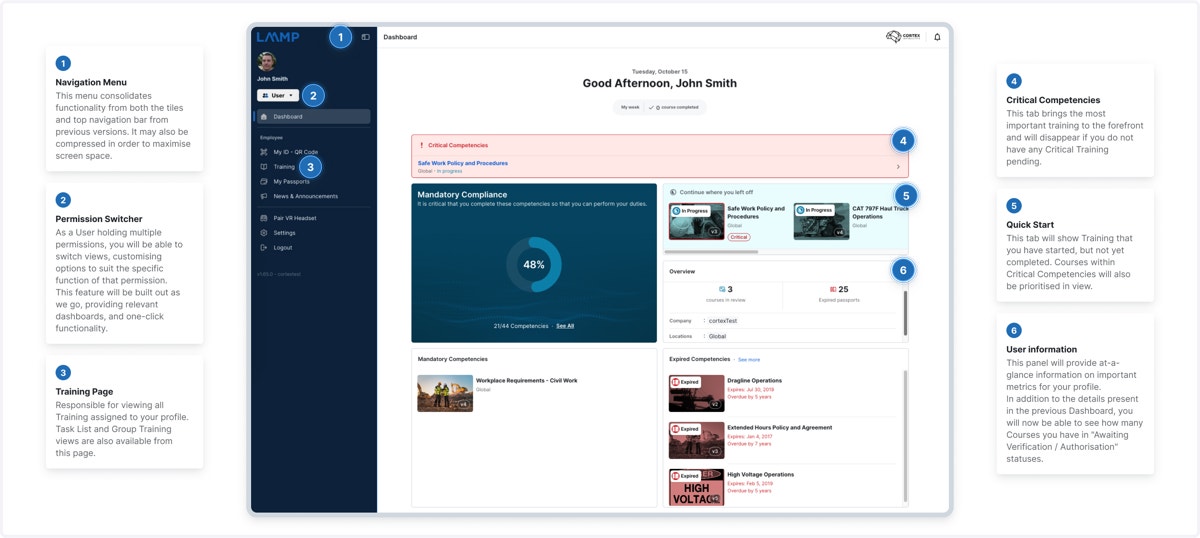
2. Please see below for a detailed dive of all Dashboard components
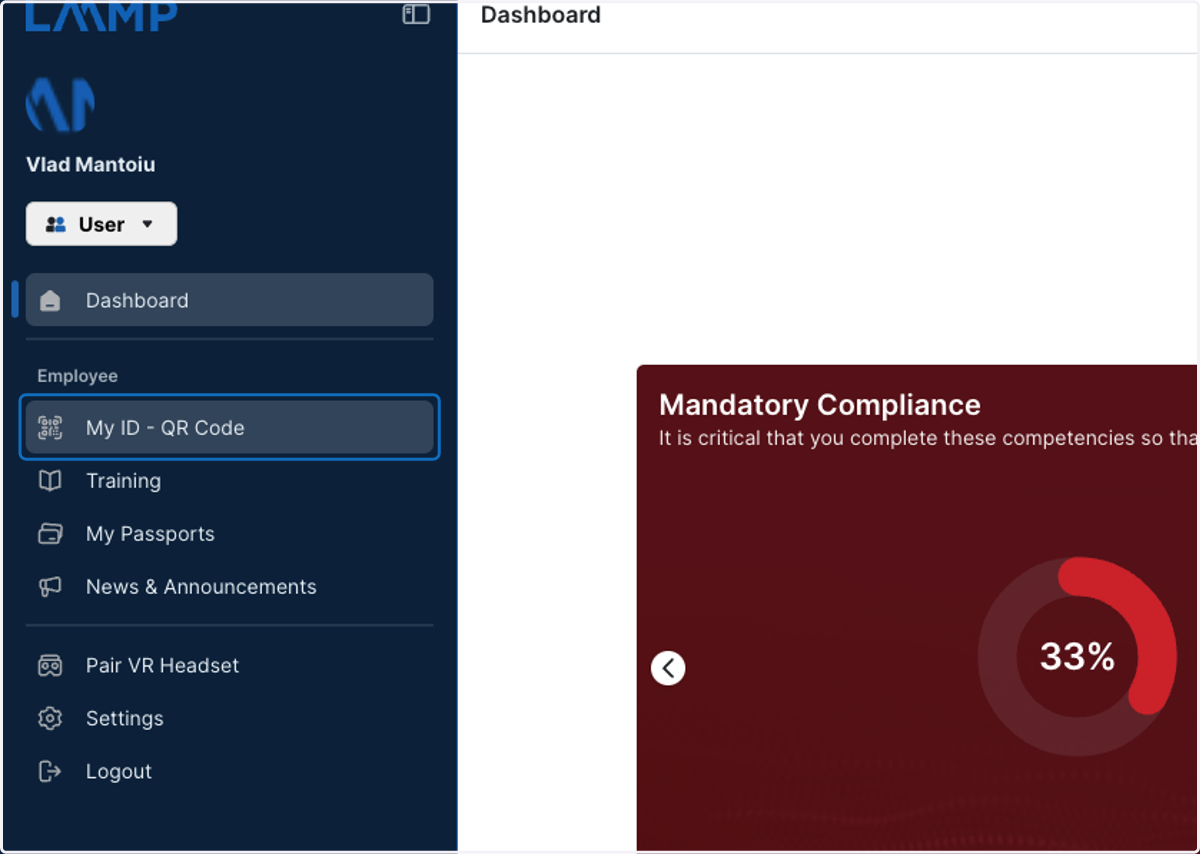
3. My ID - QR Code is where you will see your personal QR code. You can also scan QR codes from this menu.
4. Training Page
Responsible for viewing all Training assigned to your profile.
Task List and Group Training views are also available from this page.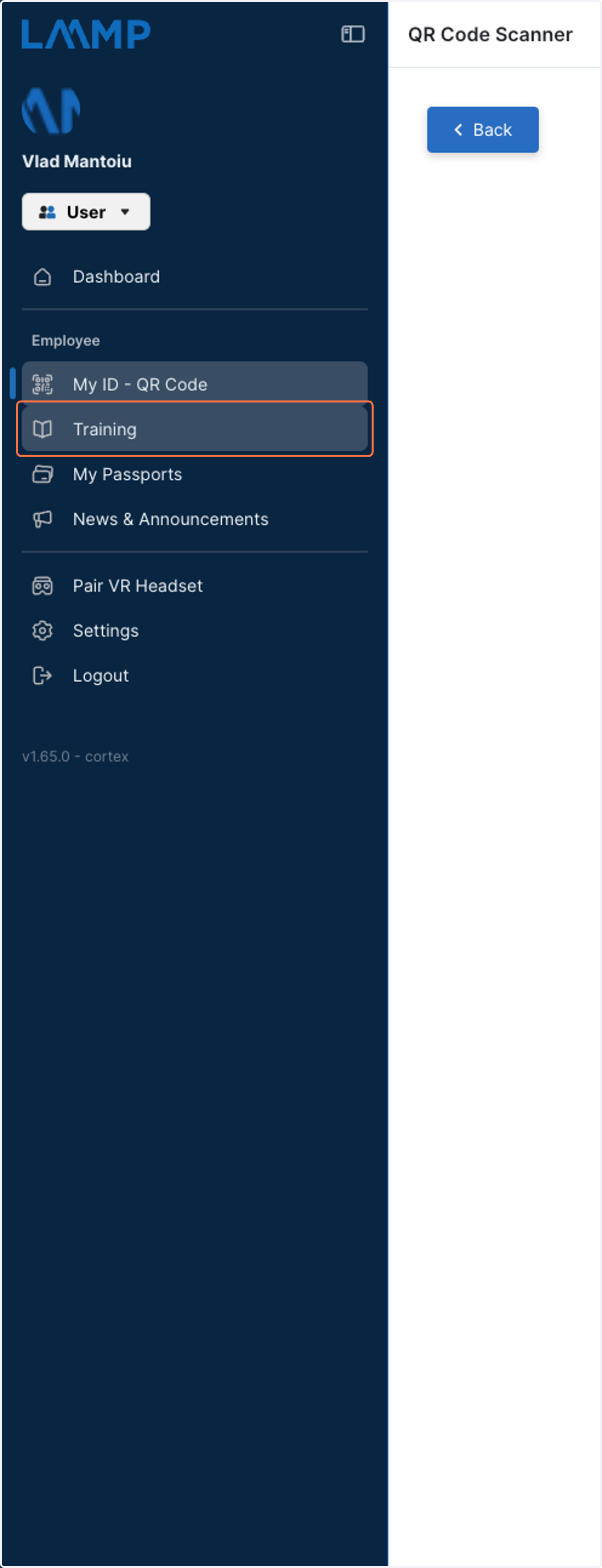
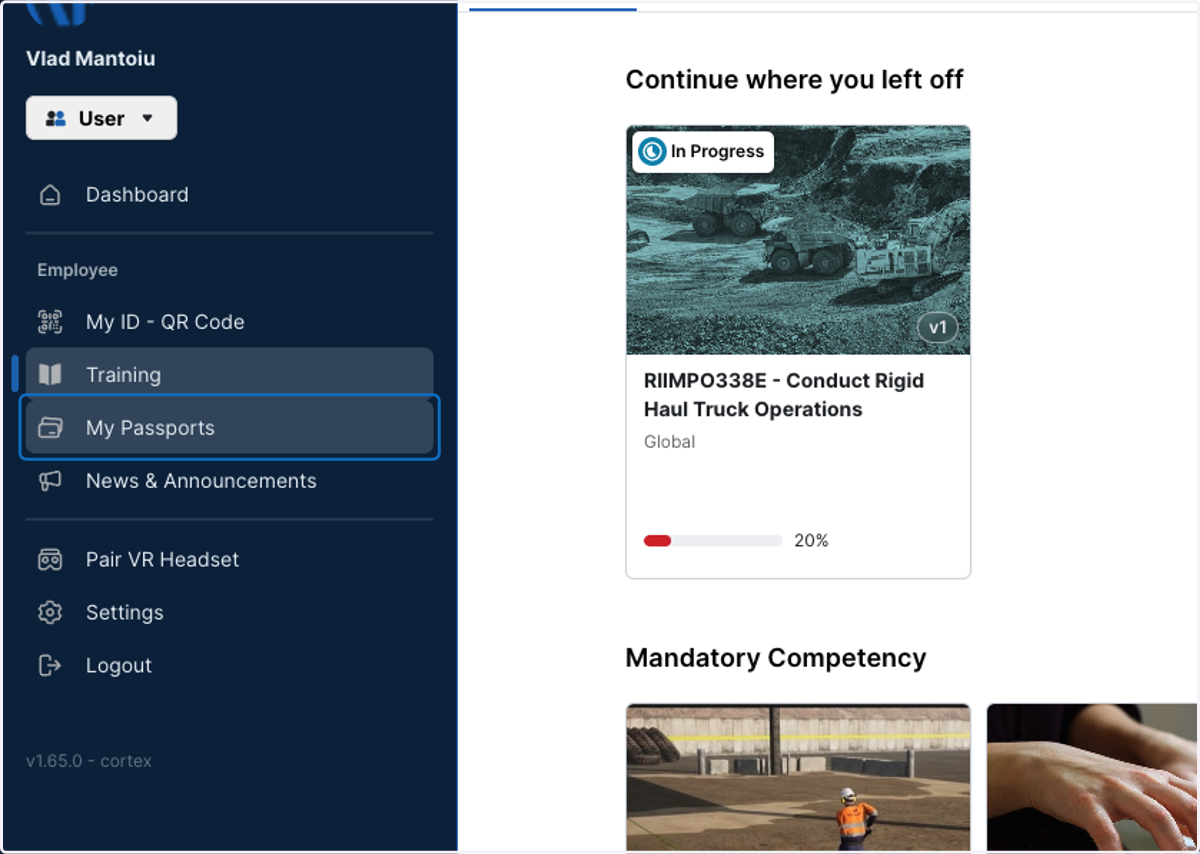
5. My Passports
View your completed Competencies
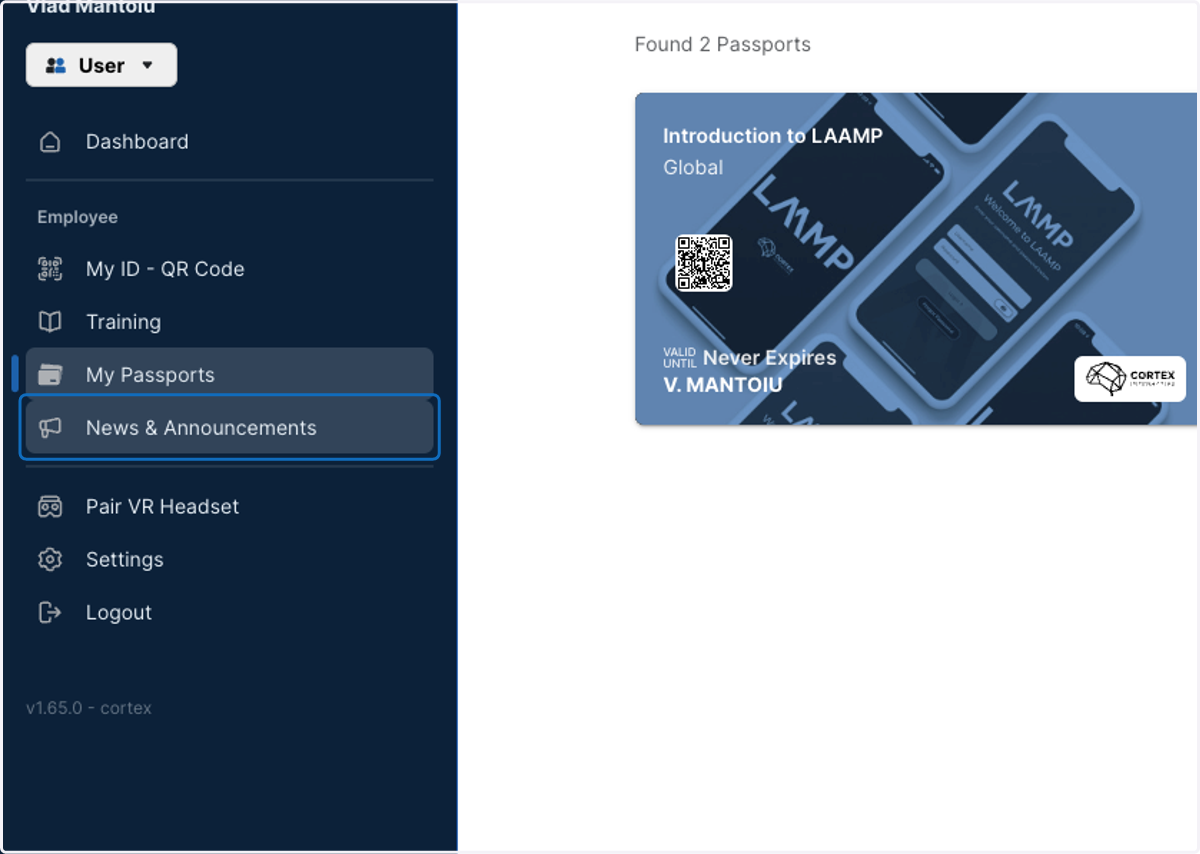
6. News & Announcements
Keep up to date with any internal communications
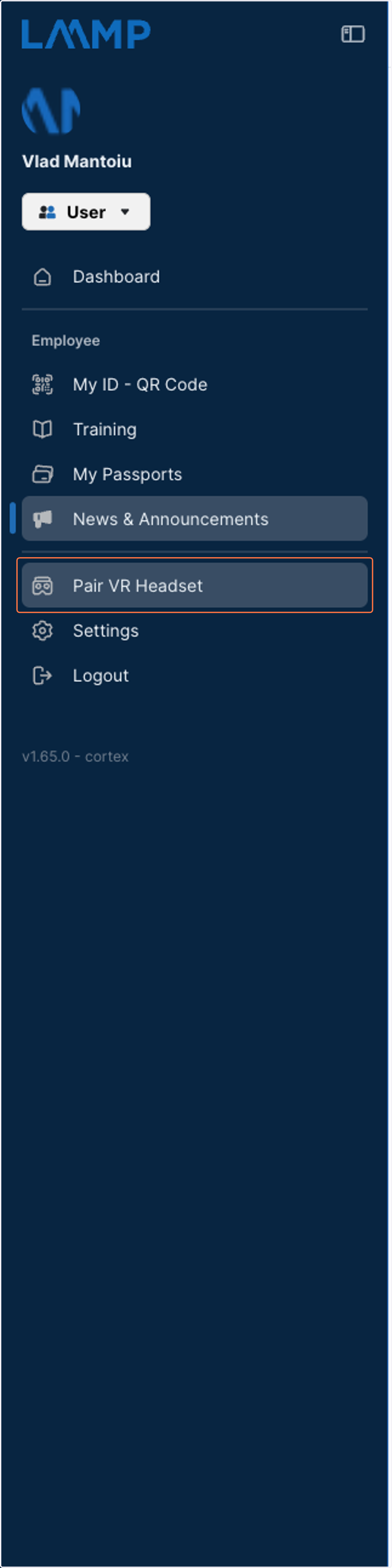
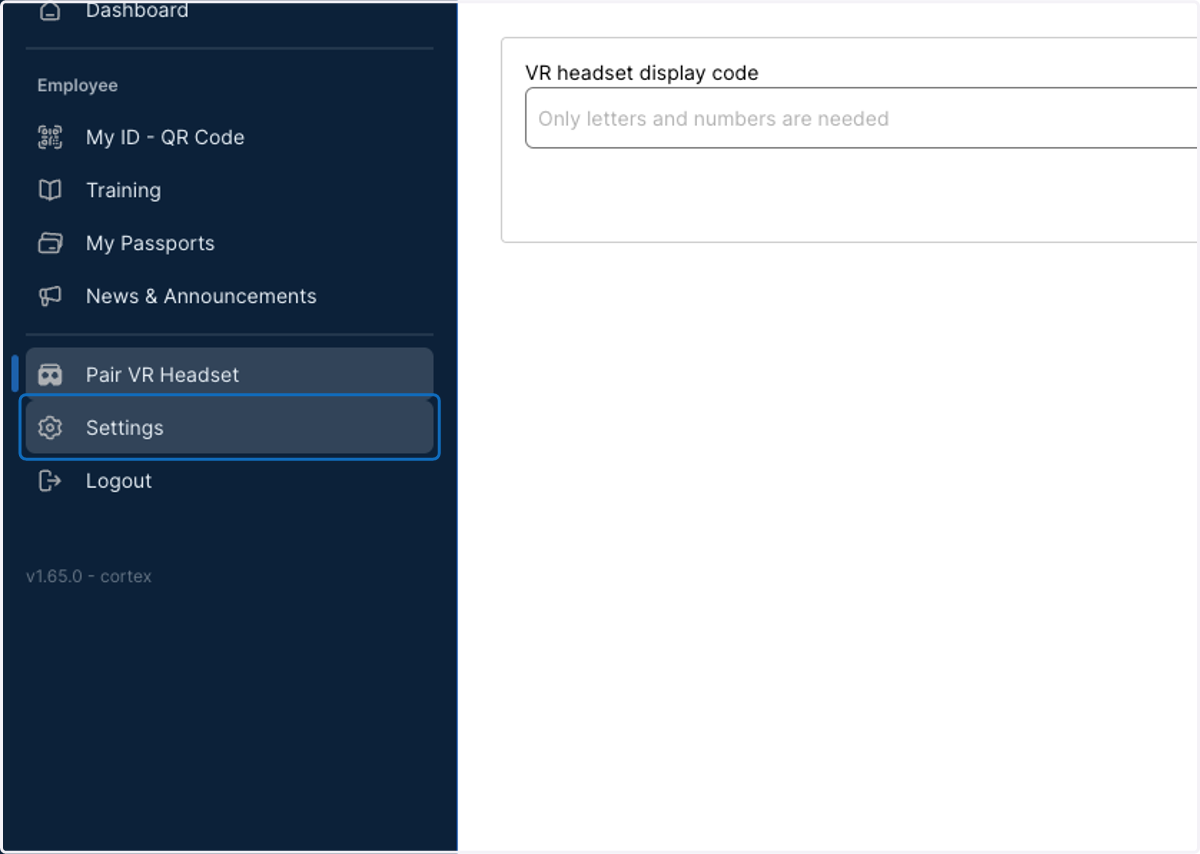
7. Pair VR Headset
Click here to Pair a VR headset for Immersive Content
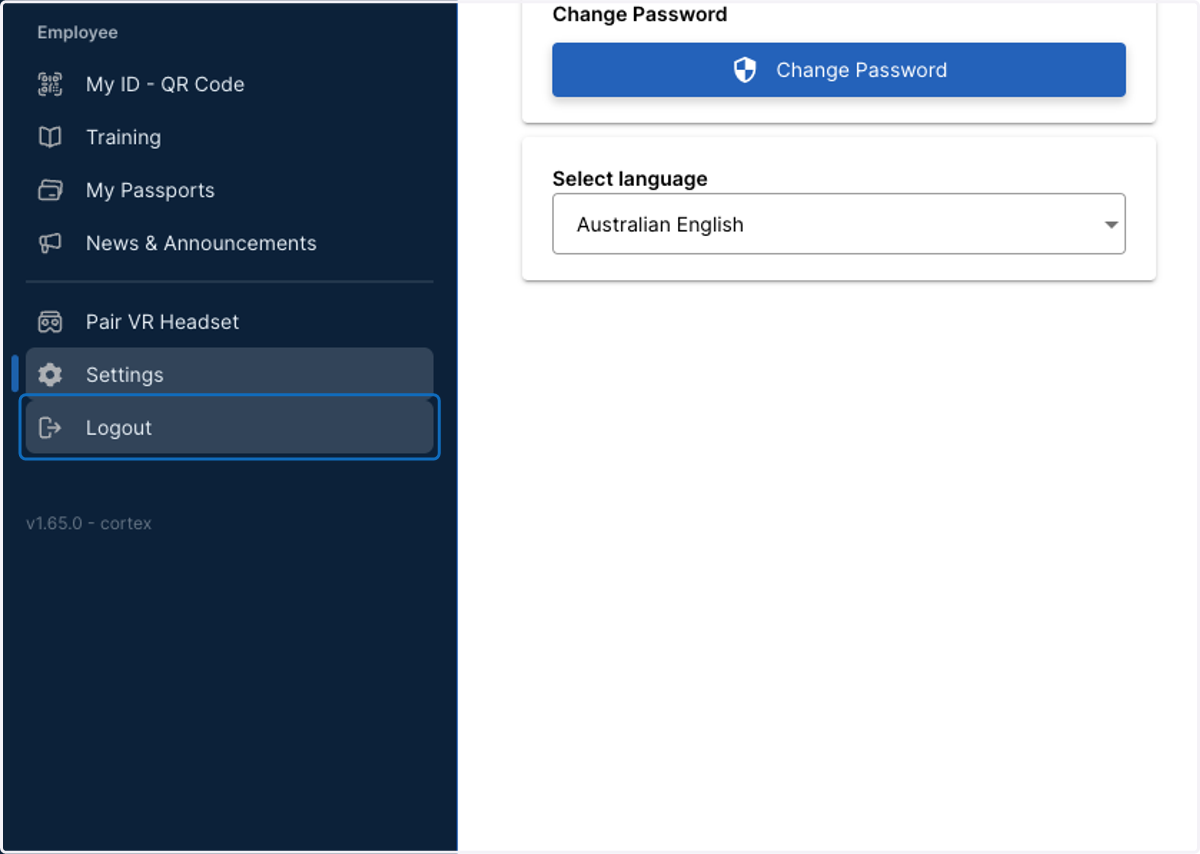
8. Settings
Individual Settings for your profile such as Language and Password Change
9. Click on Logout once you're done with Training