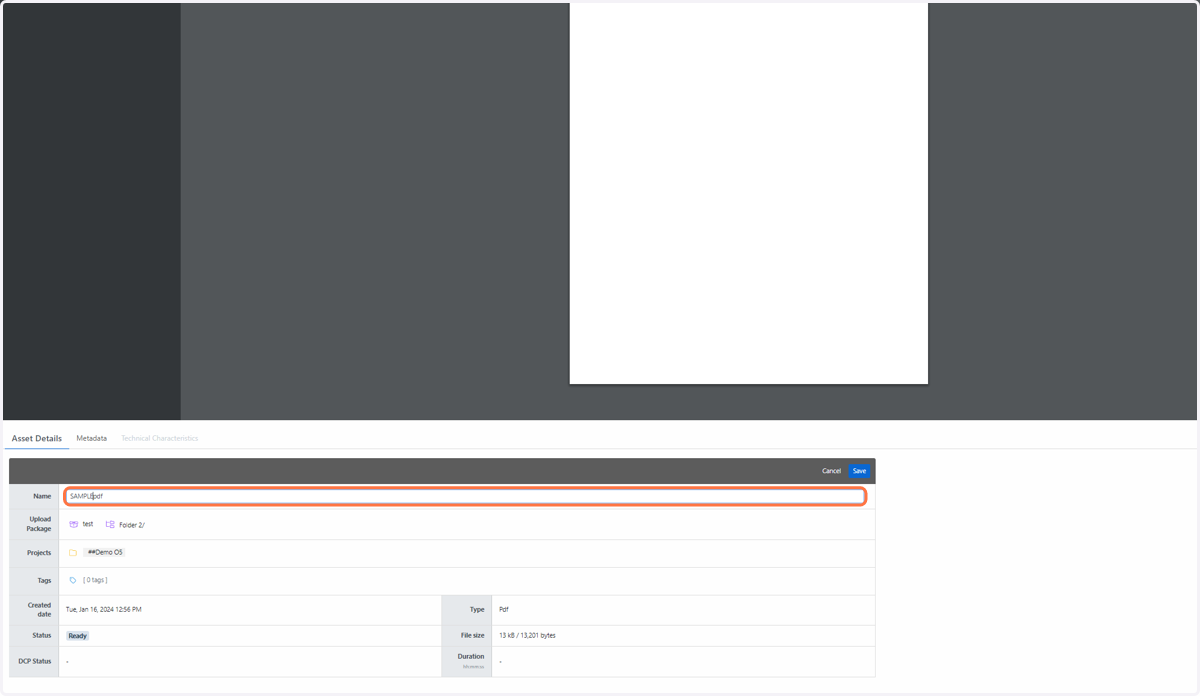
How do I rename an asset?
There are two ways to rename an asset in the Media Room.
1. Click on DASHBOARD
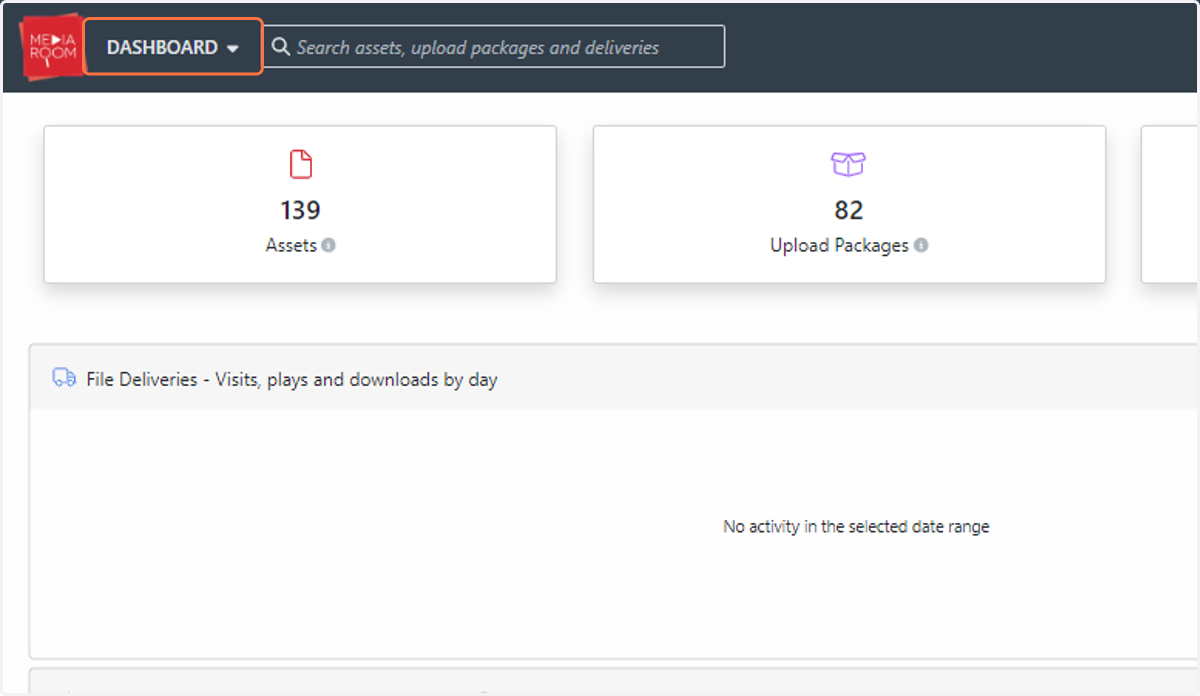
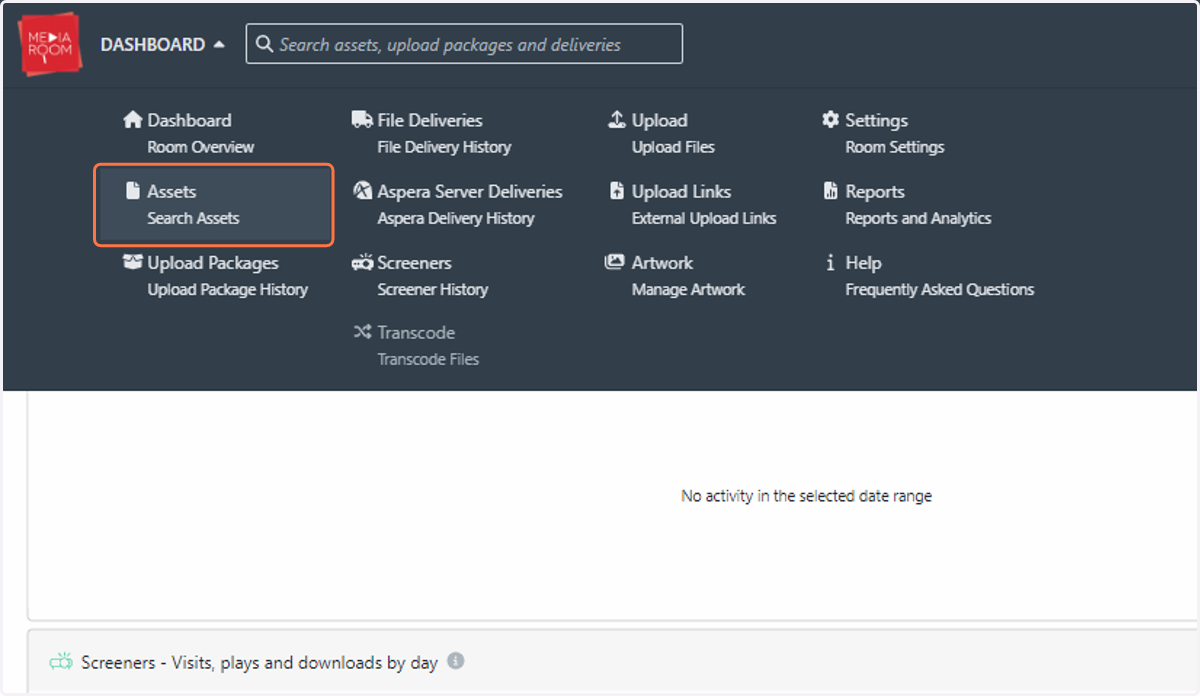
2. Click on Assets…
3. Go to the asset that you wish to rename
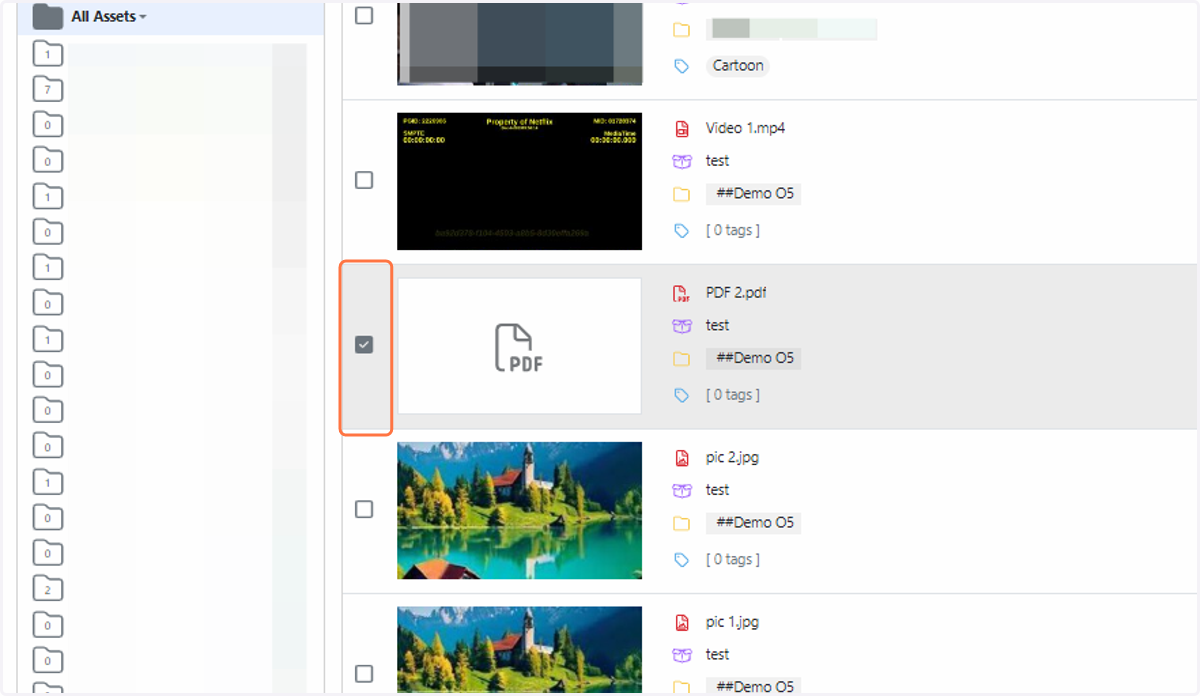
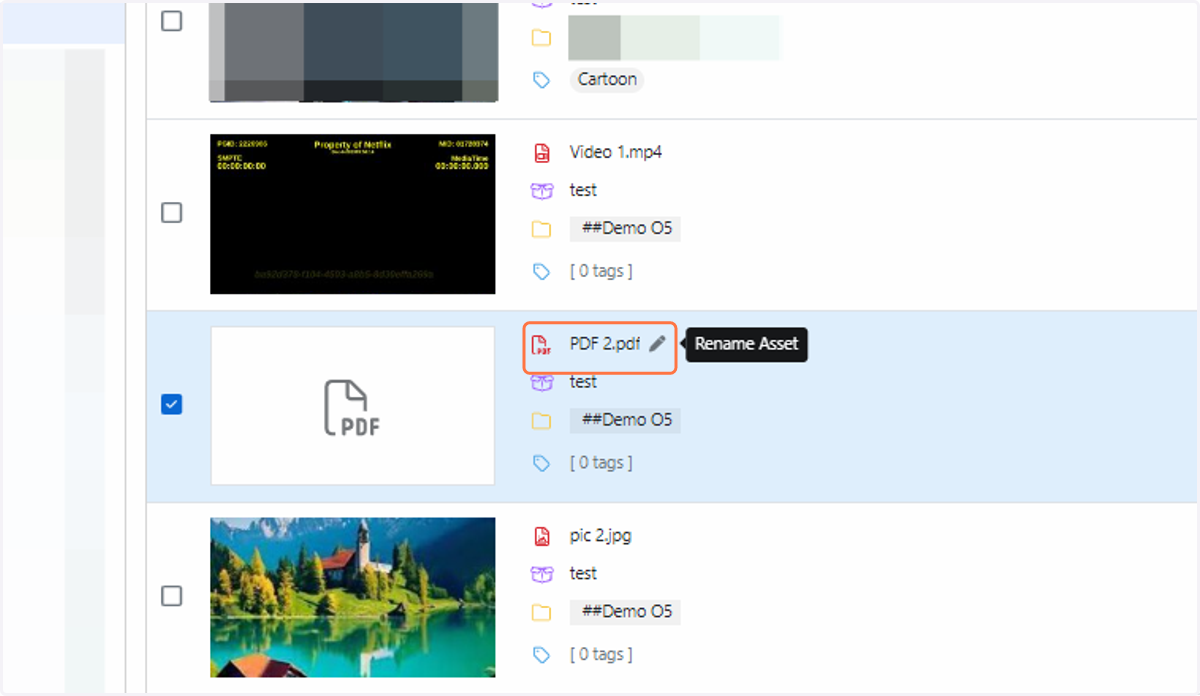
4. Hover your cursor over the area next to the filename, and click the edit pen
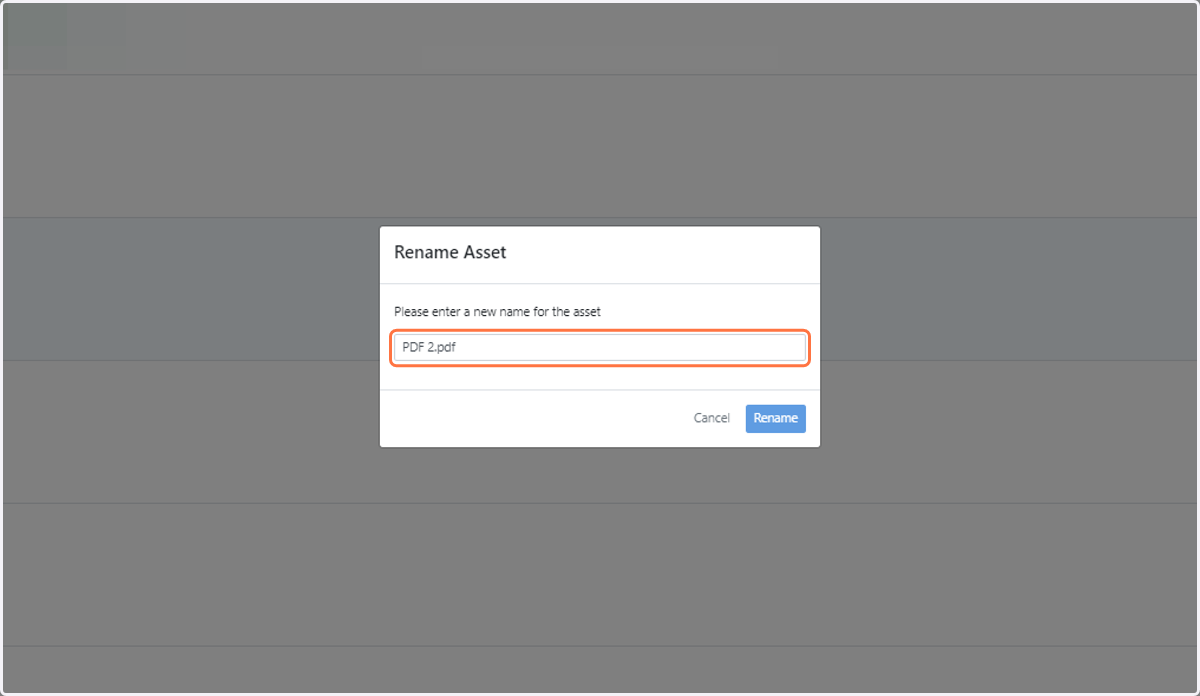
5. Type your new filename into the "Rename Asset" form and click "Rename"
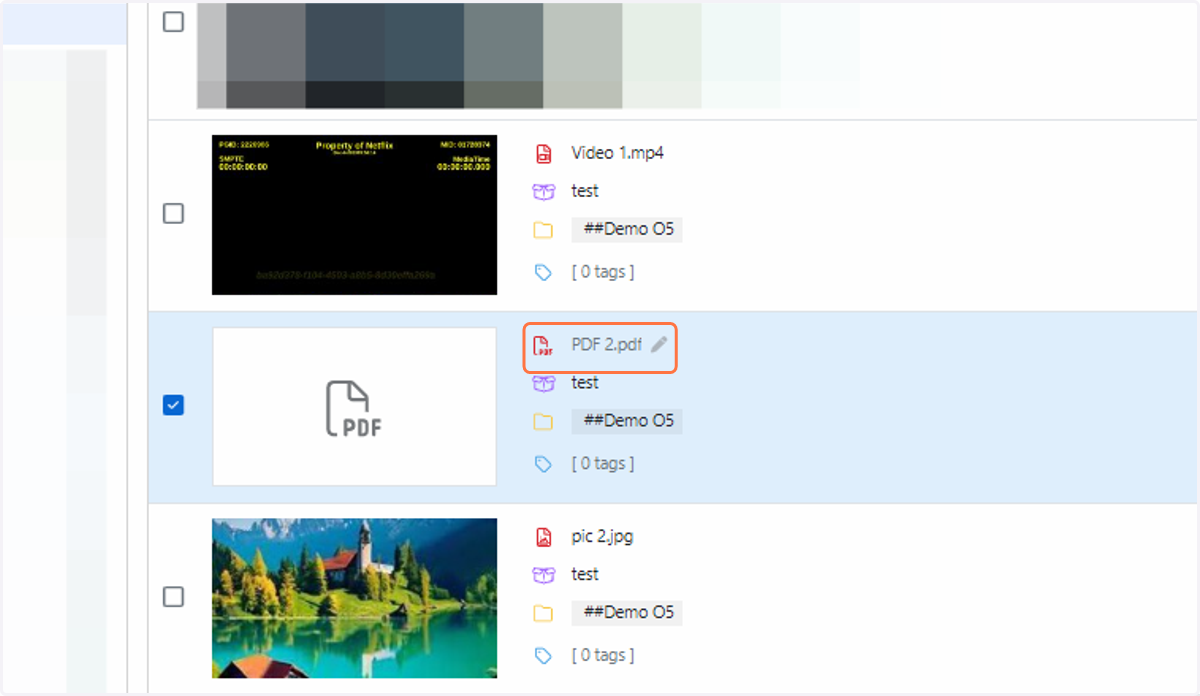
6. Alternatively, click on the asset you wish to rename
7. Click on the “Asset Details” button underneath your file. Click the “Edit” button to modify your filename
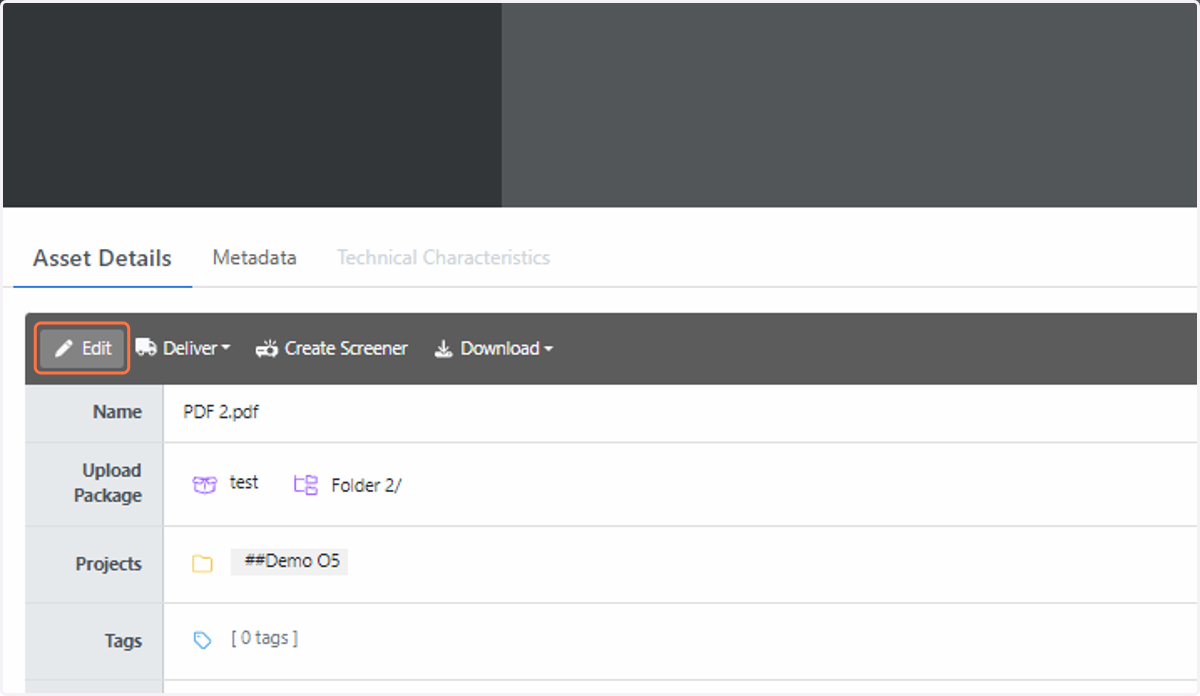
8. Type your new filename in and click "Save"