Pricing Tags Explained
JustPark Admin
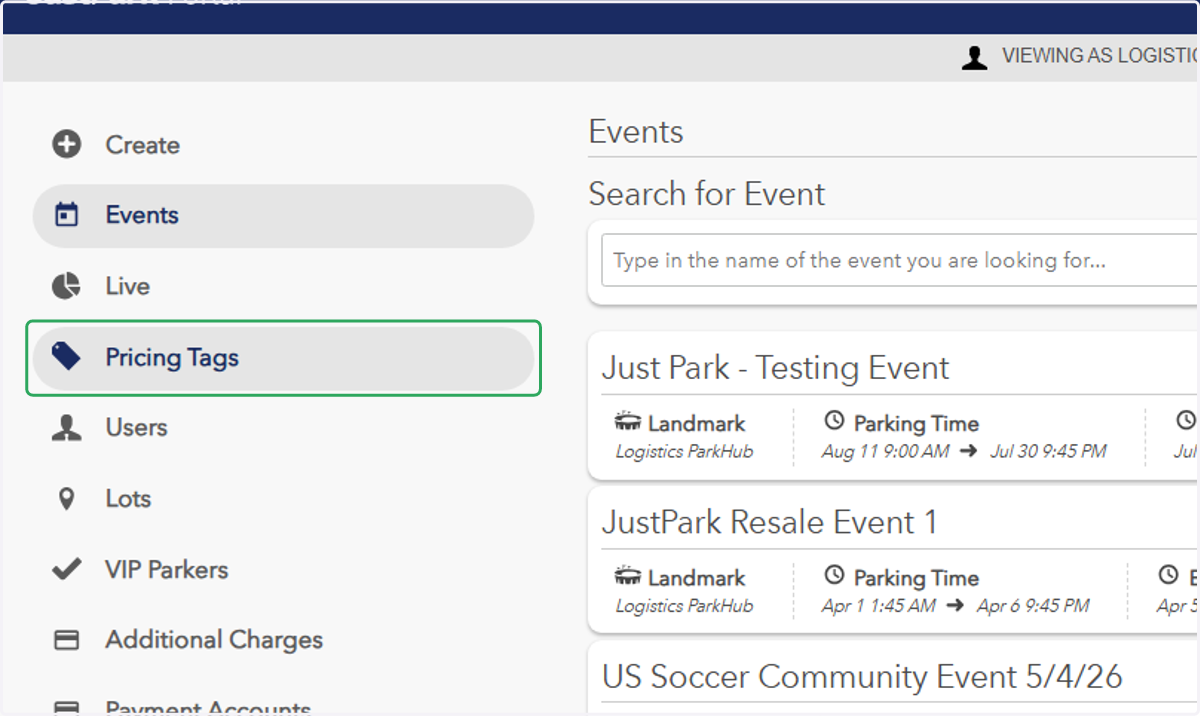
1. In Legacy Portal, click on "Pricing Tags"
2. Type in/click the pricing tag you would like to set up your pricing structure underin text field
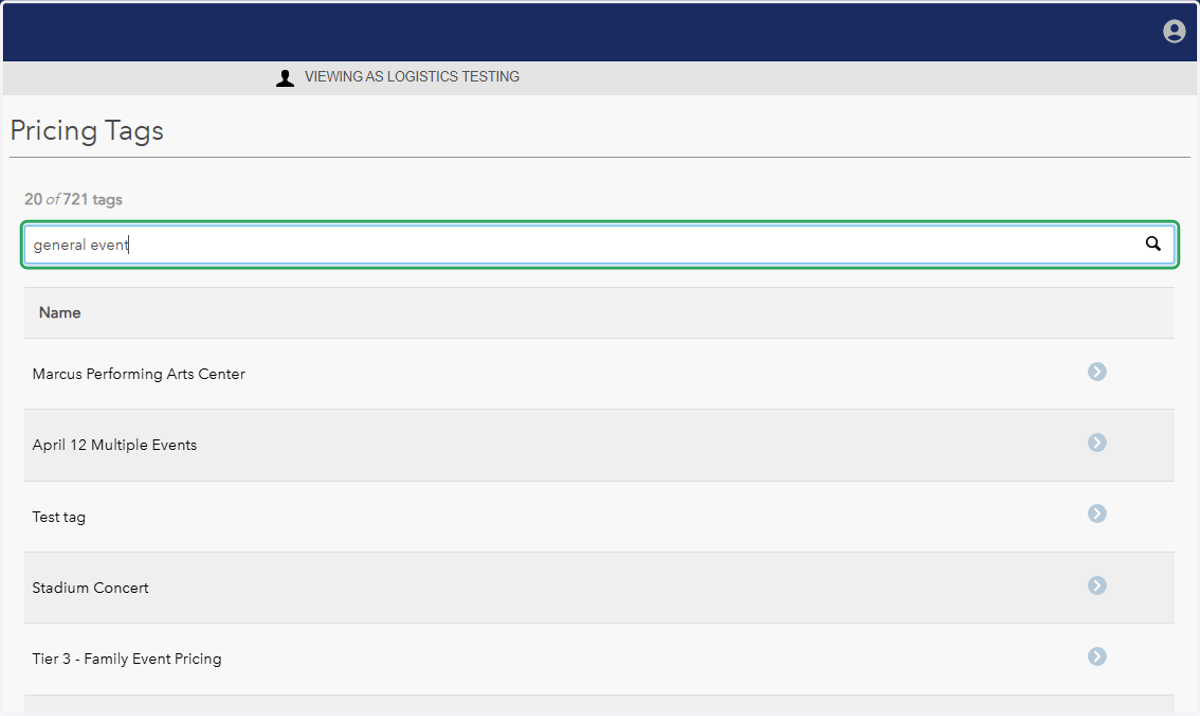
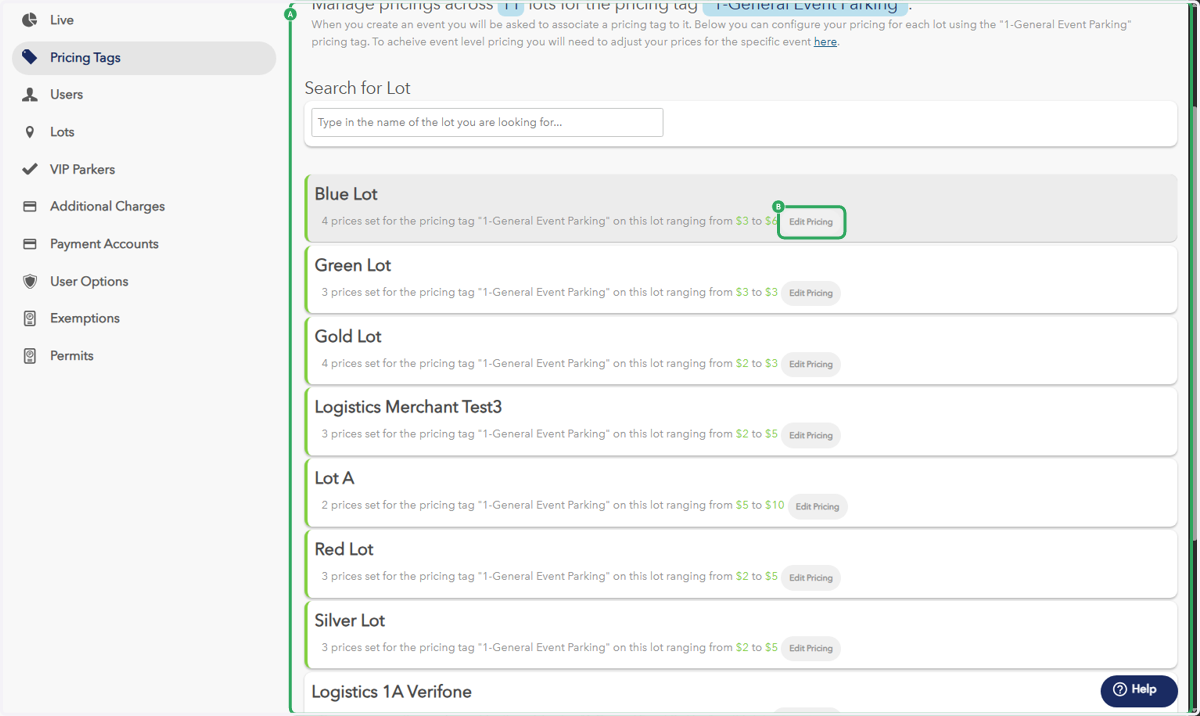
3. A. In this example, we used "1-General Event Parking"
3. B. Click on Edit/Add Pricing next to the desired lot(s) to adjust or add your price points
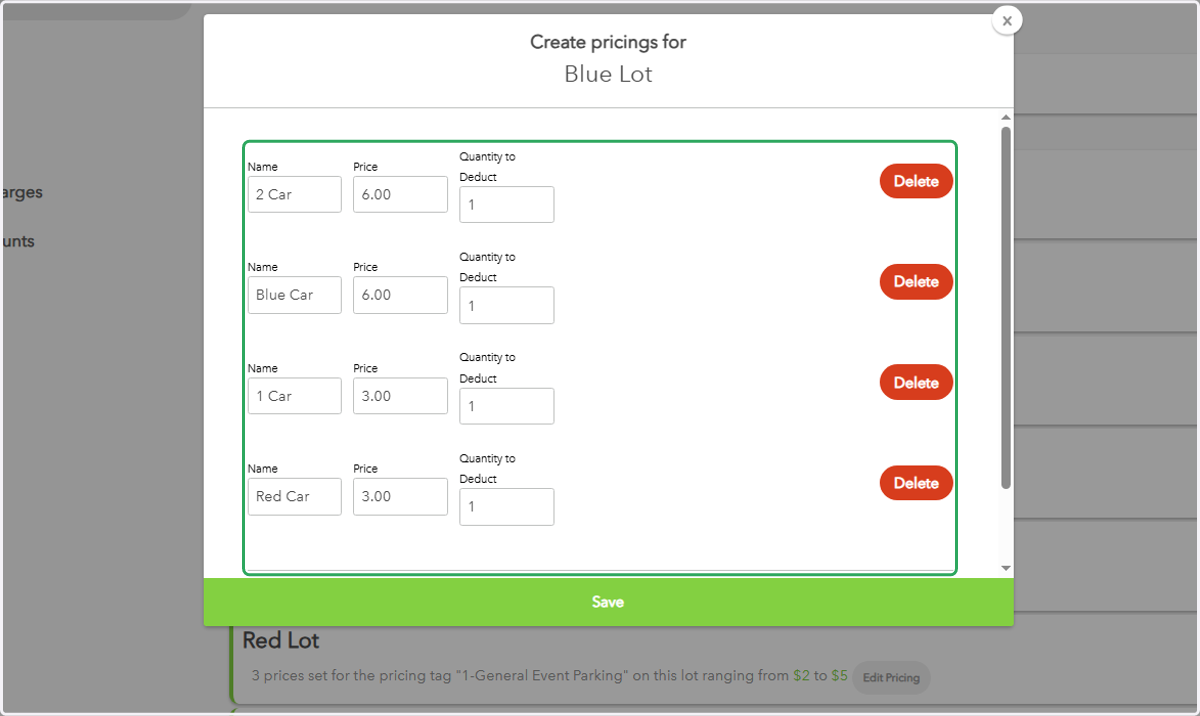
4. This is where you'll see/make your price adjustments for the "1-General Event Parking" price tag ONLY.