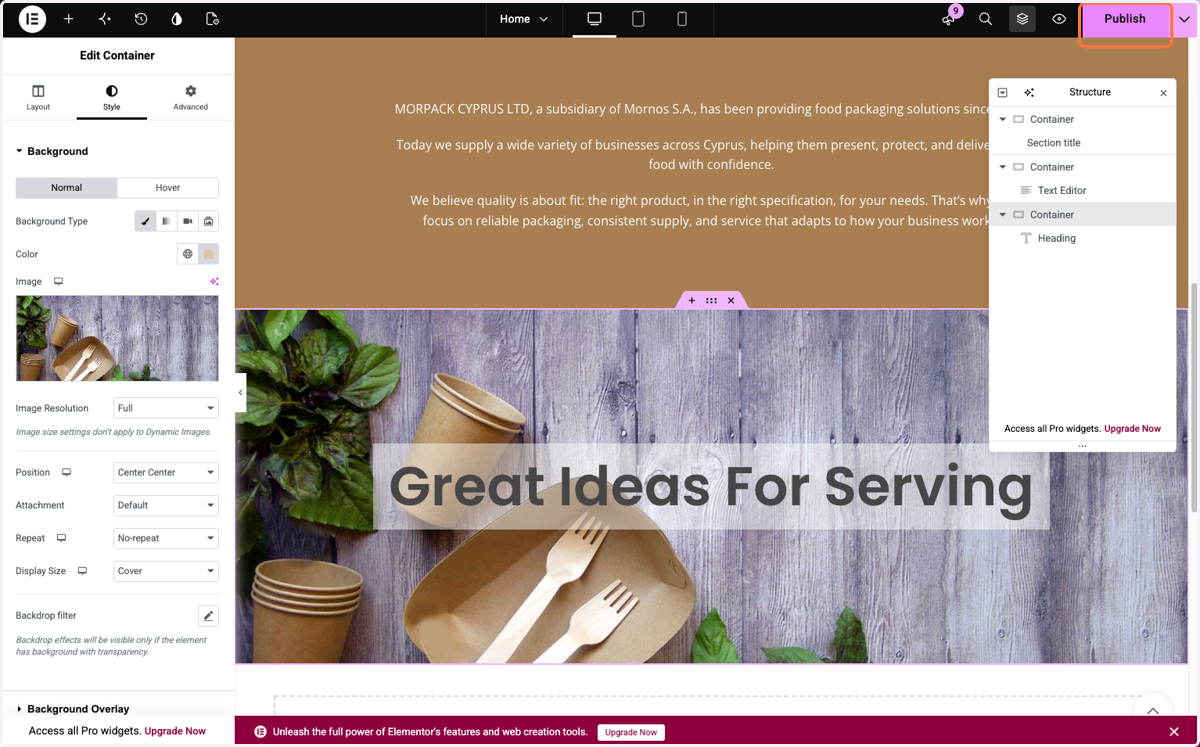
Publish Morpack Gallery Homepage Content
Morpack
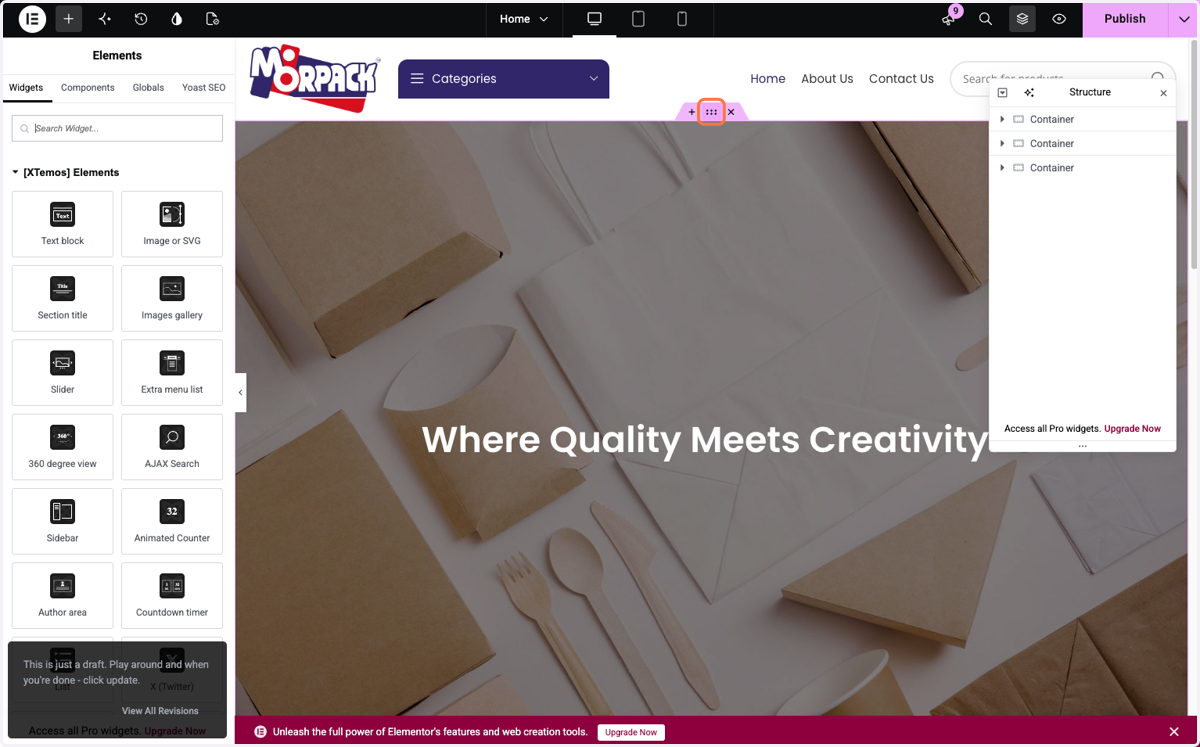
1. Click on Edit Container
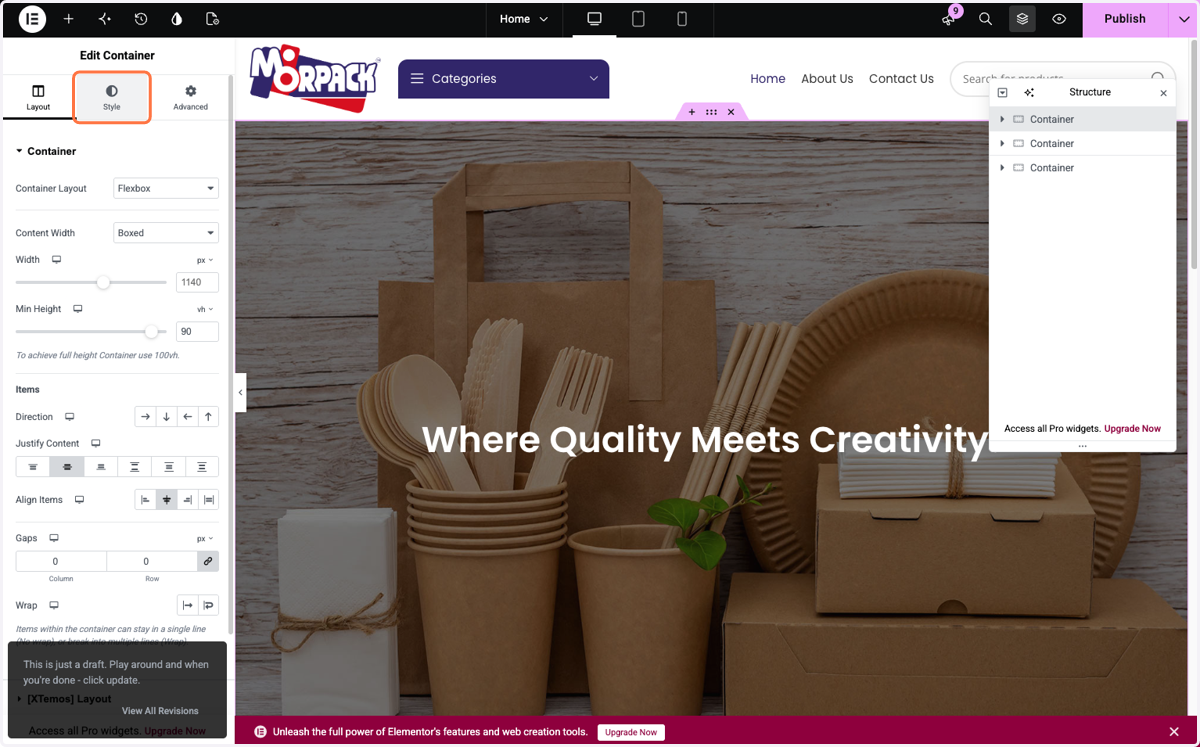
2. Click on Style
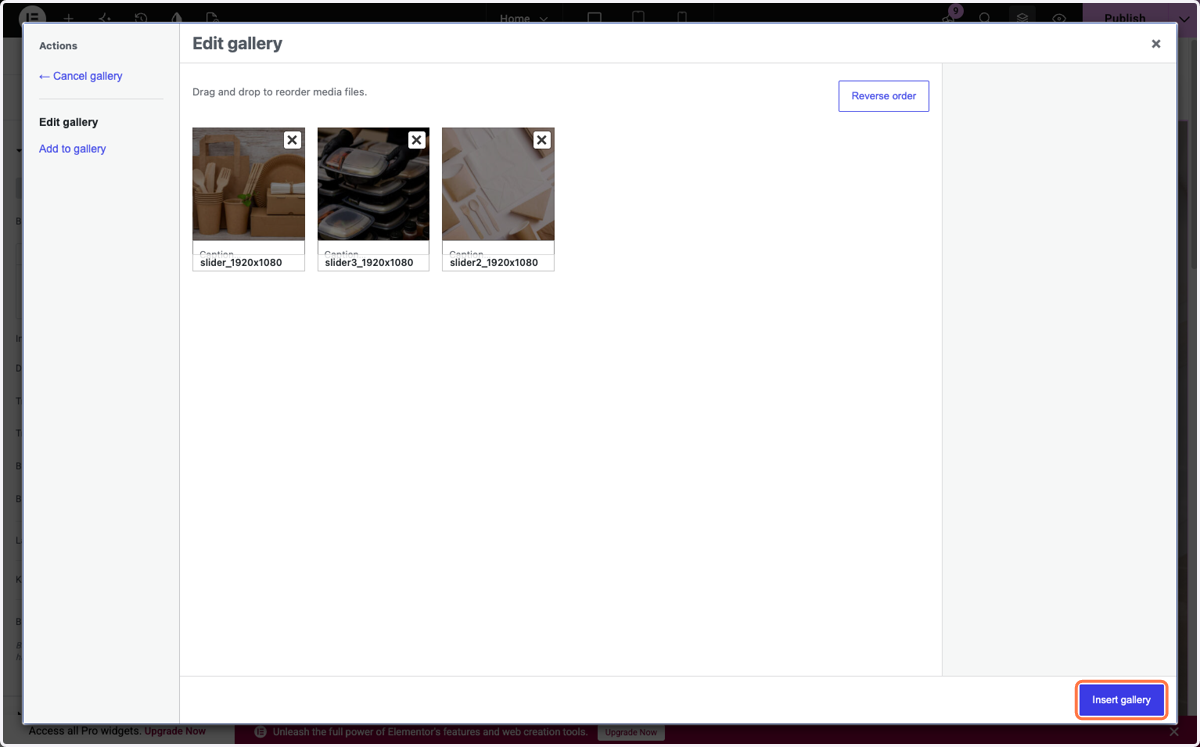
3. Click on Edit gallery
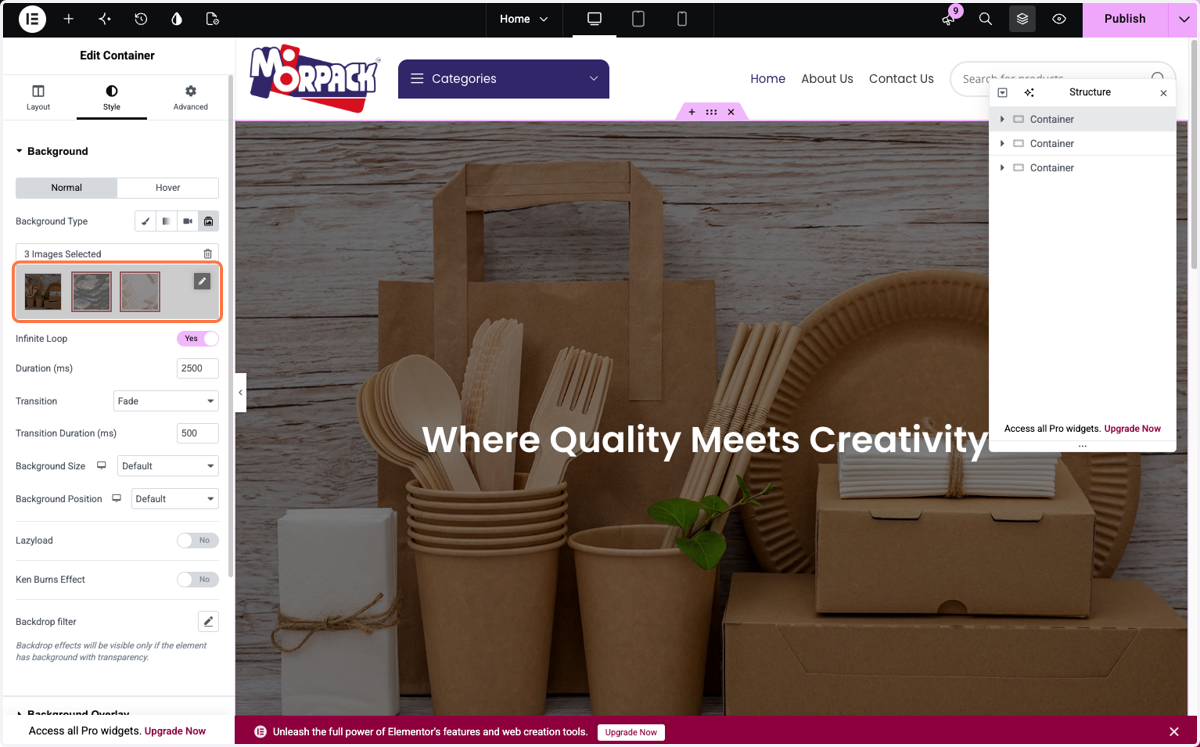
4. Click on Insert gallery
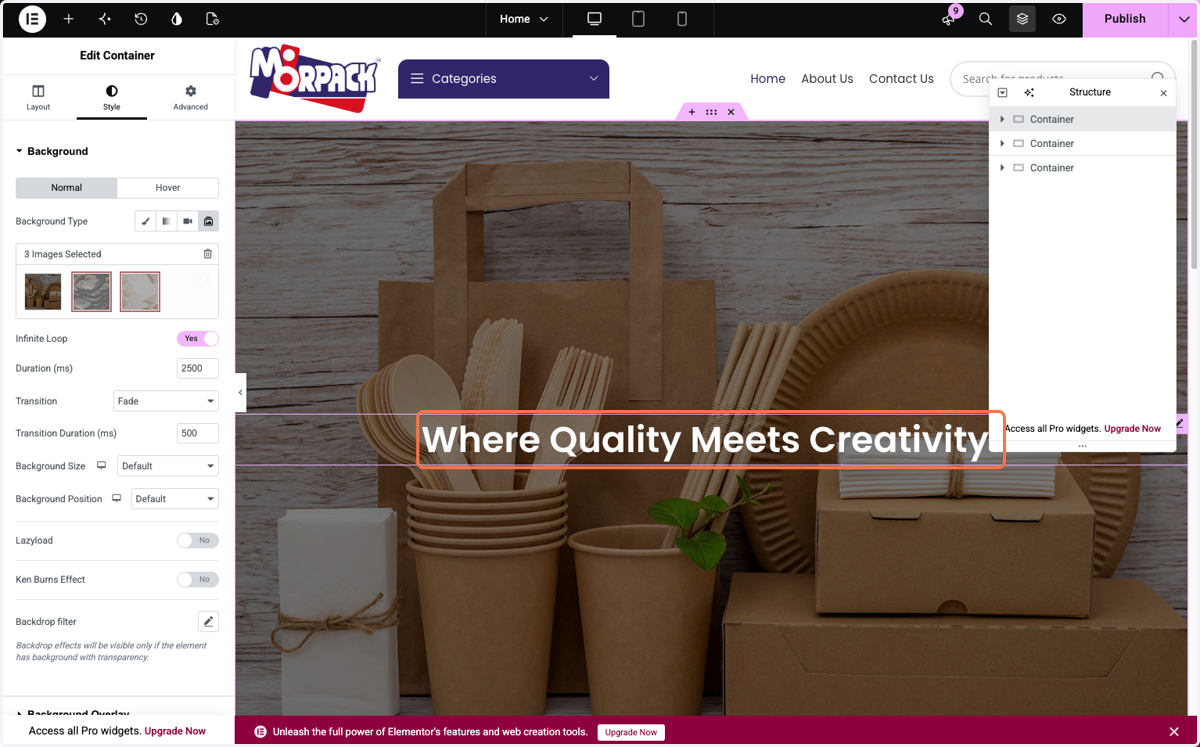
5. Click on Where Quality Meets Creativity!, to edit the text
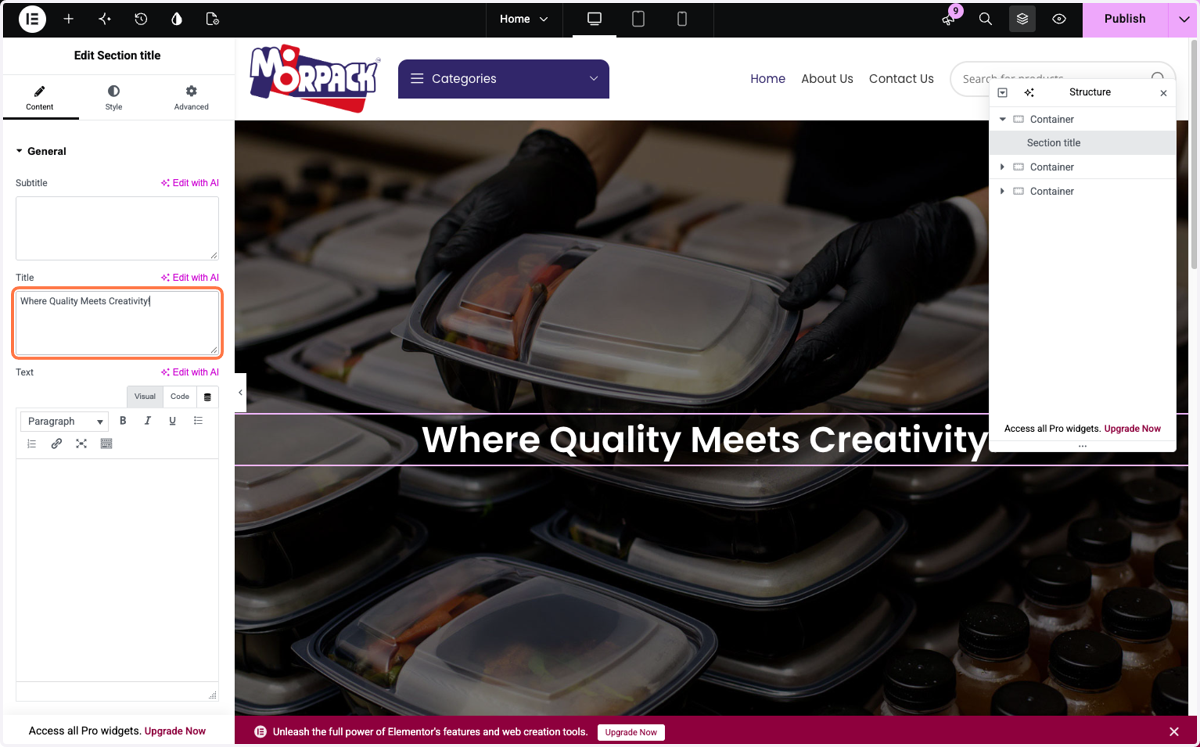
6. Click on Title section to replace text
7. Same here
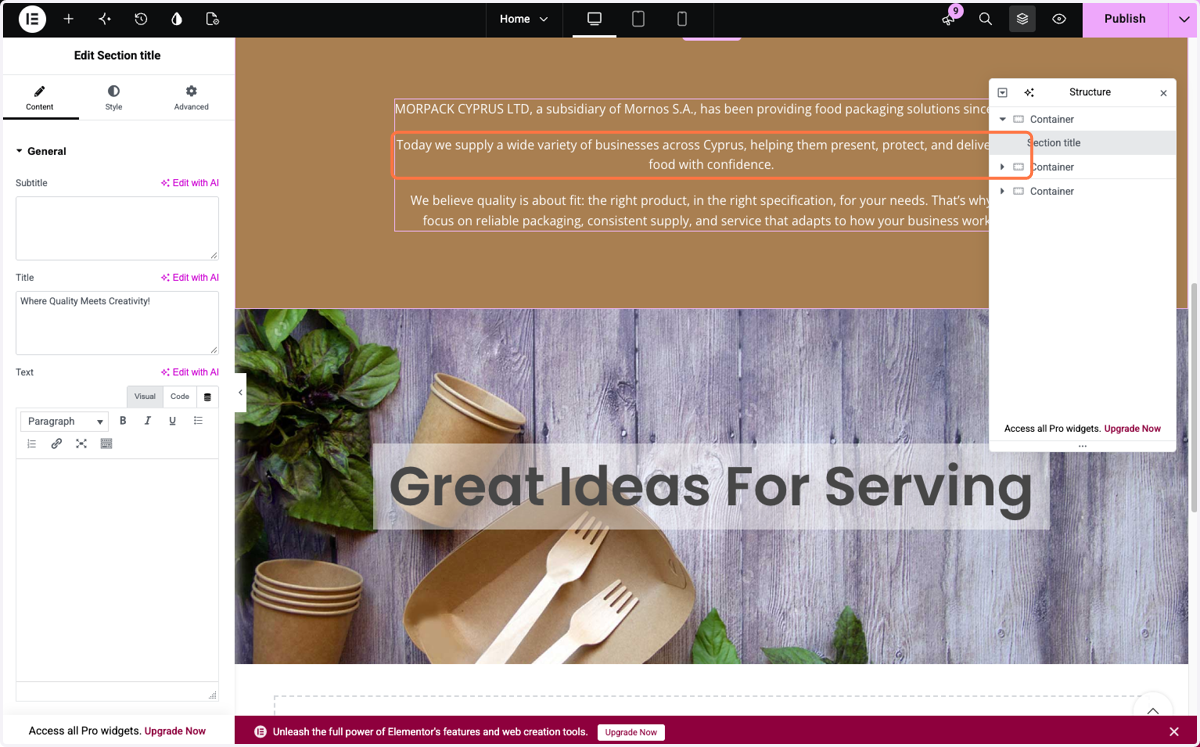
8. Click on Edit Container
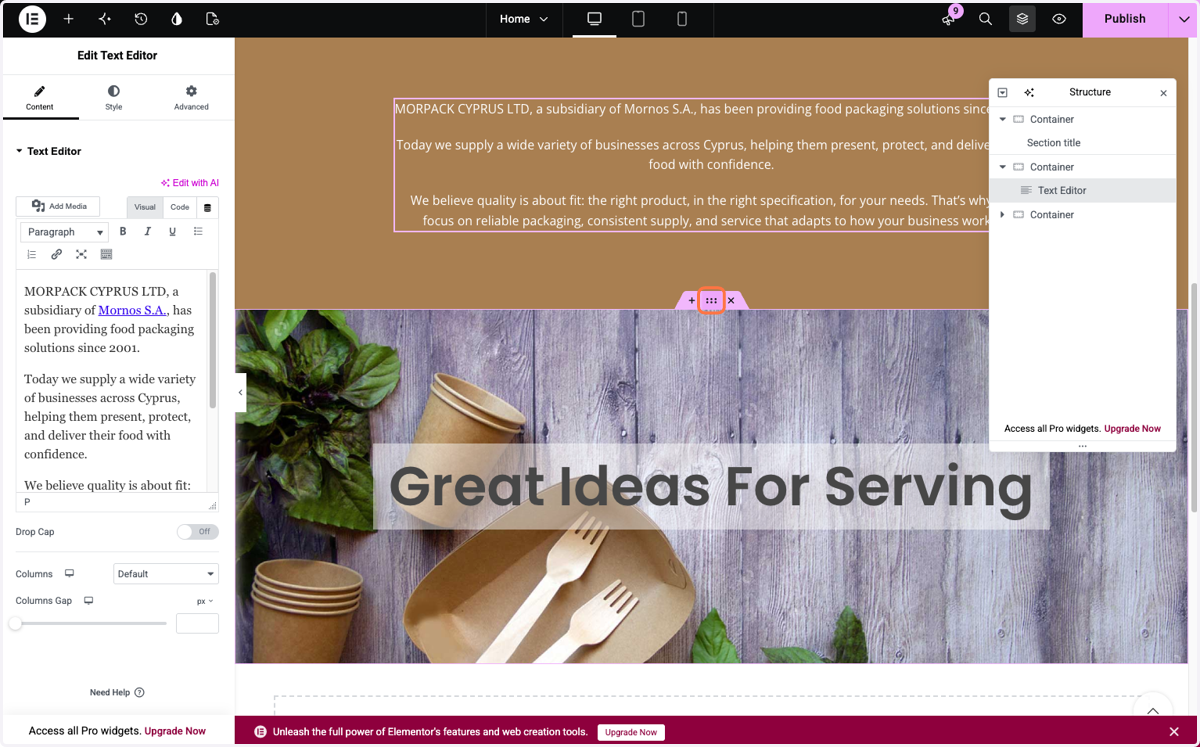
9. Click on Great Ideas For Serving
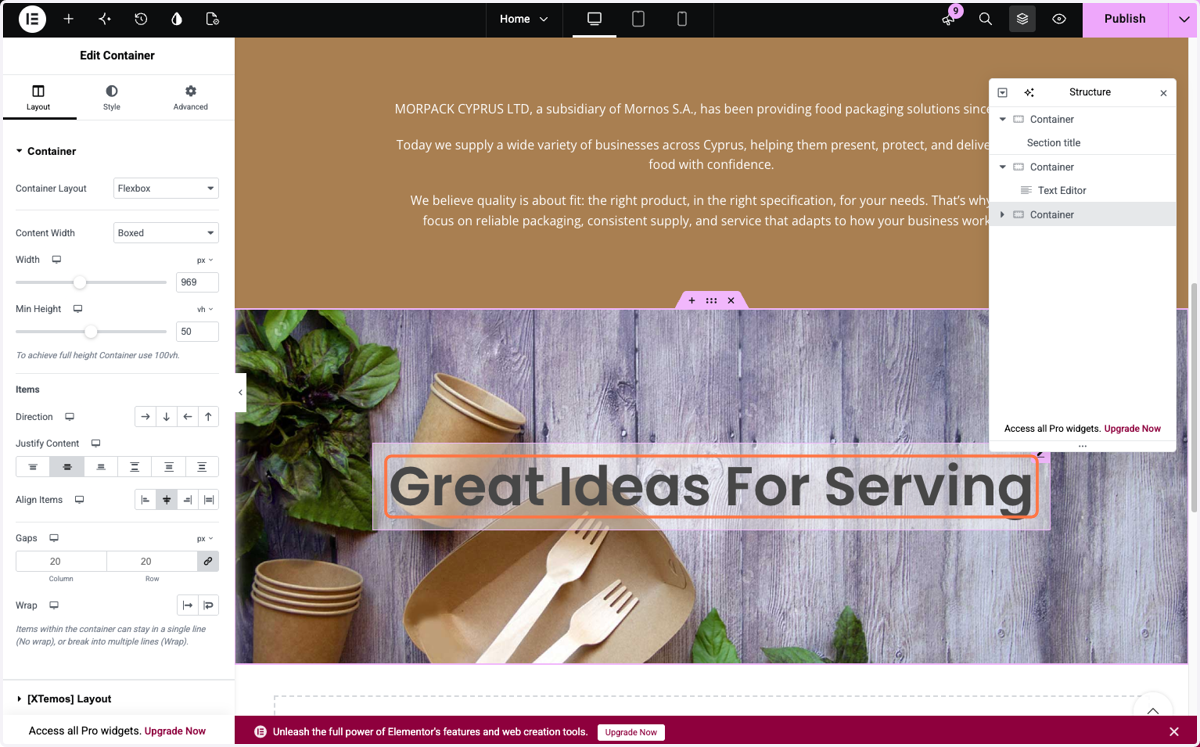
10. Click on Title
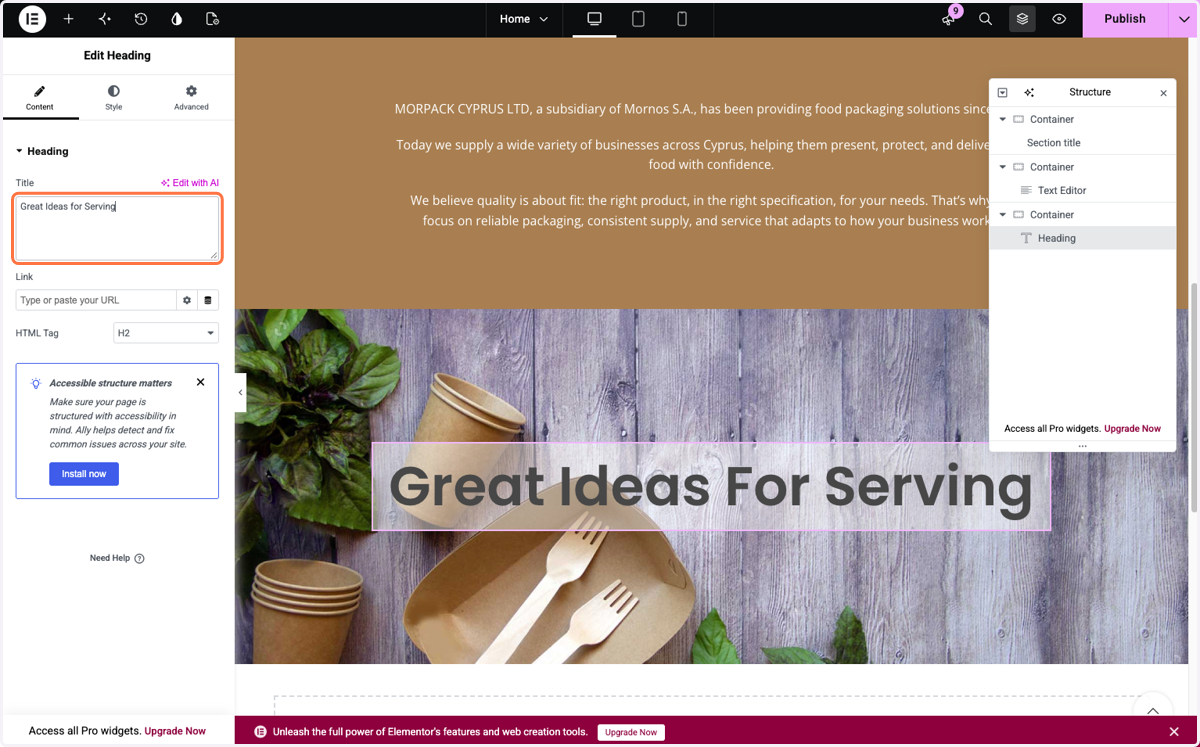
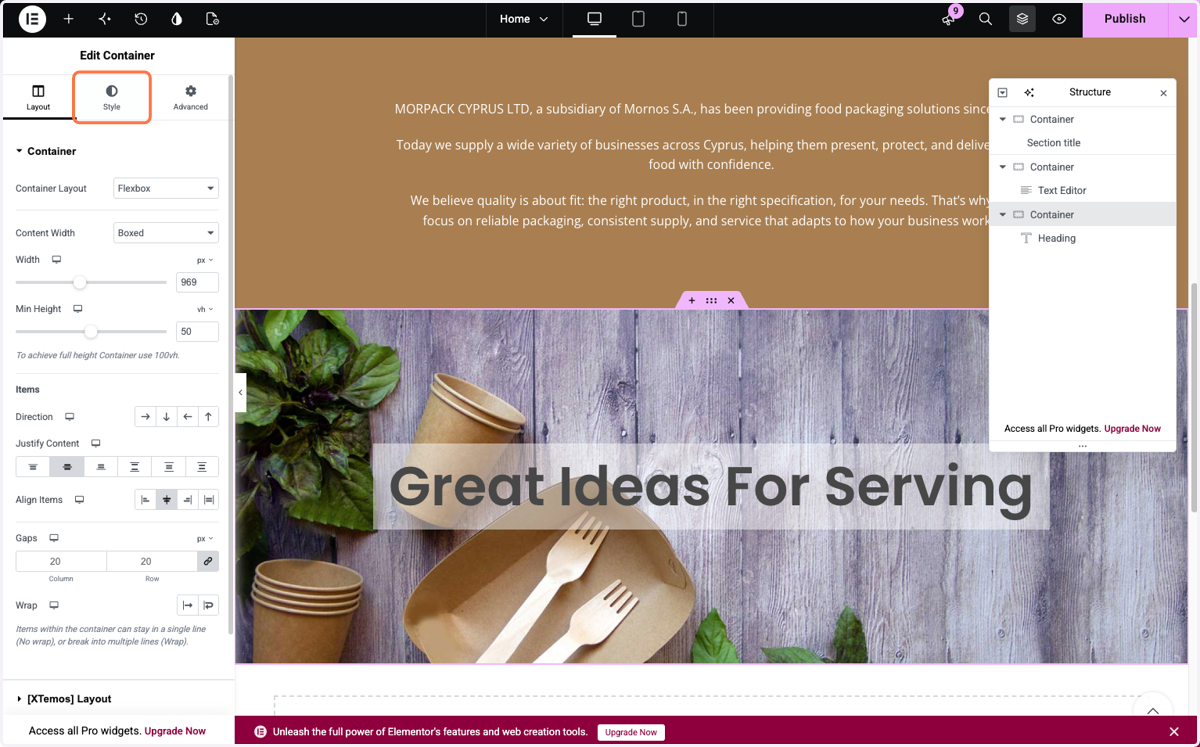
11. Click on Edit Container
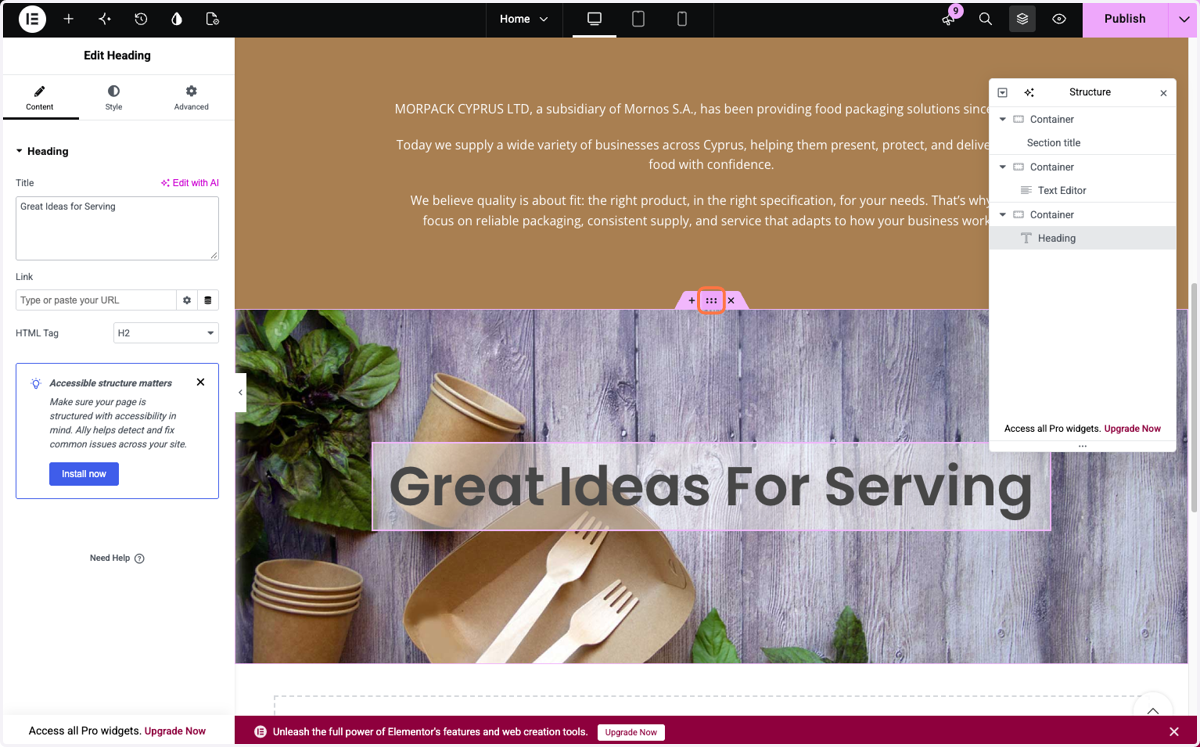
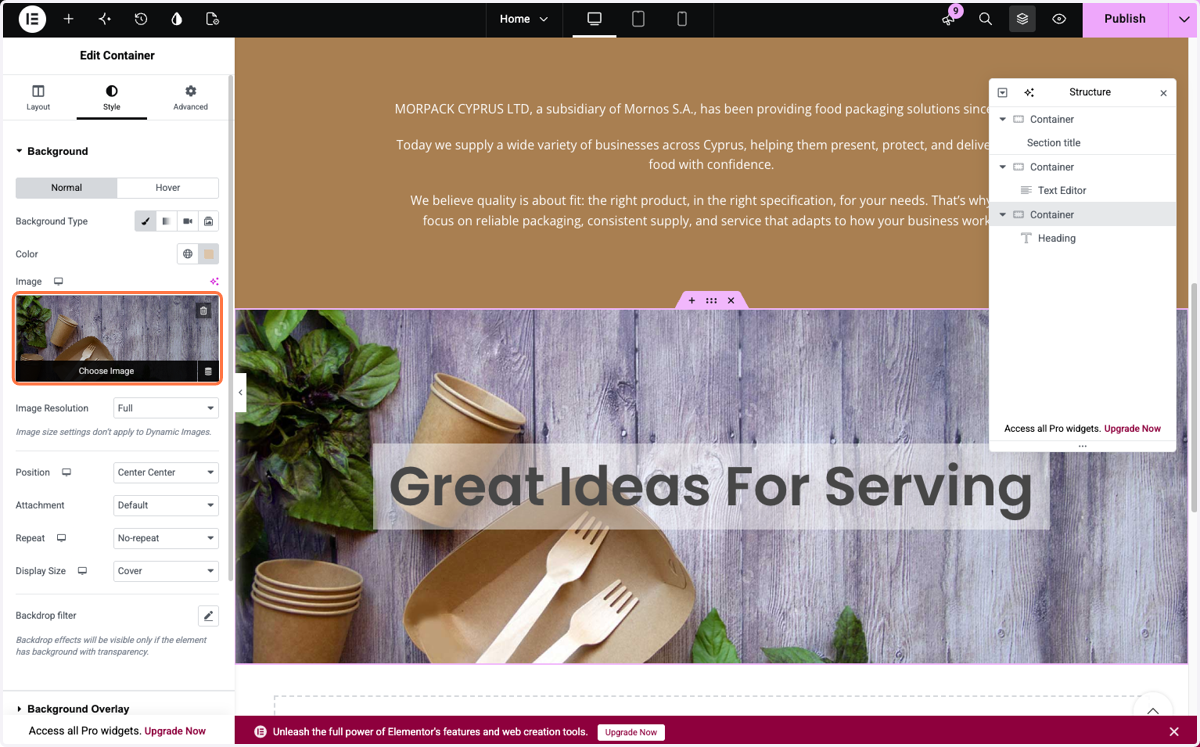
12. Click on Style
13. Click on Remove
14. Click on Publish