How to Access and Share Call Recordings in HubSpot
HubSpot
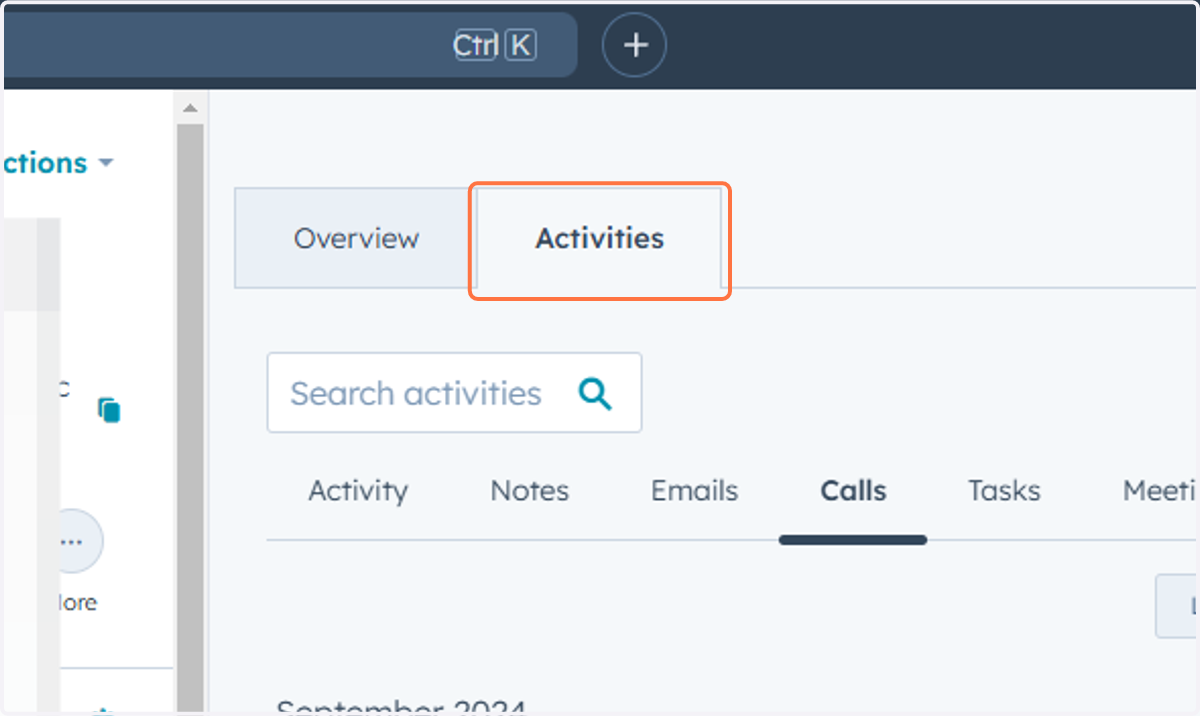
1. Navigate to the contact and click on the Activities
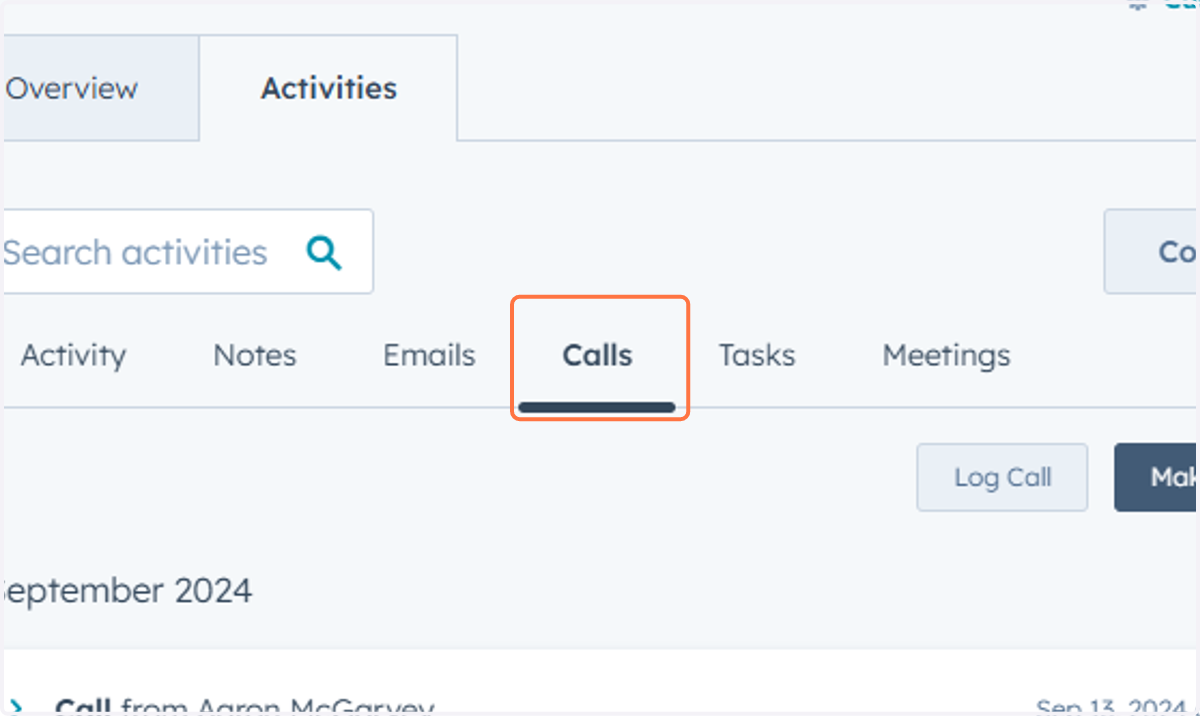
2. Click on Calls
3. Click on the call you had with your prospect
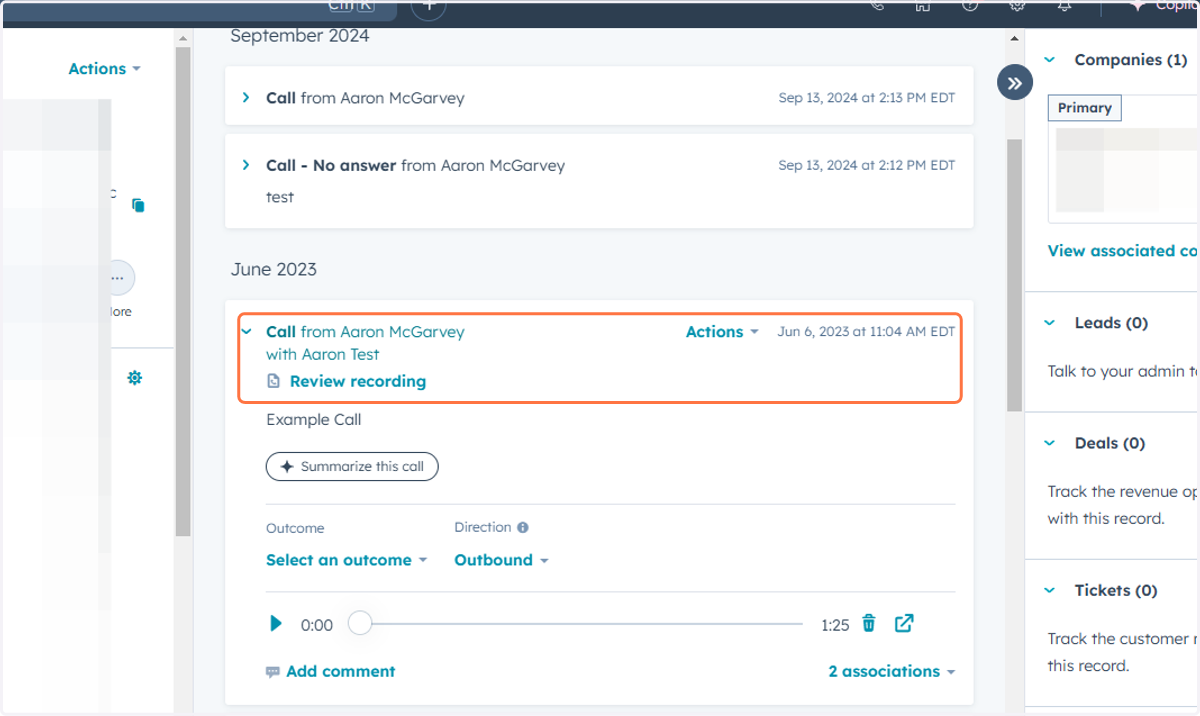
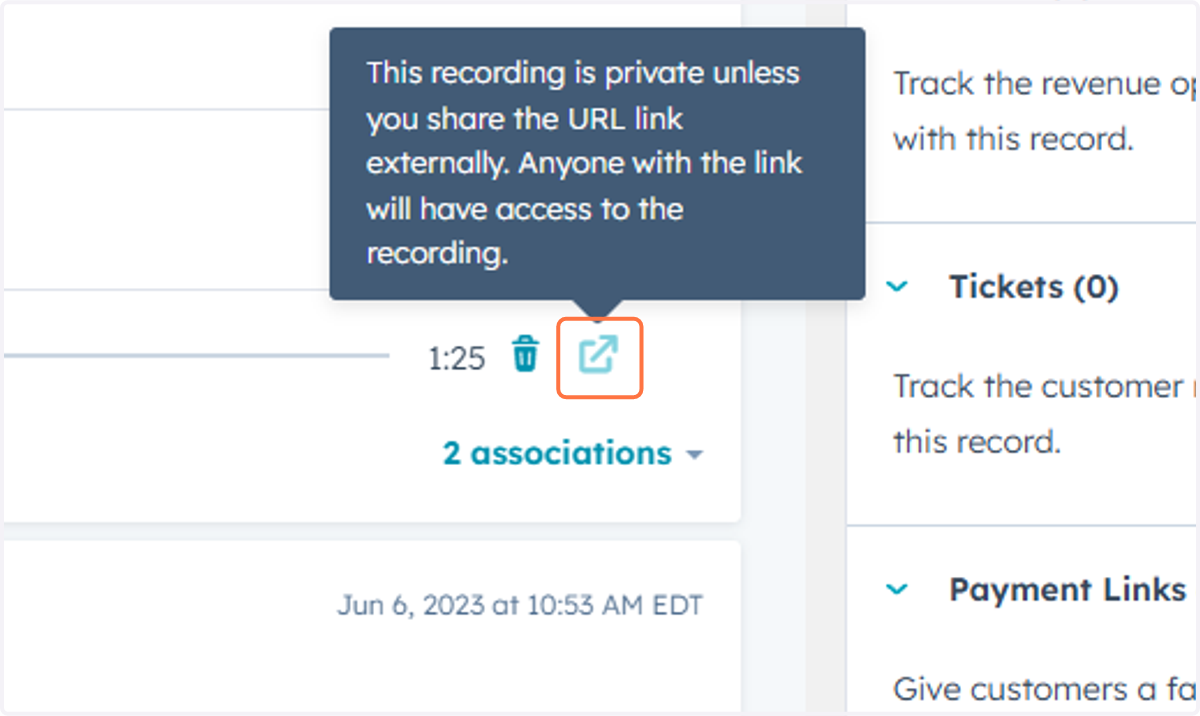
4. Right click on the share recording button and copy the URL
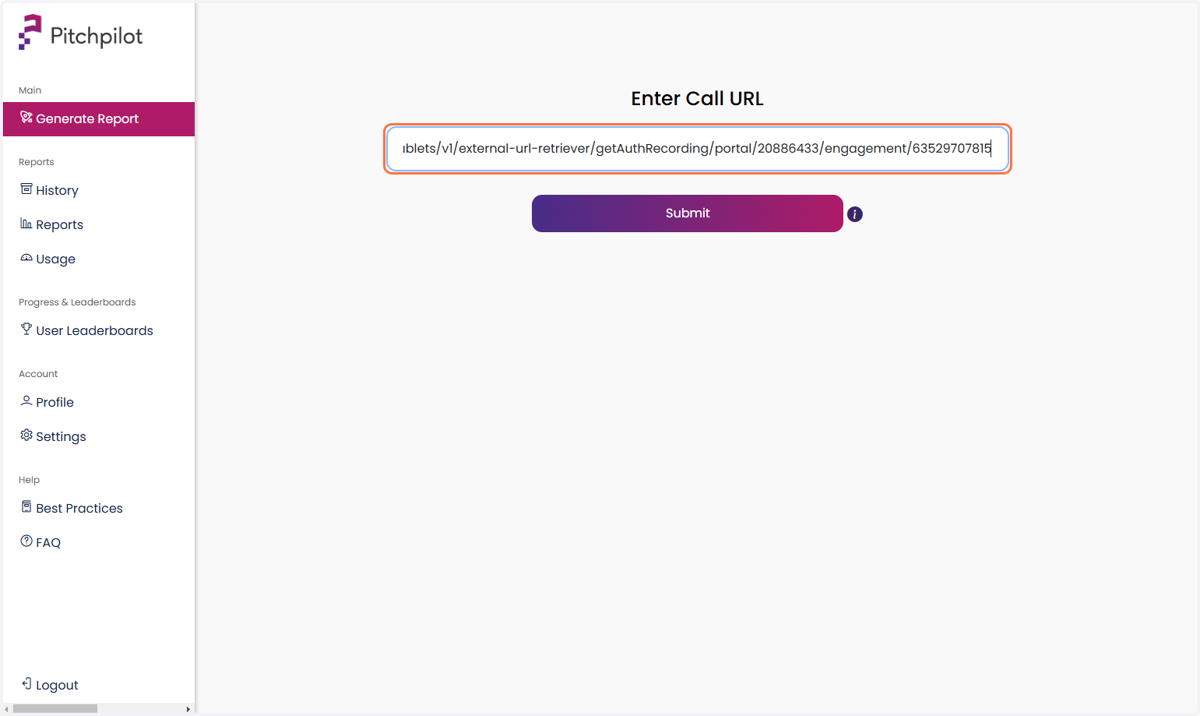
5. Paste the URL into Pitchpilot to generate your report!