Configure Petty Cash Clear in Odoo

  1. 1. Click on iLines Advisor

    Click on iLines Advisor
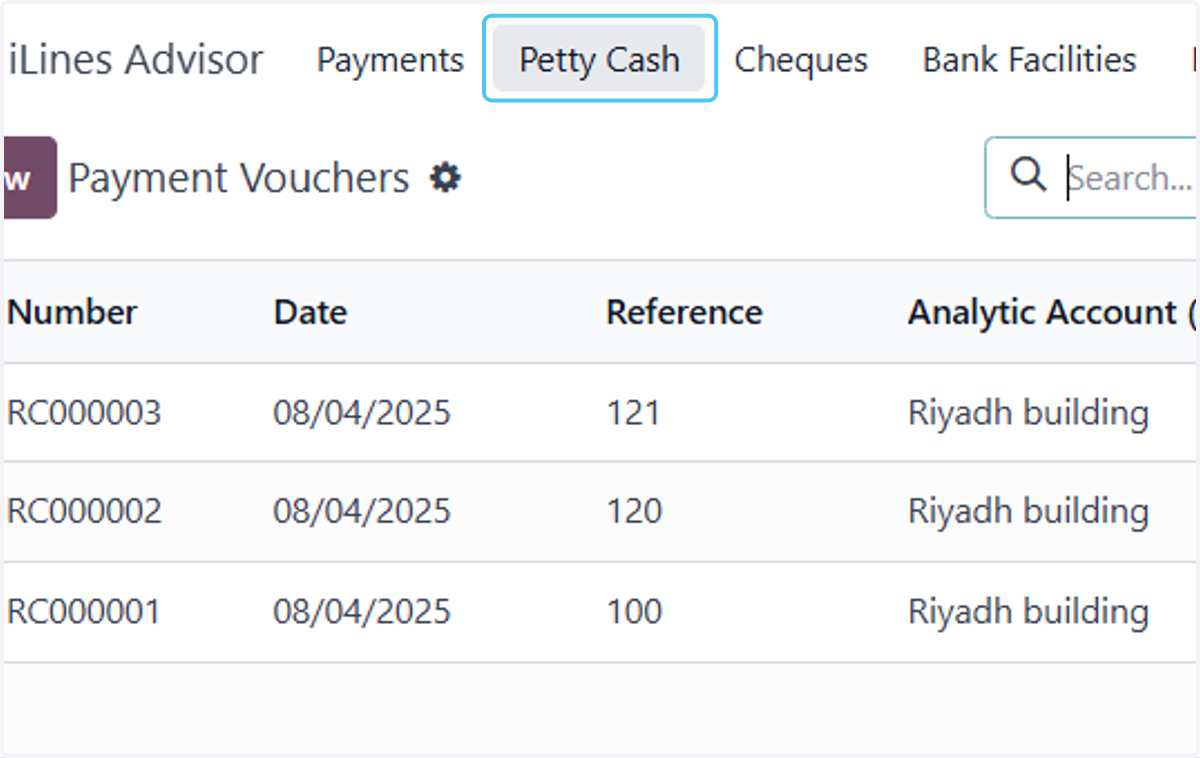
  2. 2. Click on Petty Cash

    Click on Petty Cash
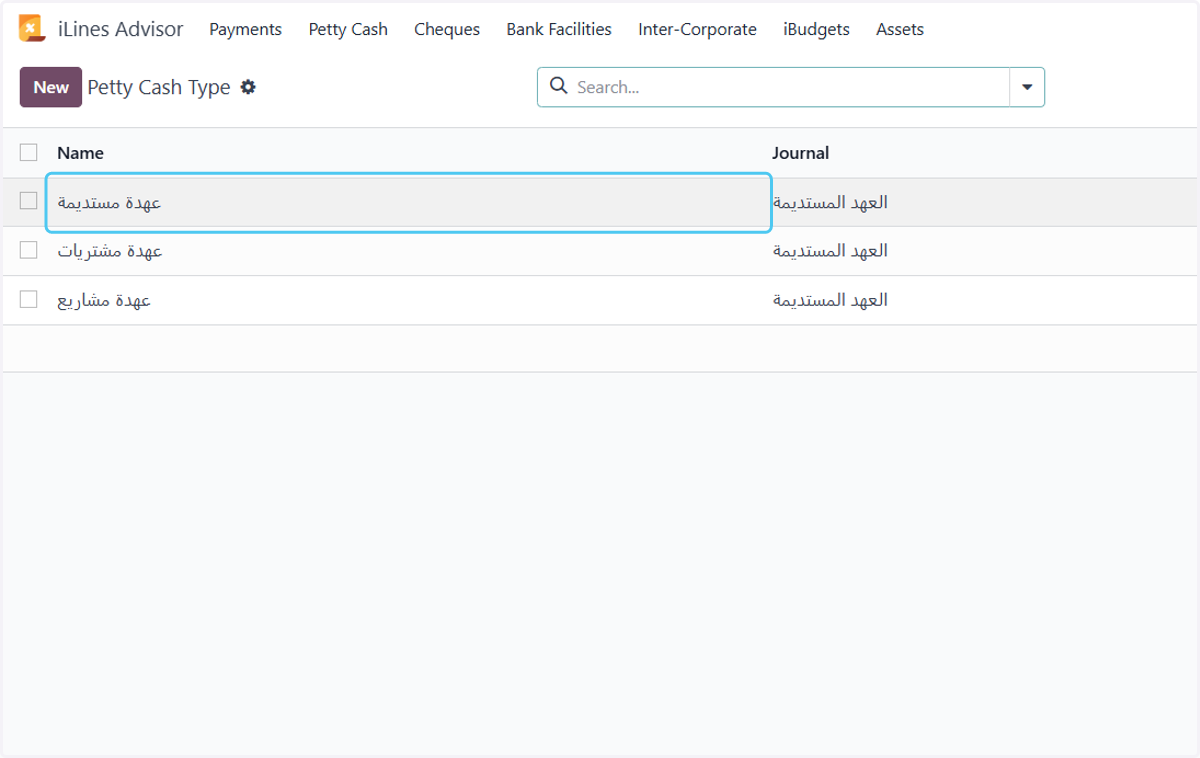
  3. 3. Click on Petty Cash Type

    Click on Petty Cash Type
  4. 4. Click on عهدة مستديمة

    Click on عهدة مستديمة
  5. 5. Click on Clear Approvals

    Click on Clear Approvals
  6. 6. Add the number of attachments required for the clear

    Add the number of attachments required for the clear
  7. 7. Select Per Form from Default General Expense Lines Style

    Select Per Form from Default General Expense Lines Style
  8. 8. Select Per Lines from Default General Expense Lines Style

    Select Per Lines from Default General Expense Lines Style
  9. 9. When creating a PO from a clear, the ID of the type of request to be used in this type is added.

    When creating a PO from a clear, the ID of the type of request to be used in this type is added.
  10. 10. Check Auto Confirm Clear PO?

    Check Auto Confirm Clear PO?
  11. 11. Select approval stages as needed.

    Select approval stages as needed.
  12. 12. Click on Document Receiving User or Group

    Click on Document Receiving User or Group
  13. 13. Click on Posting User

    Click on Posting User
  14. 14. Click on Allowed Requesters

    Click on Allowed Requesters
  15. 15. Add department and users allowed for this request
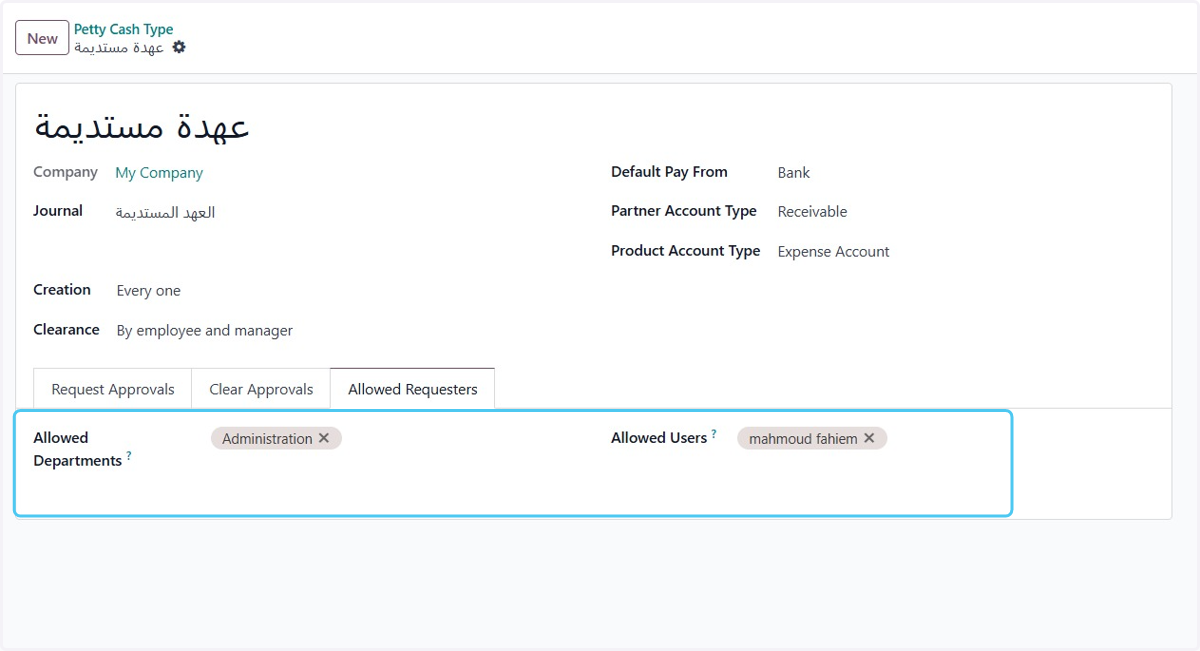
    Add department and users allowed for this request
  16. 16. Click on Save manually

    Click on Save manually