Export Deposit Details in Pass Management
JustPark Suite
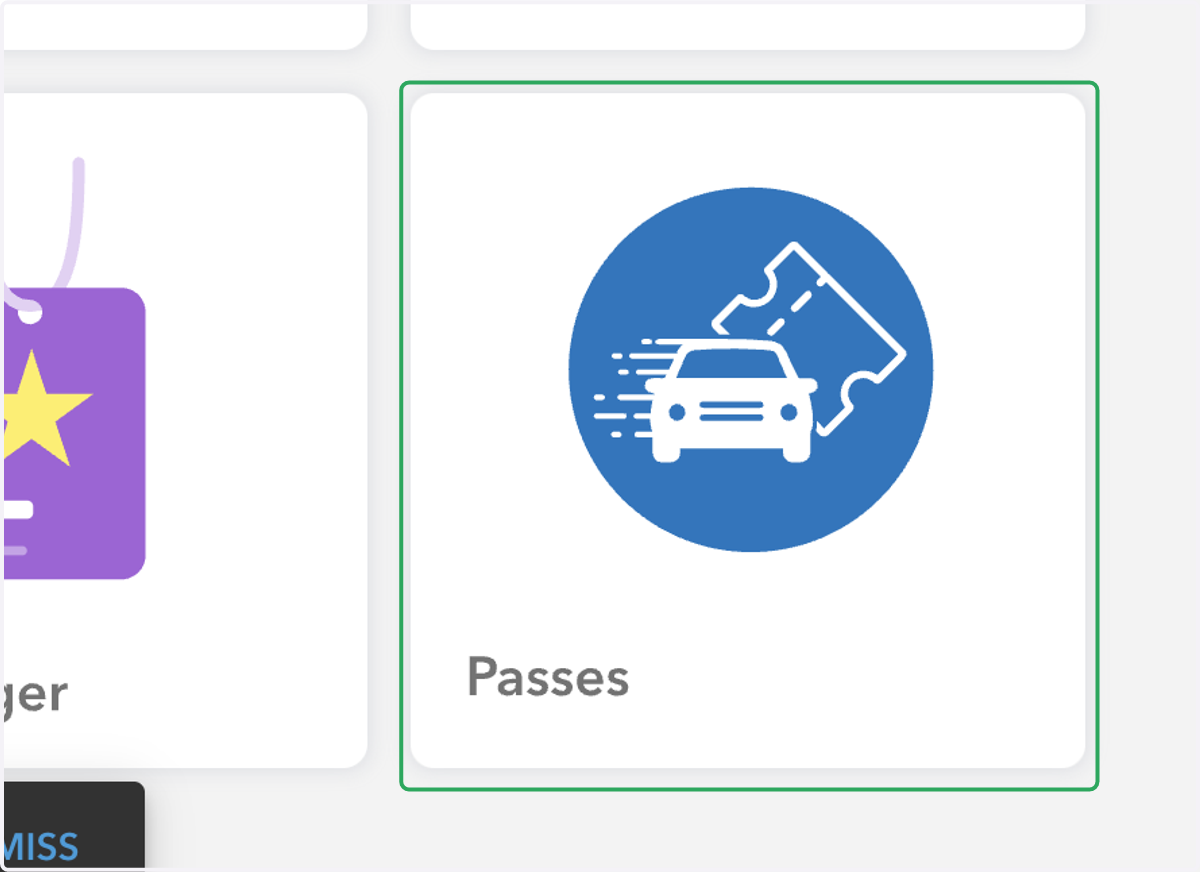
1. Click on the Passes tile
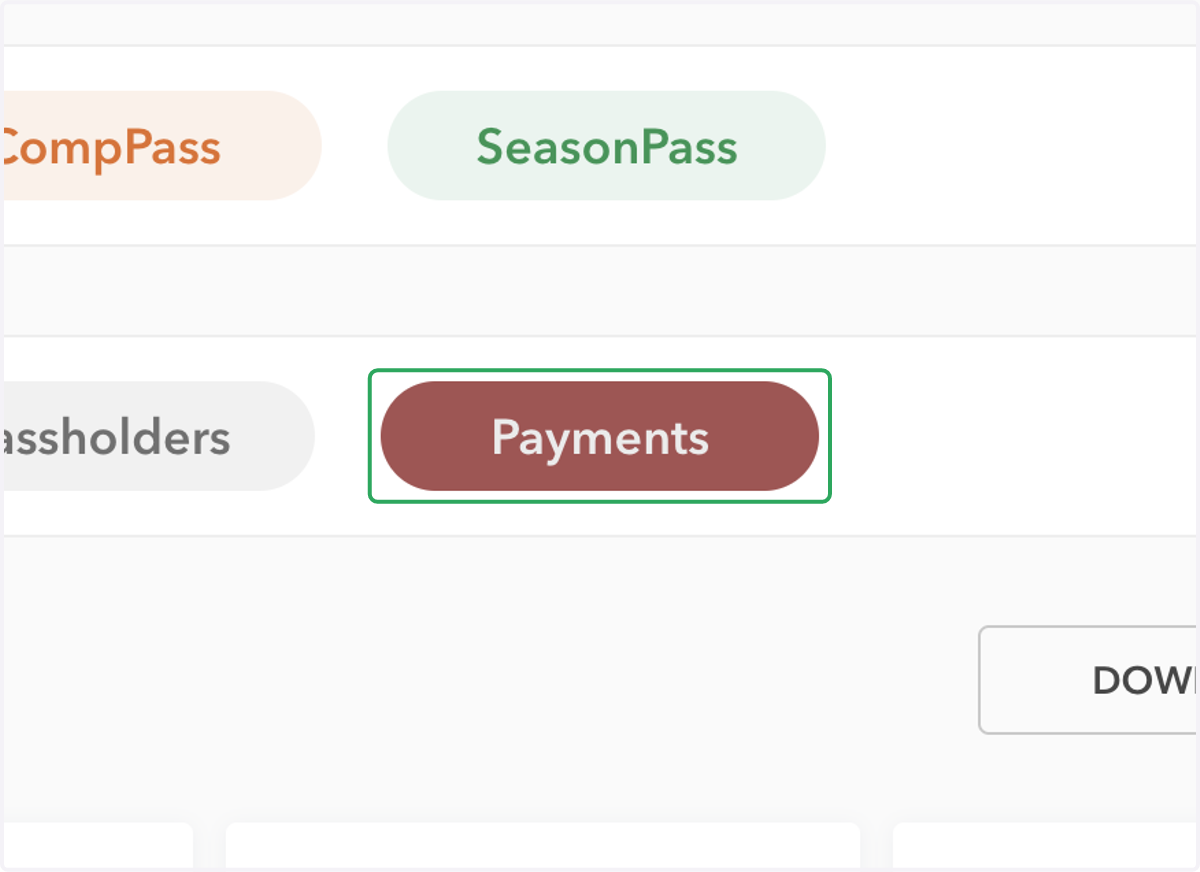
2. On the Pass Management page, click on Payments
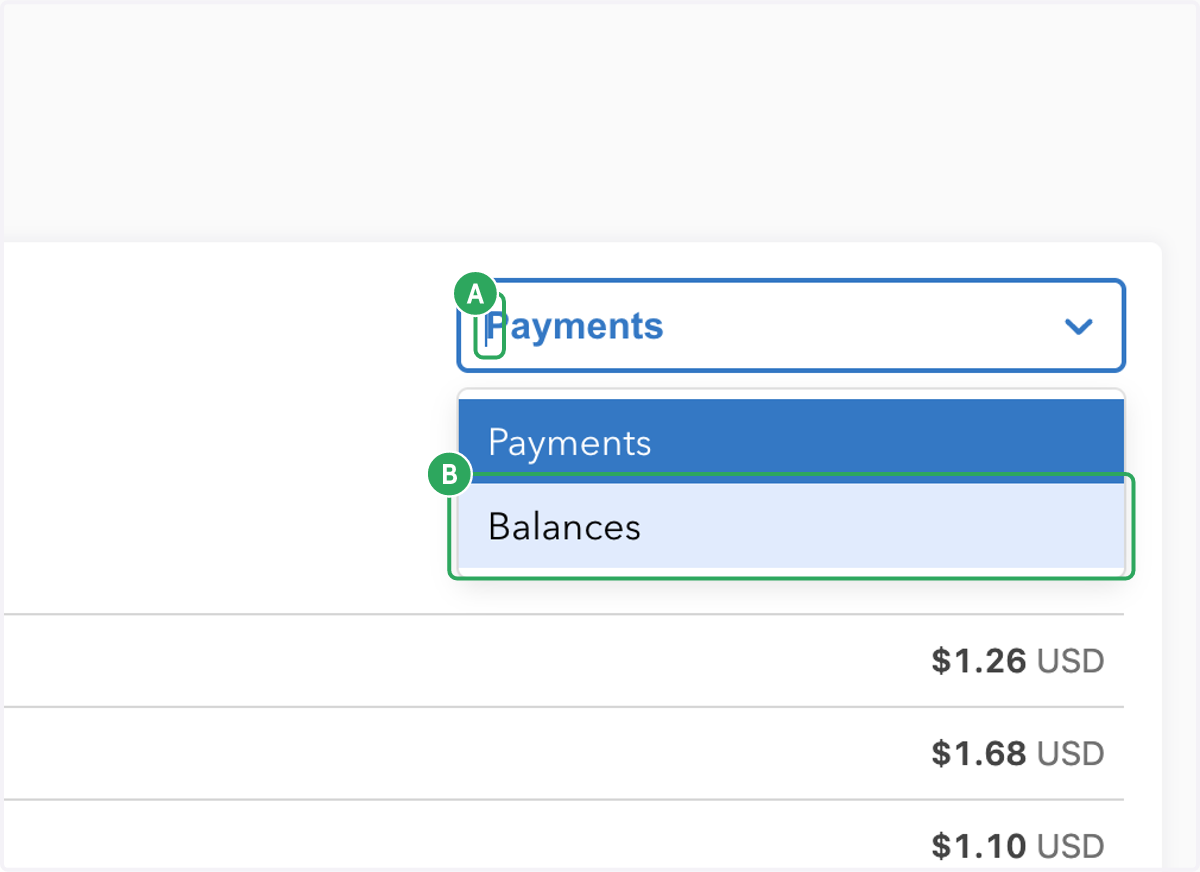
3. A. Select the drop down in the embedded widget
3. B. Select Balances
4. From here, you can see all of your deposits. Select the deposit you would like to export
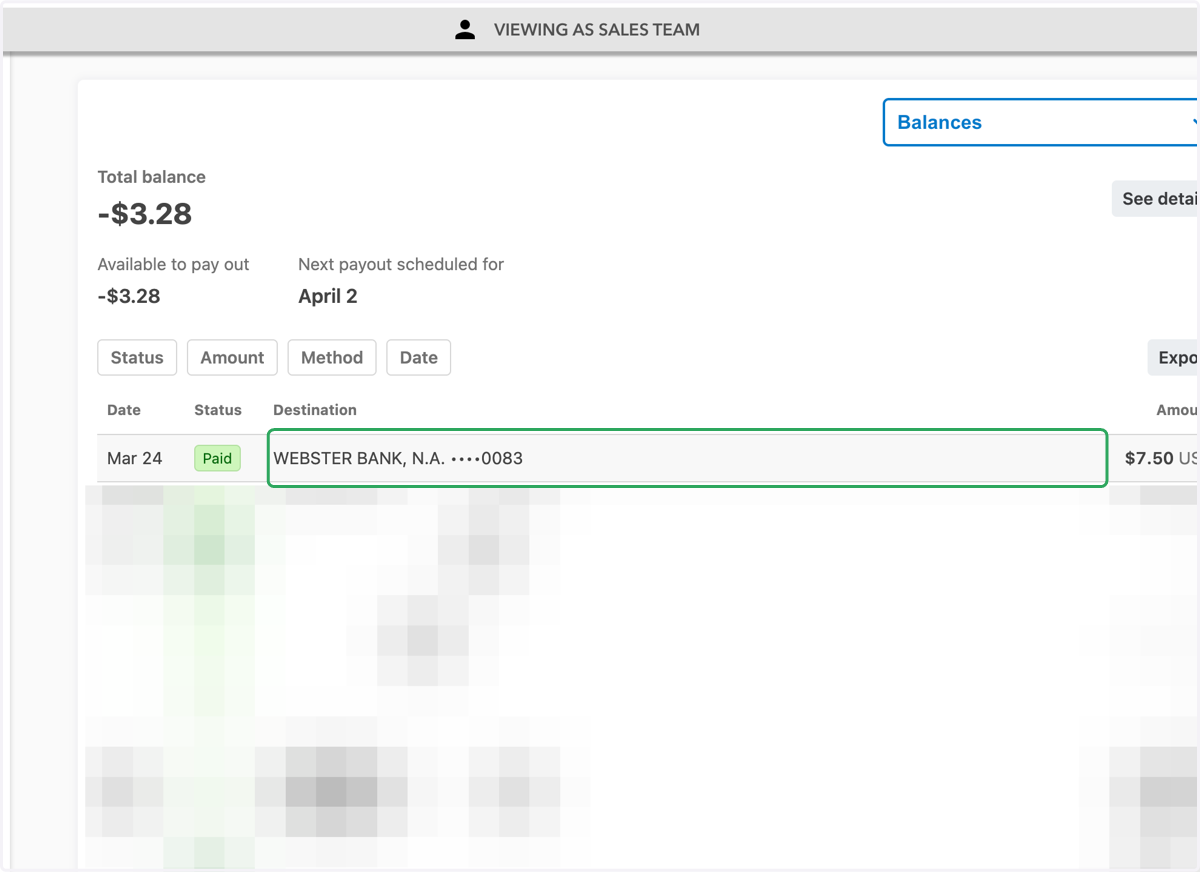
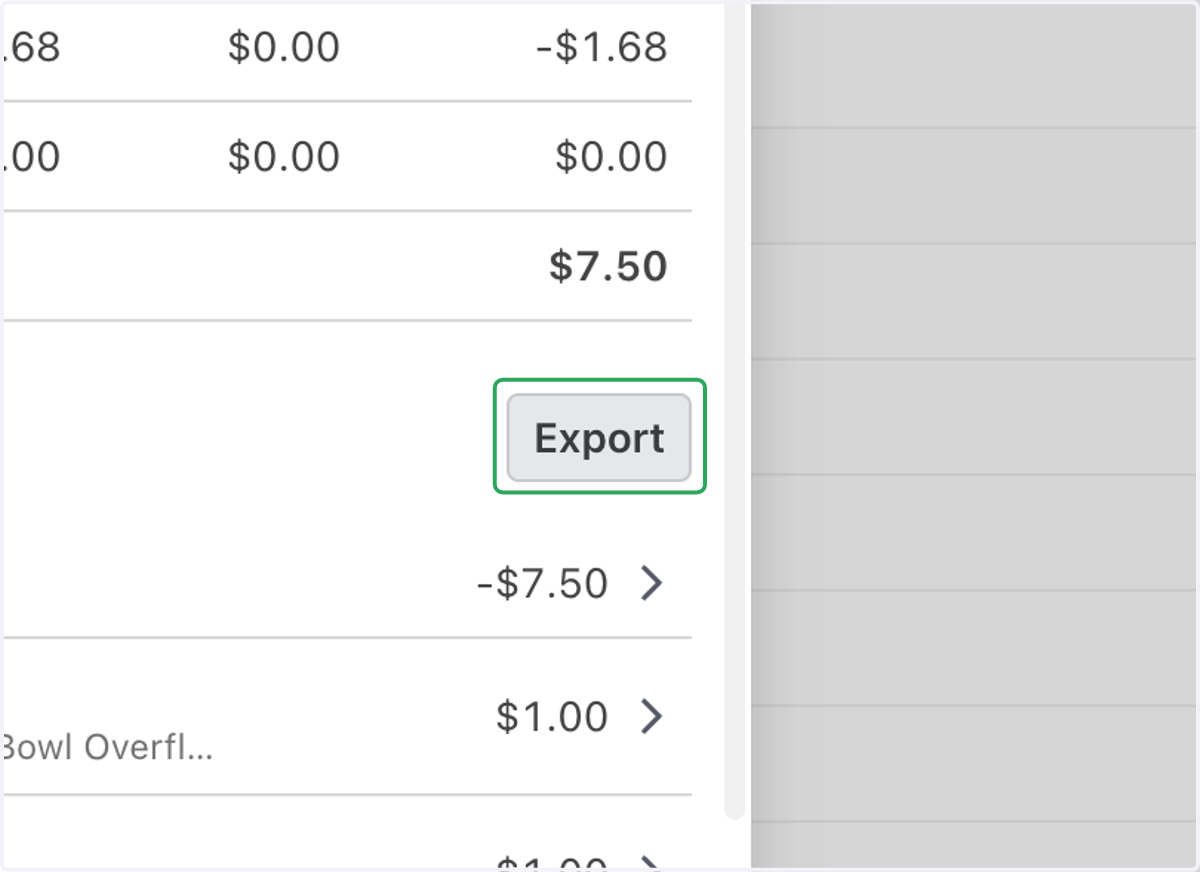
5. Click on Export, and your .csv will be downloaded.