Setting Up Email News Alerts about your Company
Use this Tango to get news alerts for search terms delivered to your inbox automatically.
Setting up one for your company is usually a good idea so you can keep tabs on what the world is saying about you!
Creating a Google Alert
Go to https://www.google.com/alerts
1. Click on Create an alert about...
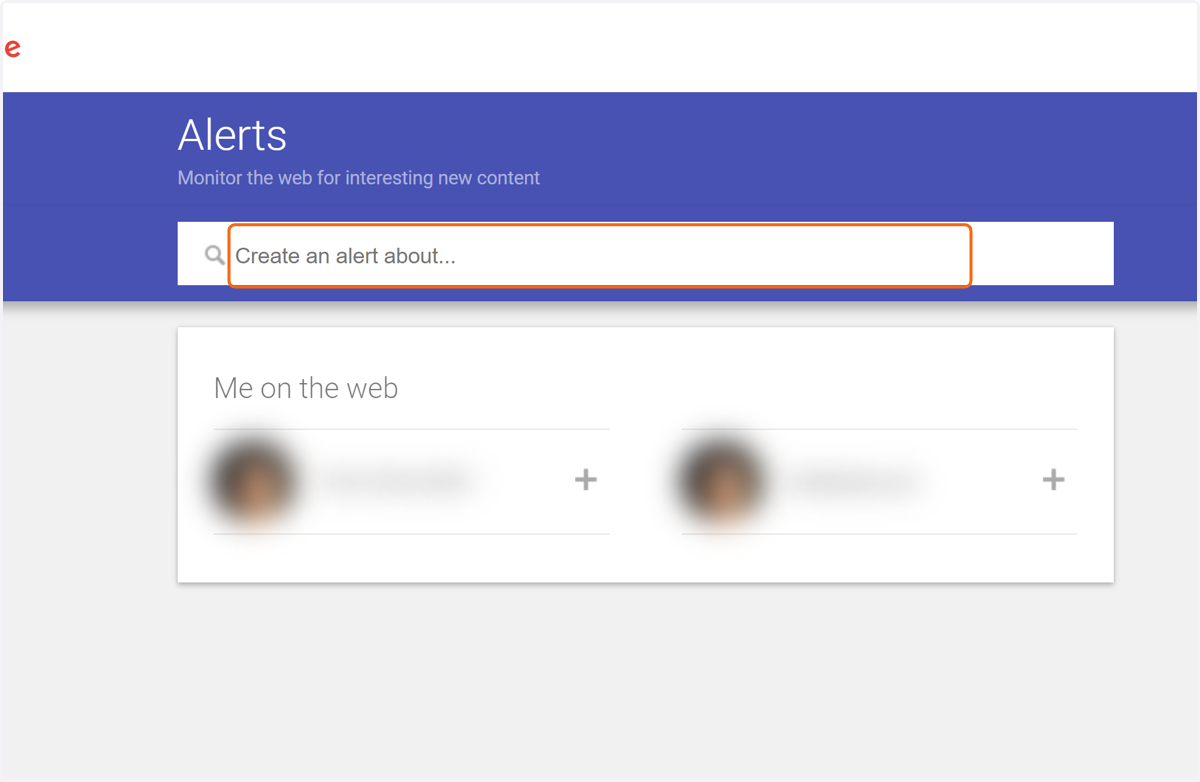
2. Type your Company name or domain here!
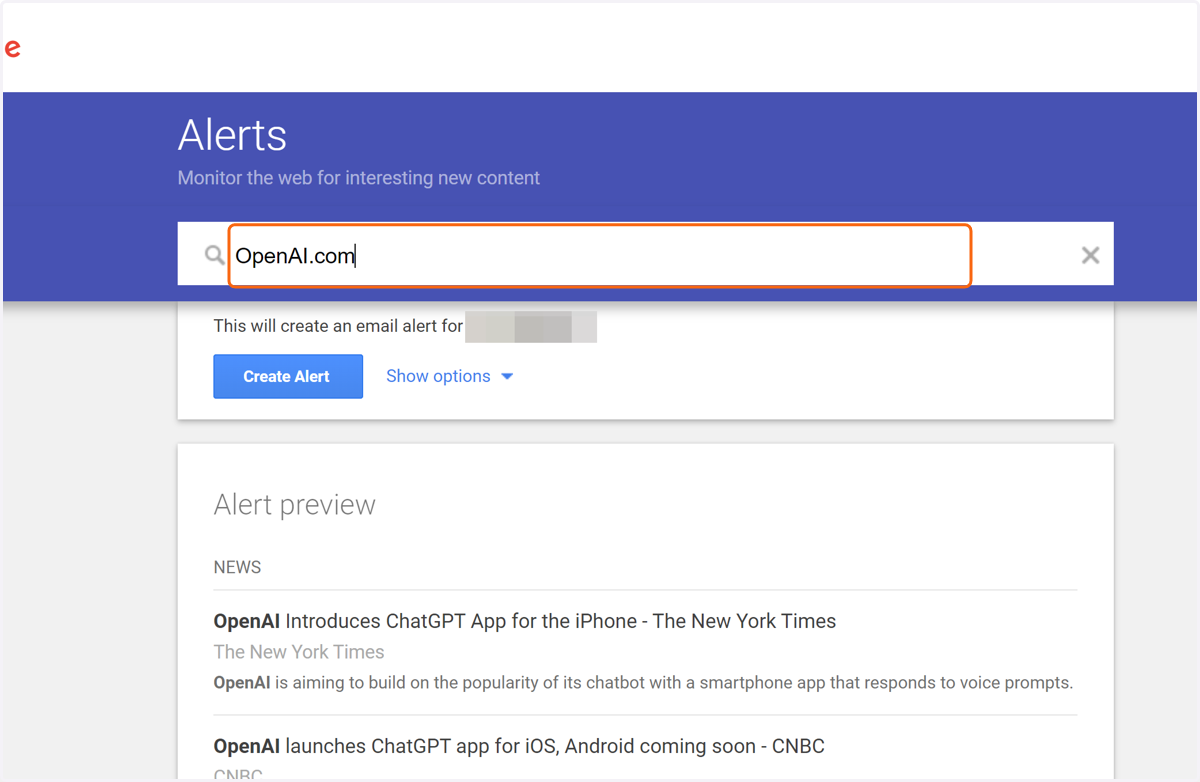
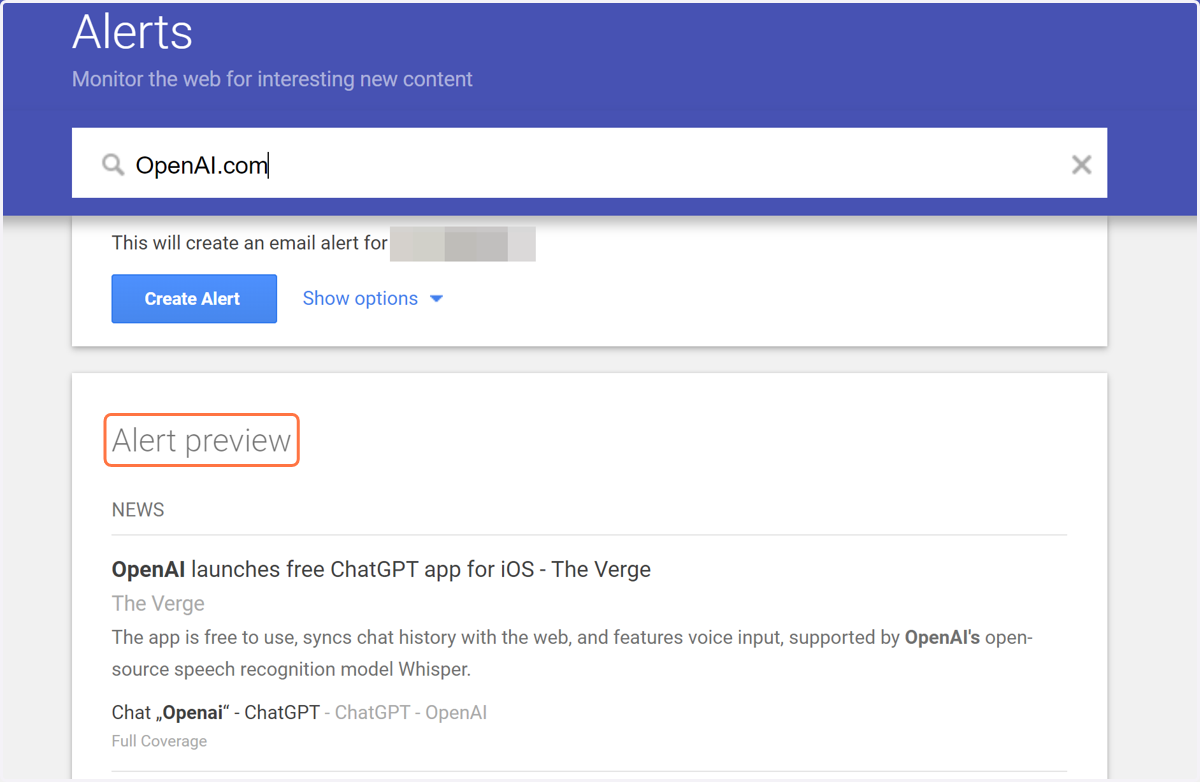
3. Check out the Alert preview to see what's new now... (Click to move on)
📱 Customizing the Alert
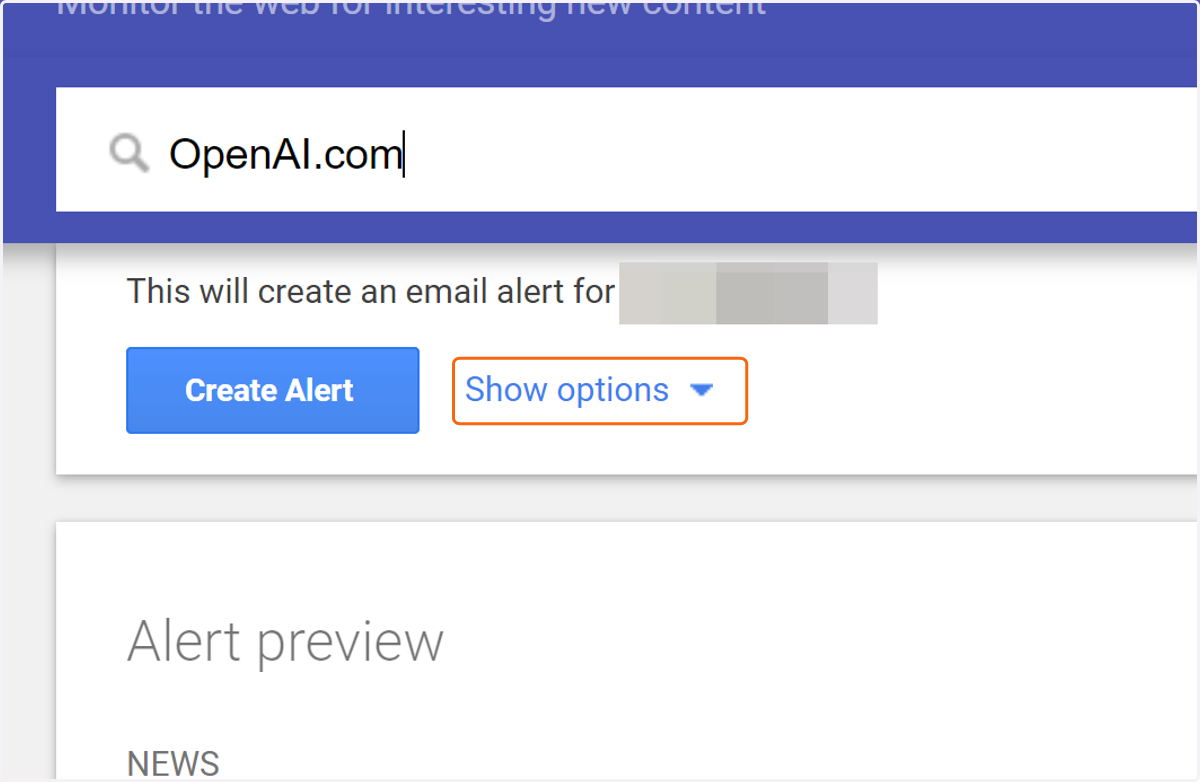
4. Click on "Show options" to customize the Alert first before creating it
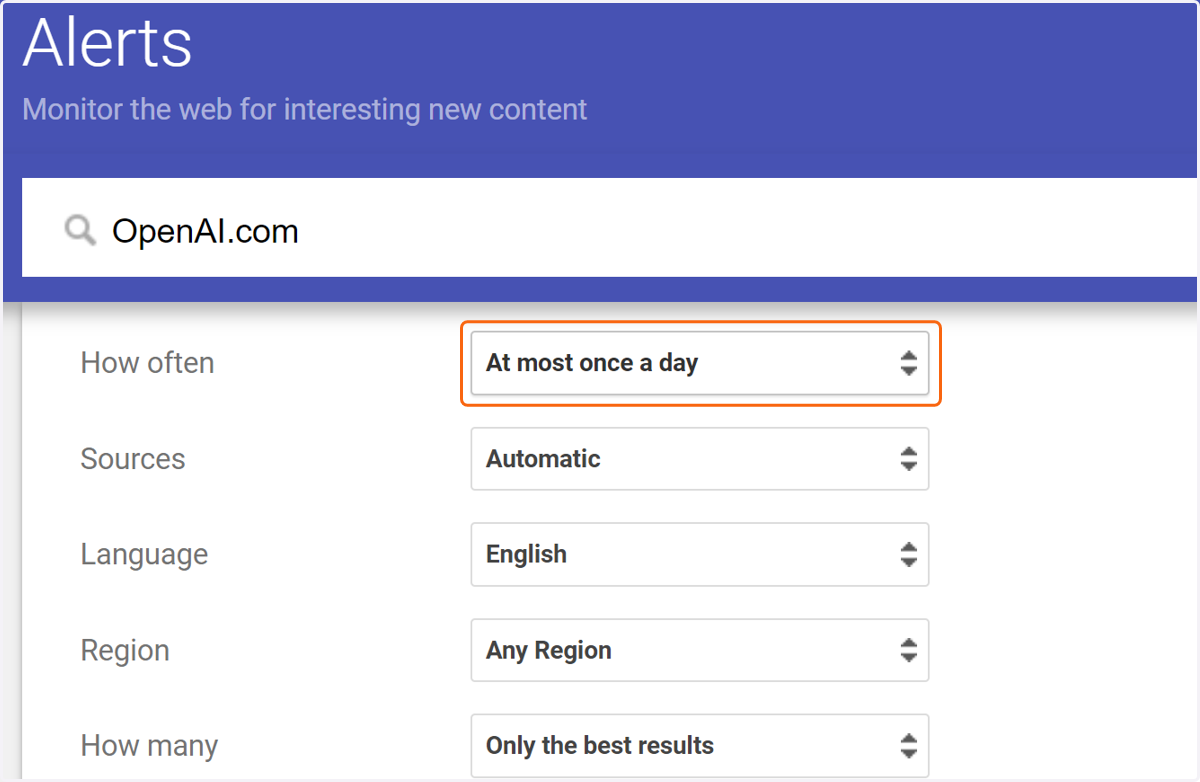
5. Change how often emails get sent by clicking here
Once a day is a lot... probably too much if you're trying to keep a clear inbox.
Or maybe not enough if you want real time news... up to you!
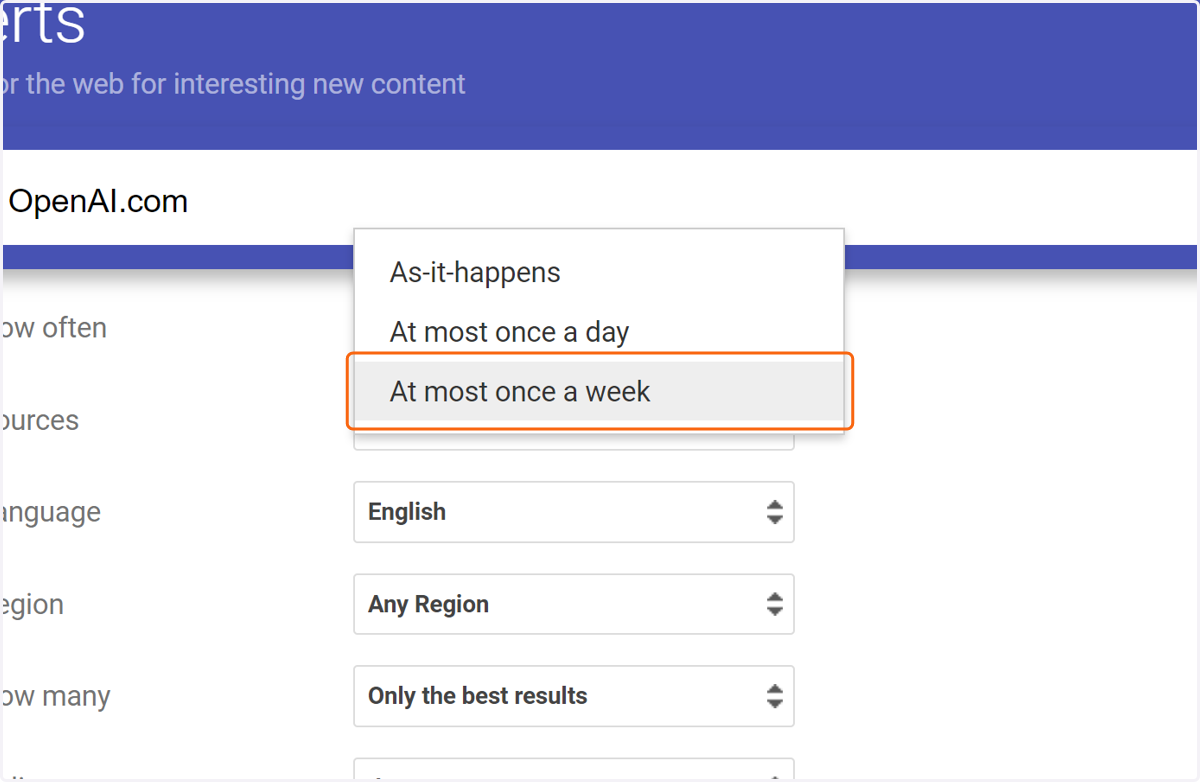
6. Click on "At most once a week"
7. Click on Create Alert
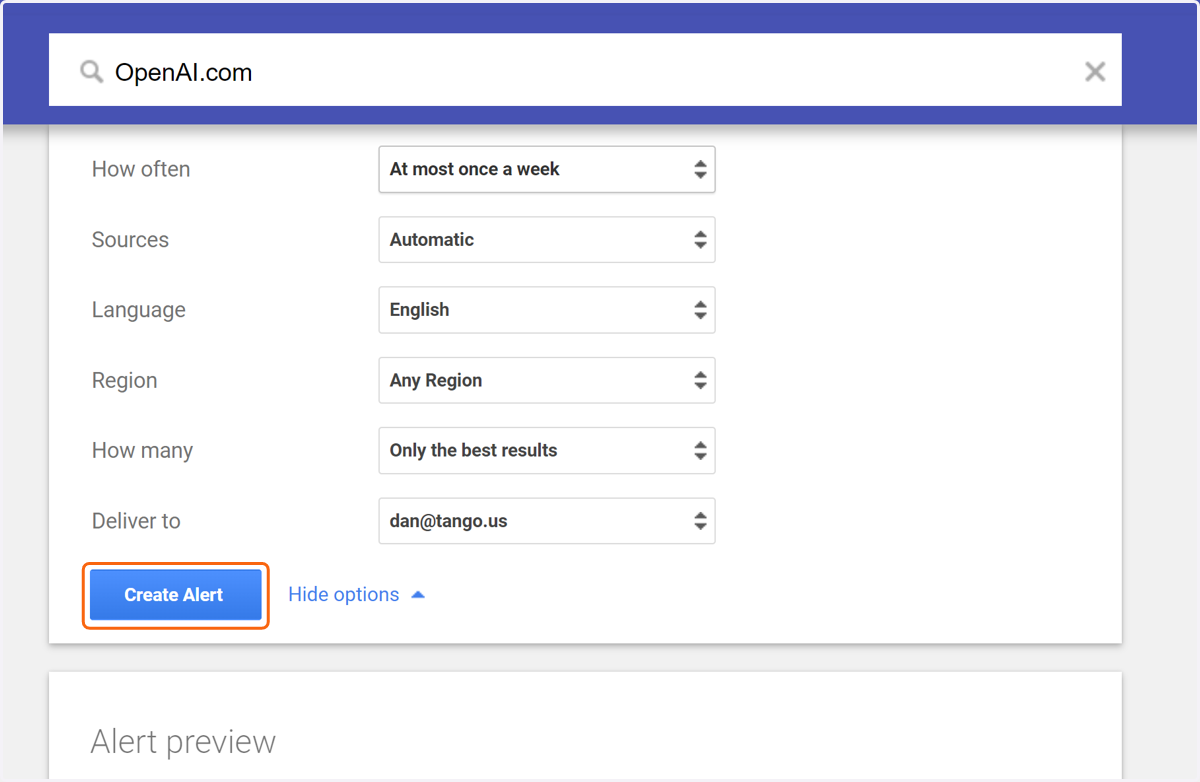
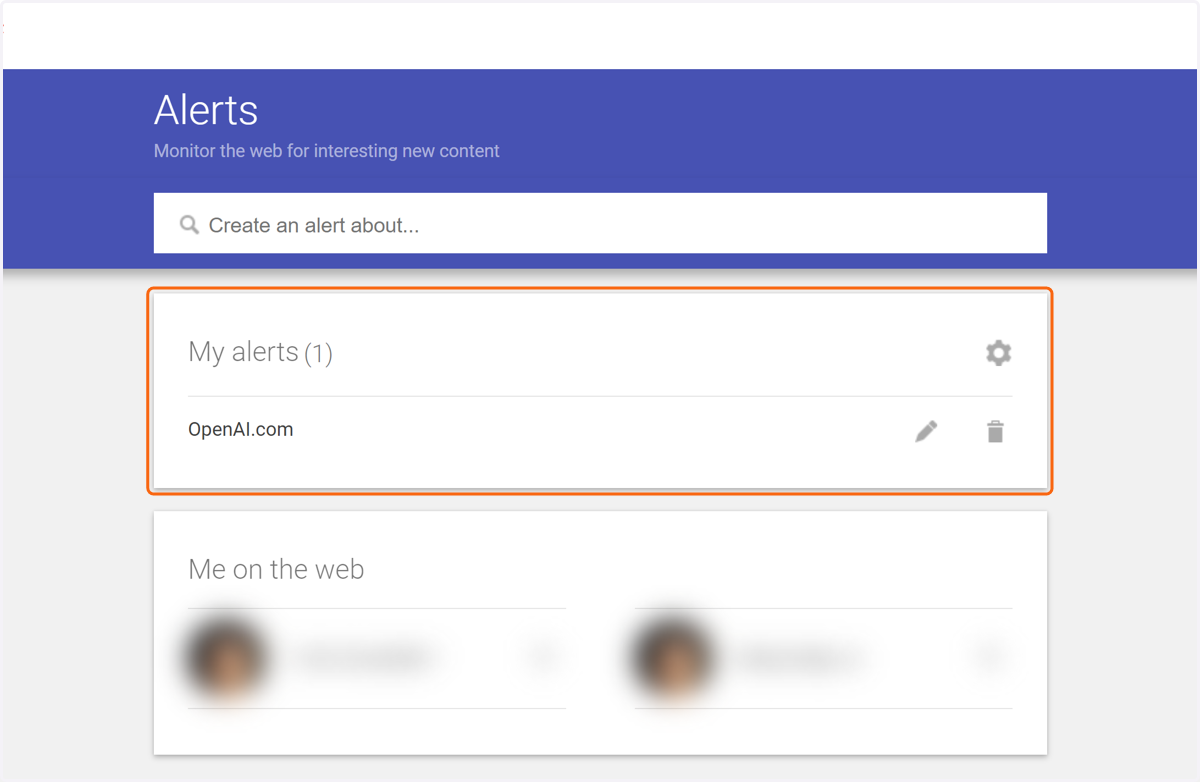
8. Boom! You'll be able to come back here at any time to edit the frequency, news region, or to add more alerts... (Click to finish)