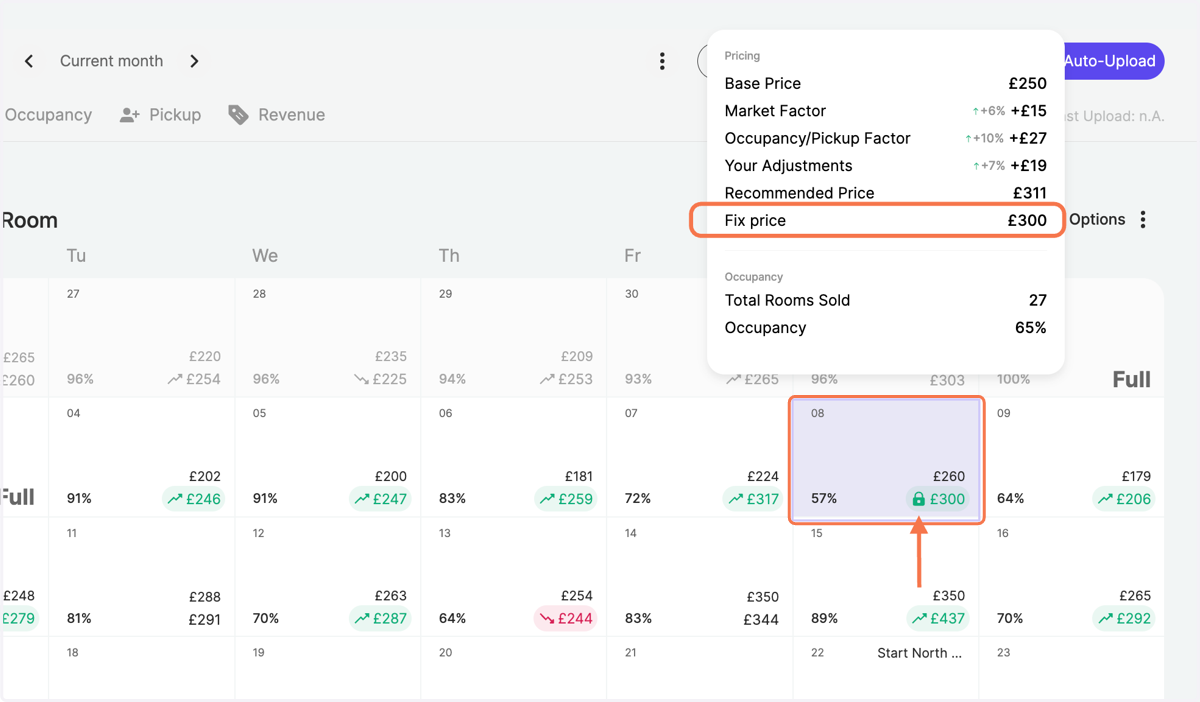
Fix prices on a specified date
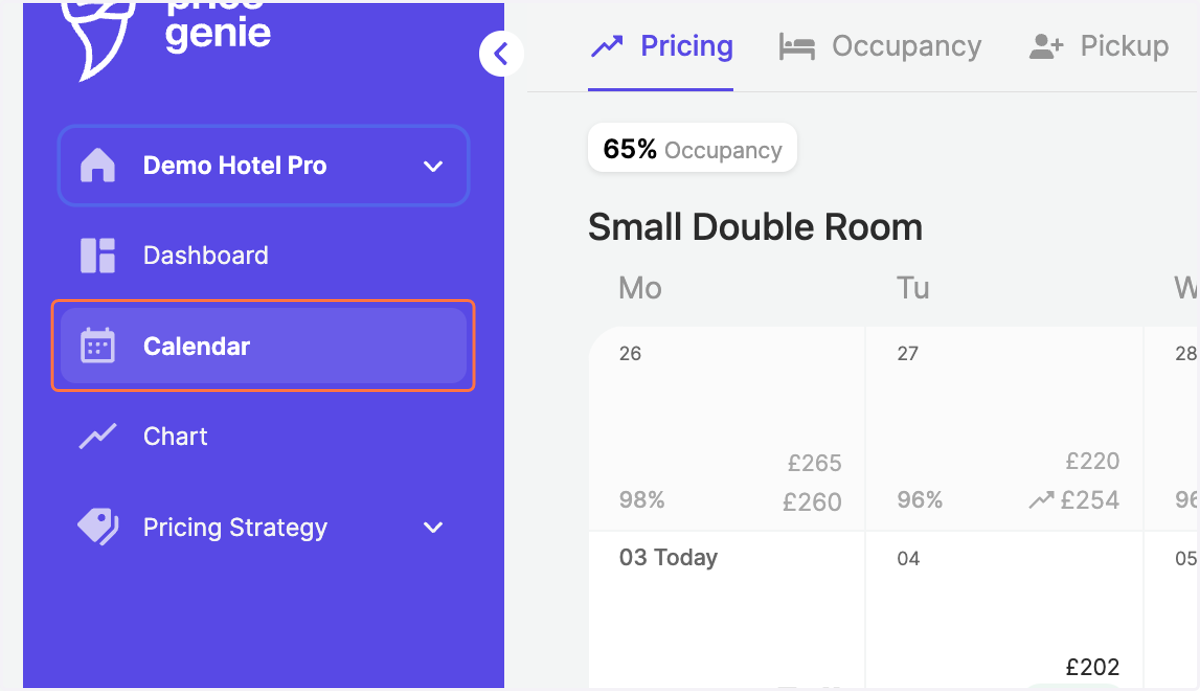
1. Go to the "Calendar" in the navigation bar
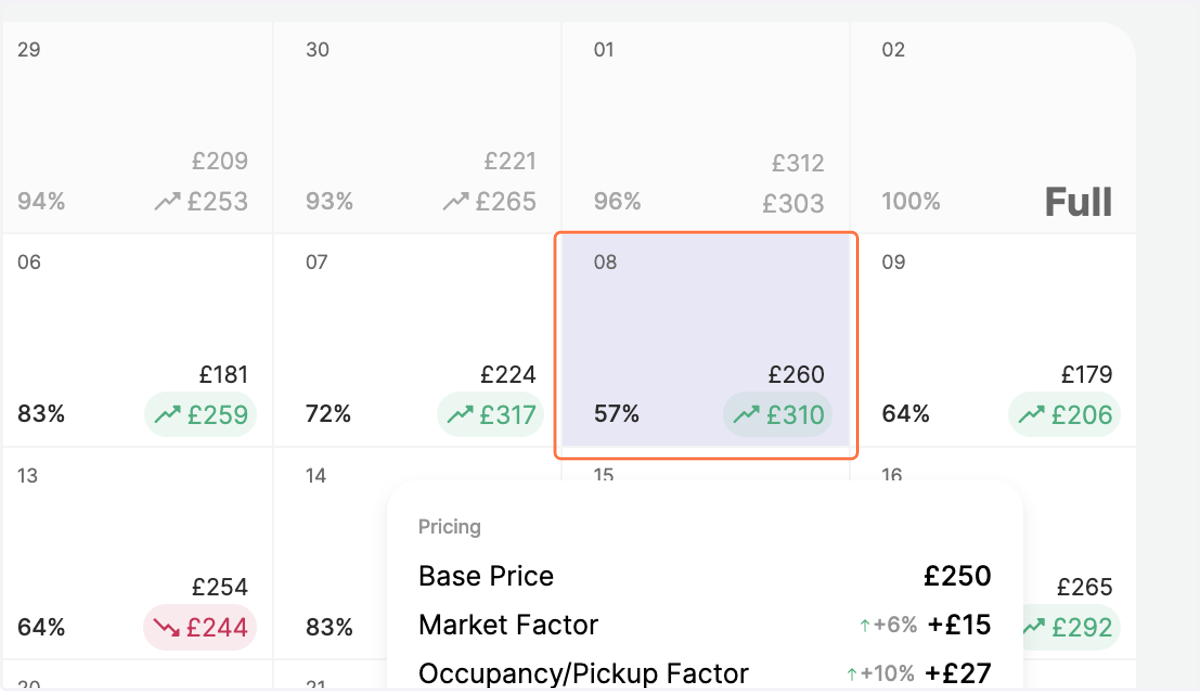
2. Click on the day for which you would like to fix the prices for
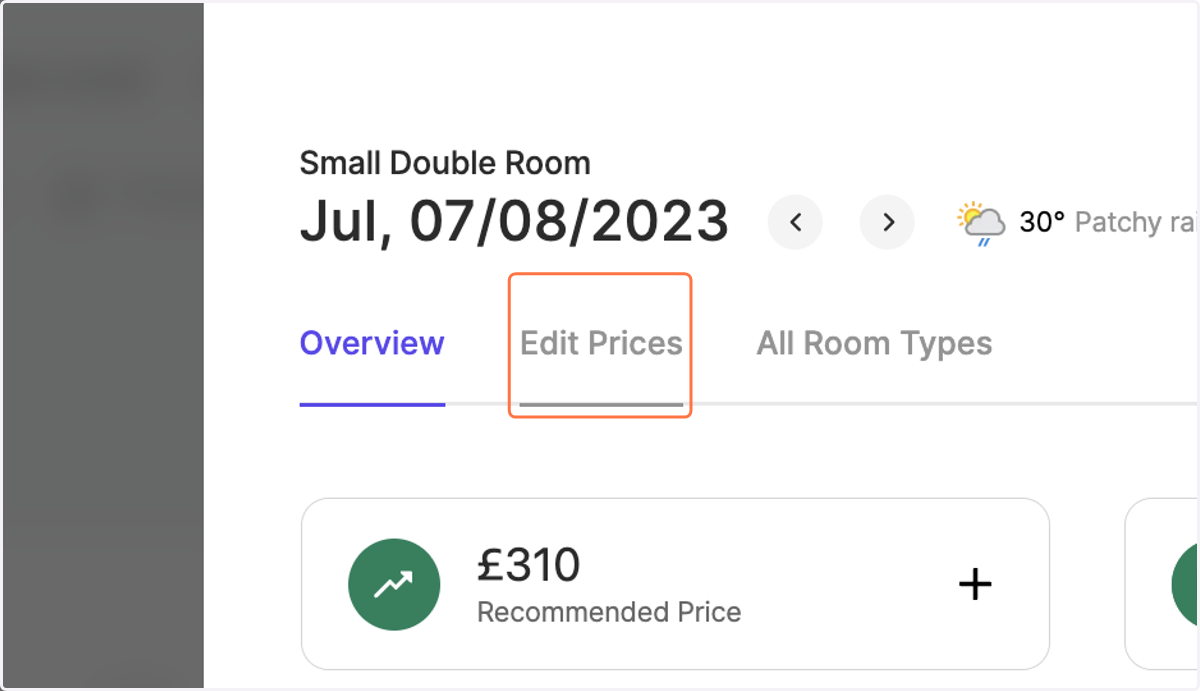
3. Navigate to the tab "Edit Prices"
4. Choose the Adjustment Type "Fix Prices"
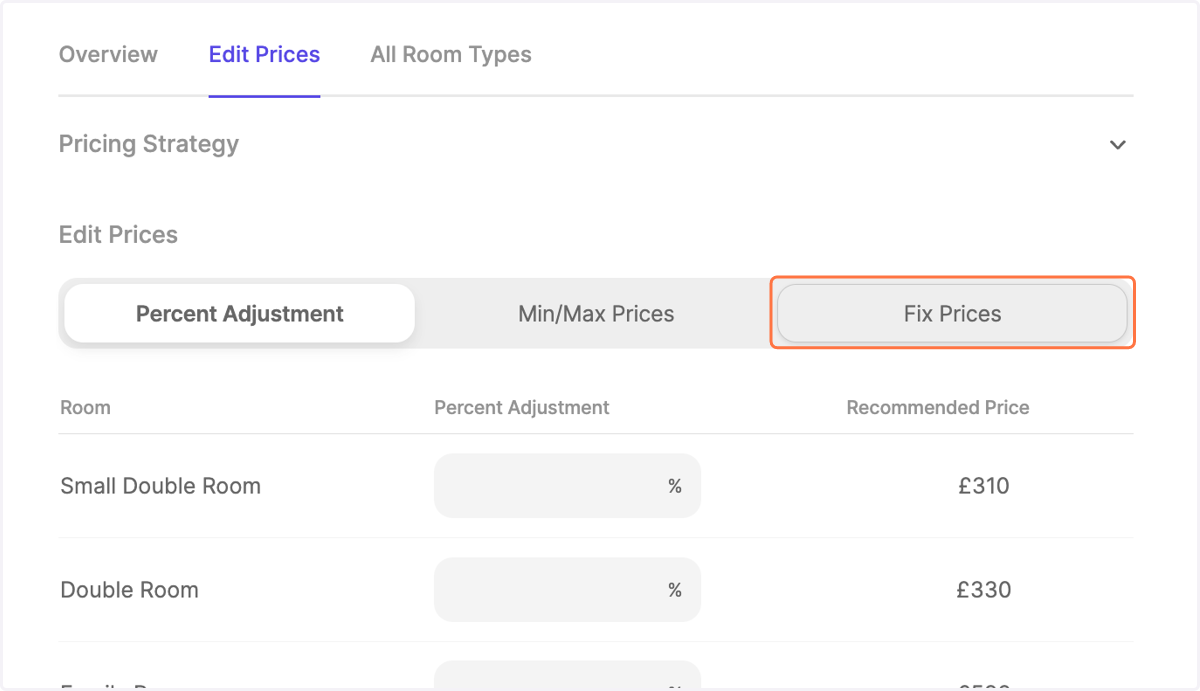
5. Enter the value you would like to fix
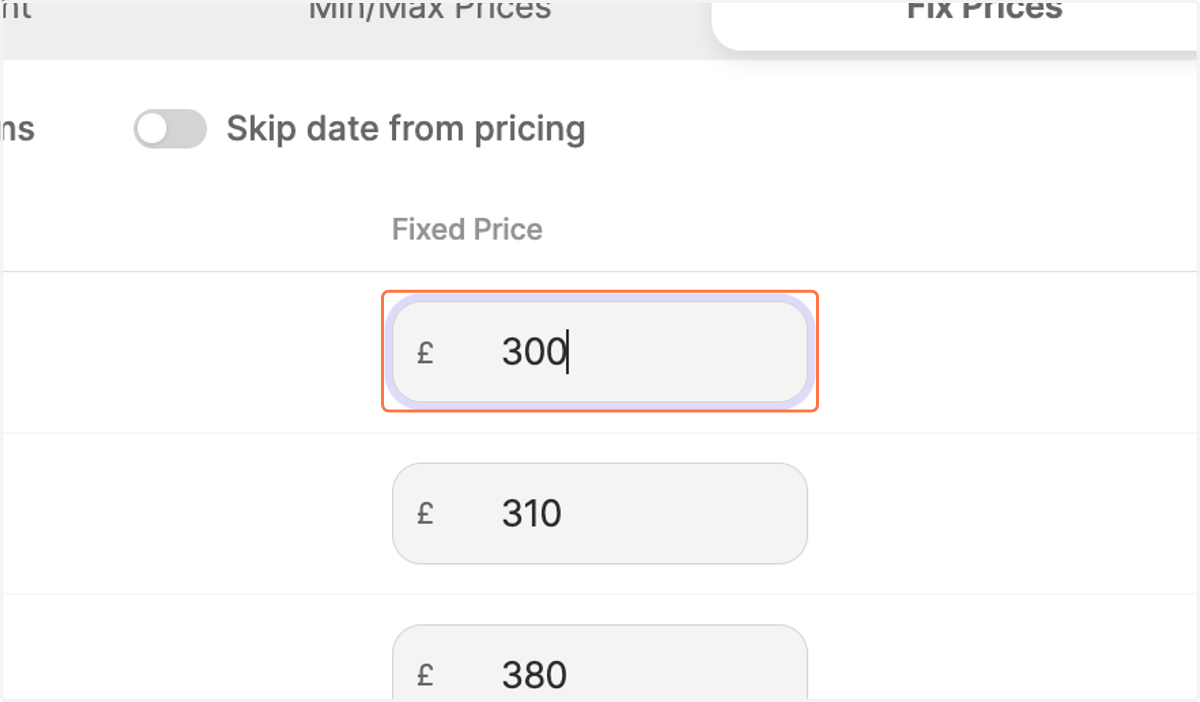
6. As a standard setting, your other rooms will be prefilled with fixed prices based on your reference room.
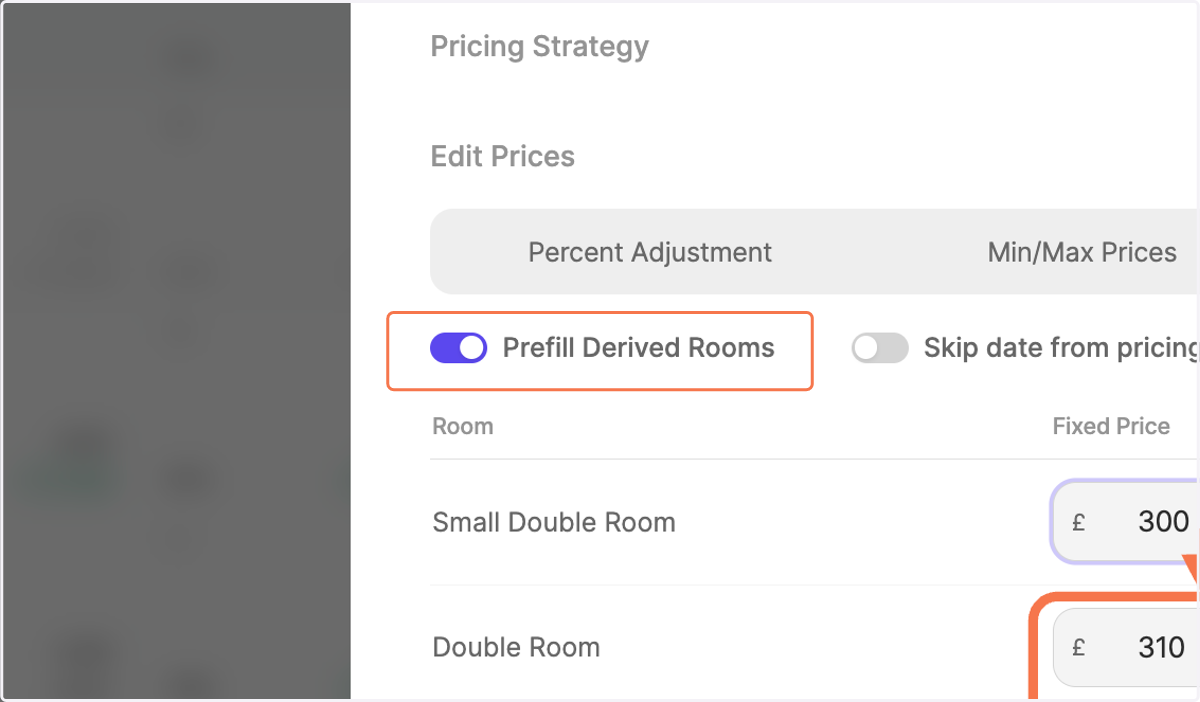
7. However, if you prefer you can switch "Prefill Derived Rooms" off and enter your desired fixed prices per category manually.
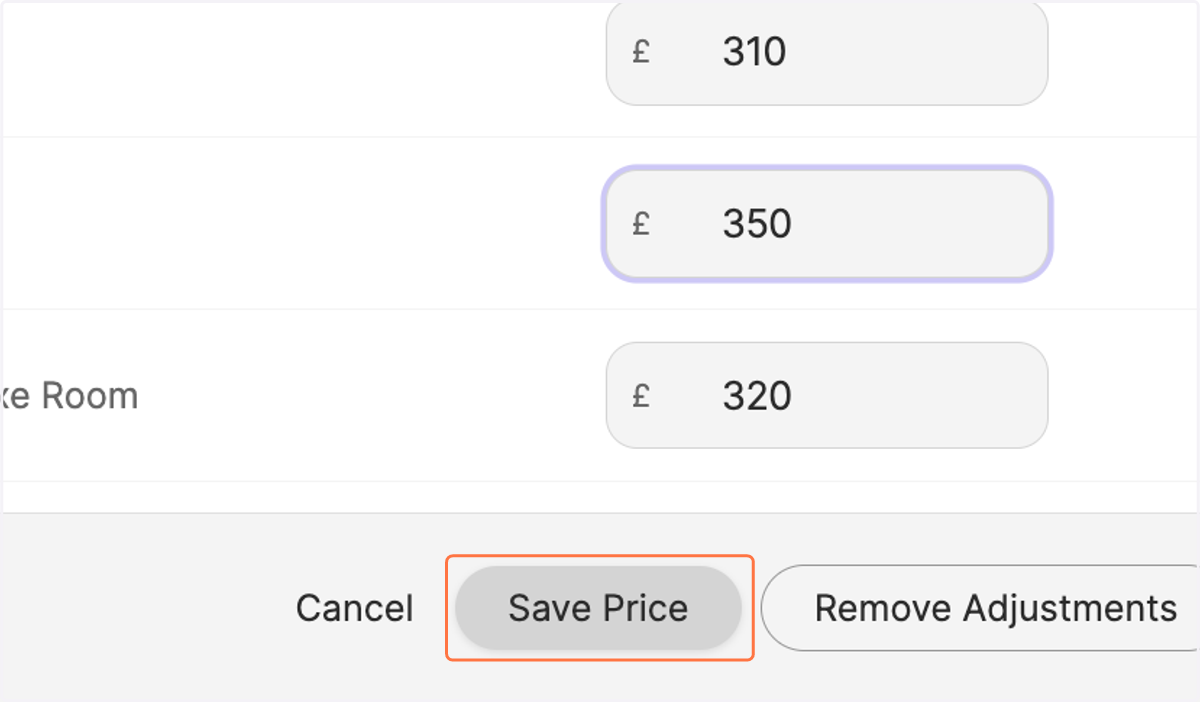
For instance, here we decreased the fixed price for the family room from the prefilled 380 pounds to 350 pounds.
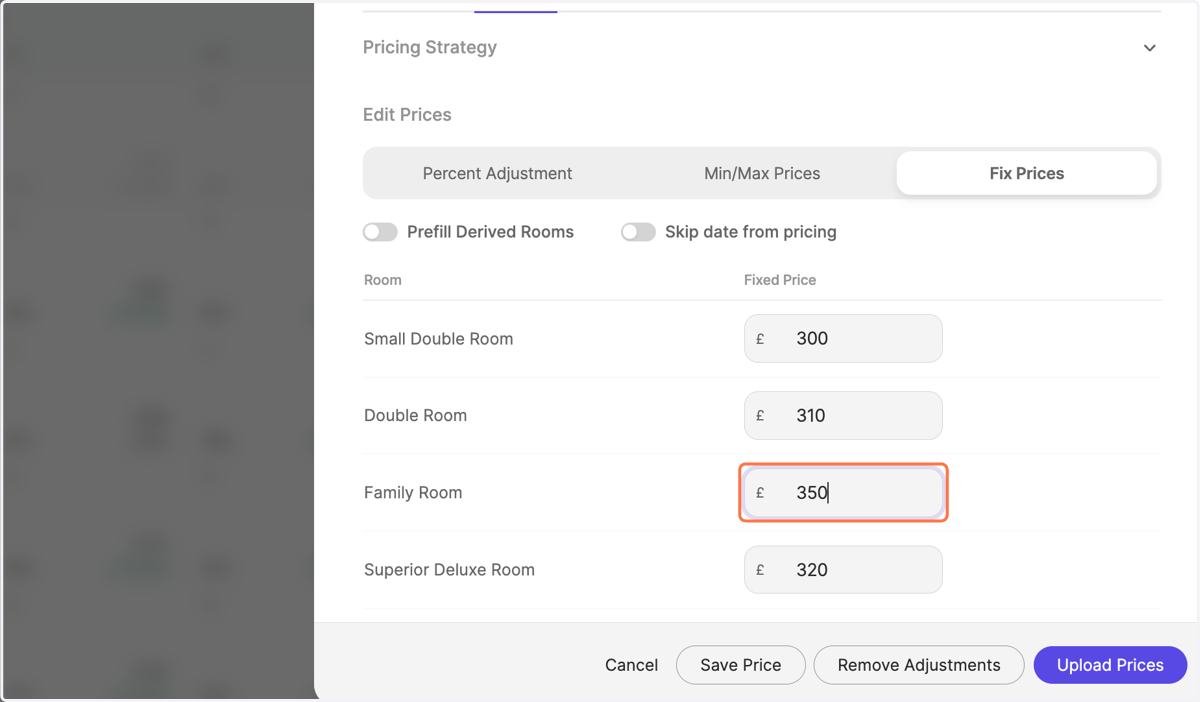
8. Click on "Save Price"
9. Notice how the fixed price is reflected in the calendar with the price lock symbol.