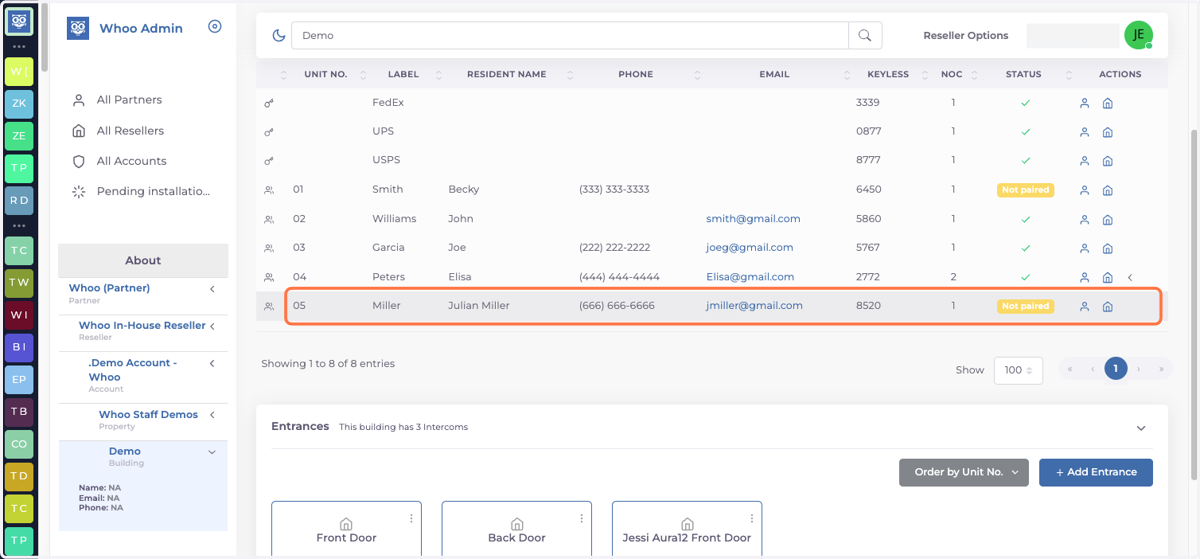
Adding a Residence and Tenants
Whoo
1. Go to www.console.whoo.ai
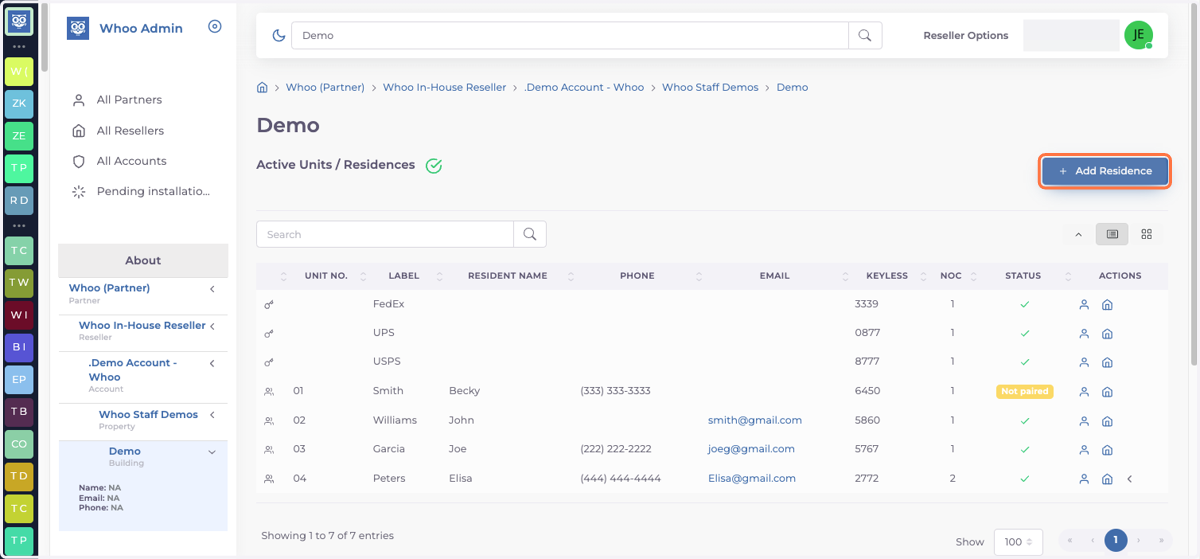
2. Click on + Add Residence
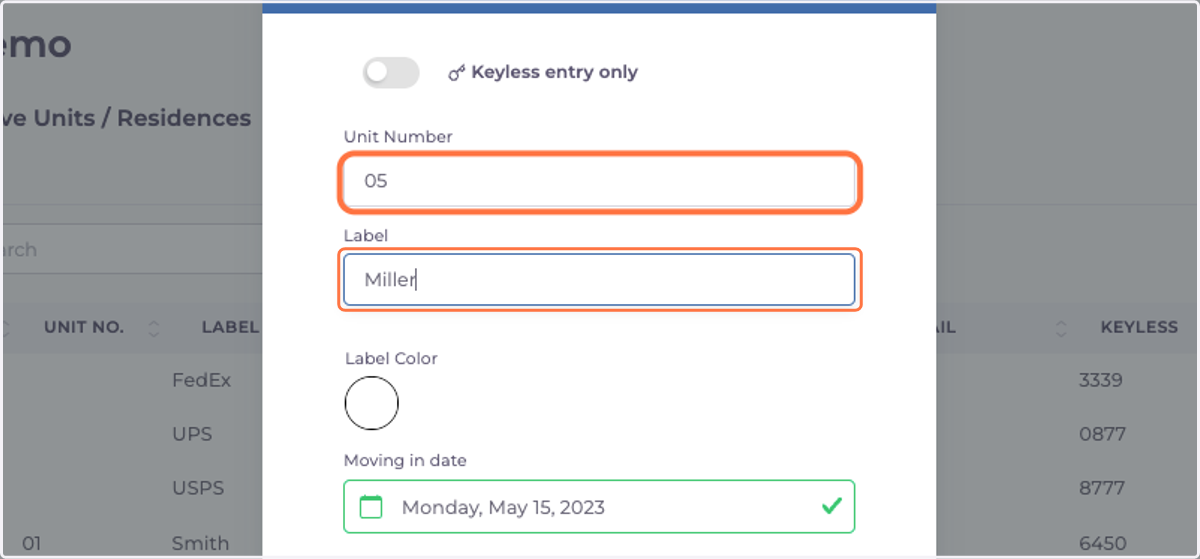
3. Add Unit Number and/or Label - This information will be displayed in the intercom screen.
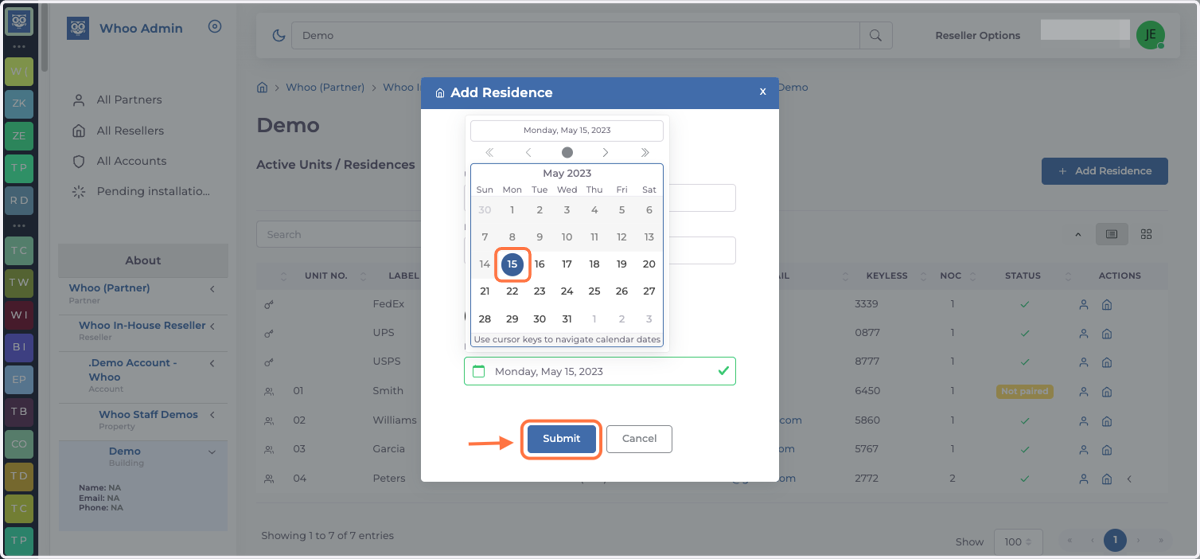
4. Choose move in date and press Submit
5. Add tenant information ( Name, Phone & Email) and press Done
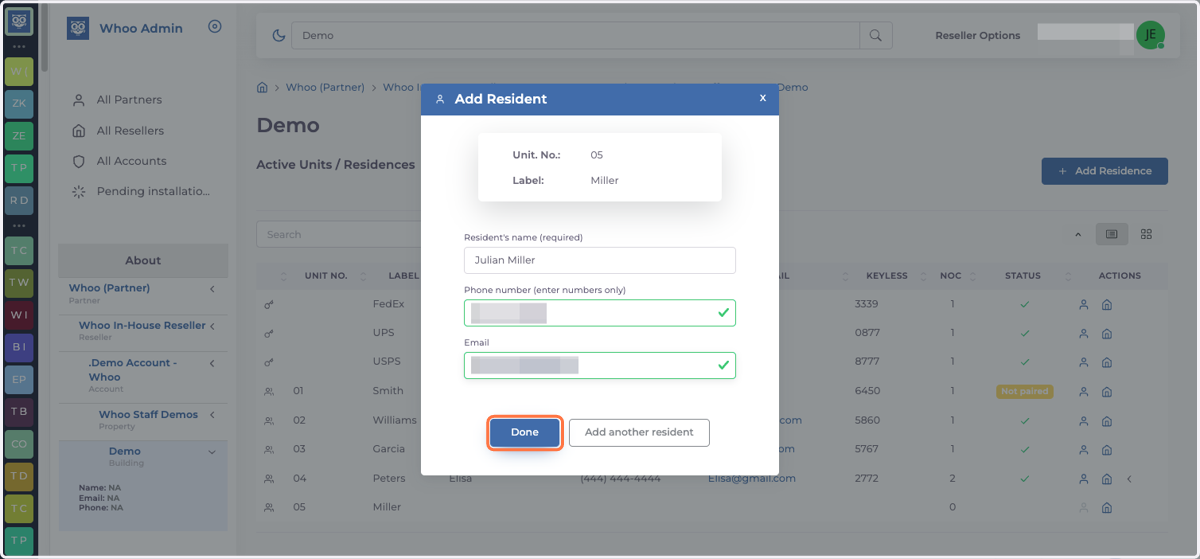
6. You have added a residence and tenant