How to Install the DBSync Package for Dynamics 365
Microsoft
1. Go to Microsoft AppSource – destination for business apps
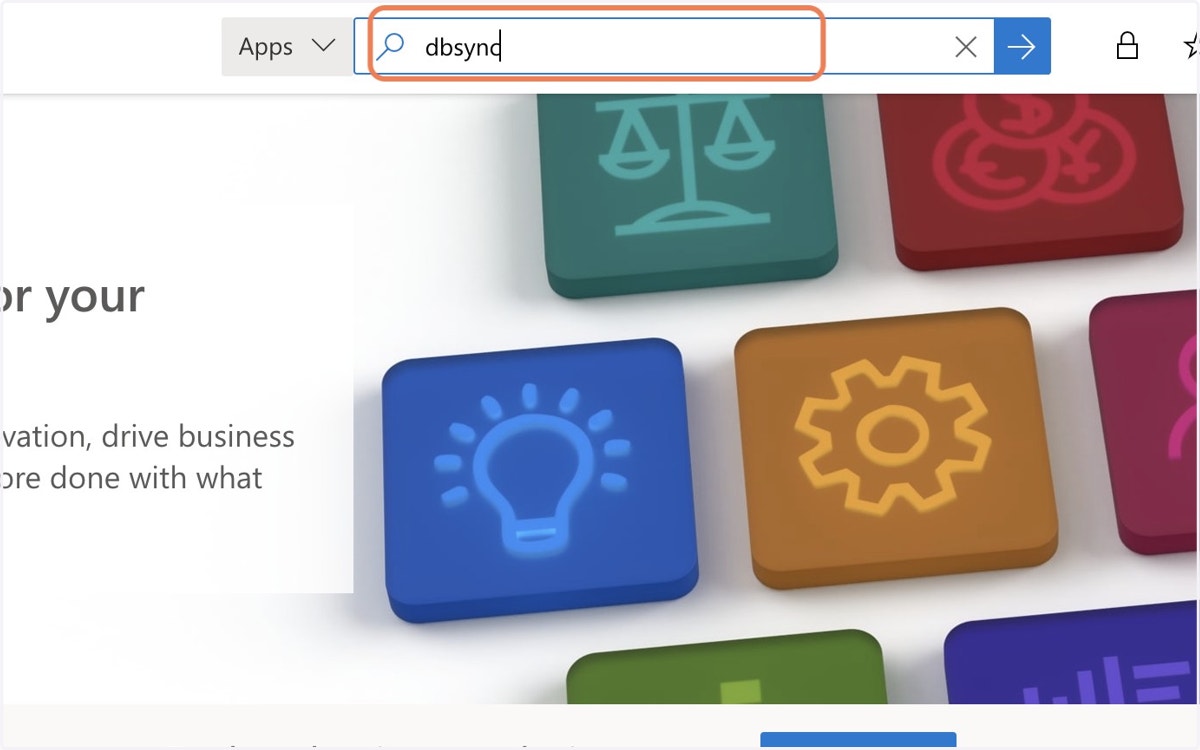
2. Type "dbsync"
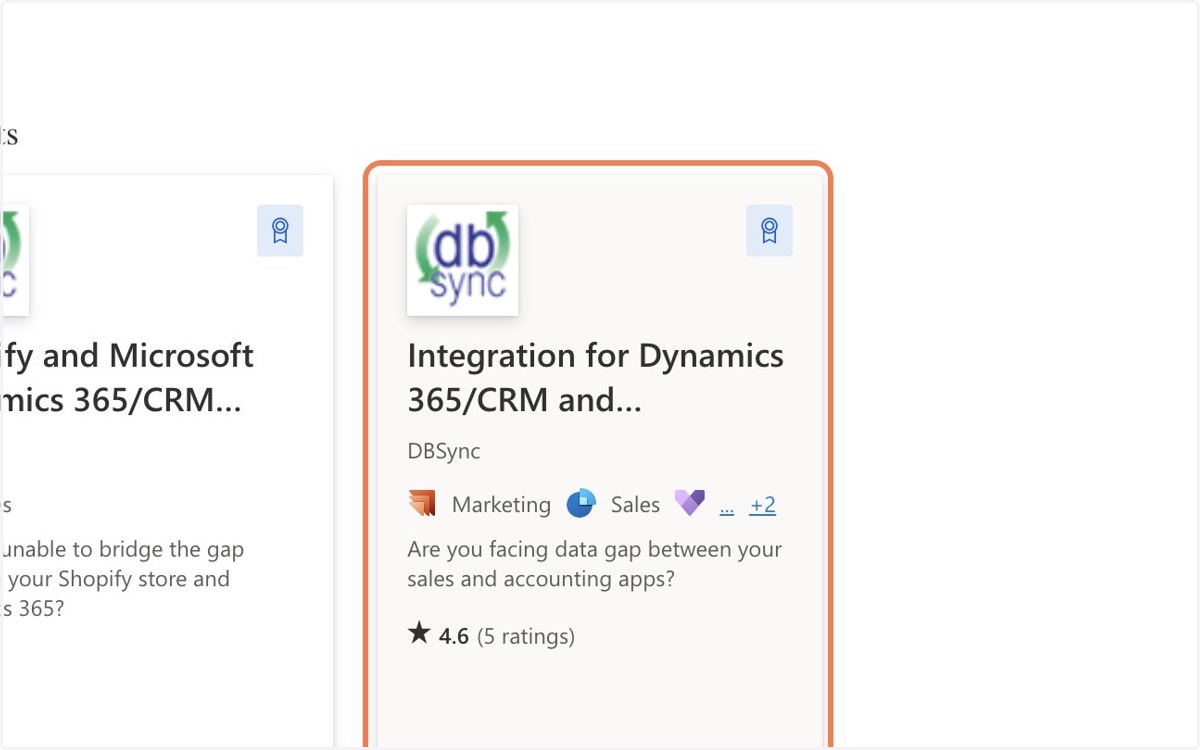
3. Click on Integration for Dynamics 365/CRM and QuickBooks
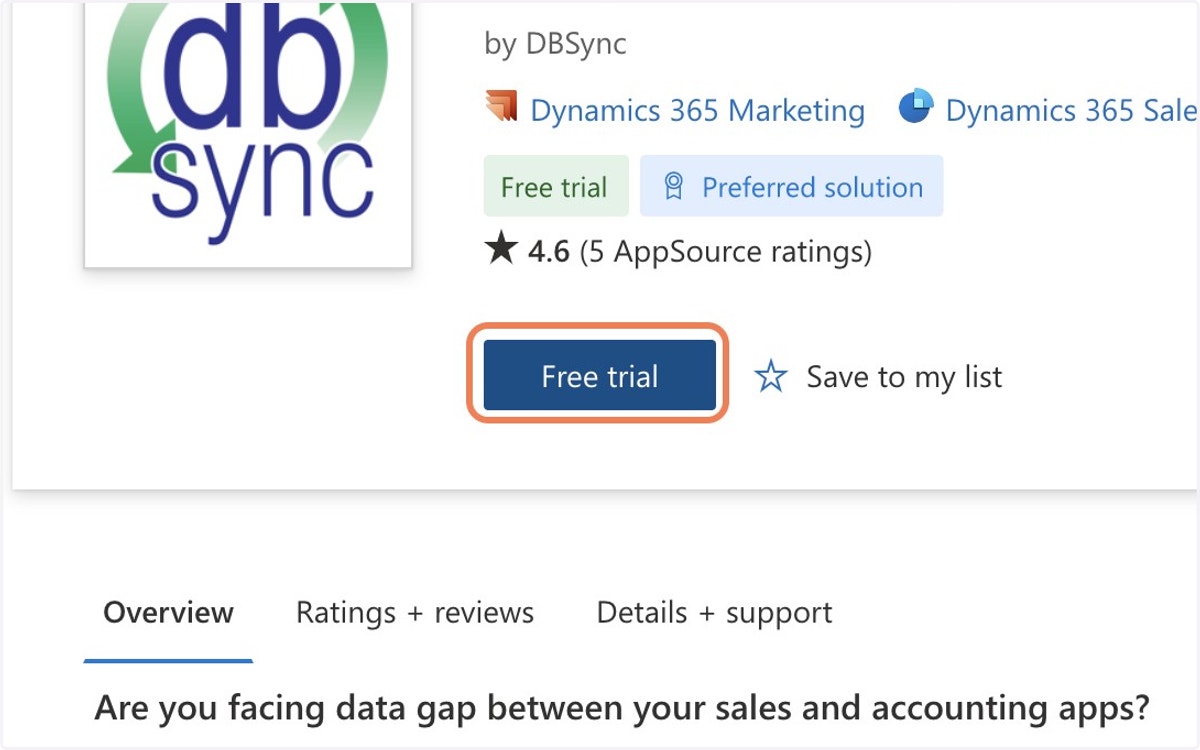
4. Click on Free trial
5. Click on Select or type an environment
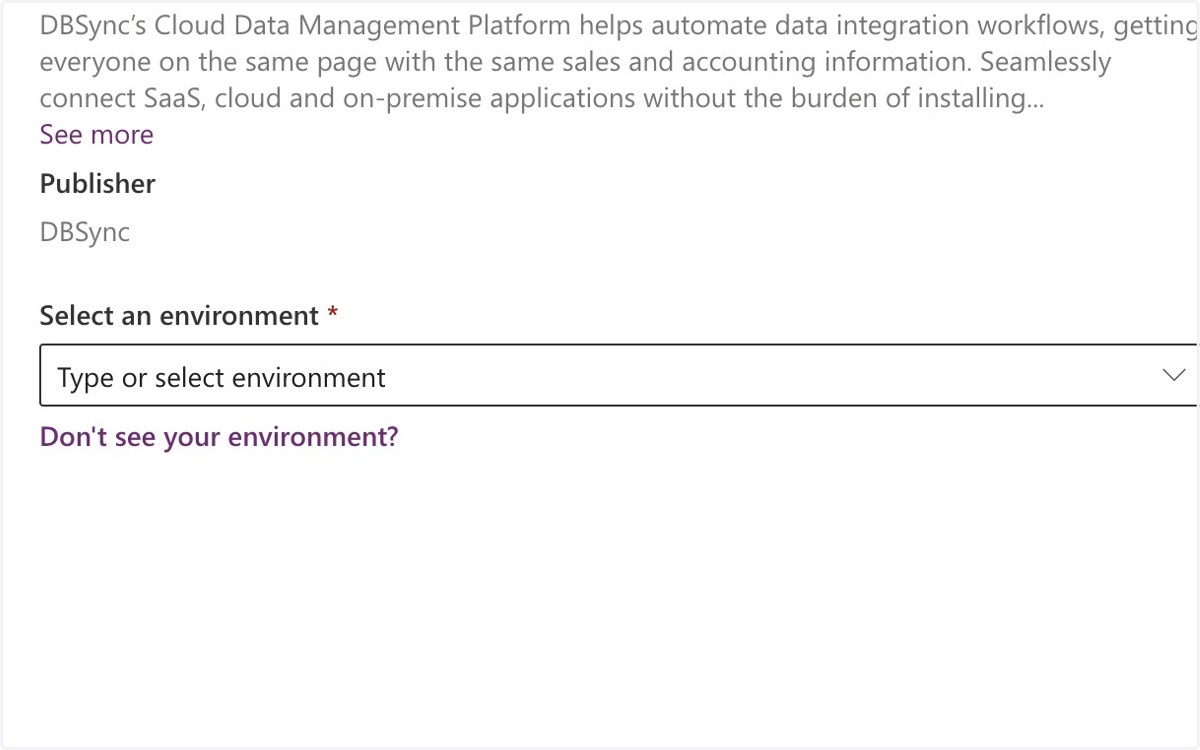
6. Choose Your Dynamics Environment
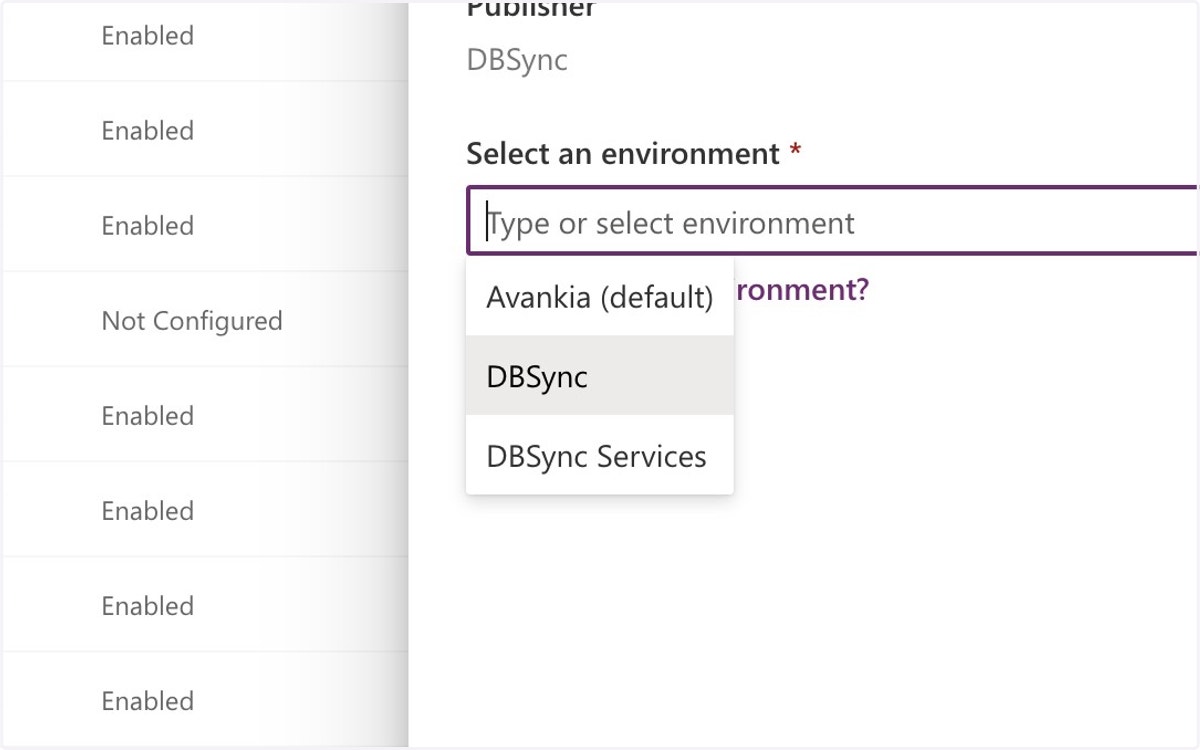
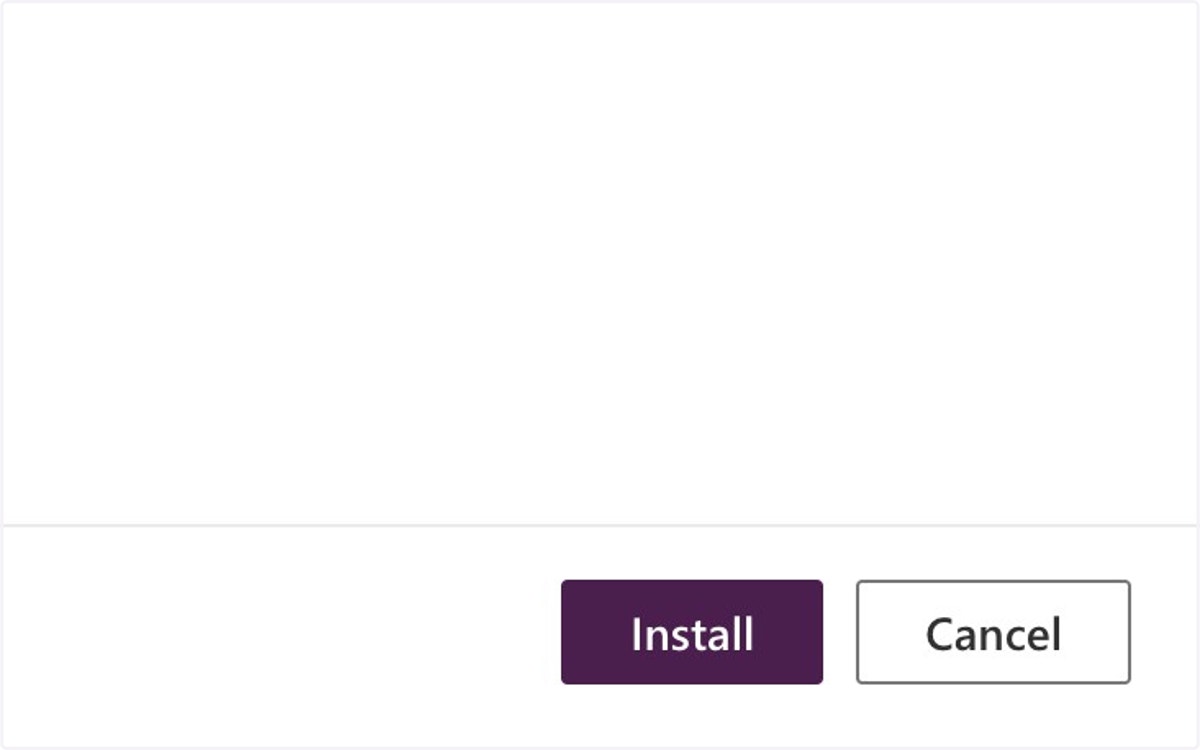
7. Click on Install
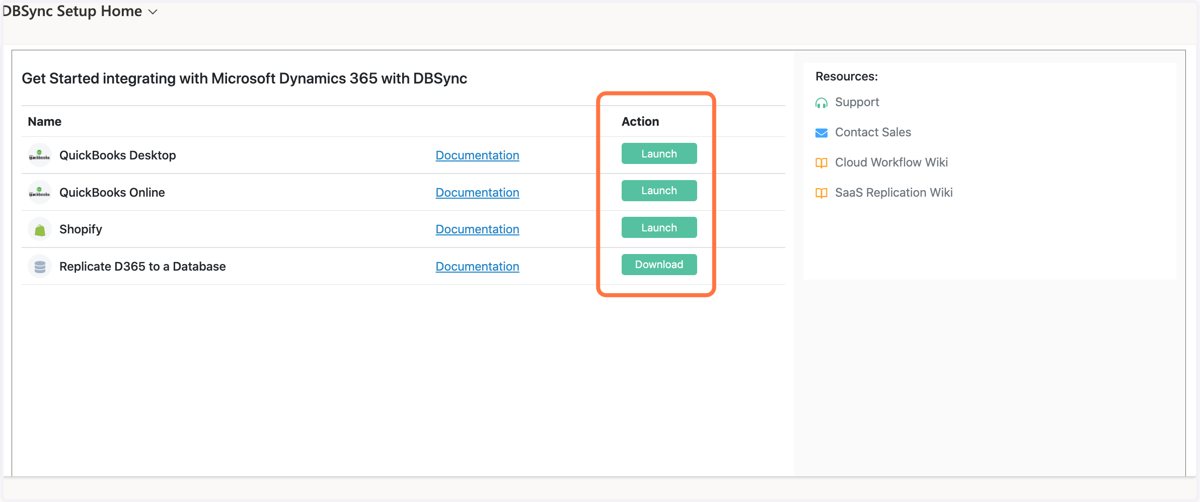
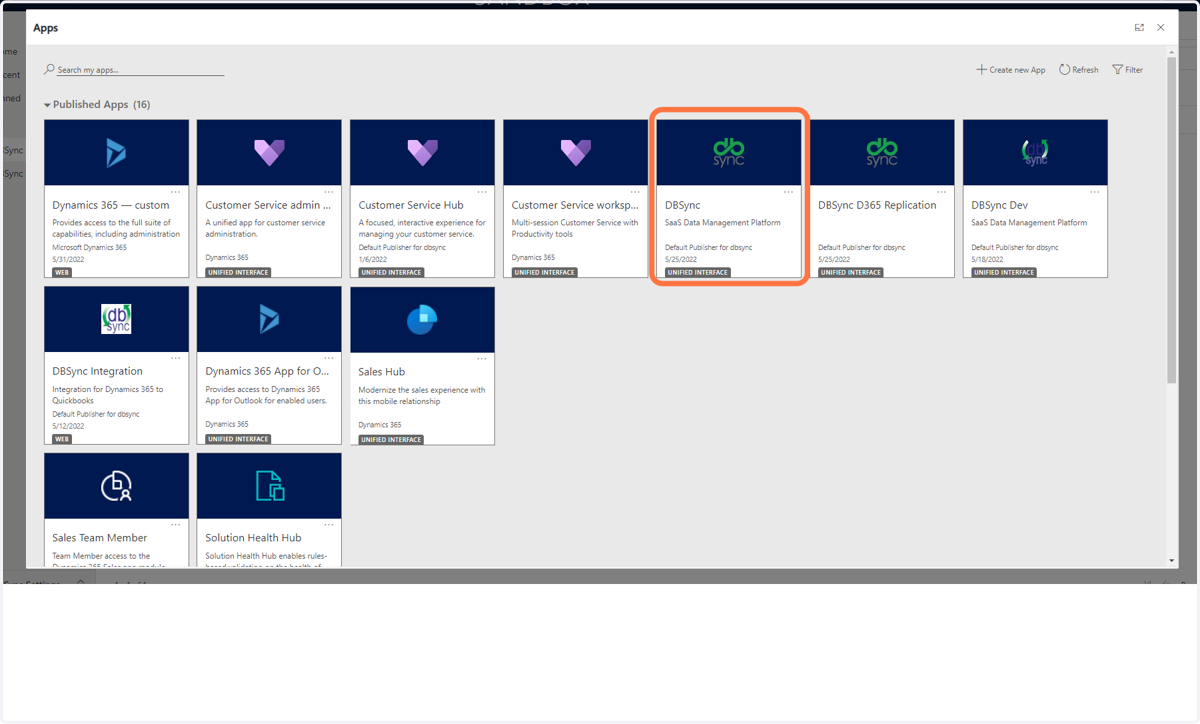
8. After Installation, You Will See the DBSync App in Your D365 App List. Click on the App to Launch the Initial Setup.
9. Pick the Appropriate Application You'd Like to Launch by Selecting "Launch".
By clicking "Launch", we will create your DBSync account and it will be populated with the default integration template based on your selection.
NOTE: You also have the option of viewing the relevant documentation for each integration.