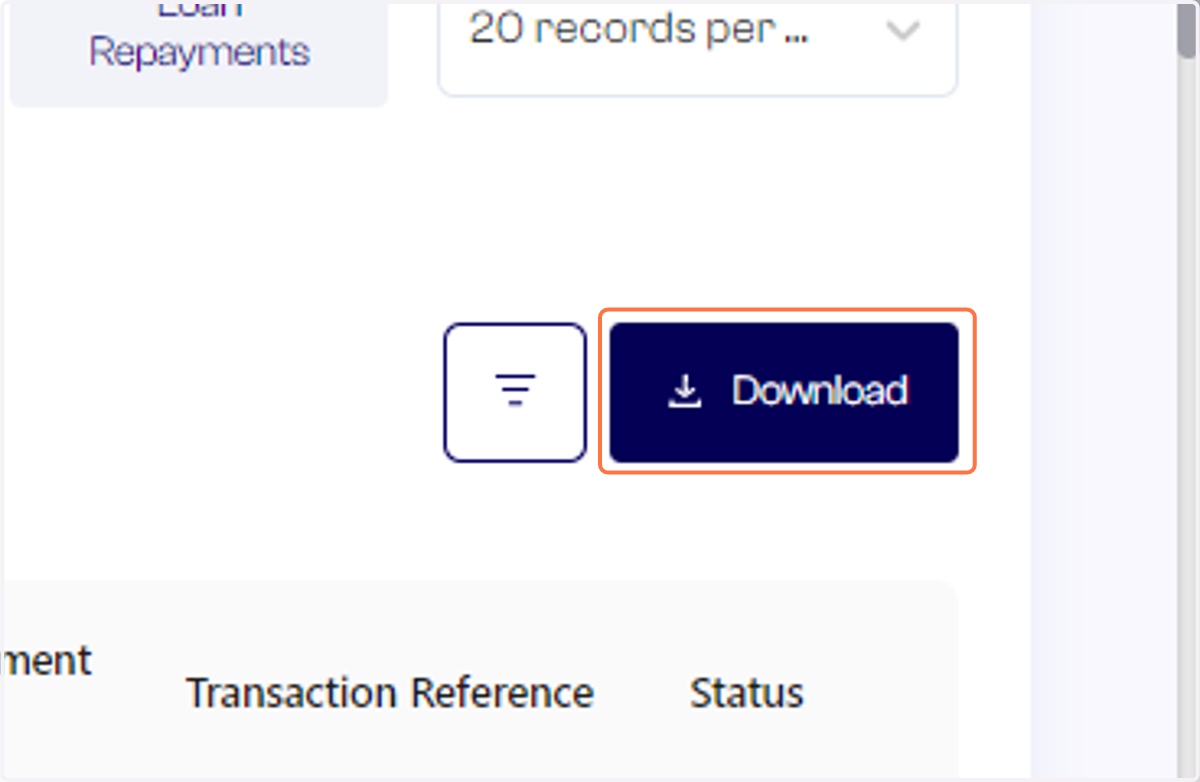
Downloading Repayment report for Loans.
Account Login | VeendHQ
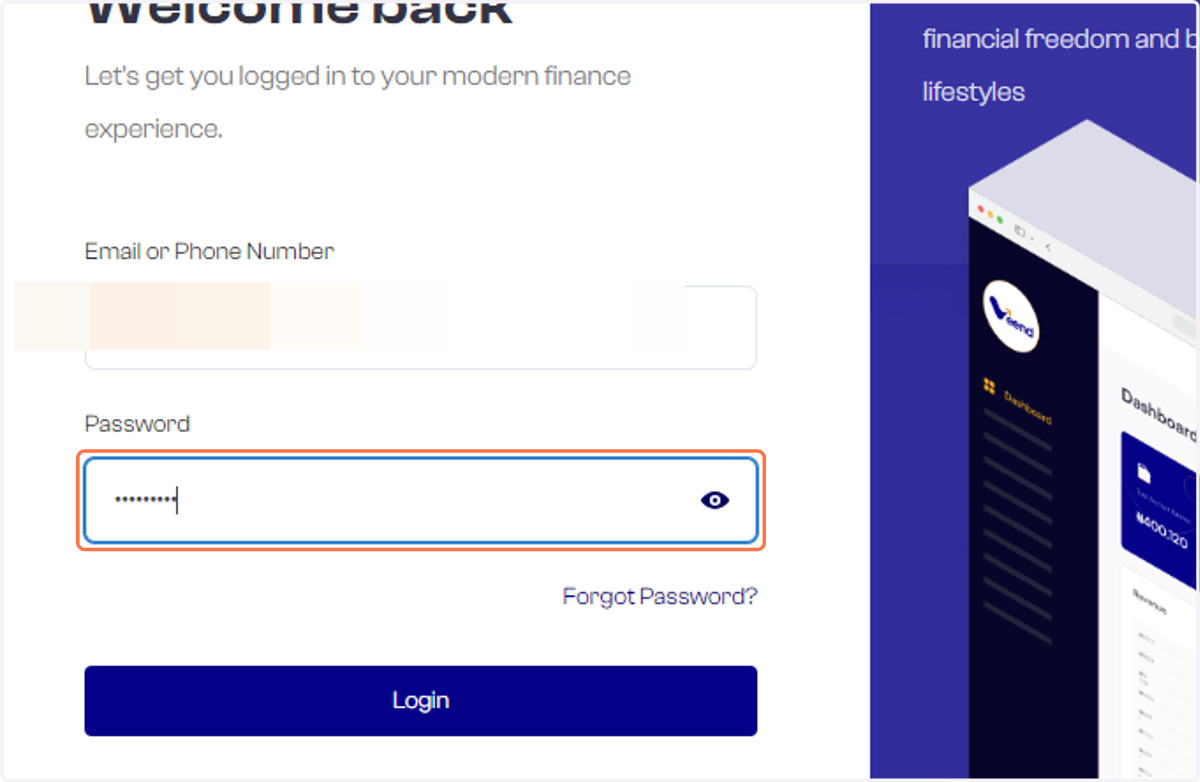
1. Login to the dashboard with your email and password.
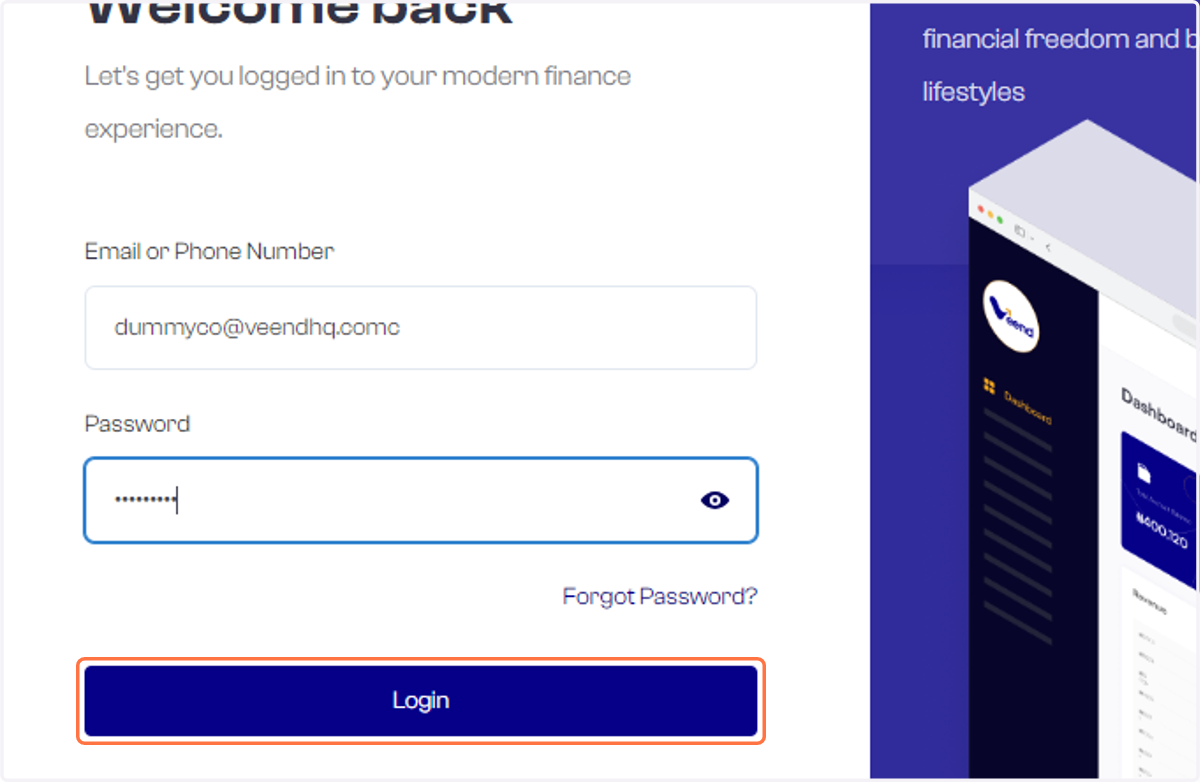
2. Click Login
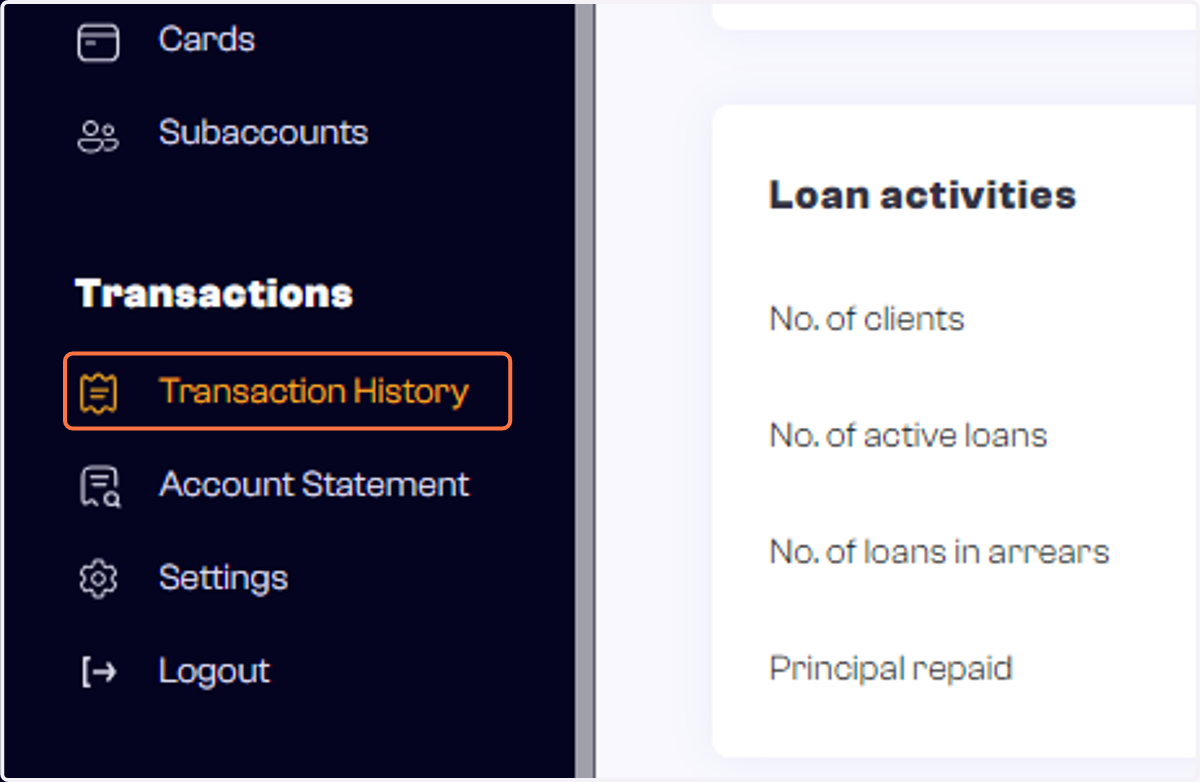
3. Click on Transaction History
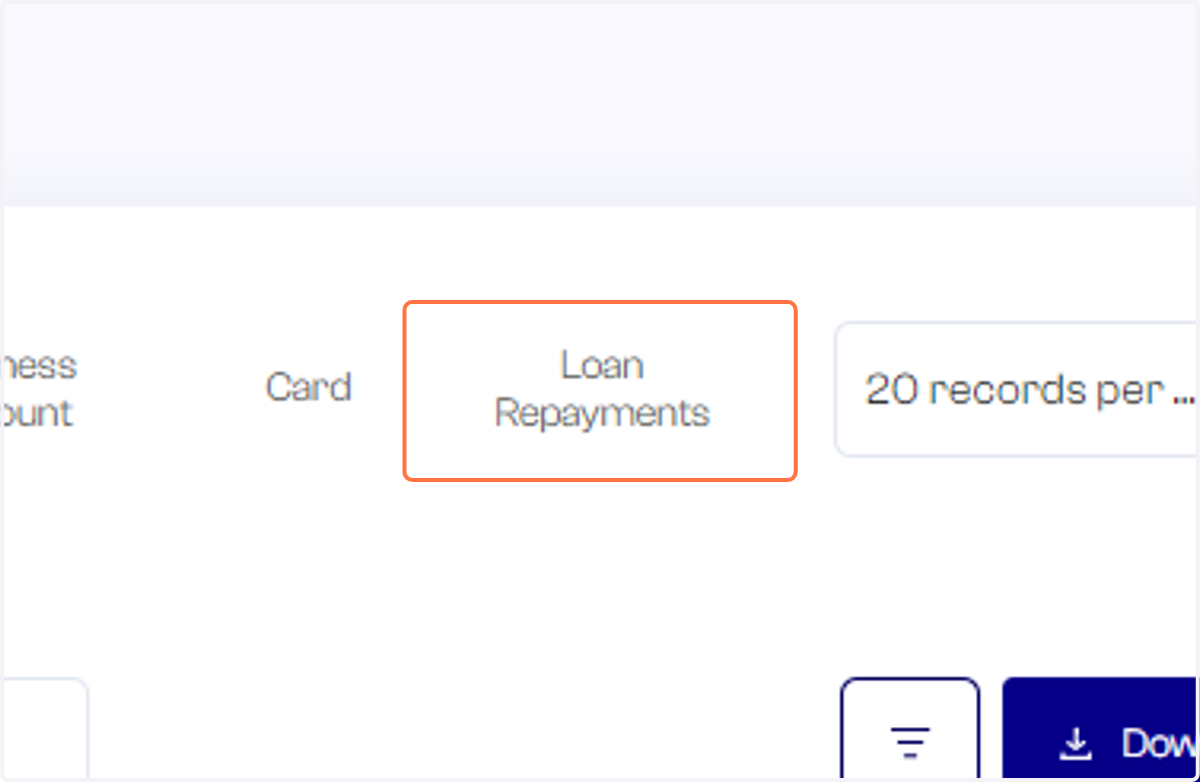
4. Click on Loan Repayments
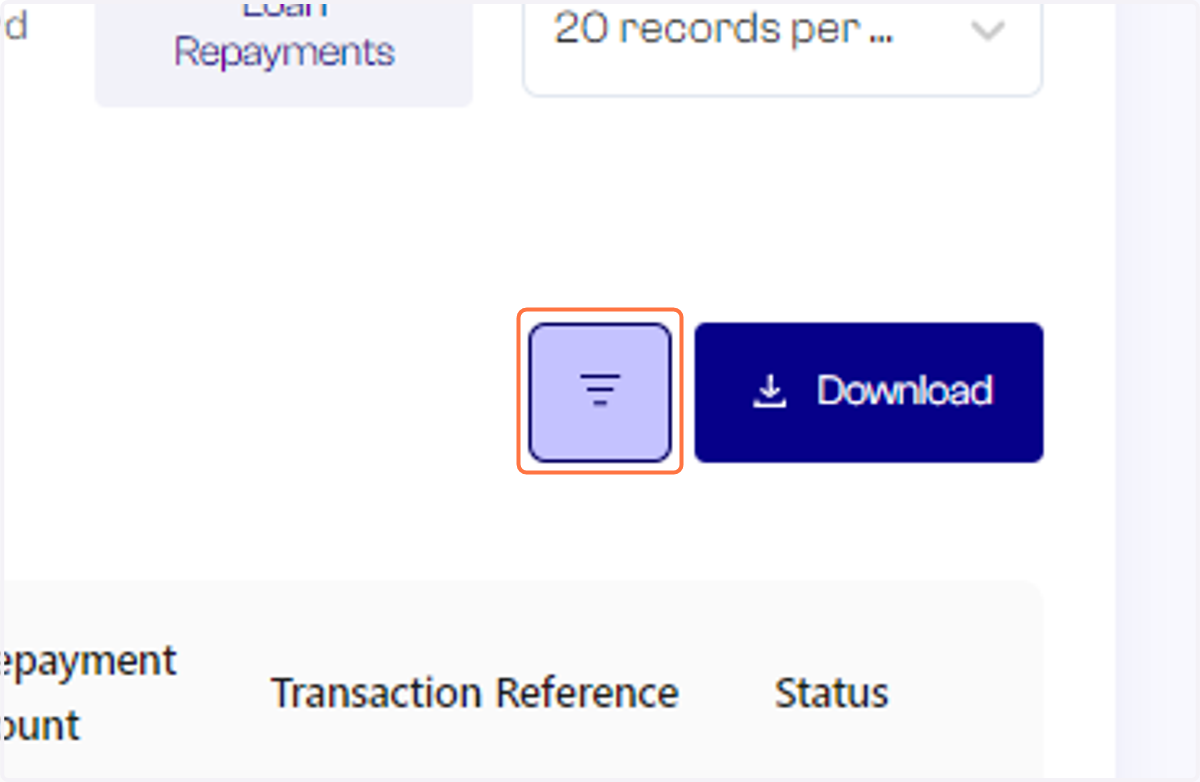
5. You can filter the report using the date range by clicking on the filter option.
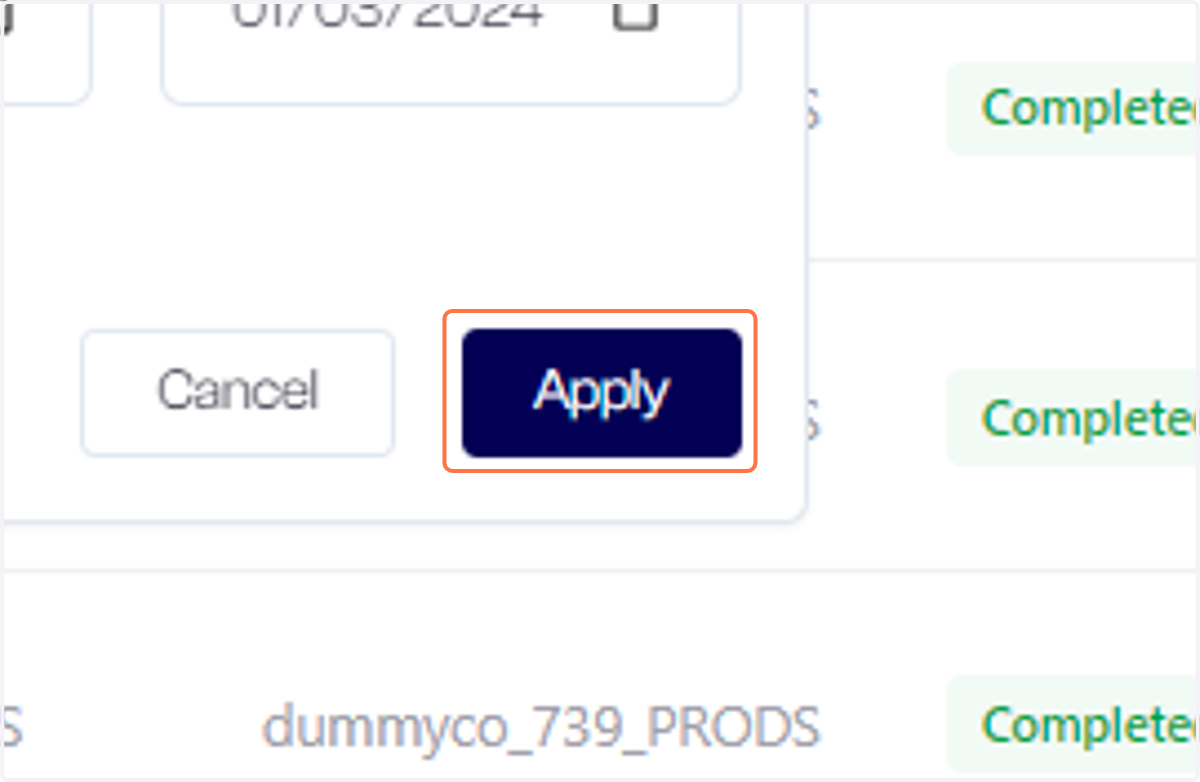
6. Click on Apply
7. Click on Download to download