Managing Variable costs
Roompricegenie
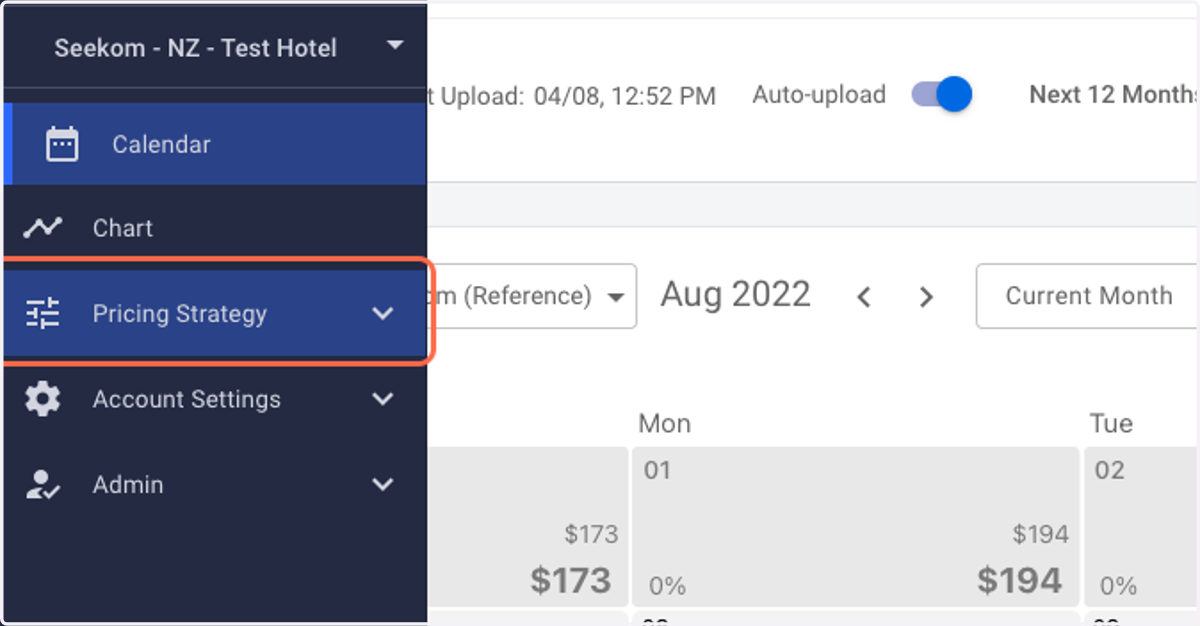
1. Log in to RoomPriceGenie and click on Pricing Strategy.
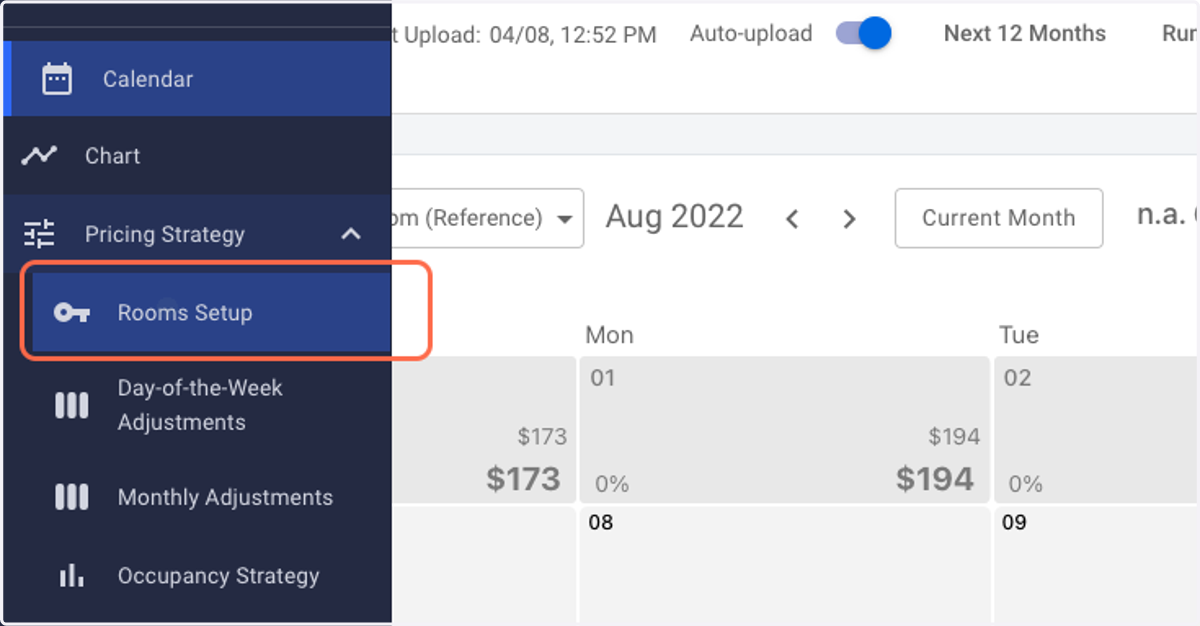
2. Click on Rooms Setup.
NOTE: Please ensure that all your room types have been correctly set up in RoomPriceGenie before proceeding ahead.
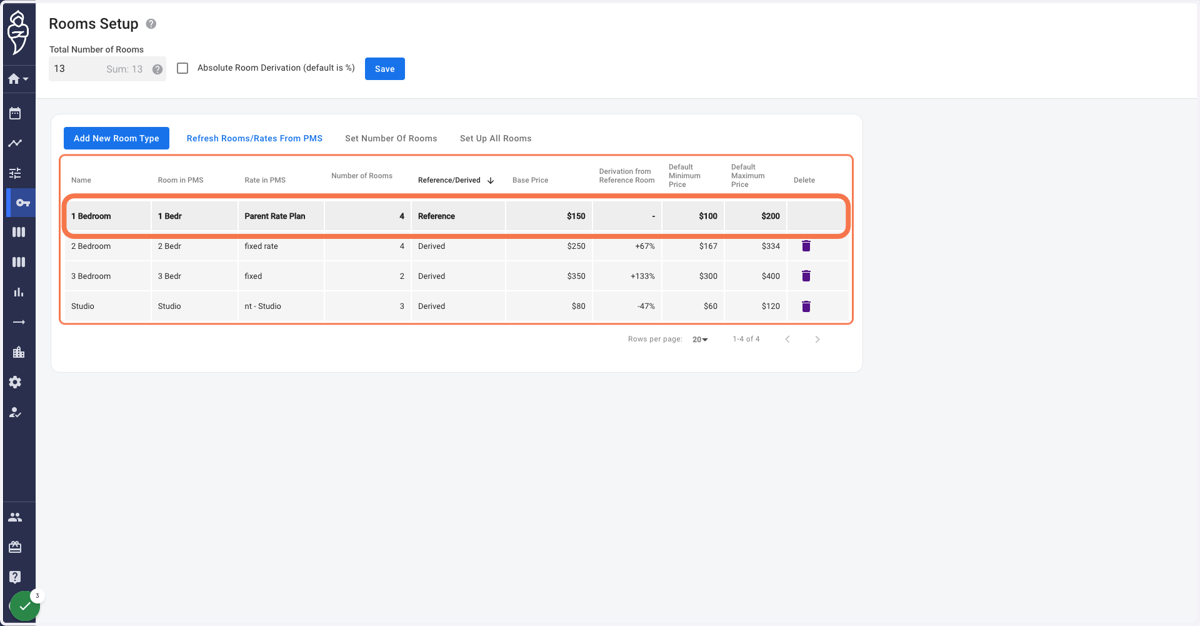
3. Click on your Reference room type within the grid. A pop-up menu on your right shall appear.
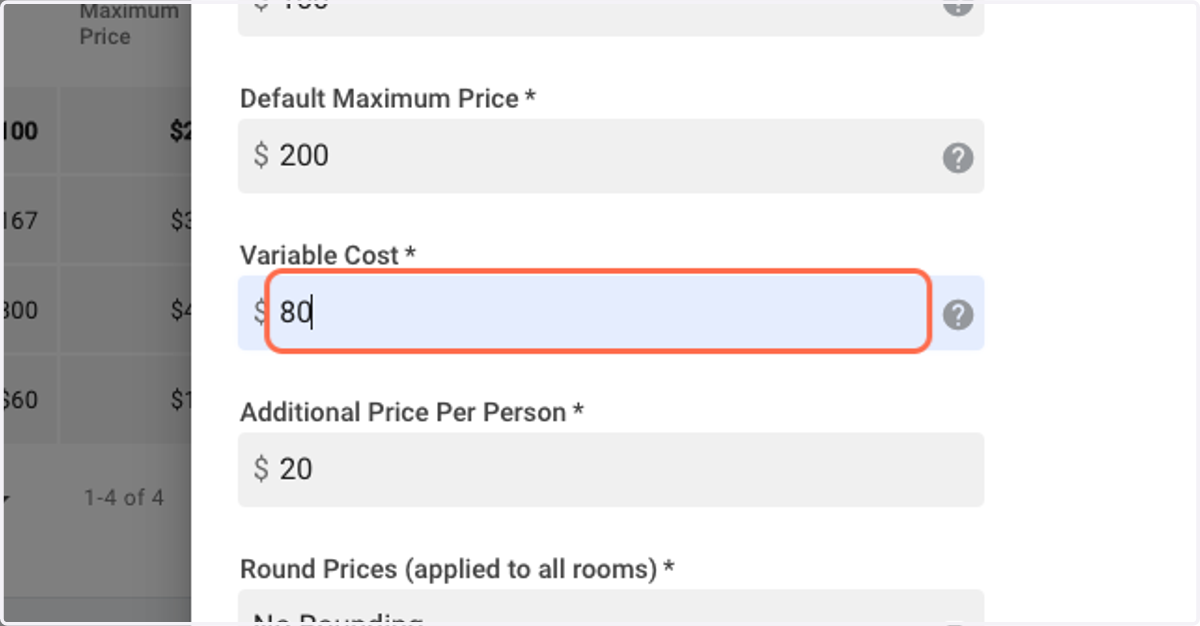
4. Input the relevant variable cost value for your reference room type.
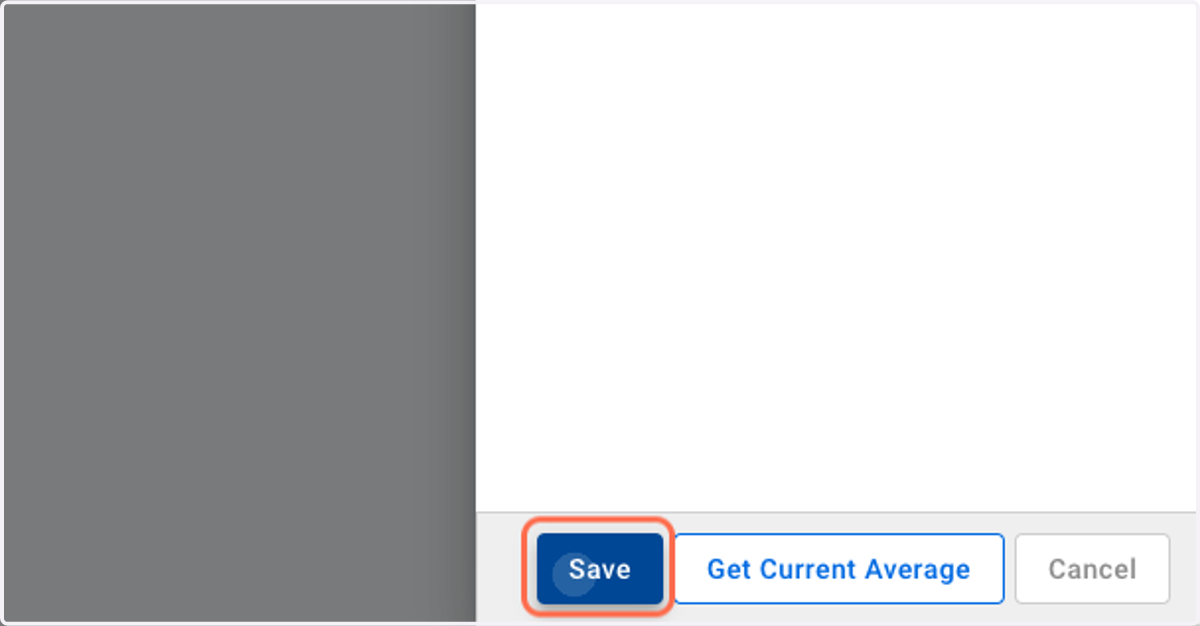
5. Click on Save.