Generating a Cross-Servicing Opportunity List
🚀 Launch Client Sense
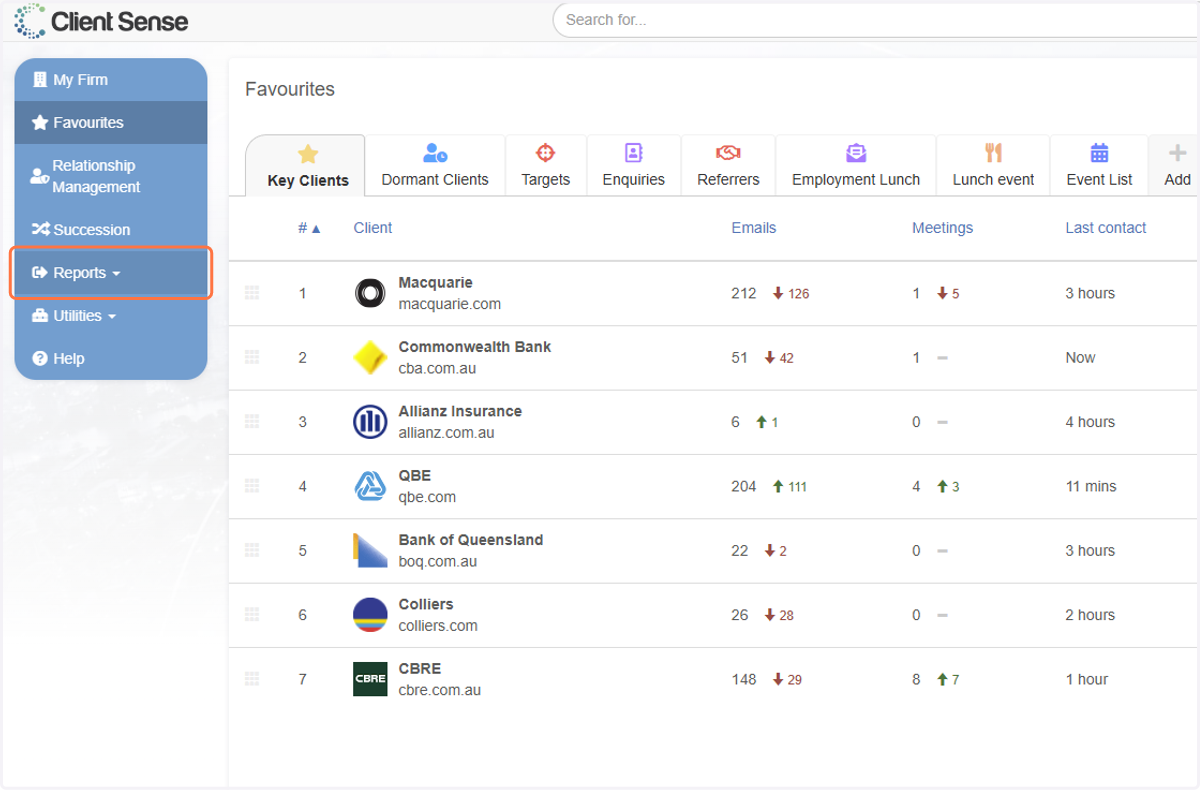
1. Click on Reports
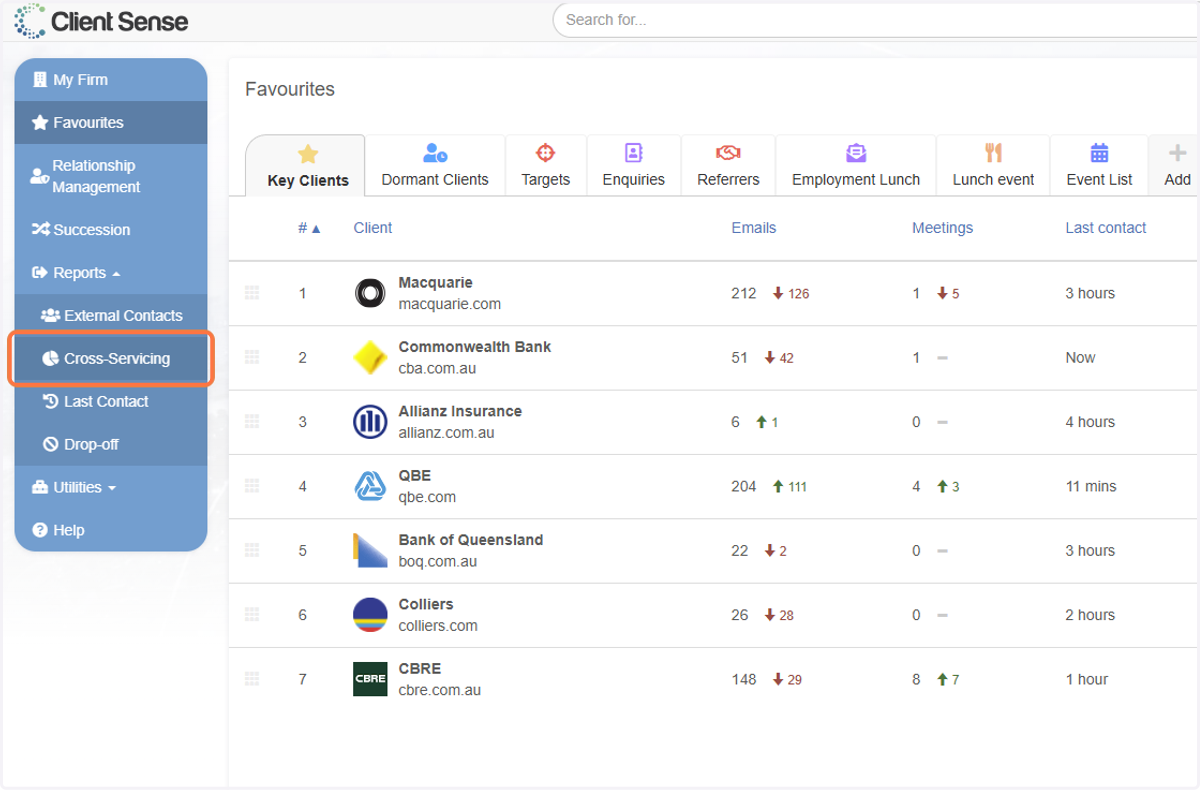
2. Click on Cross-Servicing
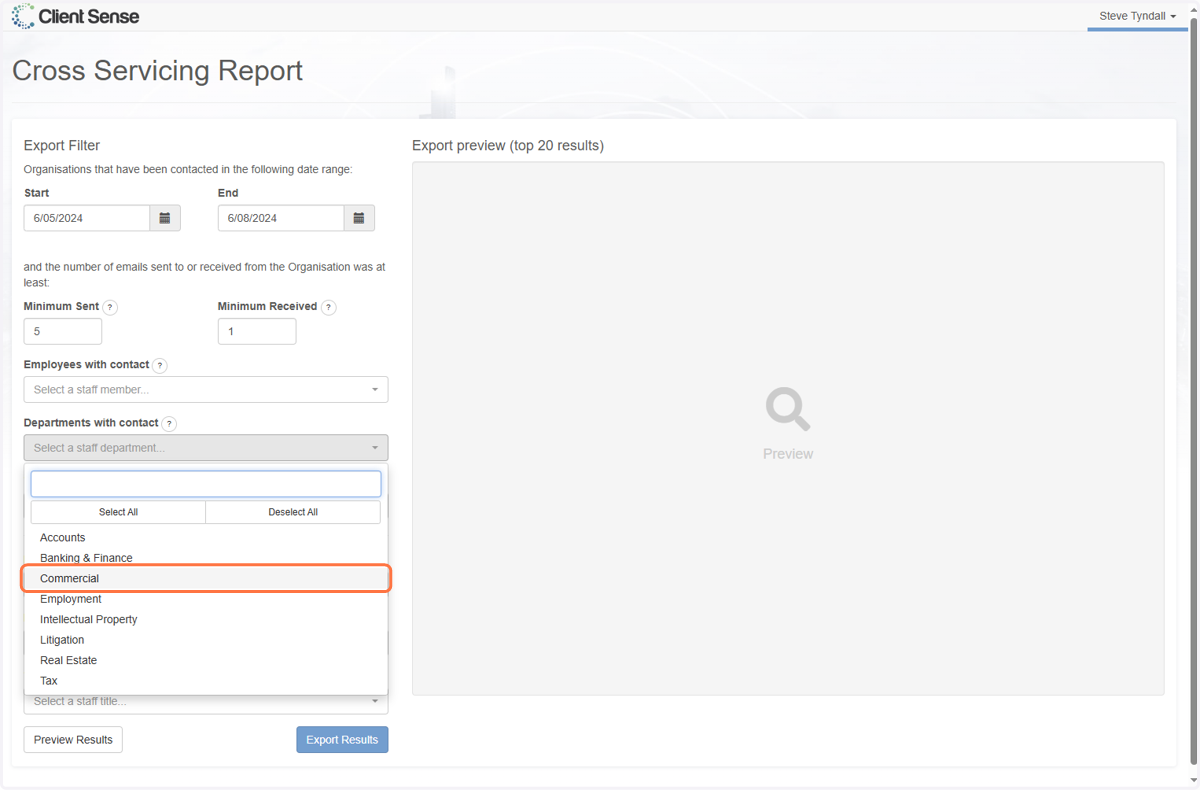
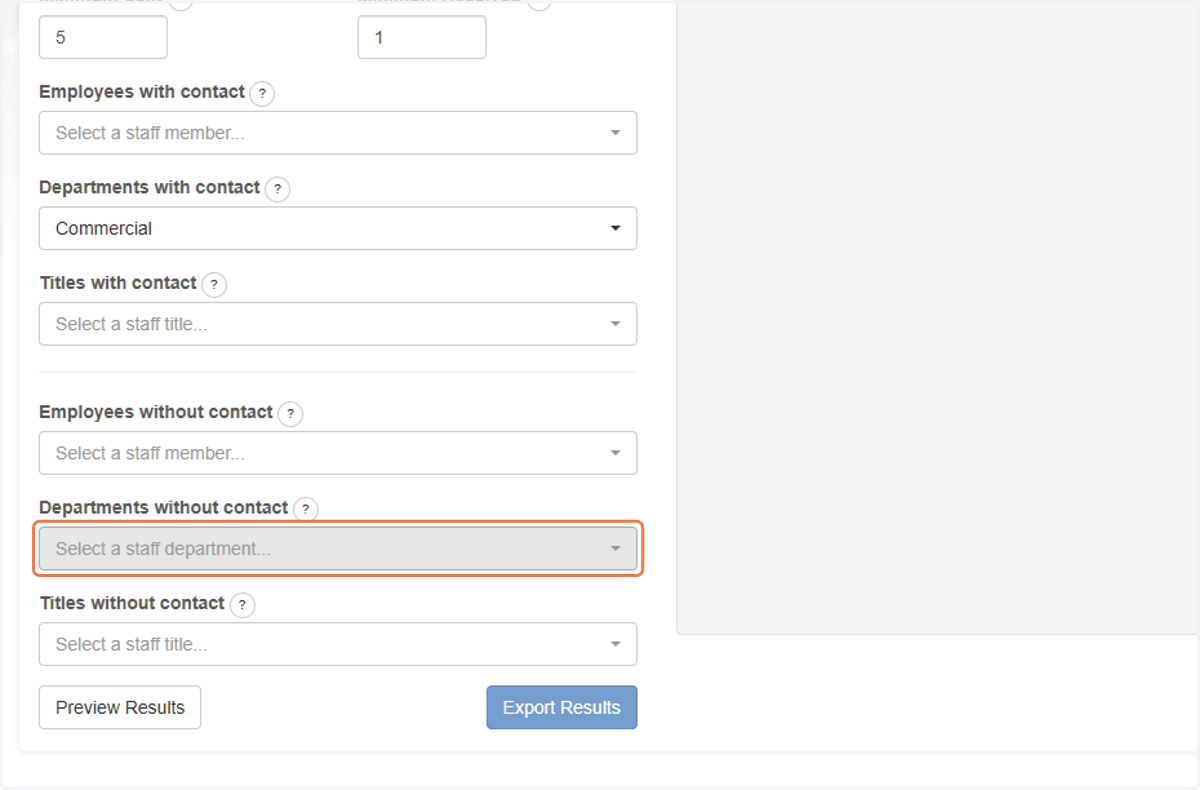
3. Firstly choose a Department with Contact
In our exmaple we will choose Commercial, this is becuase I would like to understand which Companies our Commercial Team knows.
4. Secondly choose a Department without contact
I will choose Employment for the Department without Contact. This is becuase I am trying to understand which Companies the Commercial team has had contact with, that the Employment team has not had contact with.
5. Resulting Report
You can find the resulting Excel file in your Downloads.
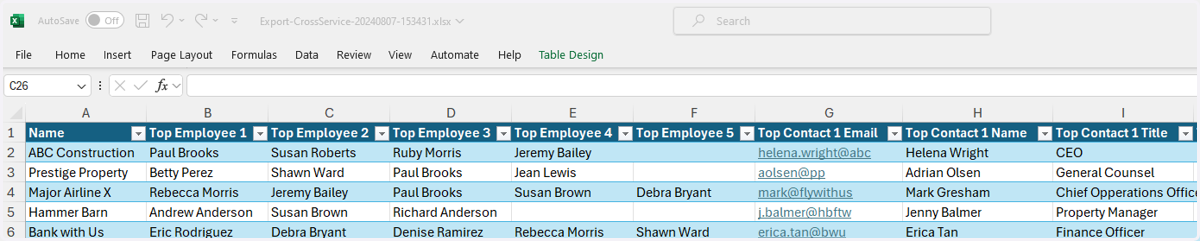
This will provide for you a list of all Companies that have had contact with the Commercial team yet have not had contact with the Employment team in the timeframe specified in your report (which you can alter).
6. Top Employees
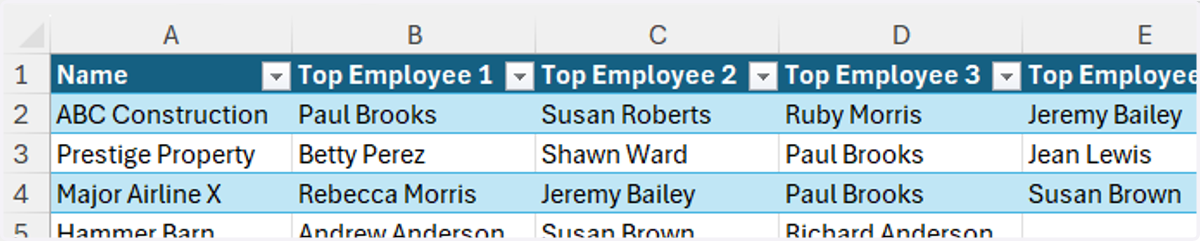
The Report lists information such as the Company Name, along with a list of the 'Top 5 Employees'. The Top Employees is an ordered list (from most communication as Top Employee 1 down to Top Employee 5) of people within the firm that might be in a position to facilitate an introduction or provide more context to our Employment team.
7. Top Contacts
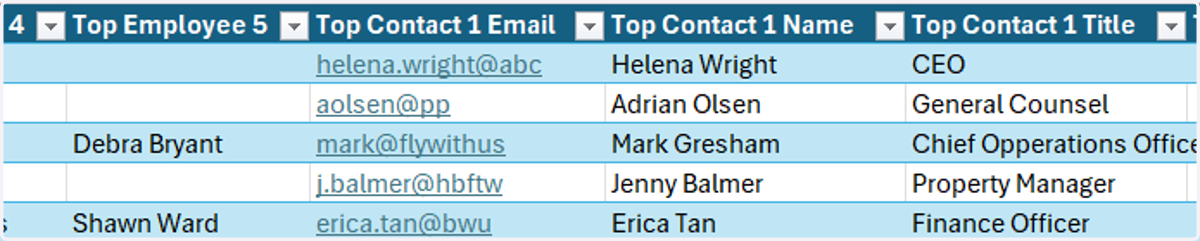
The Top Contacts is a list of Individuals from each of the Companies listed, also according to the amount of communication they have had with the firm. In this case, we have a list of the Top 5 Contacts, their name, email and title, so that we can decide who we might be best to try and speak to about potential Employment needs.
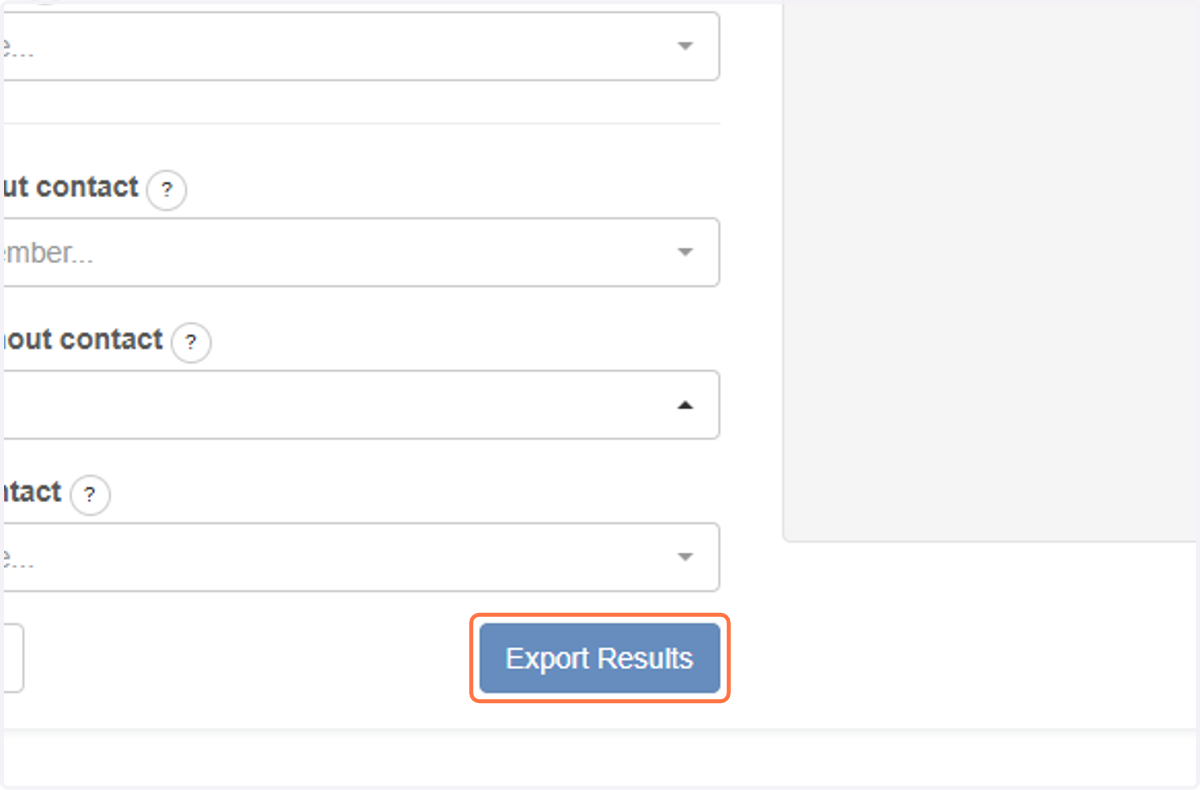
8. Click on Export Results